Here is how to start an eBay store. Get an eBay seller account with a checking account linked for payouts, and choose one of eBay’s five Store subscription levels. Then name the store and set up its categories, logo, billboard and policies before you list. As of October 2026, the cheapest level, Starter, costs $4.95 a month on a yearly plan or $7.95 a month without one. You don’t need a Store to sell on eBay, though. Every seller gets up to 250 free listings a month, so the first question is whether a Store will pay for itself.
In short
- No Store is needed to sell: as of October 2026, every seller gets up to 250 free listings a month.
- Store levels as of October 2026, per month on a yearly plan: Starter $4.95, Basic $21.95, Premium $59.95, Anchor $299.95, Enterprise $2,999.95.
- In eBay’s fee tables, Starter pays the same 13.6% final value fee as no Store in most categories. The lower rate, 12.7%, starts at Basic.
- Compared with no Store, Basic on a yearly plan pays for itself in lower final value fees at about $2,440 a month in sales (most categories).
- Set up in this order: subscribe and name the store, create categories before you add listings, add the logo and billboard, set policies, then list.
Do you need an eBay Store to sell on eBay?
No. eBay’s selling fees page says: “Every month, you get up to 250 zero insertion fee listings, or more if you have an eBay Store.” After those 250, each listing costs $0.35 in most categories (as of October 2026).
A Store is a paid subscription. It gives you a store home page, “a single branded page on eBay where all your listings live” in eBay’s words, with your own categories, logo, billboard and newsletter, plus more free listings.
A Store tends to make sense when:
- you list more than 250 items a month (Good ‘Til Cancelled listings renew every calendar month and use a free listing each time);
- you sell enough for Basic’s lower fee to cover its price;
- you want a branded page with categories to send buyers to.
If you sell a few items now and then, you can wait. eBay says, “Selling limits aren’t affected by opening an eBay Store.” Once you’ve had a sale, your limits are in Seller Hub, on the Overview tab, under Monthly limits.
eBay Store subscription levels and fees (October 2026)
These figures come from eBay’s Store selling fees page and its Seller Center page on Store subscriptions and benefits, checked in October 2026.
| Level | Per month, yearly plan | Per month, monthly plan | Free listings a month | Fee per listing after that | Final value fee, general rate |
|---|---|---|---|---|---|
| No Store | None | None | 250 | $0.35 | 13.6% up to $7,500 per item |
| Starter | $4.95 | $7.95 | 250 | $0.30 | 13.6% up to $7,500 per item |
| Basic | $21.95 | $27.95 | 1,000 fixed price, 250 auction (select categories) | $0.25 | 12.7% up to $2,500 per item |
| Premium | $59.95 | $74.95 | 10,000 fixed price, 500 auction (select categories) | $0.10 fixed price, $0.15 auction | 12.7% up to $2,500 per item |
| Anchor | $299.95 | $349.95 | 25,000 fixed price, 1,000 auction (select categories) | $0.05 fixed price, $0.10 auction | 12.7% up to $2,500 per item |
| Enterprise | $2,999.95 | Not available | 100,000 fixed price, 2,500 auction (select categories) | $0.05 fixed price, $0.10 auction | 12.7% up to $2,500 per item |
Above the threshold, the final value fee is 2.35% on the rest of the sale, and some categories have their own rates. Basic and up get more fixed-price listings in select categories (10,000 on Basic). The per-order fee is the same with or without a Store: $0.30 on orders of $10 or less, $0.40 above that.
Both plans are billed monthly: “For either option, we charge the subscription fee on a monthly basis.” The yearly plan is a one-year commitment that saves $36 a year on Starter and $72 on Basic.
What else each level includes
As of October 2026:
- Basic and up: the insertion fee on an auction-style listing that ends in a sale is credited back (exclusions apply). Sourcing insights is free “to business sellers with a Basic Store subscription or above.”
- Shipping supplies: a quarterly coupon for eBay-branded supplies, $25 on Basic, $50 on Premium and $150 on Anchor and Enterprise, according to eBay’s export guide to Stores on ebay.com.
- Anchor and Enterprise: dedicated customer support by phone and email.
Starter vs Basic: where eBay’s own pages disagree
The Store fees page says that with a Store you “pay lower final value fees, compared to selling without a Store.” Its own table doesn’t show that for Starter. In most categories Starter pays 13.6% on the first $7,500 of each item, the same rate eBay’s standard fee page gives sellers without a Store. The Seller Center puts the line at Basic: “If you choose a Basic Store or above, fees go down.” It adds that “Some benefits are not available with Starter Store subscription”, without listing them.
Going by the fee tables, Starter buys the storefront and saves $0.05 on each listing past 250. Basic is the first level with a lower final value fee.
Is an eBay Store worth it? Do the math
It depends on how many listings you have live each month and how much you sell. Here is one example at eBay’s October 2026 rates: 600 Good ‘Til Cancelled fixed-price listings, $3,000 a month in sales, all in categories at the general rate, every item under $2,500. The per-order fee is the same at every level, so it’s left out.
| Monthly cost | No Store | Starter, yearly plan | Basic, yearly plan |
|---|---|---|---|
| Subscription | $0 | $4.95 | $21.95 |
| Insertion fees for 600 listings | $122.50 (350 x $0.35) | $105.00 (350 x $0.30) | $0 (all within 1,000) |
| Final value fees on $3,000 | $408.00 | $408.00 | $381.00 |
| Total | $530.50 | $517.95 | $402.95 |
On final value fees alone, Basic’s general rate is 0.9 percentage points lower (12.7% against 13.6%). On the yearly plan, $21.95 divided by 0.009 is about $2,440 a month in sales before the saving covers the subscription. On the monthly plan, at $27.95, it’s about $3,110. Count sales the way eBay does: “the total amount of the sale” includes the item price, handling, shipping charged to the buyer, sales tax and other applicable fees.
A higher level isn’t always cheaper. In a Seller Center example, a seller with about 1,100 listings a month stays on Basic and pays about $25 for the extra 100, since Premium “would cost him $13 more.”
What a $100 sale costs with and without a Store
In most categories, as of October 2026, a $100 sale costs $14.00 without a Store or on Starter (13.6% plus the $0.40 per-order fee) and $13.10 on Basic or higher (12.7% plus $0.40). The $100 is the total amount of the sale, shipping and sales tax included. Optional listing upgrades cost extra. Try your own numbers in our eBay fee calculator, and see eBay fees explained for every other fee.
How to start an eBay store, step by step
To build an eBay store, start with what eBay’s help page Open an eBay Store says you need first: “an eBay seller account with a linked checking account for payouts”, an idea of which Store features you need, and a check of your selling limits.
1. Pick the level and the plan
If you’re unsure, start lower: “An early termination fee isn’t charged if you upgrade your Stores subscription.” Leaving a yearly plan early costs money (see the section on canceling).
2. Choose a store name
Among eBay’s rules:
- It must start and end with a letter or number.
- It can’t contain <, > or @, or “www” anywhere.
- It can’t be another eBay member’s username, but it can be your own.
- It can’t contain the word “eBay” or be misleadingly similar to it.
eBay’s tip: “Choose a name that immediately tells buyers what you sell.” You can rename the store later, but eBay advises against it “because any marketing links or bookmarks created by your buyers will no longer work”.
3. Subscribe
- Go to Choose a Store Subscription.
- Find the eBay Store type you’d like and choose Select and review.
- Select the subscription term (yearly or monthly) and enter a name for your eBay Store.
- Select Submit order.
Set up your store categories
eBay lets you “create up to 300 unique Store categories to help organize your listings.” Plan the whole list, subcategories included, before you add listings: “you won’t be able to create subcategories if your categories already contain listings.”
In Seller Hub:
- Open the Store tab, then the Store Categories menu.
- Select Add Categories. You can add up to 5 at once, then select Save.
- To move listings in, go to Active listings under Listings, select the listings and choose Edit. Choose the new Store category under Listing details and select Update listing.
You can feature up to 6 categories on your storefront. eBay suggests a square 300 x 300 pixel image for each. A category needs at least one active listing to show. Name categories the way your buyers shop: by product type, brand, size or the vehicle a part fits.
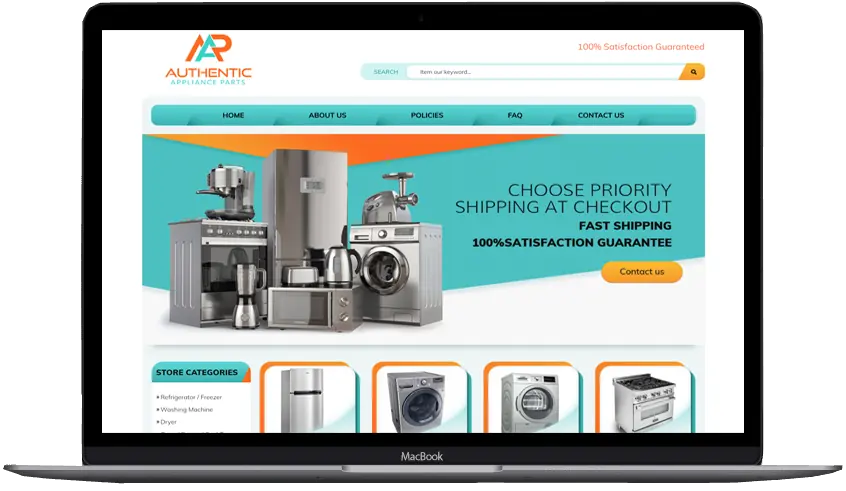
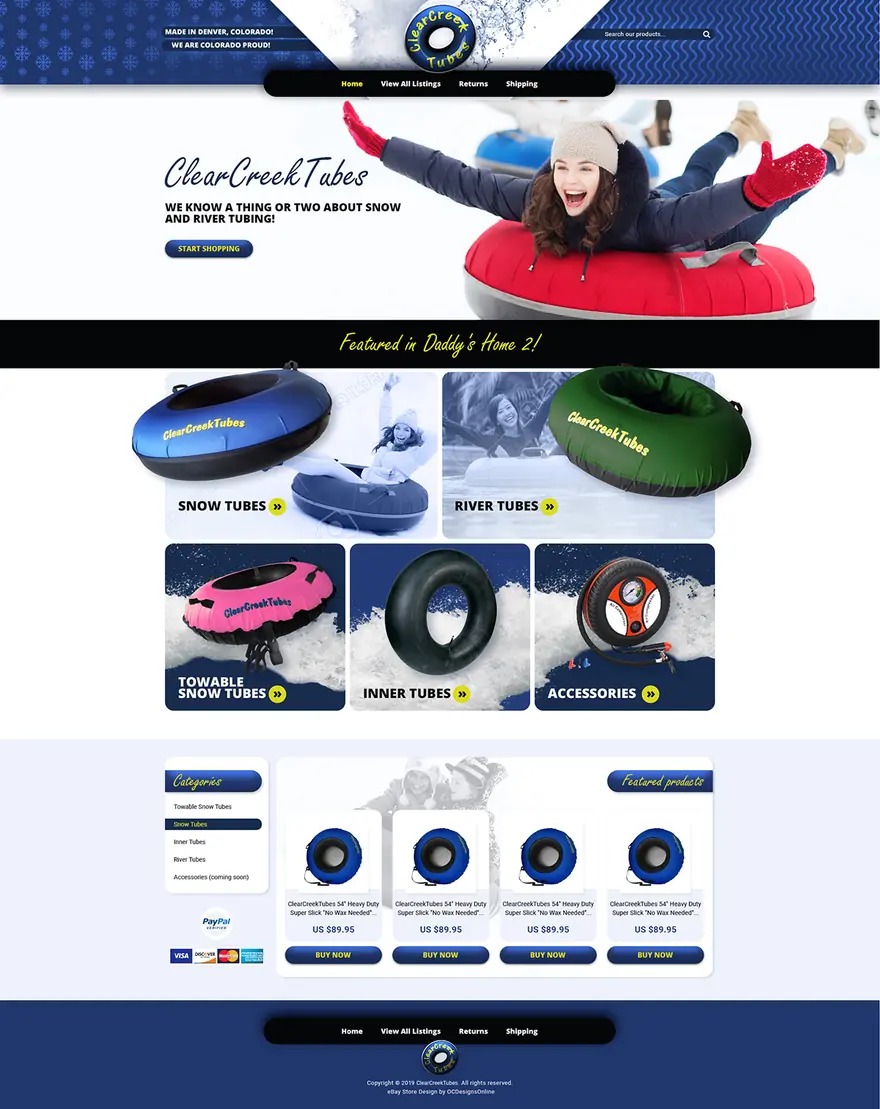
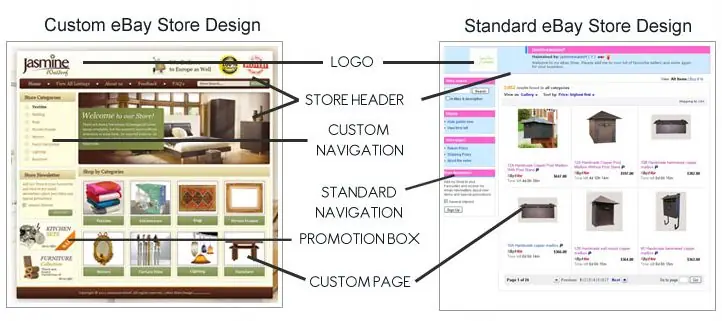
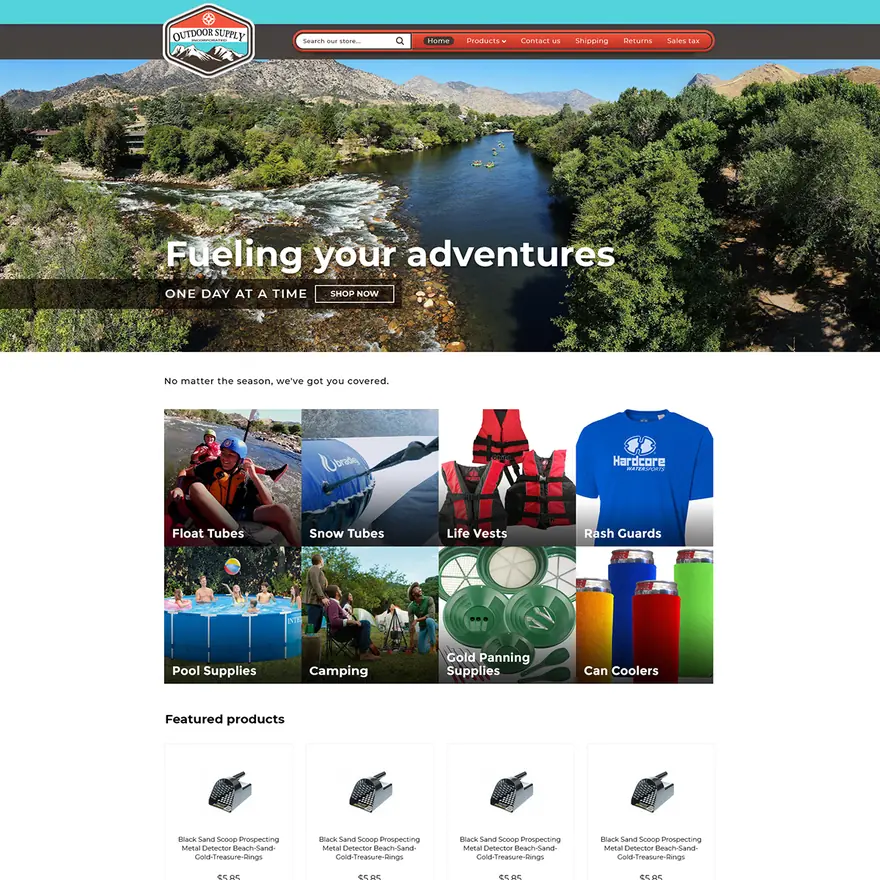
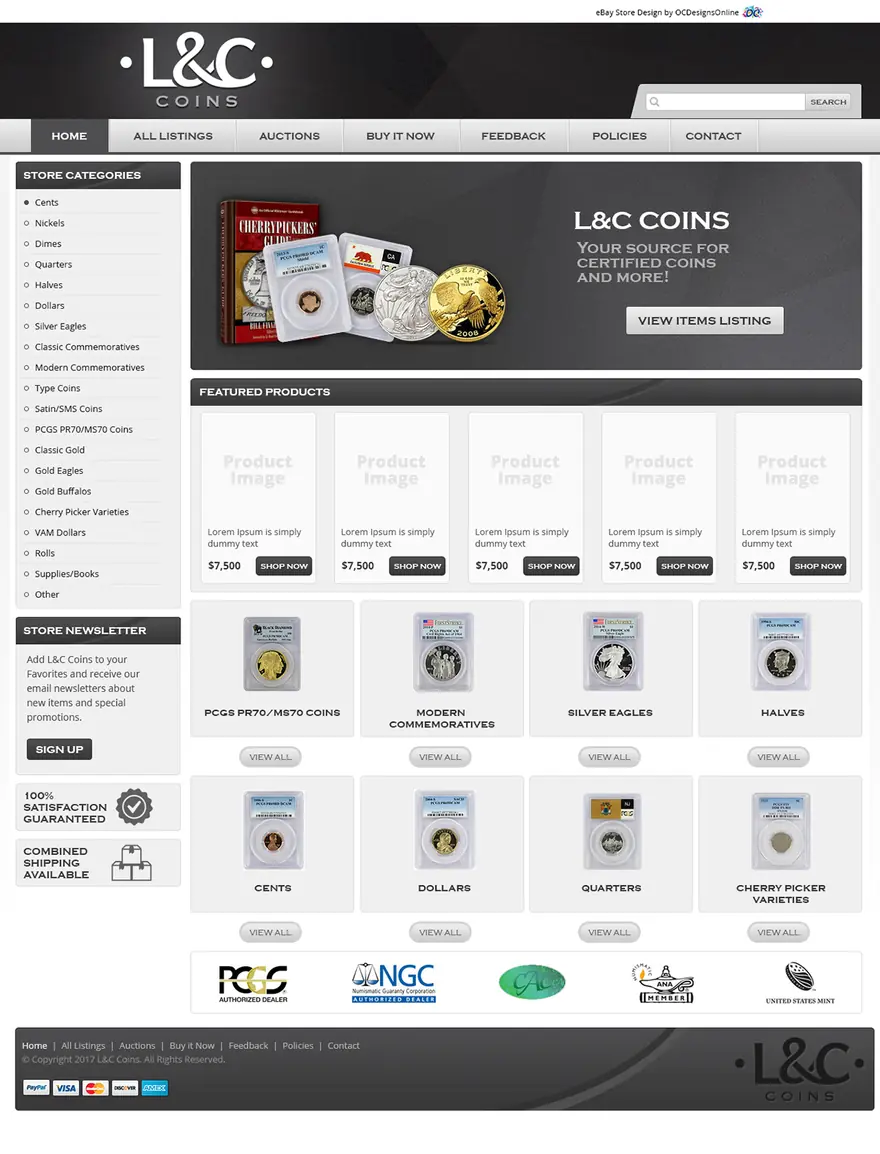
The designs on this page, from our eBay portfolio, were built for eBay’s older store pages, which took custom headers; the one below is dated 2017 in its footer. eBay’s Stores FAQ says custom pages and headers “won’t appear in your new Store”. Today the logo, billboard, featured categories and featured listings do those jobs.
Brand the storefront: logo, billboard and description
All of this is in Seller Hub, under the Store tab and Edit store. As of October 2026, eBay’s help pages give these sizes and limits:
- Logo: 300 x 300 pixels, under 12MB.
- Billboard (the wide banner at the top): 1280 x 290 pixels, under 12MB. Our eBay store banner size guide lists every store image size, with tips for phones.
- Description: up to 1,000 characters, shown on the About tab.
- Video (optional): .MP4 or .MOV, under 150MB. eBay’s review “typically takes 48 hours”.
- Featured listings: up to 4 rows, with up to 6 listings in each.
Select Preview to check the store, then Publish. eBay’s Seller Center says “we’ll automatically add your branding to your listings”, so pick a logo and colors that suit your item pages too. If you plan a listing template as well, see how a store design differs from a listing template.
Set your shipping, payment and return policies
Business policies are “the payment, shipping, and return details you specify for buyers”, saved once and picked for each listing. “To start using business policies, you need to opt in.” You manage them in the Account section of My eBay. “If you update a policy, any listings using that policy will automatically be updated with your changes.”
For returns, eBay offers no returns, or 30-day or 60-day returns, each paid by the buyer or free. Even with no returns, under the eBay Money Back Guarantee “the buyer can still return an item if it doesn’t match the listing description.” On the storefront, “You can also add Store policies to the About tab”.
List your first items
For each listing:
- Choose fixed price or auction. Good ‘Til Cancelled fixed-price listings “renew automatically once per calendar month” and count toward your free listings each time.
- As of October 2026, add up to 24 photos, at least 500 pixels on the longest side, about 1600 x 1600 recommended, each no larger than 12MB.
- Write the title. Our guide to eBay titles covers the 80 characters and word order.
- Fill in the item specifics for the category.
- Write the description. See how to write an eBay description for what to include and in what order.
- Pick the store category and your business policies.
Insertion fees are “Charged per listing and per category”, so a second eBay category means a second insertion fee. For how eBay search ranks live listings, see our eBay SEO guide.
How to change or cancel an eBay Store subscription
Go to your Subscription Management page and select “Change subscription” or “Cancel subscription”. The rules are in eBay’s Stores Subscription Terms of Service, effective September 19, 2023:
- Monthly plan: after your first full calendar month, “You’re billed the current Store subscription fees for the entire calendar month during which you cancel.” Store benefits last until the end of that month. Cancel earlier and you’re billed for the whole first period, from sign-up to the end of your first full calendar month.
- Yearly plan: cancel or downgrade before the last calendar month and you pay that month’s fee plus an early termination fee: the months left times the monthly fee, divided by 3. With 6 months left, that’s $43.90 on Basic. With 12 months left, it’s $19.80 on Starter.
- Upgrades: no early termination fee.
- Downgrades: the lower level’s benefits start after the end of the calendar month in which you downgrade. On a monthly plan, a downgrade in the first period takes effect after that period.
- Renewal: eBay contacts you at least 30 days before a yearly plan ends.
Frequently asked questions
Can you start an eBay store without inventory?
Yes, if a wholesale supplier ships the orders. eBay’s dropshipping policy says fulfilling orders “directly from a wholesale supplier, is allowed on eBay”. But buying the item “from another retailer or marketplace that ships directly to your customer is not allowed on eBay.” You’re “still responsible for the safe delivery of the item within the time frame stated in your listing”.
If you’d like the logo, billboard, categories and listing template designed as one set, that is what our custom eBay store design package covers.