To optimize eBay listings for search, give eBay what it says it ranks on. That means a title and item specifics that match the words buyers type, good photos, a competitive price, clear shipping and return terms, and a clean record as a seller. eBay calls the default order of search results Best Match, and the search engine behind it is called Cassini. We first wrote about Cassini in 2016. This is that guide rebuilt for 2026, with every rule checked against eBay’s own help and Seller Center pages in October 2026.
In short
- Best Match, eBay’s default sort, looks at relevance, popularity, price, listing quality and completeness, returns and handling time, and your seller record.
- Cassini is the search engine eBay built to replace Voyager. It launched in the US in 2013, and eBay still names it in its seller guides.
- You control the title (up to 80 characters), category, item specifics, photos, price, shipping, returns and your seller level.
- On phones, eBay can show only part of a long description, so key facts belong in item specifics and eBay’s own listing fields.
- A listing template helps the buyer who has already clicked; it doesn’t directly lift your ranking.
How eBay search ranks listings today
“When buyers search on eBay, the default order of results is called Best Match,” says eBay’s help page for sellers. The same page lists what Best Match considers.
| Best Match factor (eBay’s wording) | What you can do |
|---|---|
| How closely the listing matches the buyer’s search terms | Use the words buyers search for in the title, category and item specifics |
| How popular the item is | Keep fixed price listings running so sales and views build up |
| The price of the item | Check what the same item sold for before you set your price |
| The quality of your listing (description, photos, and so on) | Add clear photos from every angle and an accurate description |
| How complete the listing is | Fill in the item specifics eBay suggests, not only the required ones |
| The listing terms of service, such as your return policy and handling time | Set a short handling time and a clear return policy |
| Your track record as a seller | Stay above eBay’s minimum standards and aim for Top Rated |
Two more inputs are out of your hands. eBay’s help page for buyers says results also depend on “your browsing history” and “the item’s location,” so two shoppers can see the same search in a different order. None of the eBay pages we checked say how much each factor weighs, so use the table as a checklist.
“The more we know about your item, the better we can match it to buyer searches,” is how eBay sums it up.
What is eBay Cassini?
Cassini is eBay’s search engine. “eBay has its own internal search engine, Cassini, which helps customers find the most relevant items,” reads eBay’s current guide for sellers. The same guide says the engine “works on the principle of Best Match,” so Cassini is the system and Best Match is the order it shows buyers by default.
Cassini replaced an older engine called Voyager. Hugh Williams, an eBay executive who worked on the project, described the change on his blog in July 2013:
- Voyager was built around 2002. By default, it let users search item titles but not descriptions.
- Work on Cassini started around October 2010. The team decided Cassini “would allow search over the entire document,” not only titles.
- In January 2013, eBay began testing Cassini for default search with around 5% of US customers. By July 2013, it had launched in the US.
The name is still in use inside eBay. In a March 2023 article about visual search, eBay’s Innovation site said listing data is “indexed for Cassini, eBay’s search engine,” ten years after the US launch.
What Cassini means for sellers today
Cassini isn’t a separate target. The guide that names Cassini lists the same Best Match factors as the table above, so improving those is how you work with Cassini. Tips that claim a hidden Cassini rule go beyond what eBay’s own pages say. The 2016 version of this post had a few of those, and you’ll find them further down with what replaced them.
What sellers control, factor by factor
Title: the buyer’s words, up to 80 characters
eBay’s Best Match page asks for a title that is “clear and concise,” with correct spelling and no more than 80 characters. Seller Center goes further and tells you to “use all 80 characters and focus on relevant keywords” in every title. eBay’s own example, for a phone, is “Apple iPhone 11 Pro 256GB Midnight Green Carrier Unlocked Grade A” (brand, model, storage, color, lock status and grade). Those are the words a buyer would type. Knowing your eBay target audience tells you which words those buyers use.
Two habits work against you. eBay’s seller guide warns against “writing entire words in capital letters or with asterisks and other markers between words,” saying both can lower your ranking in search results. Its search manipulation policy also says “Using keywords that are not directly related to the item for sale is not allowed,” so leave out words that don’t describe your item. If your item is an accessory for, or compatible with, another product, put “fits,” “for” or “compatible with” before that product’s name.
Category, item specifics and product identifiers
Start with the category. eBay’s advice is to “Pick the category that’s most relevant for your item,” because buyers browse by category as well as search.
Item specifics are details such as make, model, size, color and style, and buyers use them as filters. Your item “will only appear in those filtered search results if you’ve added the matching item specific,” says eBay’s item specifics page. eBay sorts them into four groups:
- Required: details that are “critical in identifying your items,” in eBay’s words.
- Required Soon: new required ones that eBay adds periodically, “based on buyers’ search trends.”
- Recommended: chosen from “buyer demand data and popular searches,” so fill in every one that applies.
- Additional: extra details that “help buyers know more about your item,” as eBay puts it.
Product identifiers matter as well. According to eBay, “Most items sold on eBay include product identifiers,” and adding them helps your listings appear in more relevant search results. Make sure they “match the exact product you’re selling,” as eBay puts it.
Photos
You can add up to 24 photos to a listing. Each must be “at least 500 pixels on the longest side,” and eBay recommends about 1600 x 1600 pixels. eBay’s photo tips favor “a neutral backdrop” and add that white backgrounds are generally best. Its Best Match page asks for photos taken from every angle that show any flaws or scratches.
eBay’s picture policy bans added borders, added text or marketing material, watermarks of any kind, and stock photos for used, damaged or defective items. Photos count toward ranking through the listing quality factor, which in eBay’s words covers the “description, photos, and so on” of a listing.
Price, shipping and handling time
Price is a Best Match factor by name, and eBay’s first tip is to start by offering “competitive prices, reasonable shipping, and great customer service” to buyers. Before you set a price, look up what the same item sold for in Product research (more on that tool below).
eBay’s shipping guide for sellers says “the free shipping option boosts the listing’s visibility,” and that the shorter your handling time, the higher your listing sits in search results. It recommends a handling time of up to one business day. If free shipping squeezes your margin, our 2016 tip was to build part of the shipping cost into the item price, though price is itself a Best Match factor.
Returns
Your return policy sits in the same Best Match factor as handling time. A generous policy can also earn a badge. Top Rated sellers who offer same-day or one-business-day handling and a “30-day-or-longer free return period” can get the Top Rated Plus seal. The seal is displayed “prominently in search results and your listing description,” according to eBay.
Seller performance
“Seller Performance greatly affects the position of your listings in eBay search results,” according to eBay’s seller guide. eBay reviews every seller on the 20th of each month and assigns a level. The two ends of the scale have stated search effects, as of October 2026:
| Seller level | Search effect eBay states | Main thresholds |
|---|---|---|
| Below Standard | “Your items may be placed lower in Best Match search results” | Falling short of eBay’s minimums: a defect rate of “No more than 2% of transactions” and cases closed without seller resolution of “No more than 2 (or 0.3% of transactions)” |
| Top Rated | “enhanced visibility in eBay search results” | 100 or more transactions and $1,000 in sales with US buyers in 12 months, defect rate 0.5% or less, late shipments 3% or less, cases closed without seller resolution 0.3% or less |
Below Standard sellers may also pay higher final value fees, and they are blocked from Promoted Listings. eBay’s seller standards policy explains each level and its limits. The same guide that ties performance to search position also tells you to respond promptly to messages. Our guide on how to build buyer trust on eBay covers the buyer-facing side.
Listing format and sales history
Fixed price listings on eBay now run Good ‘Til Cancelled only, and such a listing “will relist every month on the same day until it’s sold,” according to eBay’s help pages. On fixed price listings, eBay’s seller guide says “sales and viewing history accumulates over time and increases the ranking of your listings in search results,” which is a reason to keep them live. That reverses a tip from our 2016 post, which warned that long-running listings look stale. Auctions still run for 1, 3, 5, 7 or 10 days.
eBay’s search manipulation policy also lists rules that “help achieve the best possible position in eBay’s Best Match sort order”:
- List identical items in one multi-quantity fixed price listing.
- List items with variations, such as size and color, in one fixed price listing with variations.
- List items that fit several vehicles using eBay’s parts compatibility guide.
How to optimize eBay listings for mobile buyers
On a phone, eBay shows a shorter version of the description than on a desktop, so where you put each fact decides what a phone buyer sees.
Keep key facts out of the description
eBay’s developer guide says a listing description on a mobile device “cannot exceed 800 characters.” A longer one can be cut off, and the part shown is “not necessarily the first 800 characters,” the guide warns. So the facts a buyer needs most should live where eBay always shows them:
- Put details such as make, model, size and color in item specifics, not only in the description.
- Use eBay’s listing fields for shipping, payment and returns. eBay’s mobile guide says “Do not include this information in the Item Description.”
- Add photos with eBay’s photo uploader, since images inside the description “may distort the formatting of the page” on a phone.
- If your description runs past 800 characters, you can mark a short summary with eBay’s snippet tags. The text between them “must not exceed 800 characters,” and the feature works on the US, UK, Australia, France, Germany, Italy, Spain and eBay Motors sites.
Make the description readable on a phone
eBay recommends “a base font size of 16 pixels” with one or two font sizes, and no text smaller than 12 px. It also suggests bullet points so information is easy to scan, plus a white background and black font. HTML in the description should use relative widths. Fixed-size items such as images “should not exceed 700 pixels in width,” says eBay’s developer guide. You no longer need to add a viewport tag yourself, because eBay adds it in real time when the buyer loads the listing. JavaScript, Flash, plug-ins and form actions don’t display in listings at all.
Our 2013 post on mobile listings argued against stripping listings down for the eBay app, using mobile figures from that year. Those figures are out of date, so we removed them. Today’s rule is simpler. Let eBay’s fields carry the facts, and keep the description easy to read on a small screen. A responsive eBay listing template handles the second part. It doesn’t directly change where the listing ranks.
Should you pay to promote eBay listings?
Only after the listing itself is in good shape. Promoted Listings place your item in ad slots, which eBay says can include the search results page and product pages. As of October 2026, eBay offers two campaign strategies:
| Strategy | How eBay charges | How the rate is set |
|---|---|---|
| General | A percentage of the item’s total sale amount (item price, shipping, taxes and other fees), only “when the promoted item sells within 30 days of a click on your ad” | You pick an ad rate from 2% to 100%. A dynamic rate follows eBay’s suggested rate daily; a fixed rate stays as set |
| Priority | Cost per click (CPC): each click is charged, at a price set by a second-price auction | You set a maximum cost per click, which works as your bid, plus a target daily budget |
The help pages we checked describe ads as extra placements. They don’t say that promoting a listing changes its own Best Match position. An ad sends buyers to the same title, photos and price, so fix those first. And if your account falls to Below Standard, you lose access to Promoted Listings.
eBay SEO: what changed since our 2016 Cassini post
Following how we write our guides, we checked each tip from the 2016 version of this post against eBay’s current pages in October 2026.
| 2016 tip | Status in October 2026 |
|---|---|
| Cassini scores four things: title, description, category and catalog | Out of date. eBay lists seven Best Match factors, including price, popularity and your seller record |
| Use high quality images | Still supported. Photos are part of the listing quality factor, and eBay asks for high-quality photos from every angle |
| Avoid Good ‘Til Cancelled and automatic relisting, which look stale | Reversed. Fixed price listings are Good ‘Til Cancelled only, and eBay says their sales and viewing history raises their ranking |
| Use Terapeak for keyword research | Updated. It’s now Product research, in Seller Hub’s Research tab for all sellers on Seller Hub |
| Offer free shipping and free returns | Still supported. eBay says free shipping boosts visibility, and 30-day free returns are part of Top Rated Plus |
| Earn good feedback and answer questions fast | Still supported. eBay says seller performance “greatly affects” your search position |
| Make about 10% of your listings auctions | Removed. We found no eBay guidance that ties the share of auctions to ranking |
| Send social media traffic to please Cassini | Removed. We found no eBay guidance on this |
| Run a limited-time sale on selected items | Removed as a ranking tip. Price is a Best Match factor, but we found no eBay guidance that ties sale events to ranking |
| Paste descriptions through Notepad so Cassini can read them | Removed. We found no eBay source for it |
| Use a mobile responsive template so Cassini doesn’t see buyers leave | Rewritten. A template helps buyers read the listing; for being found, eBay points to item specifics and product identifiers |
A rule added after 2016: no scripts in listings
One rule arrived after 2016. “Since June 2017, the use of active content in listings on eBay is prohibited,” says eBay’s seller guide. Scripts that eBay disables trigger an error message: “Disallowed JavaScript/HTML Syntax.”
Seller Hub tools that show what to fix
Three tools in Seller Hub turn the advice above into a to-do list.
- Listing Quality Report: an Excel download under Seller Hub, Performance tab. It compares “your listings, in quality and content, to other listings in the same category,” and for now it covers buy-it-now items and single SKU listings. “Improving listing quality is one key way to improve your ranking and search impressions,” eBay says.
- Product research (previously Terapeak Product Research): in Seller Hub’s Research tab, with “the last 3 years of eBay sales data for millions of items,” including the average sales price, sold price range and sell-through rate. Use it to price against what actually sold.
- Item specifics tasks: Seller Hub’s Tasks module flags listings missing required item specifics, and a Quick Filter on the Active Listings page finds them. To fix many at once, download an Excel file of your active listings, fill in the gaps and upload it back.
Frequently asked questions
Can you trigger the eBay algorithm?
Not with a trick. eBay describes Best Match as a mix of relevance, popularity, price, listing quality, completeness, terms and seller record. The way to move up is to improve those, starting with the ones that cost nothing: the title, item specifics and photos. On fixed price listings, eBay says sales and viewing history raises ranking over time, so a listing that keeps selling builds that history.
Do listing templates help eBay SEO?
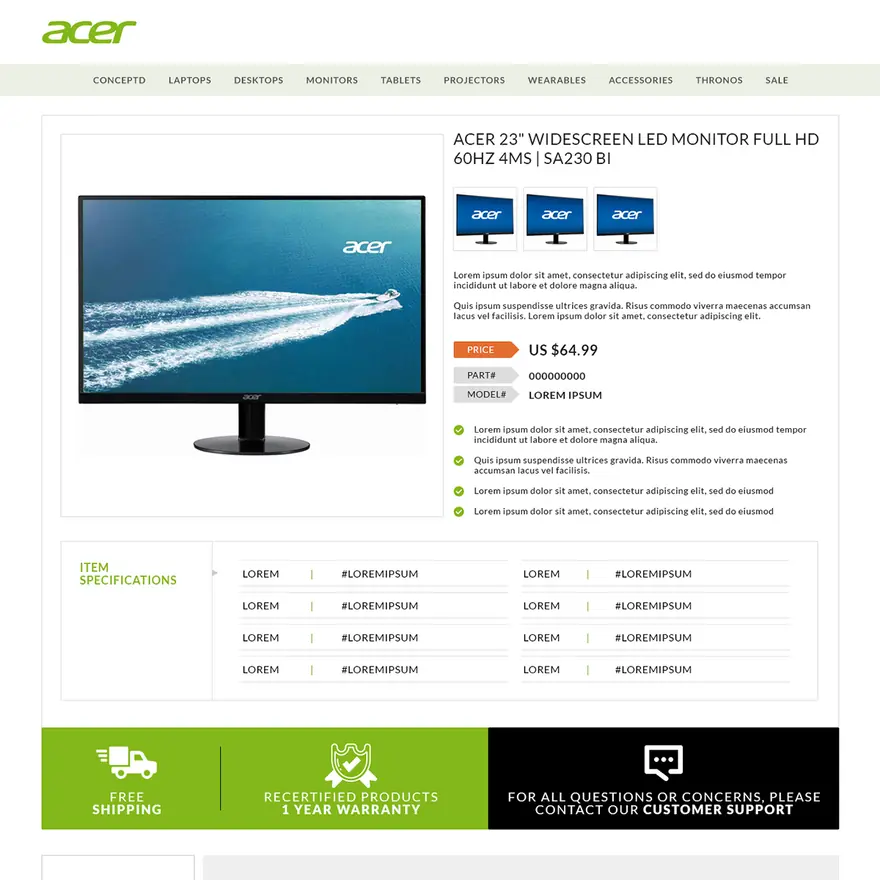
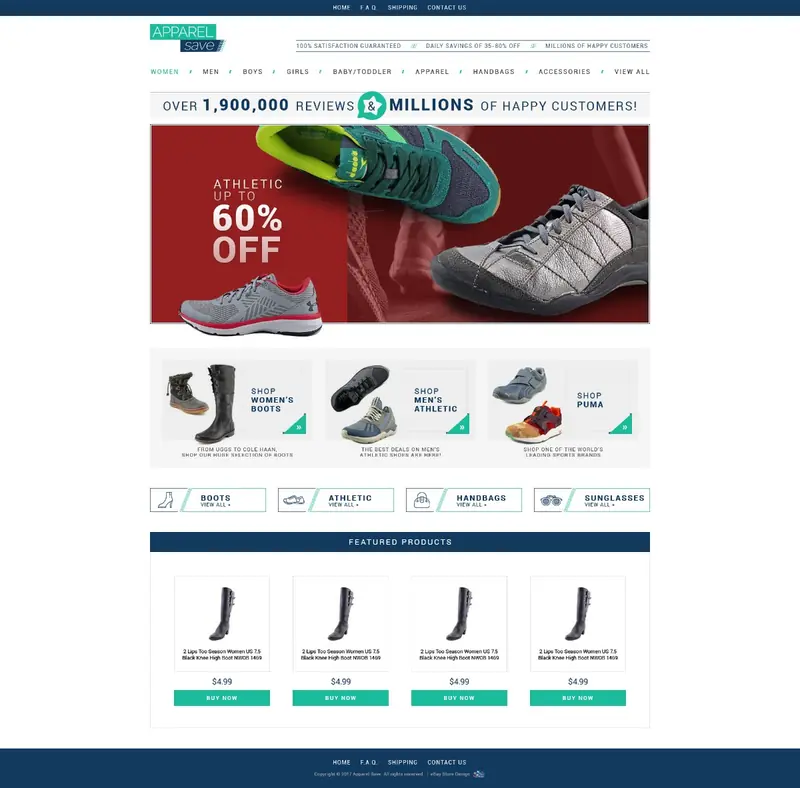
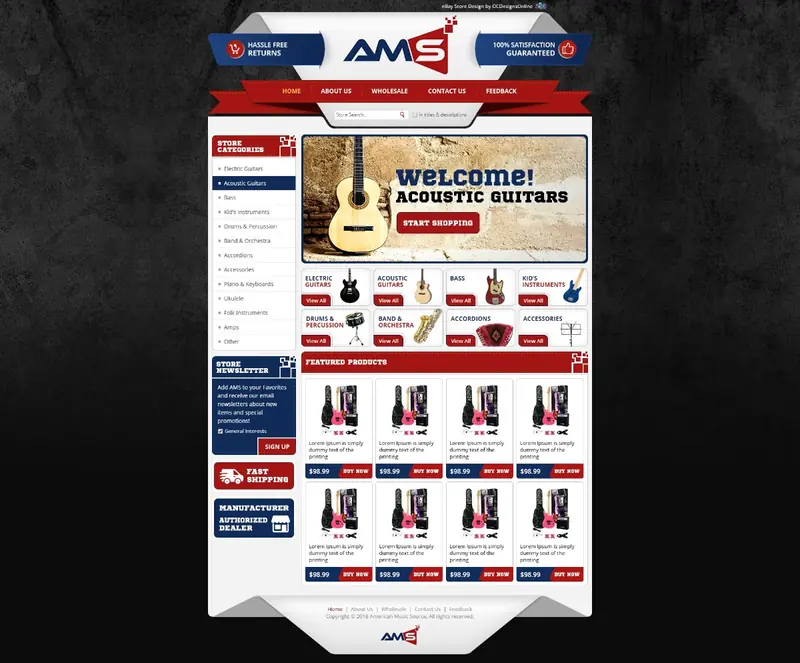
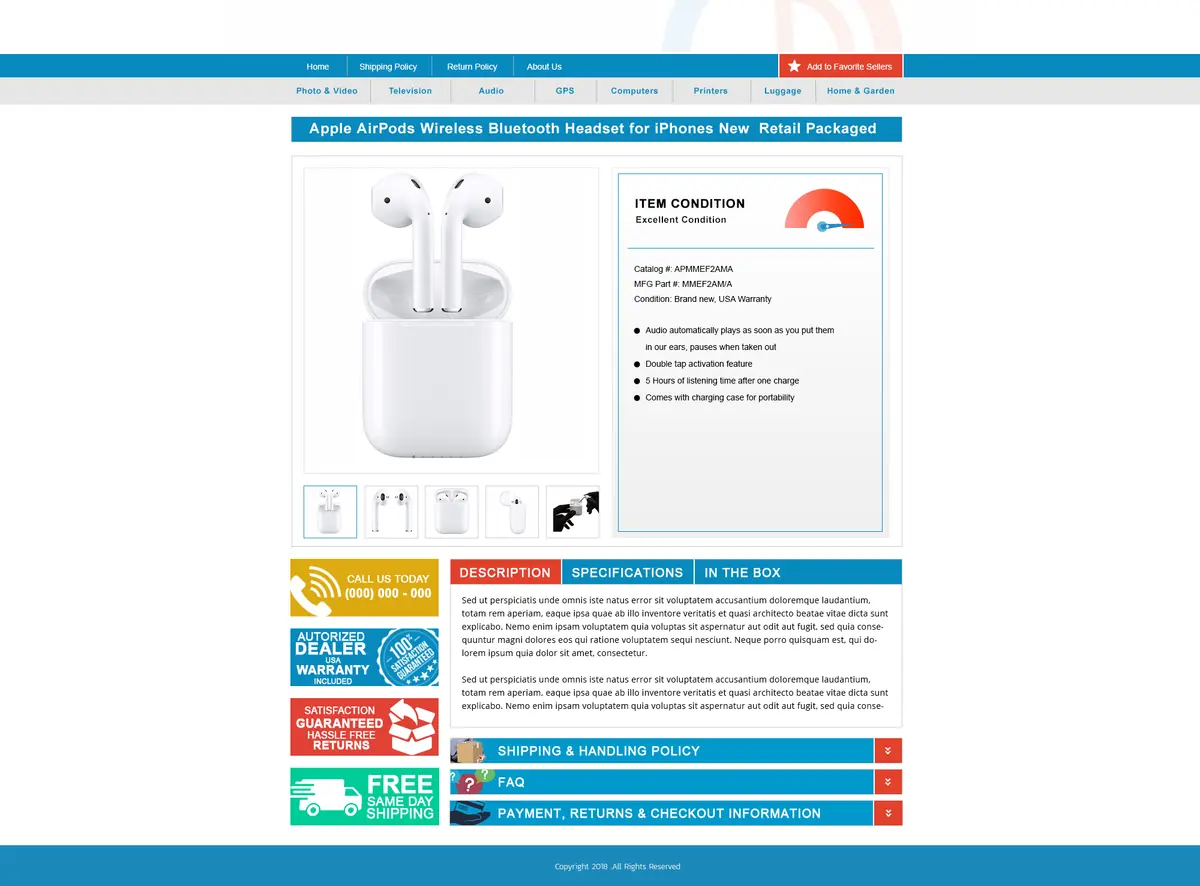
Not directly. eBay calls item specifics and product identifiers “the most important way to help buyers find what they’re looking for,” and asks for a clear, correctly spelled title. A template works after the click: it presents your policies, answers questions and shows your other items. Our custom eBay listing templates are built for that job, in HTML and CSS without active content.
Does eBay search read the item description?
Cassini was designed to “allow search over the entire document,” not only the title, and eBay counts the description in the listing quality factor. None of eBay’s pages we checked say how much description words weigh against the title. Put the words buyers search for in the title and item specifics, and use the description to answer the questions a buyer asks before paying.