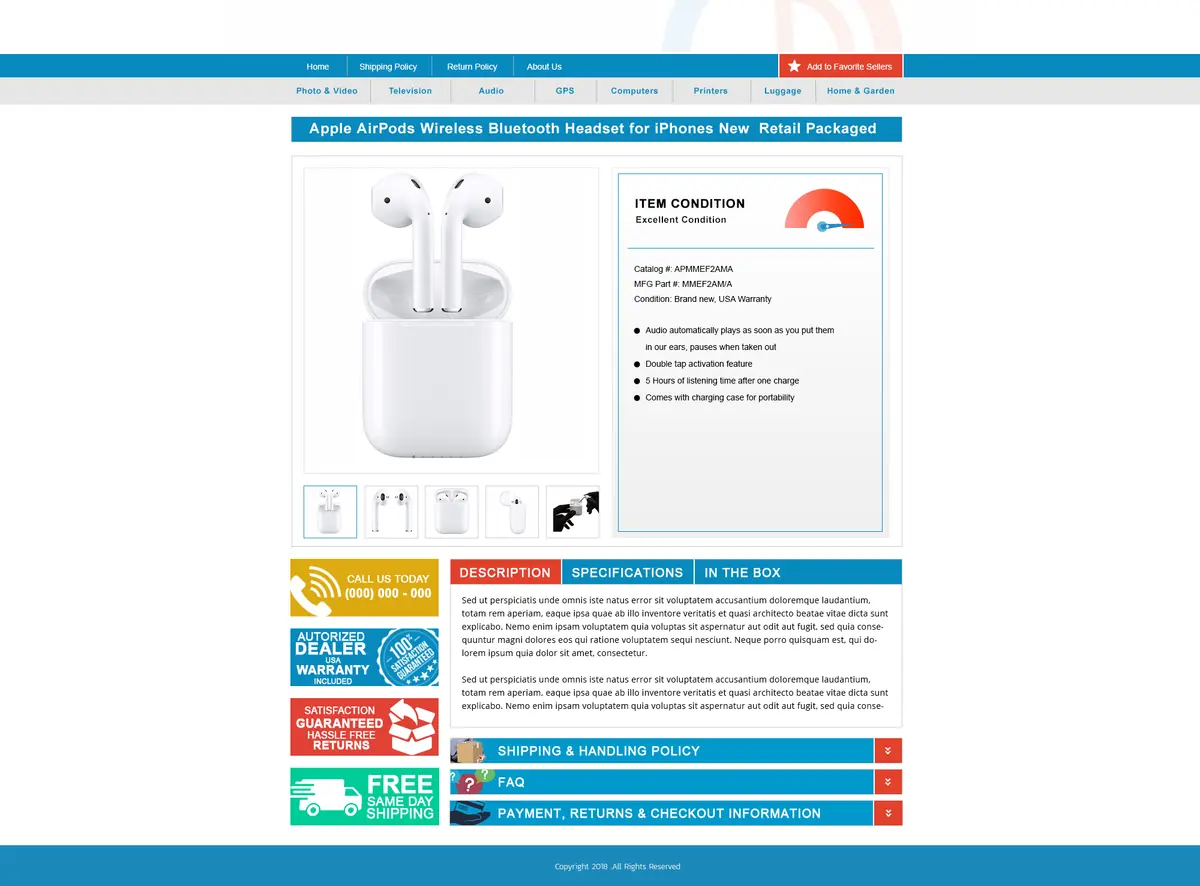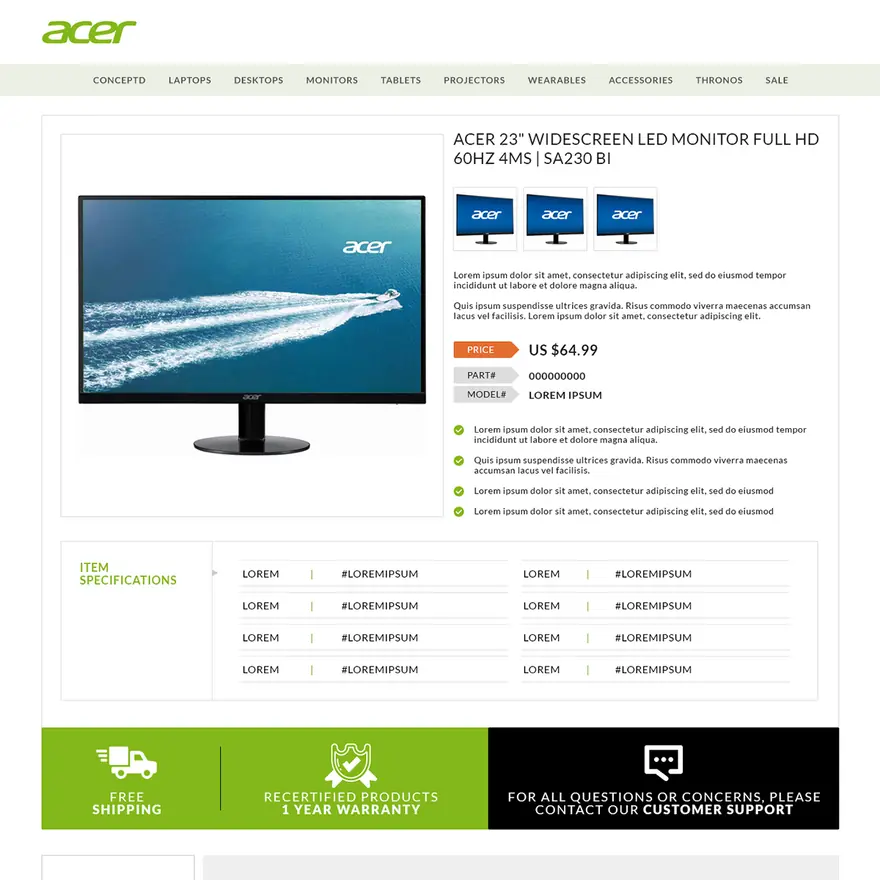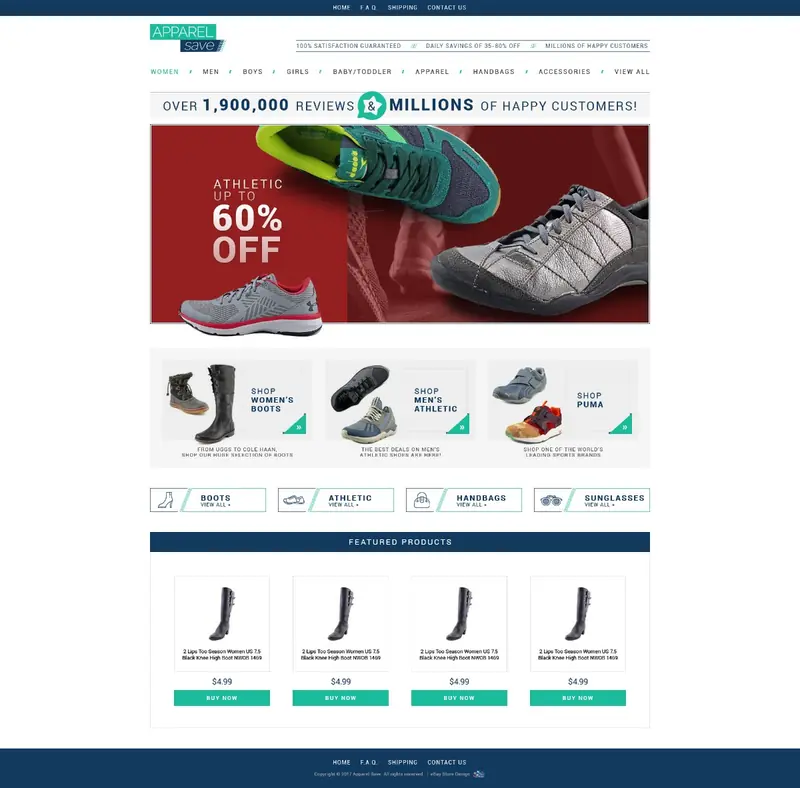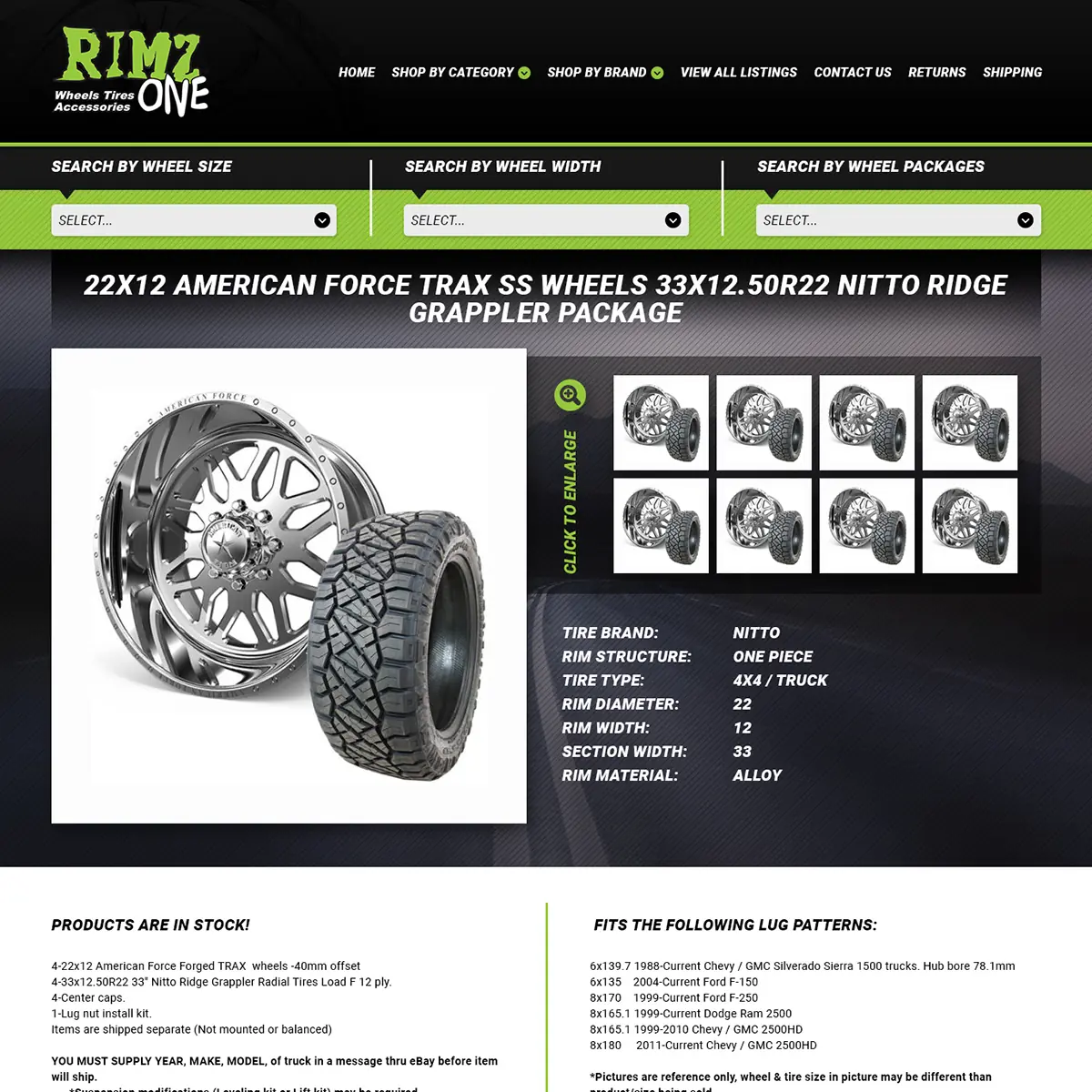
Item specifics are the labeled details on an eBay listing, such as Brand, Size, Color, Type and Model, each with a value for your item. Buyers use them to filter search results, and a listing without the matching detail drops out of those filtered results. So fill in every Required field, then as many of the Recommended item specifics eBay suggests as are true of your item.
In short
- Item specifics are pairs of a name and a value, like Brand: Nike. Buyers see them in the listing’s Item specifics section and use them as search filters.
- Required ones must be filled in for any new or revised listing. Required Soon, Recommended and Additional ones help buyers find the item and answer their questions.
- To fix many listings at once, download the file of listings missing item specifics from Seller Hub’s Active listings page, fill it in and upload it.
- Use eBay’s standard values. From August 2026, clothing and shoe listings with missing or unclear sizes may be hidden.
- Enter only what is true of this item. Leave unknown details out, and choose “Does not apply” for a product code the item doesn’t have.
What are item specifics on eBay?
Item specifics are facts about the item in fixed fields instead of free text. eBay’s Seller Center calls them “descriptive keywords that tell a buyer about your item.” They “may include brand, size, length, width, height, type, color, or style, and vary depending on what you’re selling.”
Each item specific is a name and a value. eBay’s developer guide gives a jewelry example: the name “Total Carat Weight” with the value “3.00 carats and larger.” Buyers see them in the Item specifics section of the listing page, apart from your description.
| Question | eBay’s answer (as of October 2026) |
|---|---|
| Who picks the names? | eBay suggests names and values for each category, and you can add your own |
| How many per listing? | Up to 45, in eBay’s developer documentation |
| How long can a value be? | 65 characters for most; the California Prop 65 Warning allows 800 |
| Every category? | No. eBay says item specifics “are not supported in all categories” |
Why eBay asks for item specifics
Item specifics decide which filtered searches your listing can appear in. eBay’s item specifics page for sellers says buyers use them to filter results, and “your item will only appear in those filtered search results if you’ve added the matching item specific.” A buyer who clicks a size or a brand in the filters won’t see a listing that left that field empty.
They also count in Best Match, eBay’s default sort order. eBay’s Best Match help page lists “How complete the listing is” among its factors and tells sellers to “Add item specifics, such as make, model, size, color, and style.” As you list, eBay ranks item specifics by buyer searches over the past 30 days. Its advice: “Completing these item specifics will help increase your listing’s visibility.” The other Best Match factors are in our eBay SEO guide.
Search matches the title to typed words and item specifics to filters. Our guide to eBay titles shows which details belong in both. The description comes after the click and, as eBay’s developer guide notes, needn’t repeat what the Item specifics section shows. See how to write an eBay description.
Required, Required Soon, Recommended and Additional
eBay’s listing form sorts item specifics under four labels.
| Label | What eBay says | What to do |
|---|---|---|
| Required | “Critical in identifying your items”; needed “for any new or revised listing” | Fill them in before you list or revise |
| Required Soon | New Required ones are added “based on buyers’ search trends”; a note in the form shows when each one becomes required | Fill them in now, so a later edit doesn’t stop to ask |
| Recommended | Picked from “buyer demand data and popular searches” | Add as many as are true of the item |
| Additional | They “help buyers know more about your item” and can save you from answering questions | Add the ones buyers ask about |
The Required rule covers revised listings too. So when eBay adds a Required item specific to your category, your next edit to an older listing will ask for it. On the create listing page, a lightning bolt meter fills up as your item specifics get more complete. If a Recommended one doesn’t fit, select “Don’t remind me about these recommendations again” to stop the reminders for that listing. eBay’s Seller Center also offers downloadable requirement lists by category.
What counts as Required depends on the category. For tires, eBay asks for five item specifics before you can add fitment: Section Width, Aspect Ratio, Rim Diameter, Load Index and Speed Index. They describe the tire itself, not the vehicle it fits.
Product identifiers and the eBay catalog
Product identifiers are codes the manufacturer assigns, such as a UPC, an ISBN or a manufacturer part number (MPN). eBay pairs them with item specifics: “Together with product identifiers, item specifics are the most important way to help buyers find what they’re looking for.”
They also save typing, since you can scan a barcode to prefill listing details. When you enter an identifier, “eBay will suggest a match if your product already exists in the eBay catalog.” If there’s a match, “many of the fields such as photo and title will be pre-populated.”
eBay’s product identifiers page sets two rules. First, “Only use product identifiers that exactly match the product you’re selling.” Second, “Not every product has a product identifier.” If it has none or you aren’t sure, select “Does not apply.”
How to fill in item specifics in bulk
Find the listings that need work
On the Seller Hub Overview page, the Tasks module adds a task when listings are missing Required item specifics. On the Active listings page, Quick Filters show the listings missing Required, Required Soon or Recommended ones.
Fix a few listings at once
Select the listings on the Active listings page and click “Add item specifics.” eBay loads them “into a pop-up window where you can cycle through each listing” and fill in the gaps.
Fix many listings with a file
For a larger catalog, eBay’s help page on creating listings gives these steps:
- Go to your Active listings page.
- Select Download, then “Missing required or recommended item specifics.”
- Open the downloaded file and read the Instructions tab.
- Choose values from the drop-down menus, or type your own.
- Save the file and upload it.
eBay’s guide for international sellers adds that in the file, “Red cells are required item specifics, yellow cells will be required soon, and blue cells are recommended.” Don’t pick too many categories at once, “otherwise your item specifics will be harder to manage.” After the upload, download the results to see what changed.
The pages differ on one detail. The international guide says to save the Excel file as a CSV, “because that’s the only way to upload back into Seller Hub.” The US help page just says to save and upload the file. If Seller Hub won’t take your Excel file, save it as a CSV and try again.
Software and eBay’s suggested values
Multichannel tools and your own software can get the same lists from eBay’s API, which “Determines which item specifics are required/recommended/available” for each category. eBay’s item specifics page also names a paid third-party tool for finding missing ones, Optiseller Aspect Finder+.
eBay’s own tools can suggest values too. Its bulk listing tool, announced in September 2024 for sports trading cards in Seller Hub, turns photos into draft listings “with suggested categories, titles, and item specifics.” Compare each suggested value with the item before you publish.
Item specifics in listings with variations
If you sell the same item in several sizes or colors, eBay’s search manipulation policy asks you to put them in one fixed price listing with variations. Details that are the same for every variation, such as Brand, go in the item specifics. Details that change, such as Size and Color, are set for each variation.
eBay’s developer guide says a variation detail can’t use the same name as a shared item specific. Each variation can have up to five details, each detail up to 30 values, and, as of October 2026, a listing up to 250 variations, a number eBay says “is subject to change.”
If eBay shows “This attribute is not valid for this variation. Add a valid attribute.”, pick a closer detail that already exists. eBay’s example is “Finish” instead of “Type” for faucet finishes. If none fits, eBay says to create separate listings.
Common item specifics mistakes
- Stopping at Required. Recommended item specifics come from what buyers search for. eBay’s advice: “Add as many of these as you can to help buyers find your listings.”
- Putting details only in the title or description. Filters read the fields, so a size in the title doesn’t put the listing into a size filter. For car parts, compatibility typed into the description “may not be surfaced in search,” while eBay’s compatibility list “appears on the item page and is searchable.” Our page on automotive eBay templates shows how parts listings repeat part numbers for the buyer.
- Typing your own sizes. eBay now standardizes apparel and footwear sizes and updates clear matches itself, such as “Small” to “S.” Its help page says that from August 2026, listings with missing or unclear sizes “may be hidden until updated.” Its developer blog says such listings “will be blocked from the site or placed on hold.” The pages differ, so fix sizes now either way. The blog lists “See description” and “N/A” among values it flags.
- Guessing. eBay’s search manipulation policy says “If any item details are unclear or unknown, they should be left out of the listing.” For a product code the item doesn’t have, choose “Does not apply” rather than making one up.
- Adding words that don’t describe the item. The same policy says “All the words in the listing need to be accurate and refer only to the item for sale.” Breaking it can lead to “Removing the listing or other content, issuing a warning, restricting activity or account suspension.”
- Accepting a close catalog match. If eBay suggests a different version of your item, don’t use it, because identifiers must match exactly.
Our custom eBay listing templates can repeat the main specs in a table for buyers who have already clicked, but they don’t change which filtered searches a listing appears in or directly change where it ranks.