The eBay store banner size is 1280 x 290 pixels, with a file under 12MB. eBay calls this image the billboard: the wide banner across the top of your storefront. The store logo is 300 x 300 pixels, also under 12MB. Those are the numbers on eBay’s Managing your eBay Store help page as of October 2026. Some eBay pages still say 1200 x 270, but 1280 x 290 is the current size, and the two are almost the same shape.
In short
- Billboard (the store banner or header): 1280 x 290 pixels, under 12MB.
- Logo: 300 x 300 pixels, square, under 12MB.
- Clickable marketing banner: 640 x 640 pixels. Featured category images: 300 x 300.
- eBay’s store help pages give no safe area for phones, so keep words and important details away from the edges.
- JPEG suits a photo billboard; PNG keeps a logo or text sharp.
eBay store banner size and other store image sizes
These sizes come from eBay’s help page and its store Image Guide, checked in October 2026. The billboard, logo and other images are part of an eBay Store, which eBay sells as a monthly subscription.
| Image | Size in pixels | File limit | Notes |
|---|---|---|---|
| Billboard (store banner) | 1280 x 290 | Under 12MB | Wide banner at the top of the storefront |
| Billboard video | No pixel size given | 150MB | .MP4 or .MOV; can play in the carousel billboard |
| Store logo | 300 x 300 | Under 12MB | Square |
| Featured category images | 300 x 300 | No limit stated by eBay | Square, up to 6 categories |
| Clickable marketing banner | 640 x 640 | Under 12MB | Links to a promotion, category or listing |
| Banner collection image | 640 x 360 | No limit stated by eBay | Listed in eBay’s Image Guide only |
| Listing photos (not the store) | At least 500 px on the longest side; about 1600 x 1600 recommended | 12MB | For item pages, not the storefront |
eBay billboard size: 1280 x 290 or 1200 x 270?
Use 1280 x 290. eBay’s US help page, its UK help page and its Image Guide all give 1280 x 290 pixels for the billboard.
The 1200 x 270 figure comes from older eBay material. The eBay Stores FAQ, written when eBay moved sellers to its new store layout, describes a “1200-pixel wide x 270-pixel tall space”. eBay Australia’s store guide for sellers still says banners “should be 1200 x 270 px”.
The two sizes are almost the same shape. 1280 divided by 290 is about 4.41, and 1200 divided by 270 is about 4.44. Scaled down to 1200 pixels wide, a 1280 x 290 image is about 272 pixels tall, only 2 pixels more than the old spec. By that arithmetic, a design made at 1280 x 290 should also work where an older eBay page still asks for 1200 x 270.
The older FAQ also says a bigger image gets shrunk to fit and a smaller one is centered with white space around it. The current help page doesn’t repeat this, so it may no longer apply, but it is still a reason to upload the exact size.
eBay banner size: billboard or marketing banner?
“Banner” means two different images on eBay, so check which one you need before you design.
- The billboard is the wide 1280 x 290 image at the top of the store. eBay’s help page describes it as “a banner at the top of your storefront”.
- The clickable marketing banner is a separate 640 x 640 square. You add it in the “Use a Marketing Banner” section of Seller Hub, and it sends buyers to a promotion, a store category or a single listing.
eBay’s Image Guide also lists a 640 x 360 “banner collection” image. The help page doesn’t describe that module, so check that the option appears in your Seller Hub before you make one.
How the billboard crops on phones
None of eBay’s store help pages, checked in October 2026, give a safe area for the billboard or say how much of it a phone shows. The one instruction comes from eBay Australia’s store guide, which suggests avoiding text in banner images “as it may be cropped or hard to read on mobile devices”.
Our working assumption is that a phone may trim the sides or show the image small, so plan for both.
- Keep the main subject near the center, away from the left and right edges.
- Use few words, in large type, or none at all. A sale message can go in the marketing banner, which has its own title and description fields.
- Leave the logo out of the billboard. It has its own 300 x 300 spot.
- Check before you publish. Seller Hub has a Preview button, and eBay’s guide “How to customize your eBay Store” says the draft preview shows your store “on desktop or in the eBay app emulator”. After publishing, open the store in the eBay app on your own phone.
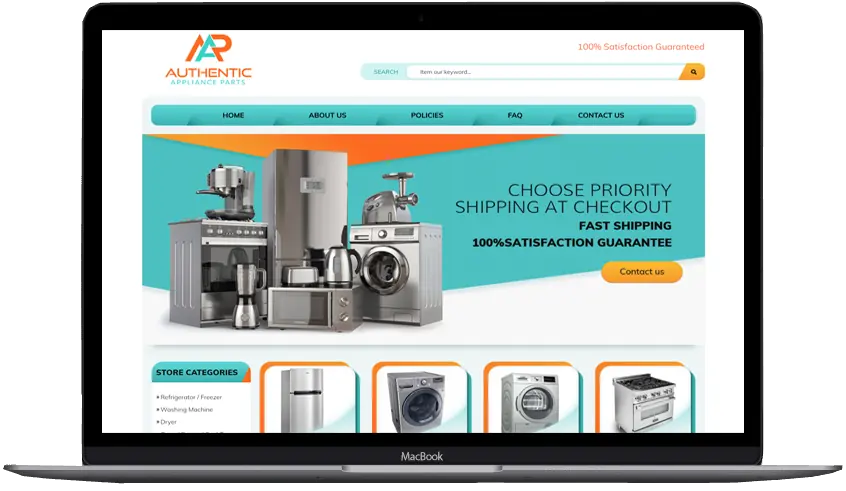
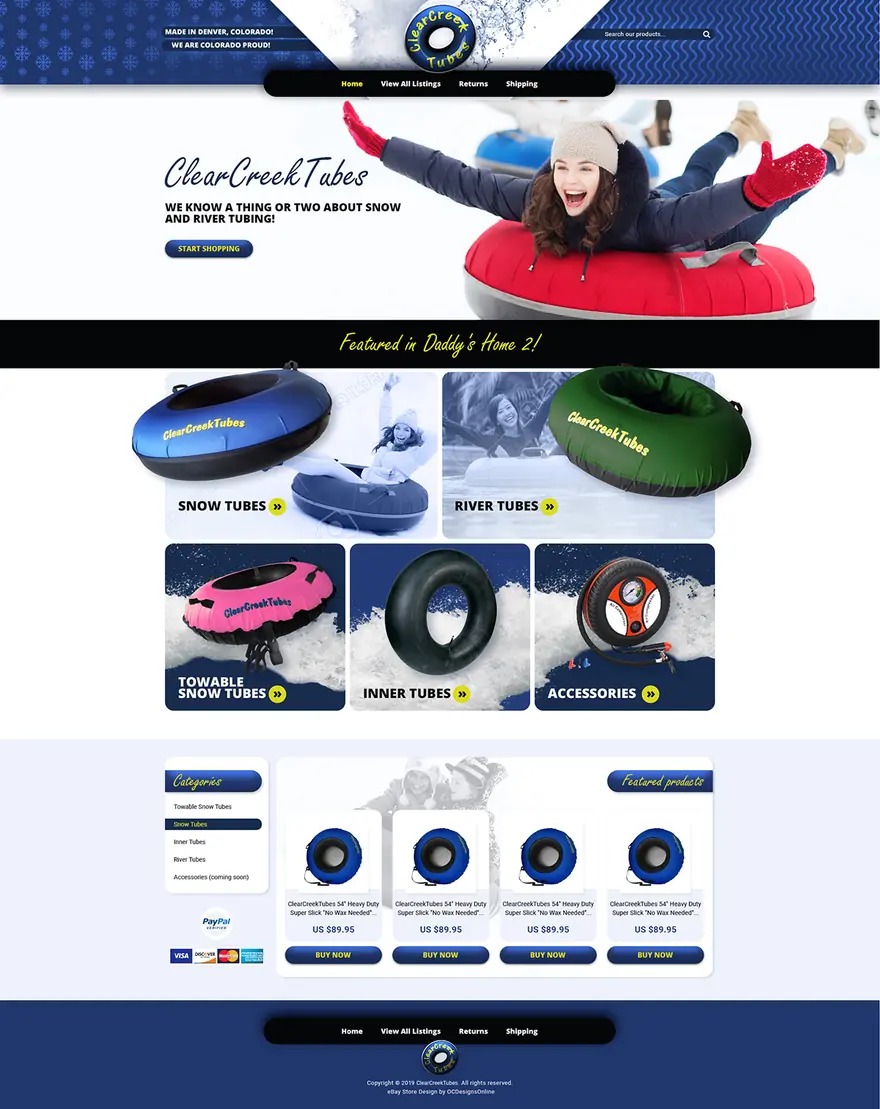
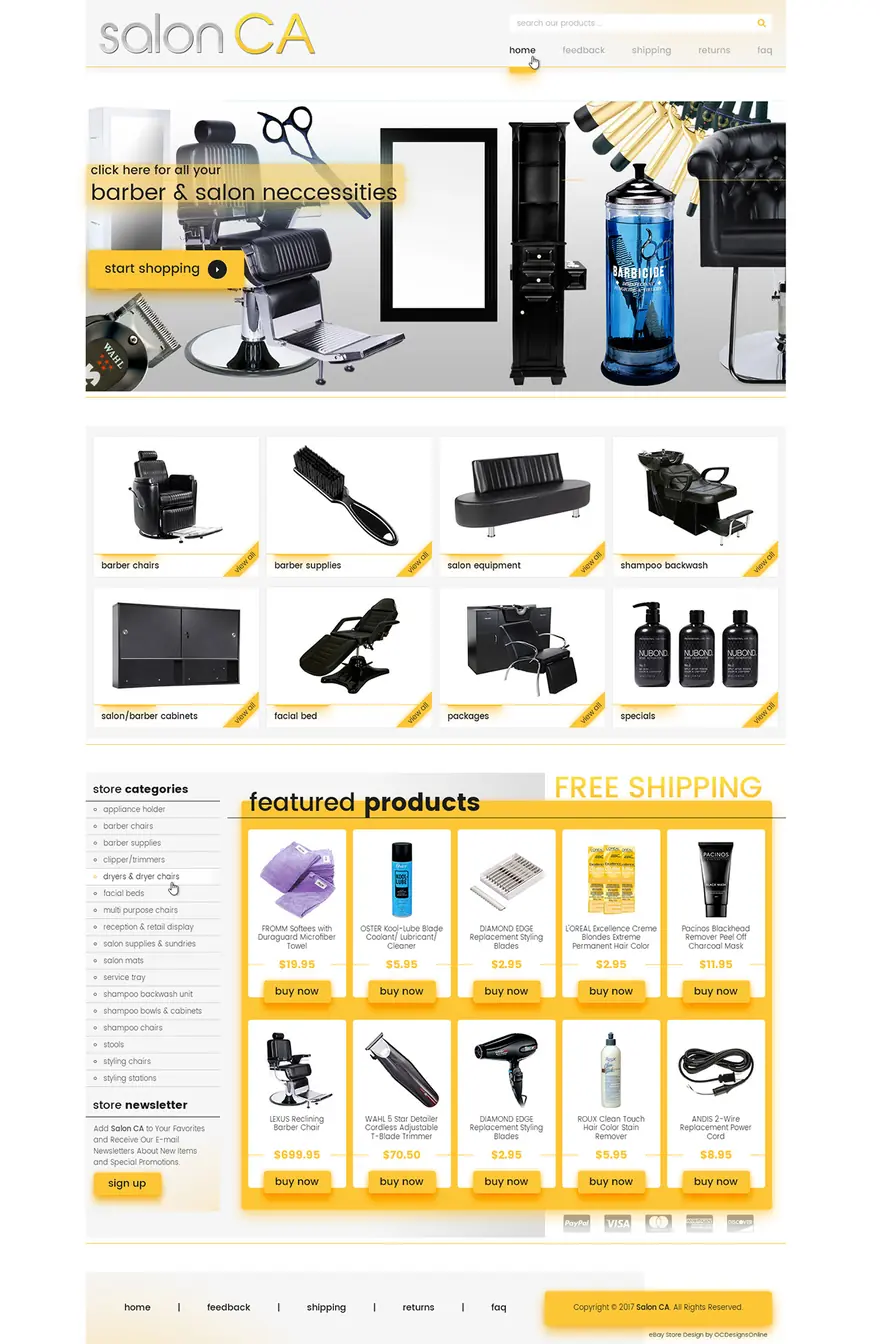
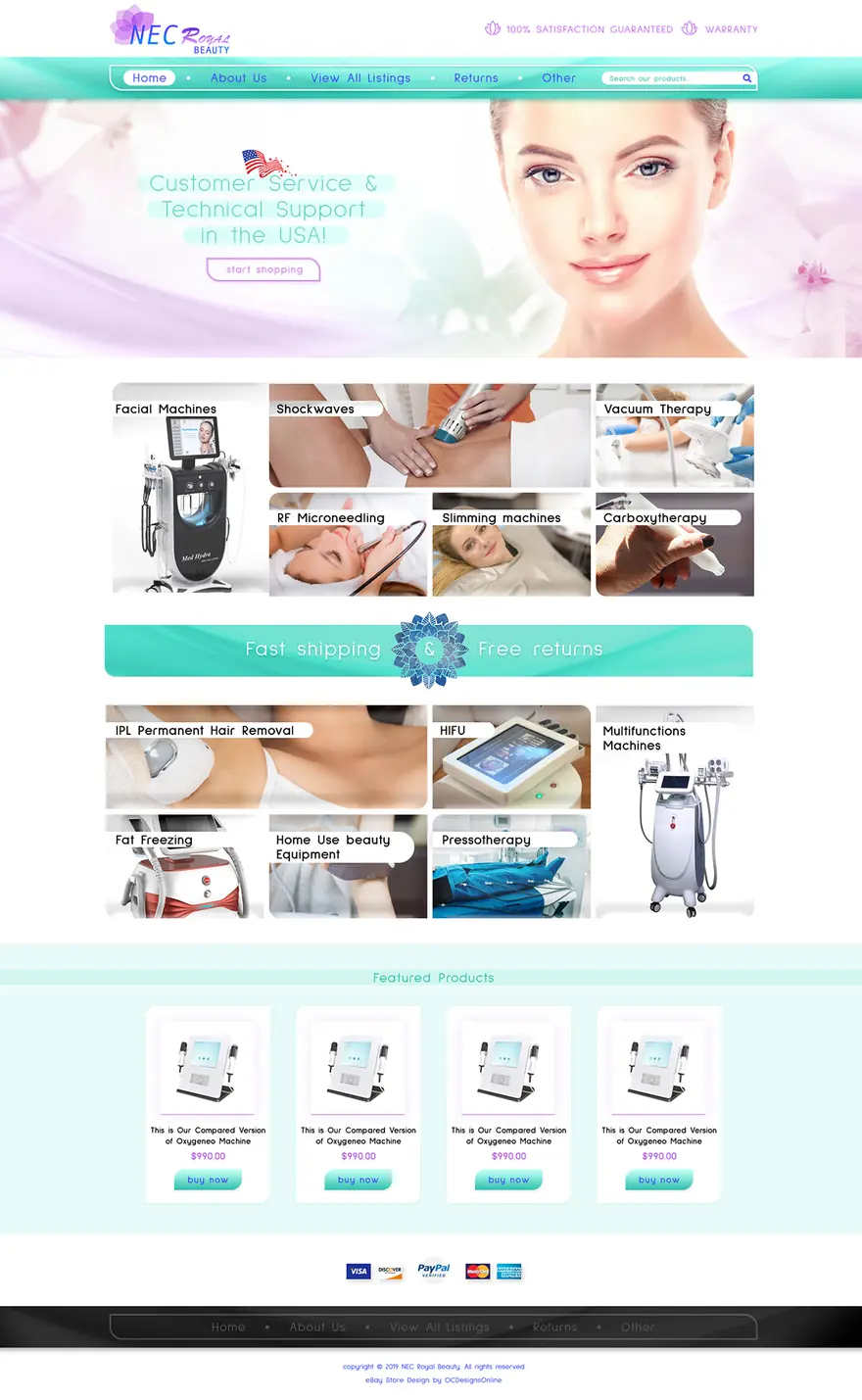
The two store designs below, from our eBay portfolio, put a short message and a button over the left part of a wide picture. Their banners are a different shape from today’s billboard. On a 1280 x 290 billboard, the words would move in from the edge, or be left out, as eBay Australia suggests.
Logo size and shape
The logo is 300 x 300 pixels and under 12MB. It is square, so a wide logo will not fit well.
eBay’s older Stores FAQ required at least 150 x 150 pixels. It recommended 300 x 300 so the logo “appears correctly when you share your Store on social sites such as Facebook”. It also said a rectangular logo was “squeezed” into the square space.
If your logo is a long wordmark, make a square version for eBay, such as the icon or the initials, and check it at small size. Then upload it at 300 x 300.
File types and file size
Use JPEG for a photo billboard and PNG for a logo or a billboard with text. eBay’s store help pages give sizes and the 12MB limit but don’t list file formats. The closest official list is for listing photos: the eBay photo uploader accepts JPEG, PNG, GIF, TIFF, BMP, WEBP, HEIC and AVIF files up to 12MB each. If a store image won’t upload, try a JPEG or PNG first.
MDN’s image format guide says JPEG is lossy and “often a good fallback format for photographs”. For “logos, and line art” it advises lossless files such as PNG, because “blurring and colored fringes around text and sharp edges are very visible”.
A 1280 x 290 image holds about 1.1MB of raw color data (1280 x 290 pixels x 3 bytes) before compression, a fraction of the 12MB limit. If your file is near 12MB, check that it was exported at 1280 x 290.
How to add a billboard and logo in Seller Hub
Based on eBay’s help page:
- Select the Store tab in Seller Hub.
- Choose Edit store in the left menu.
- Select Add billboard image, or Add logo for the logo.
- For the billboard only: in the Tell your story tab, choose a standard or carousel billboard. A logo needs no extra step.
When you’re done, preview the store before you publish it (see the phone tips above).
The carousel billboard needs at least two of these saved: a billboard image, a store video or a store description. eBay can also make a billboard for you: select the + sign, then Generate with eBay, choose your category and select Generate.
To build the image yourself, eBay’s Image Guide links to billboard and logo templates on Canva and VistaCreate.
For the marketing banner, open the Use a Marketing Banner section of the Store tab and select Add a banner. Pick a promotion, category or listing as the destination, then add the image, a title and a description.
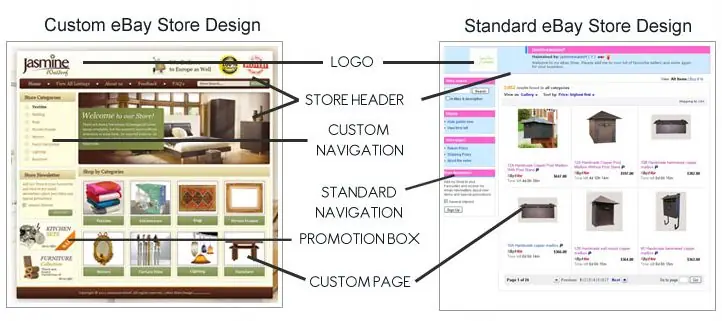
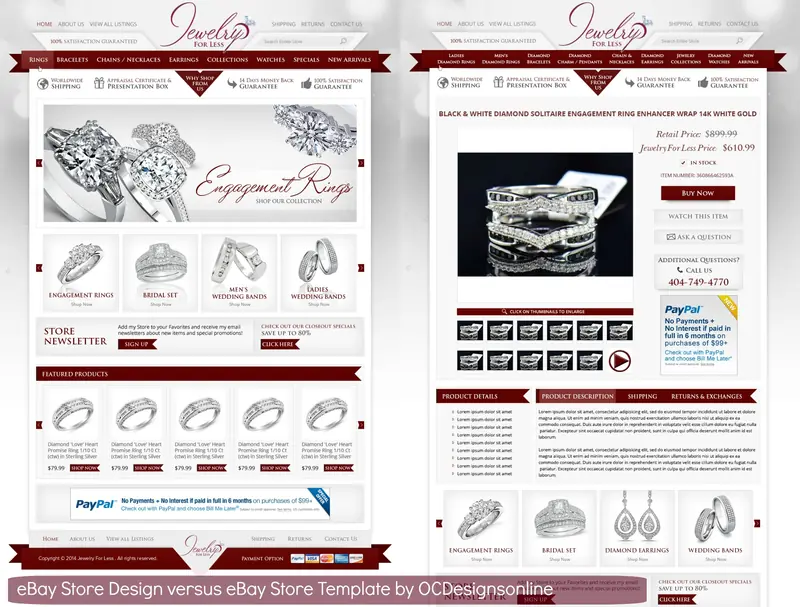
The billboard, logo and category images sit together on one page, so design them as one set that matches your listings. See how a store design differs from a listing template and why store design matters on eBay. If you’d rather have the whole set made at the right sizes, that is what our custom eBay store design covers.