Premade eBay listing templates, $399 and done for you
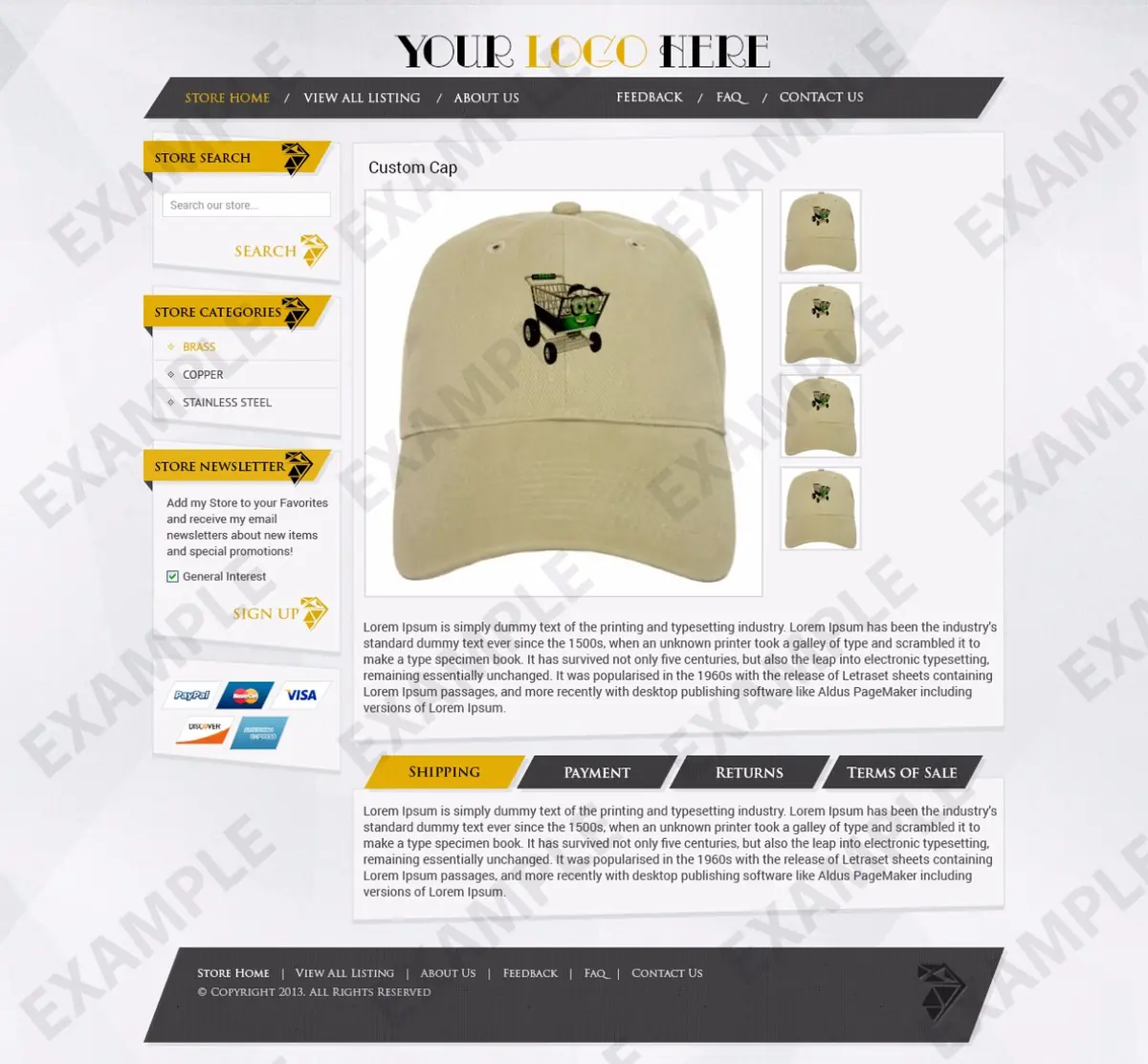
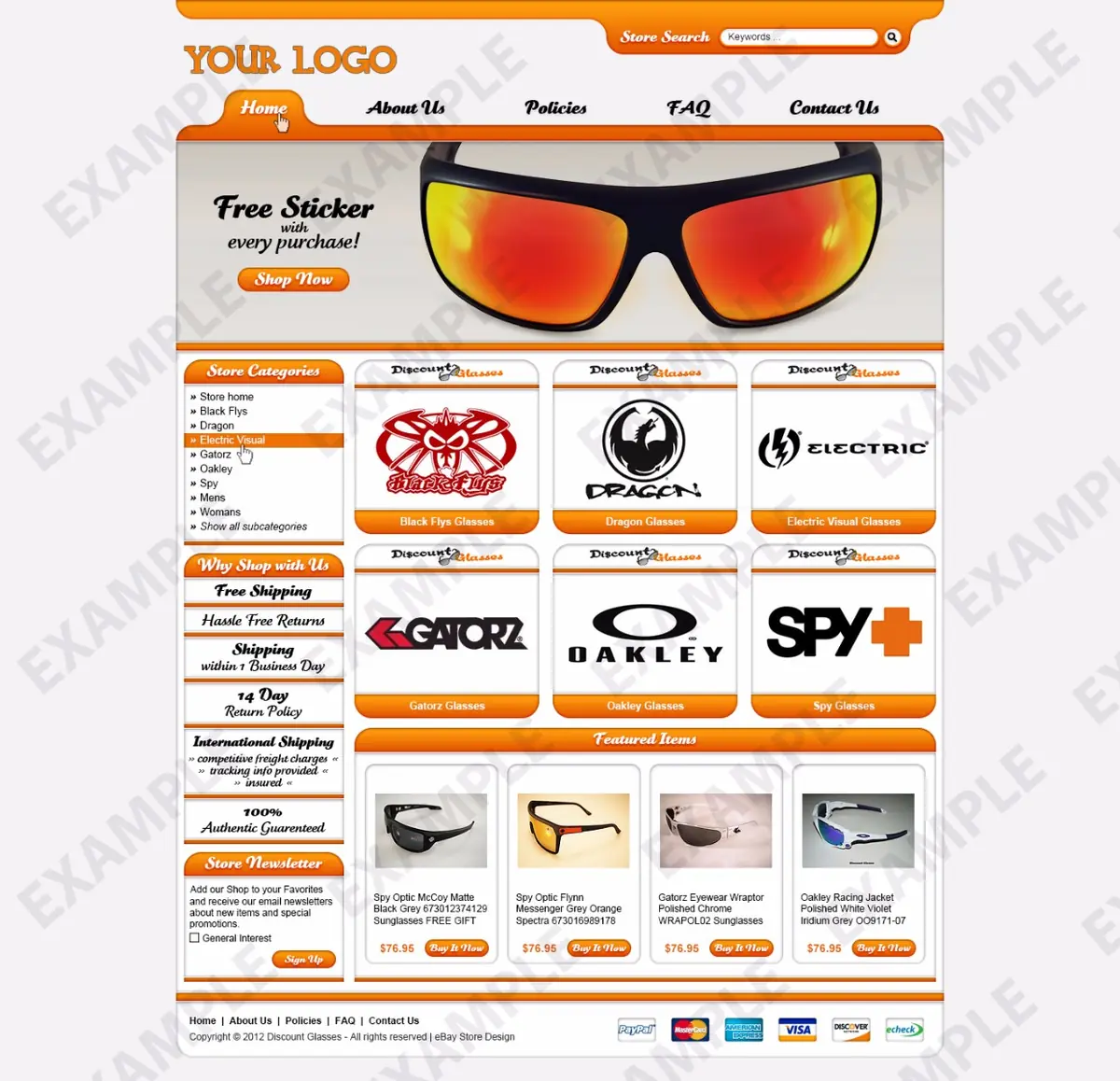
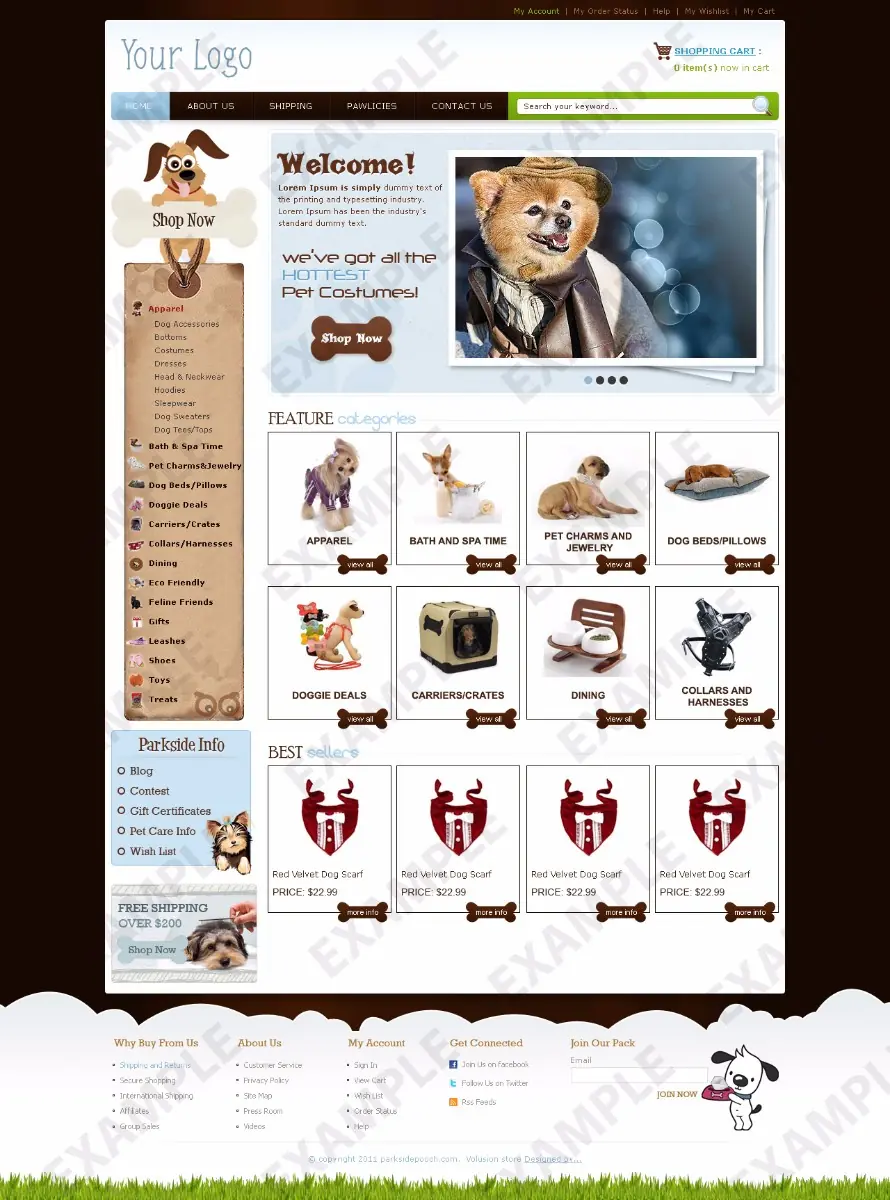
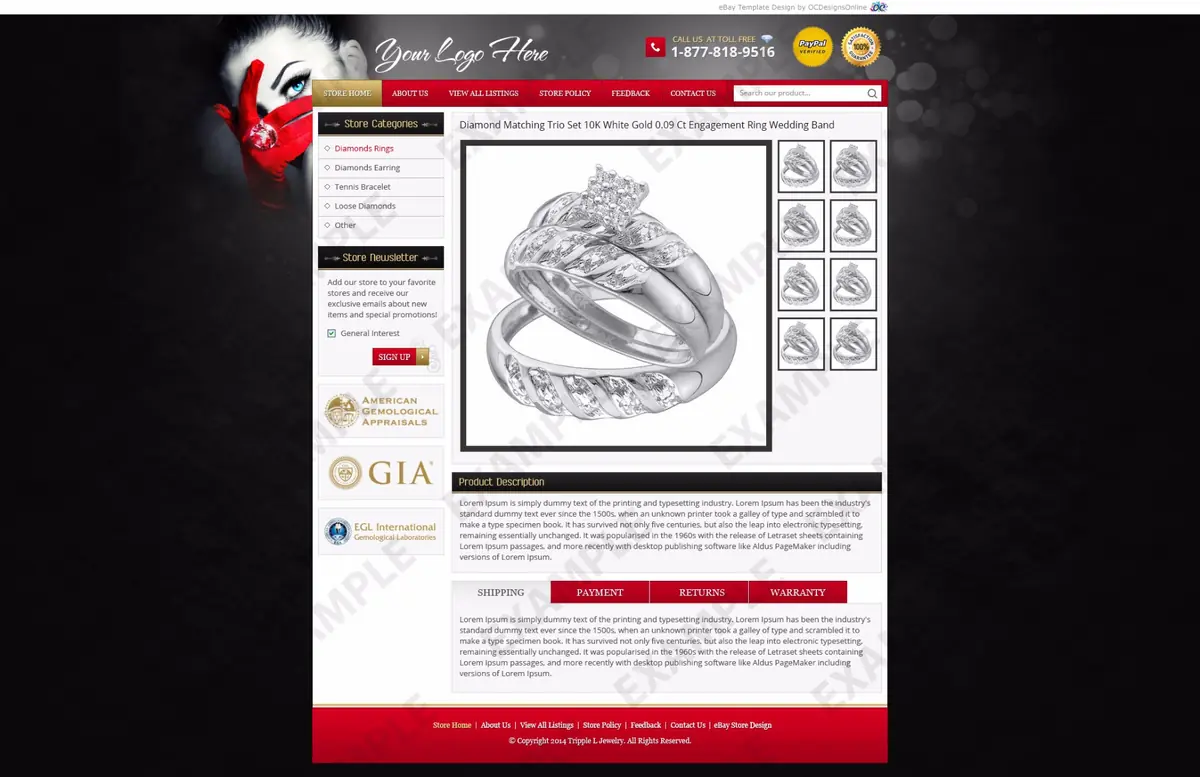
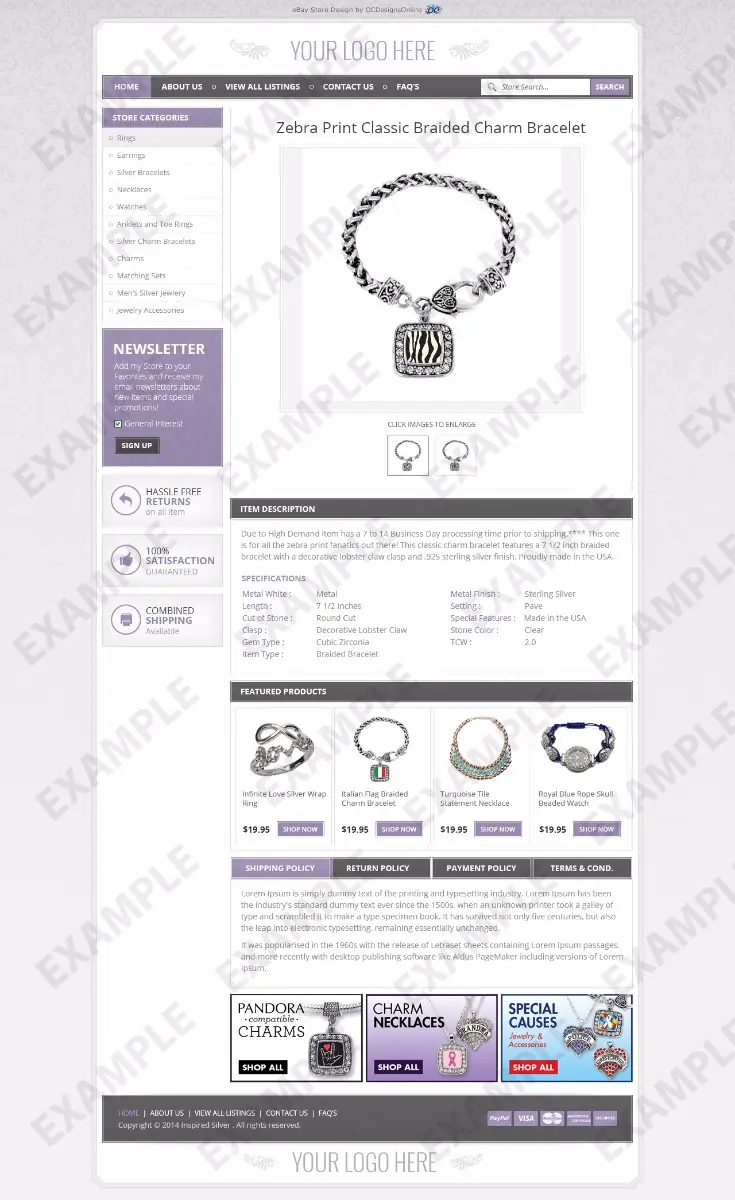
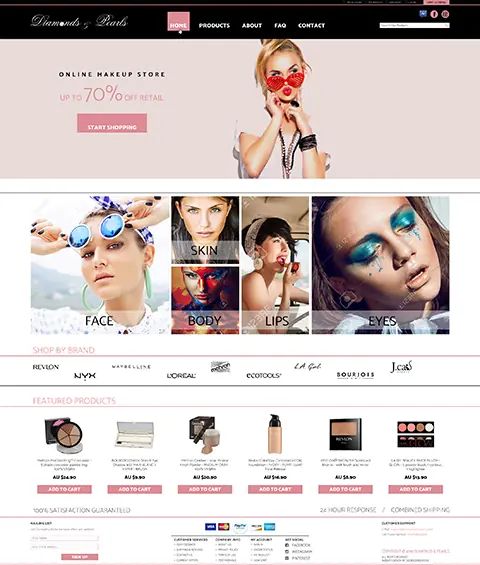
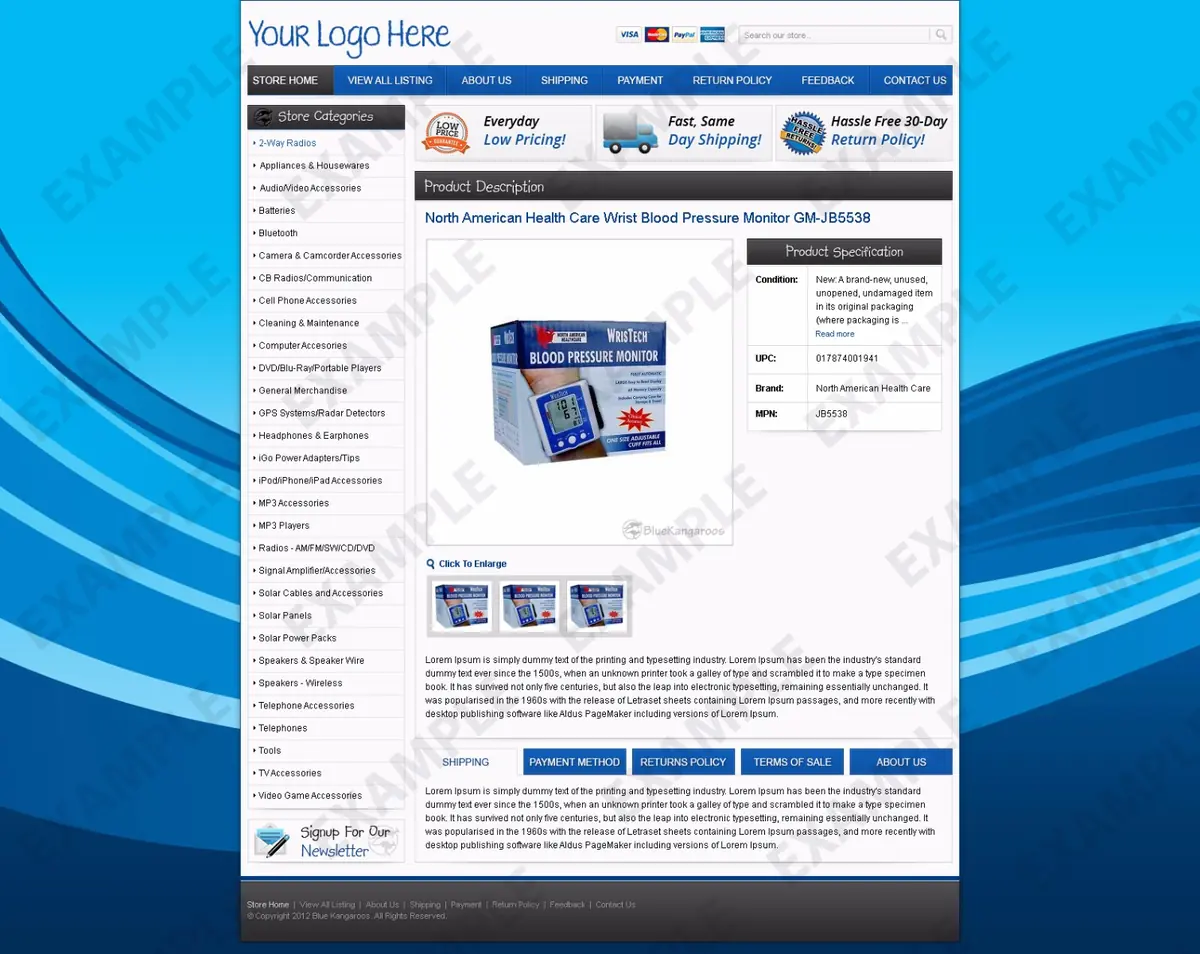
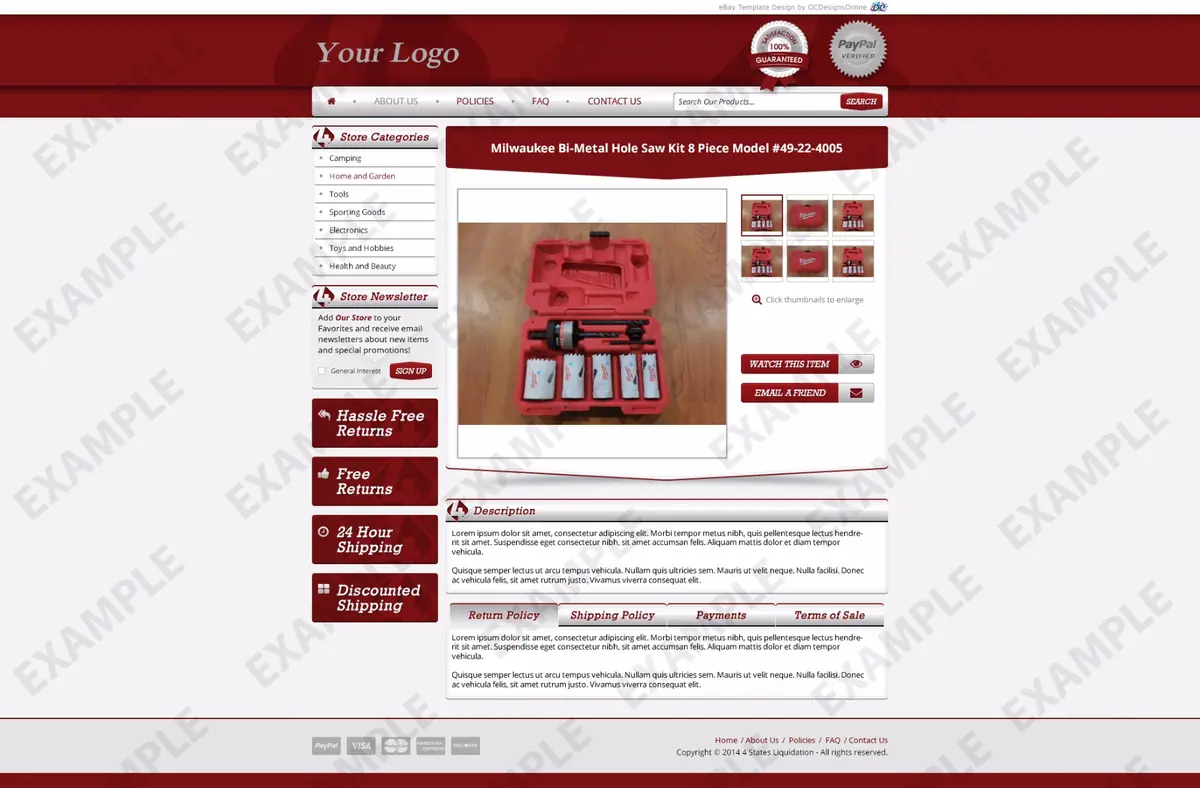
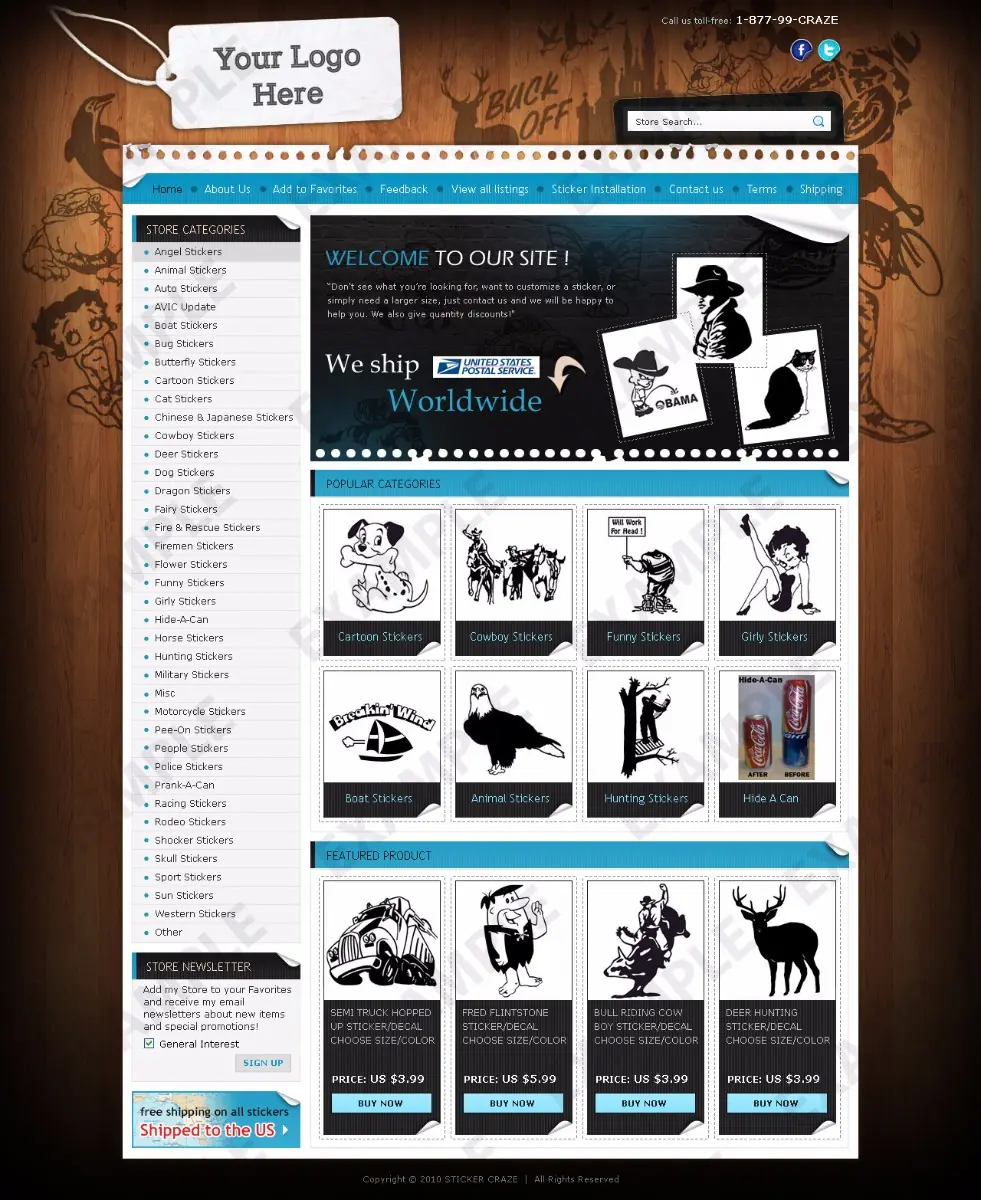
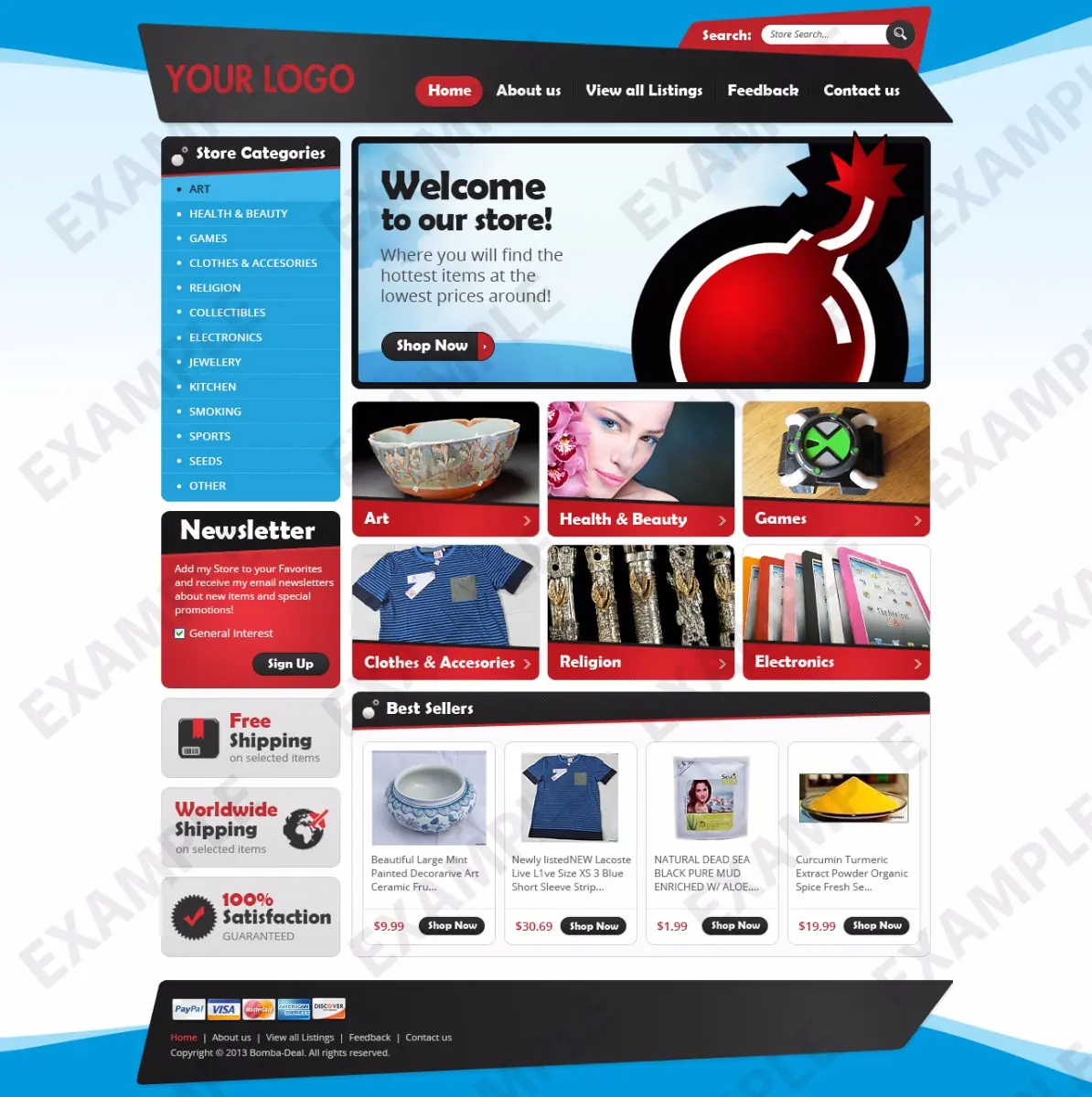
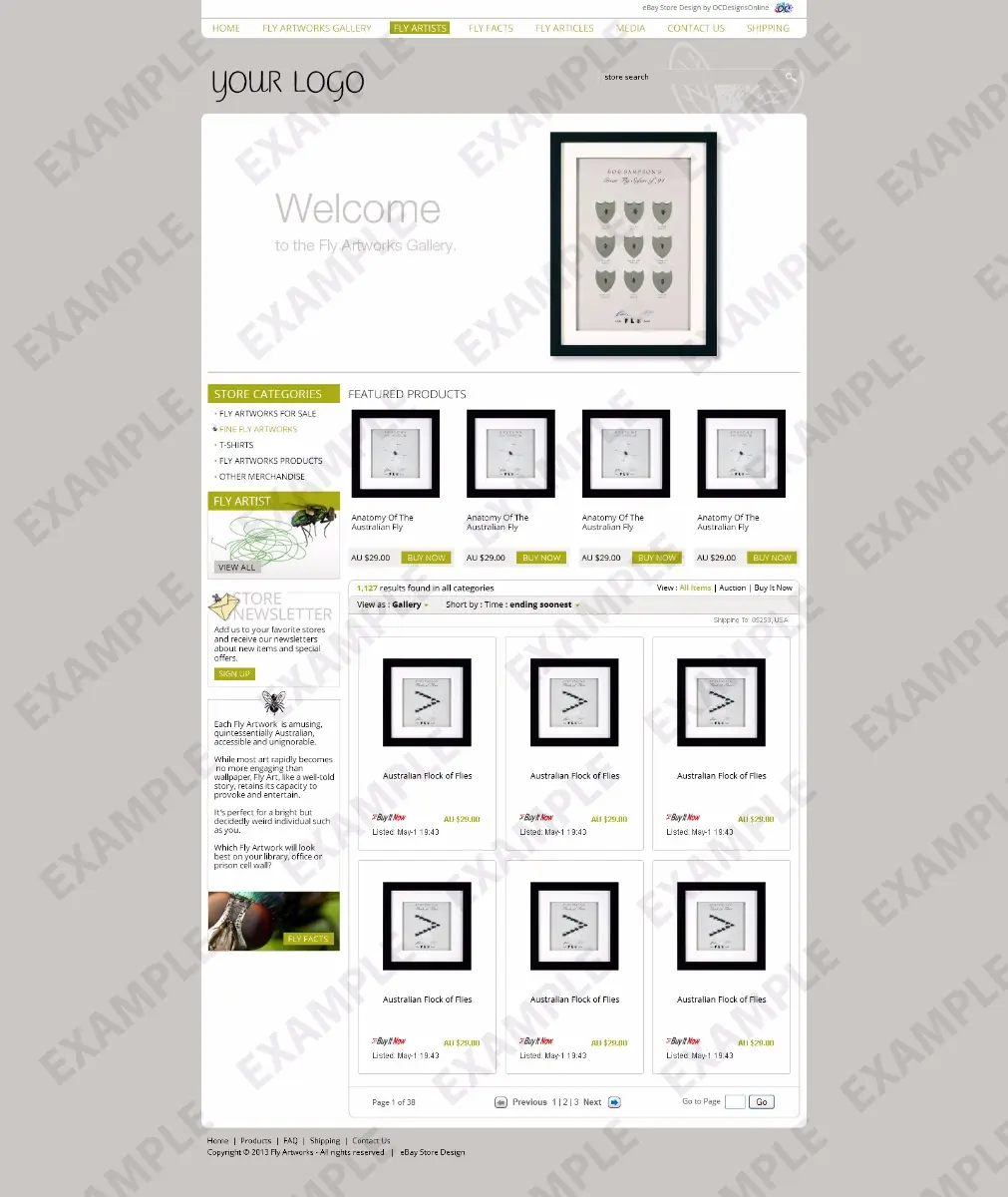
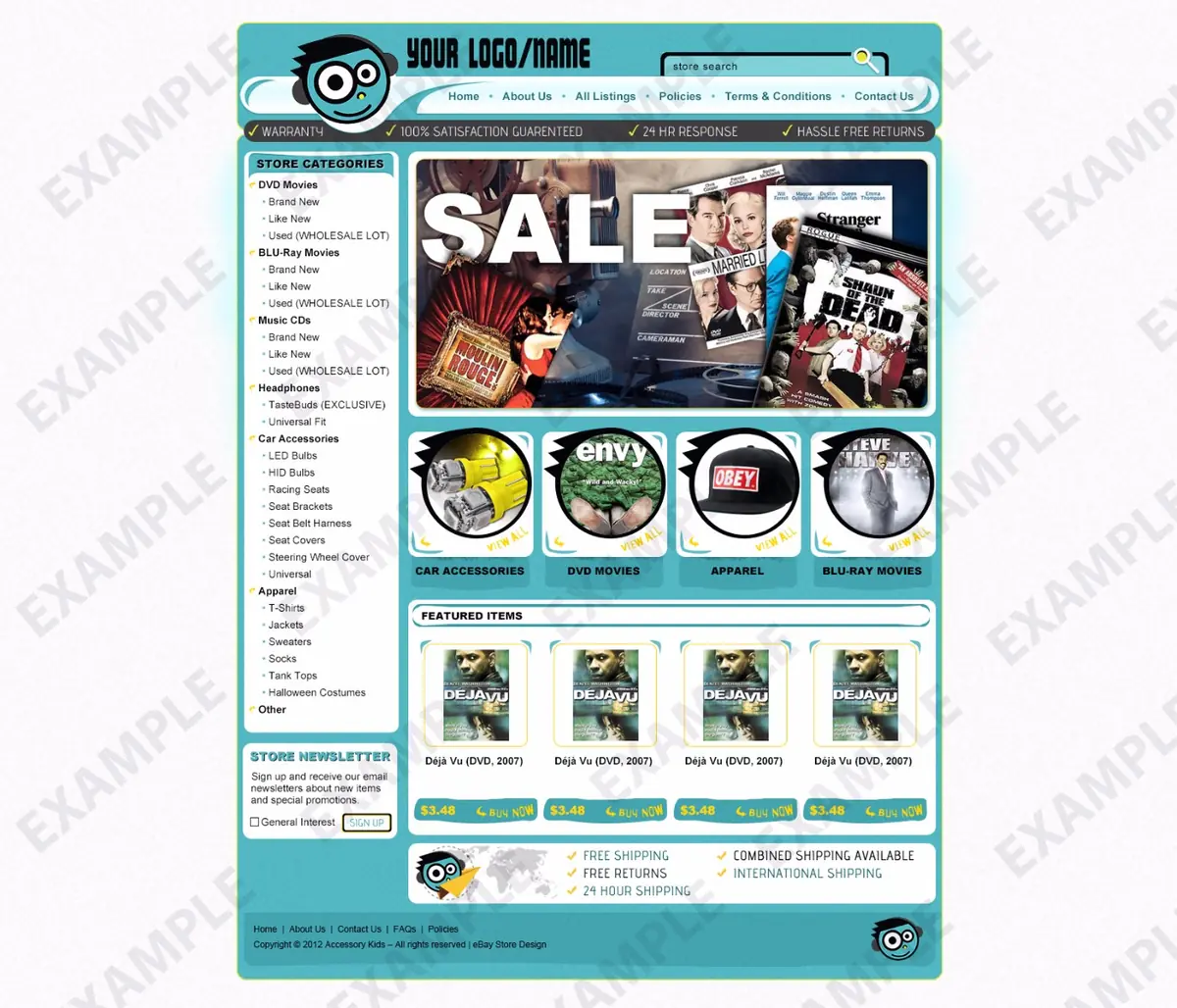
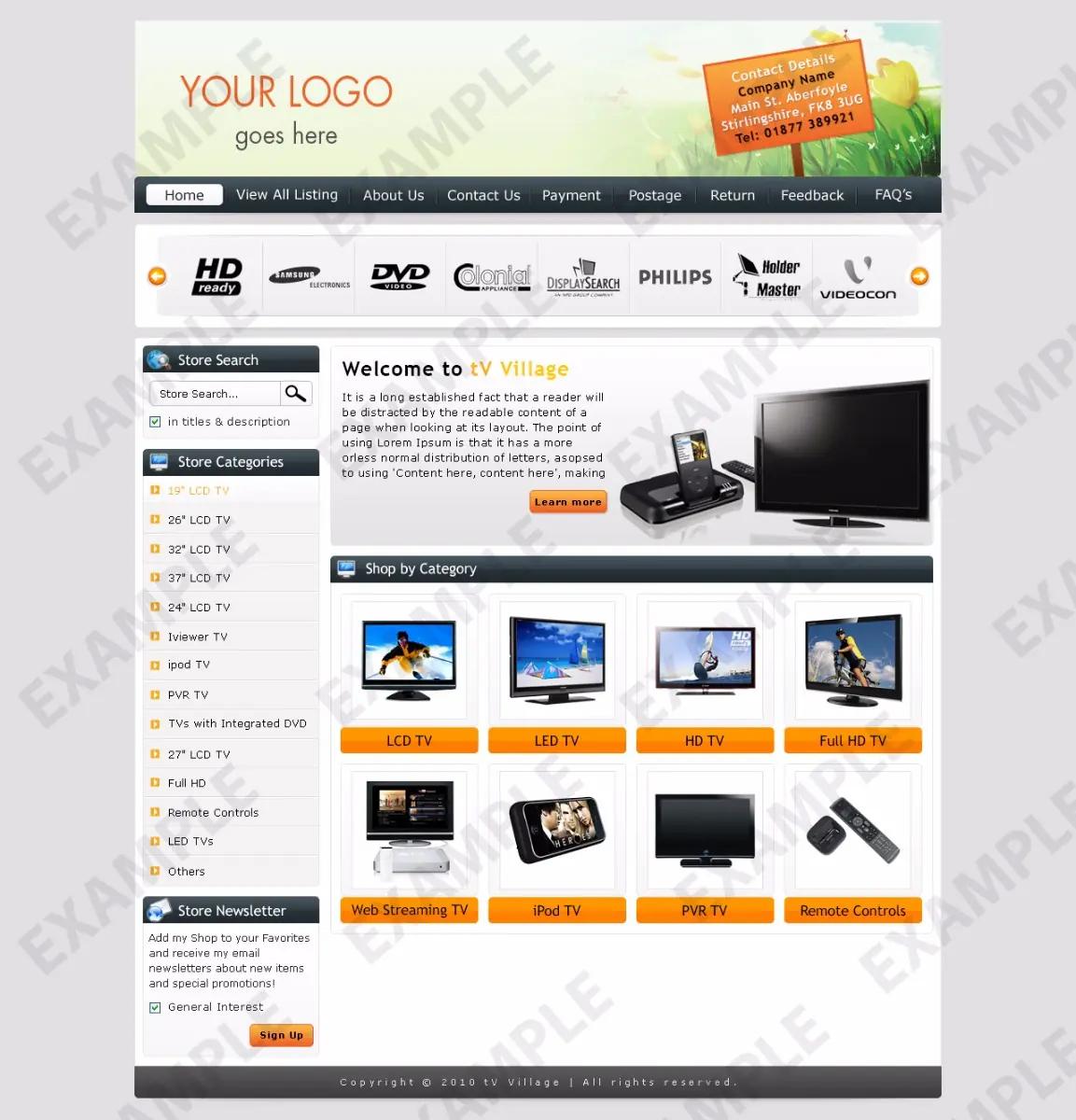
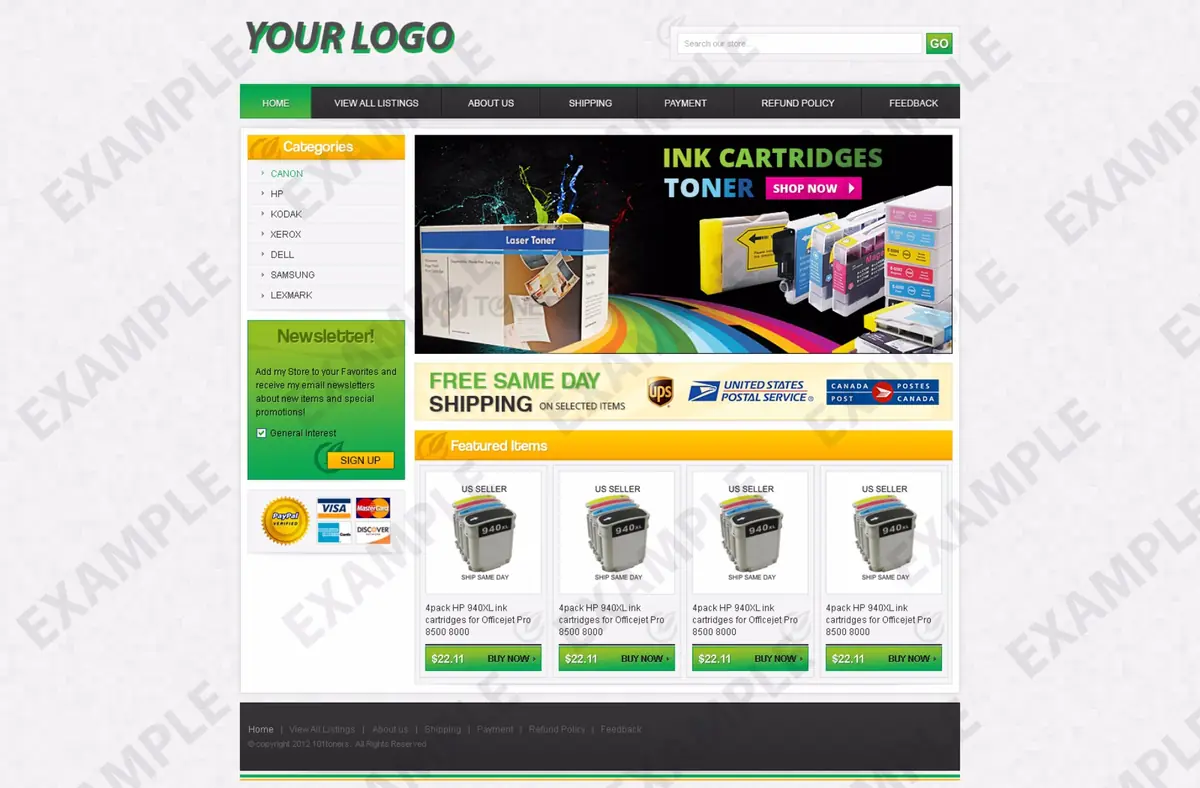
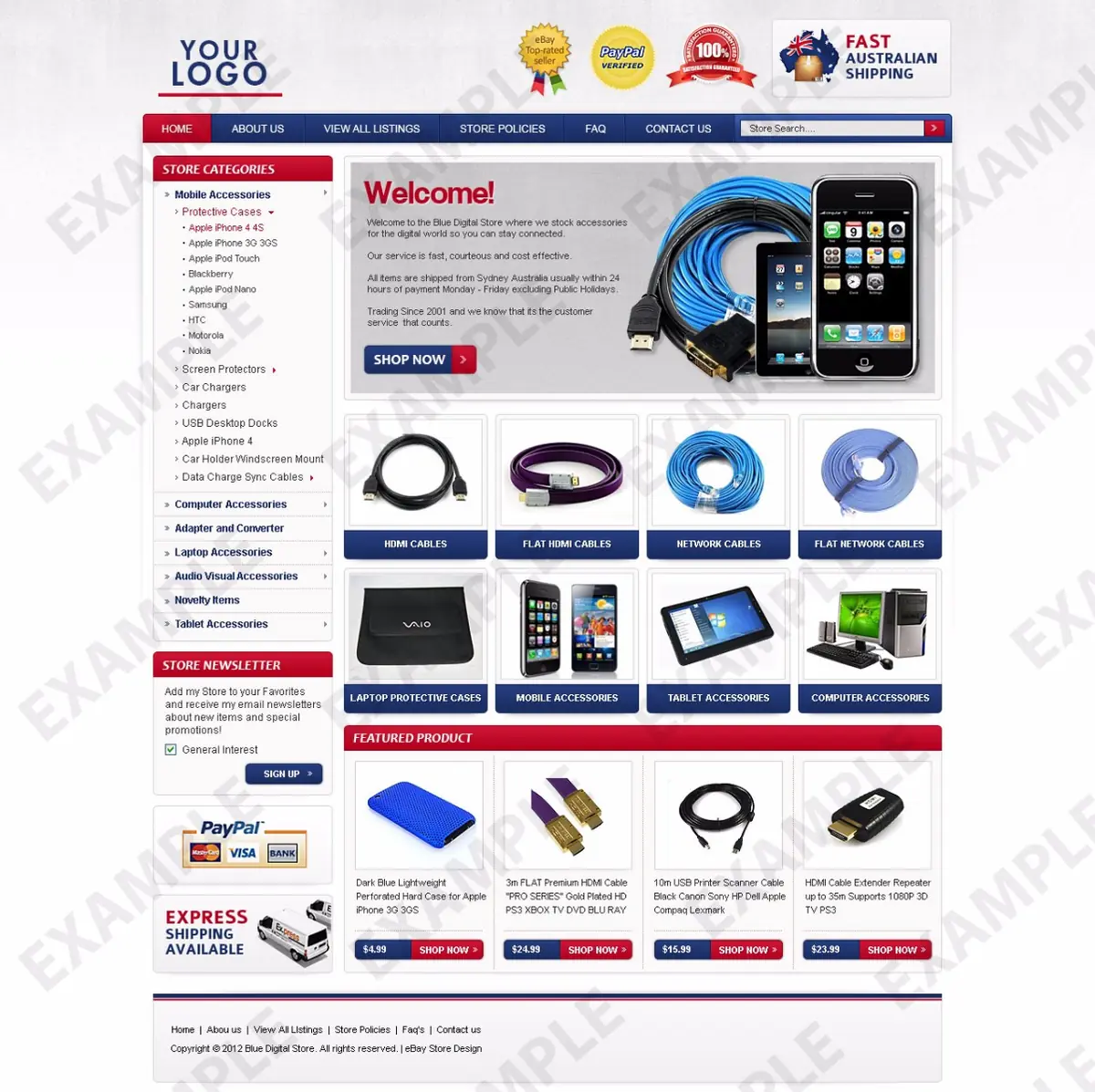
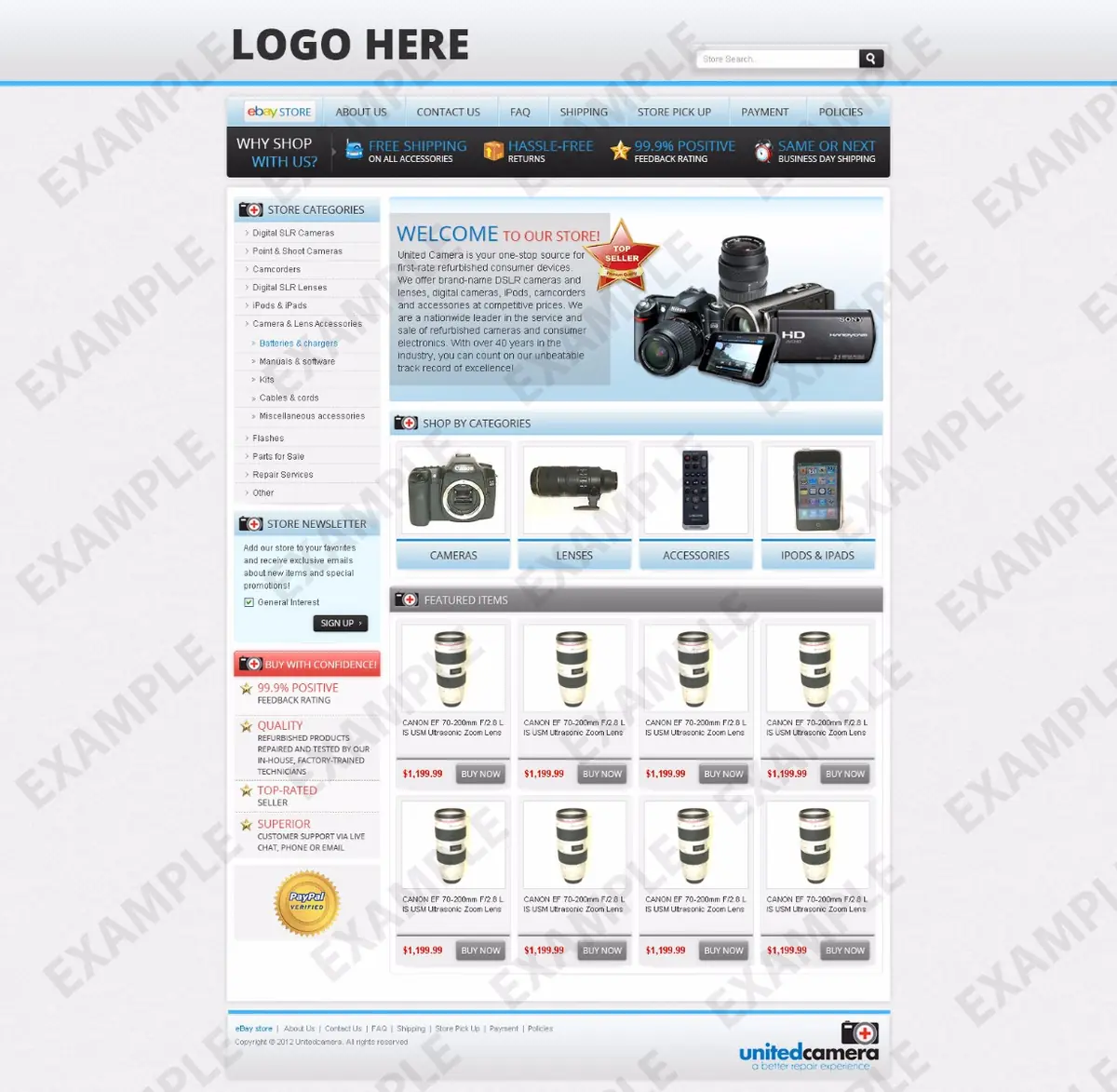
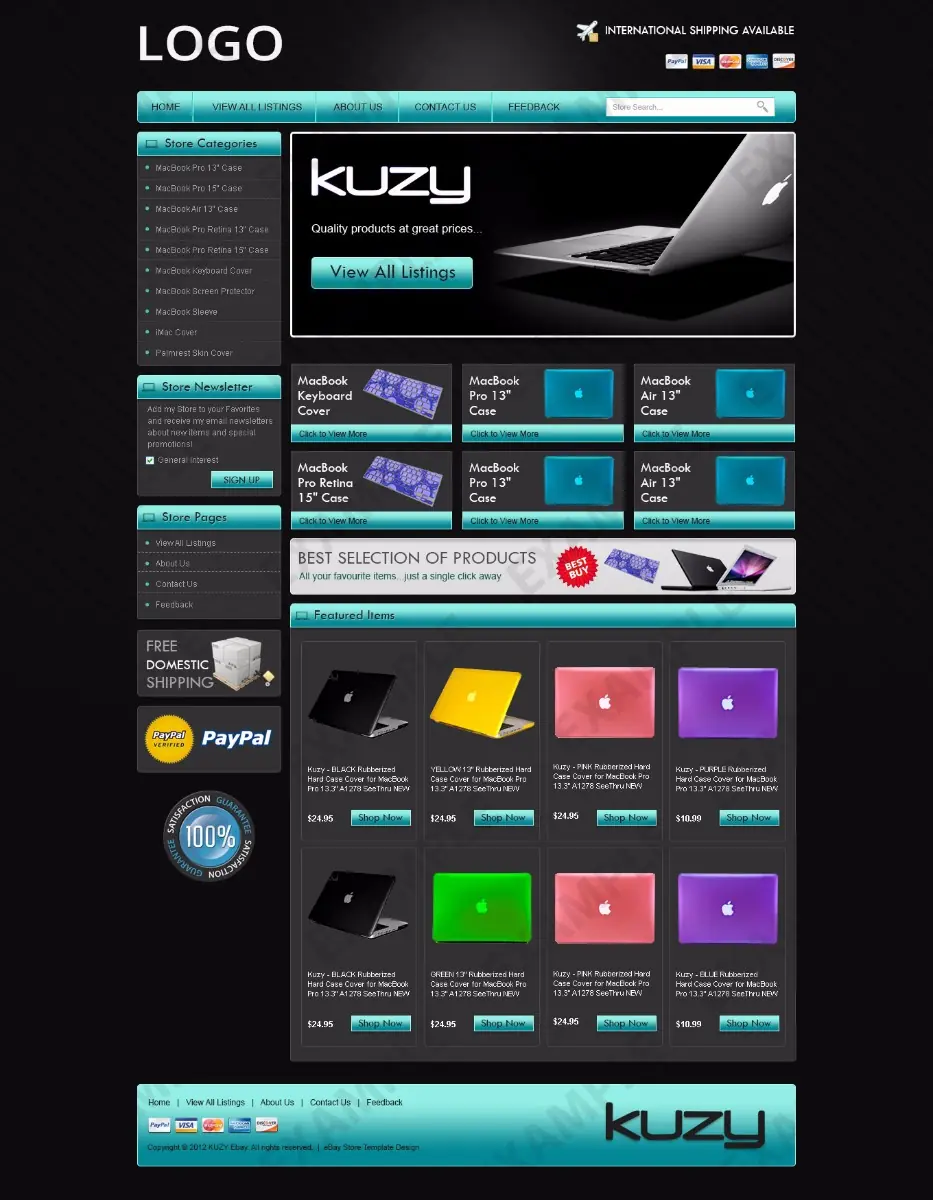
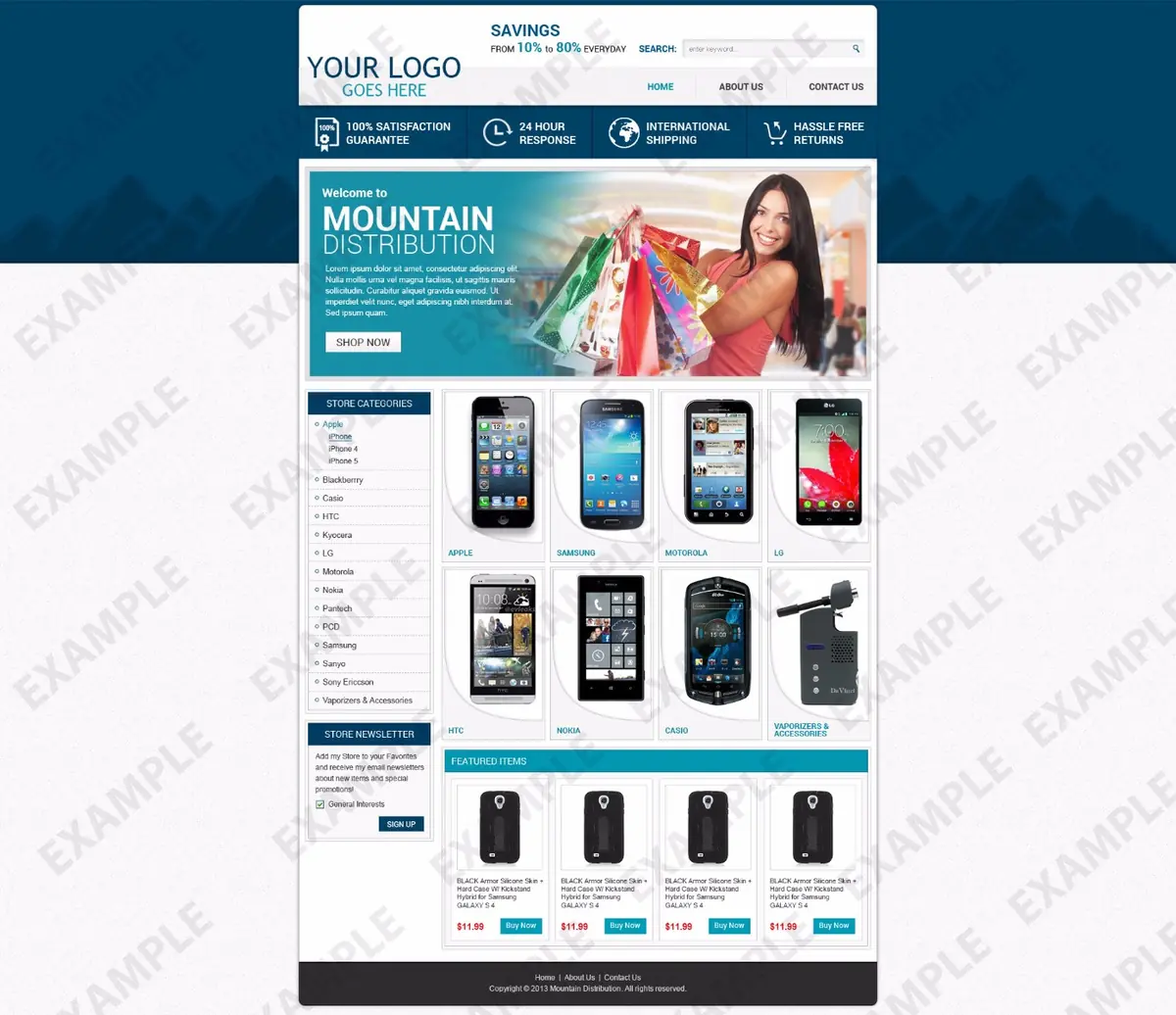
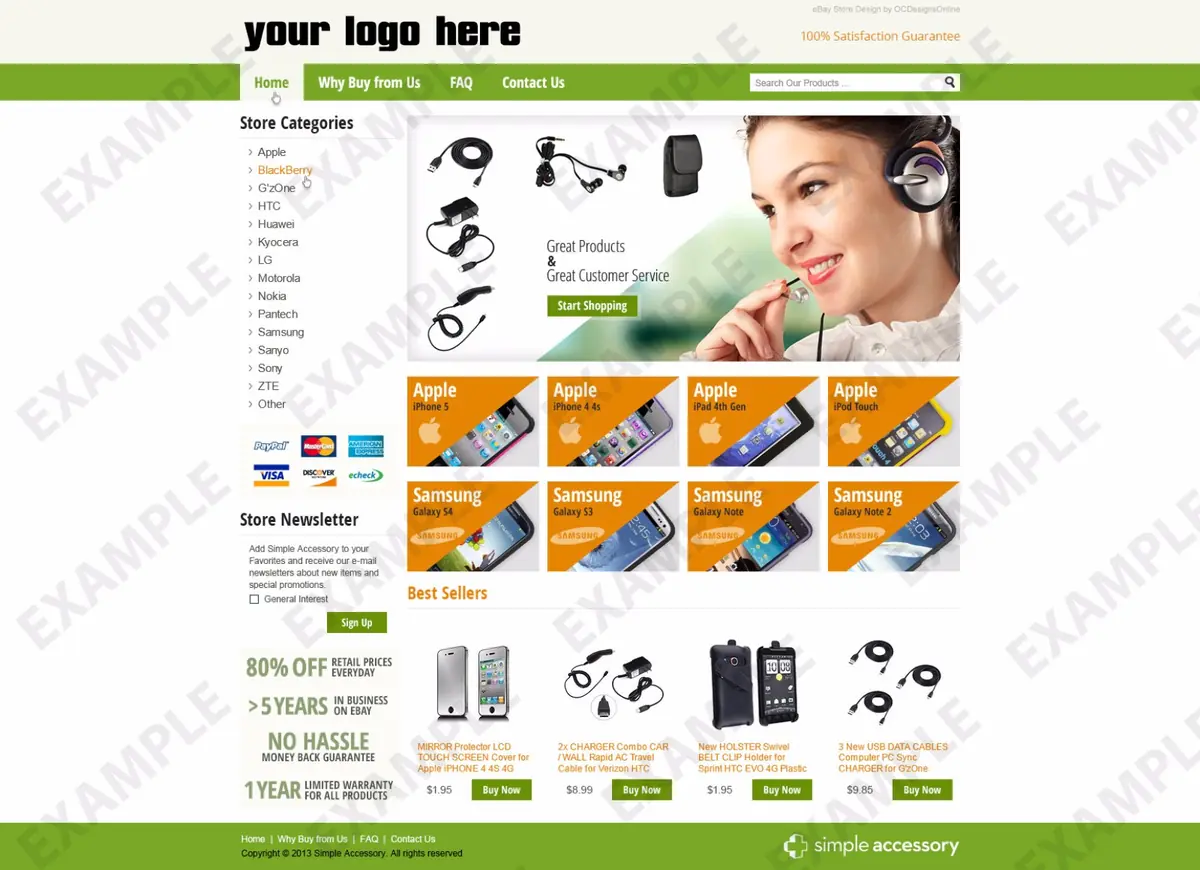
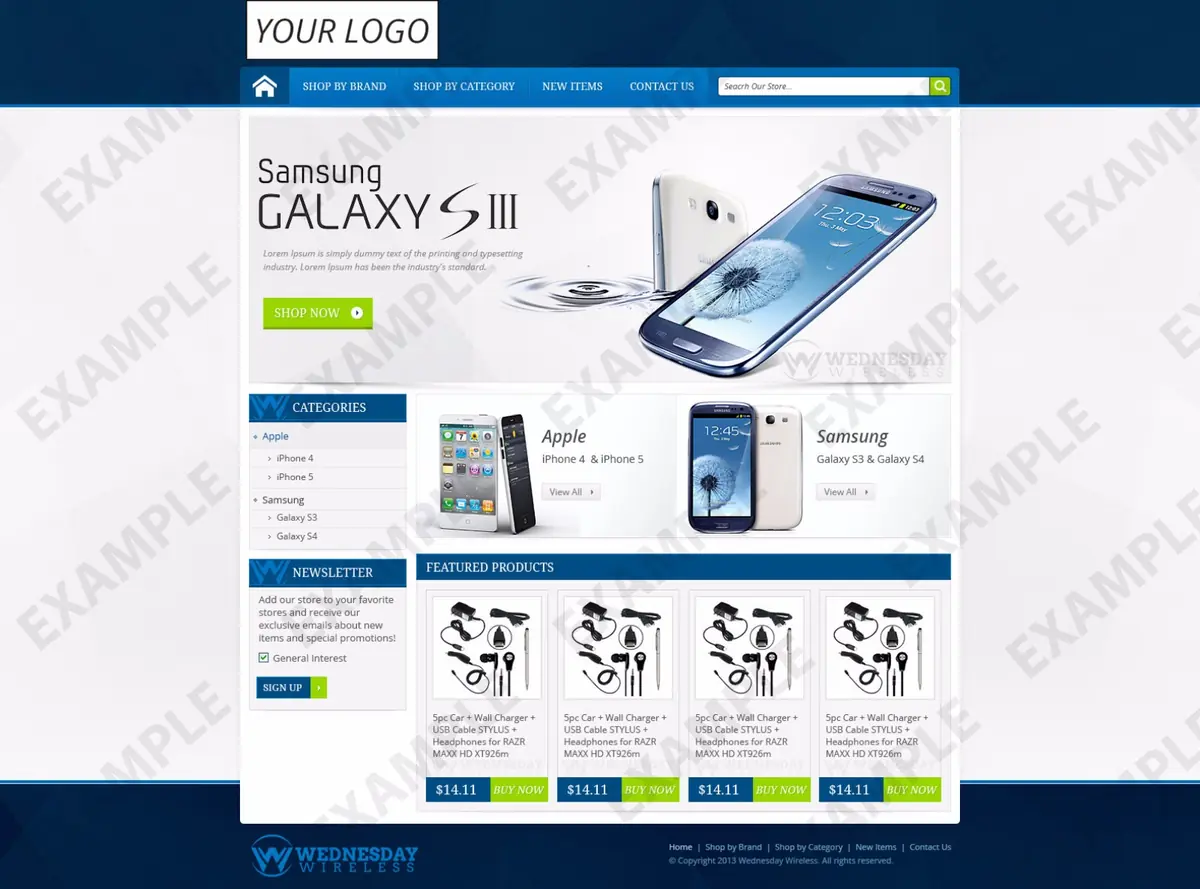
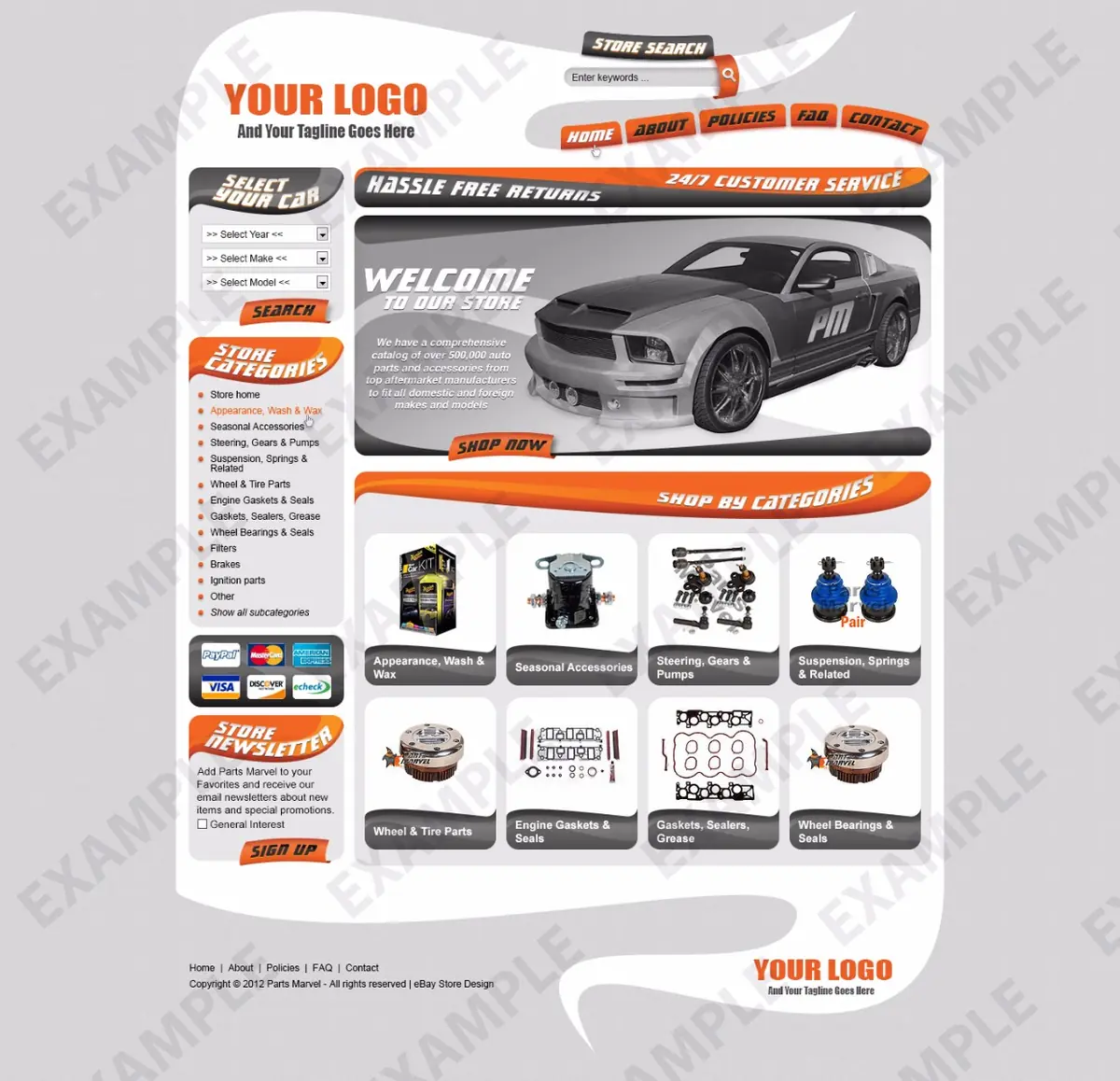
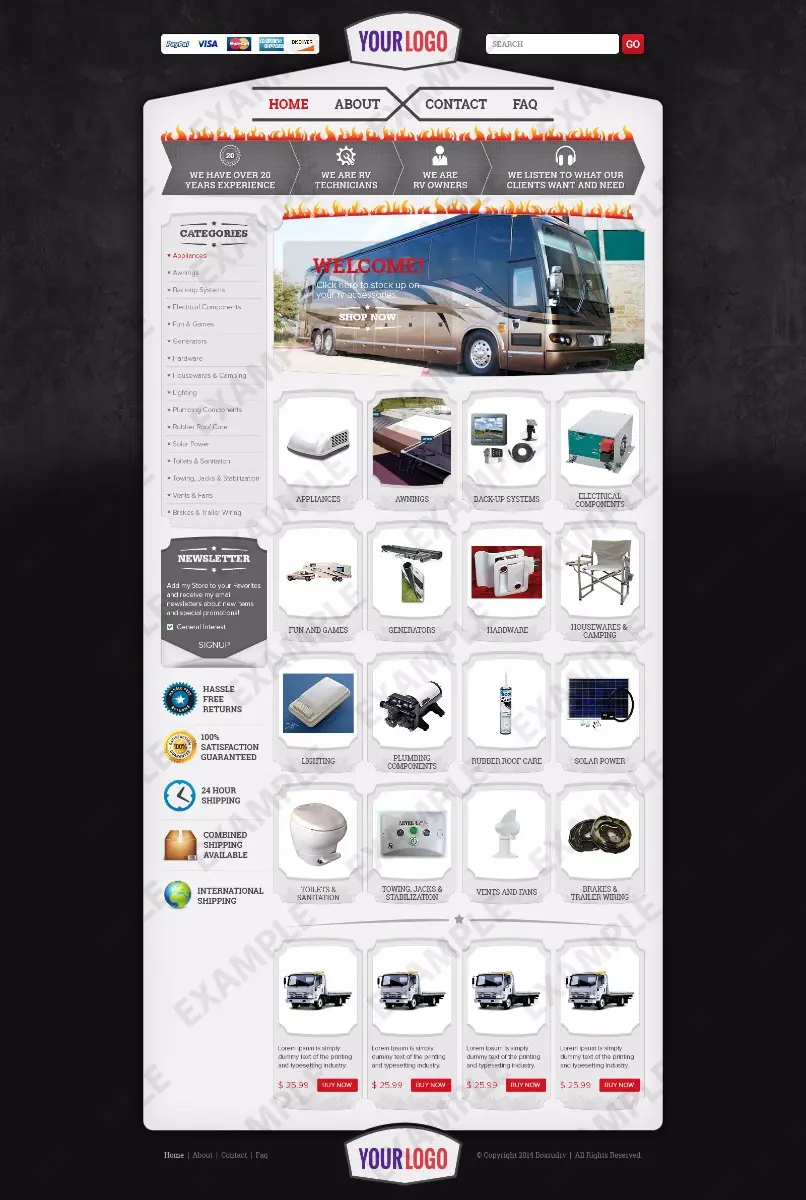
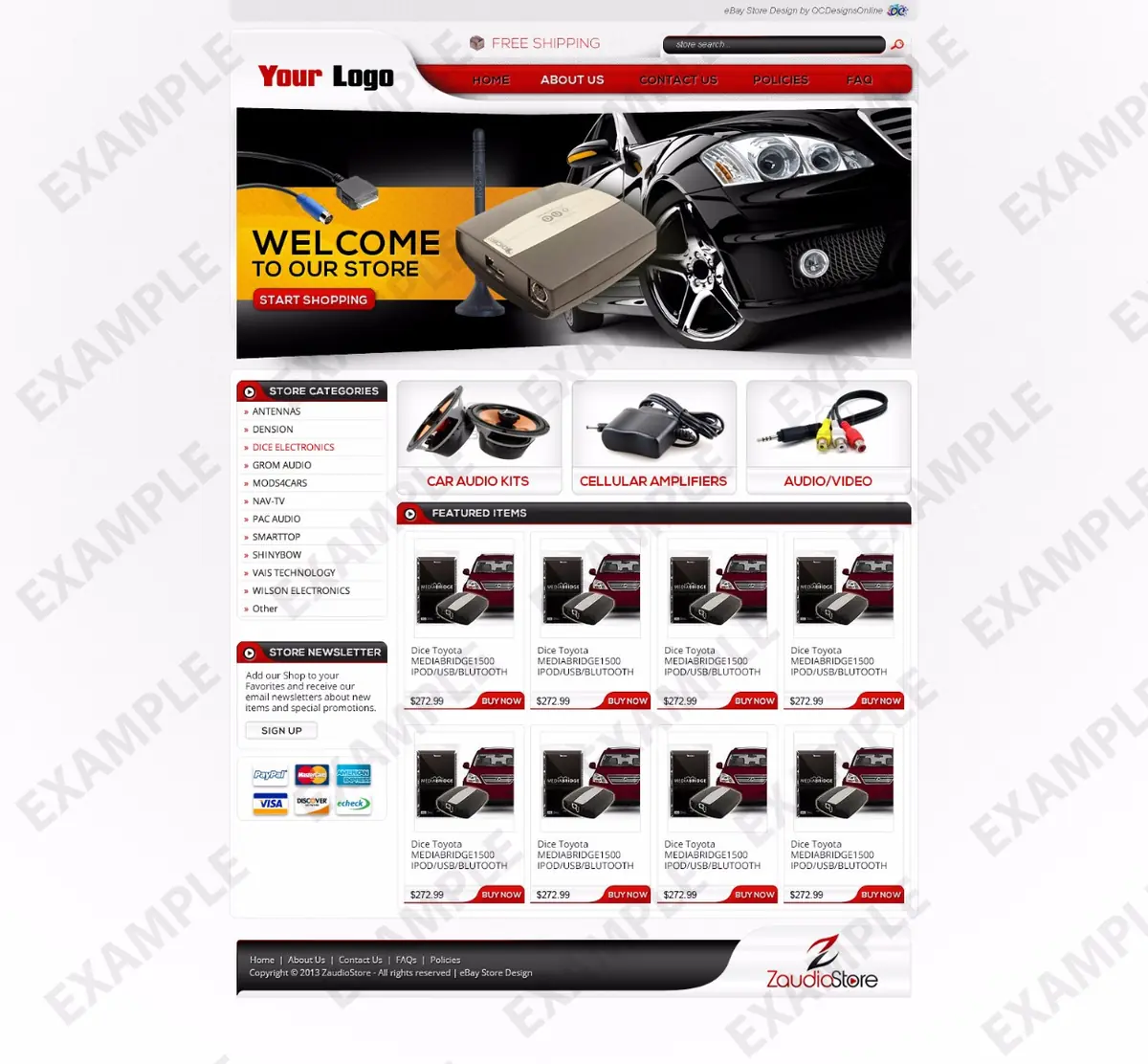
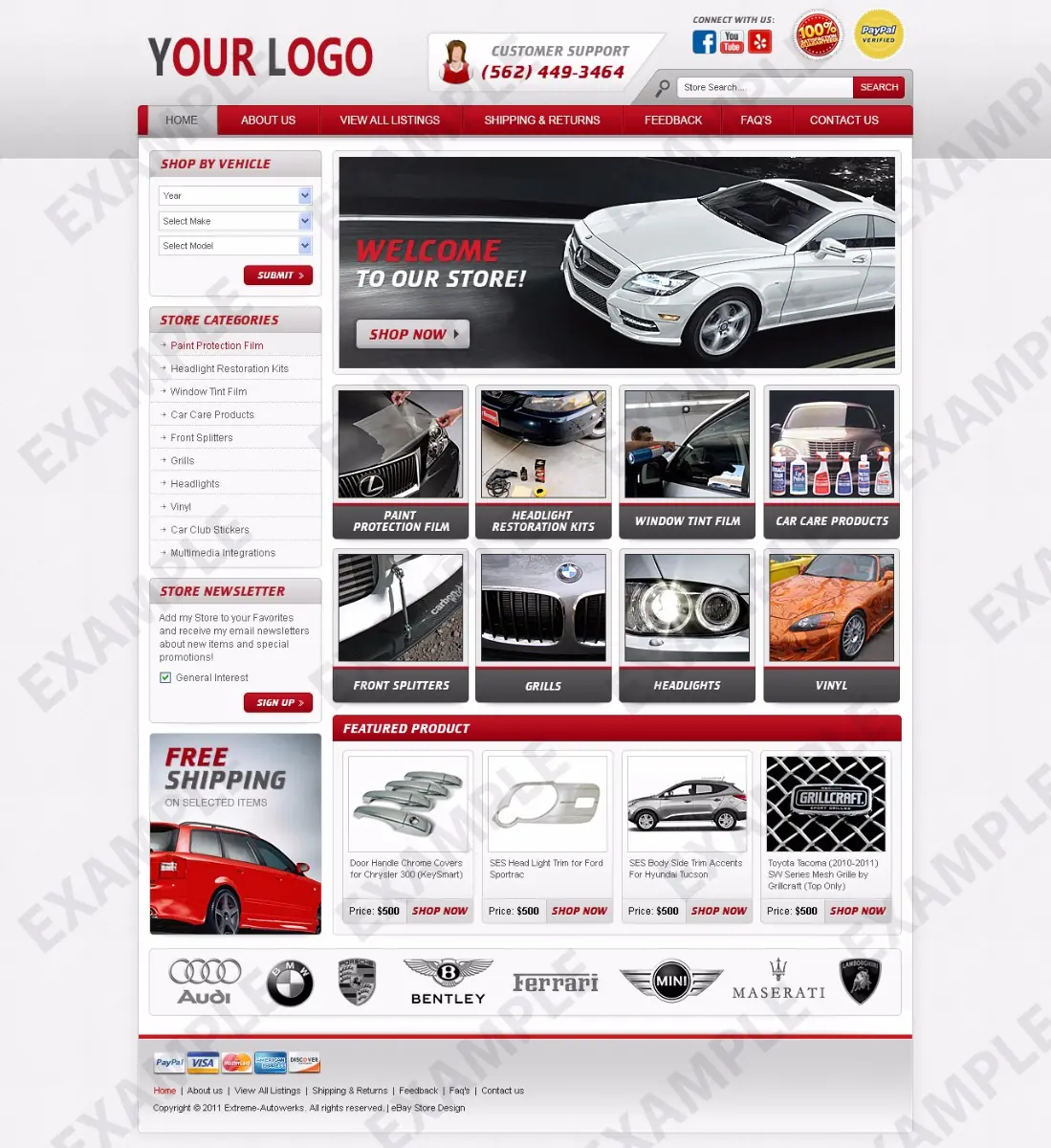
Pick one of our 271 premade eBay listing templates and store designs, sorted by industry. For $399 one time we add your logo, colors and store details, put it on your existing listings without relisting, and test it on phones and in the eBay app. Most are live within a few business days.
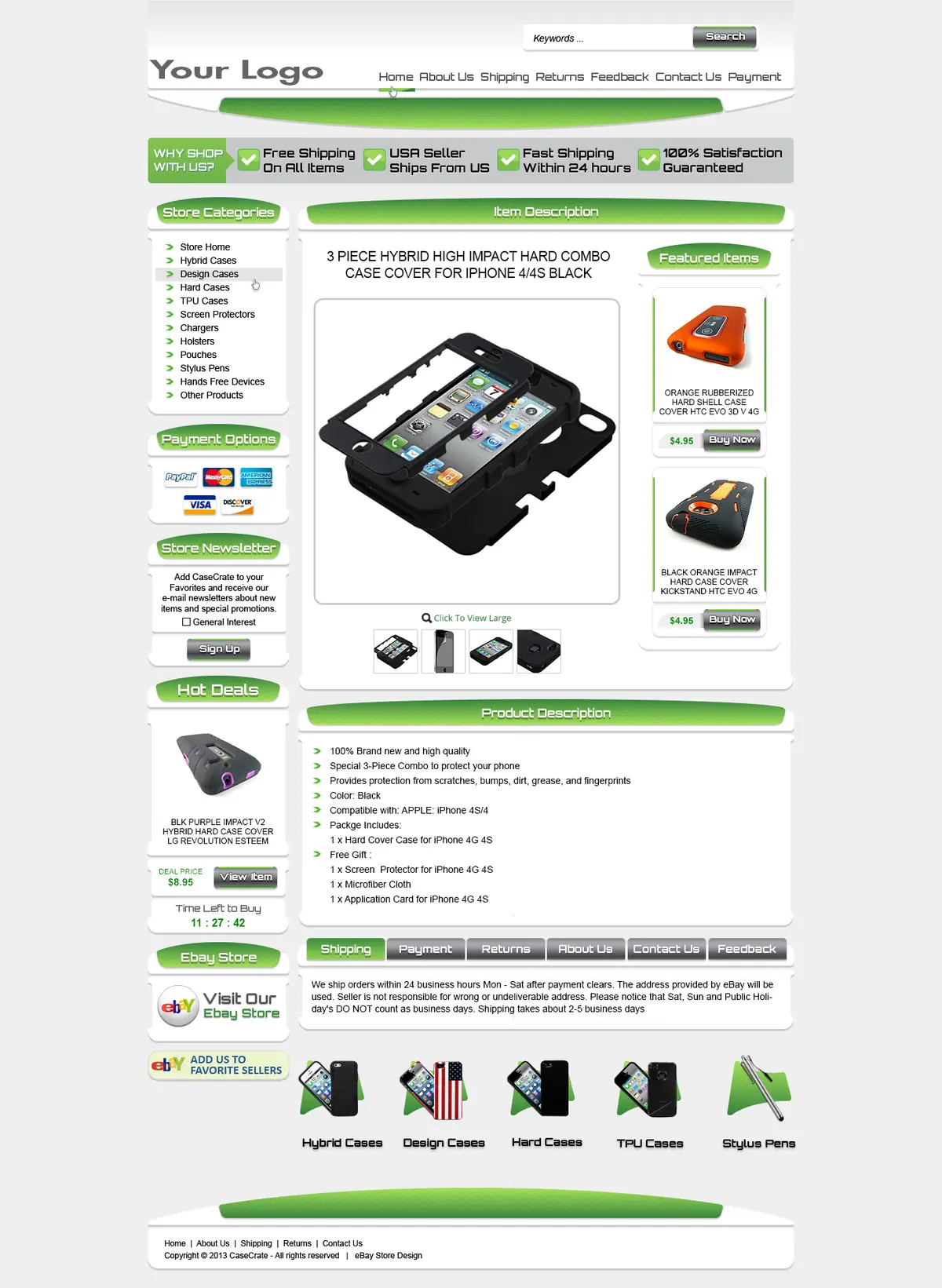
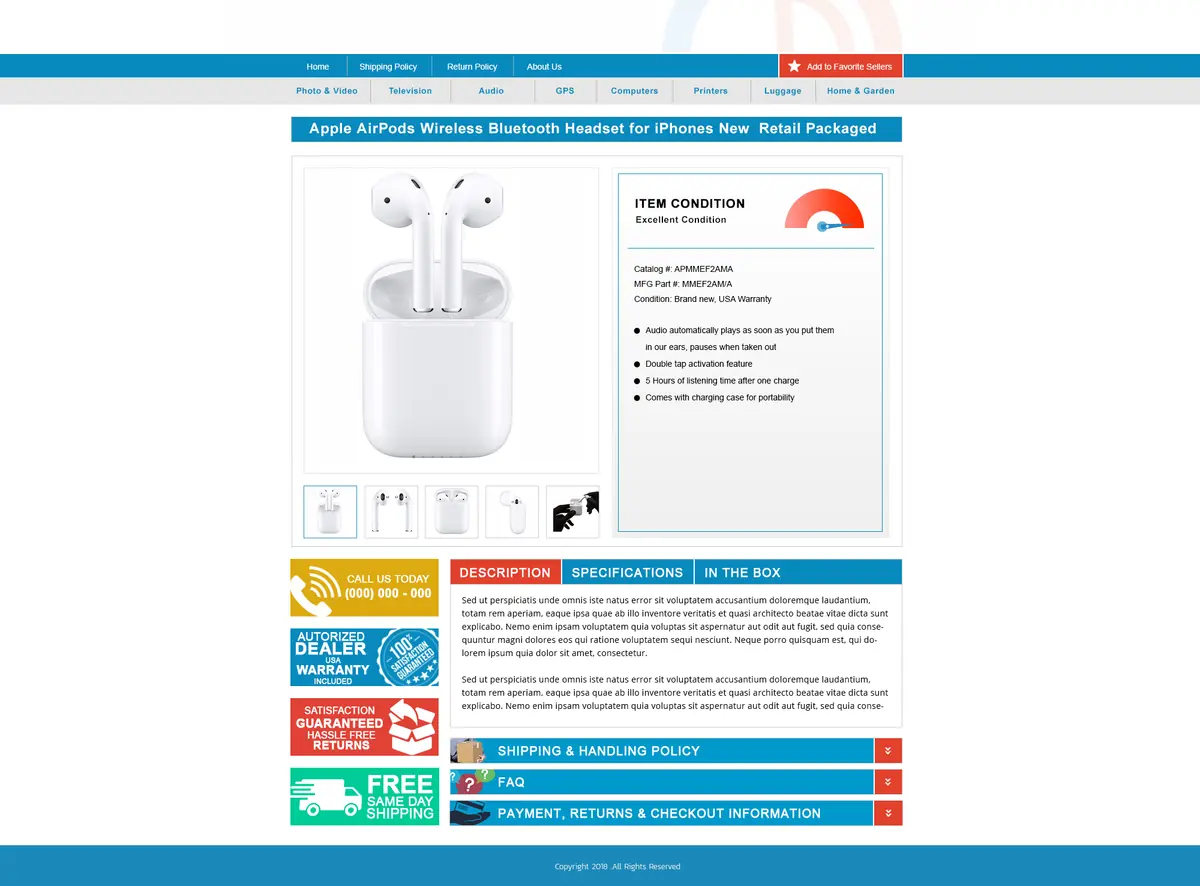
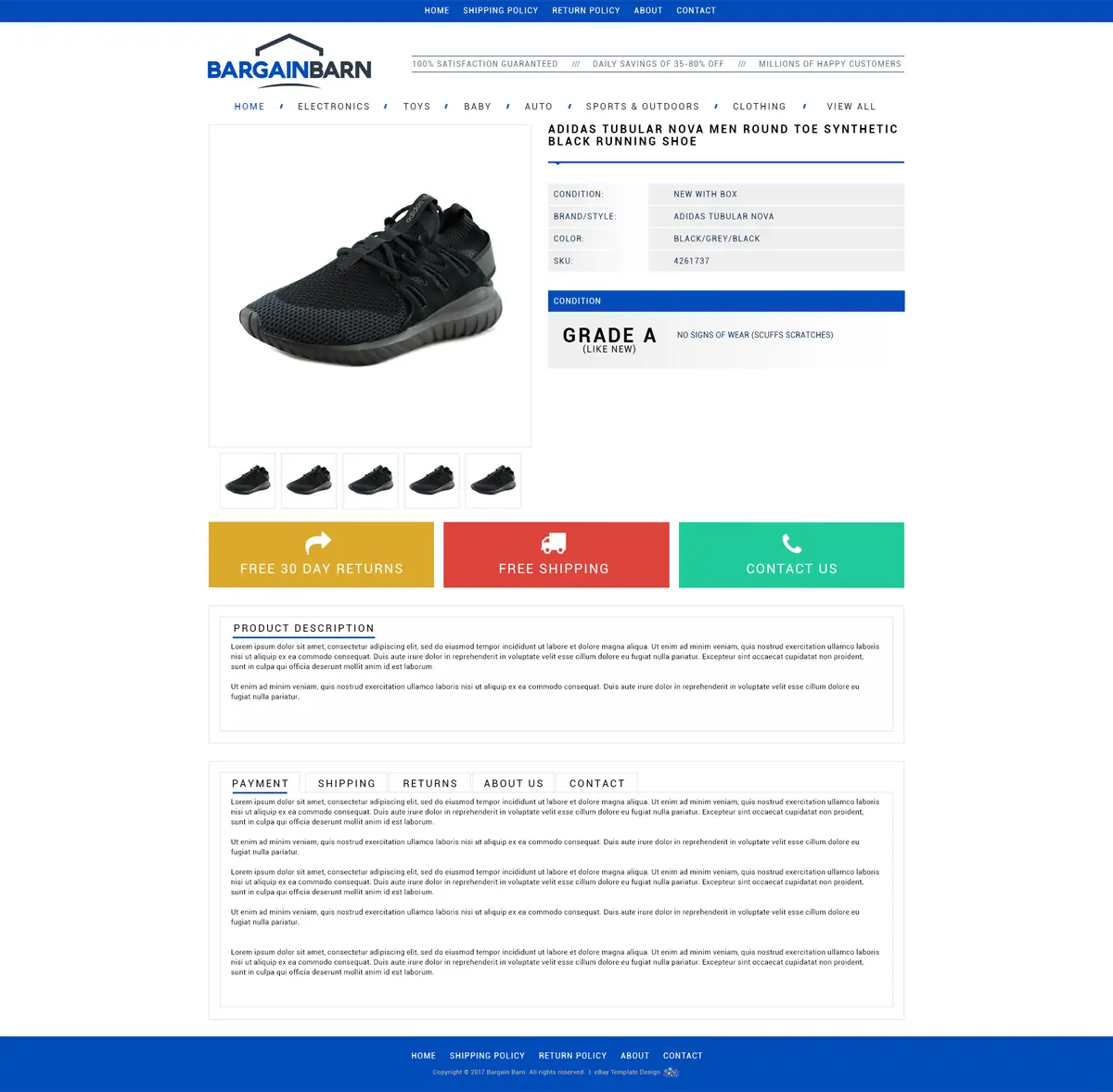
- 1Pick a design Filter by industry and choose the one that fits your products.
- 2We brand it Your logo, colors, categories, policies and contact details.
- 3Live in days Installed on your existing listings without relisting, tested on every screen.
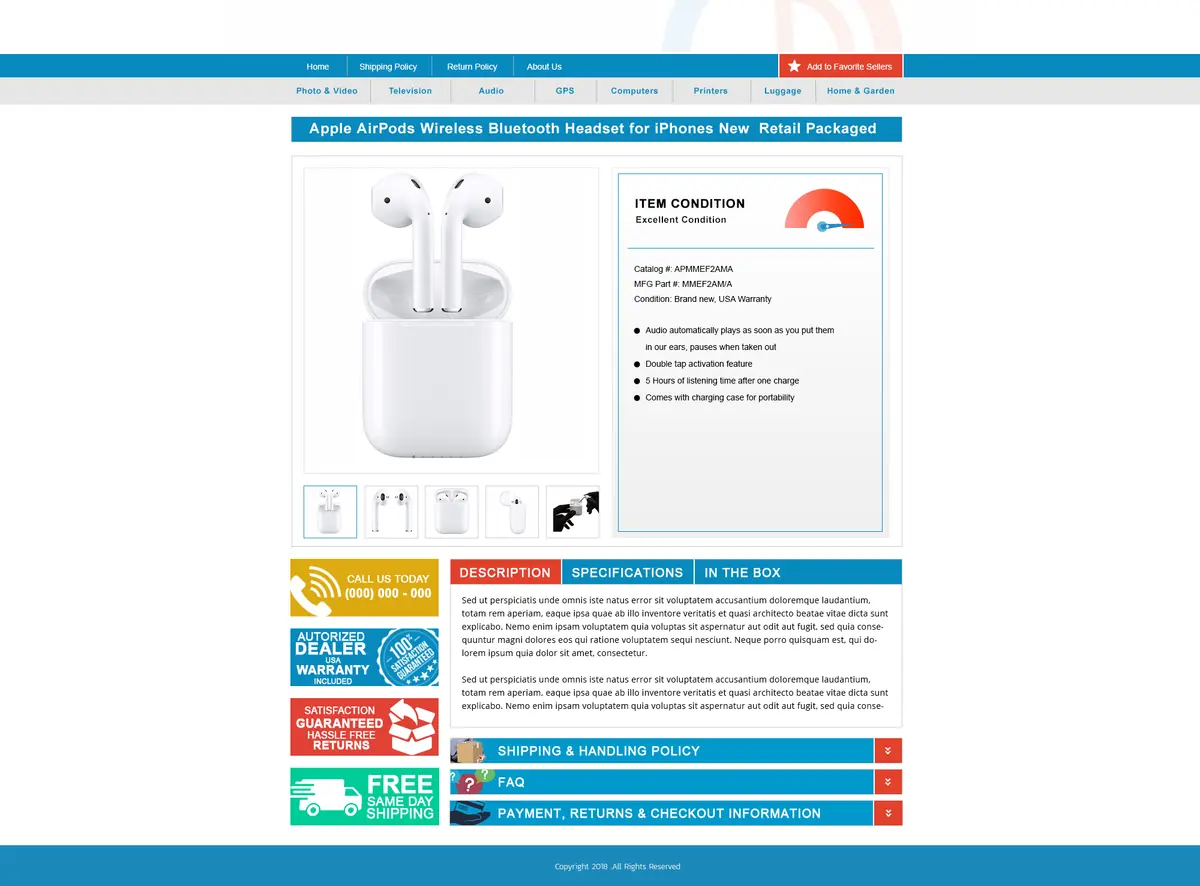
All 271 premade eBay listing templates and store designs
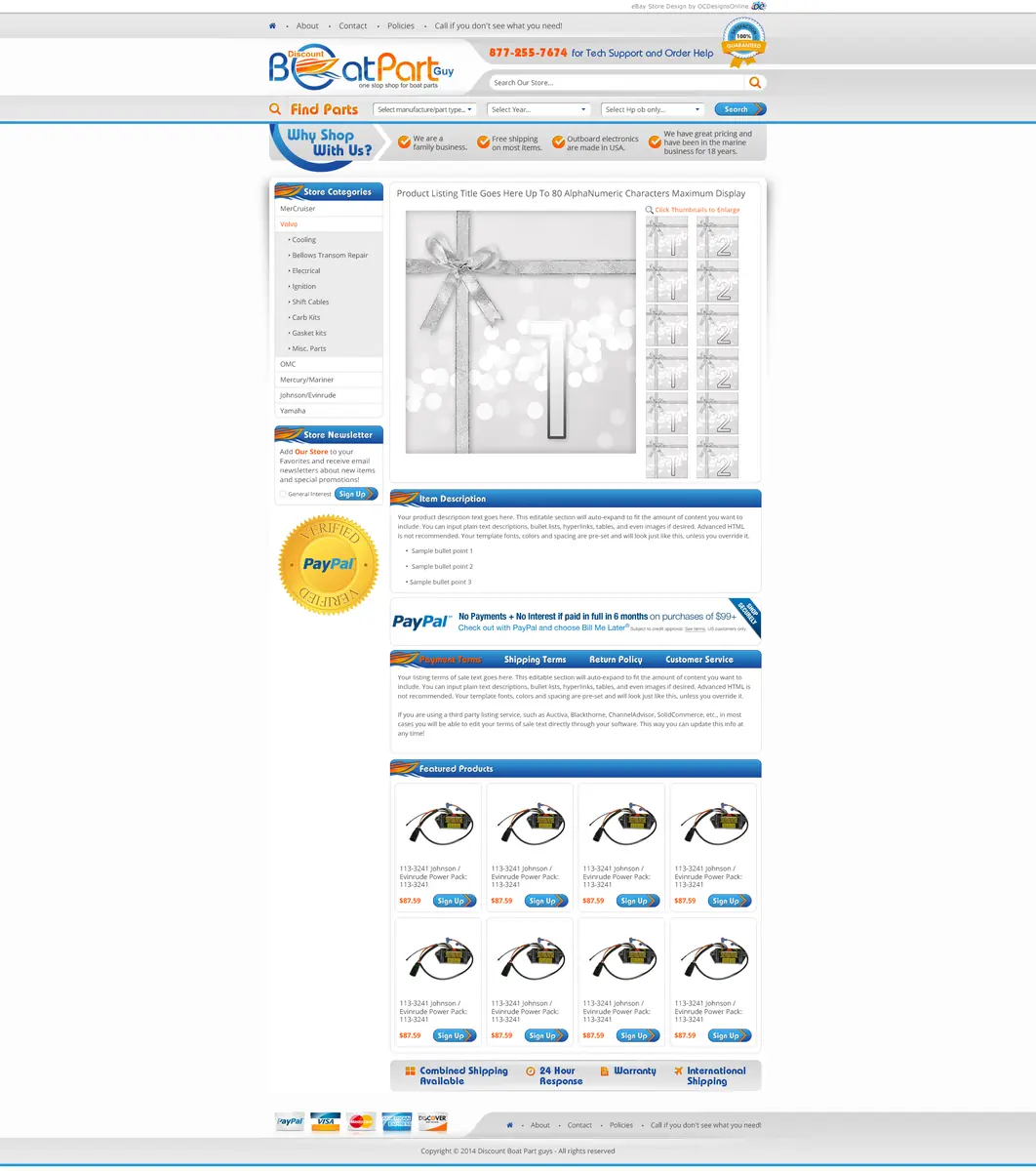
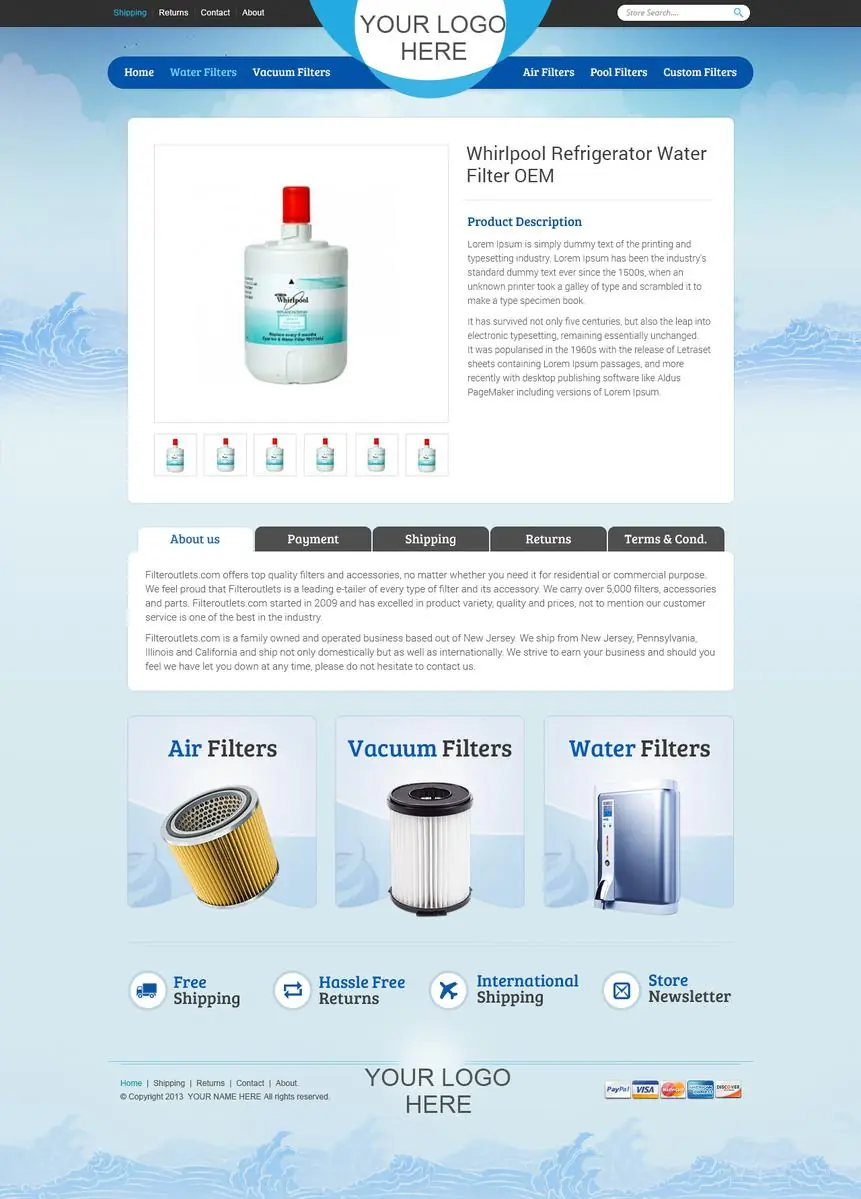
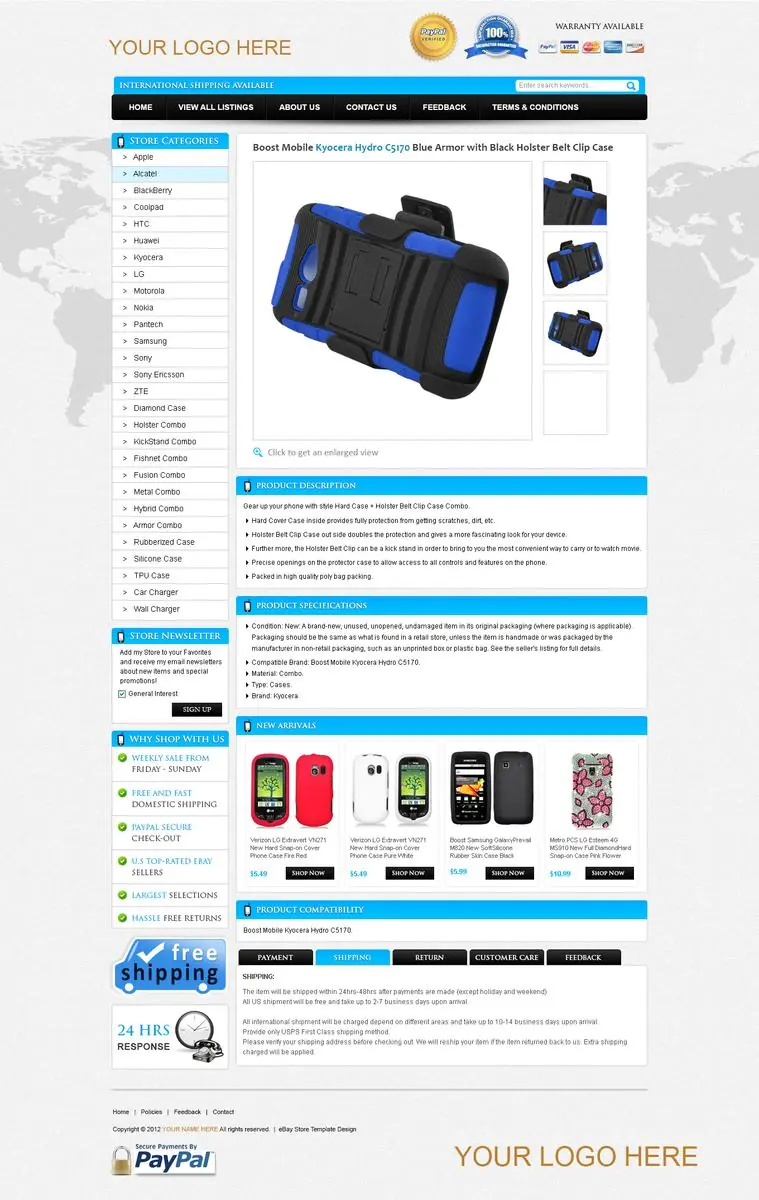
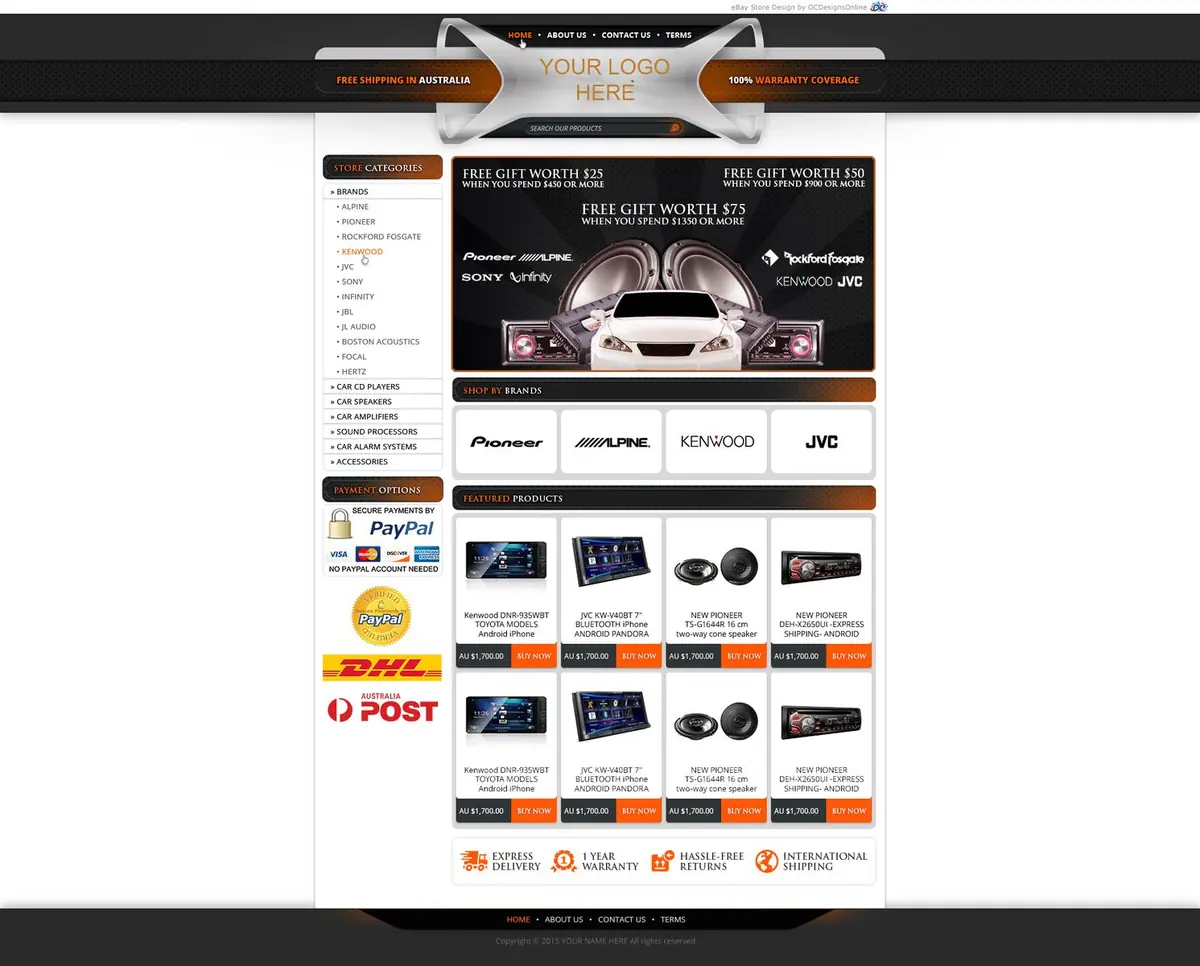
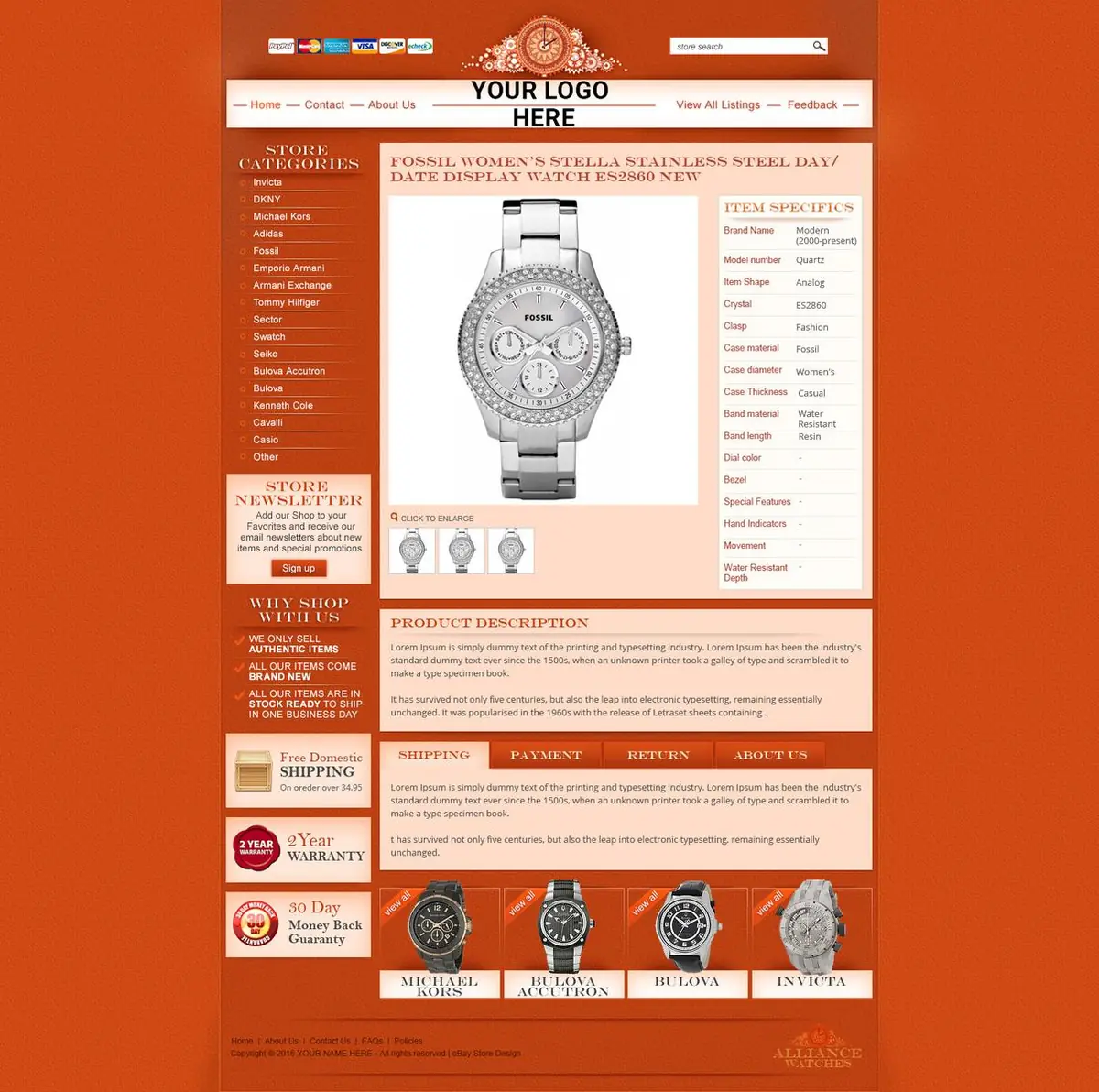
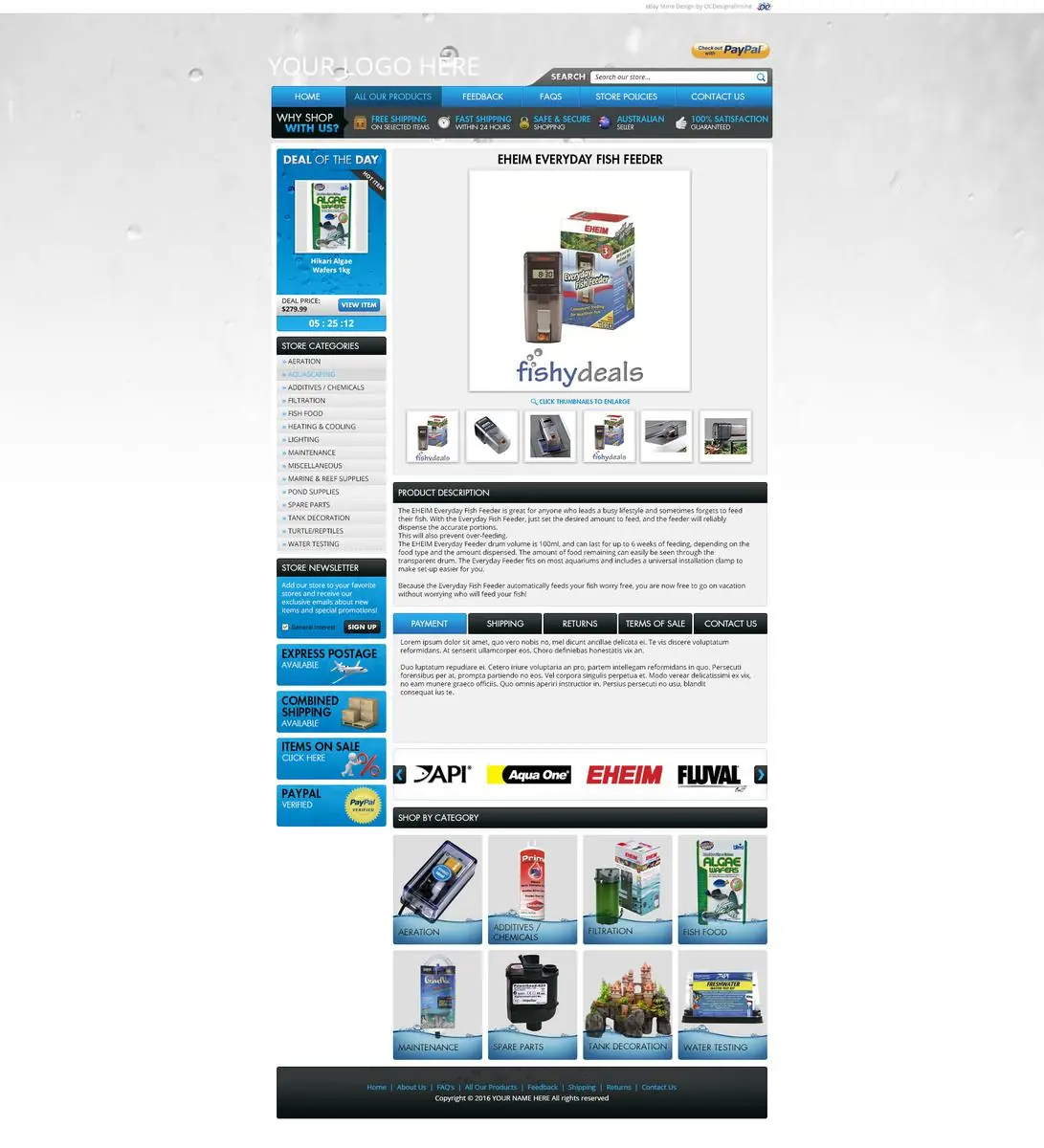
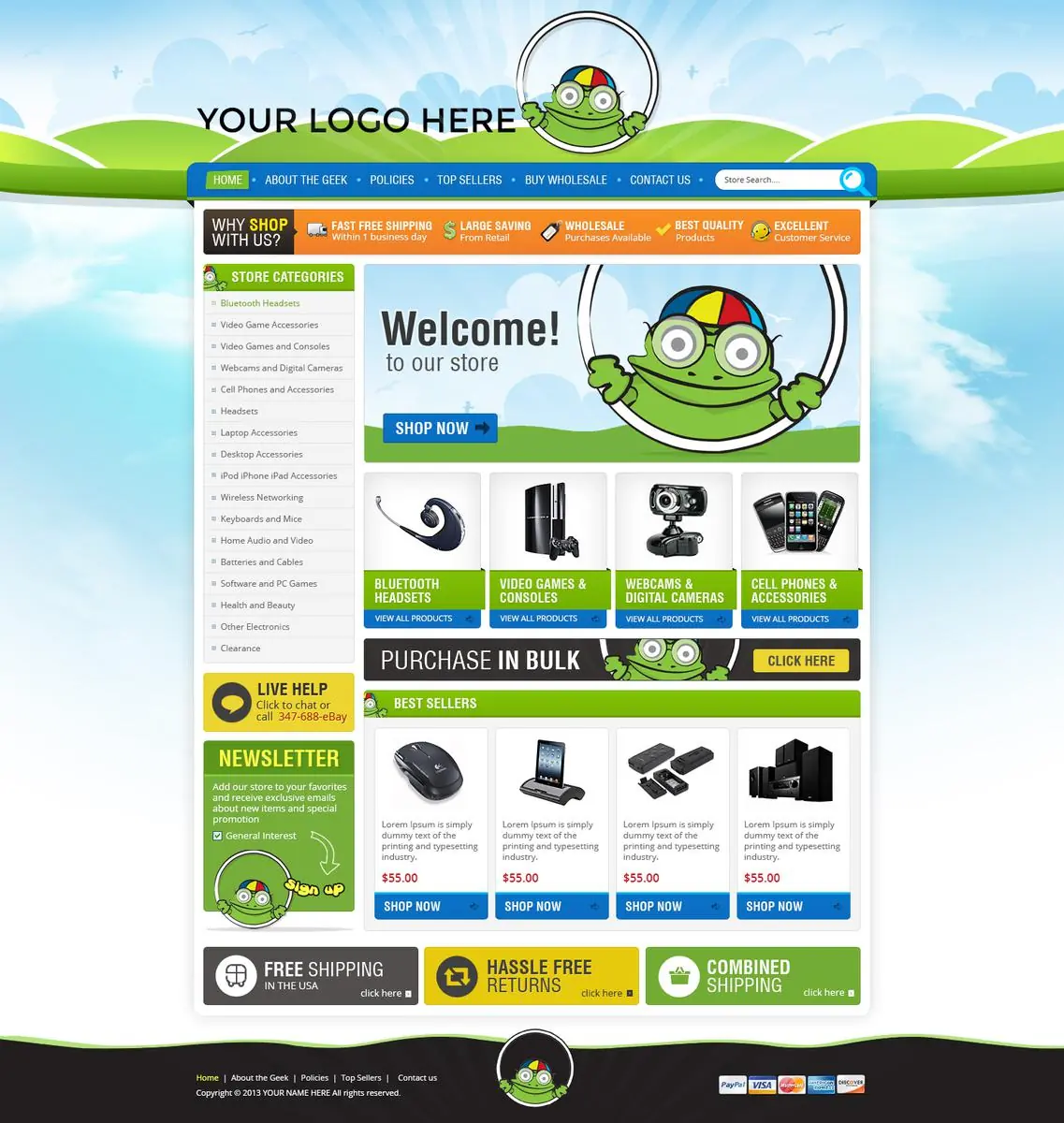
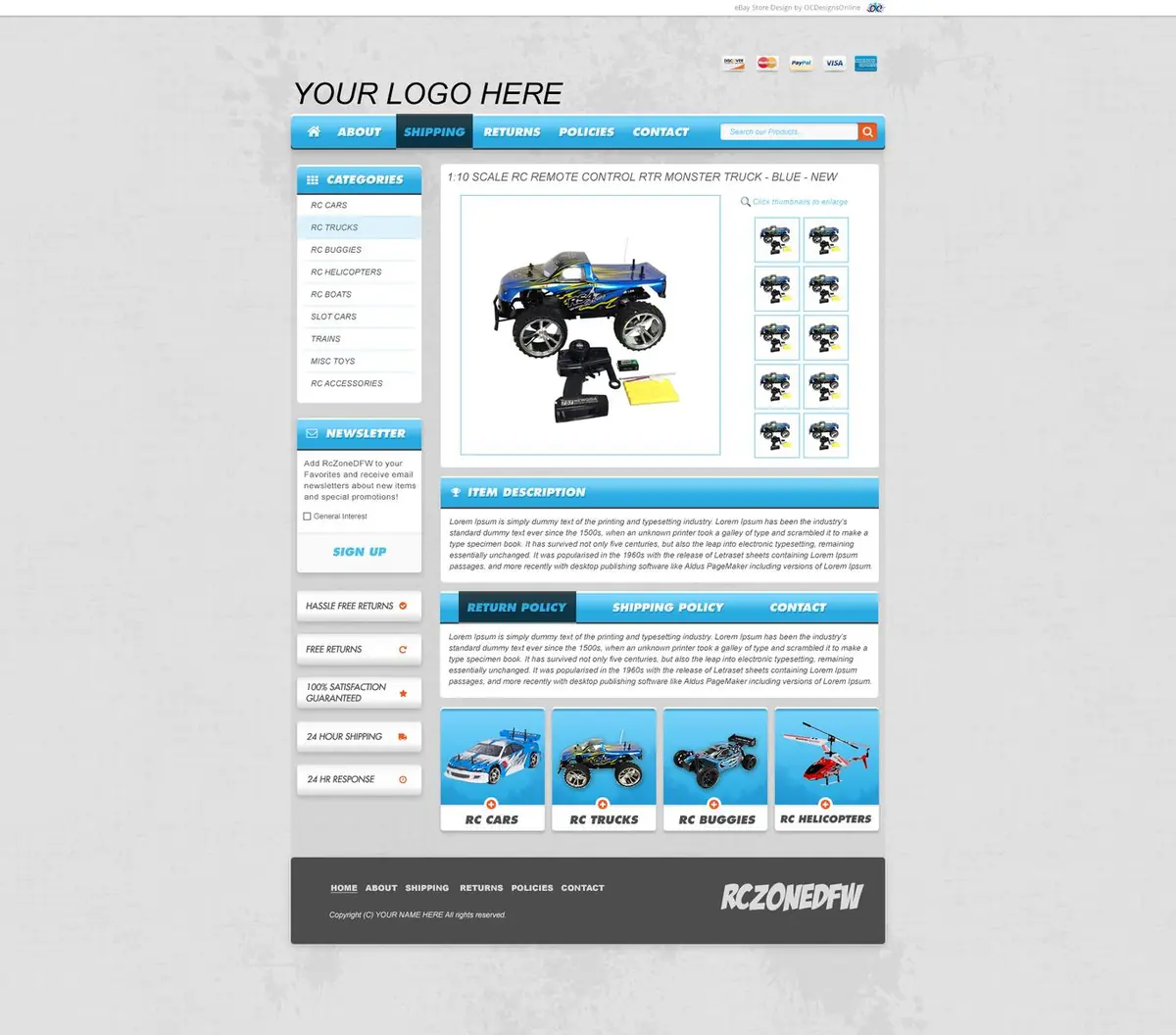
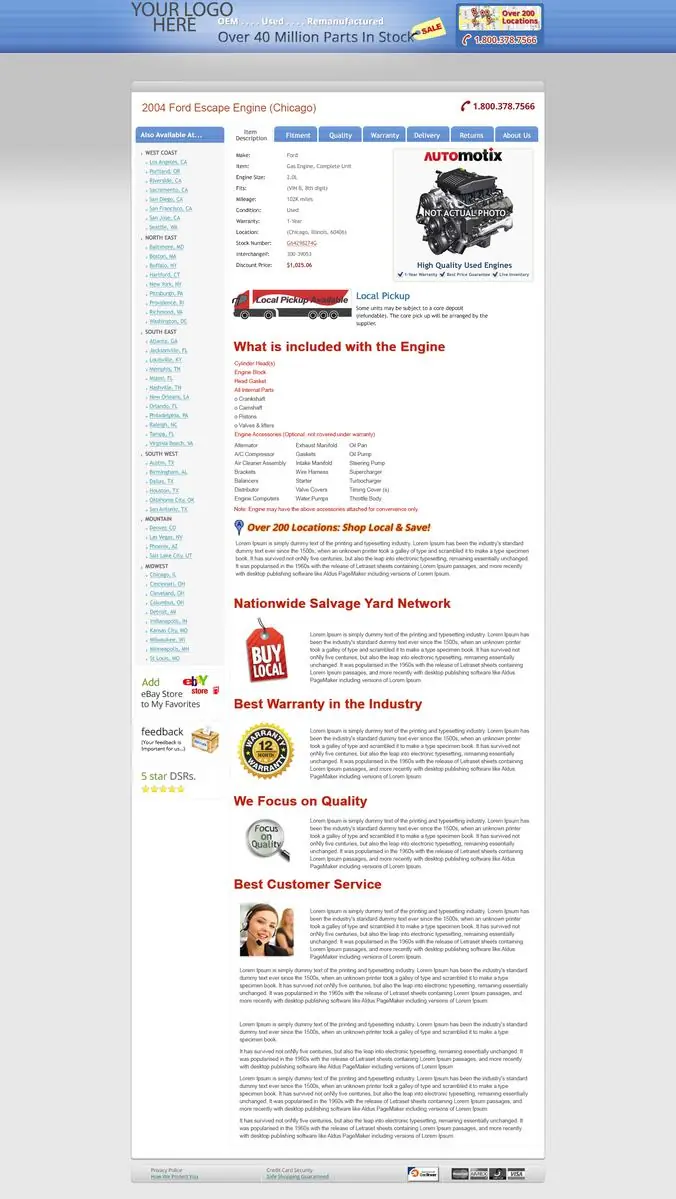
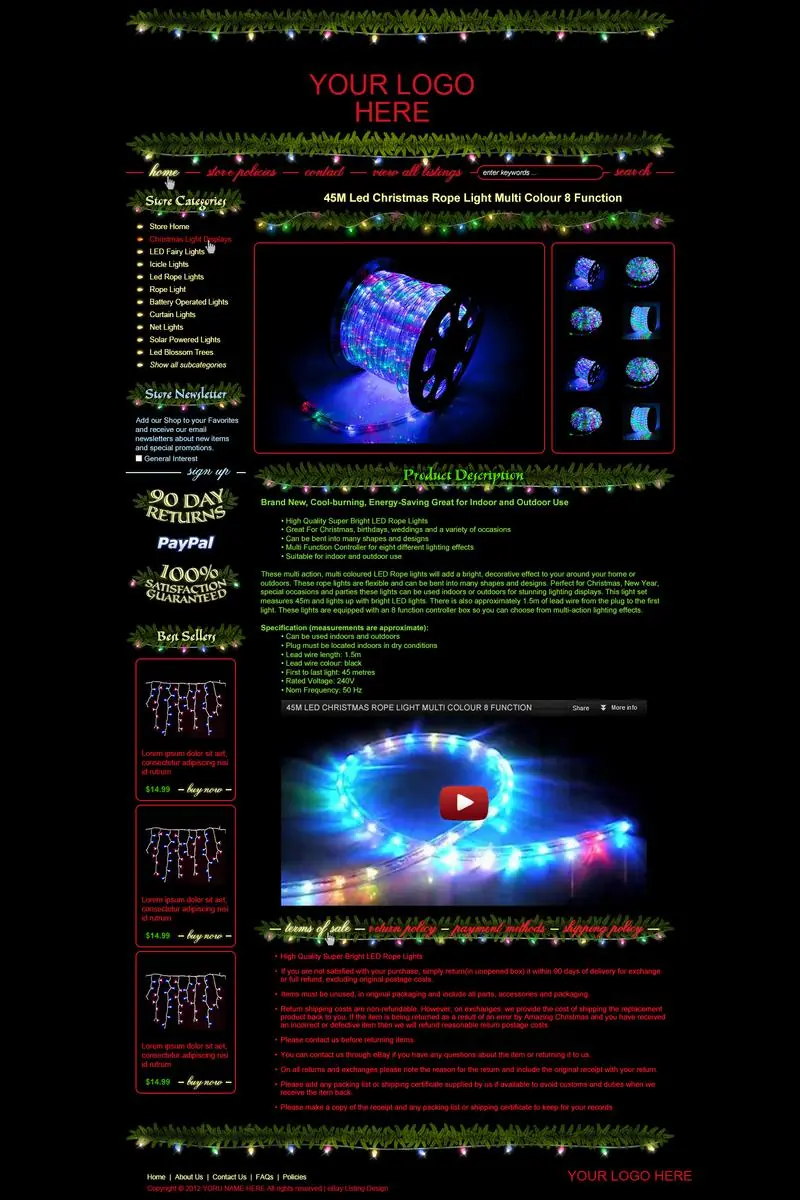
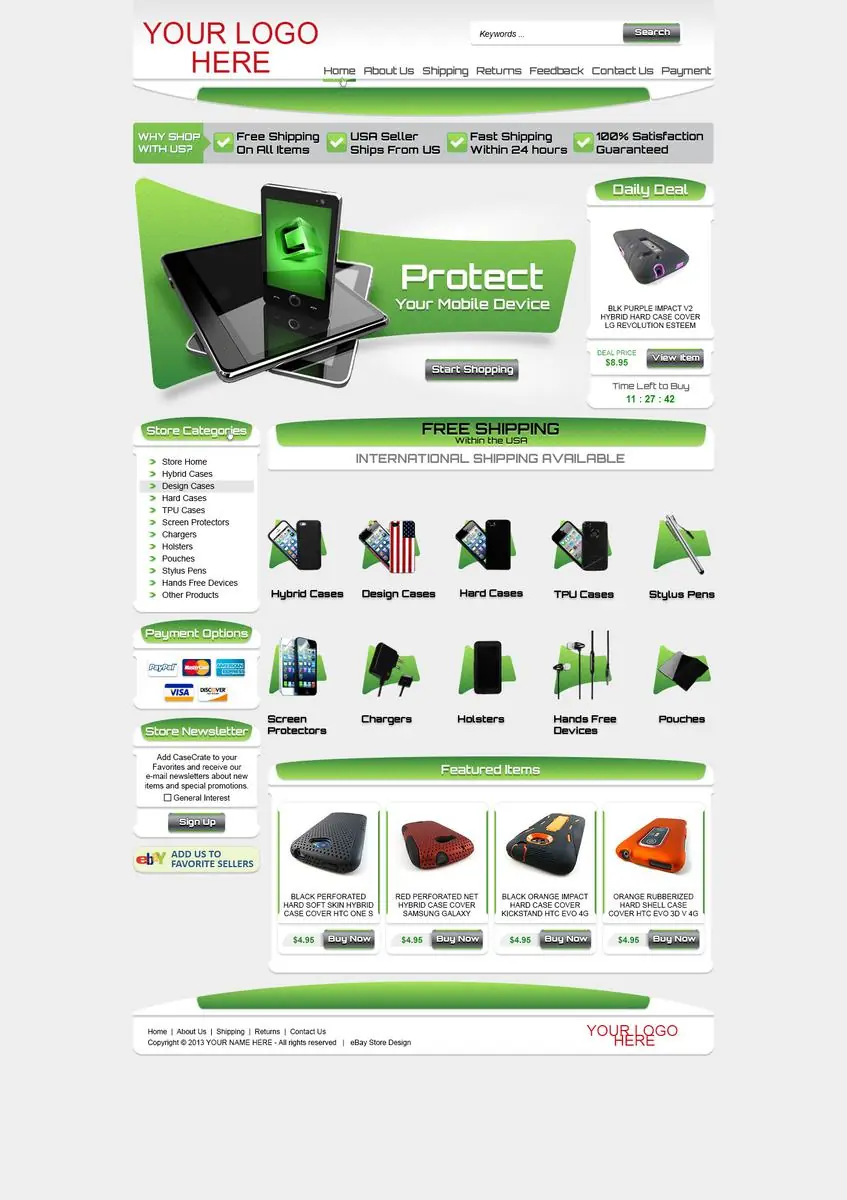
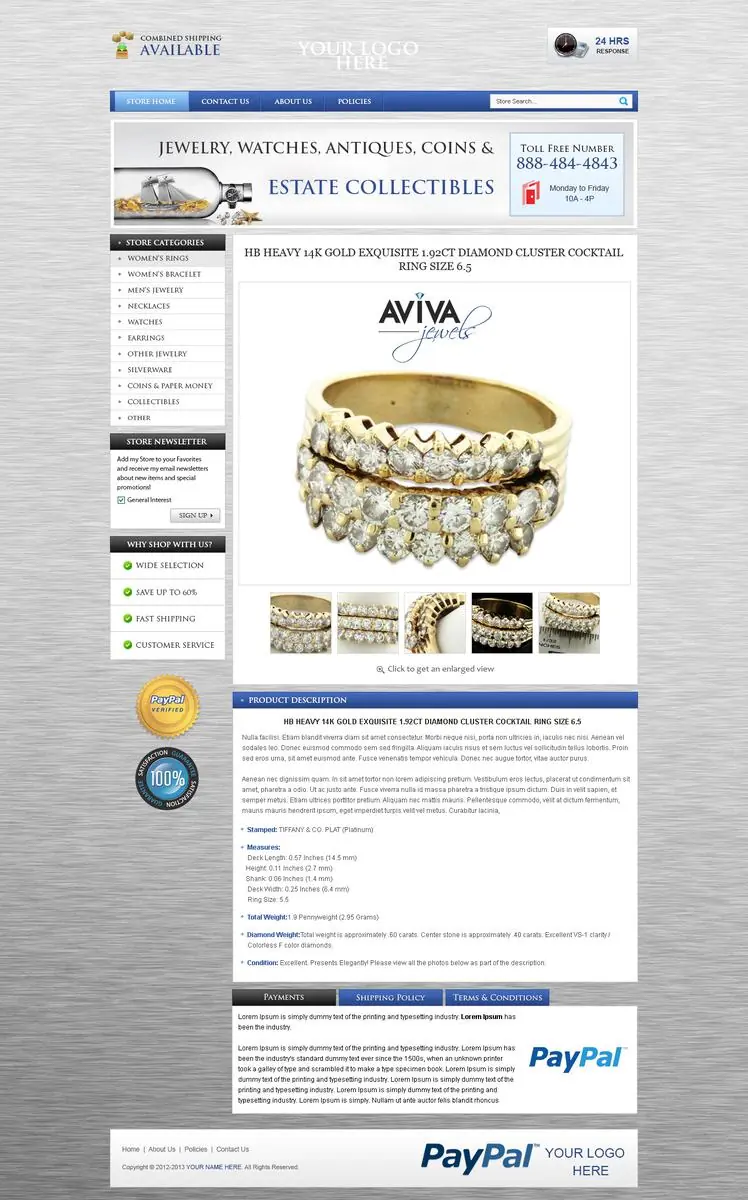
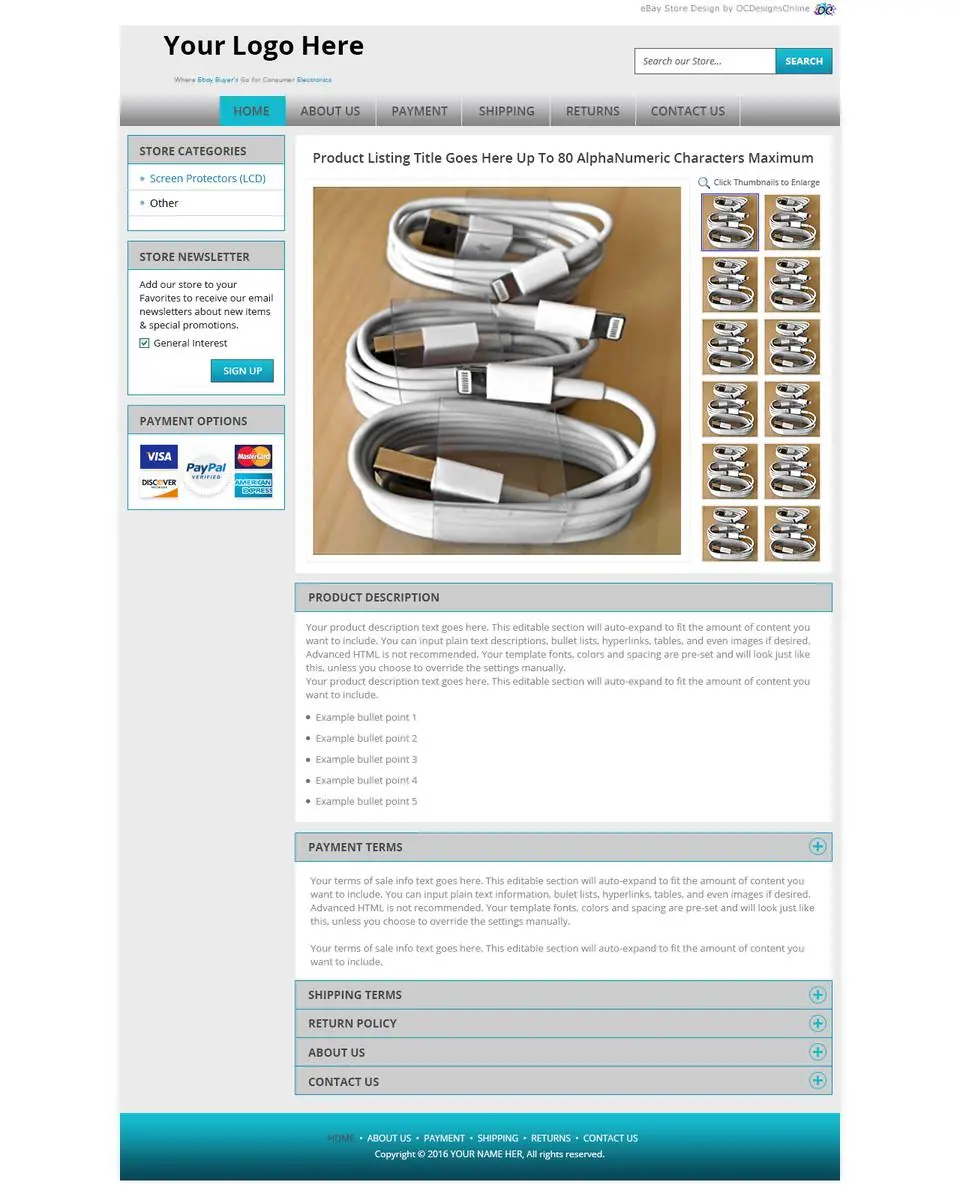
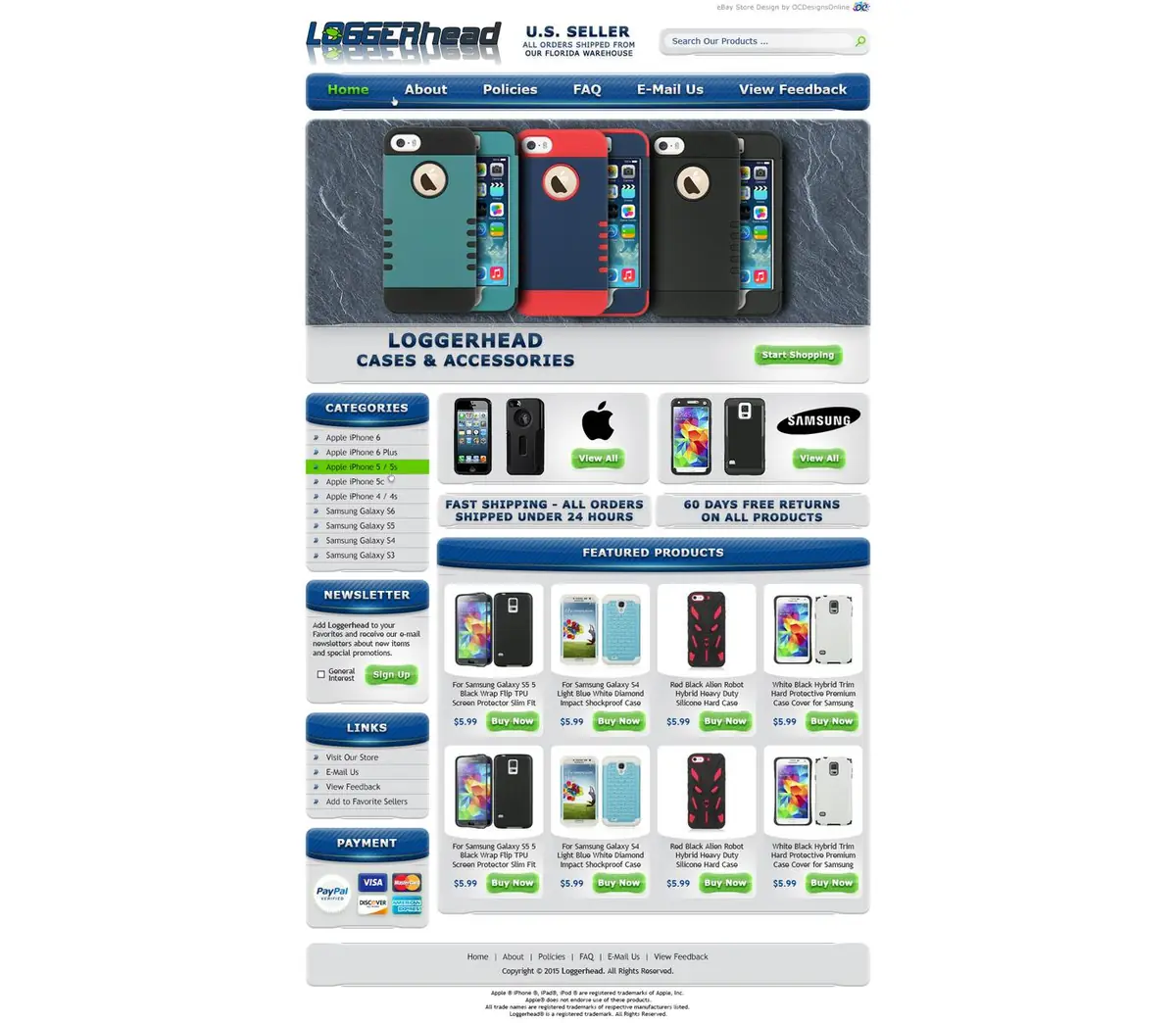
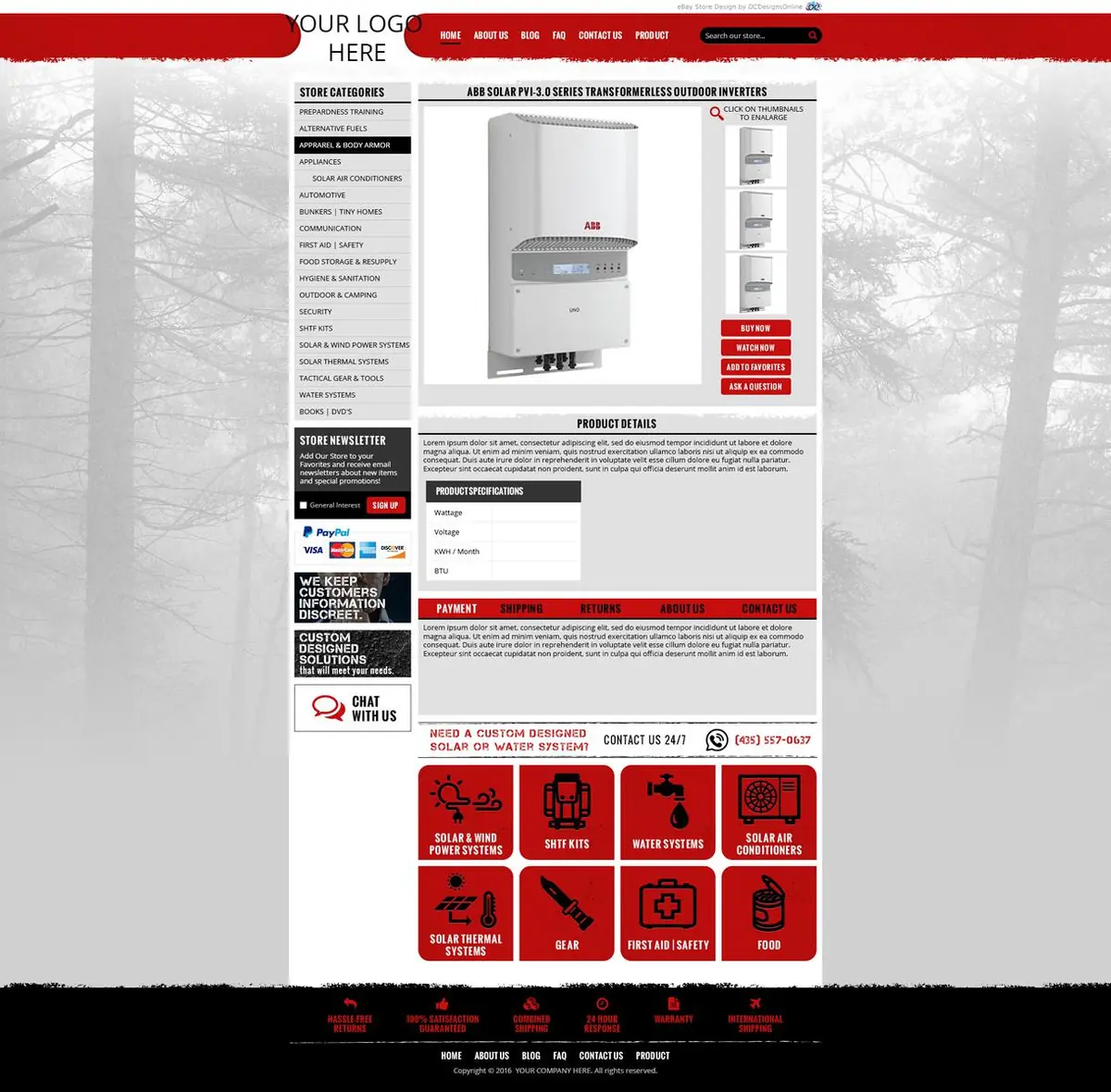
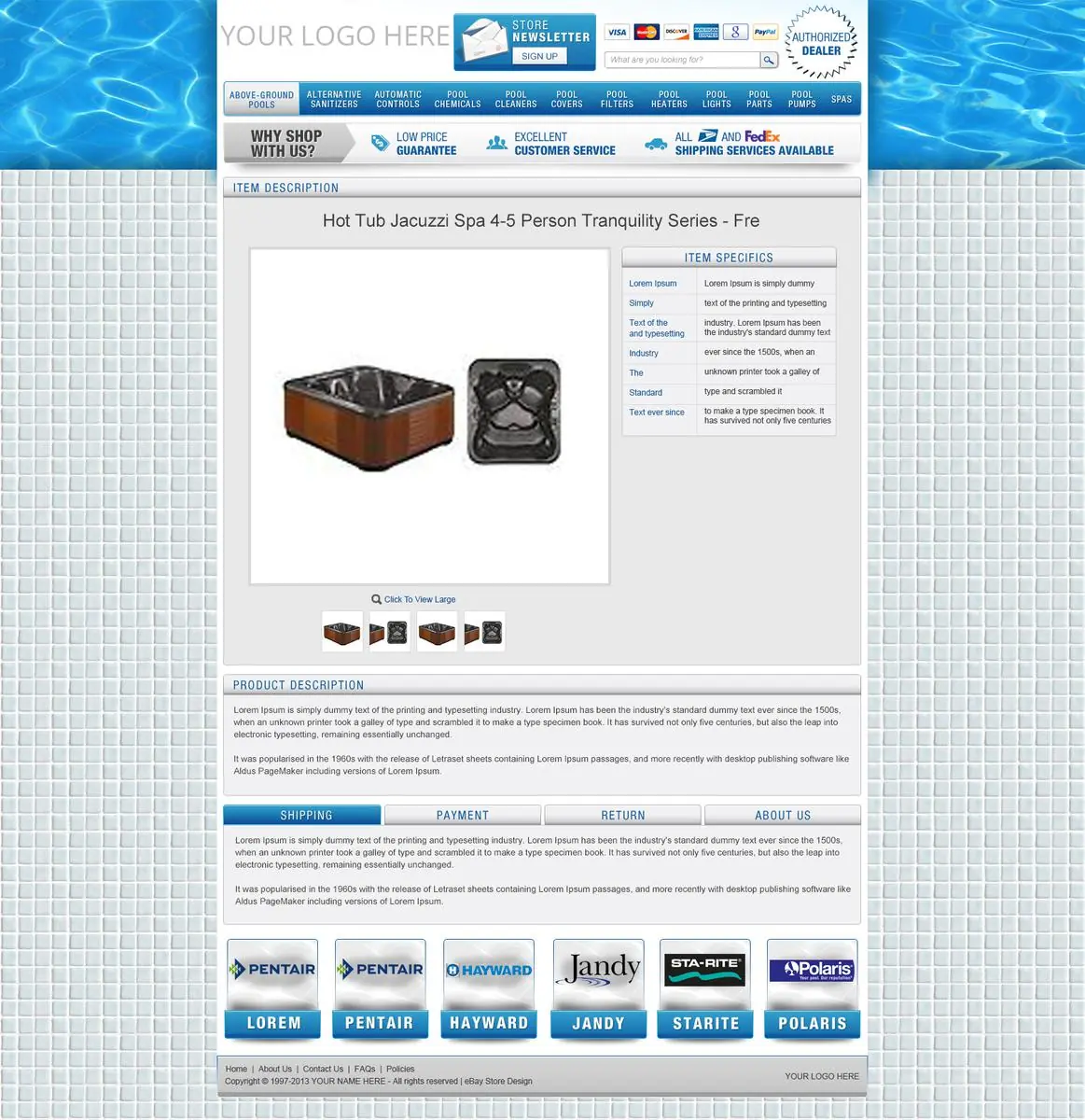
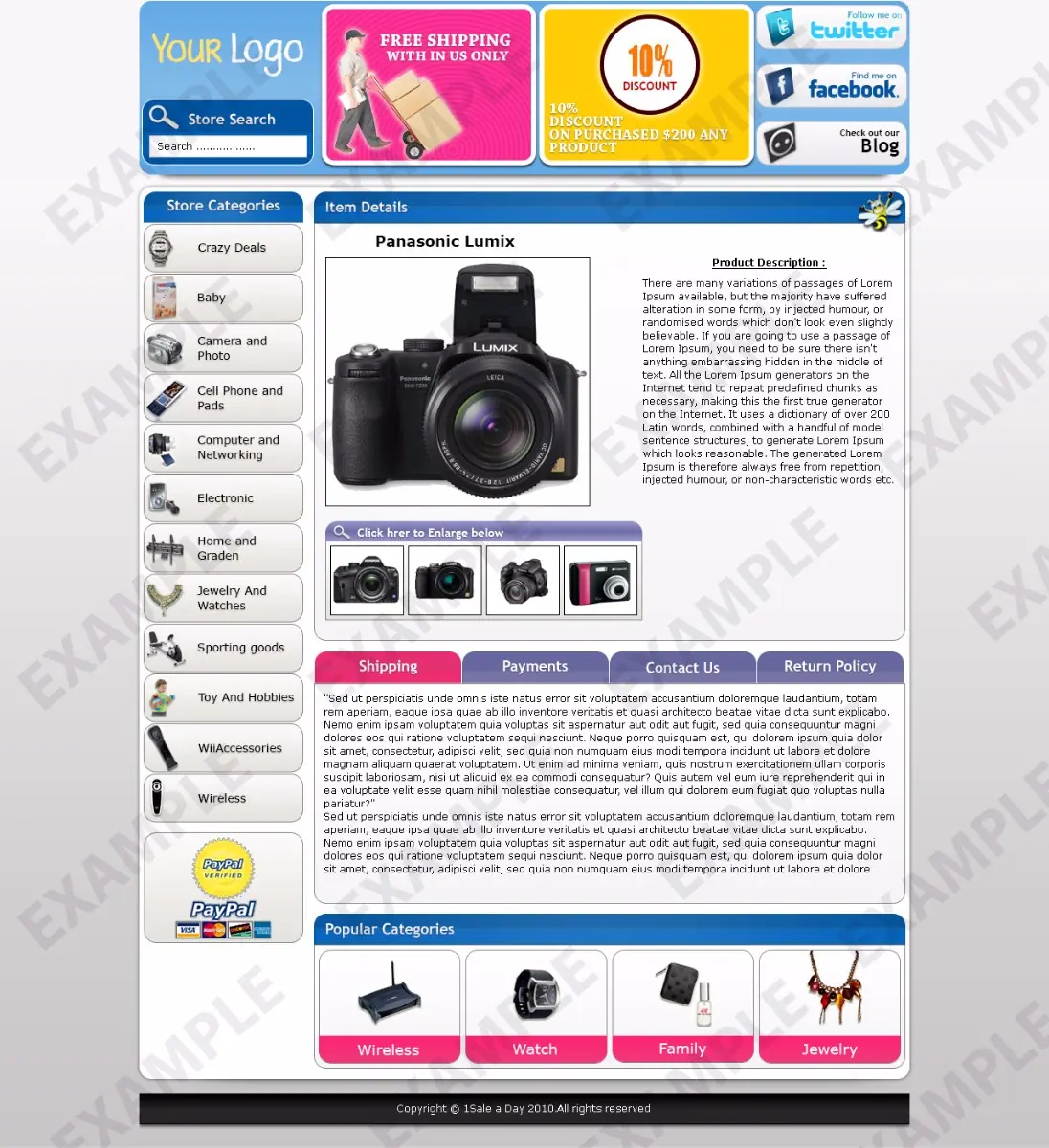
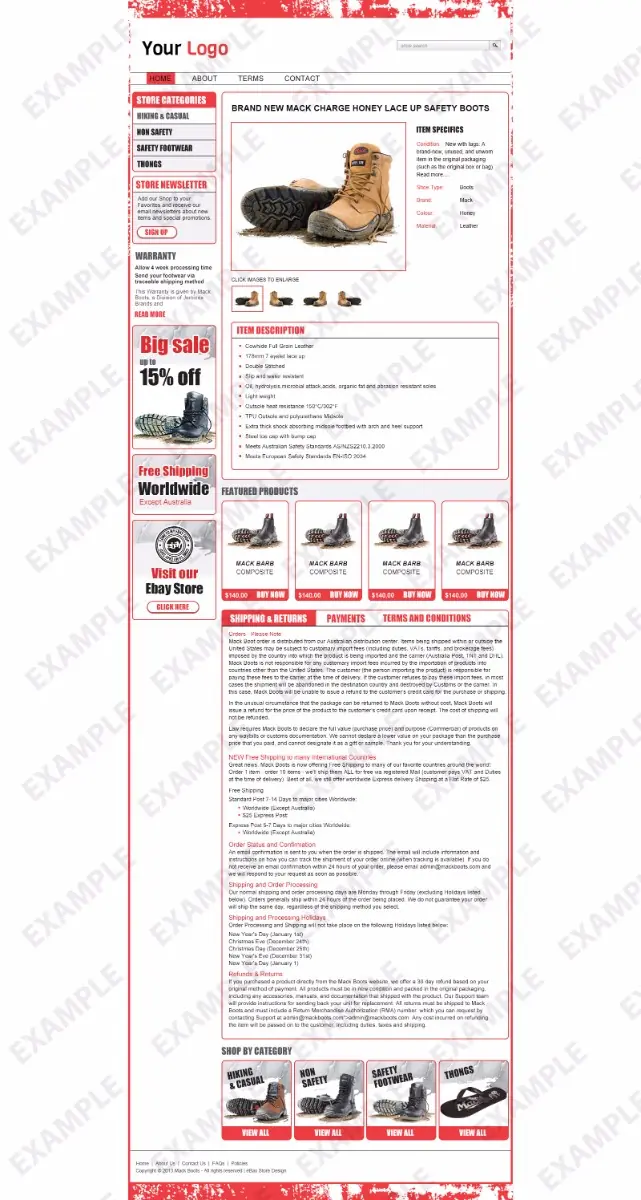
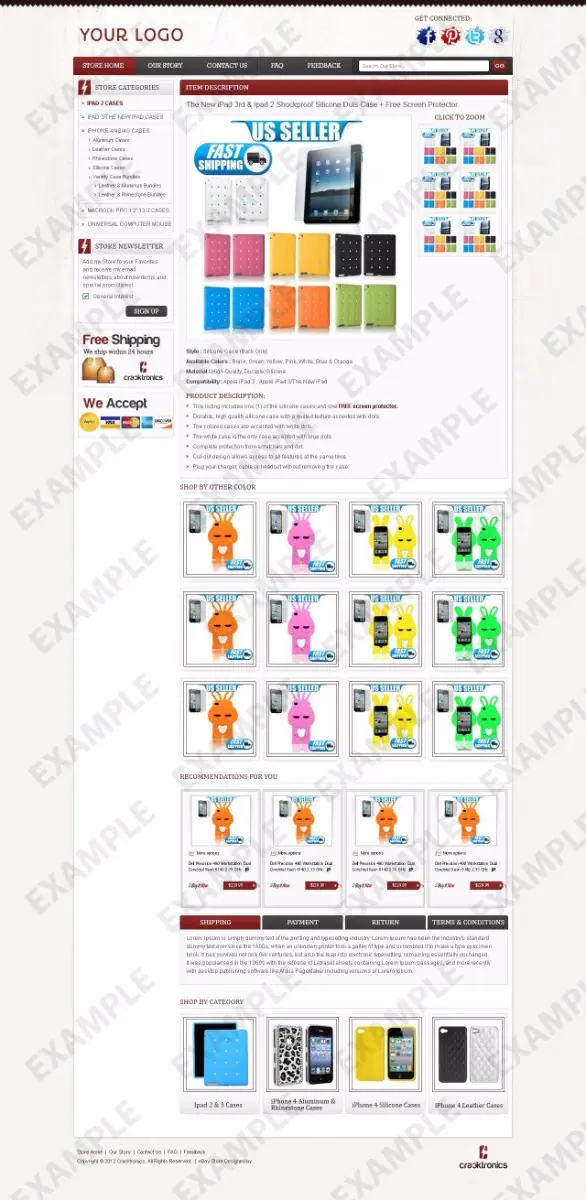
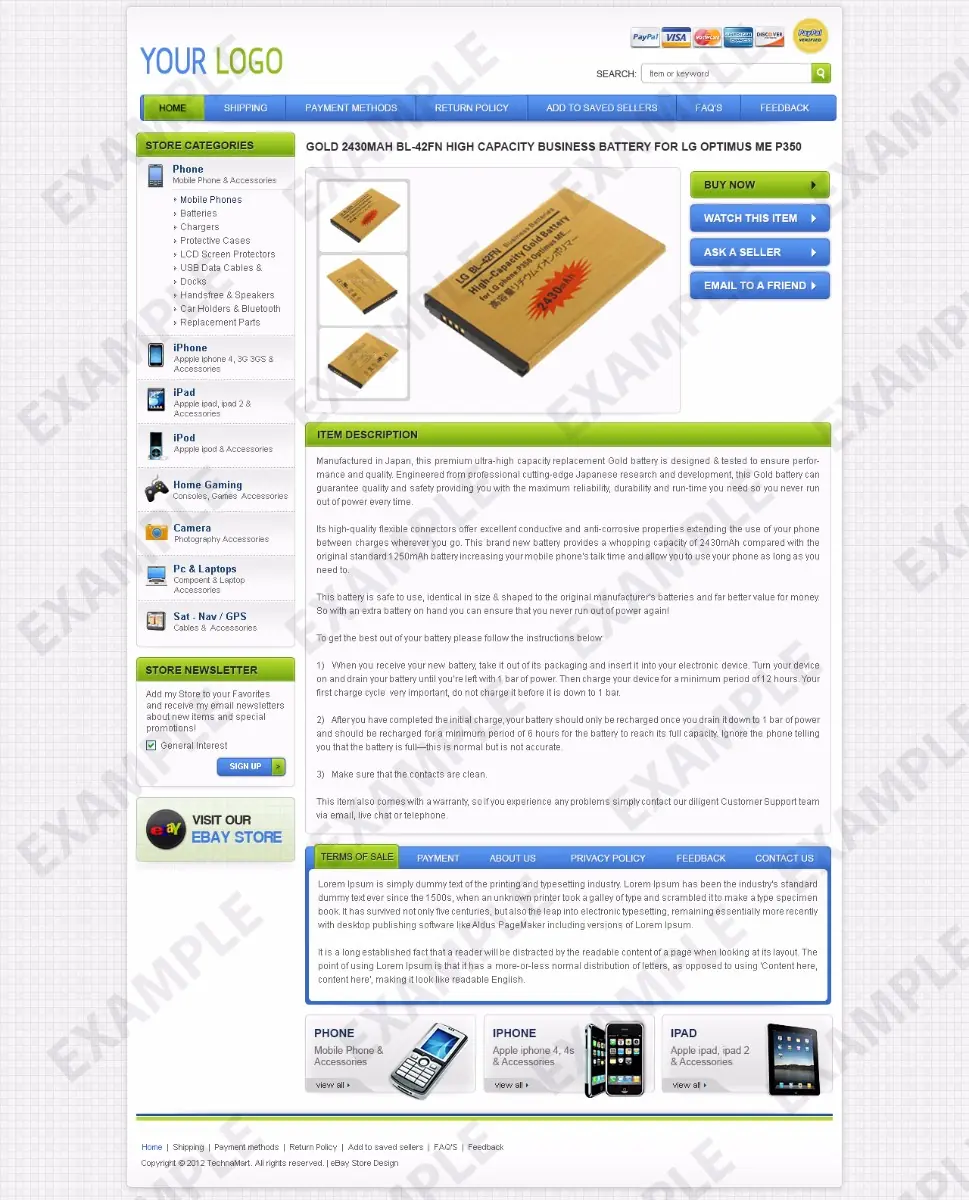
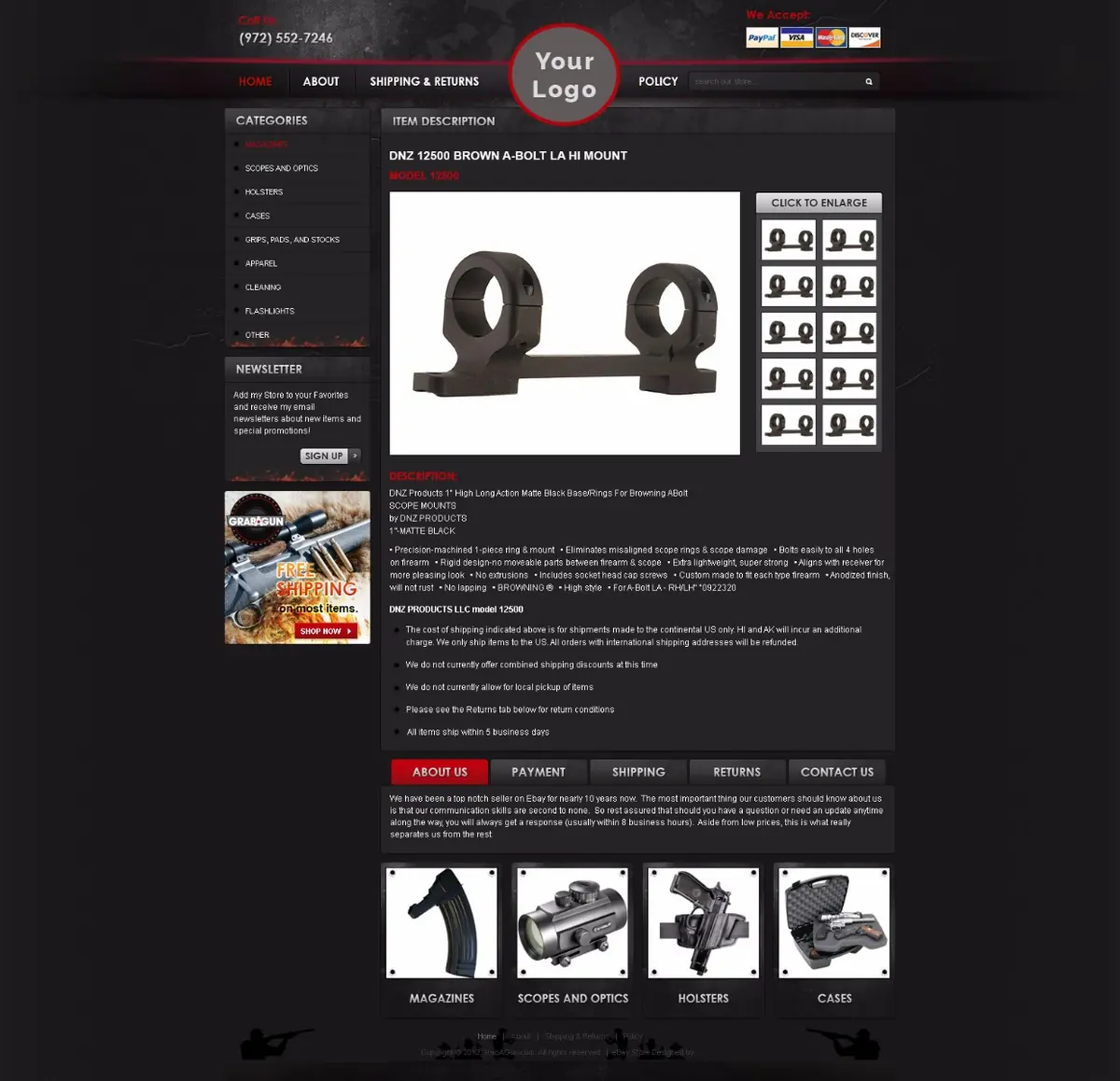
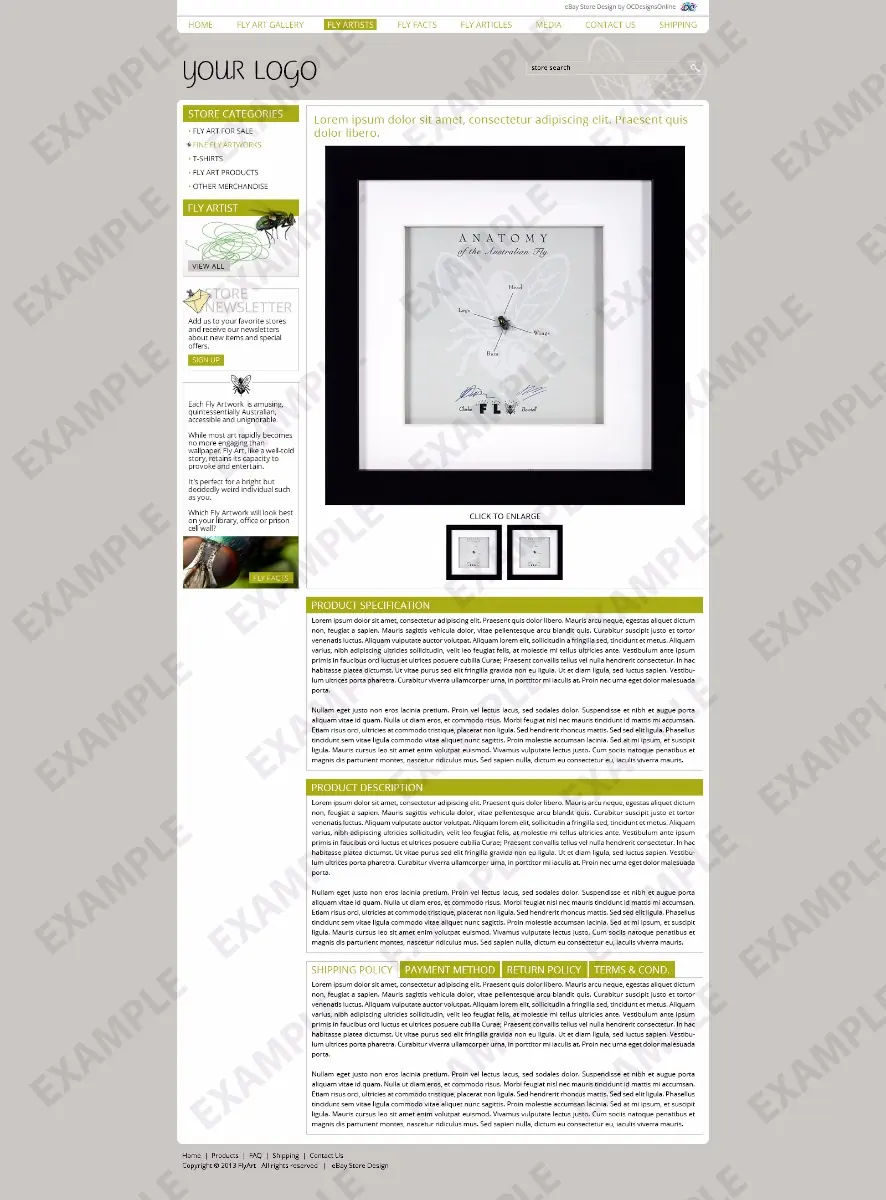
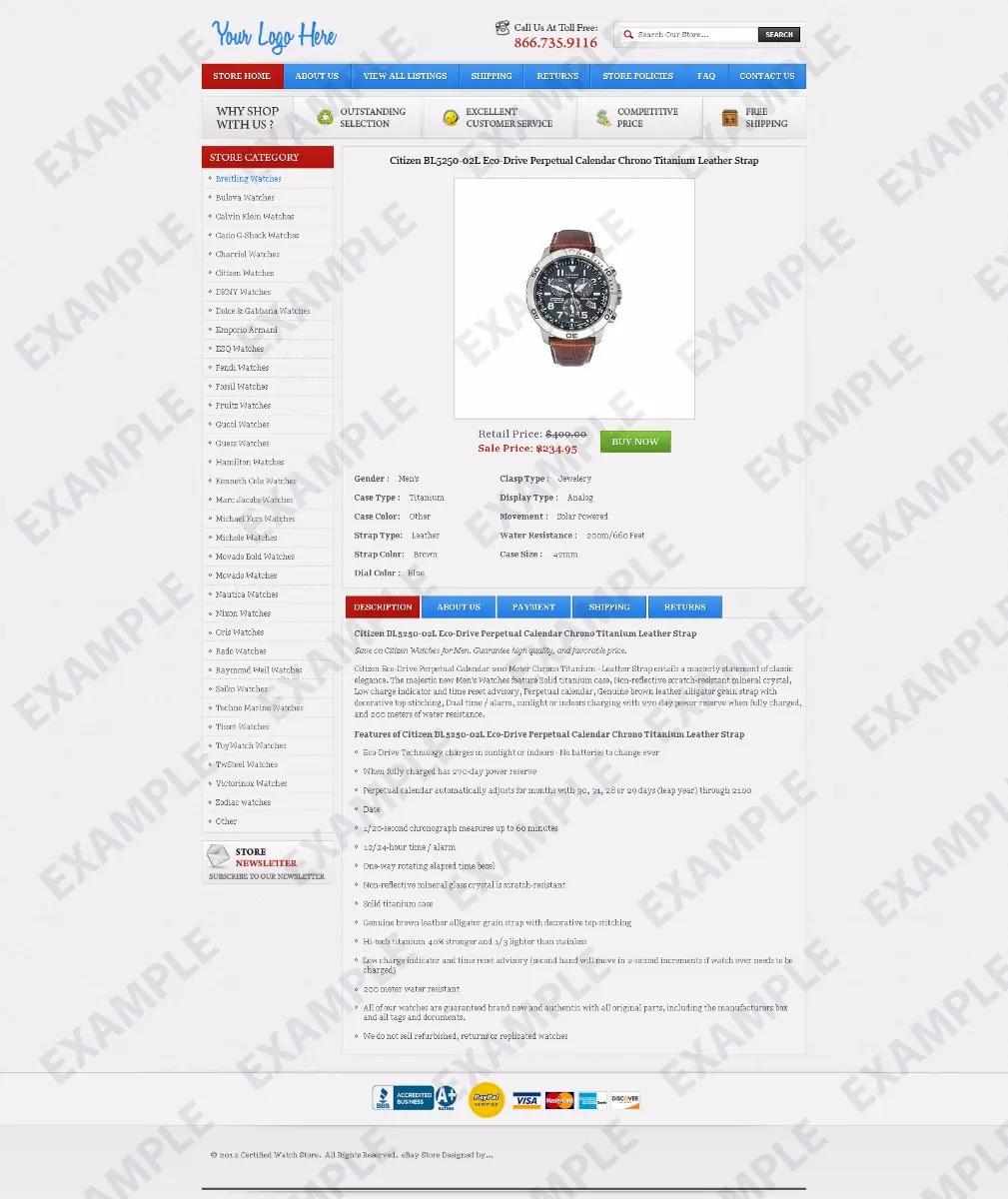
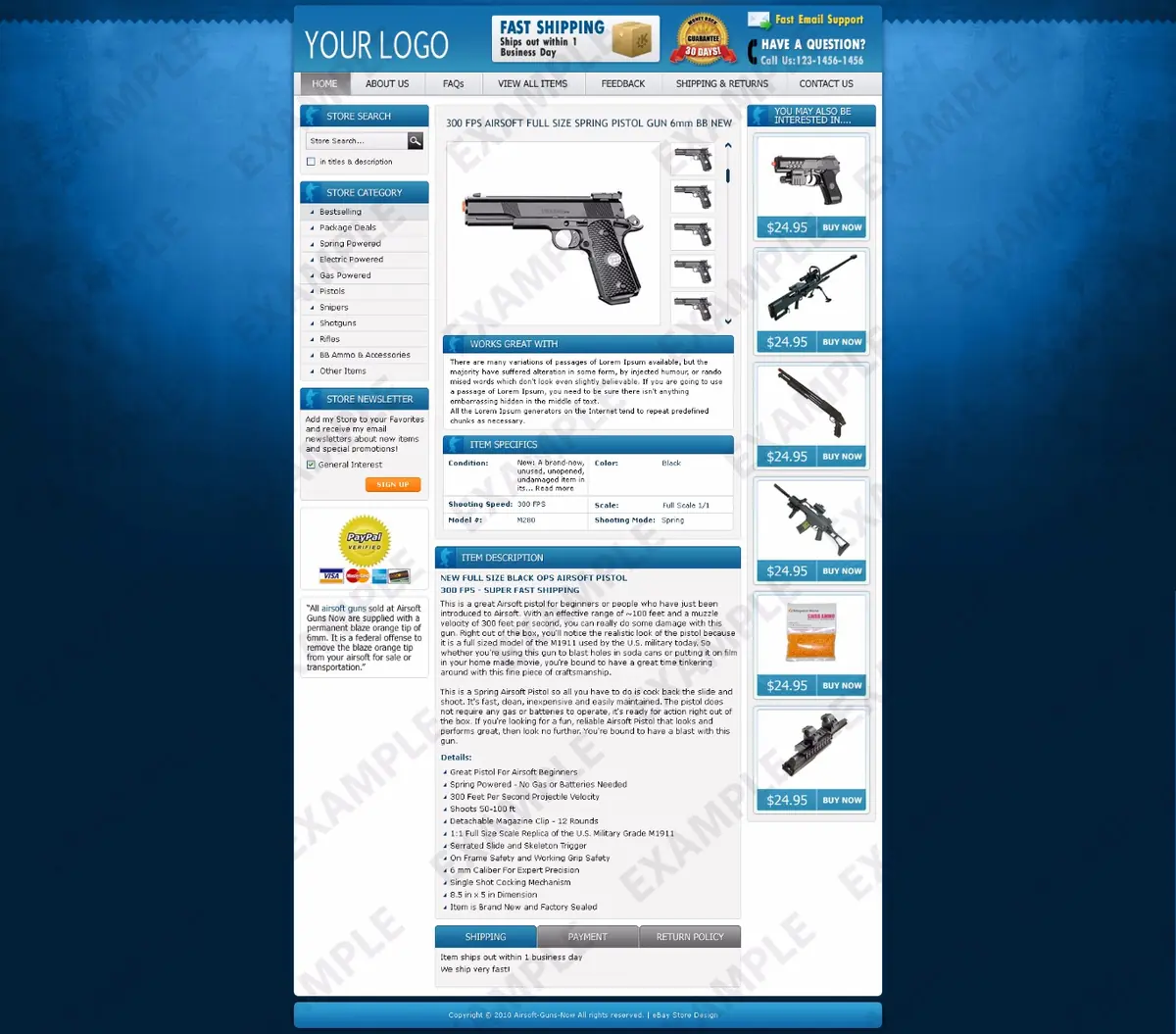
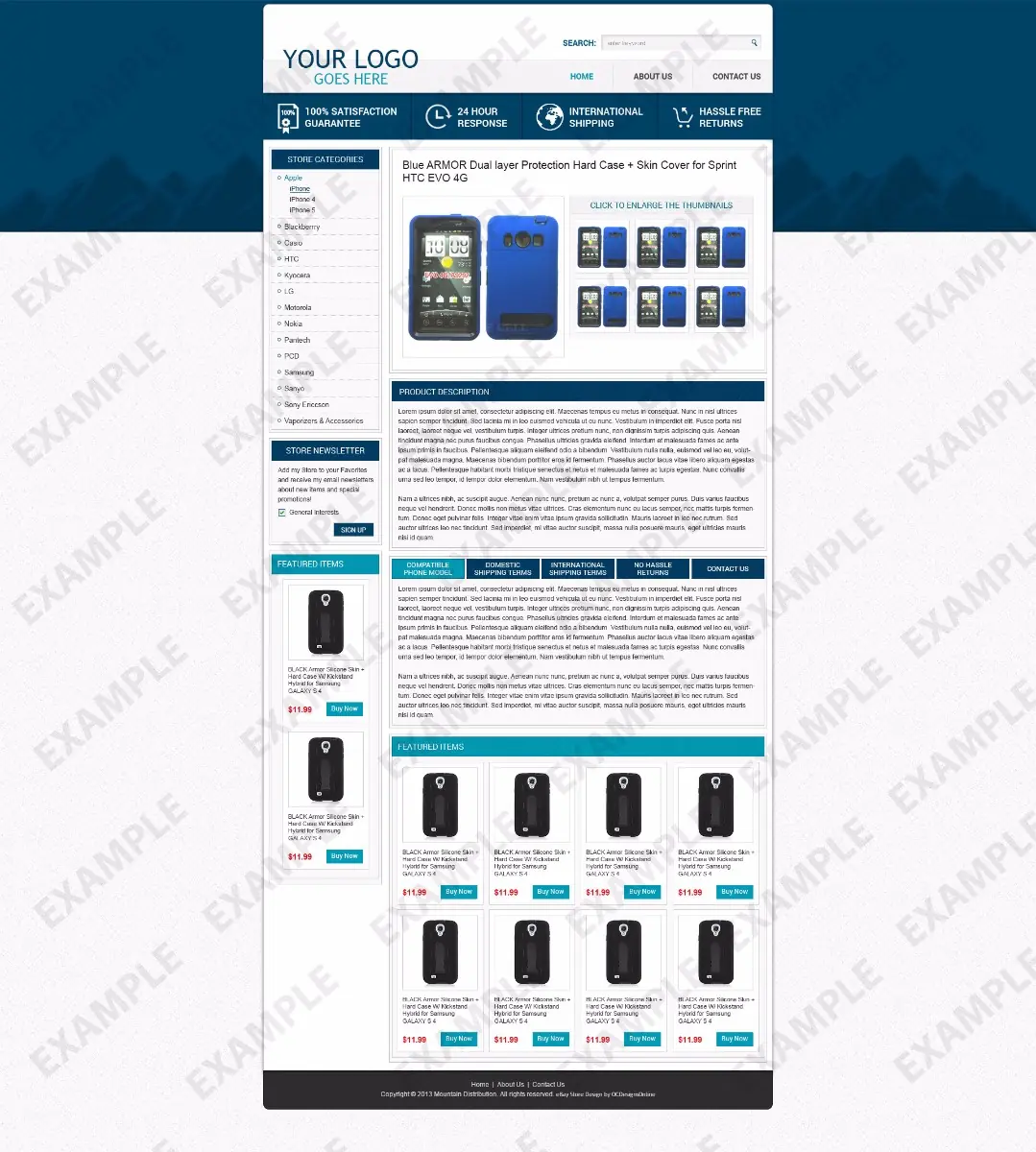
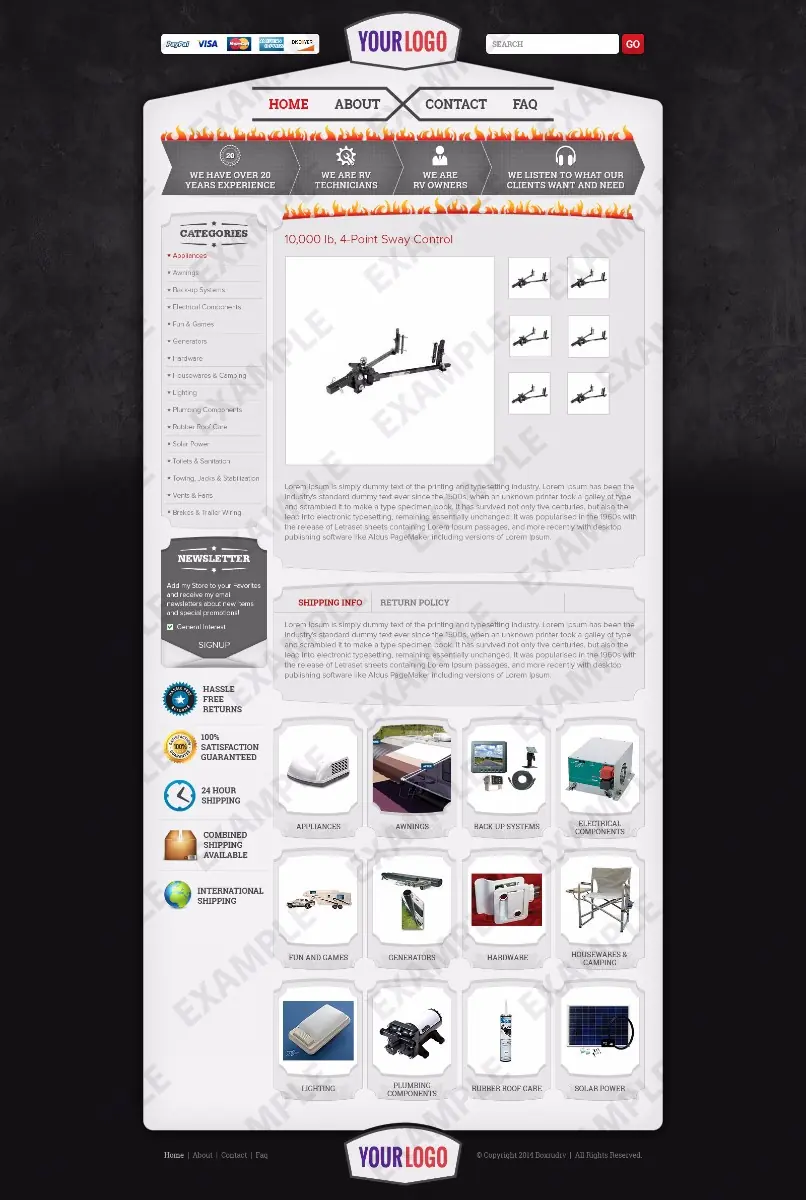
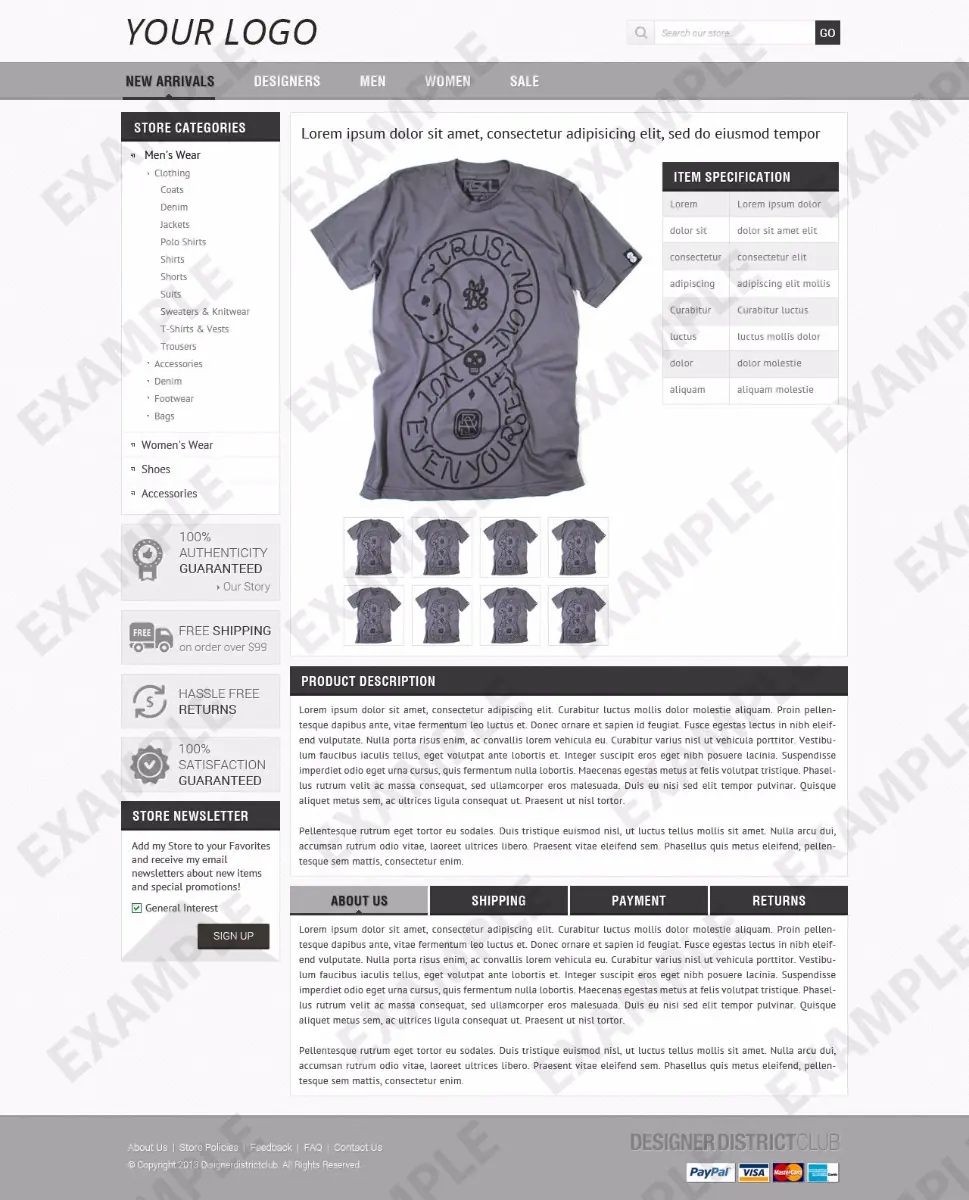
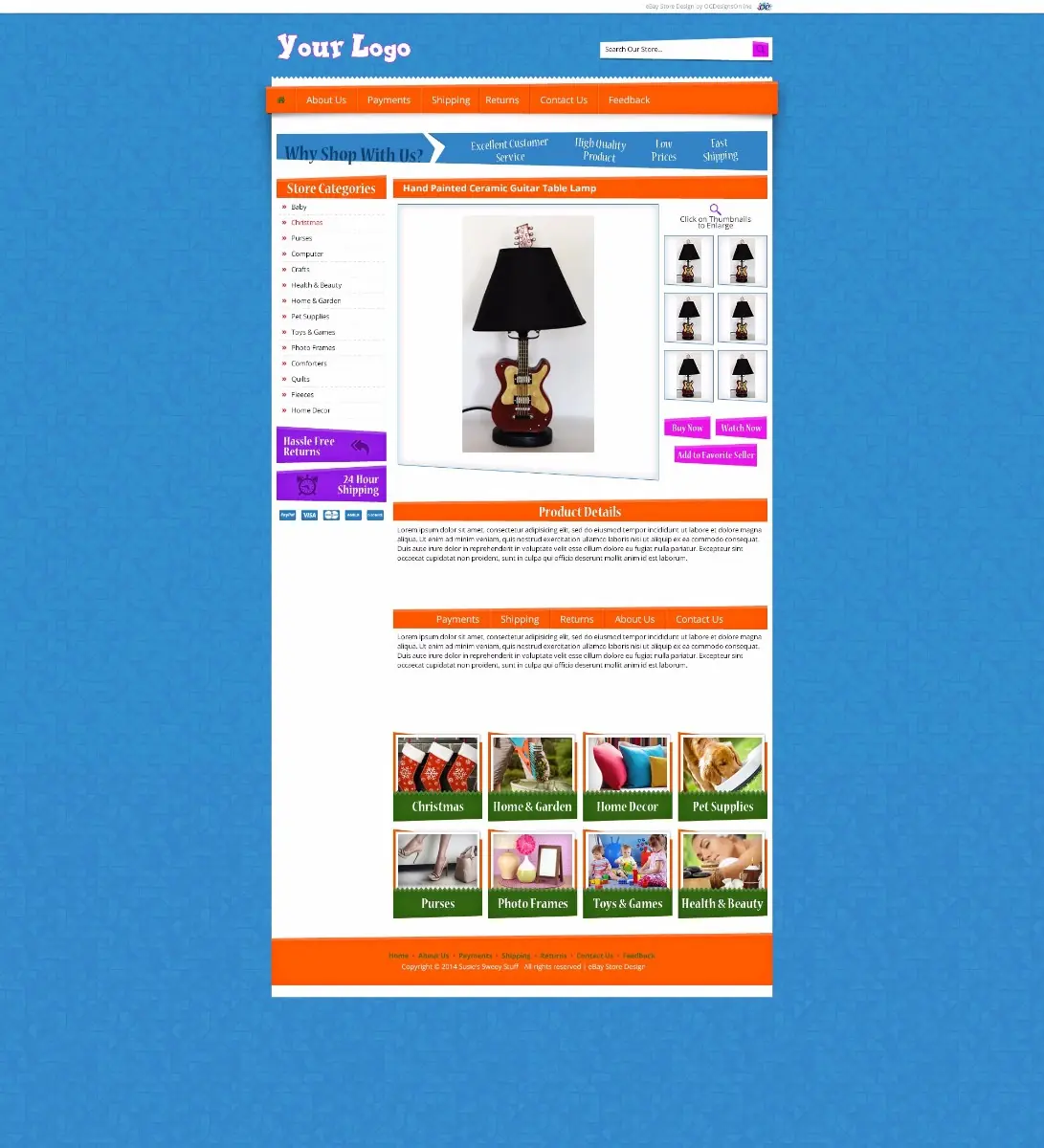
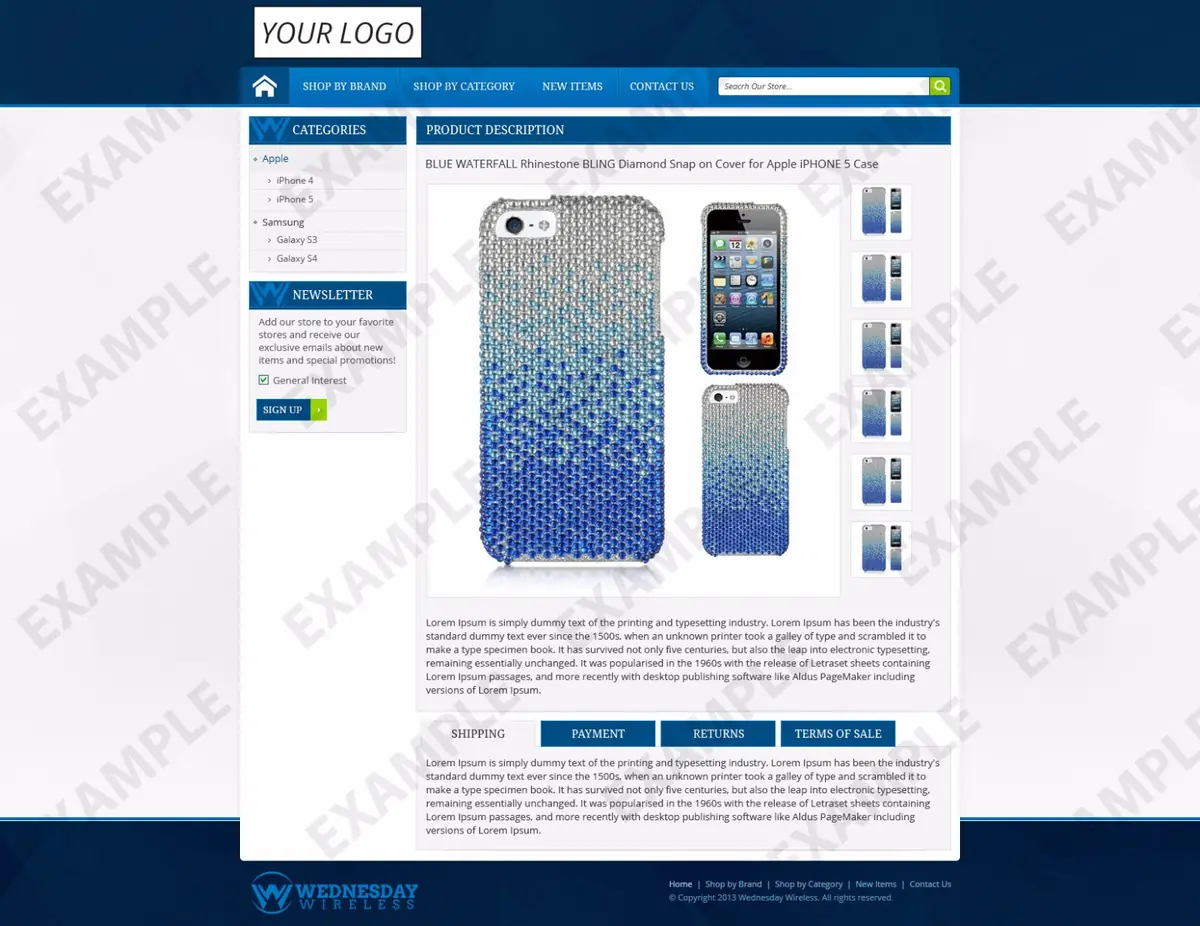
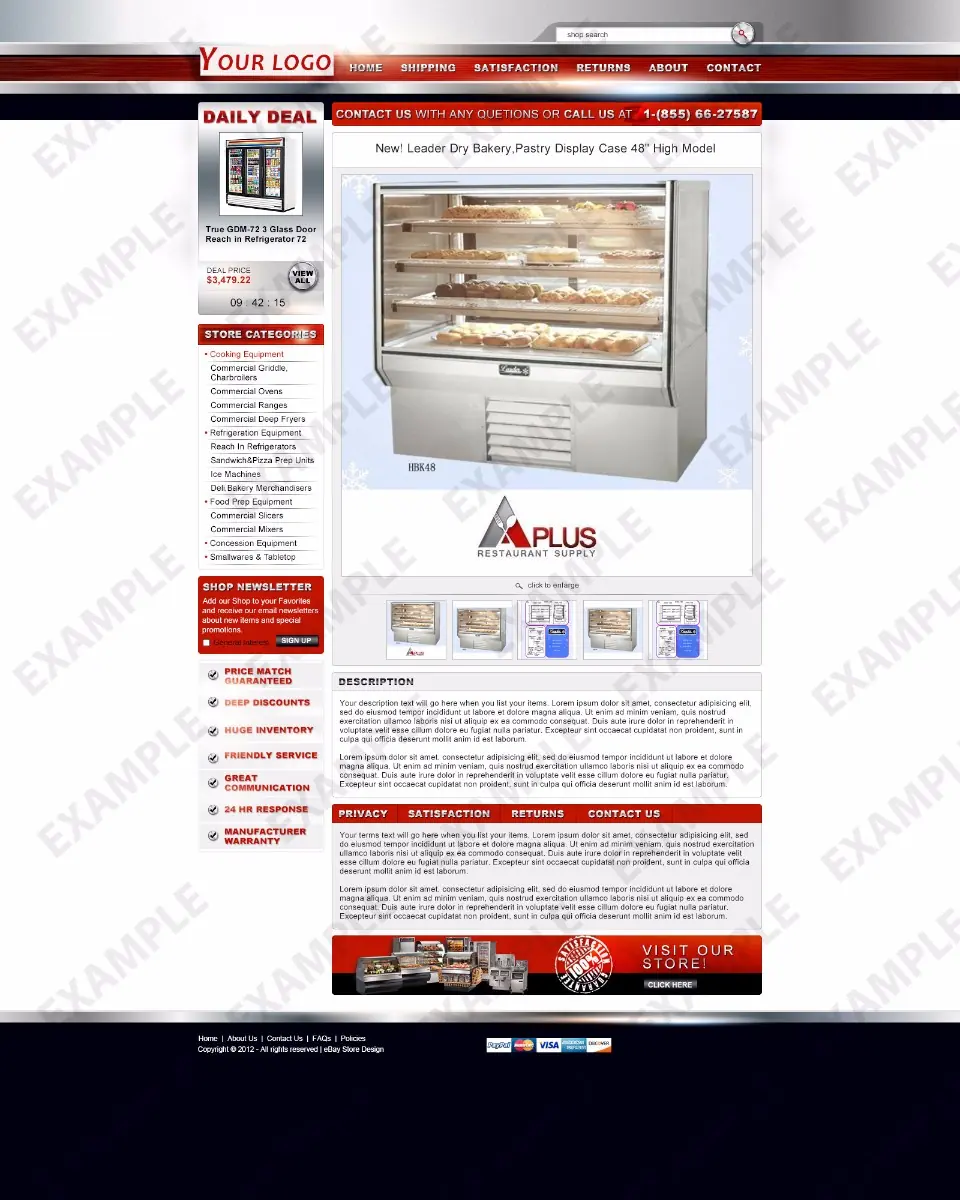
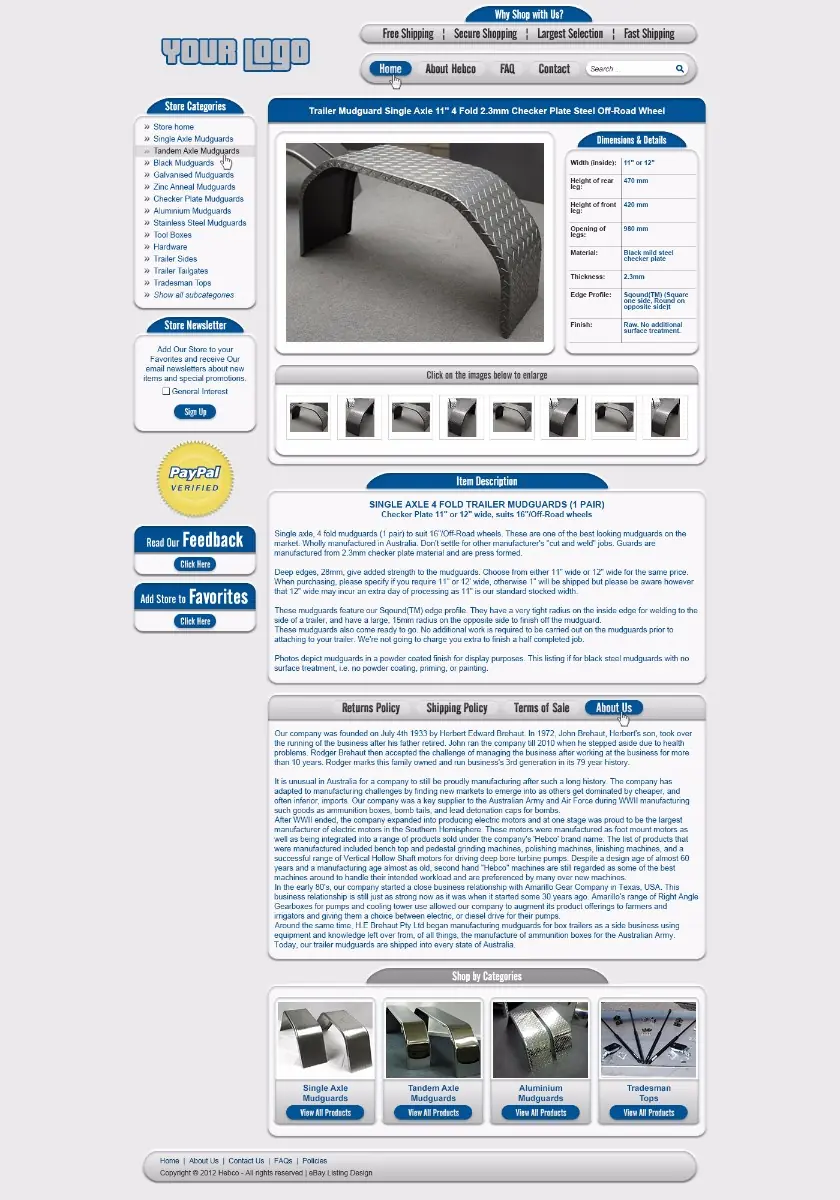
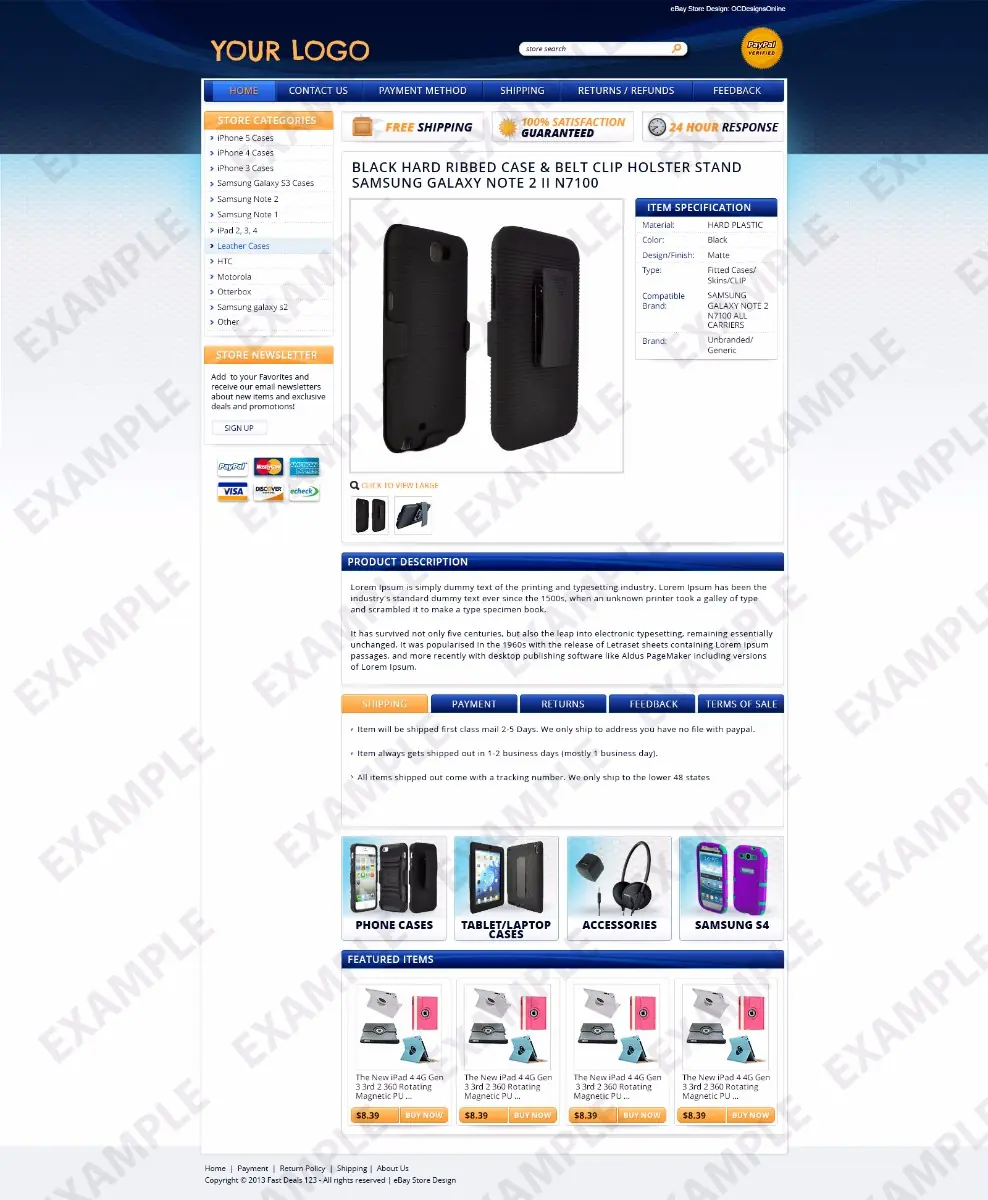
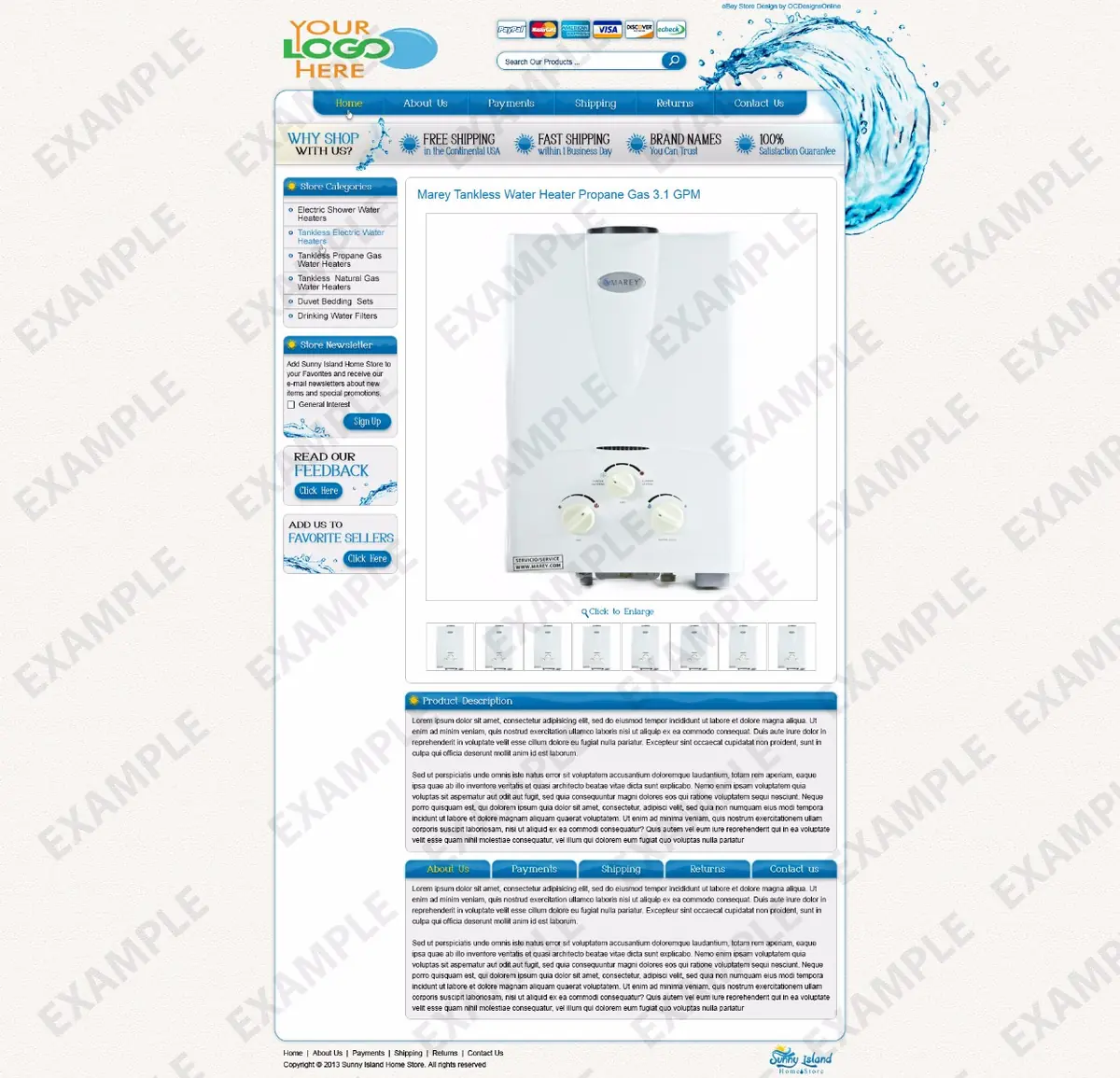
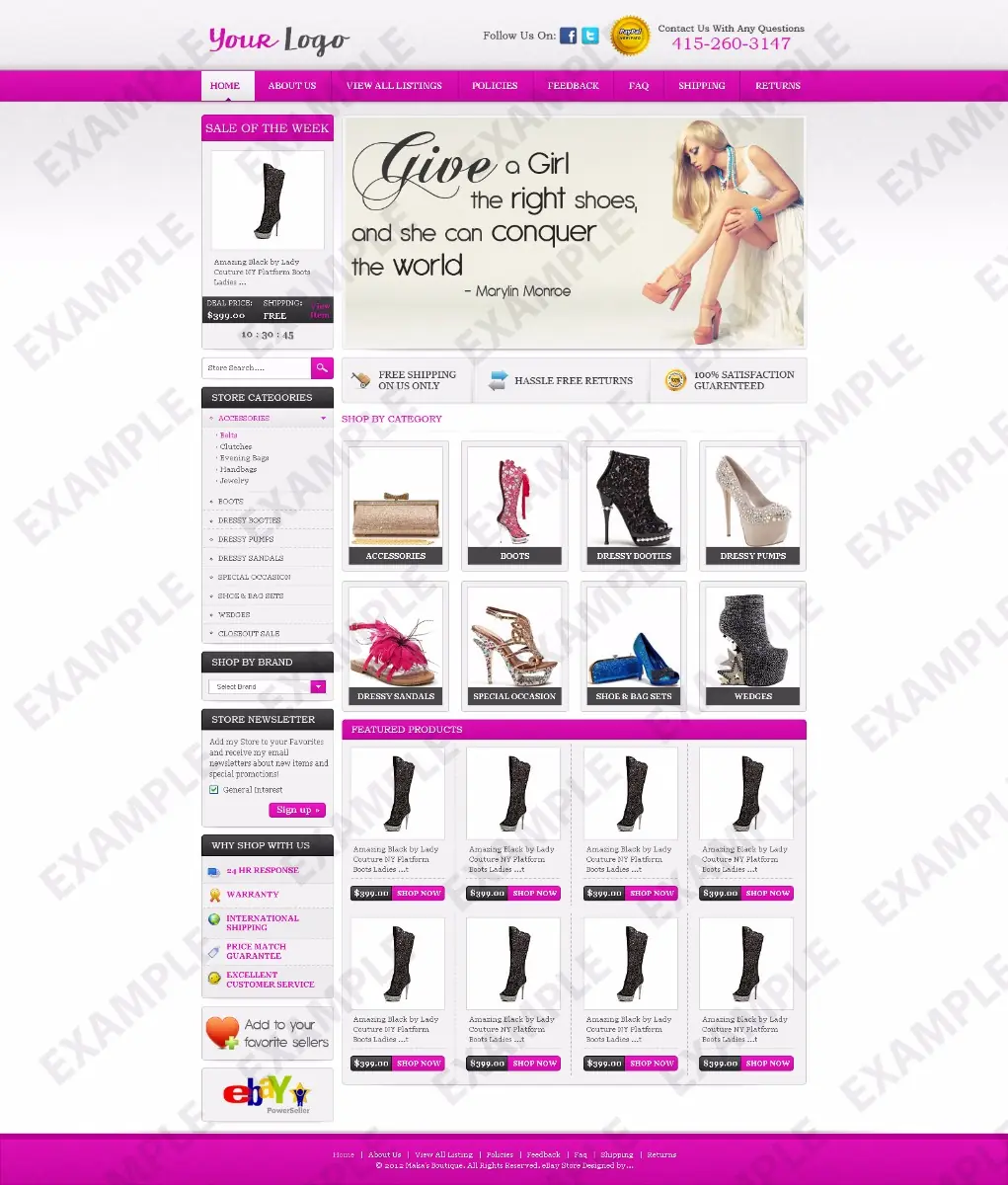
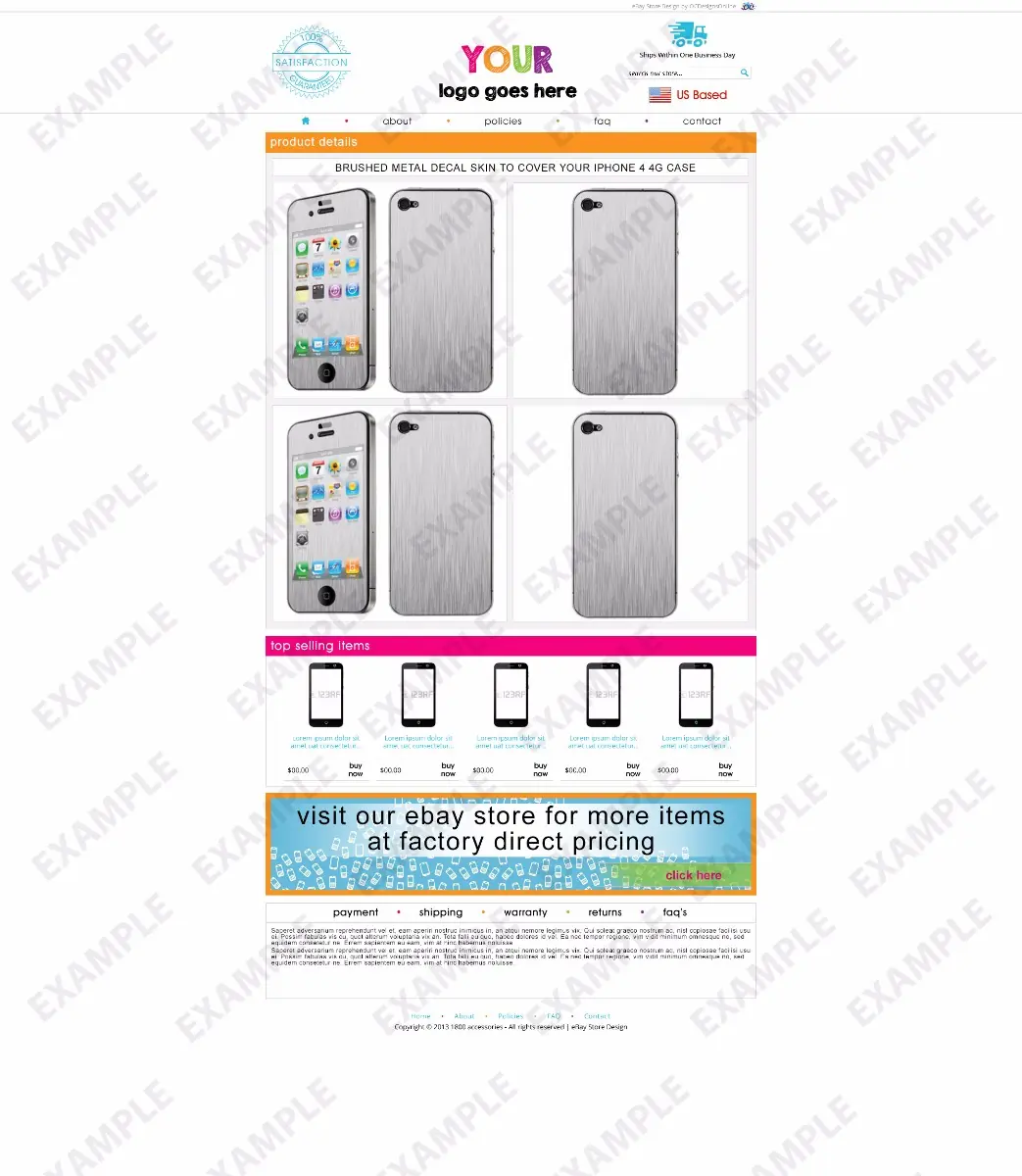
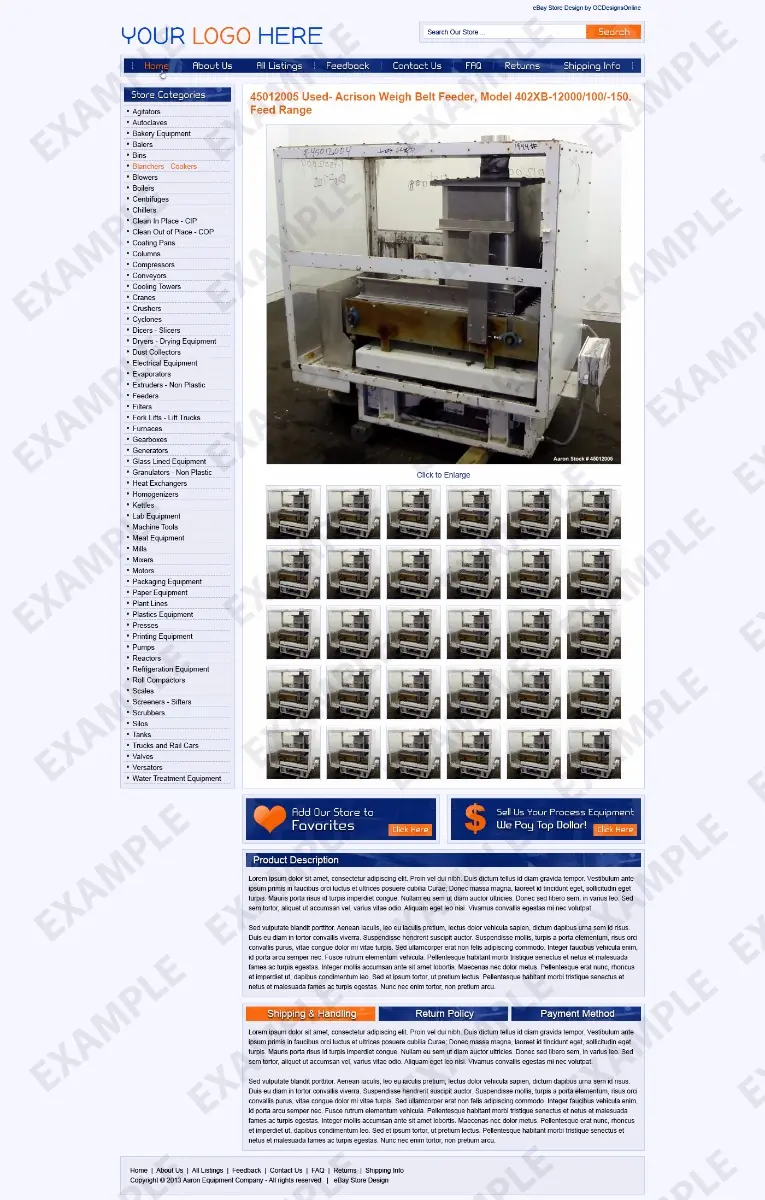
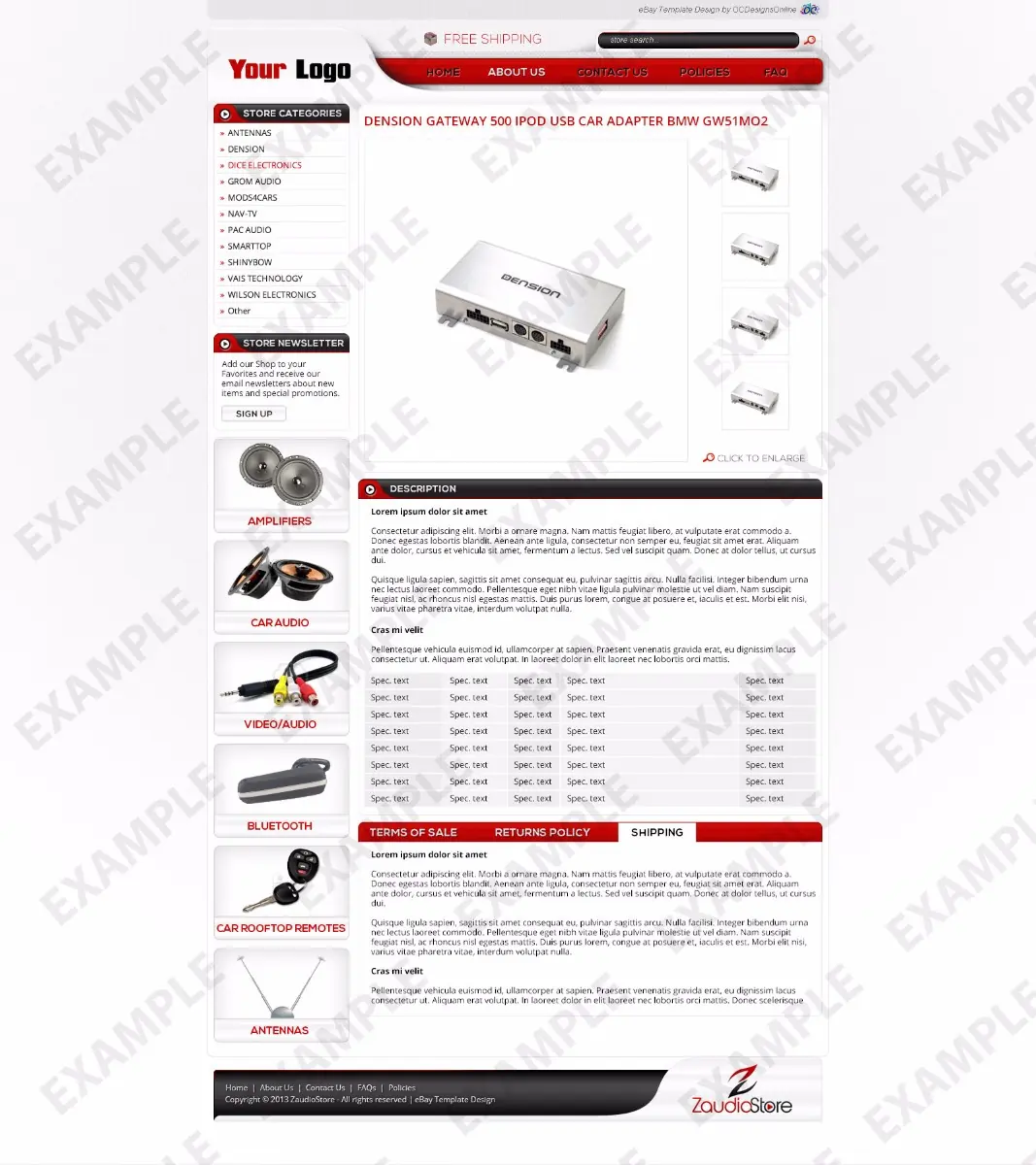
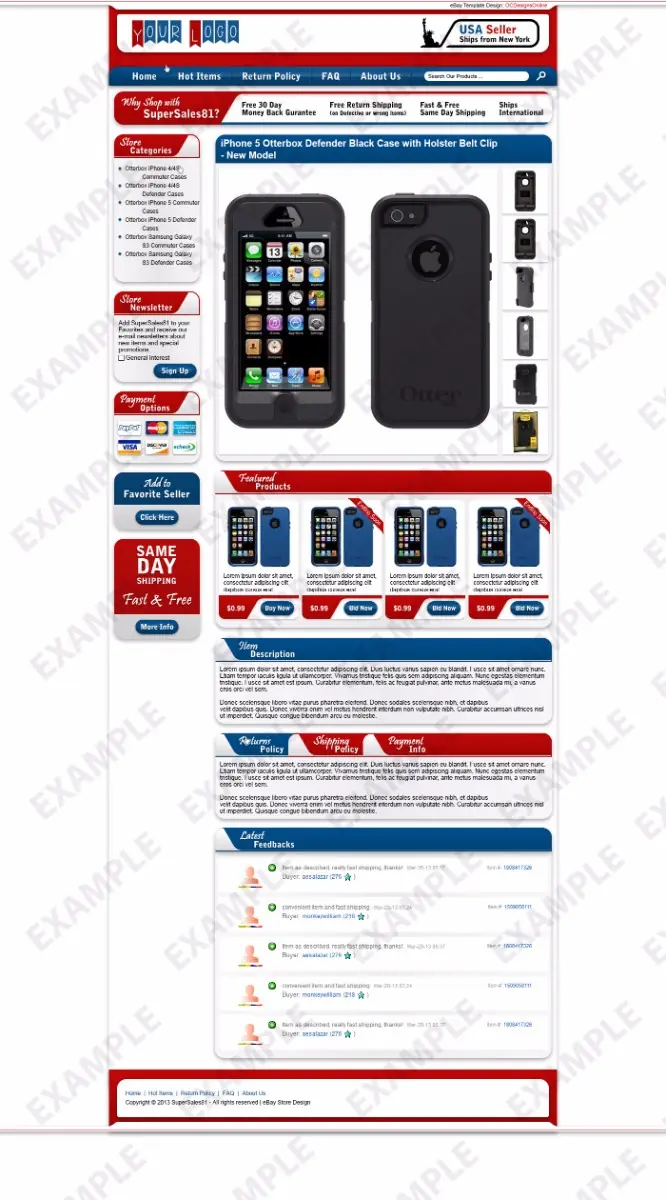
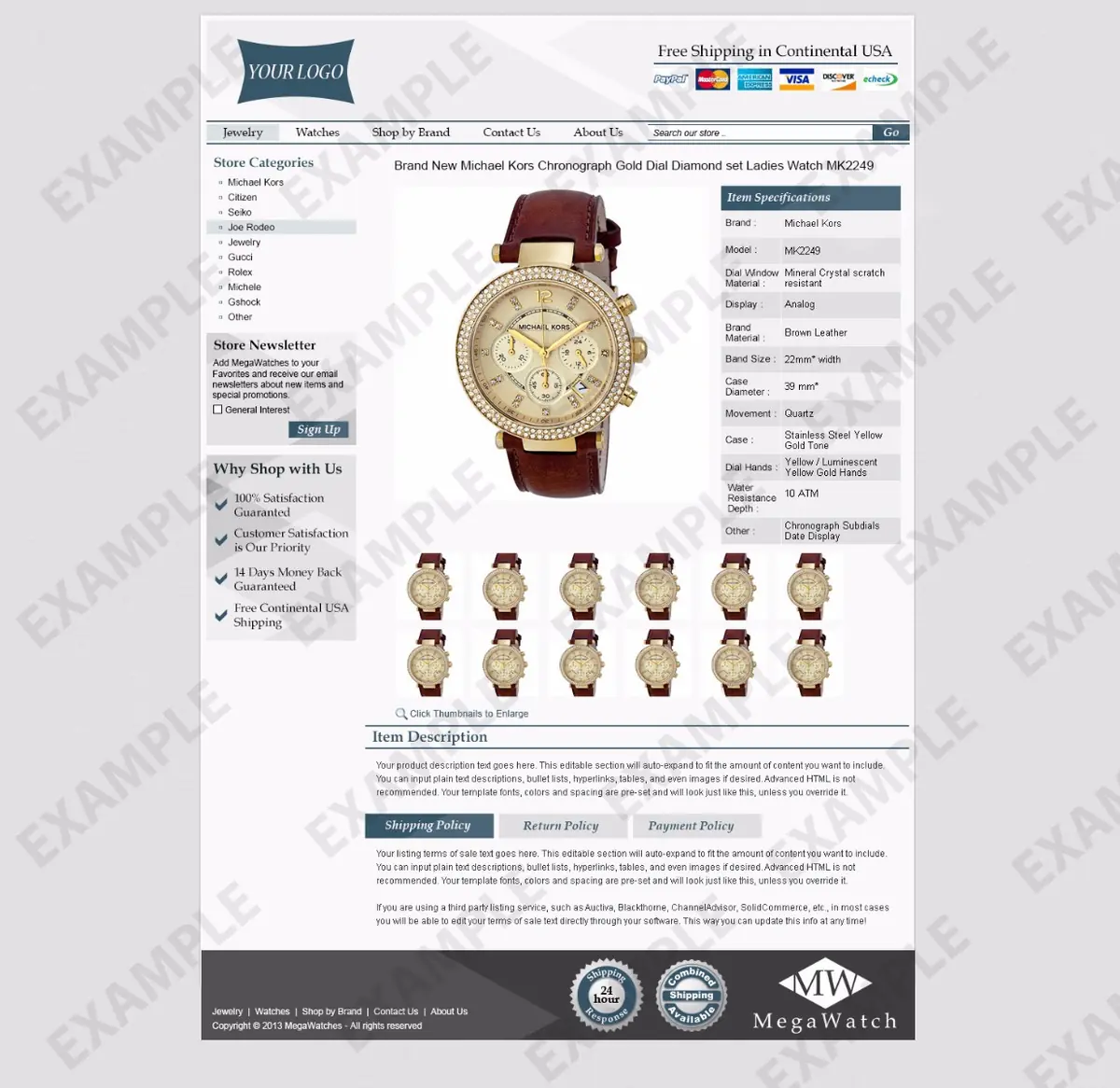
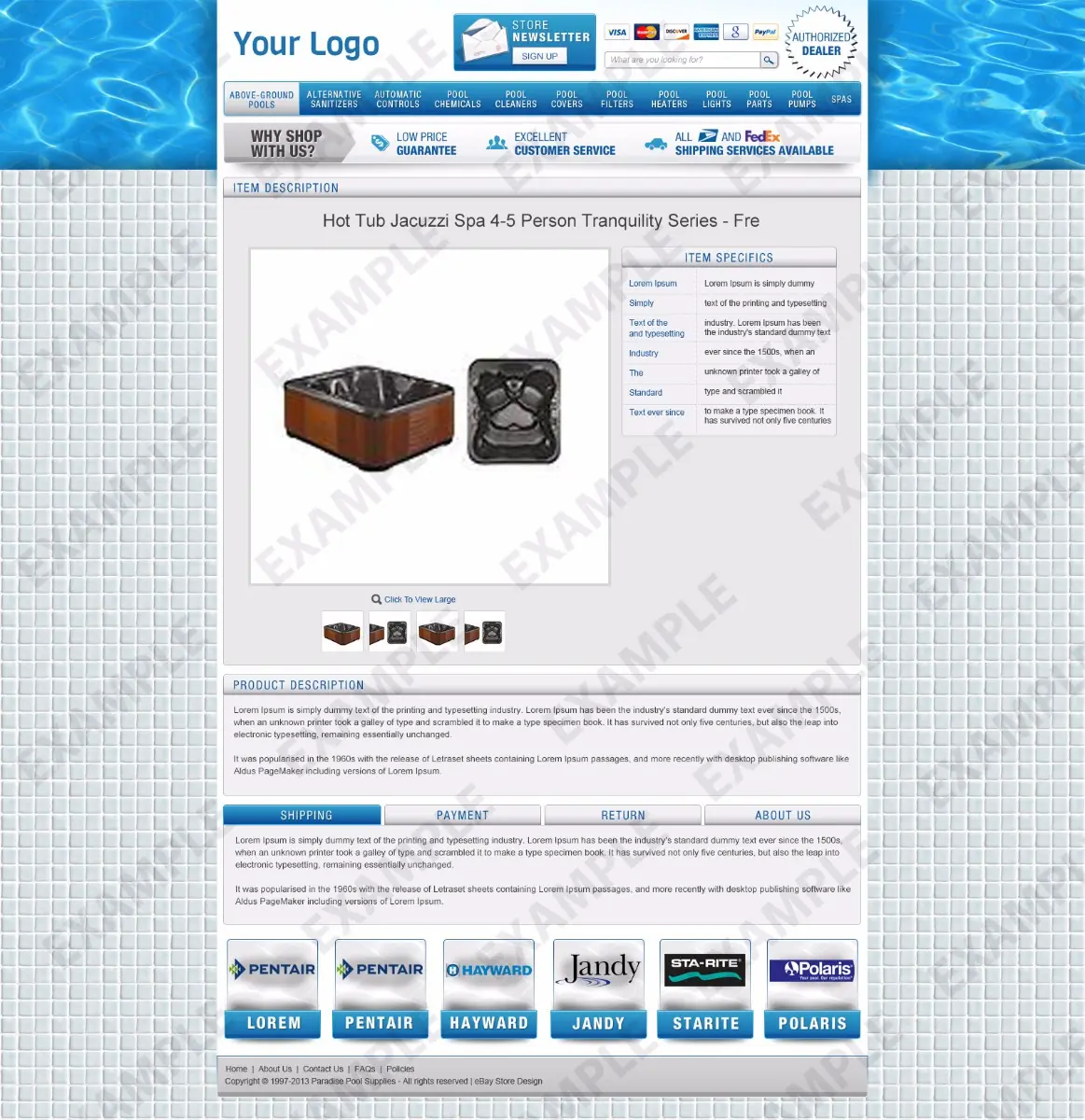
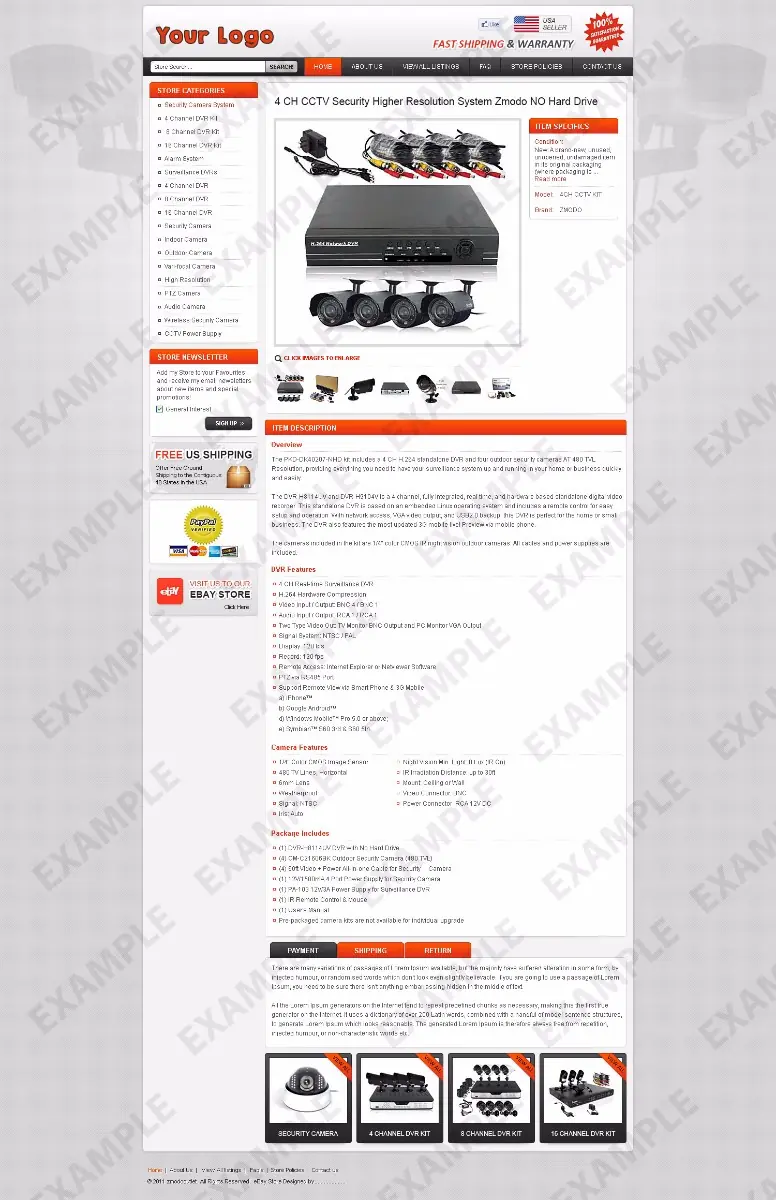
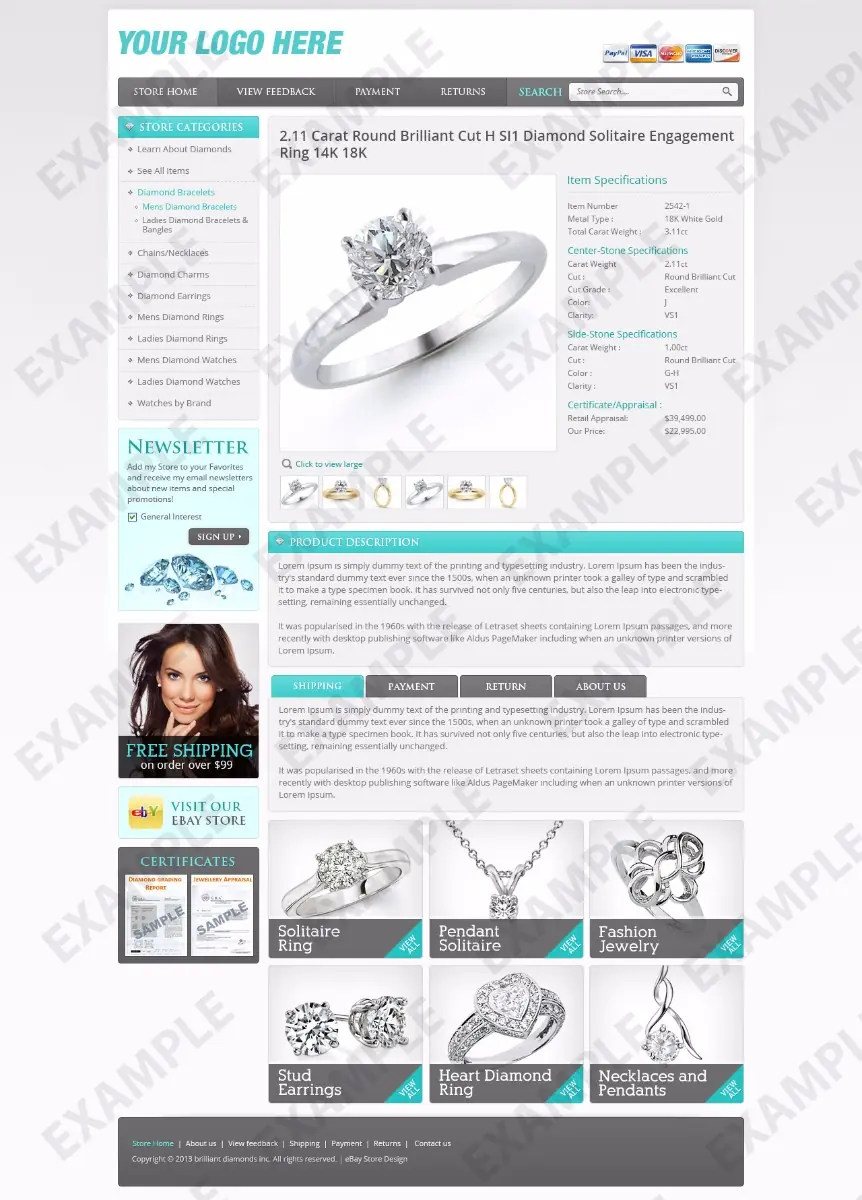
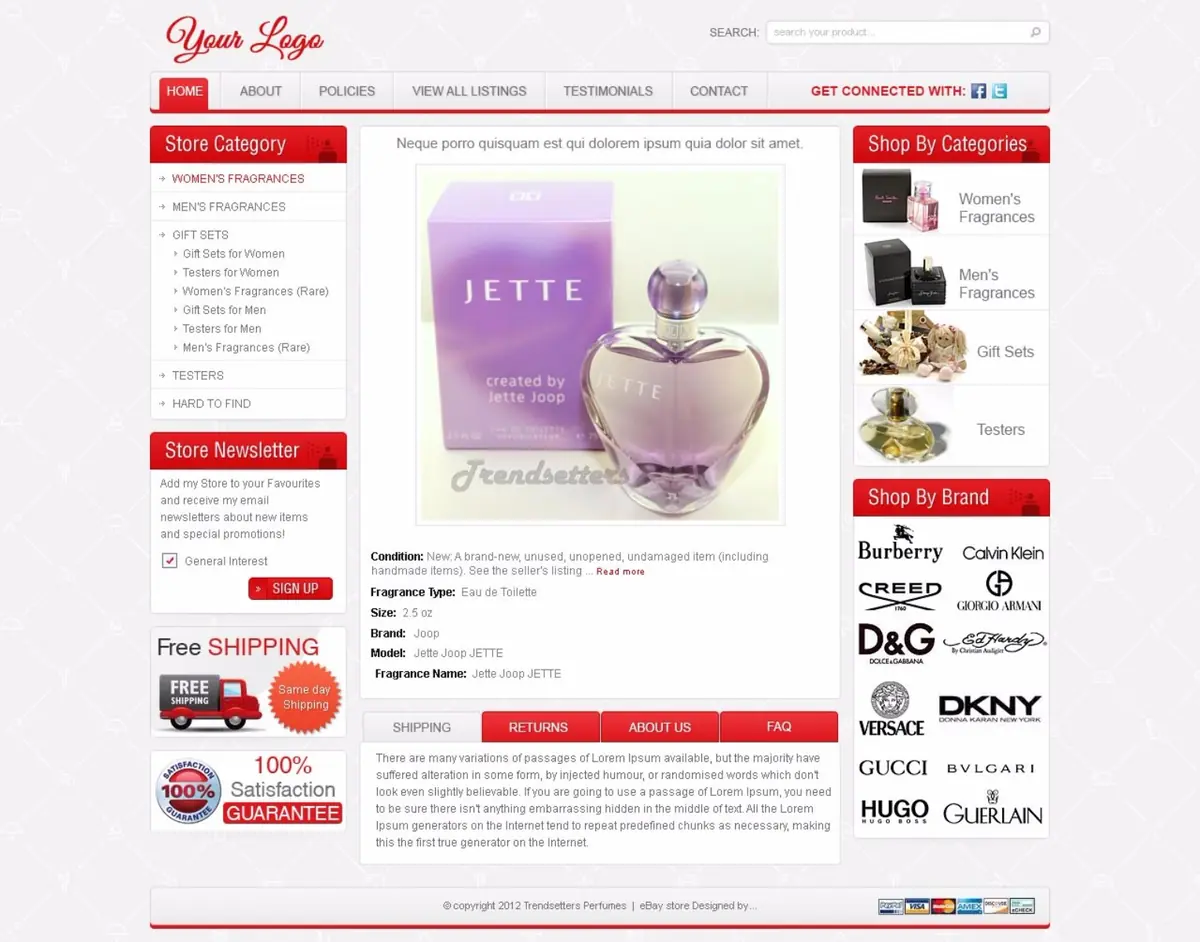
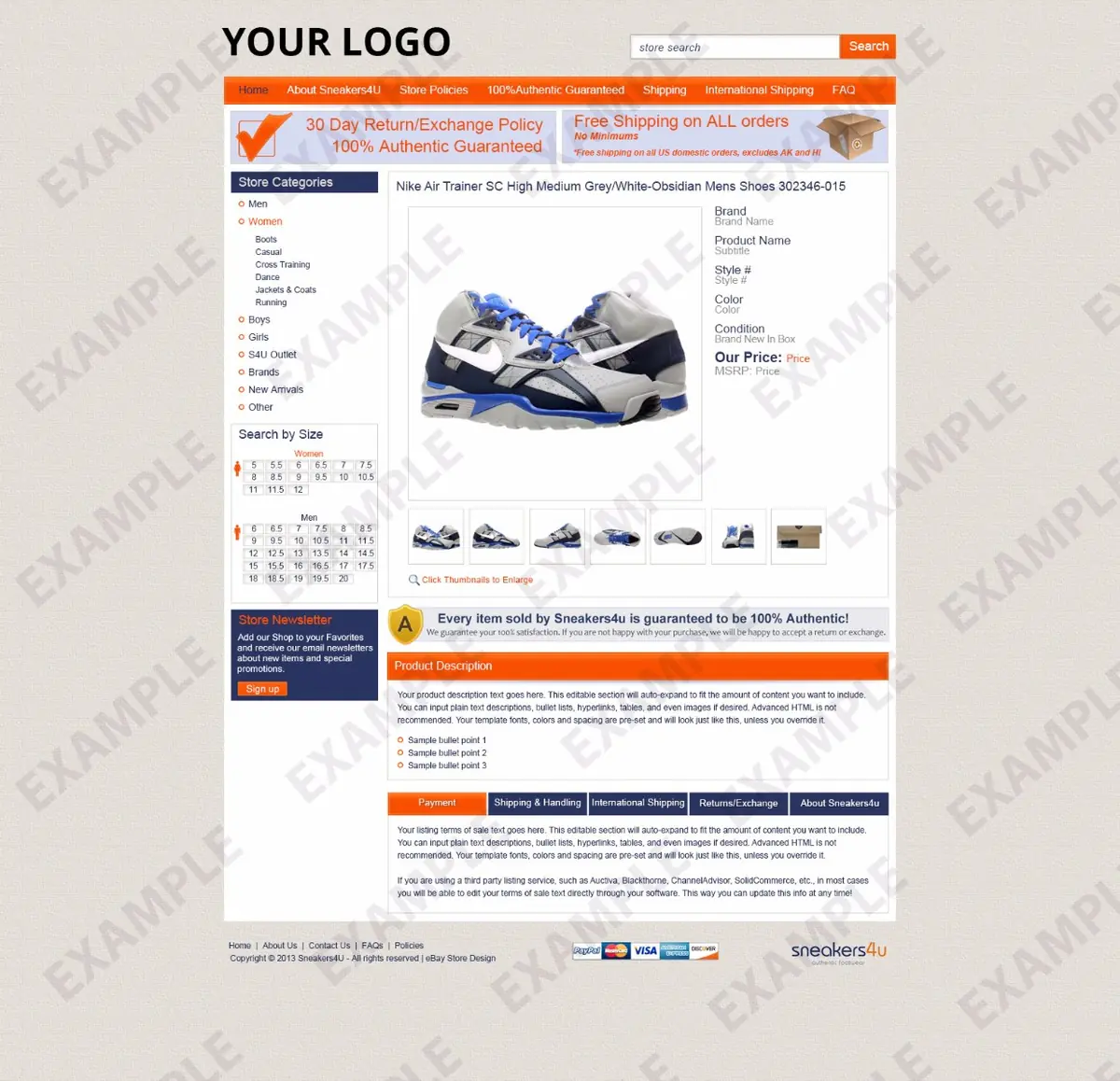
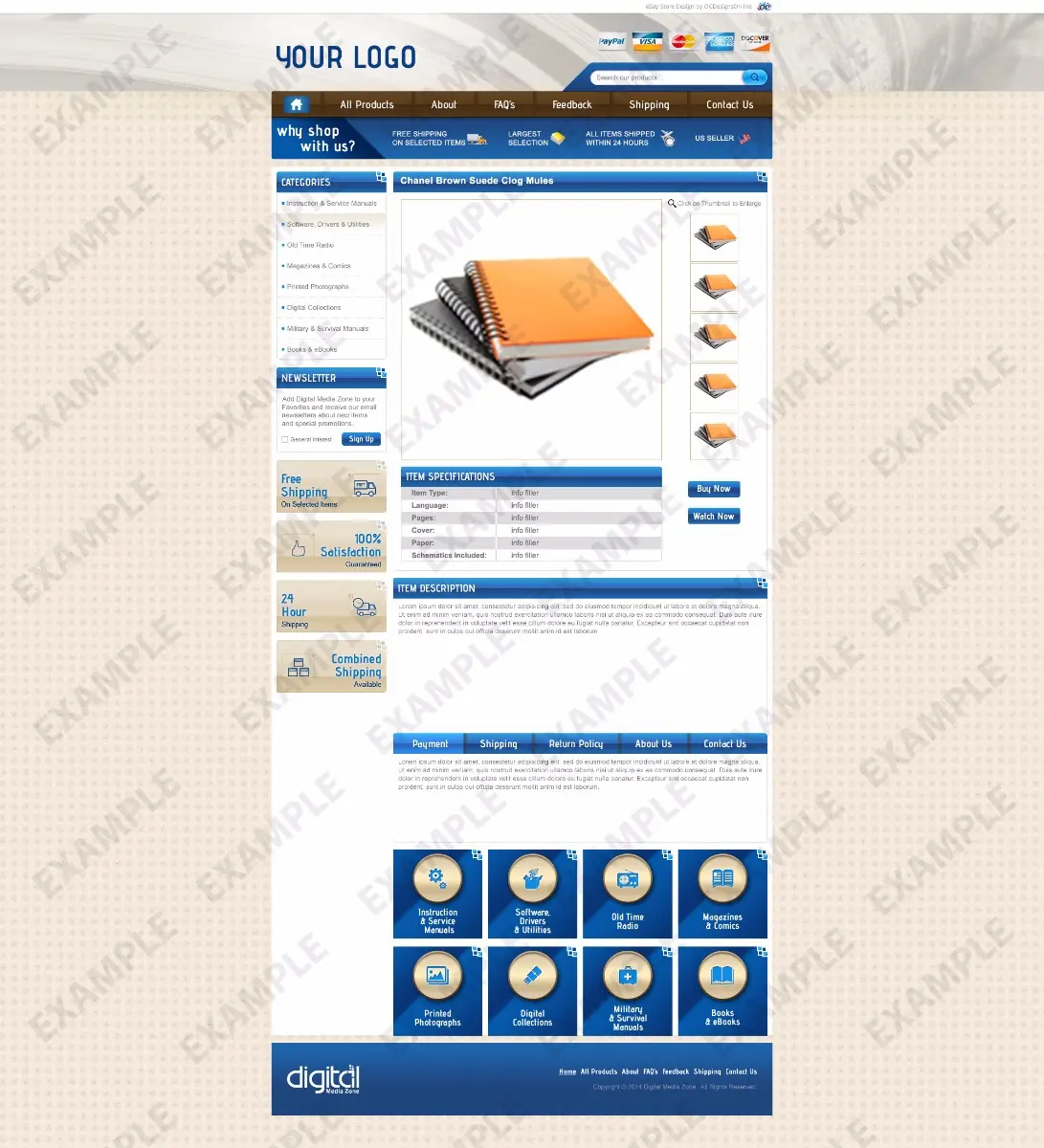
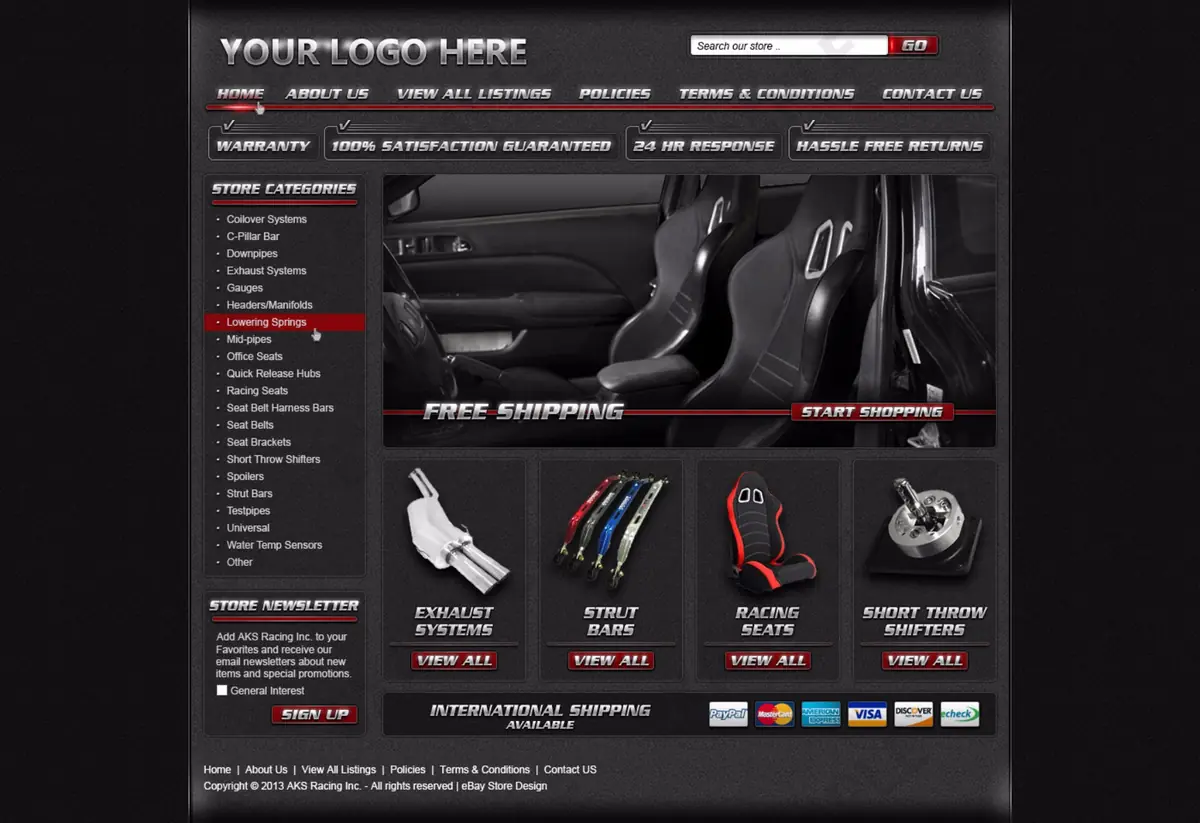
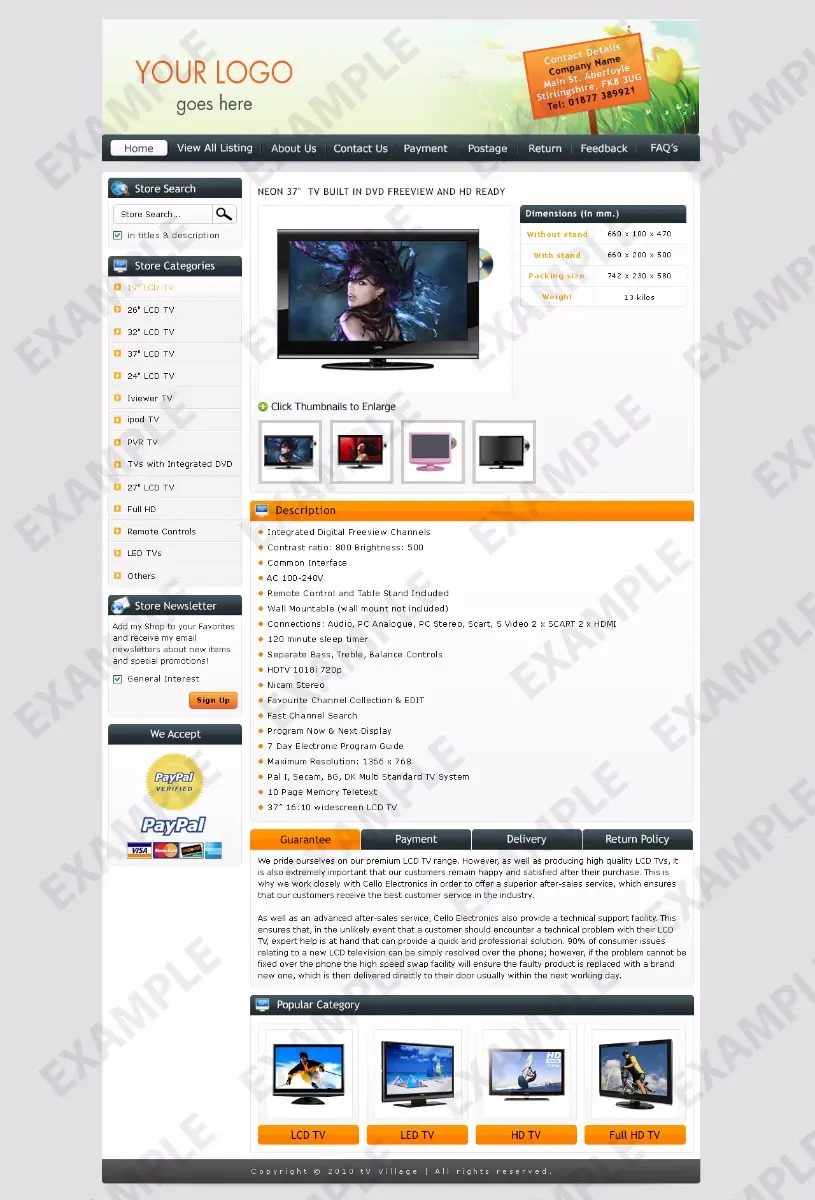
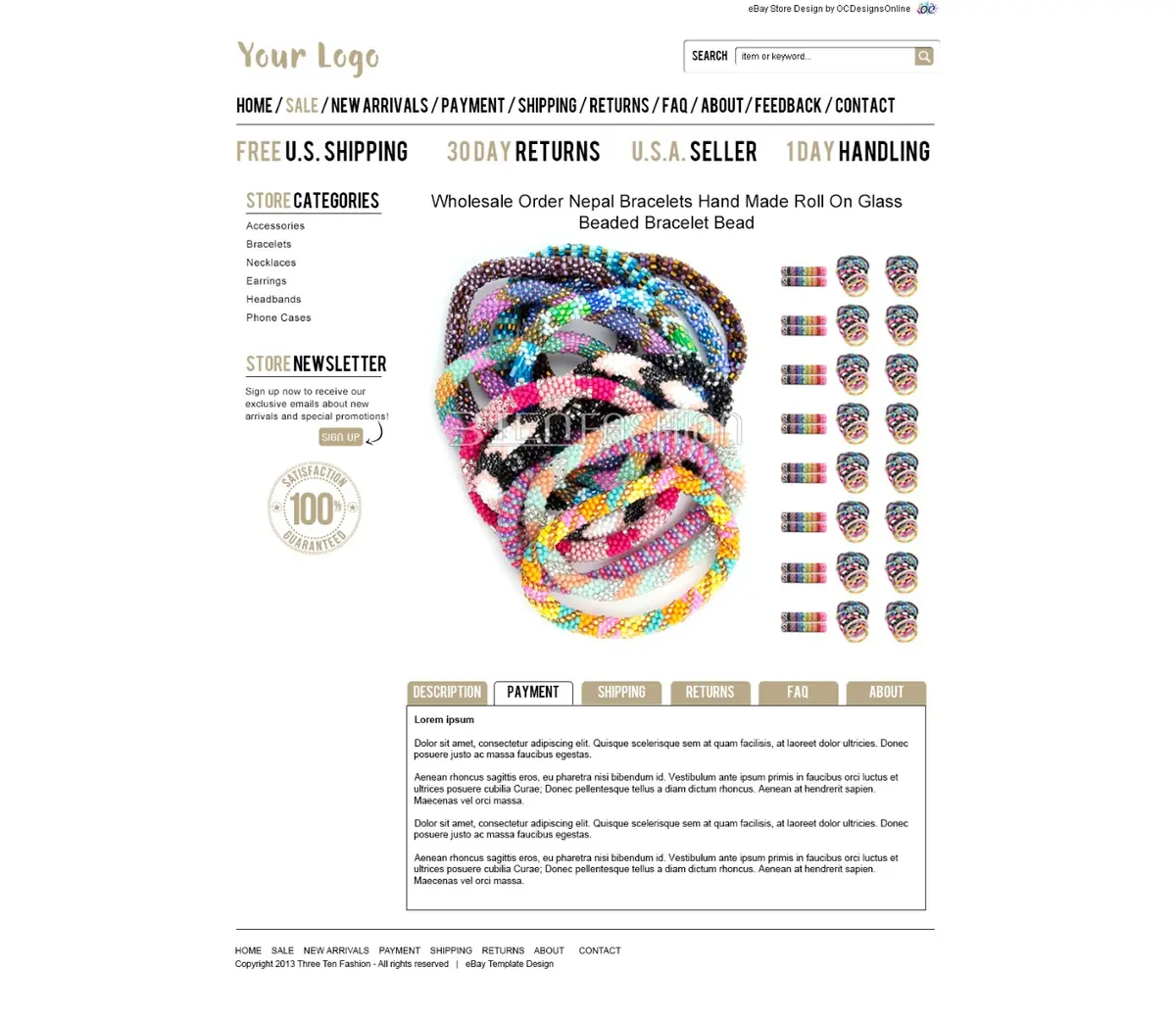
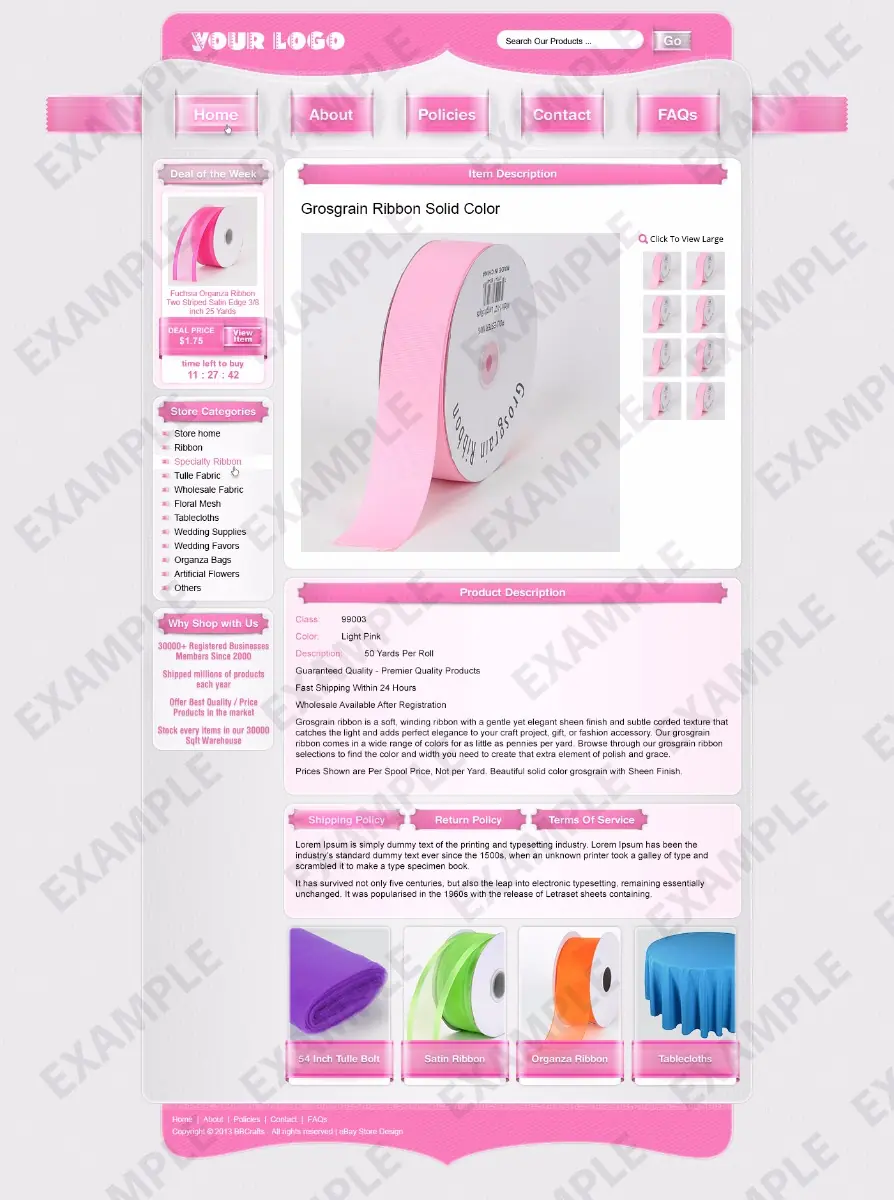
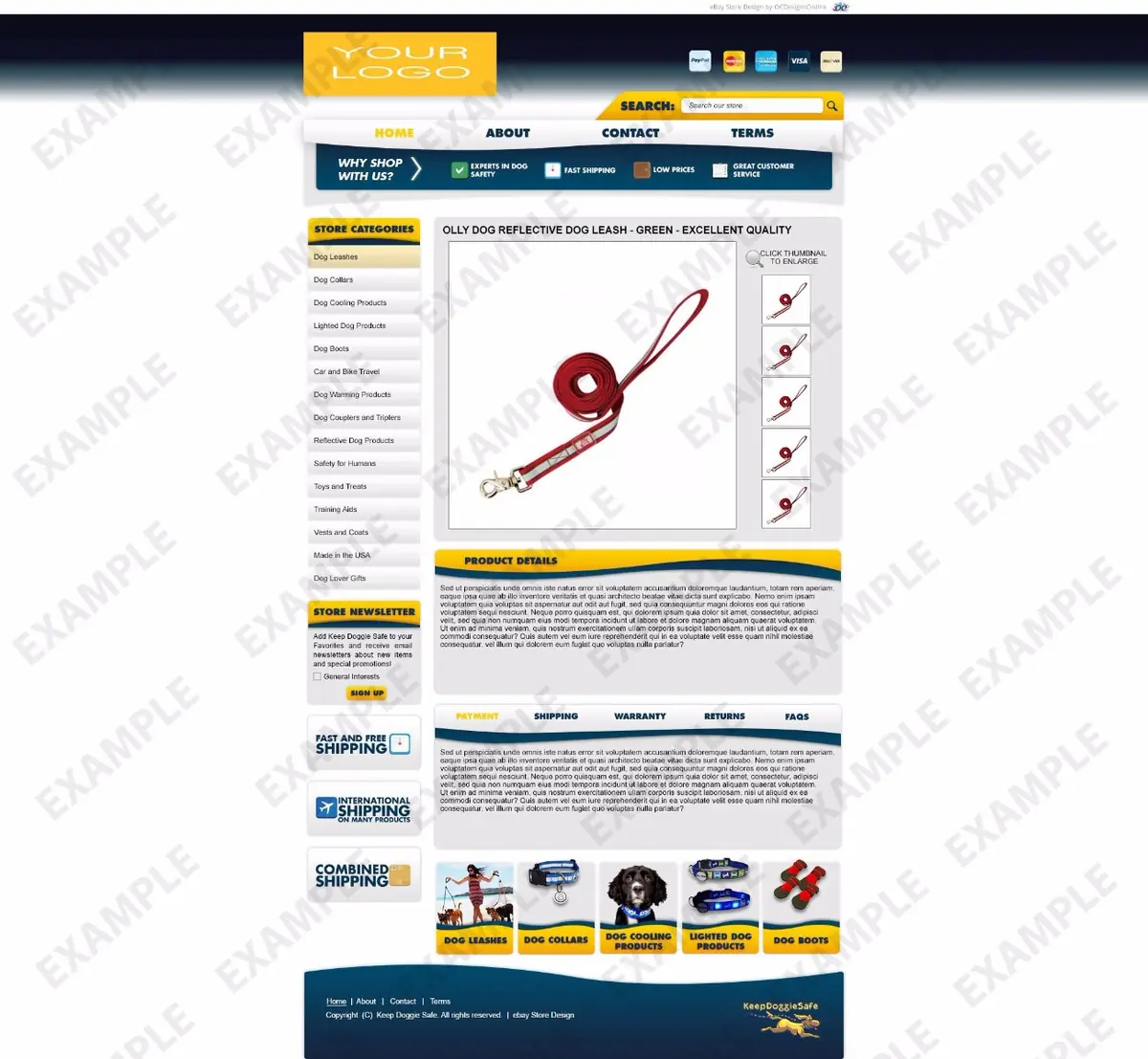
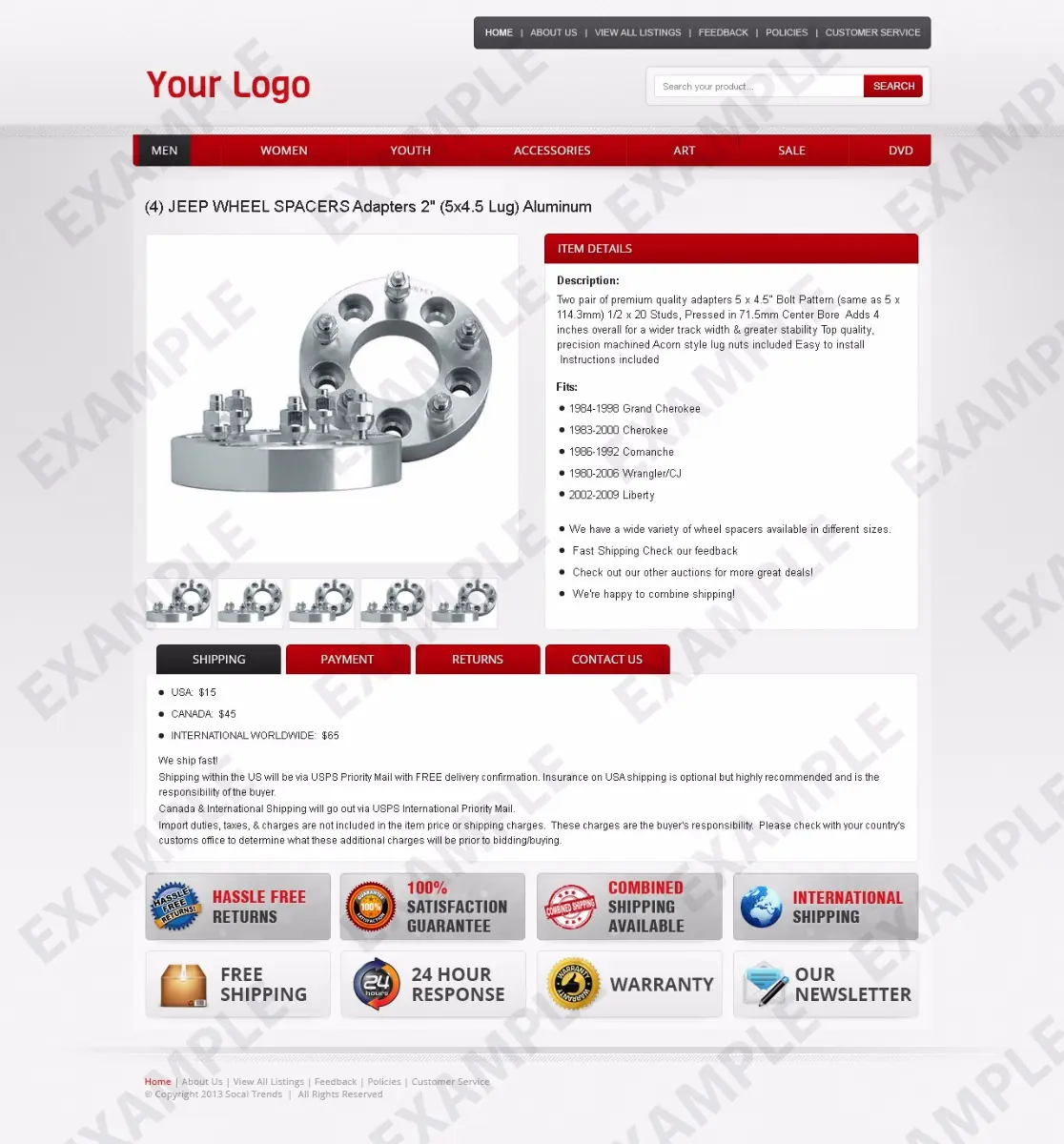
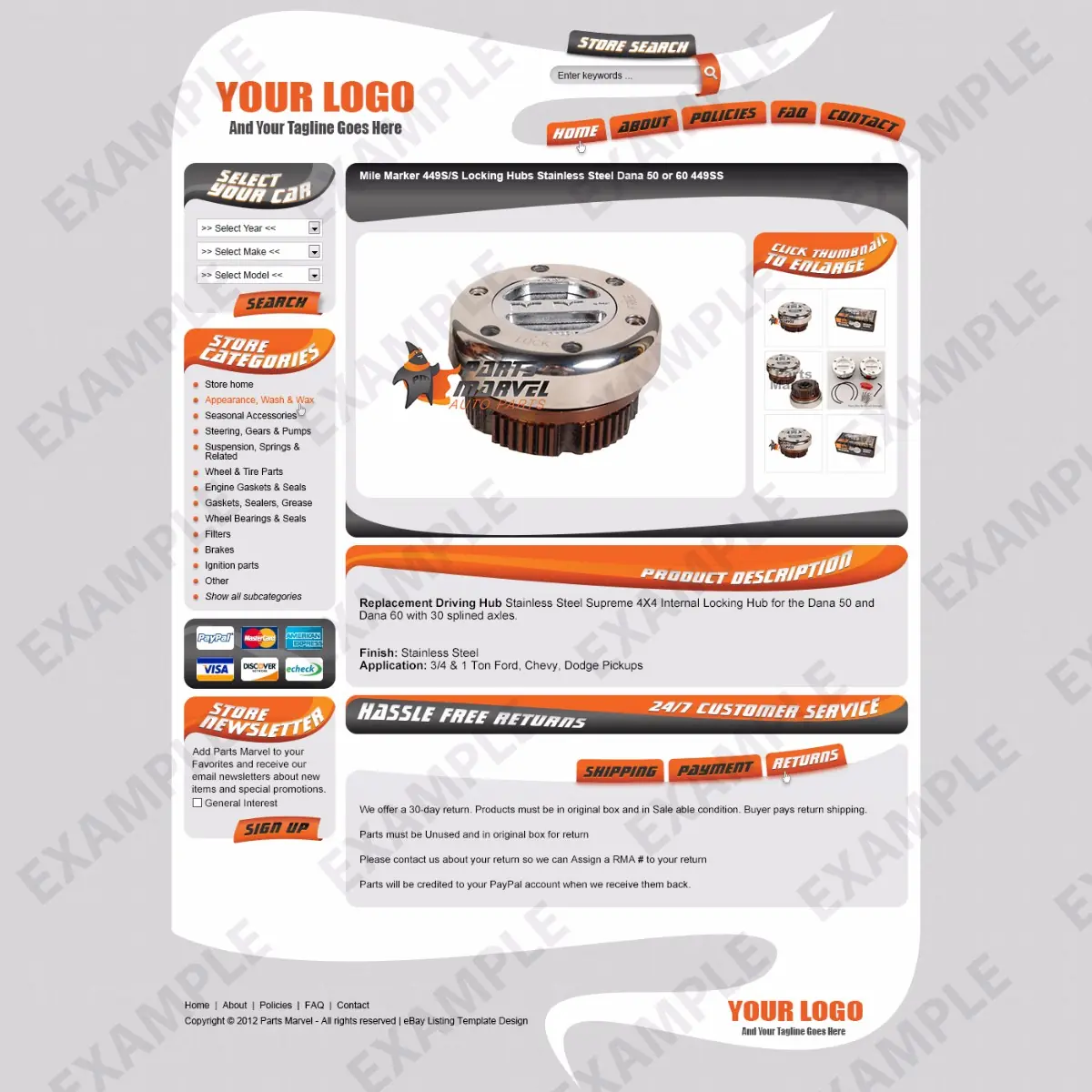
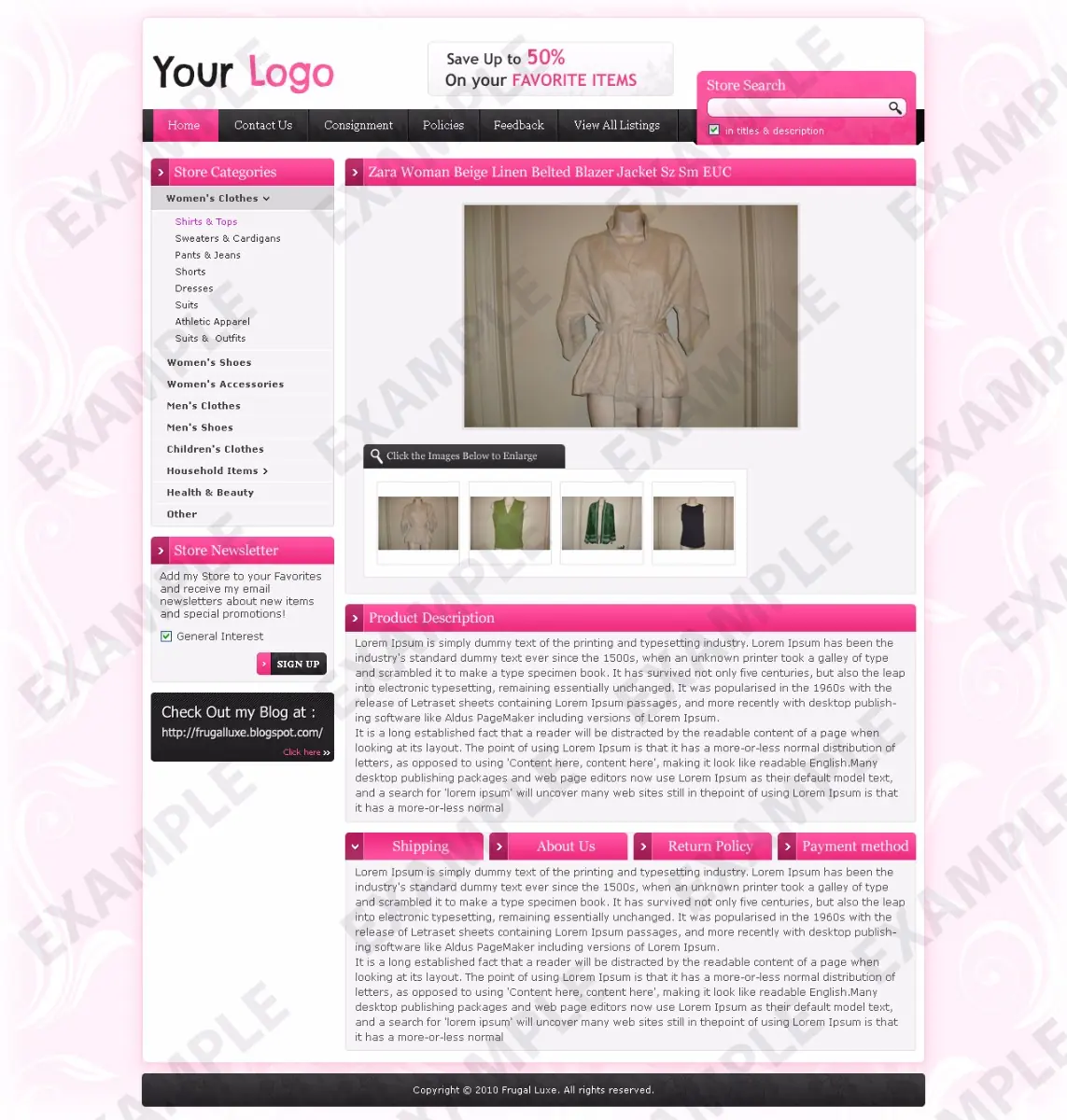
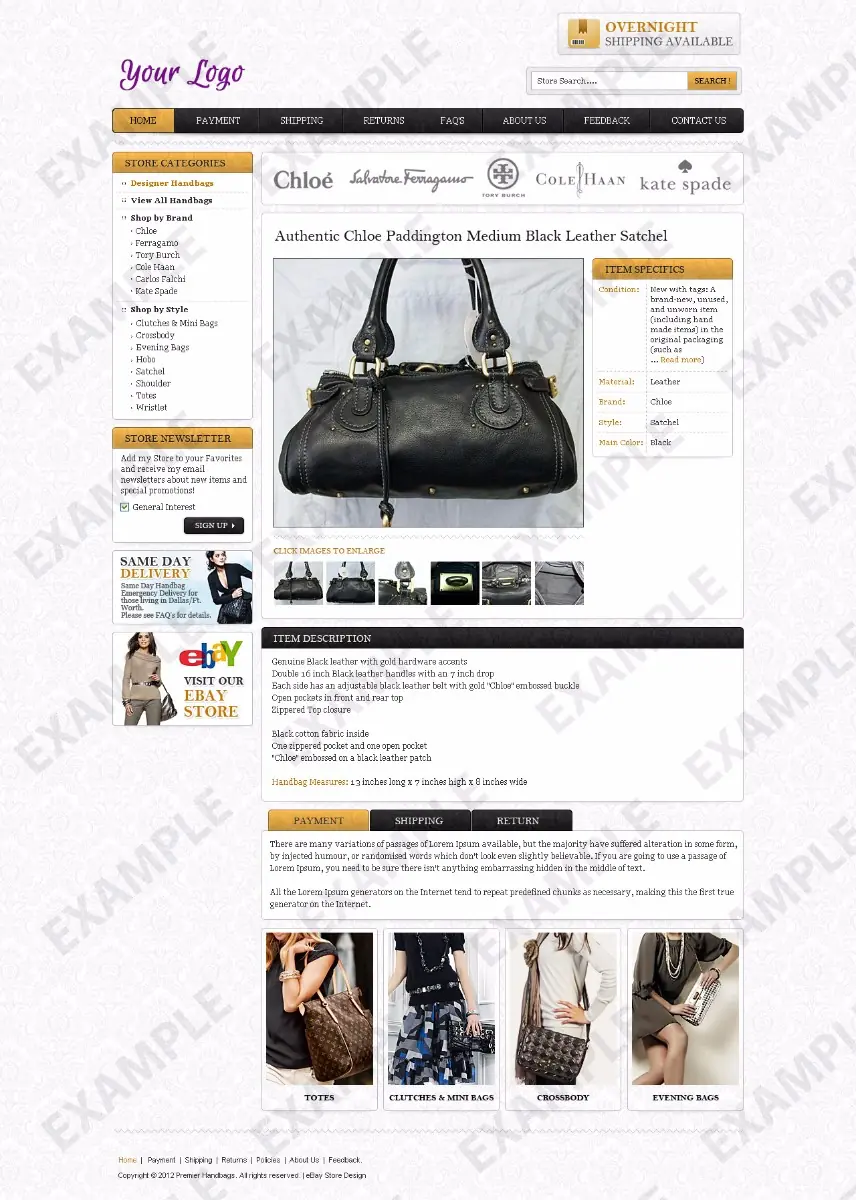
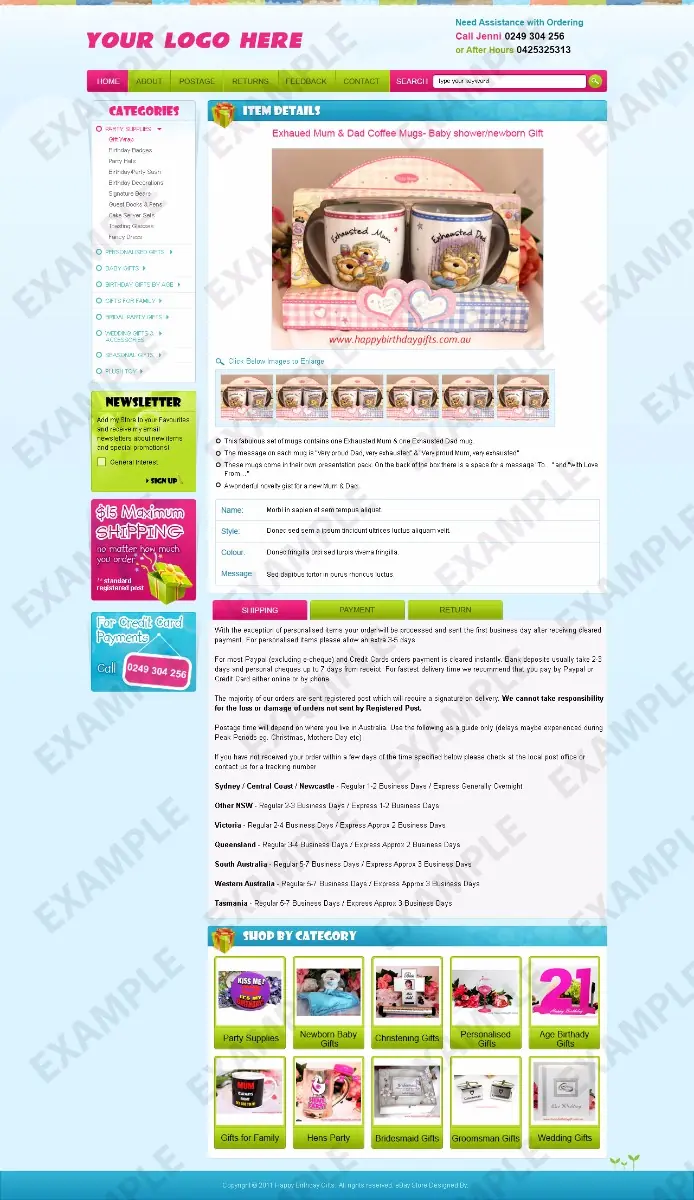
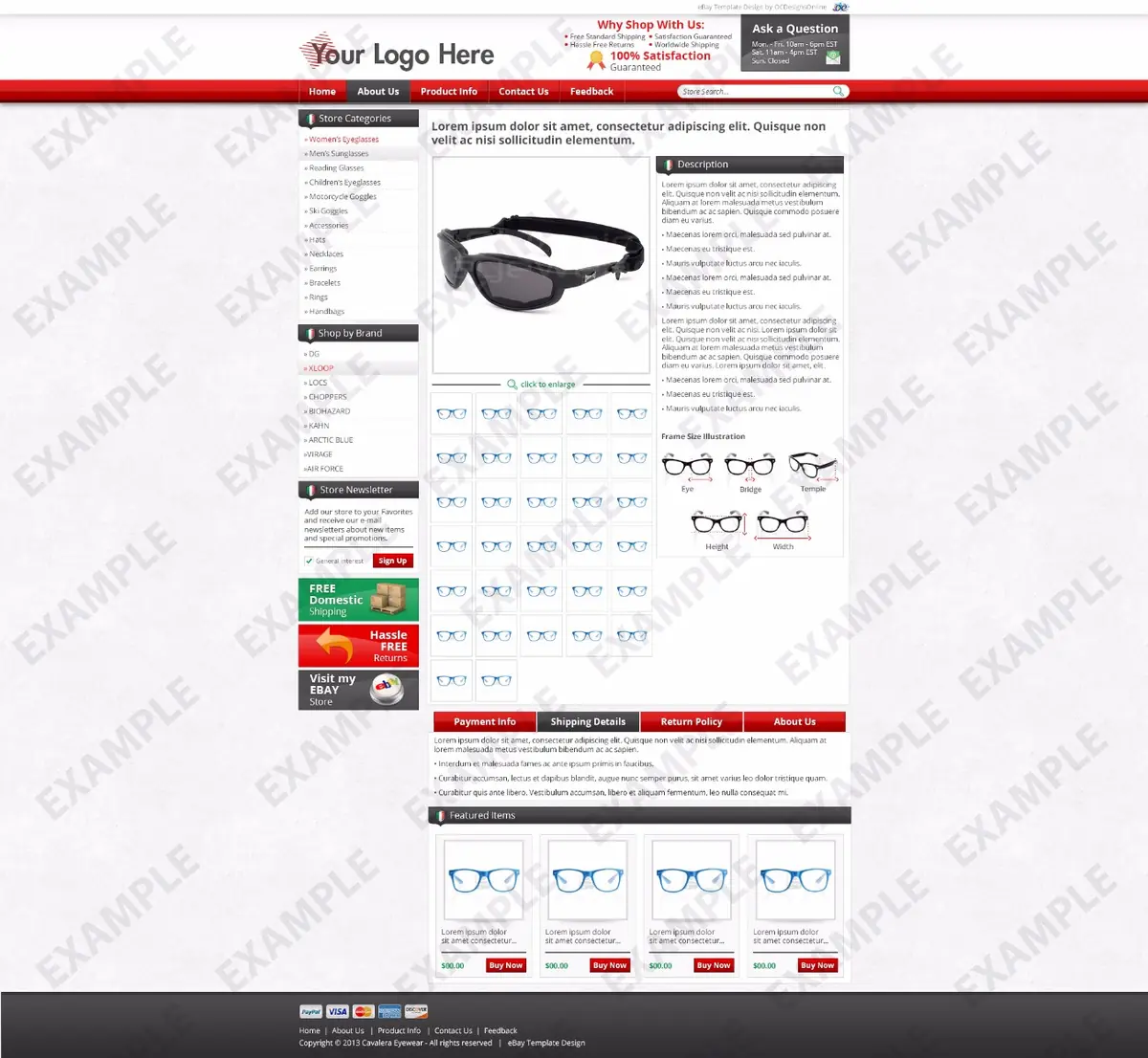
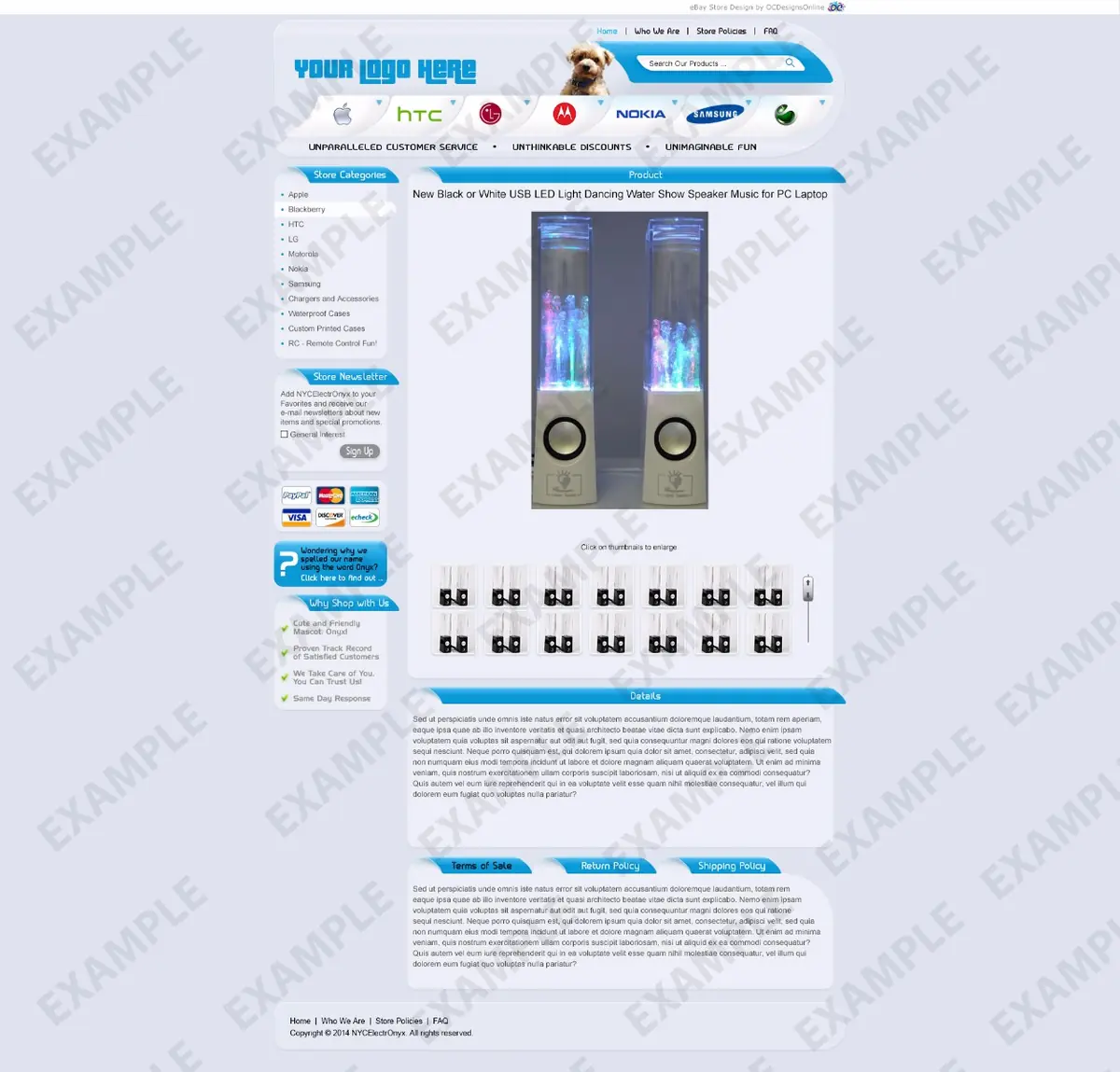
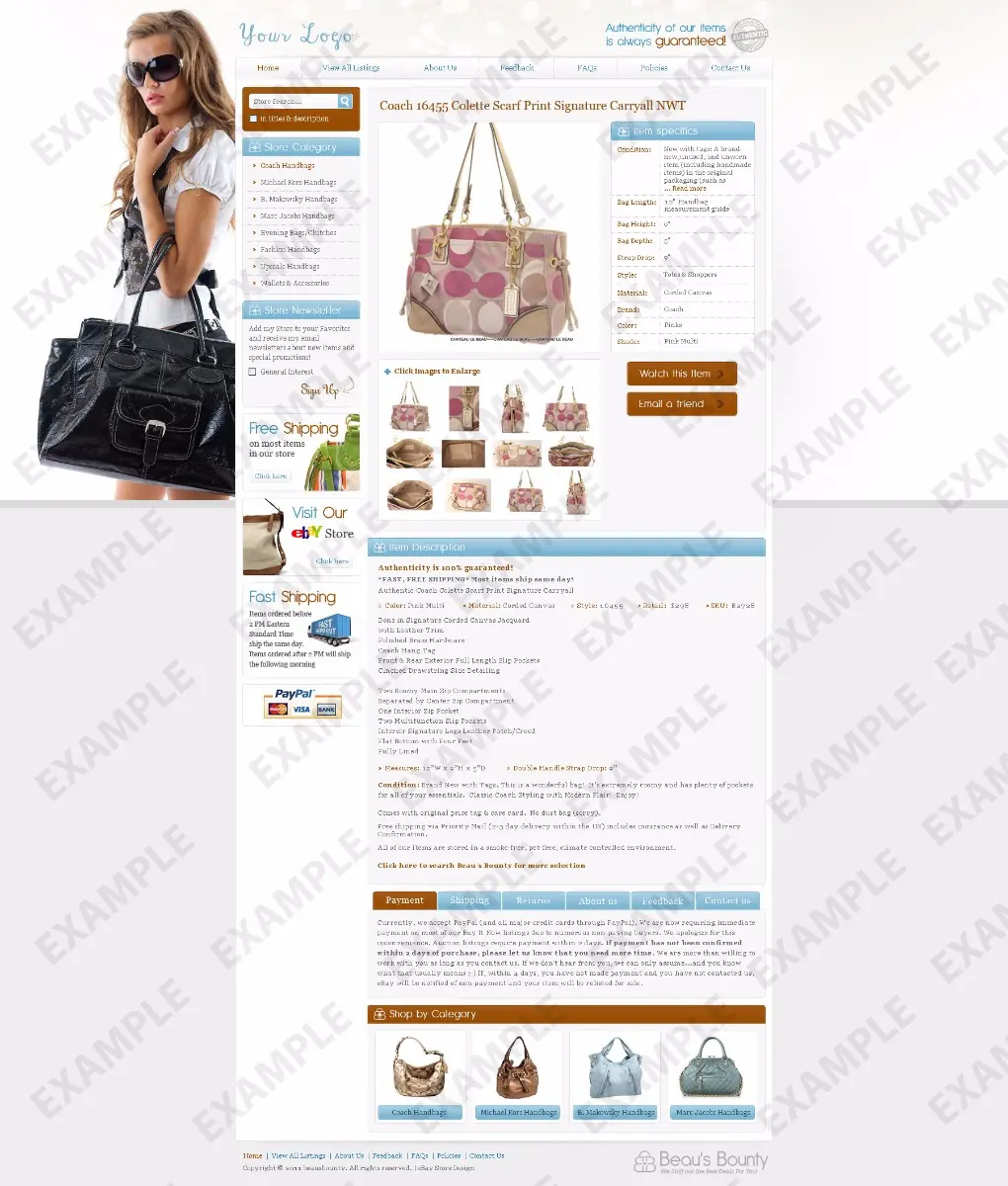
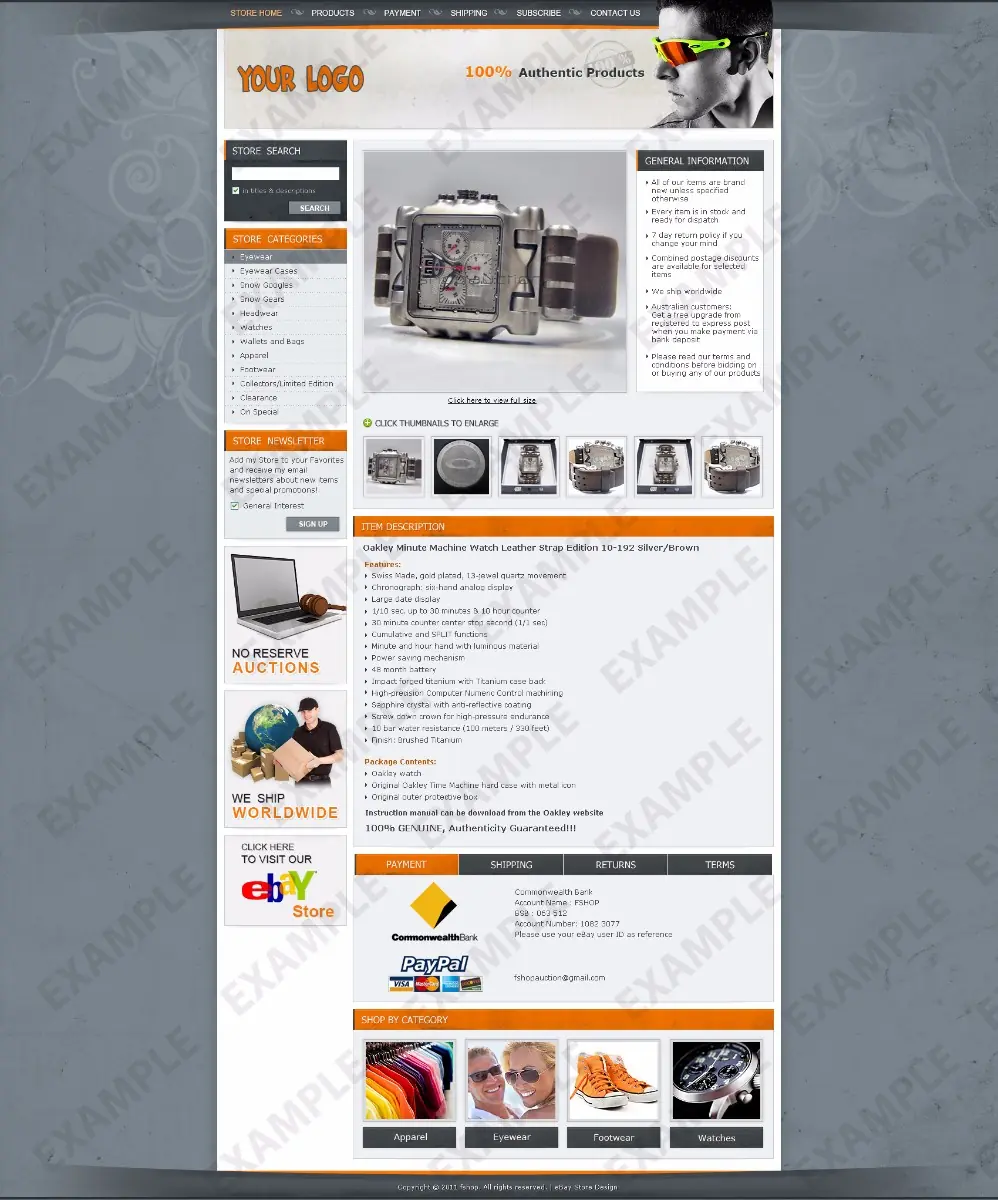
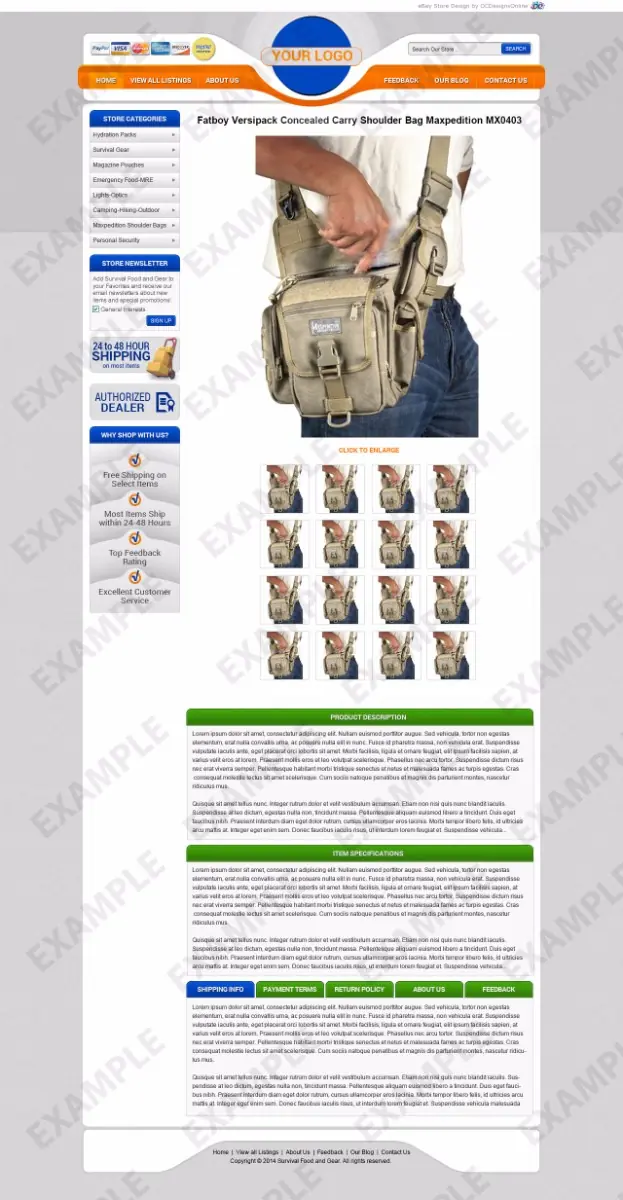
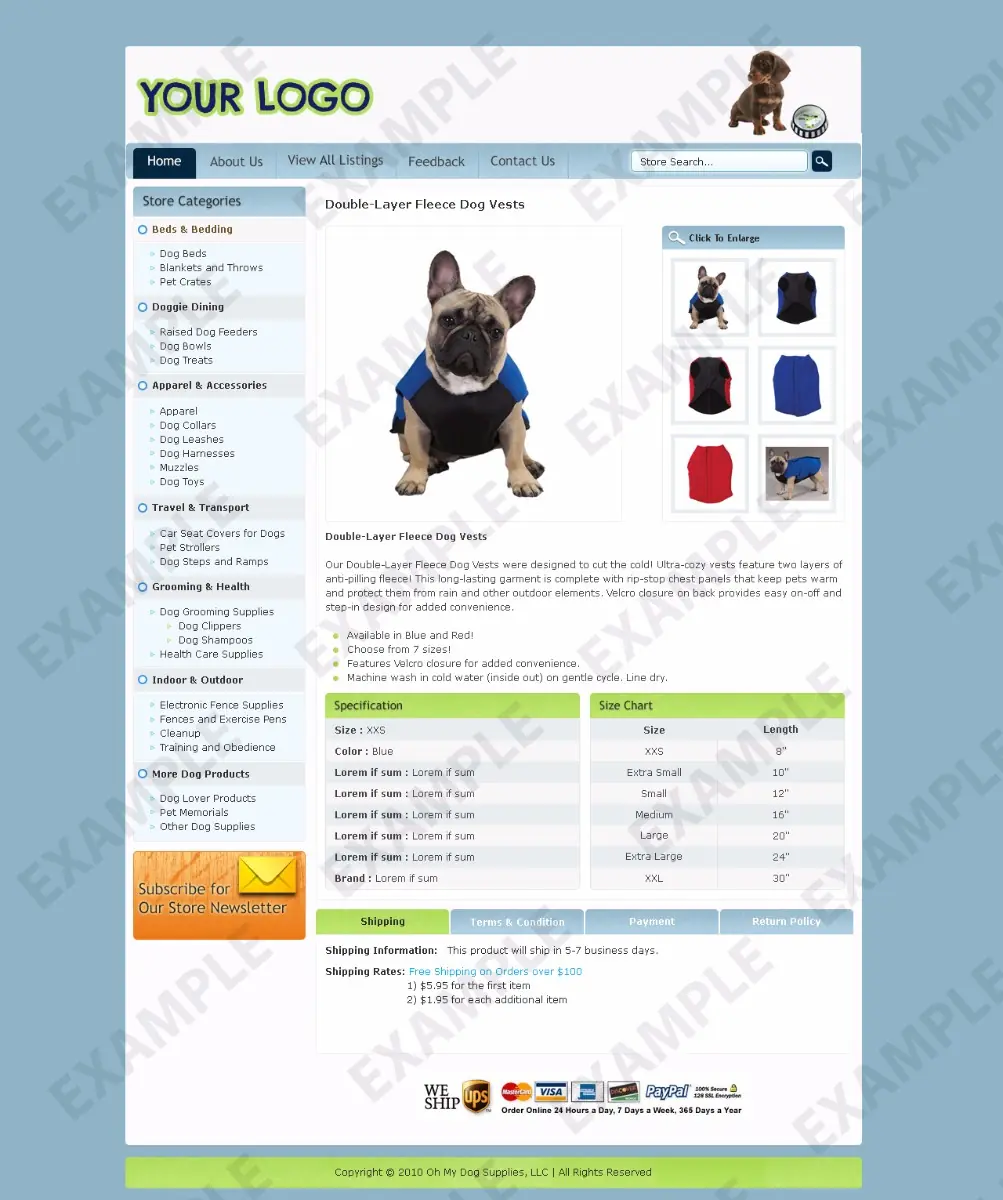
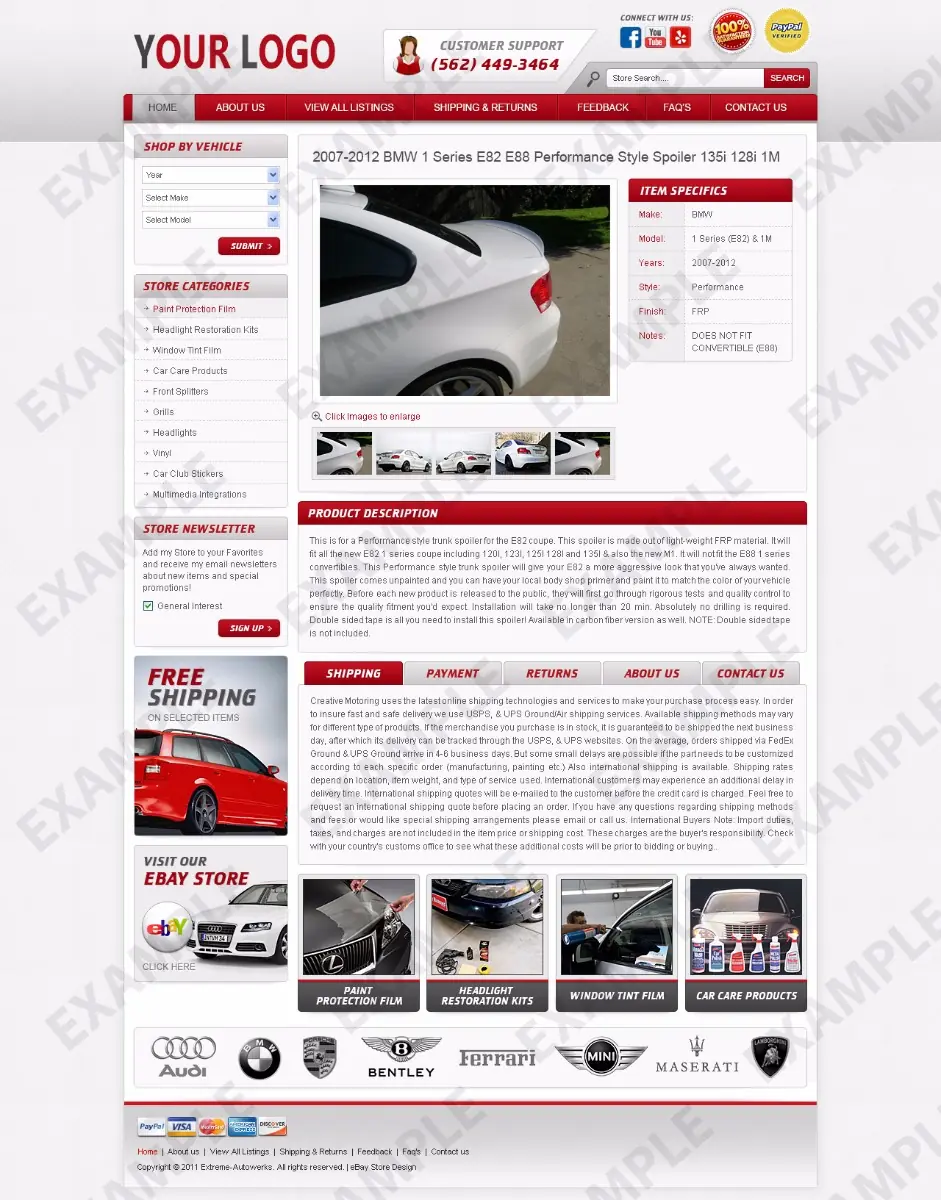
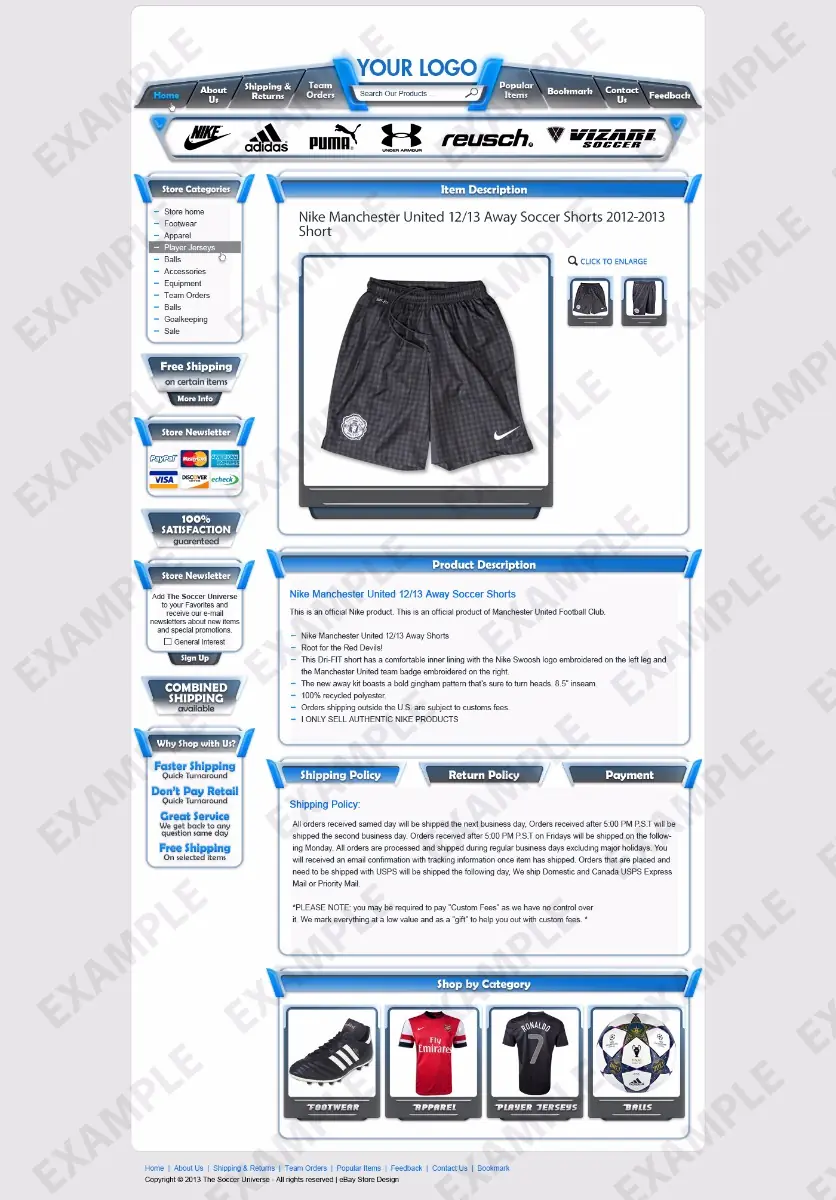
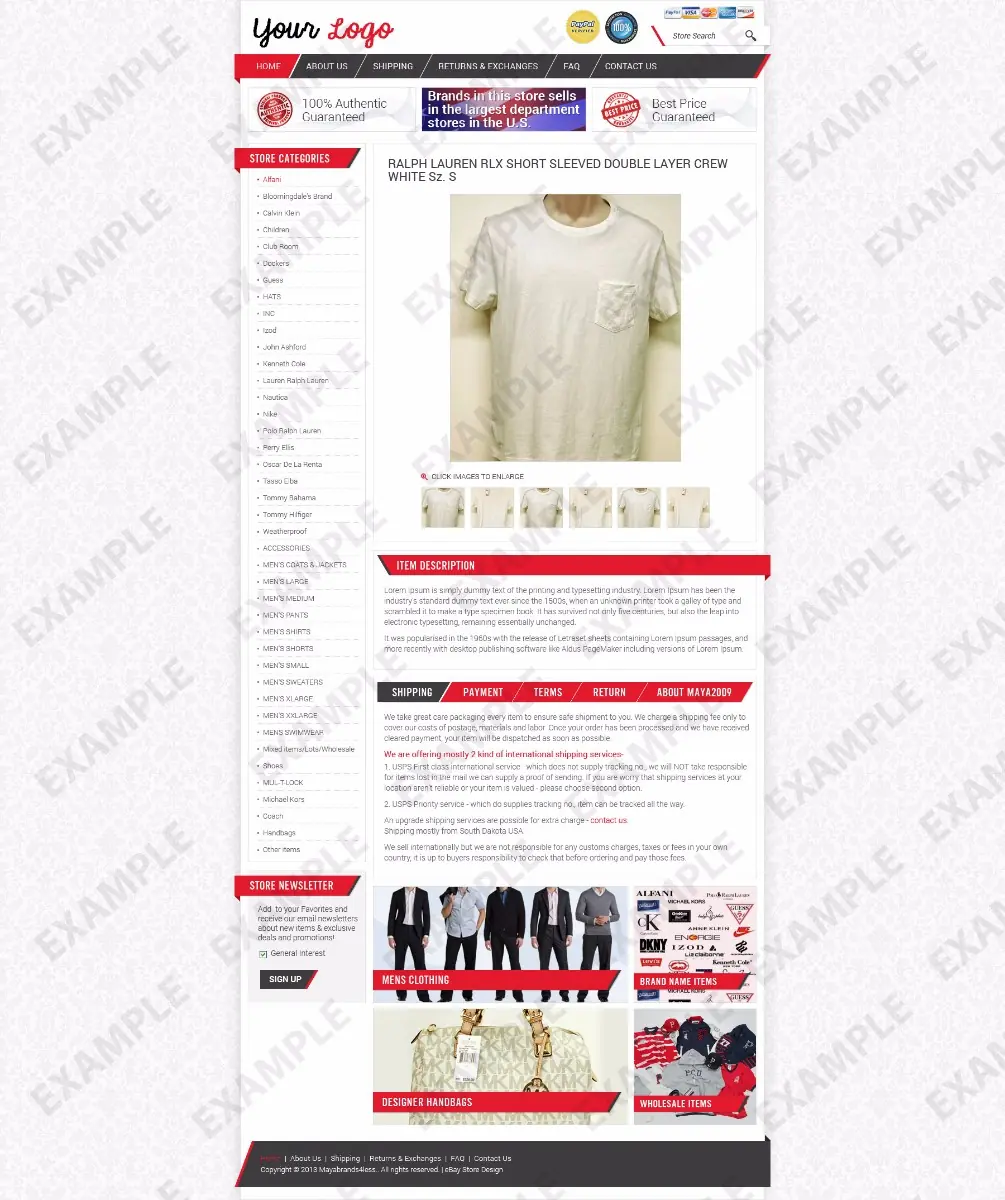
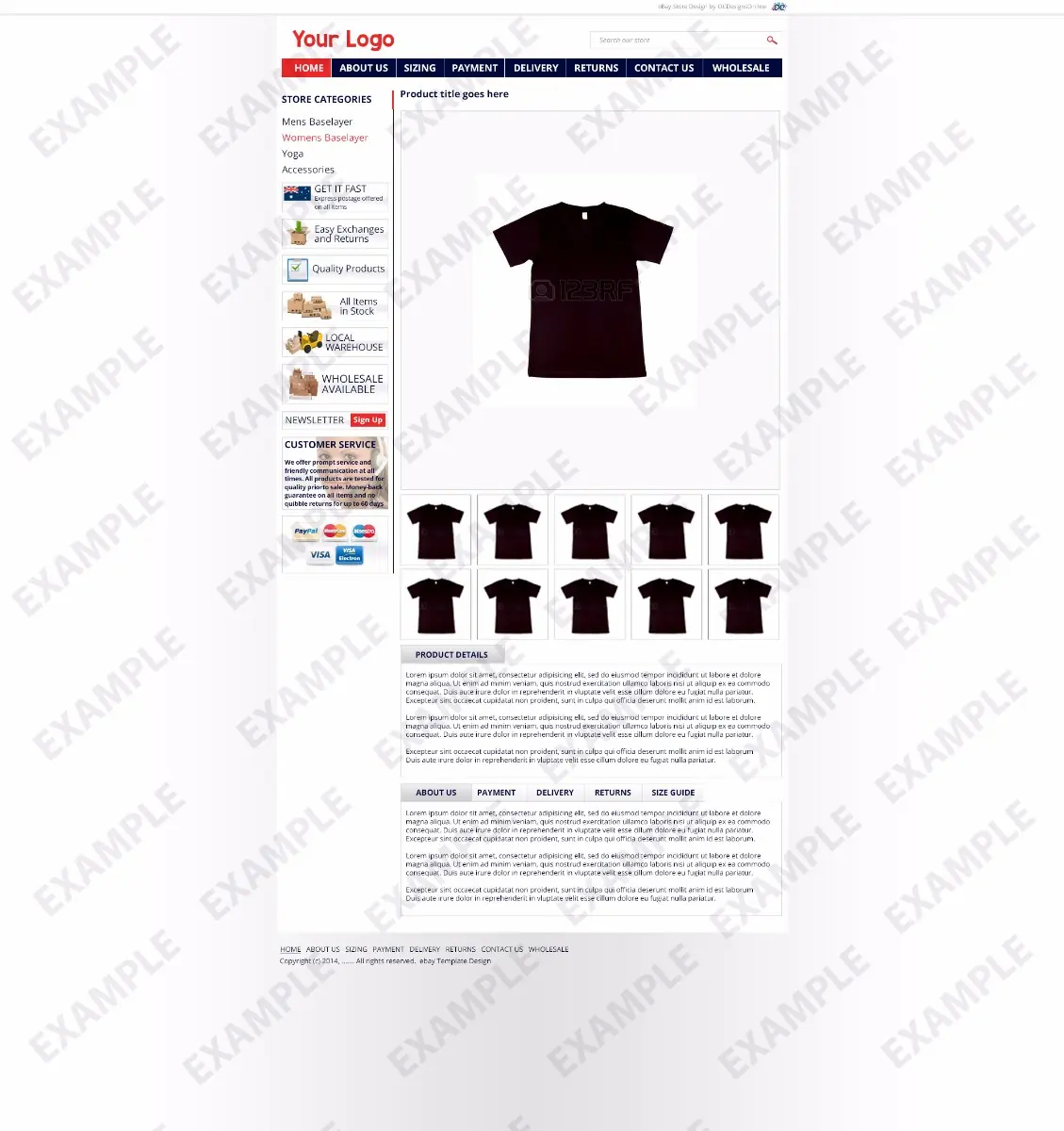
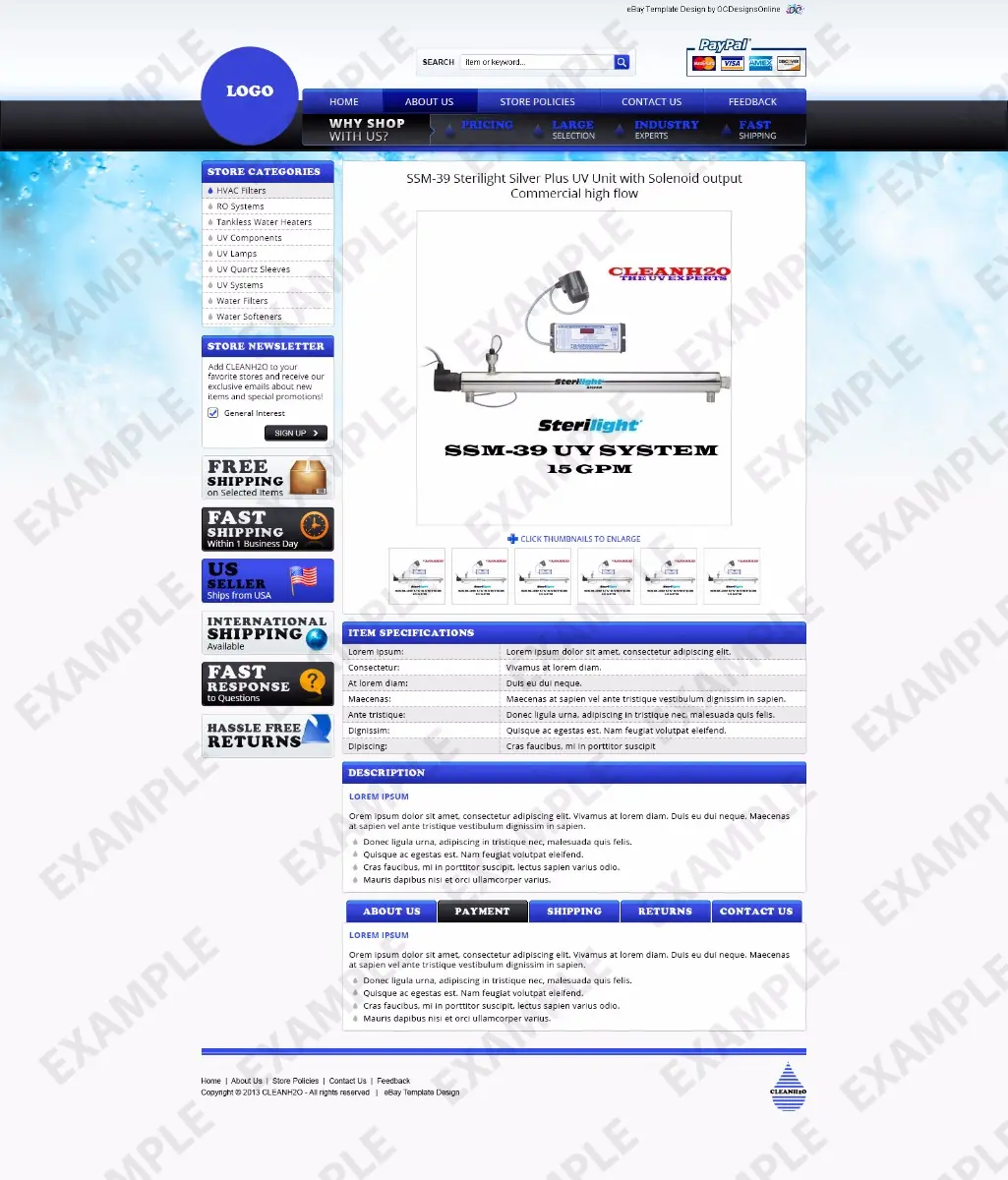
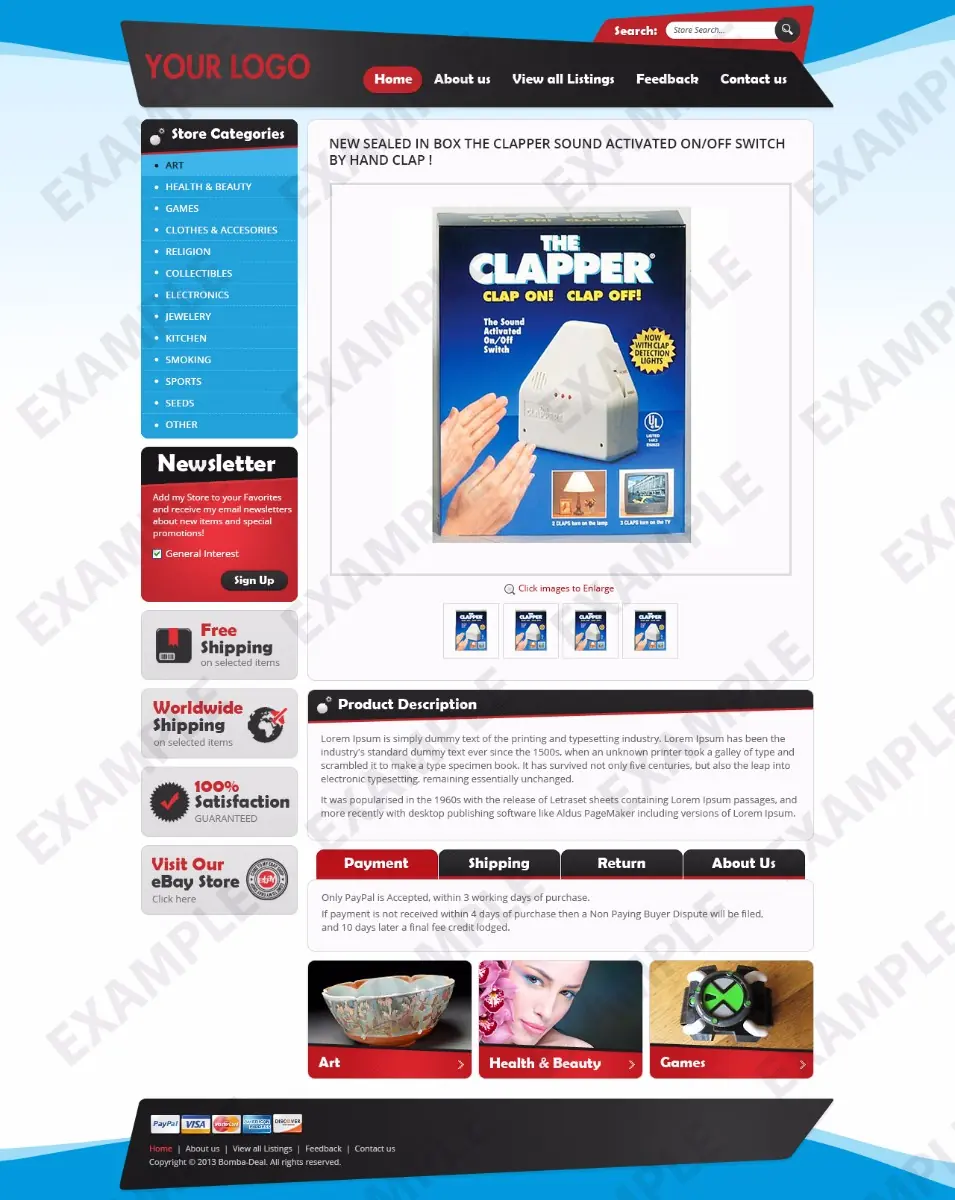
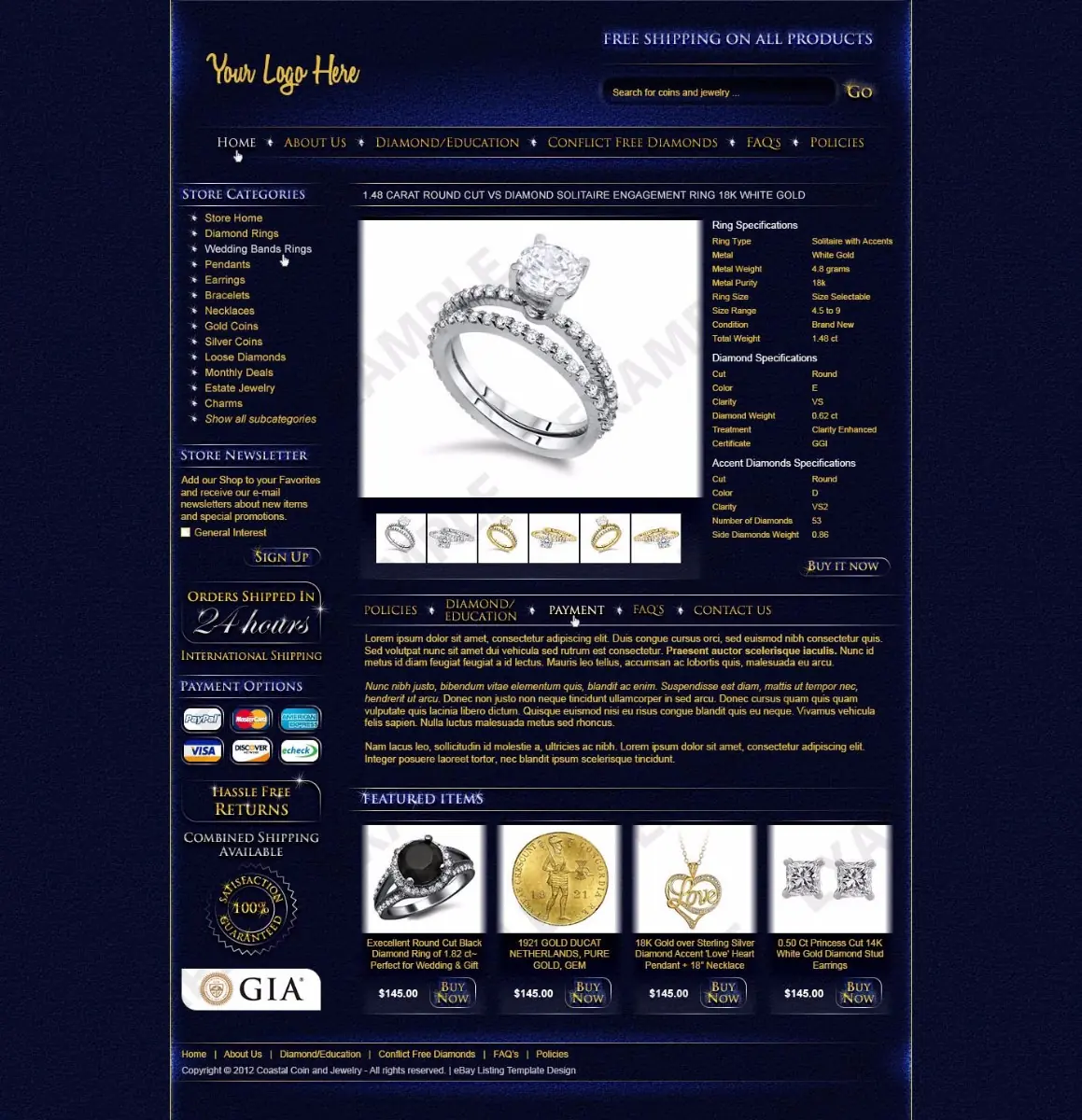
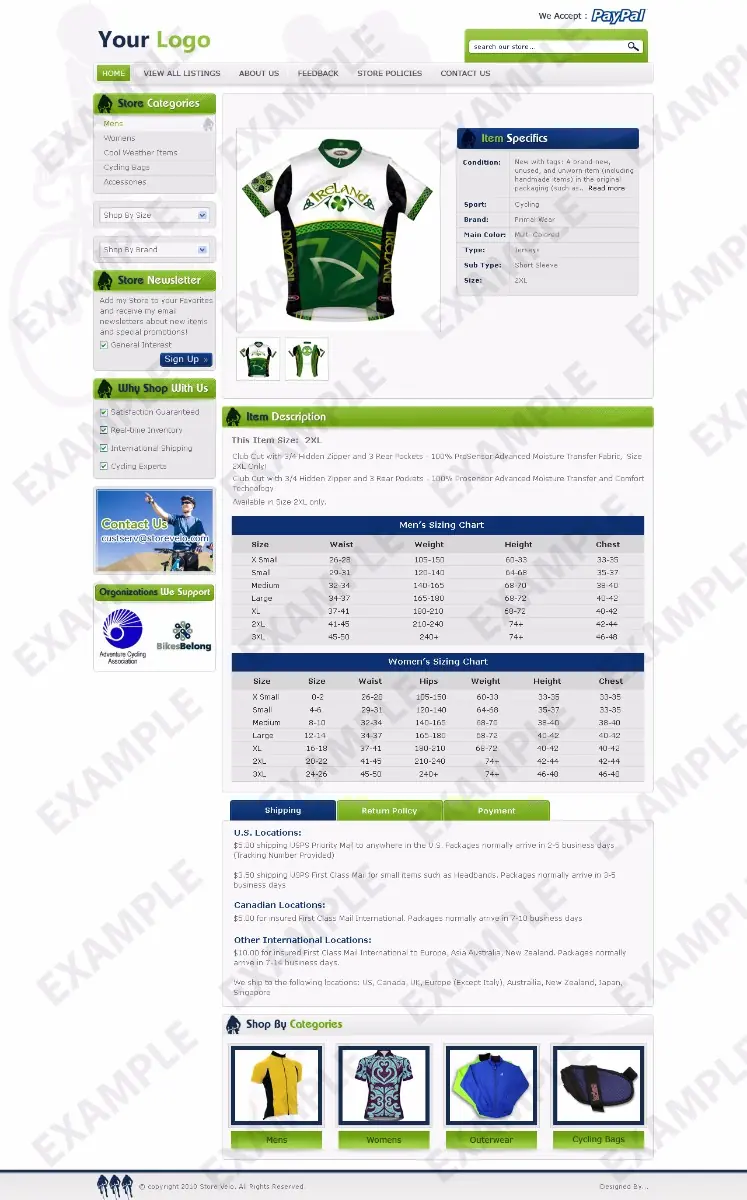
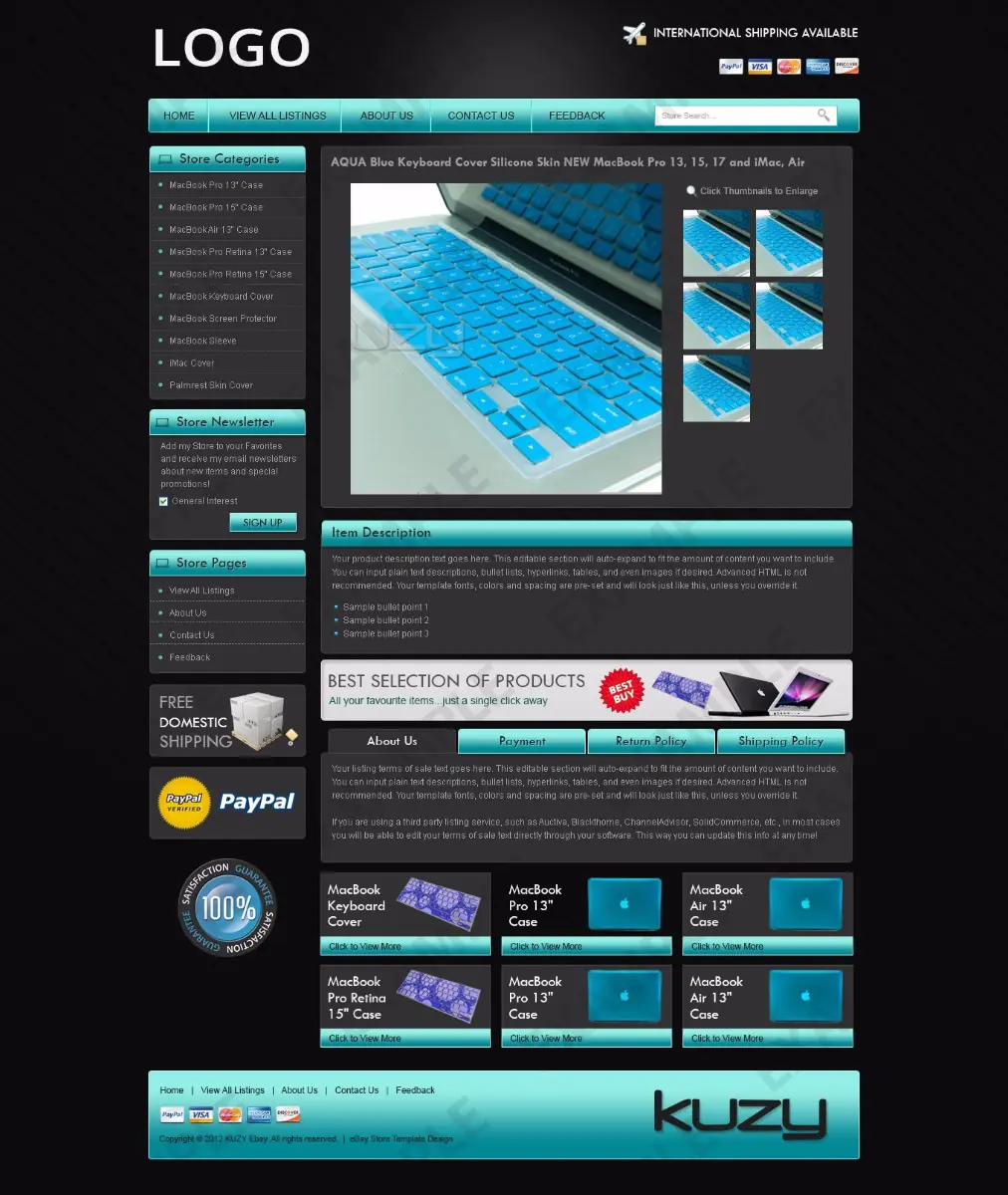
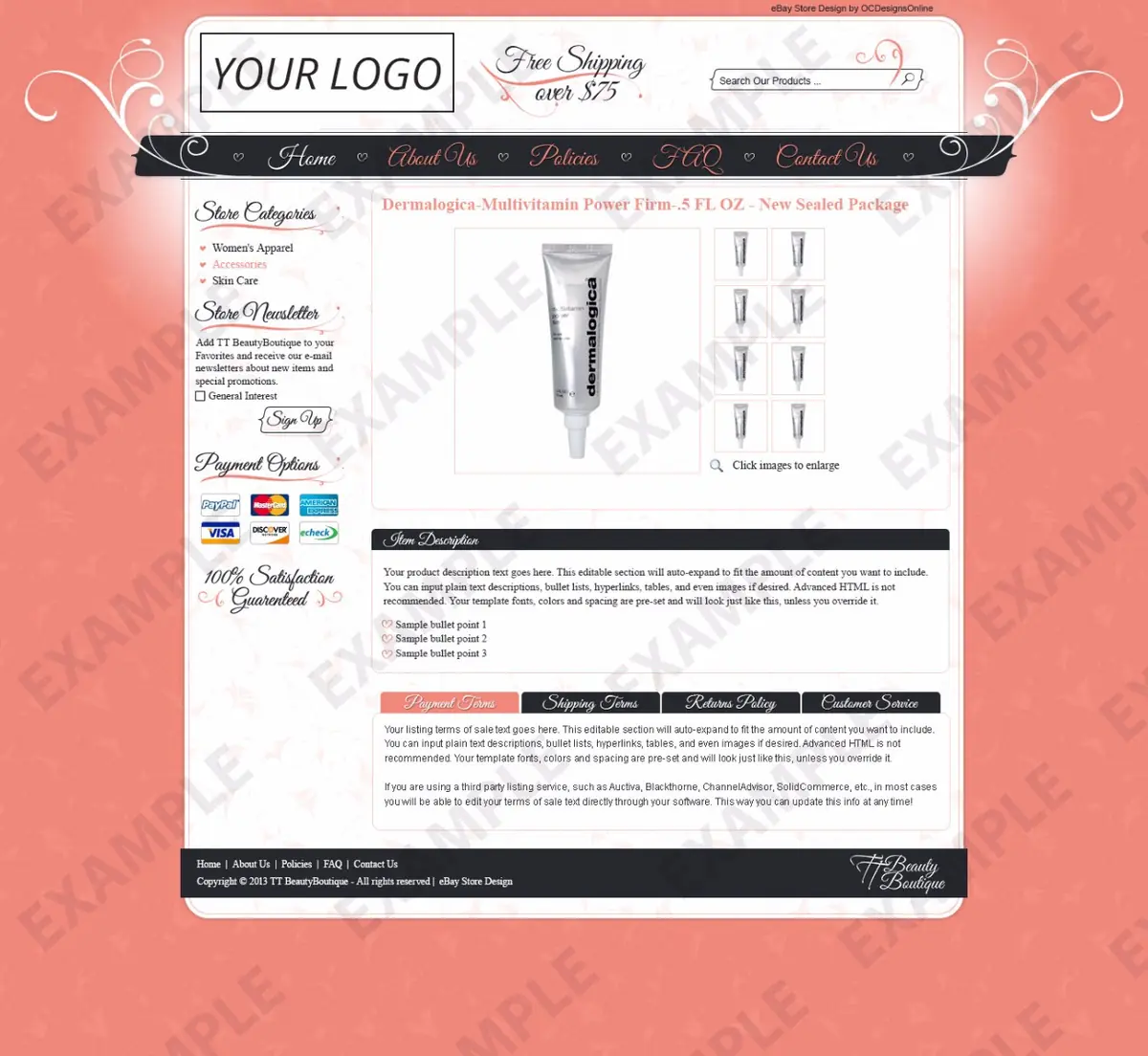
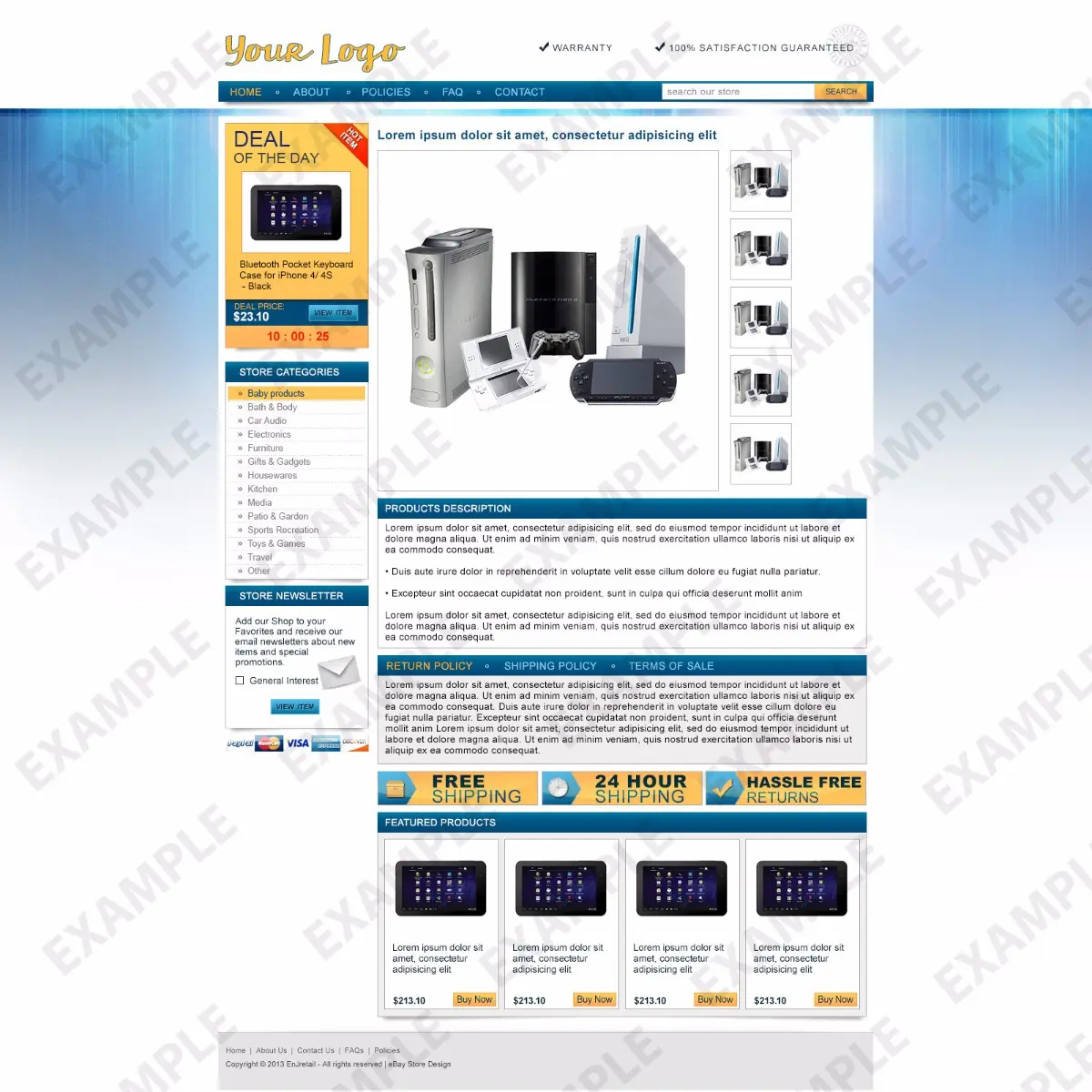
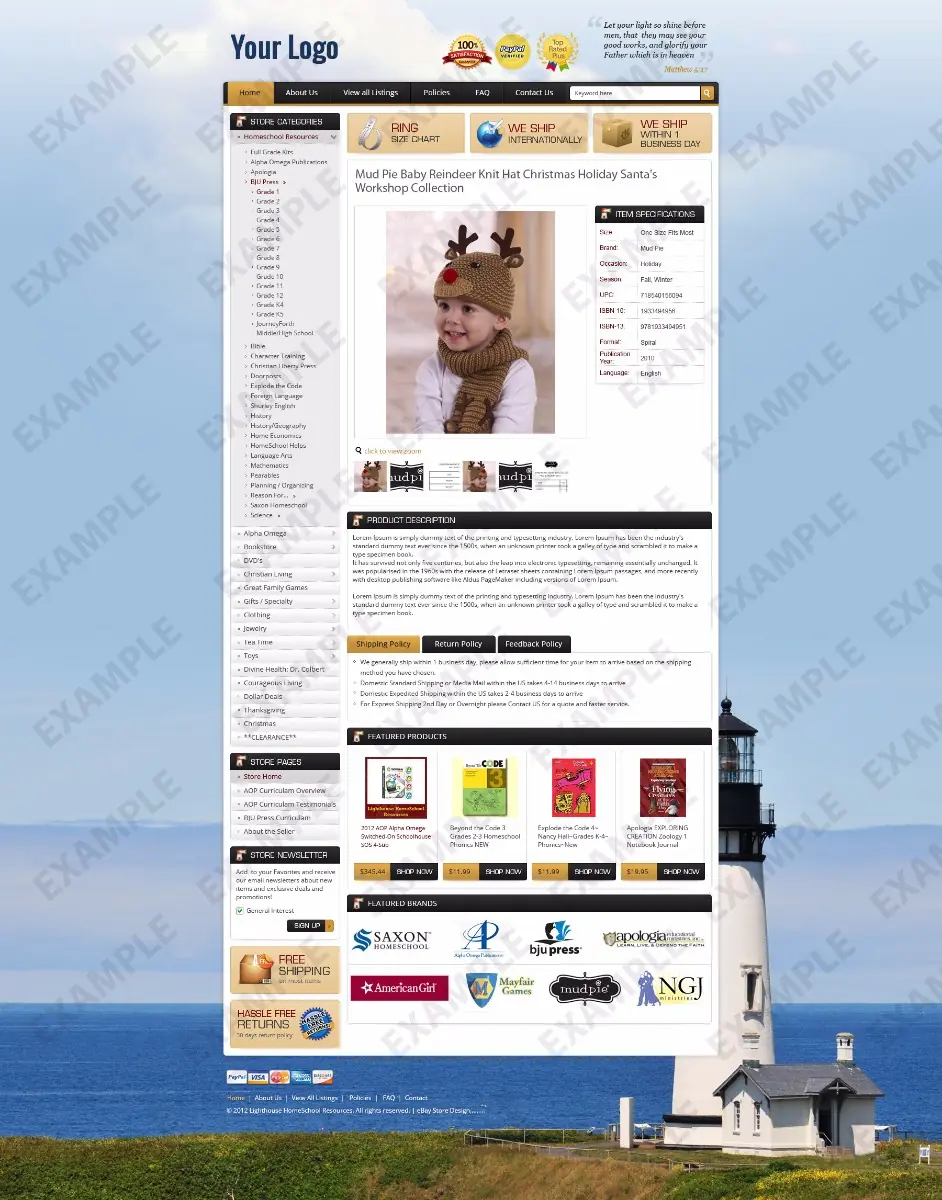
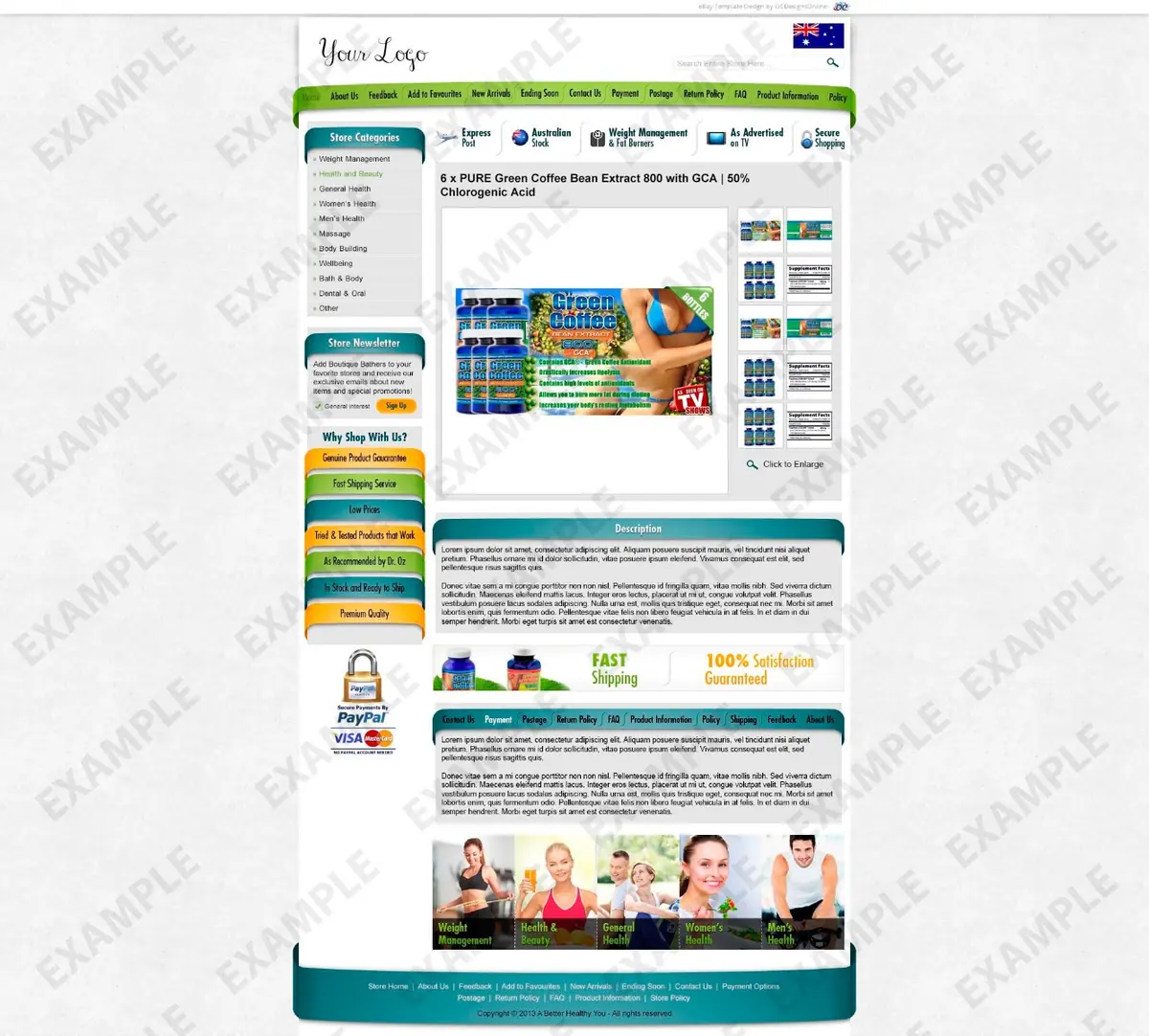
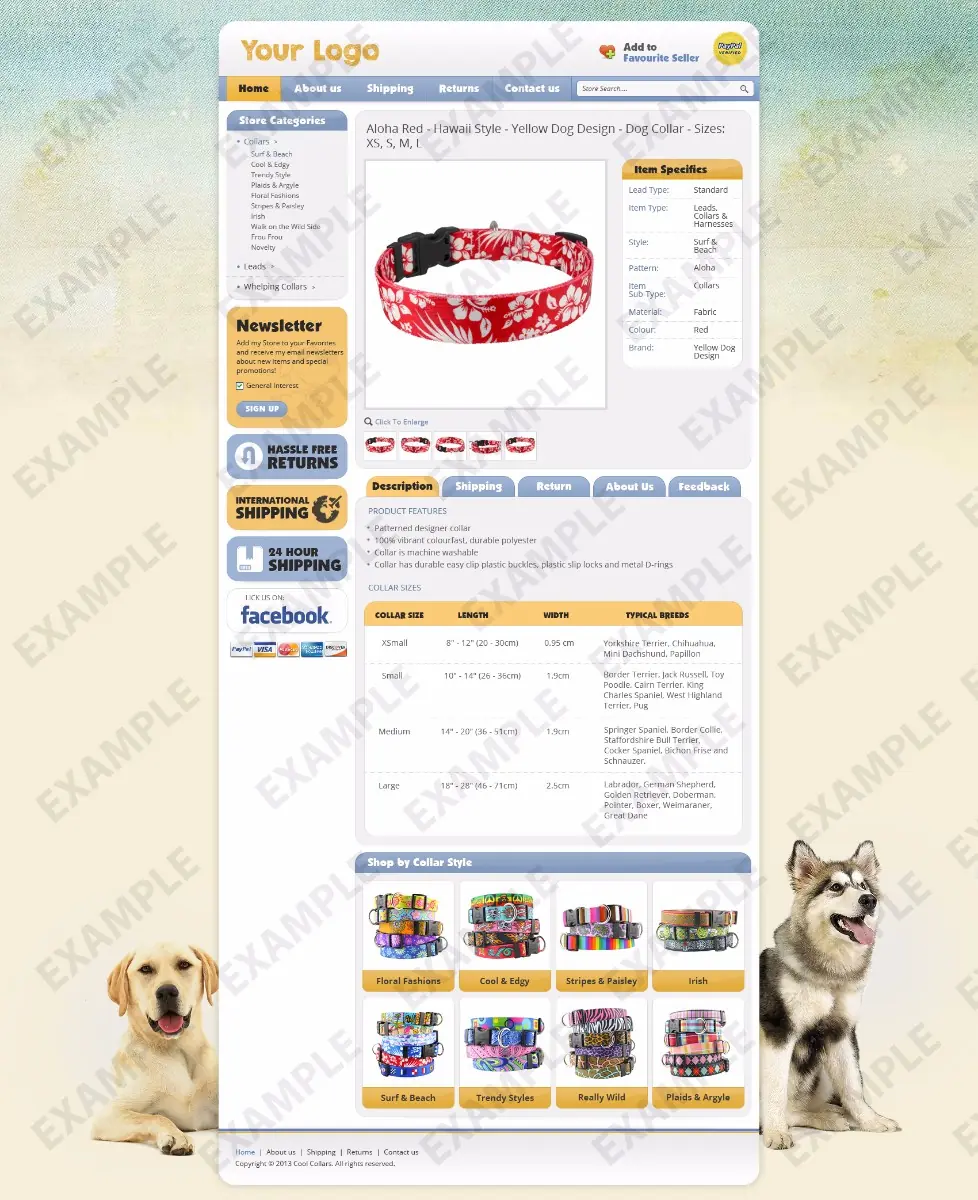
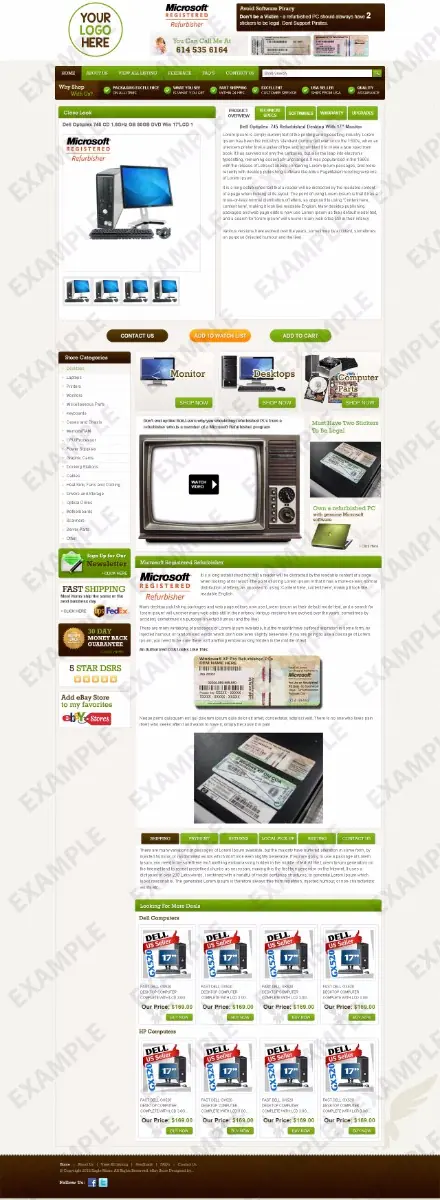
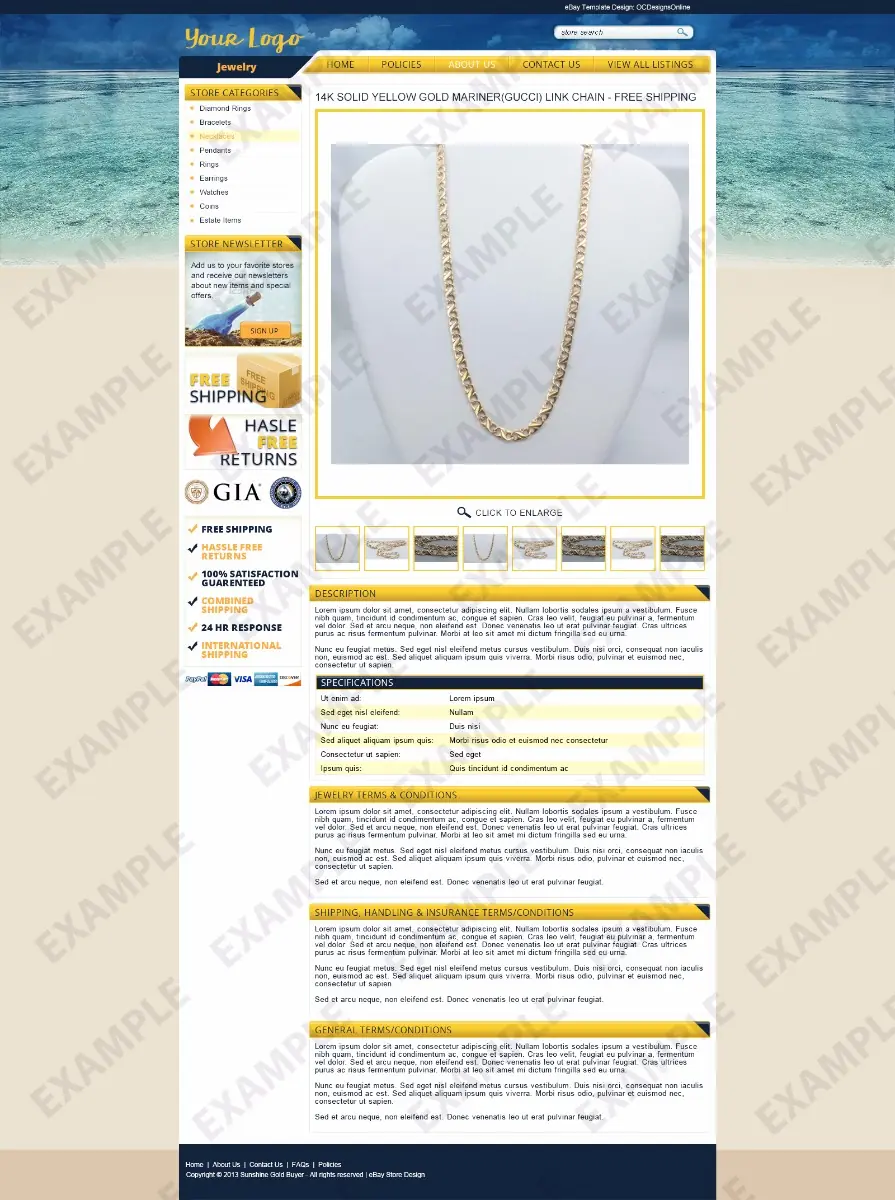
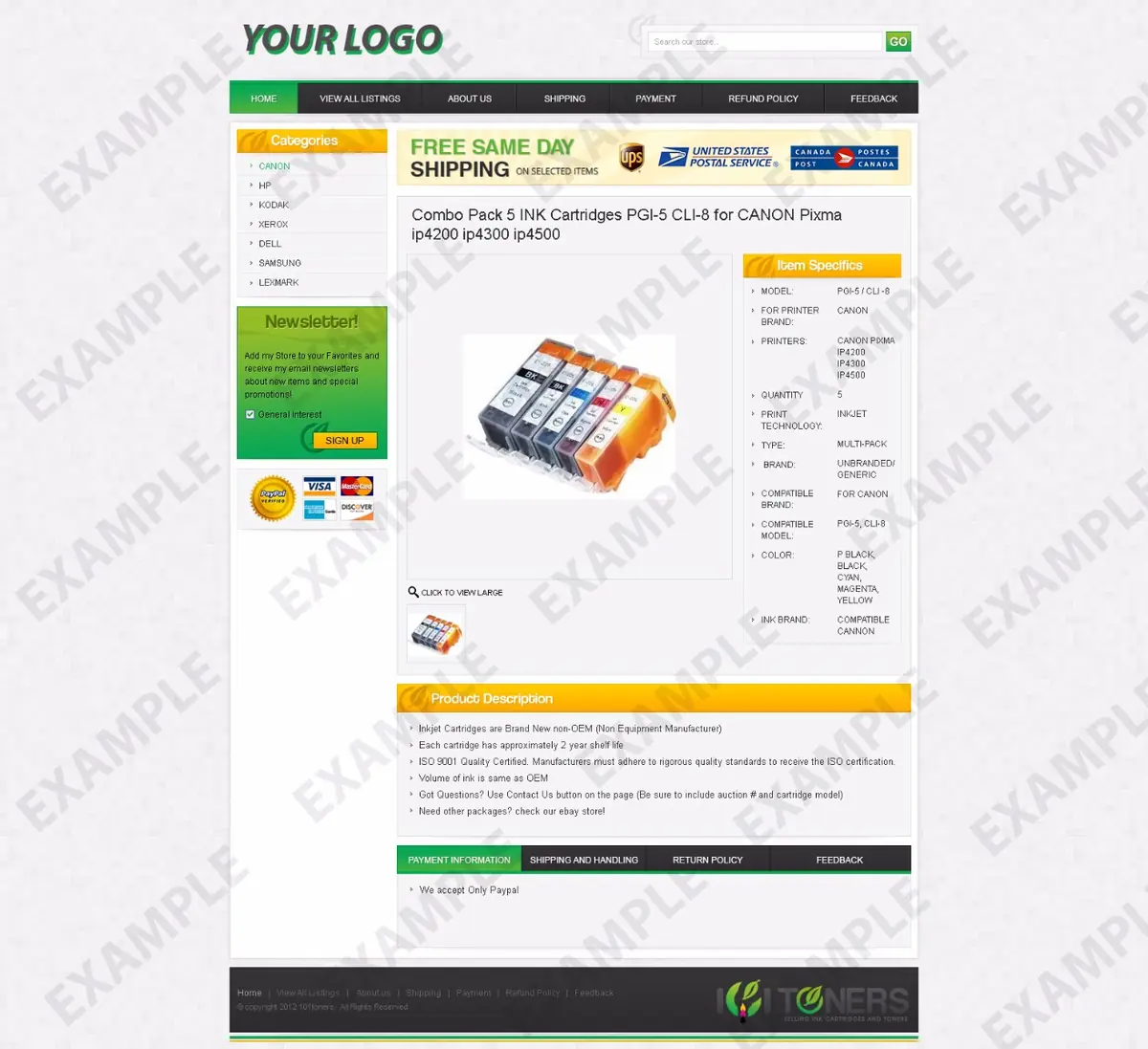
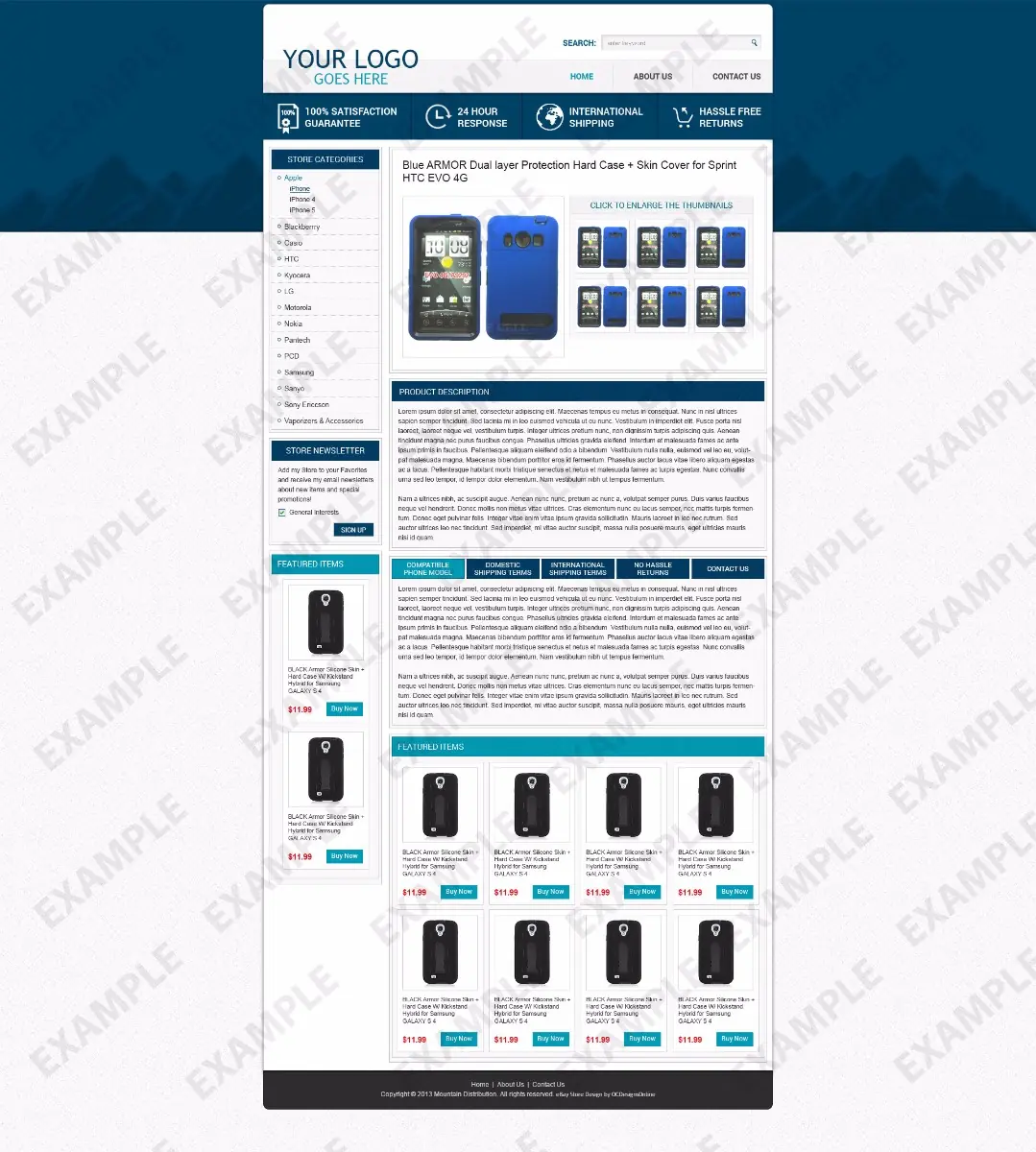
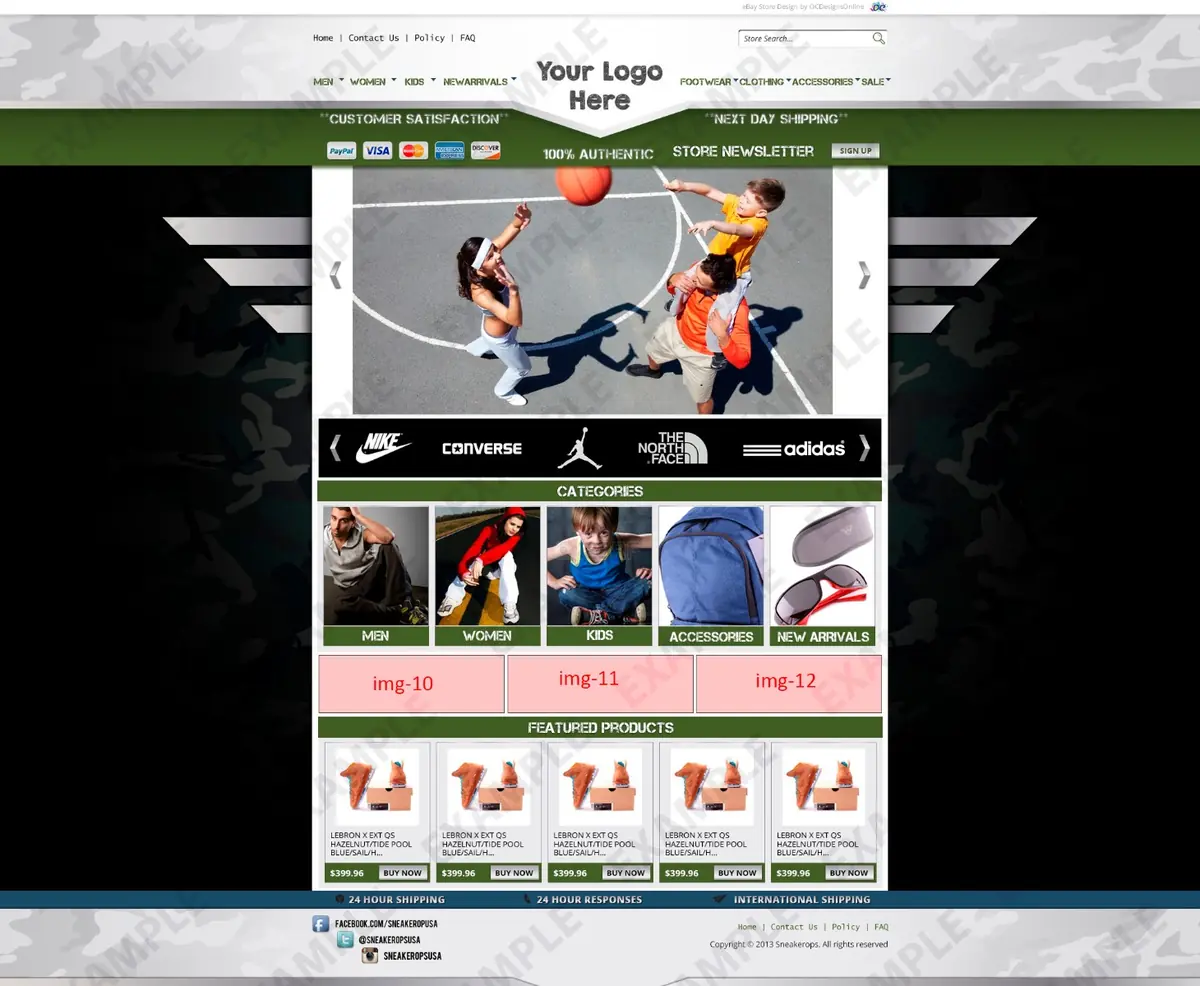
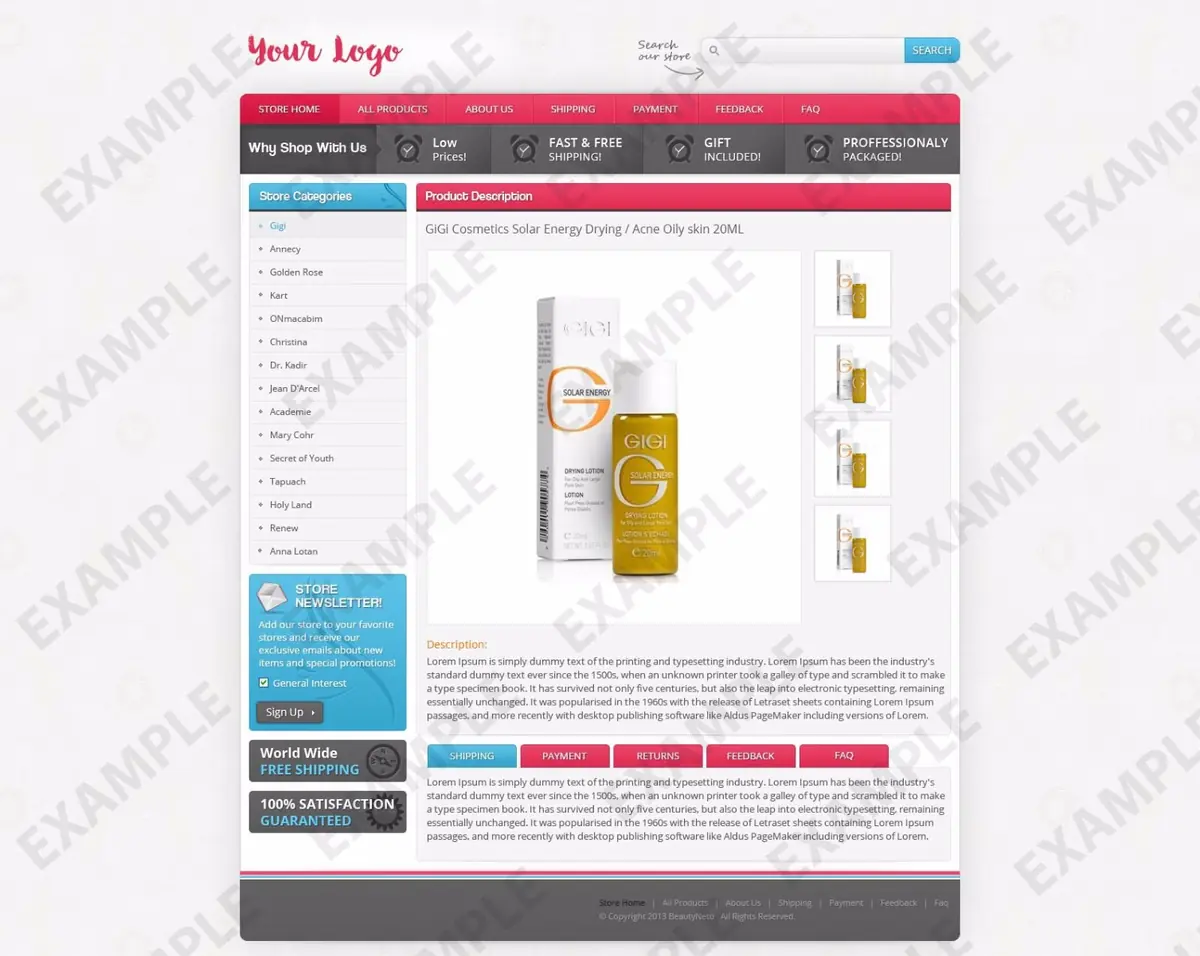
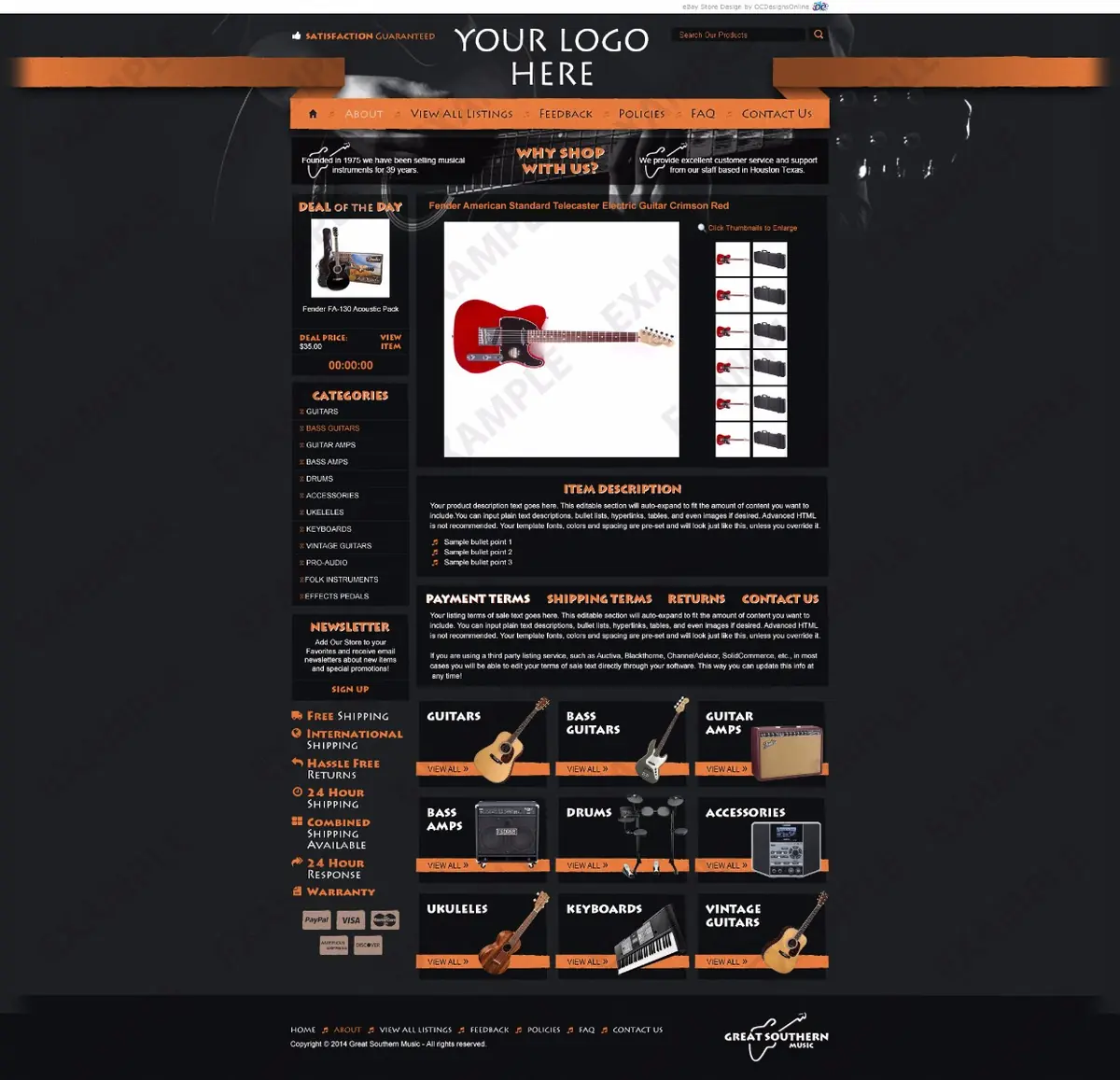
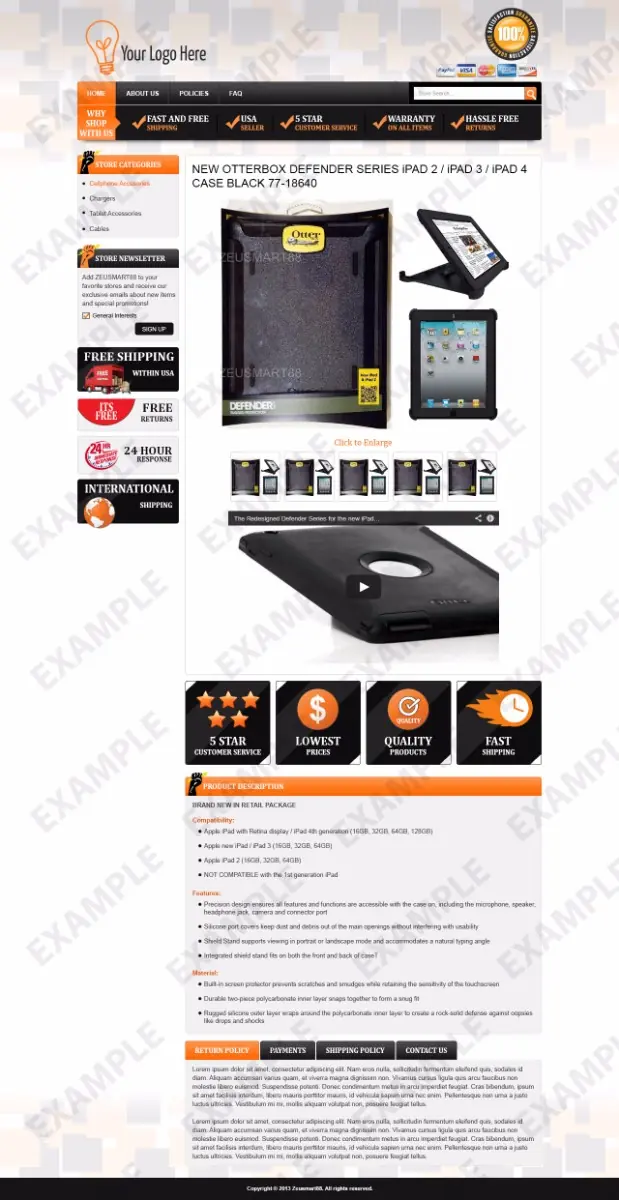
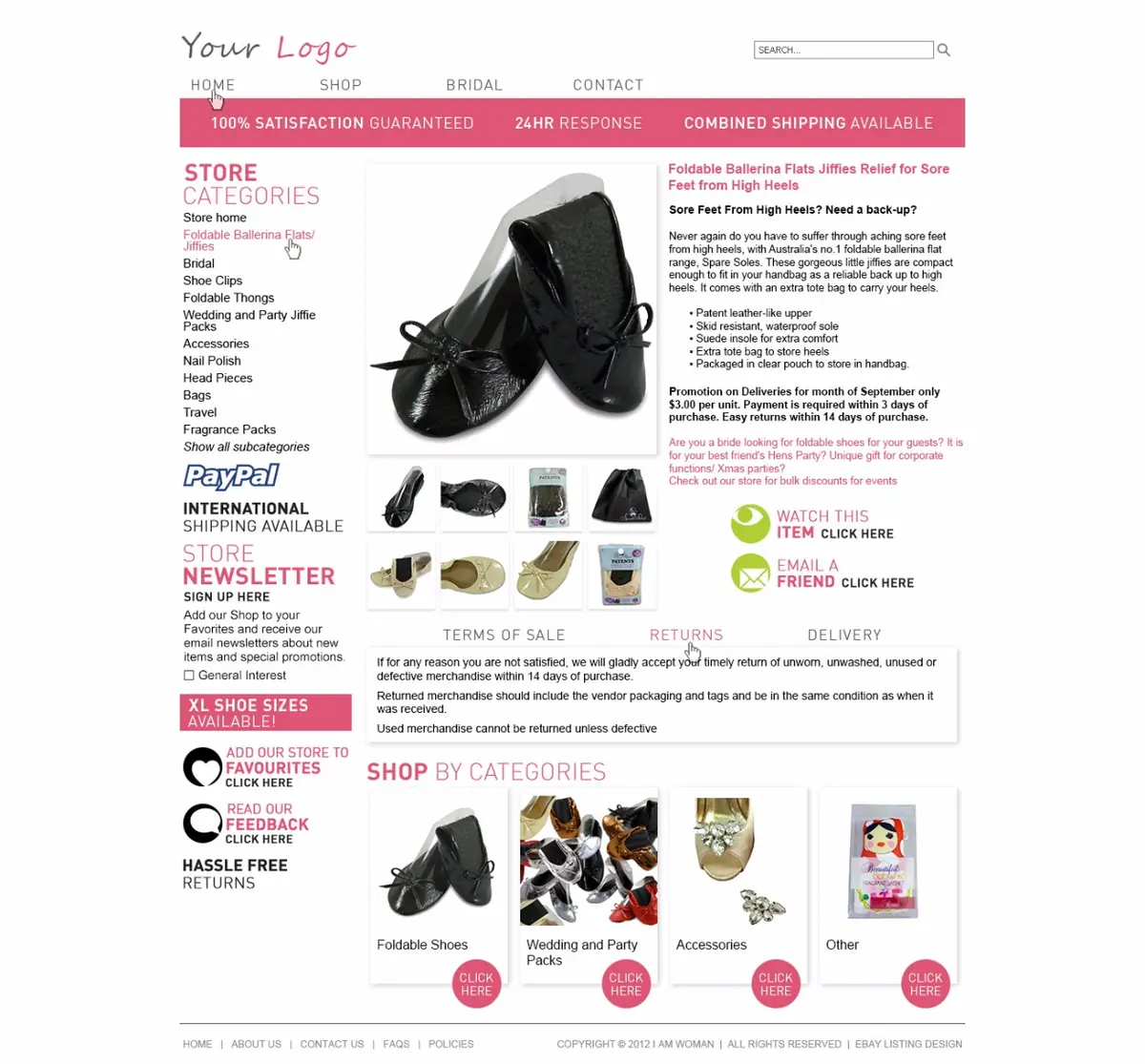
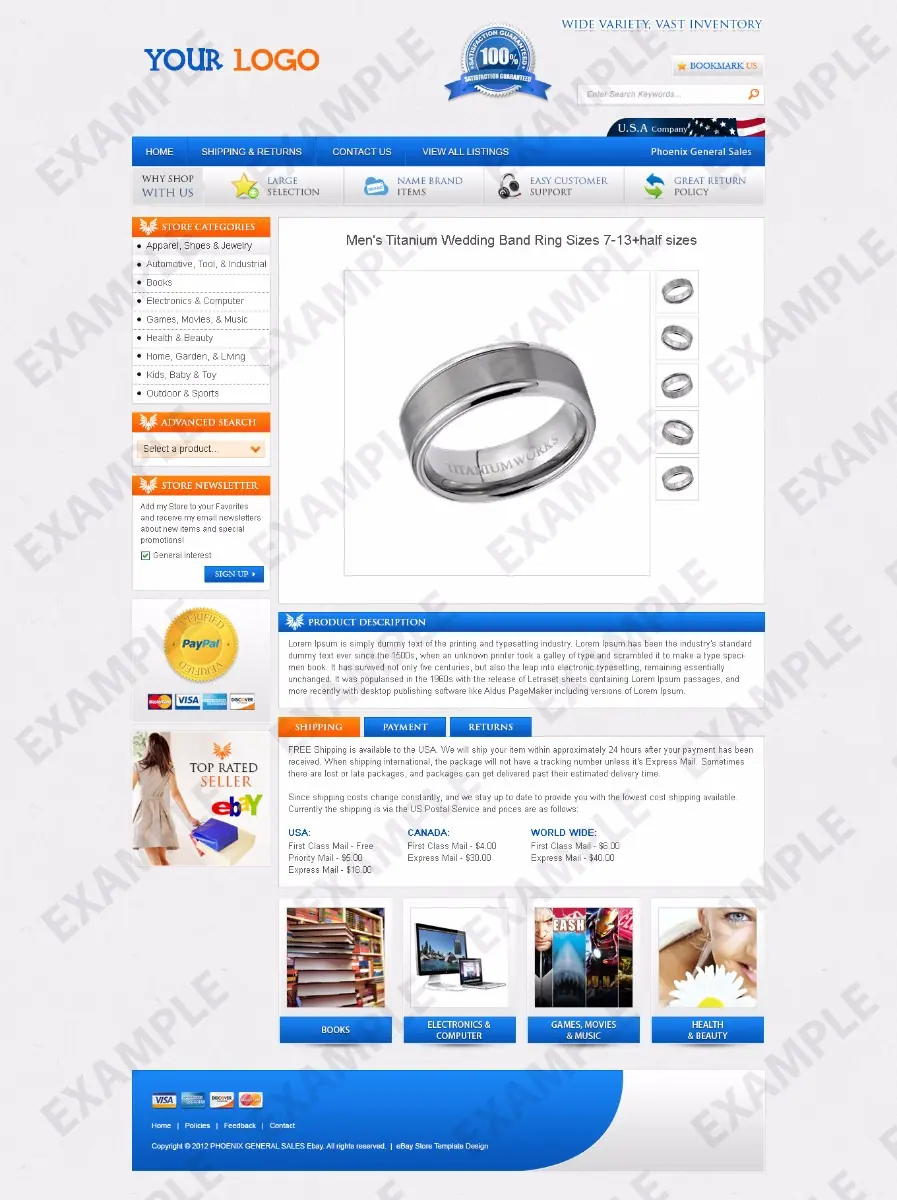
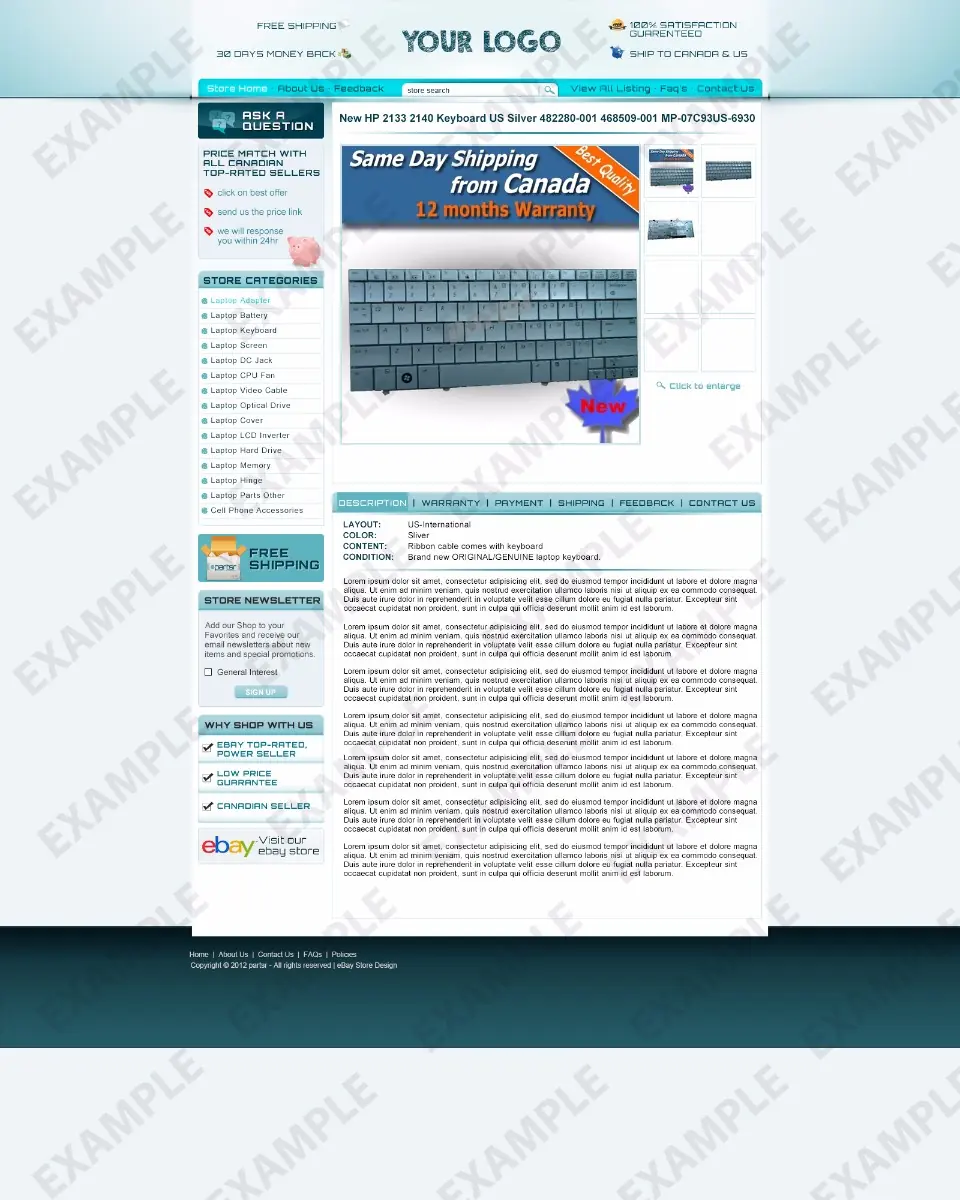
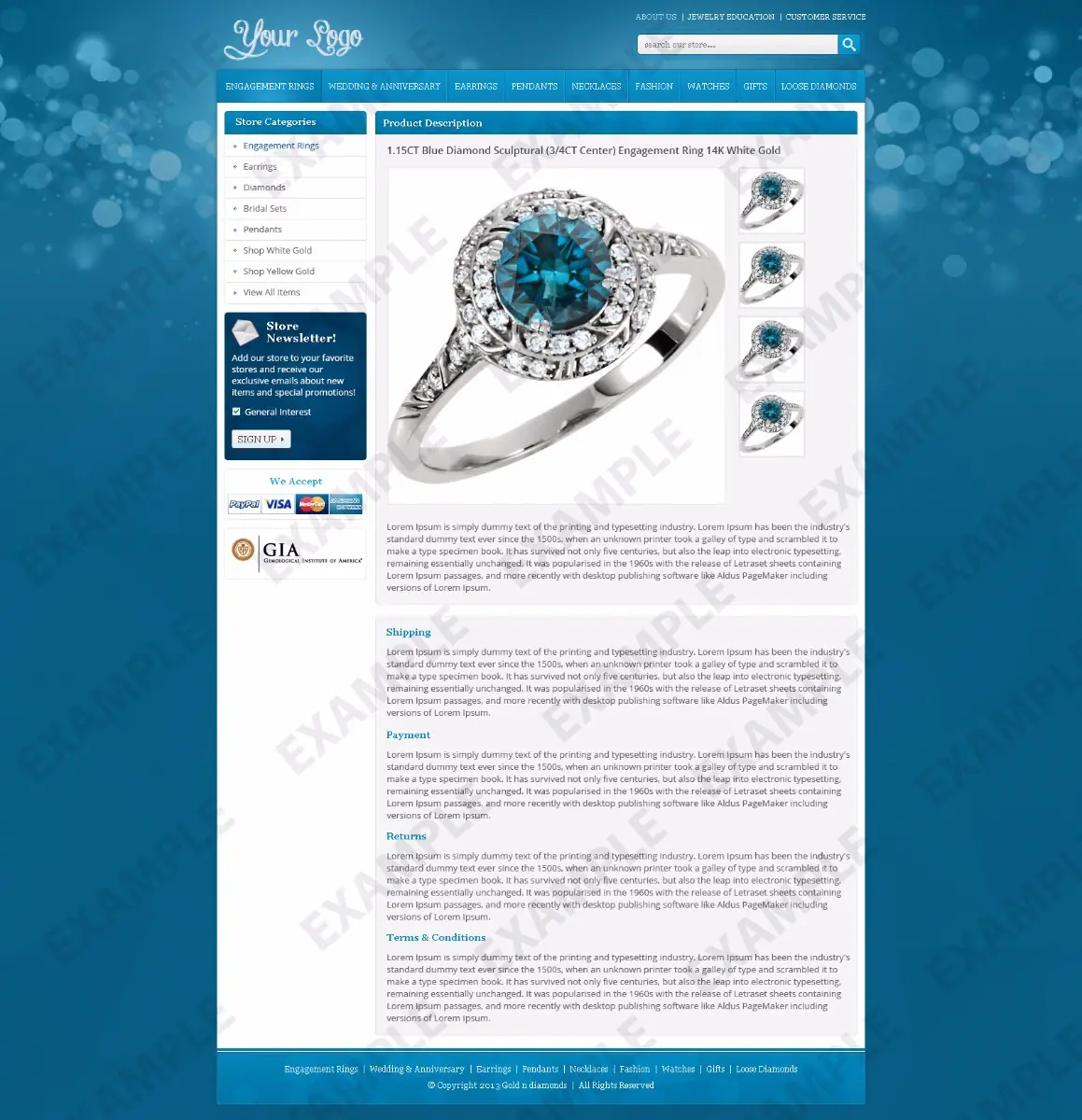
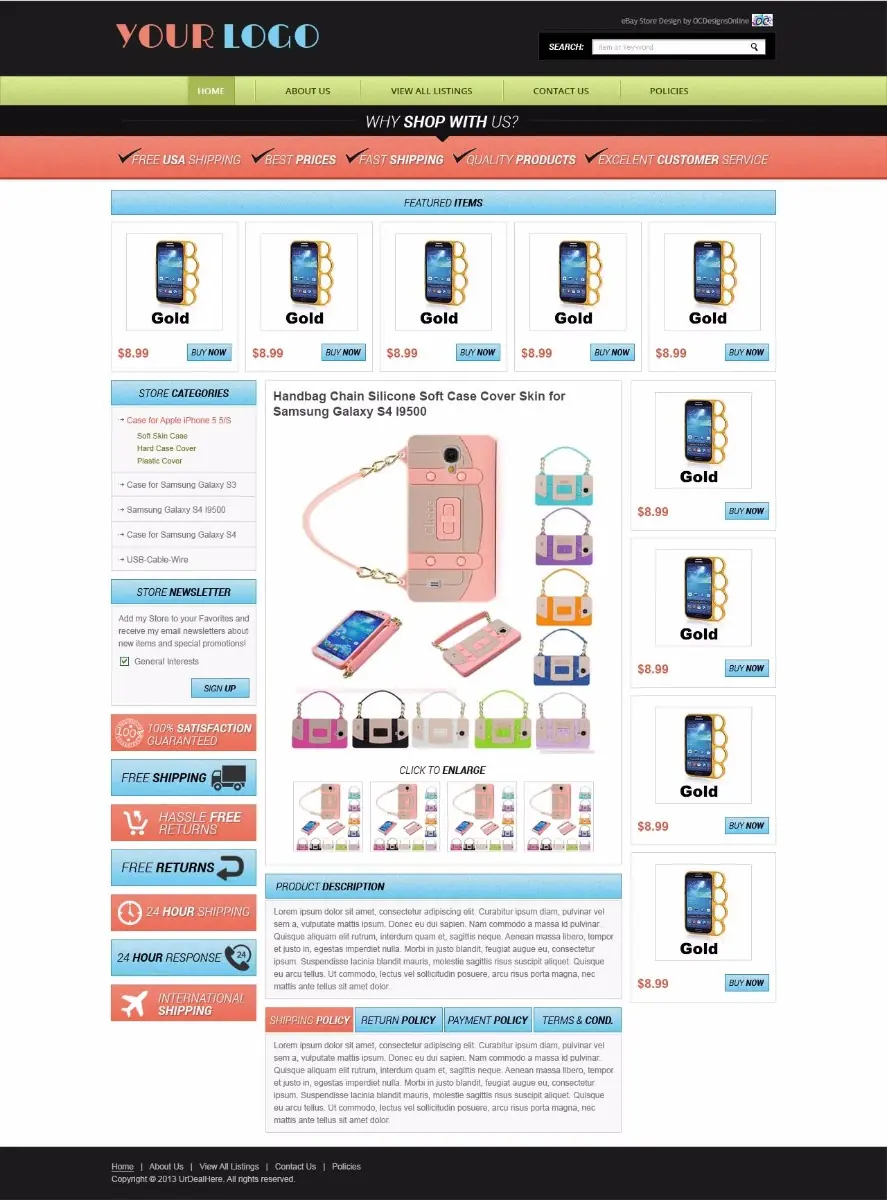
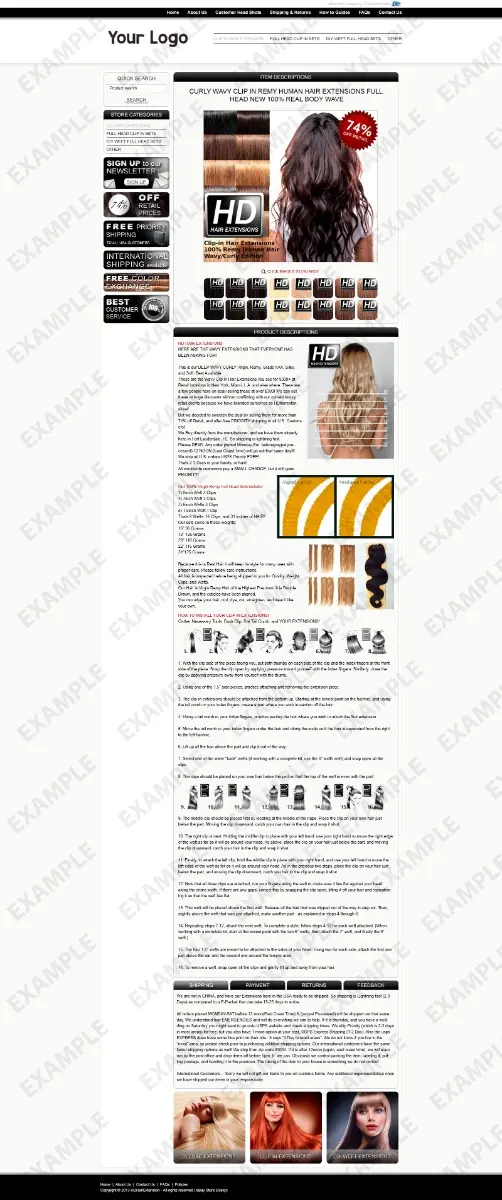
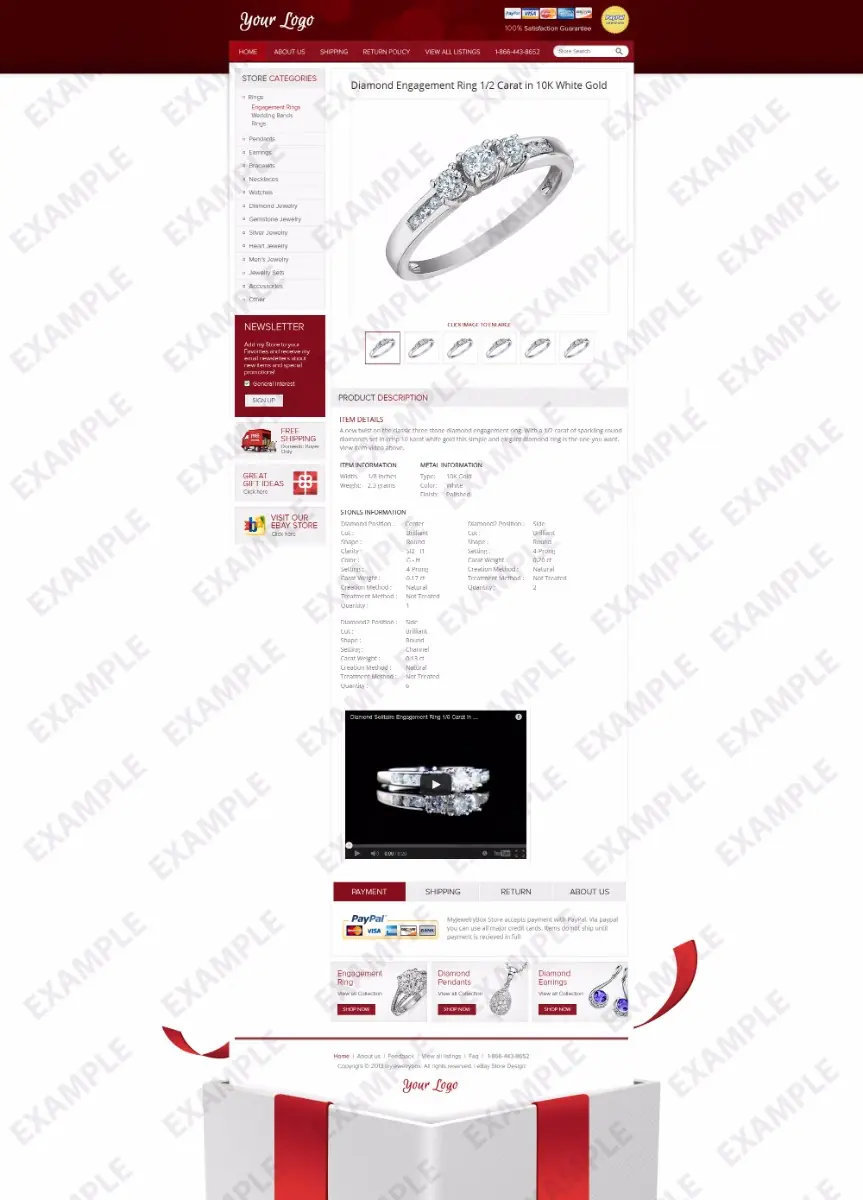
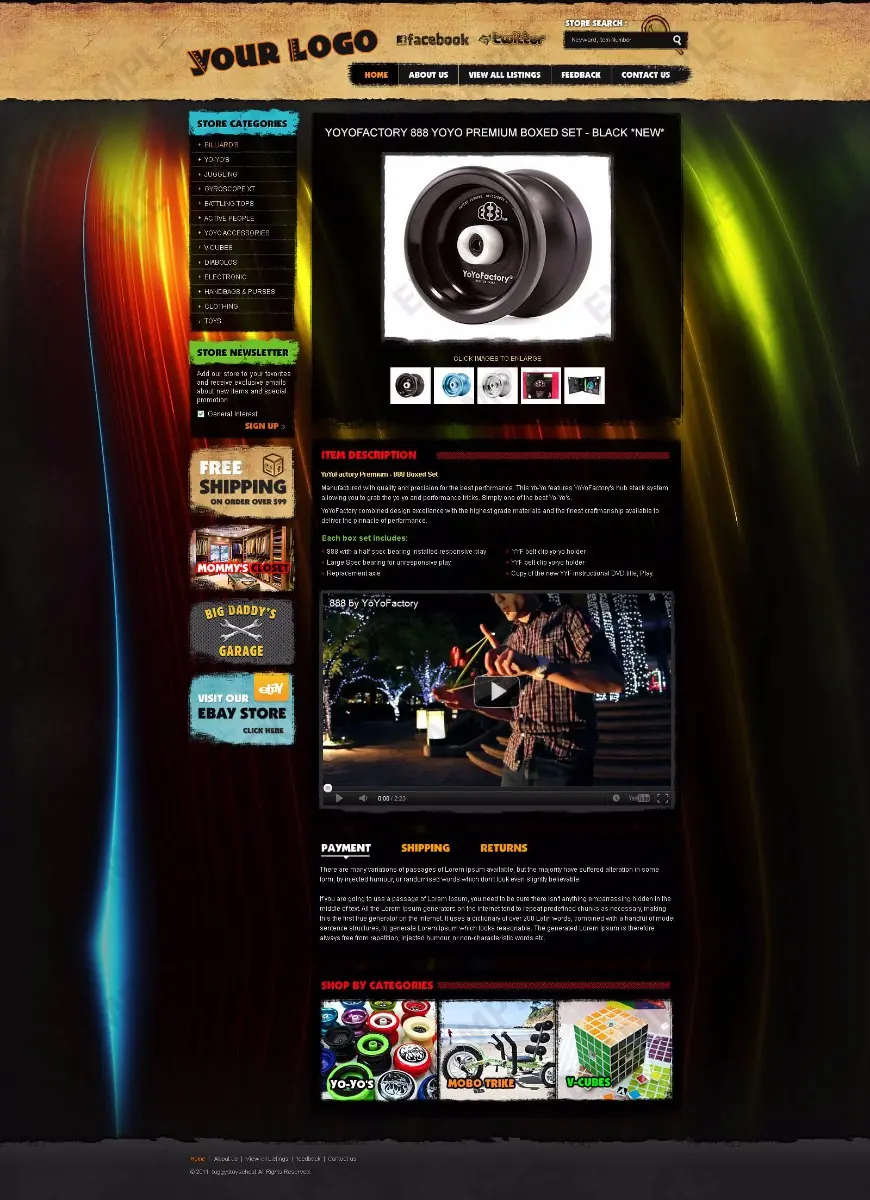
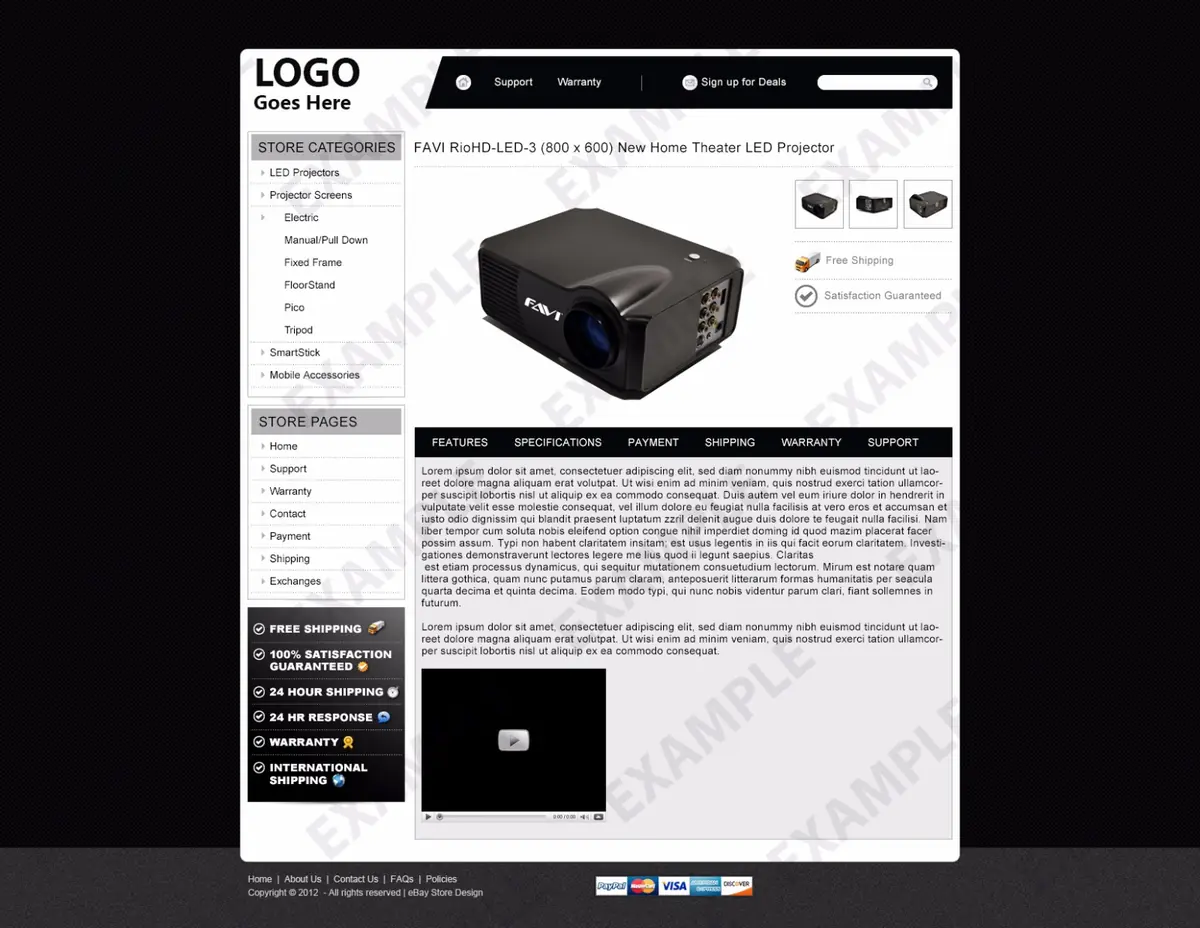
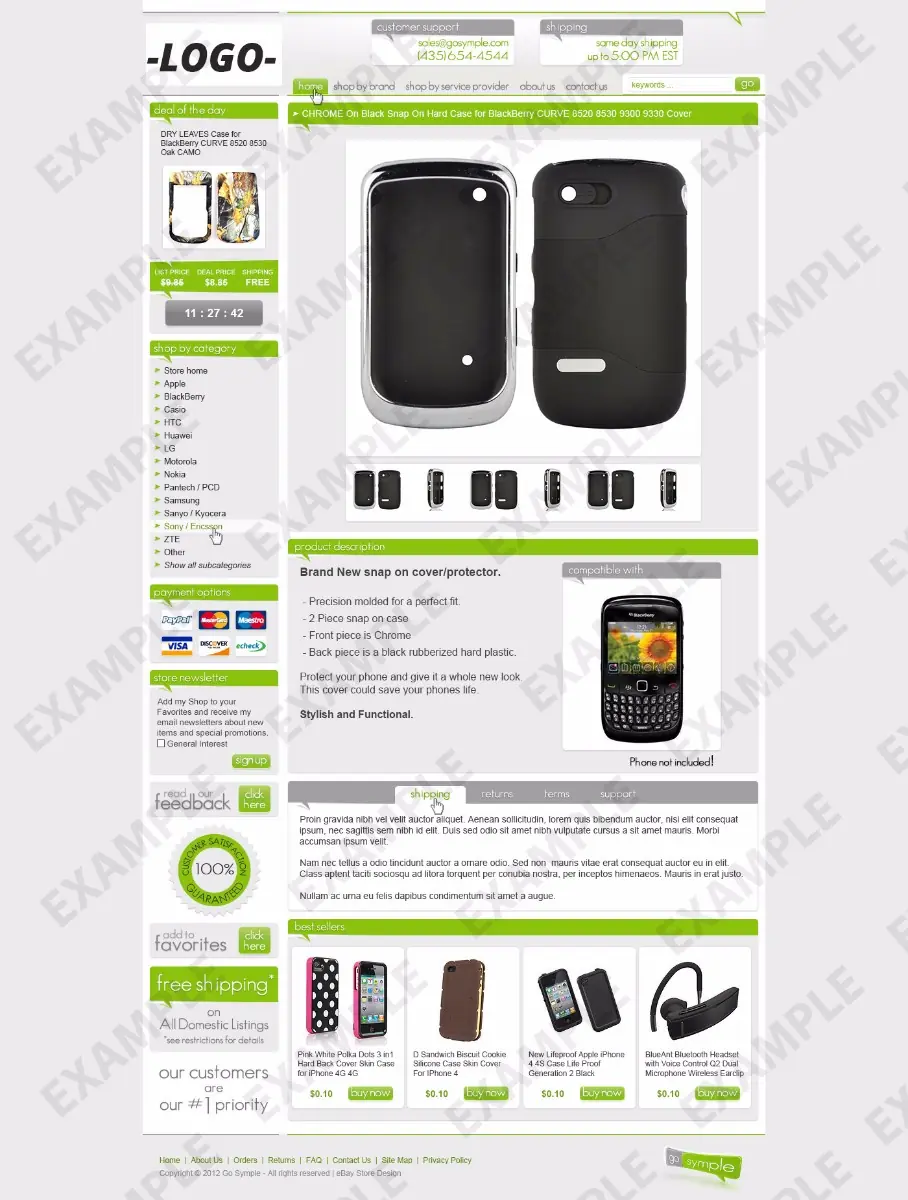
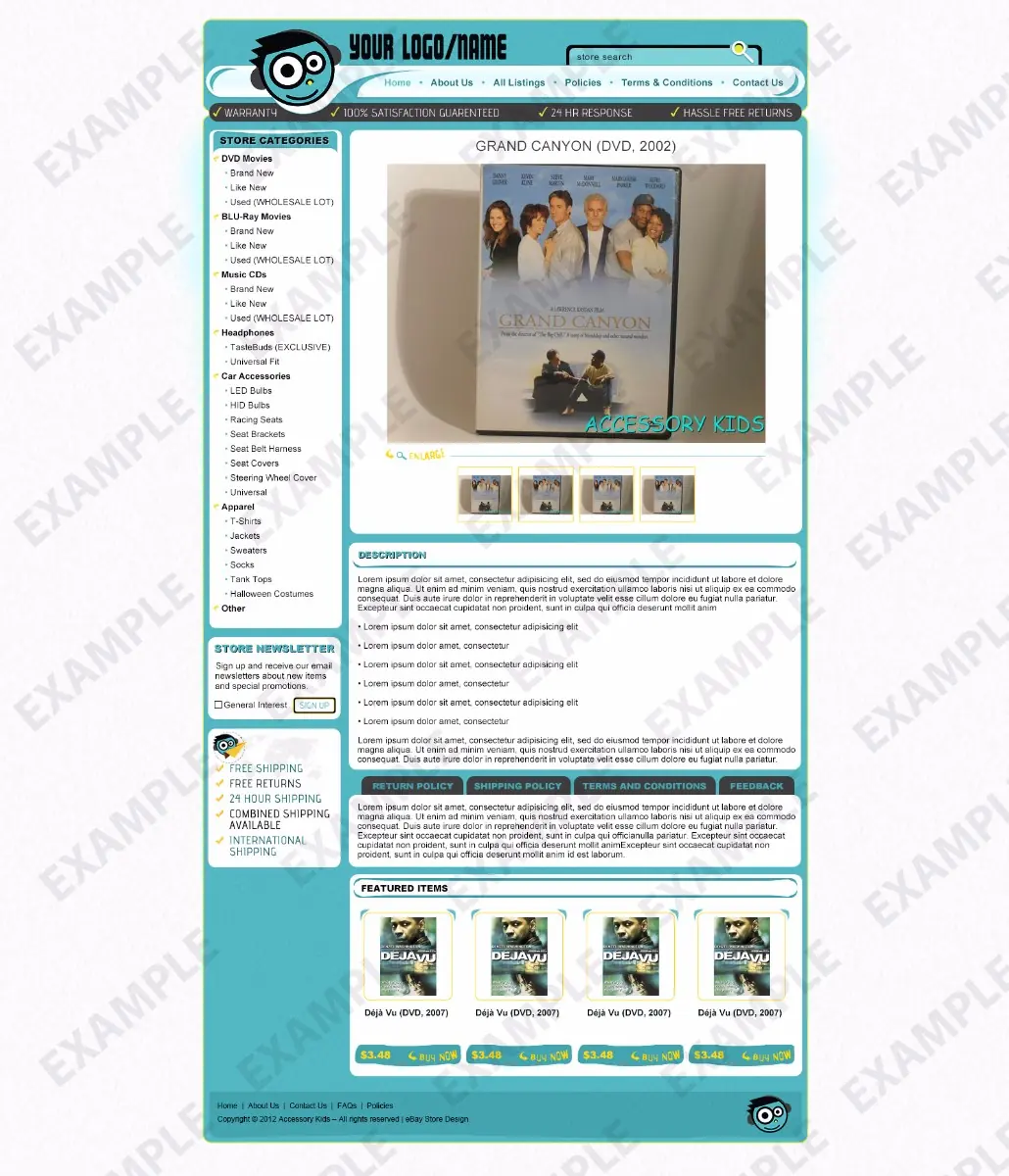
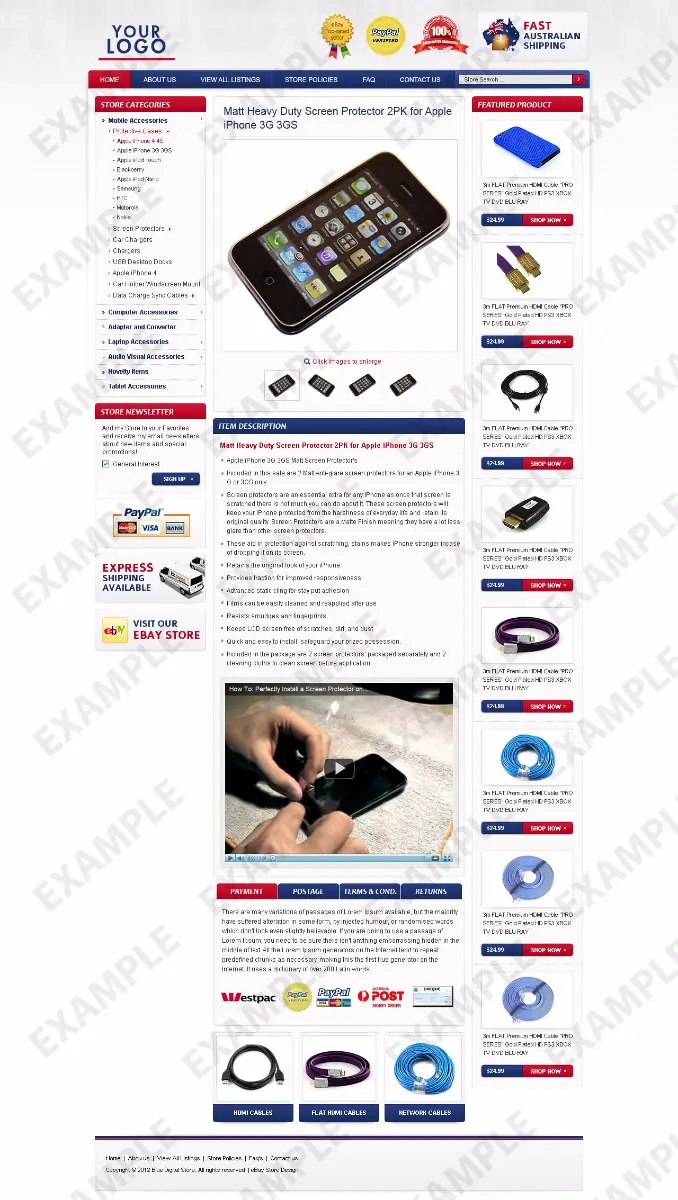
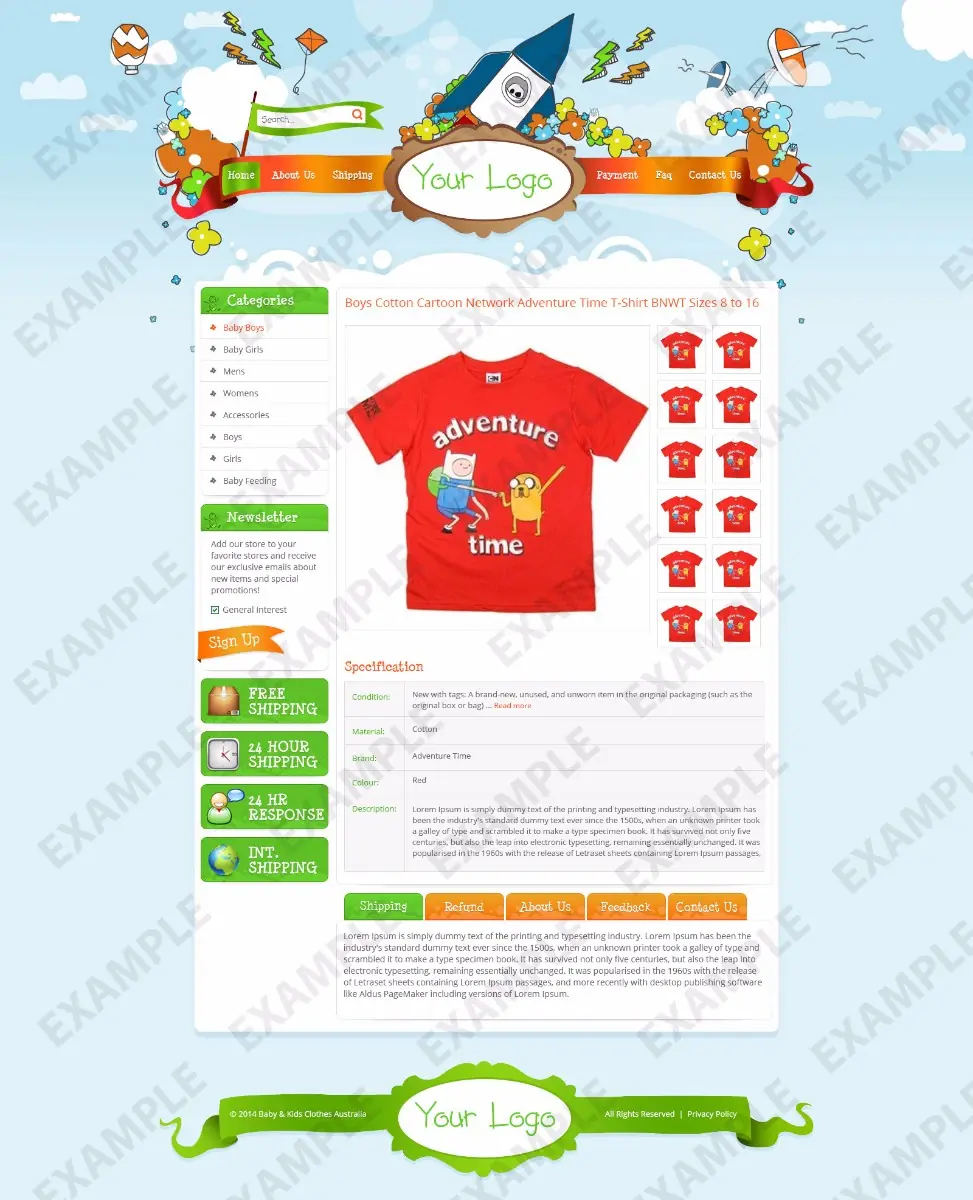
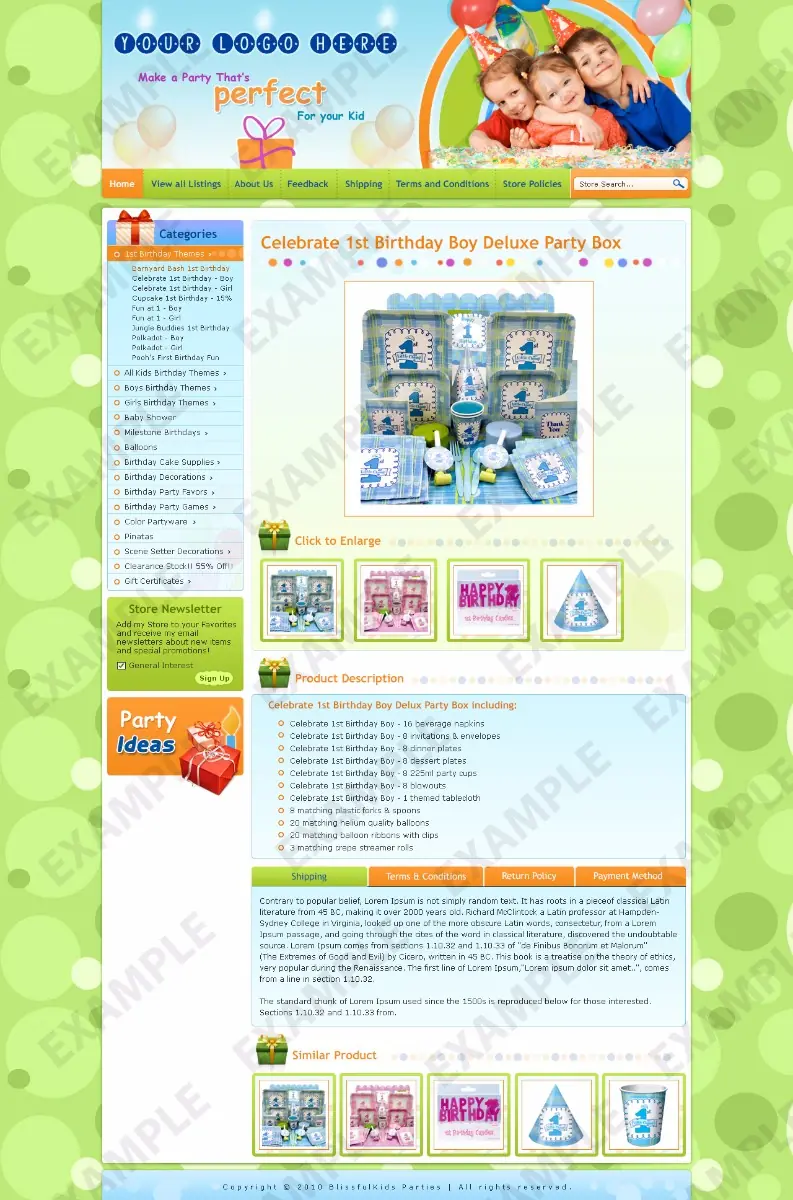
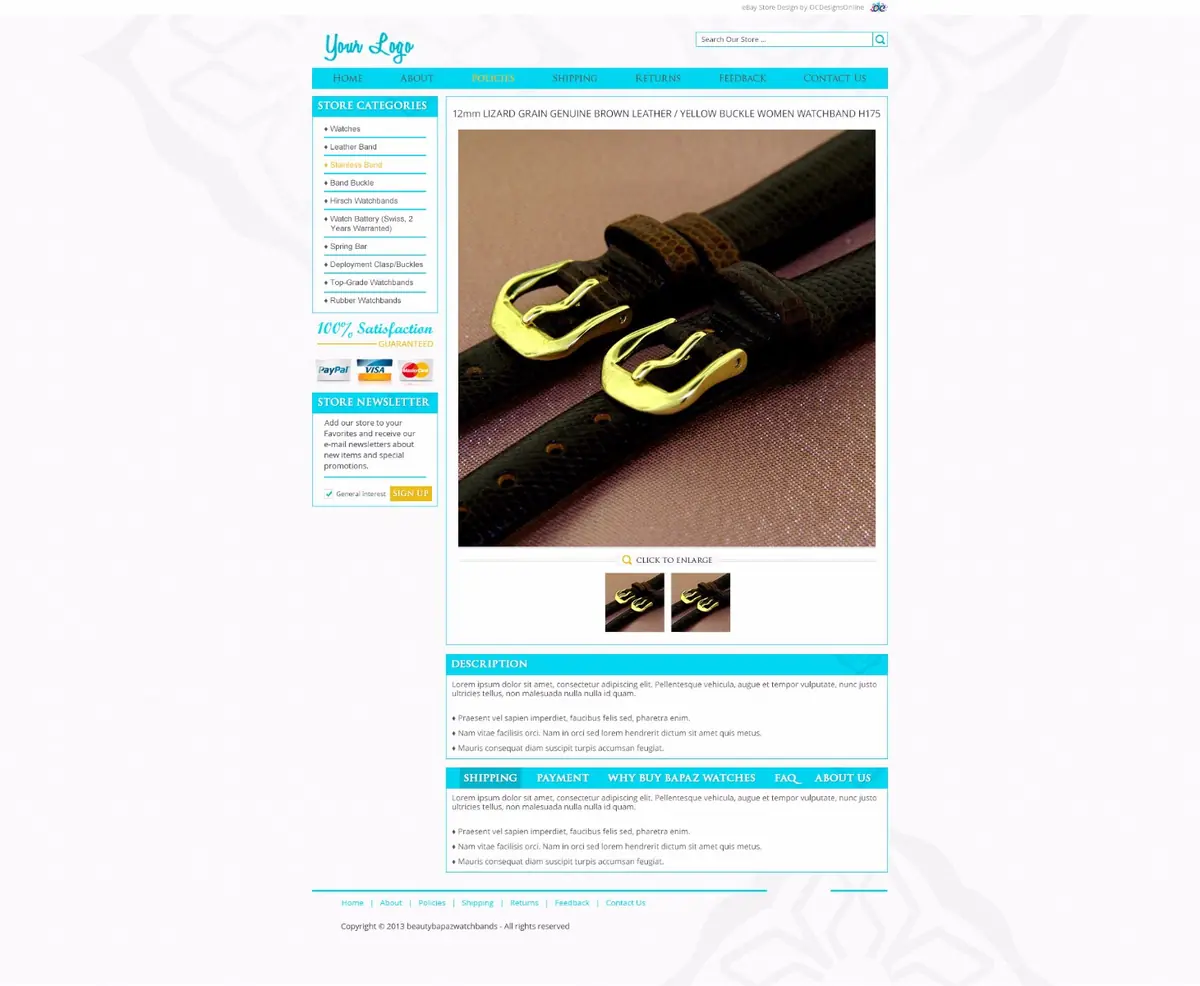
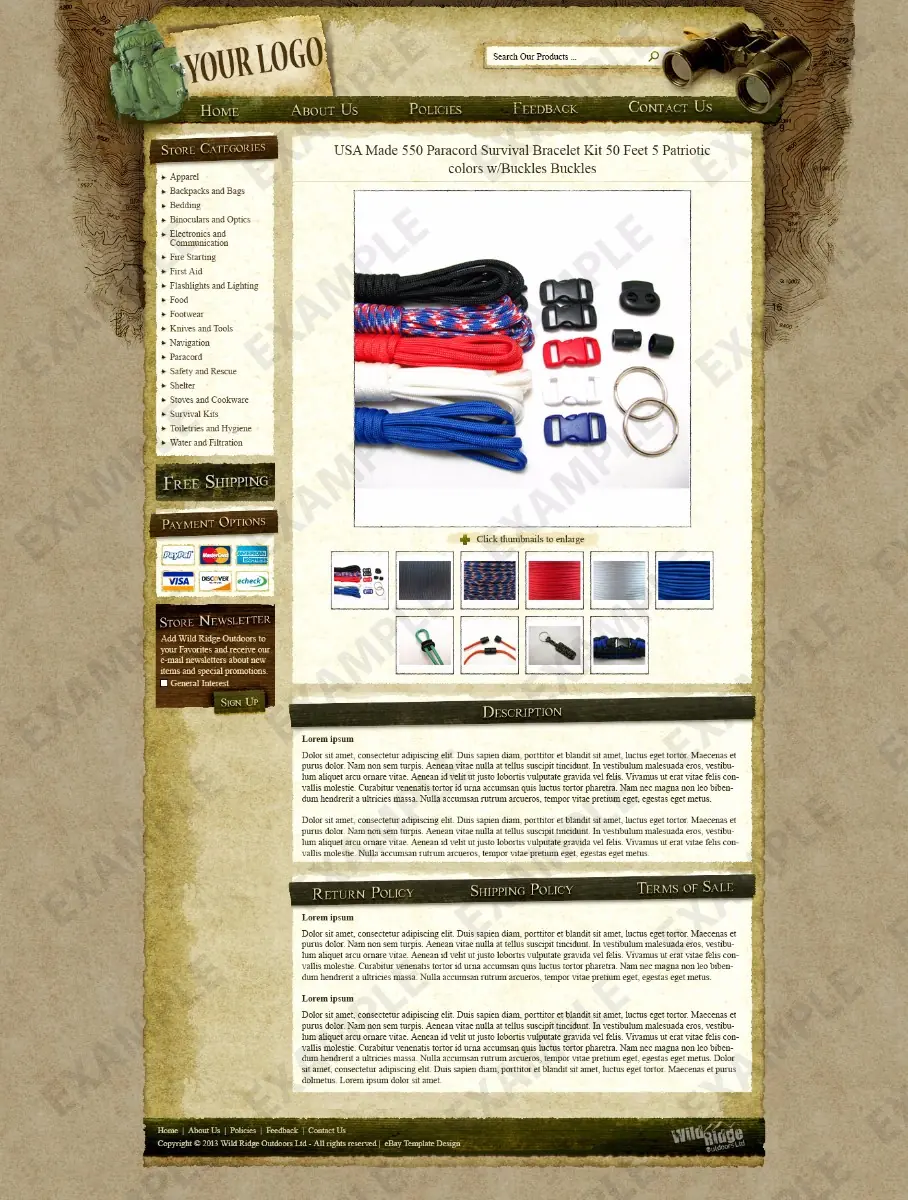
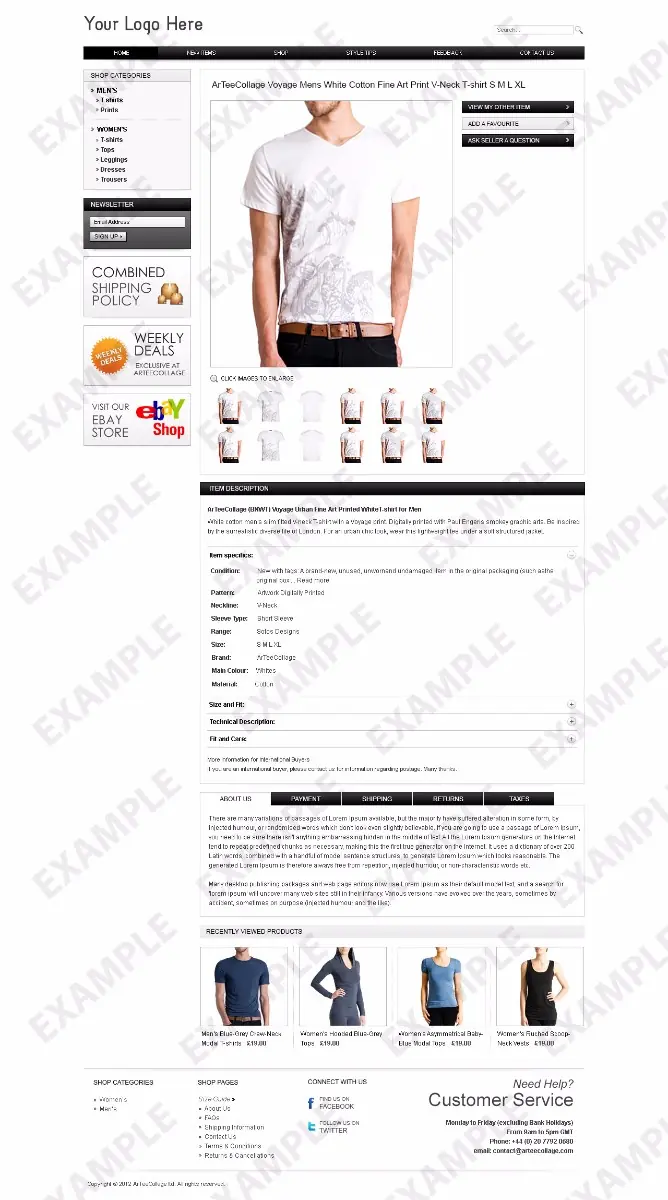
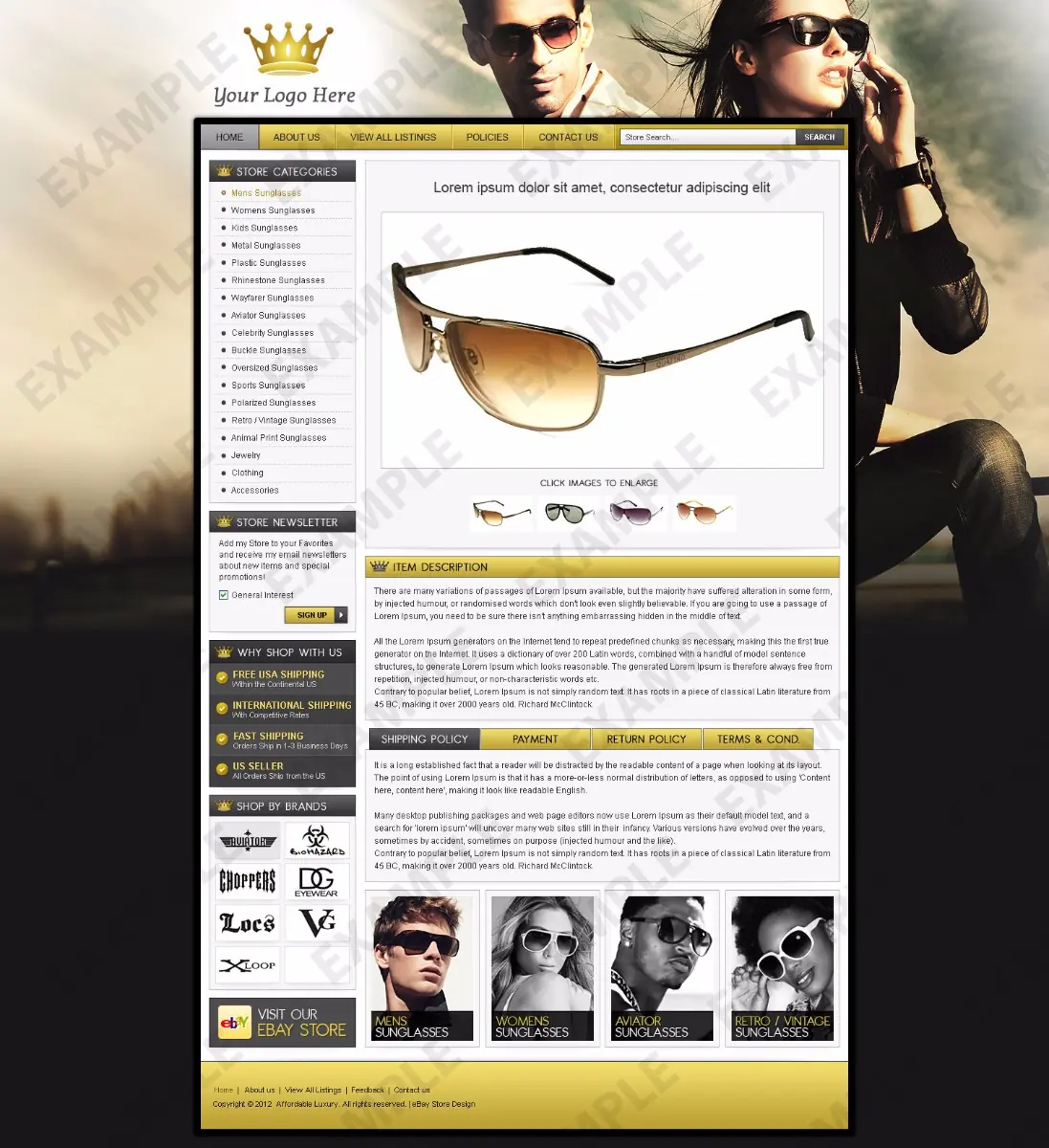
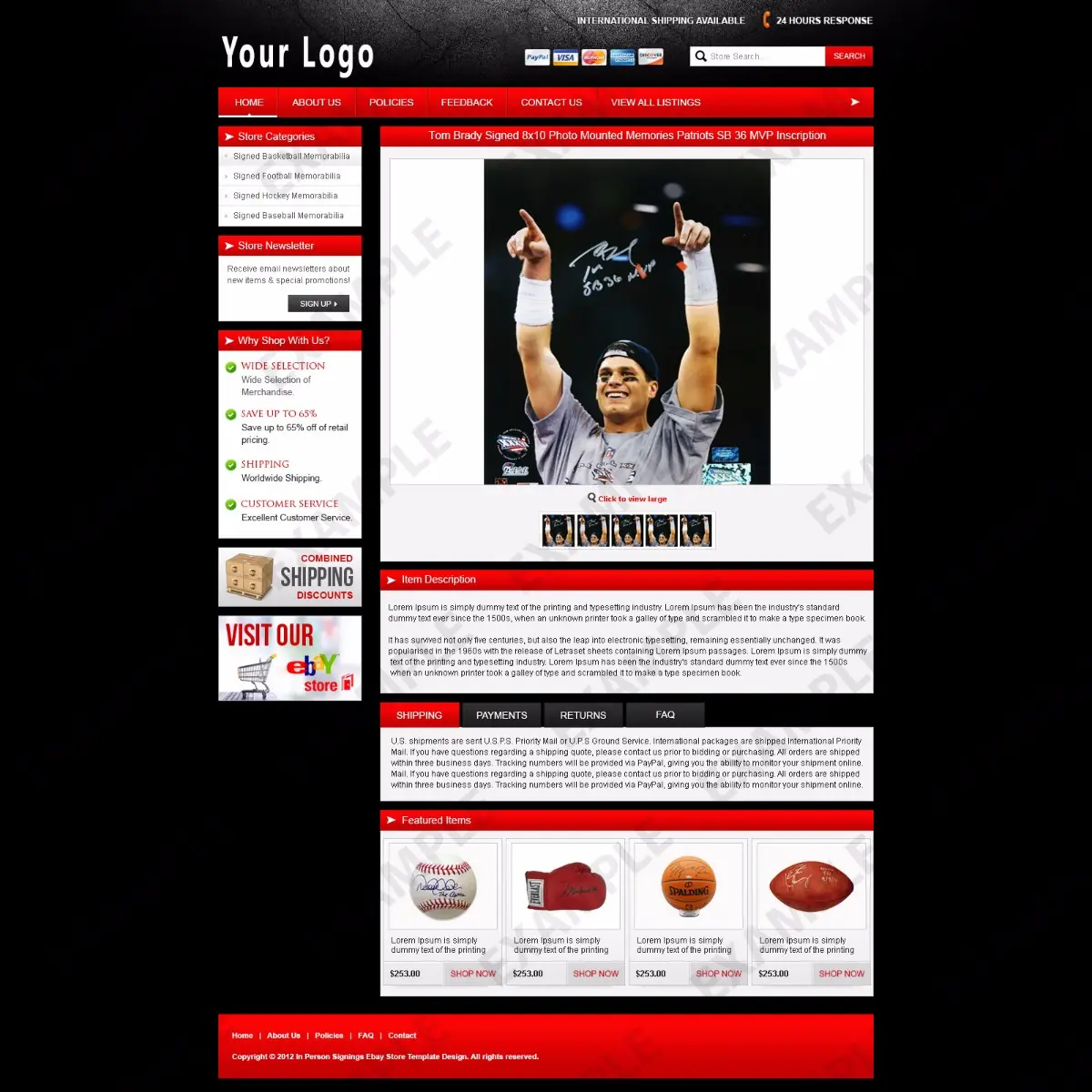
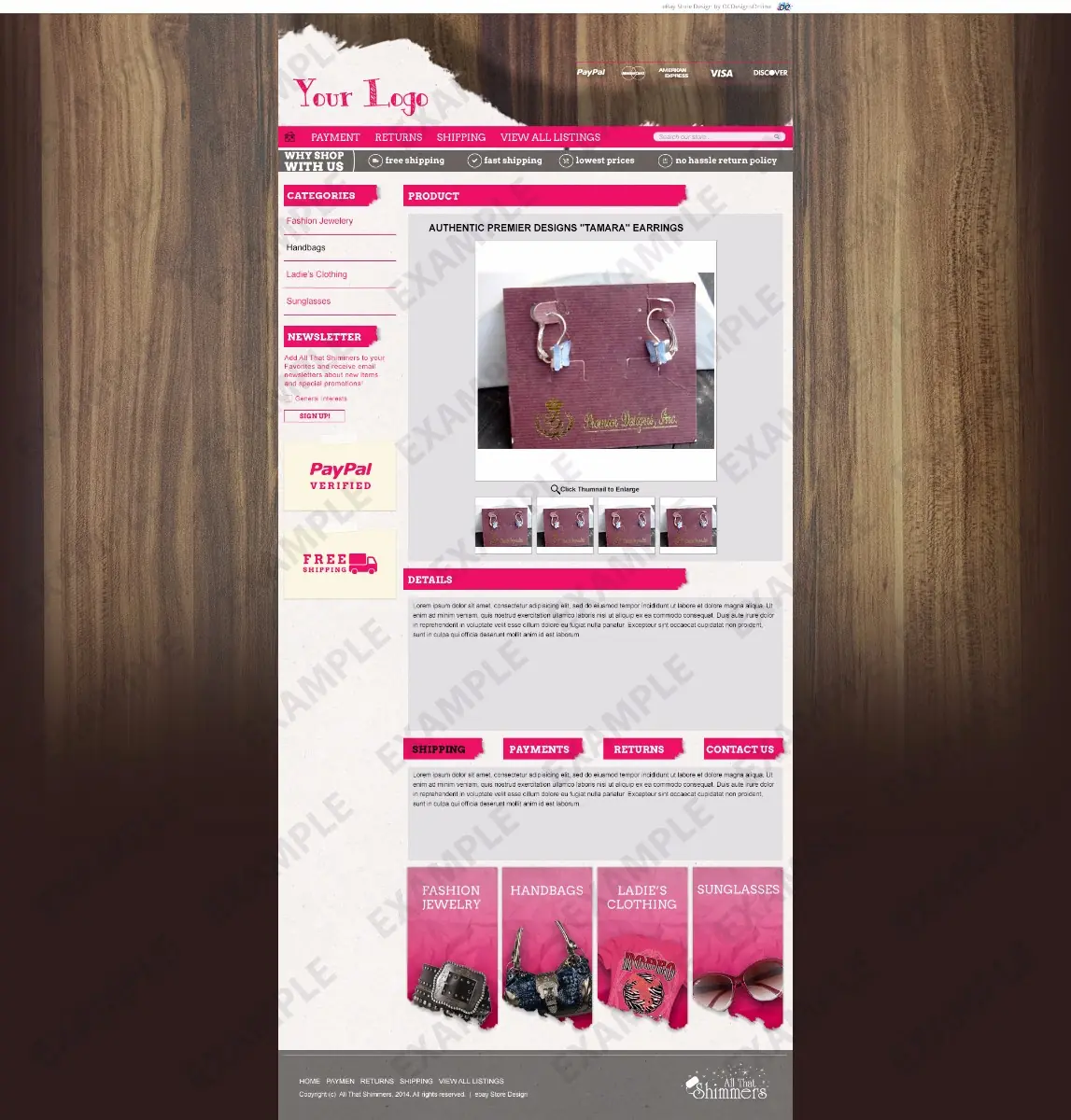
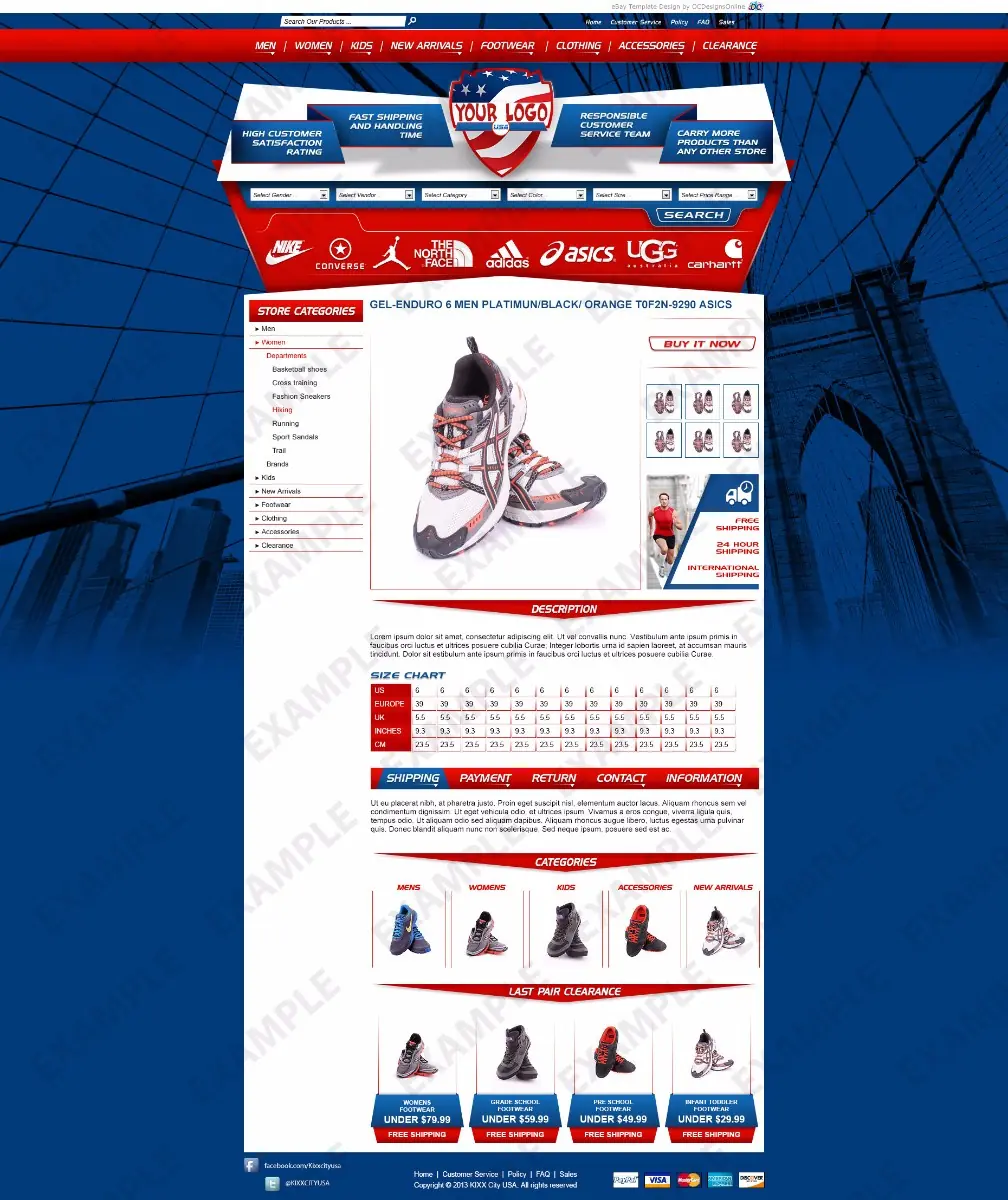
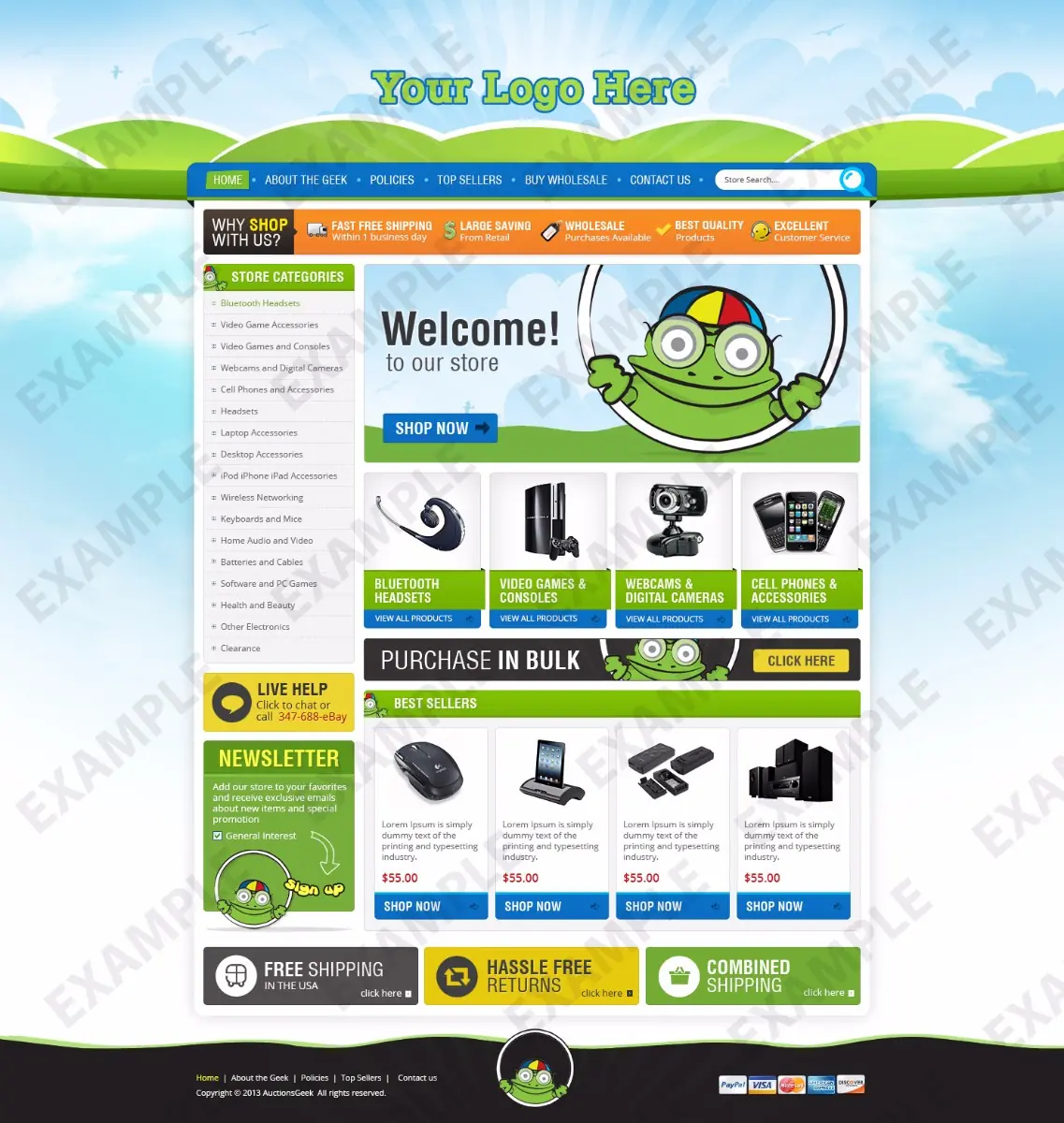
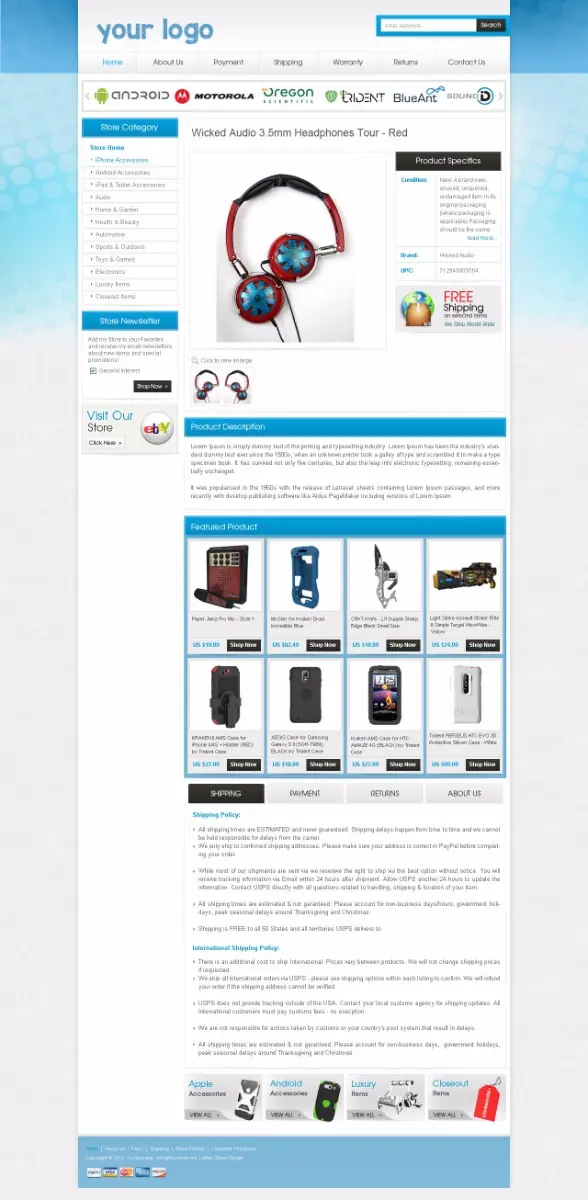
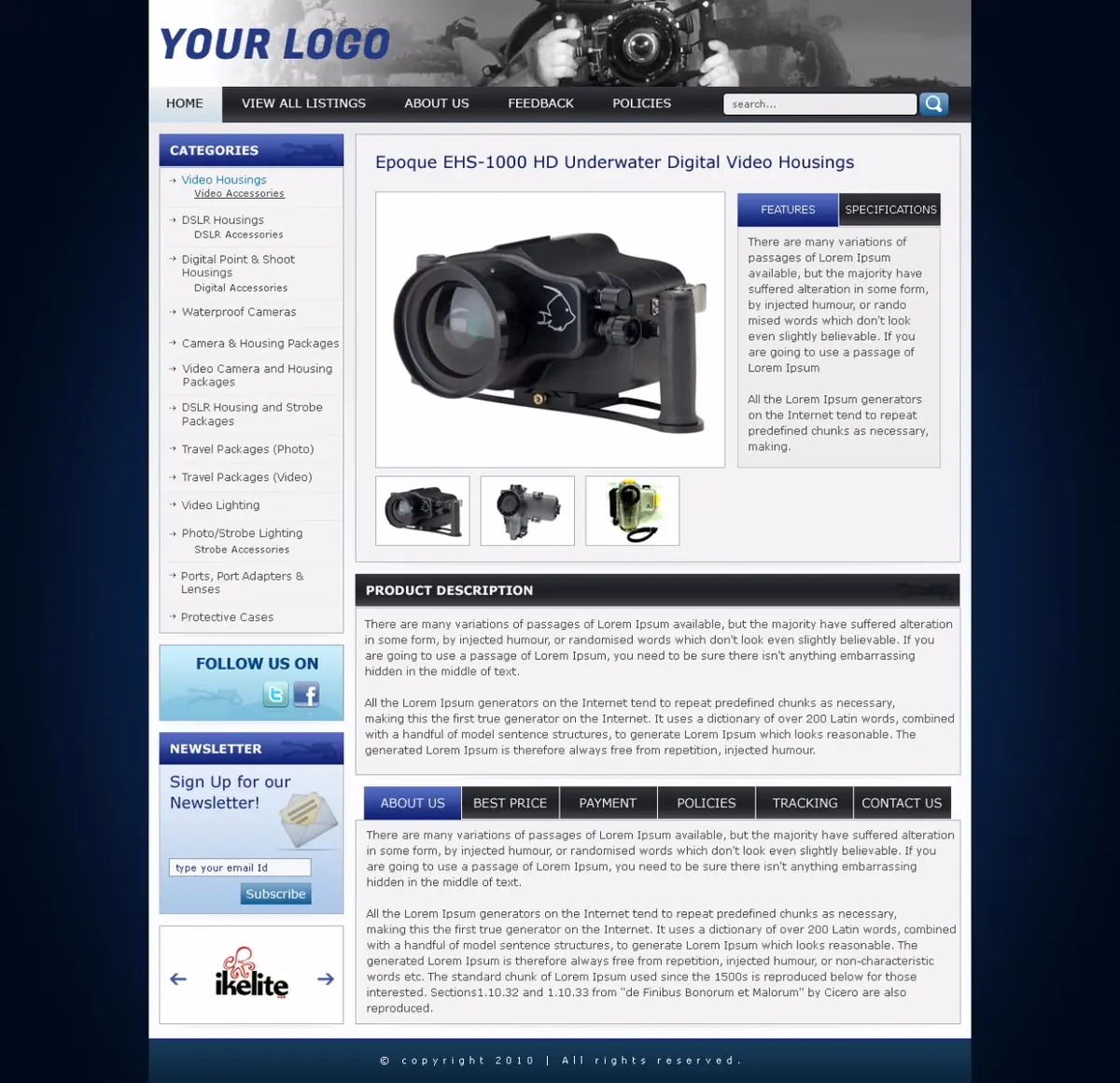
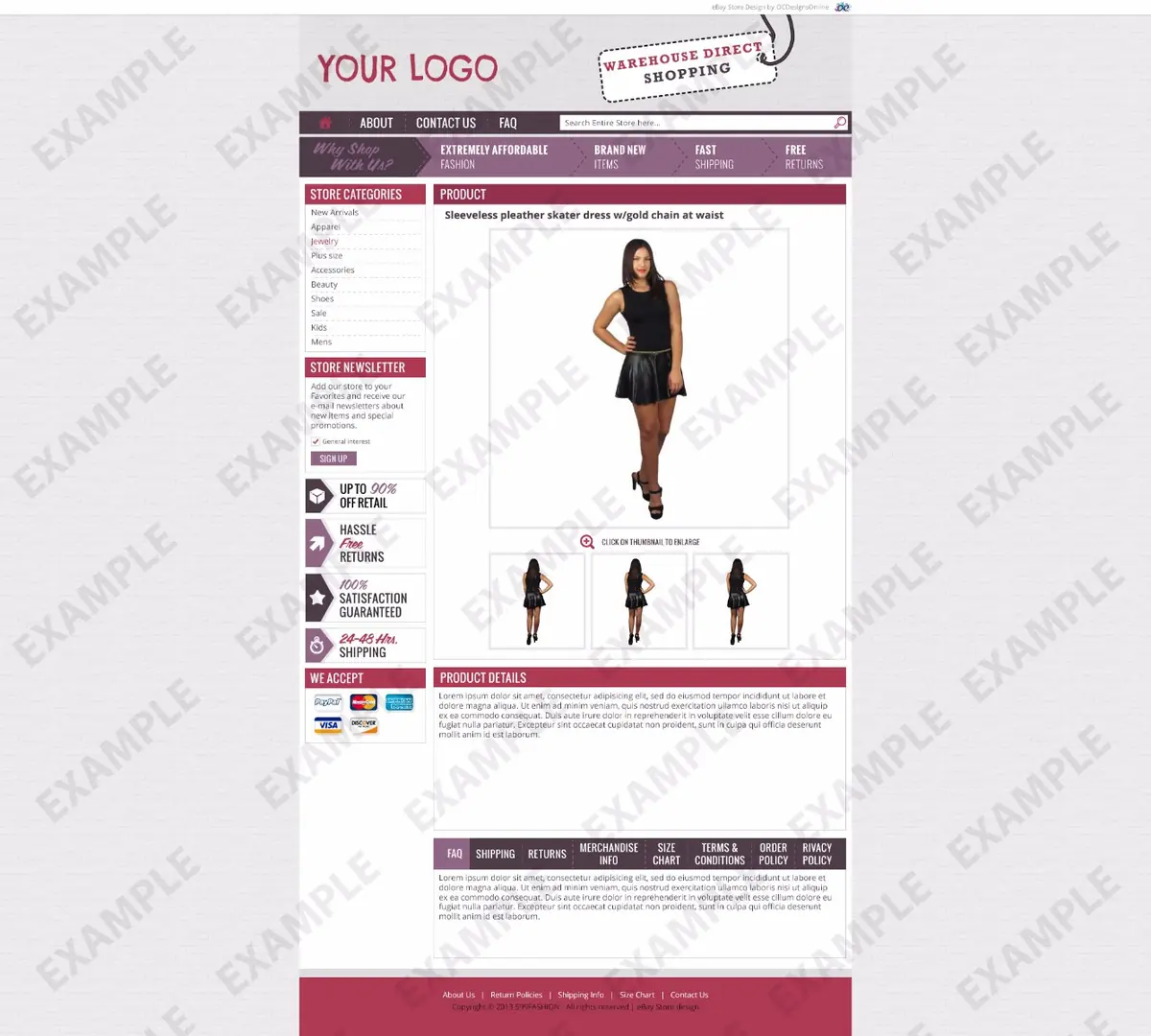
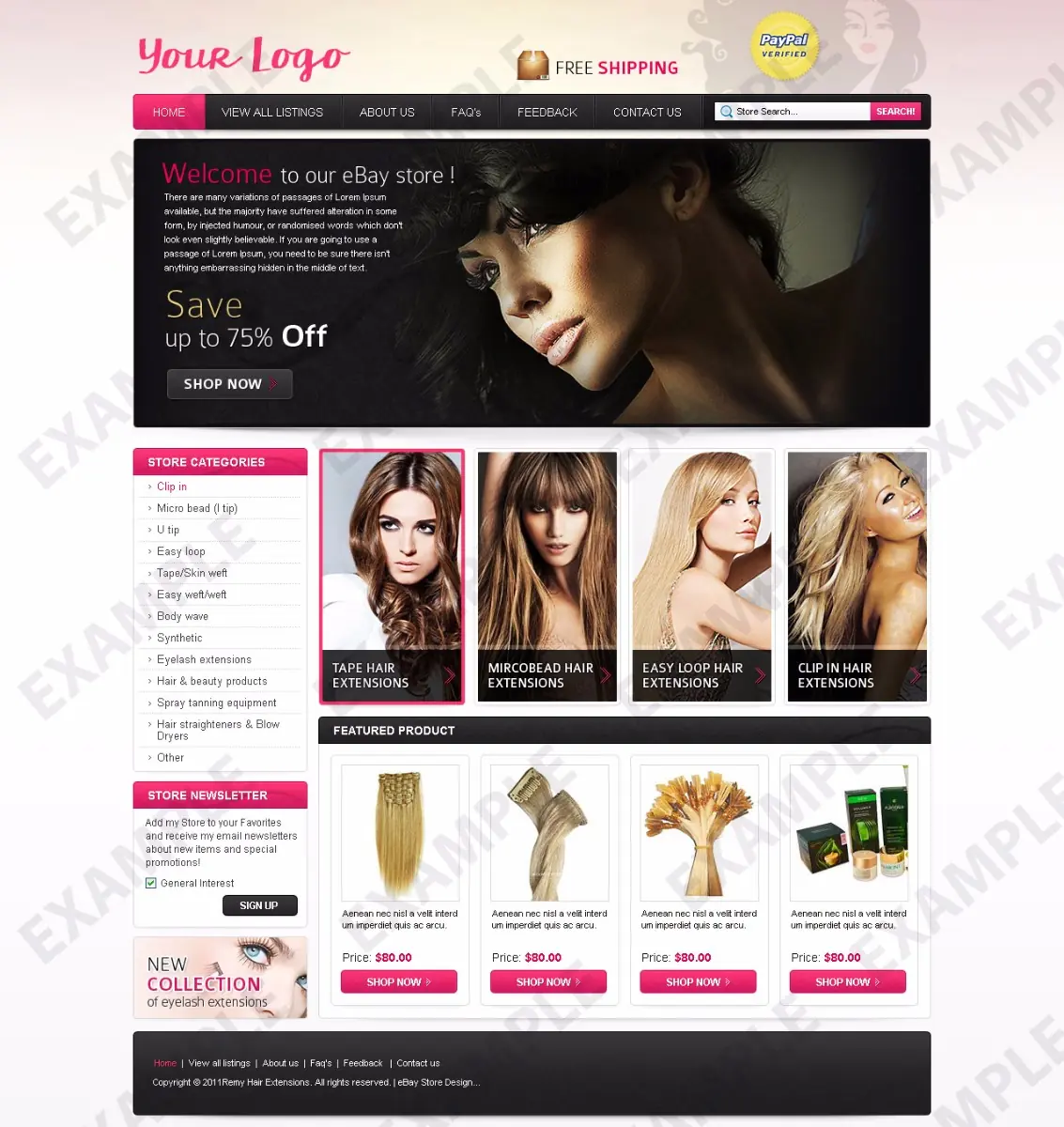
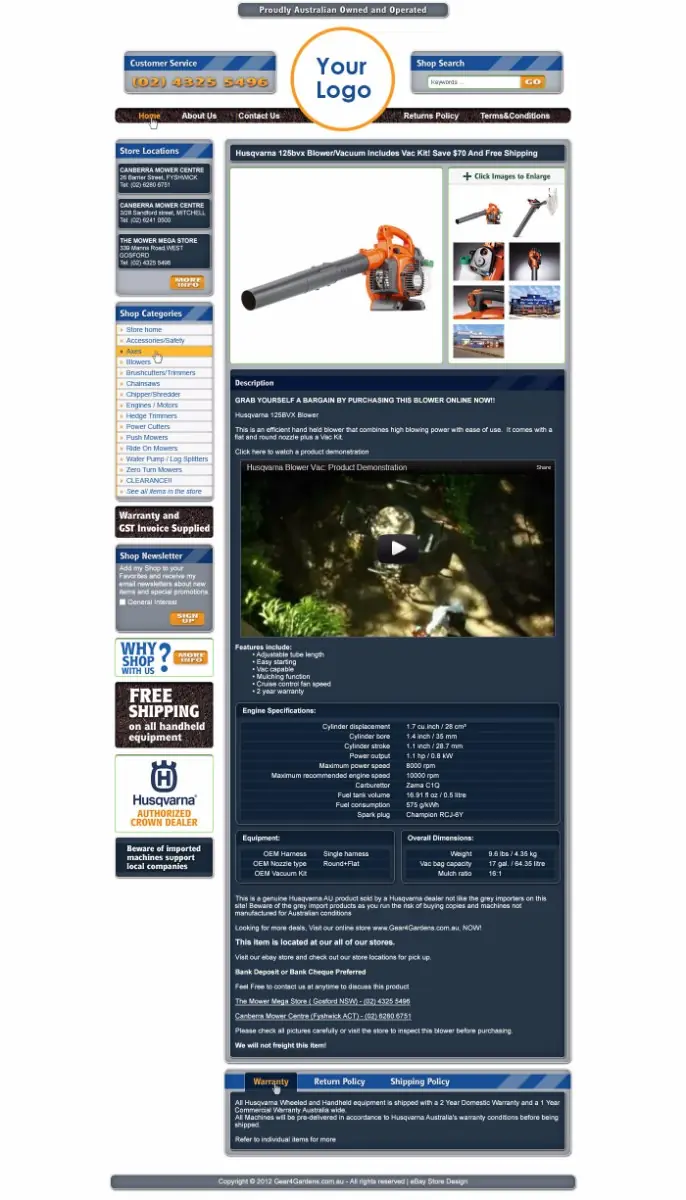
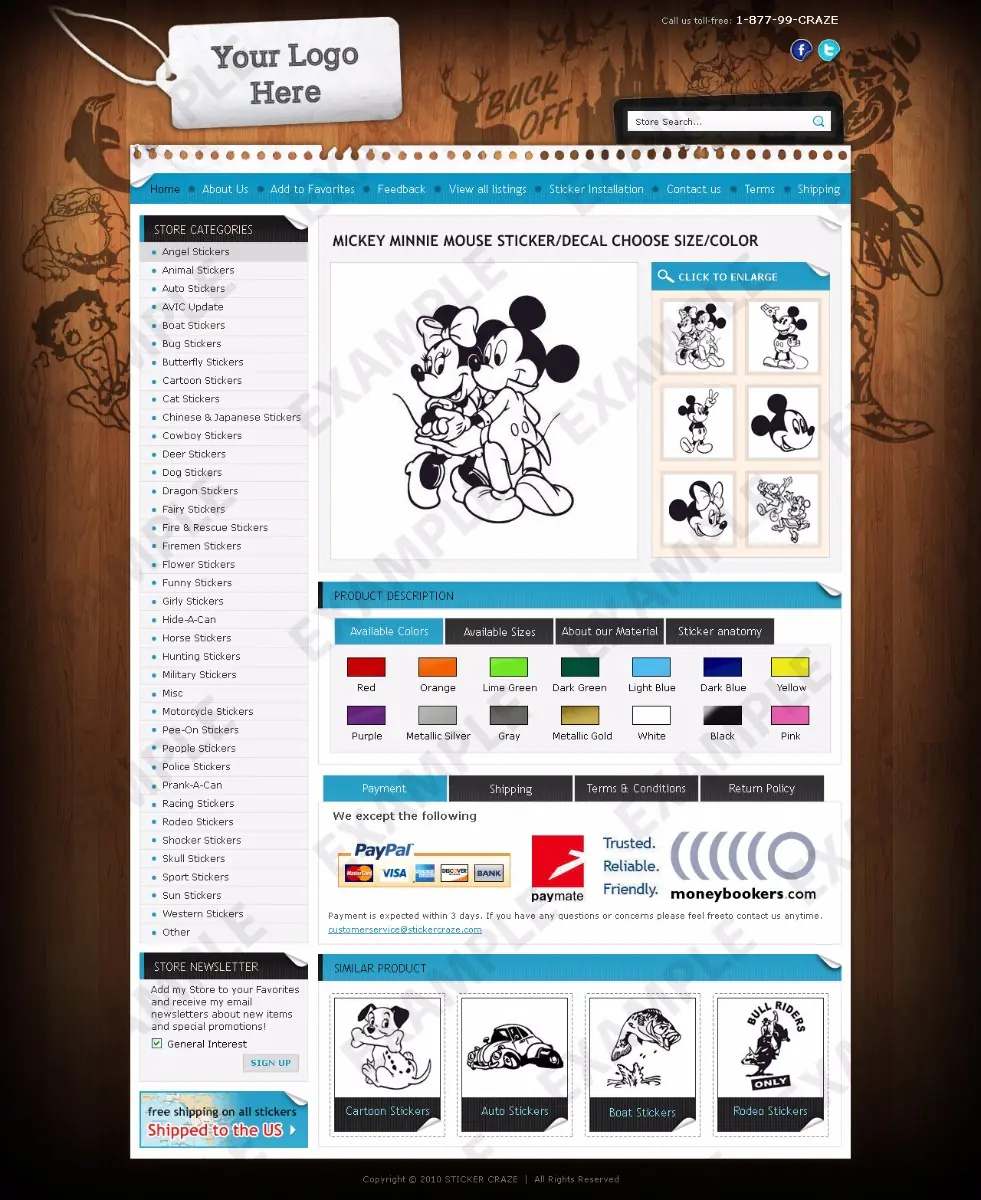
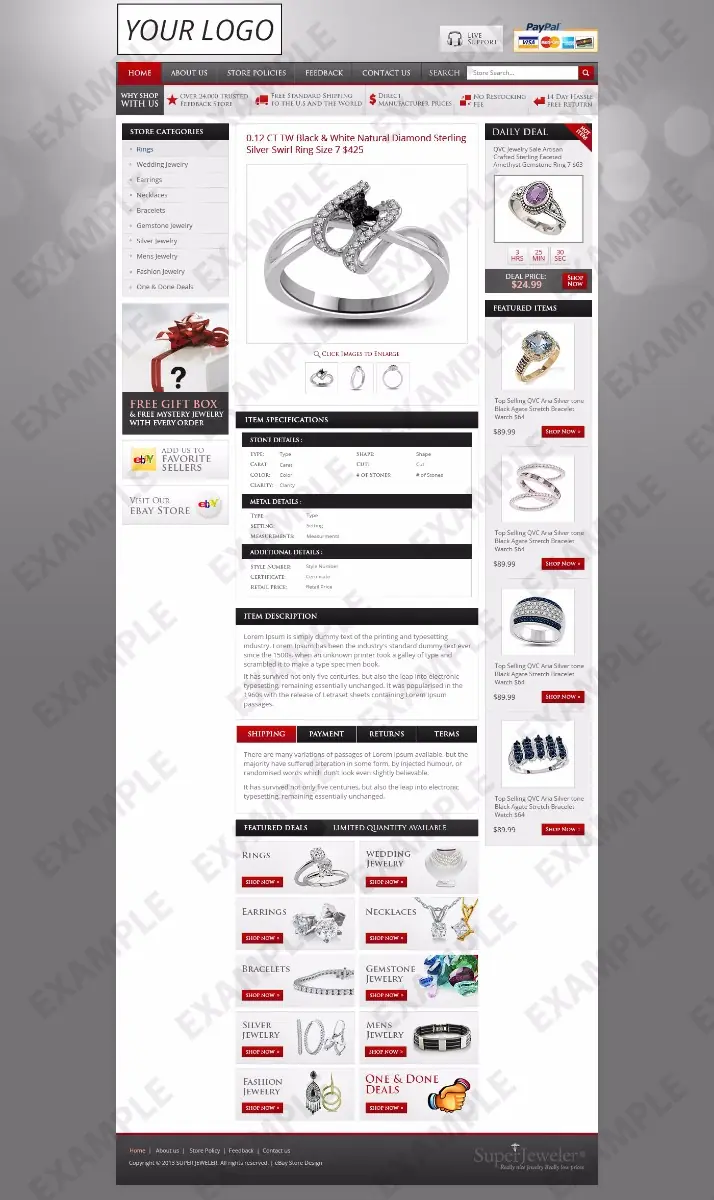
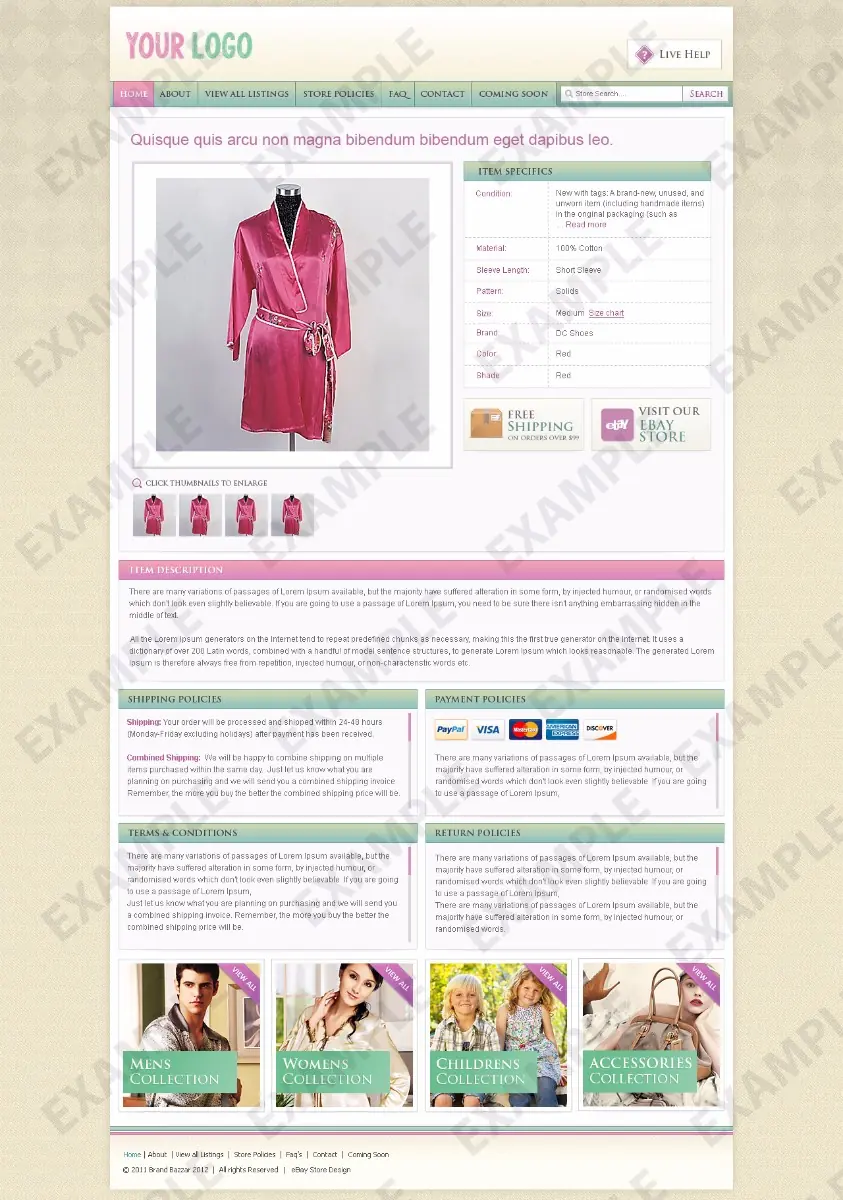
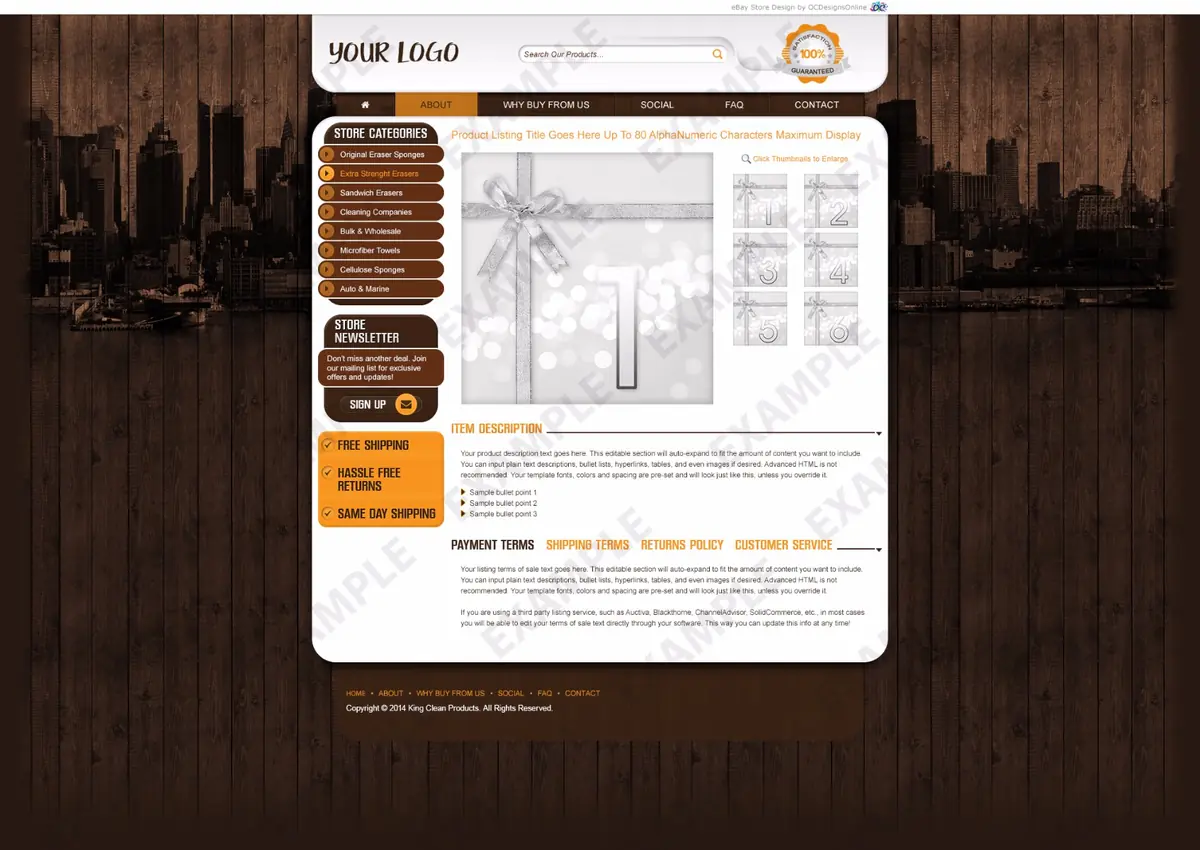
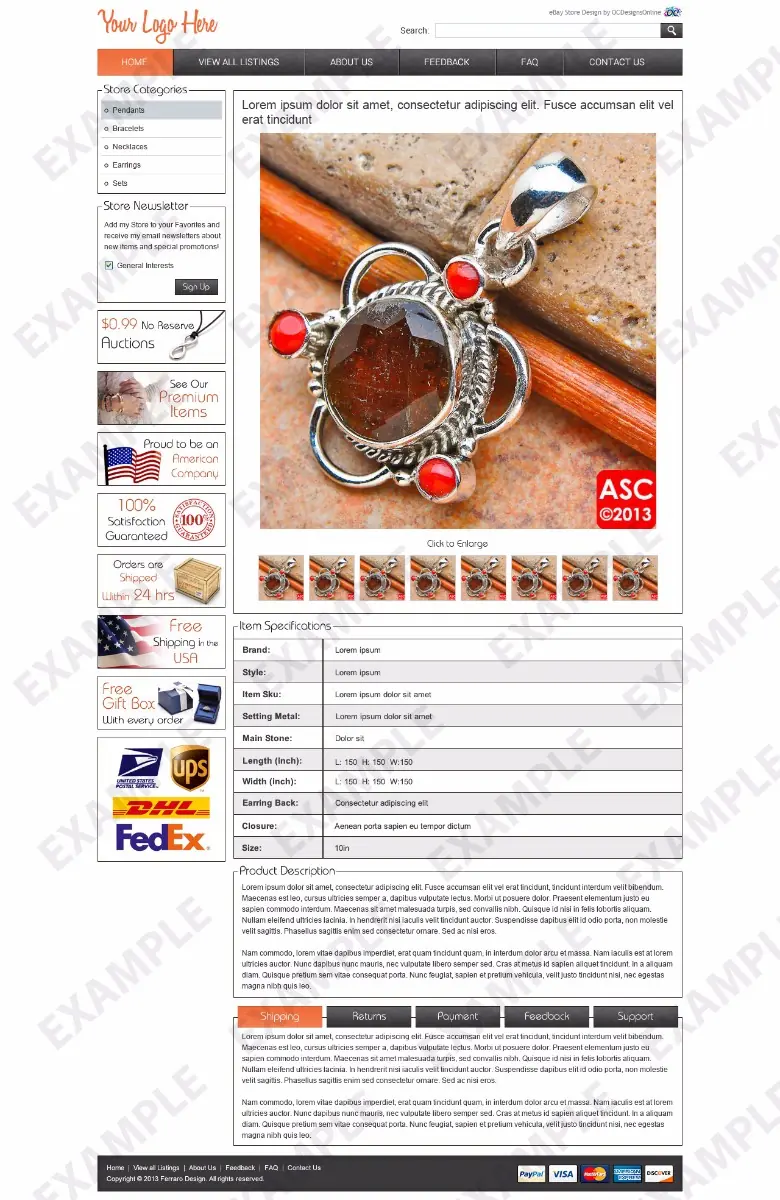
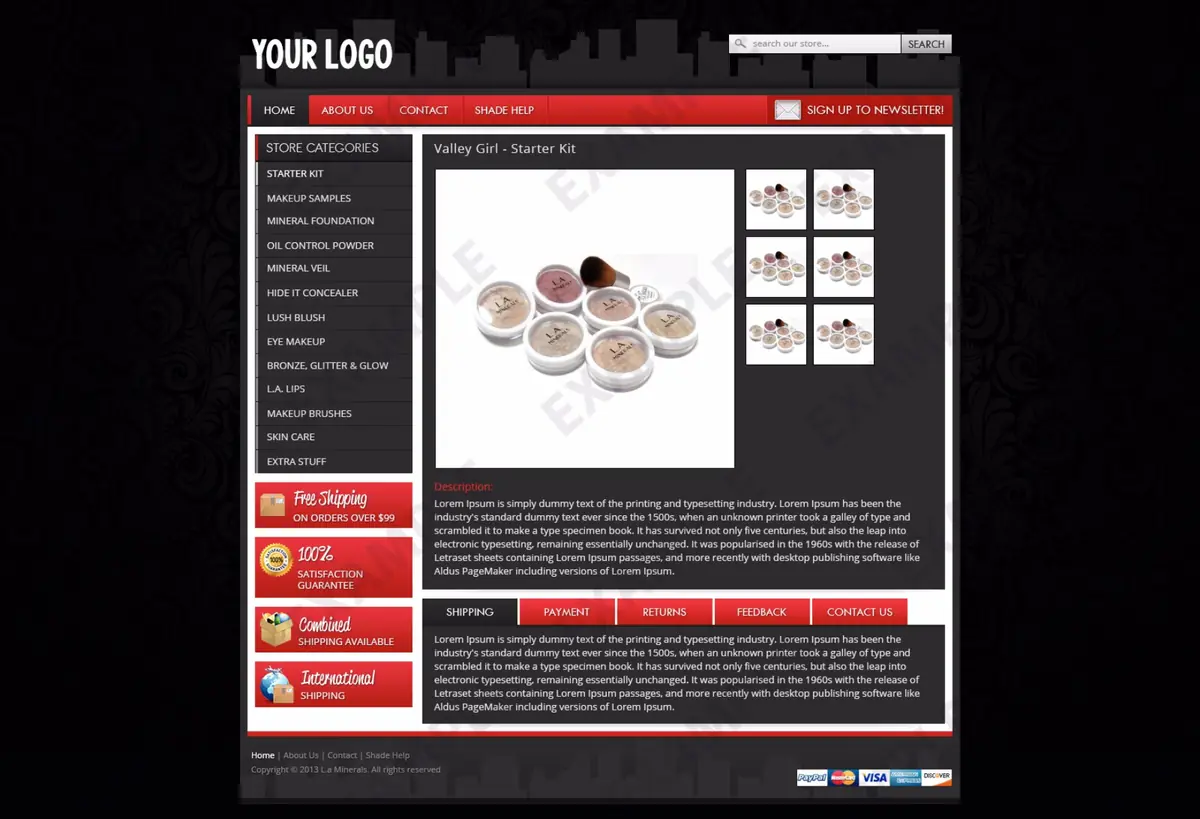
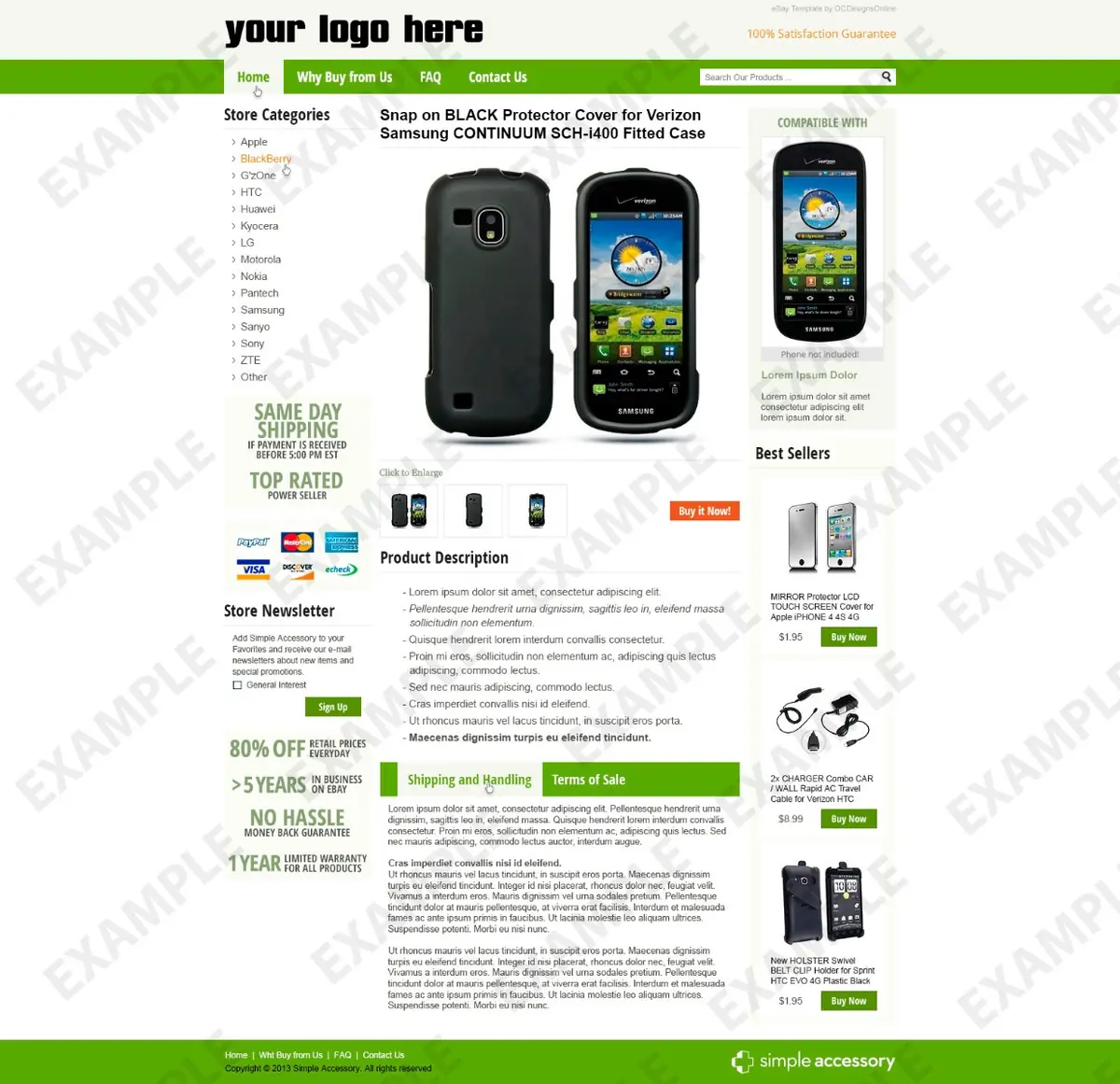
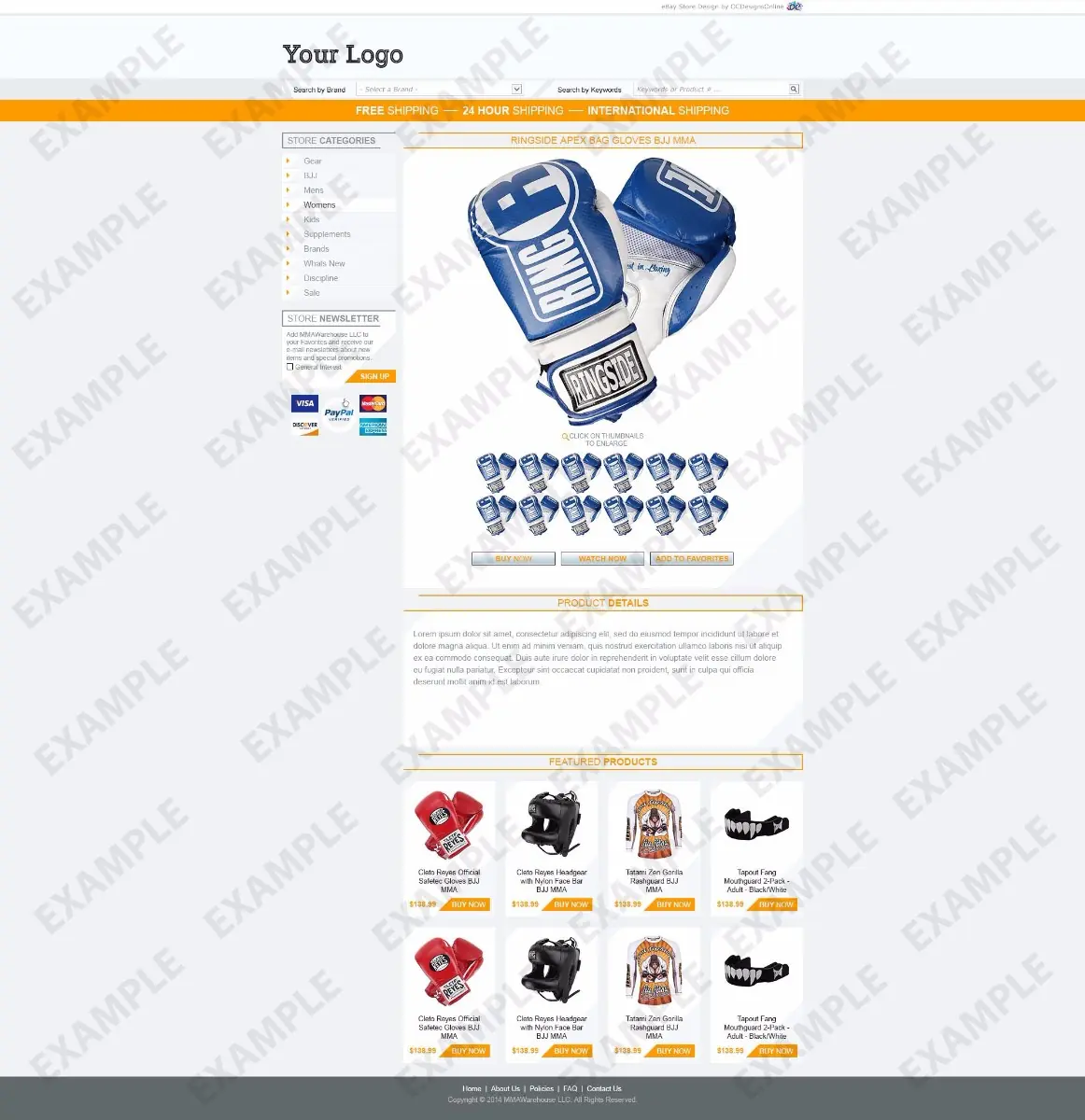
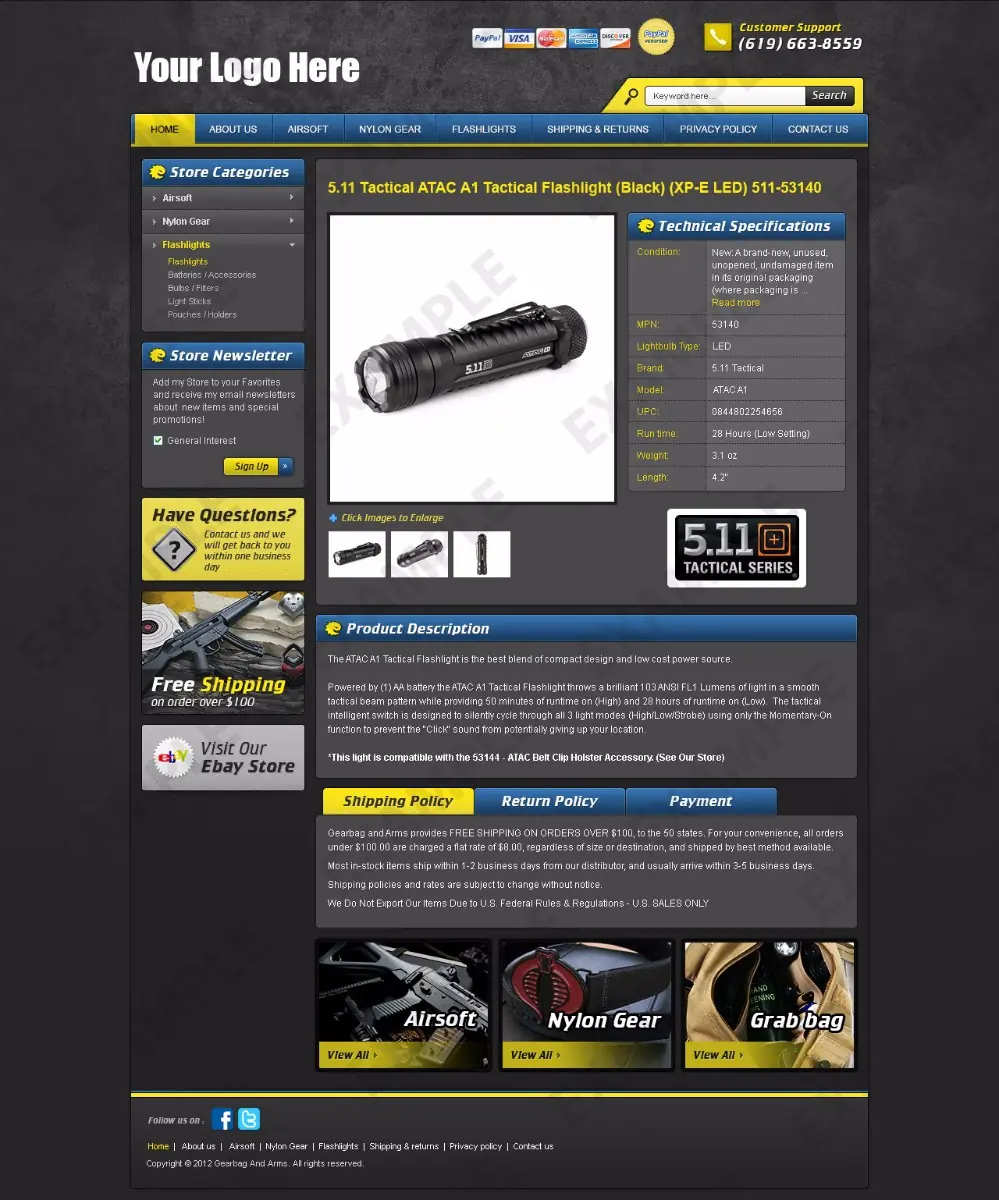
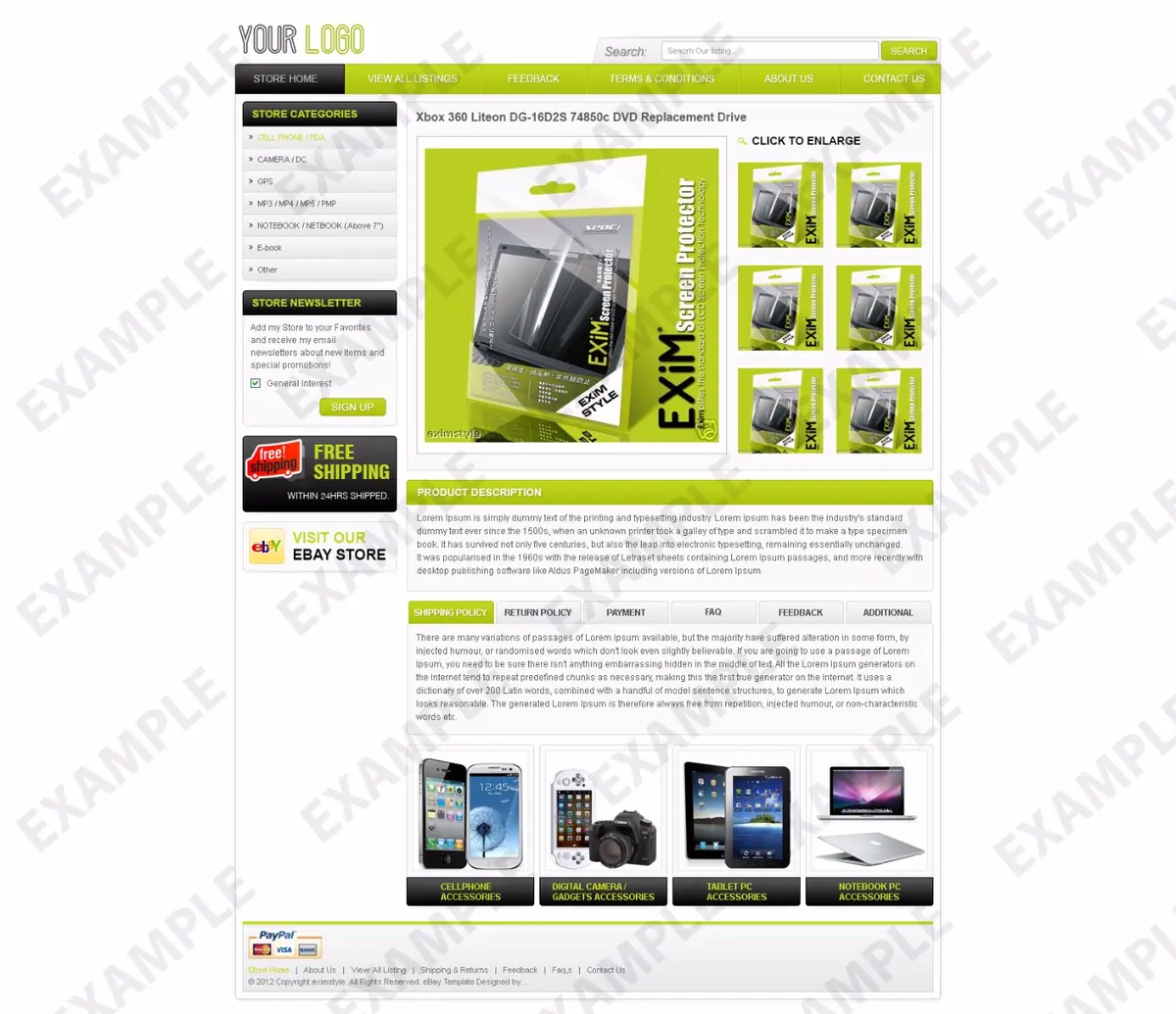
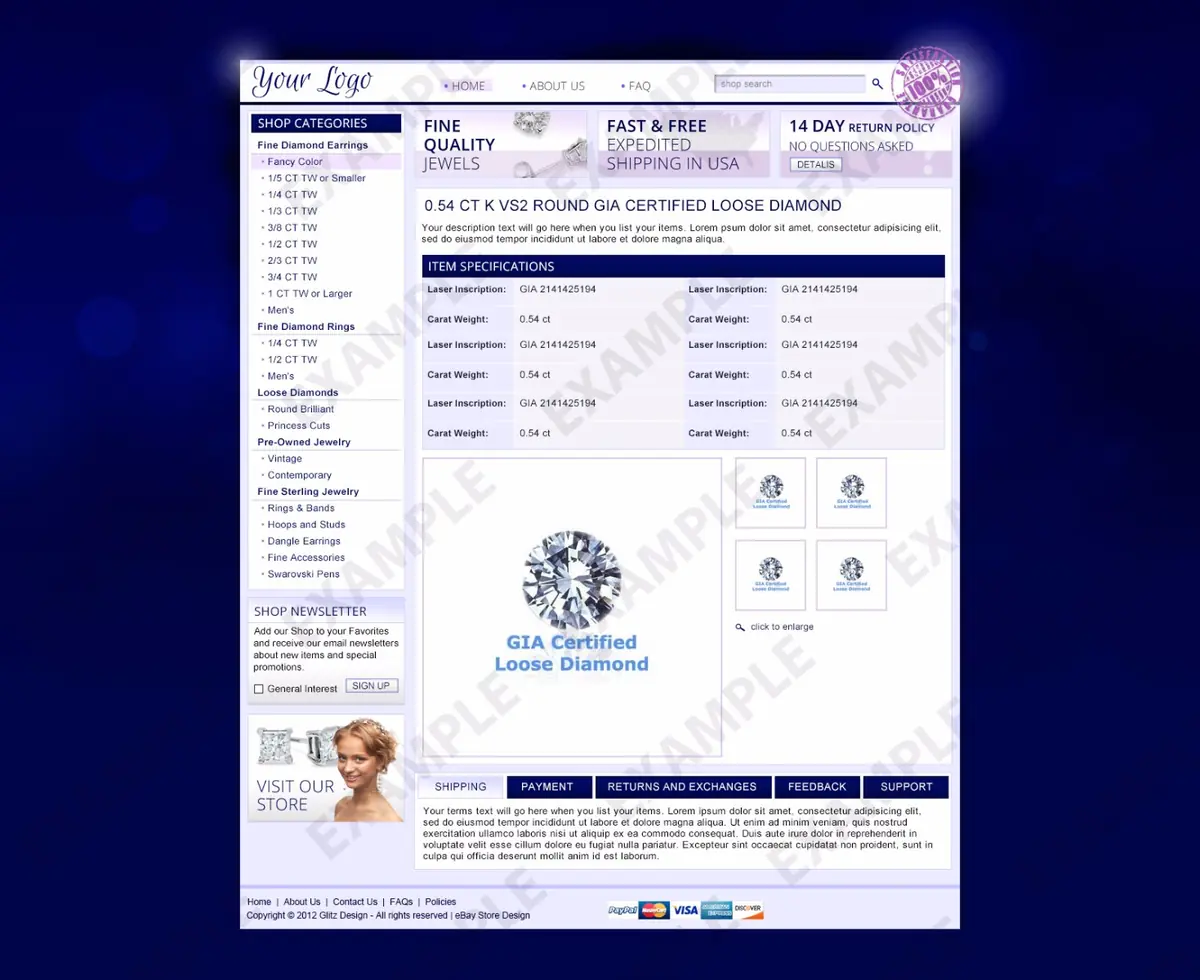
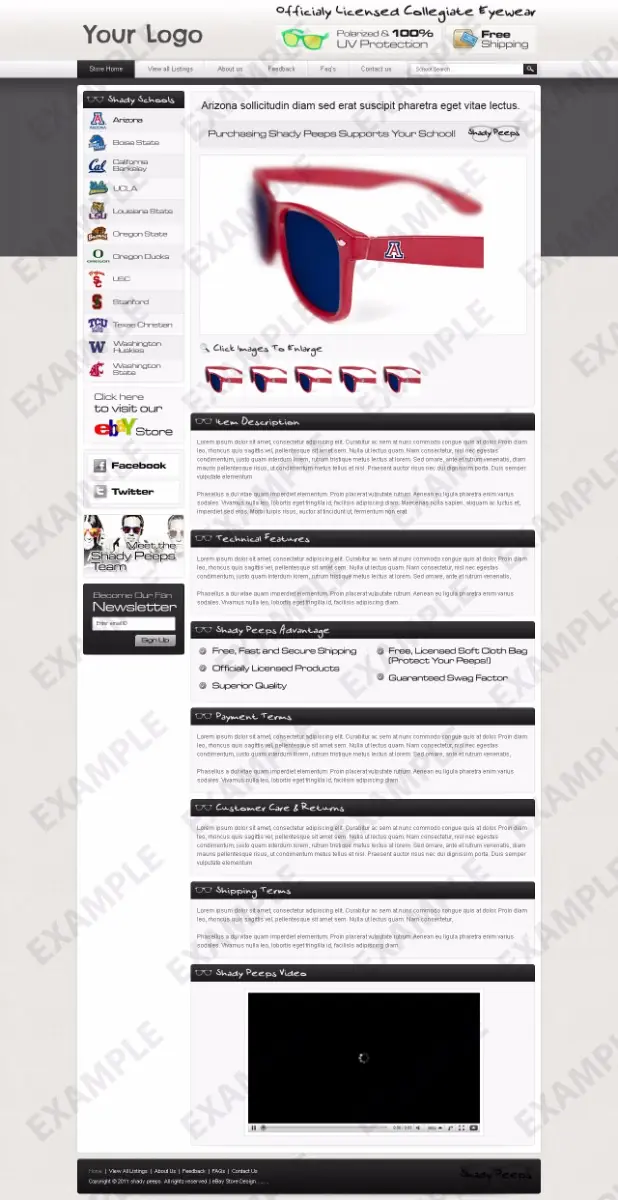
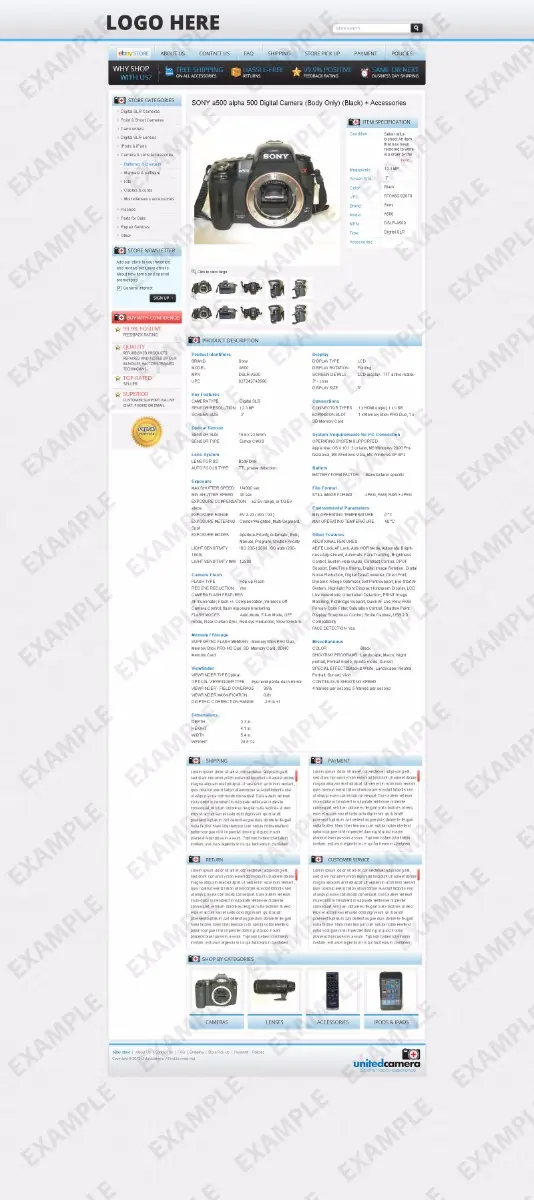
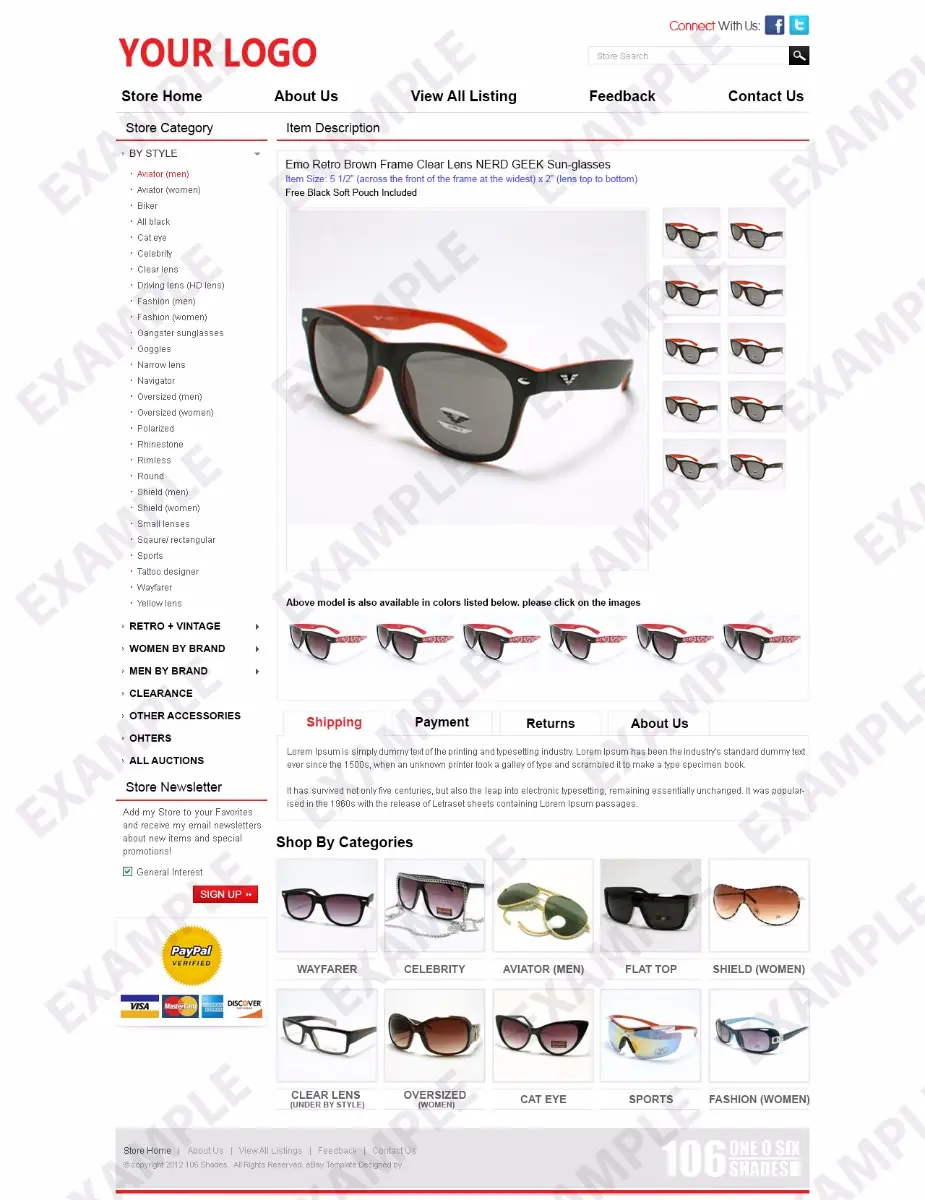
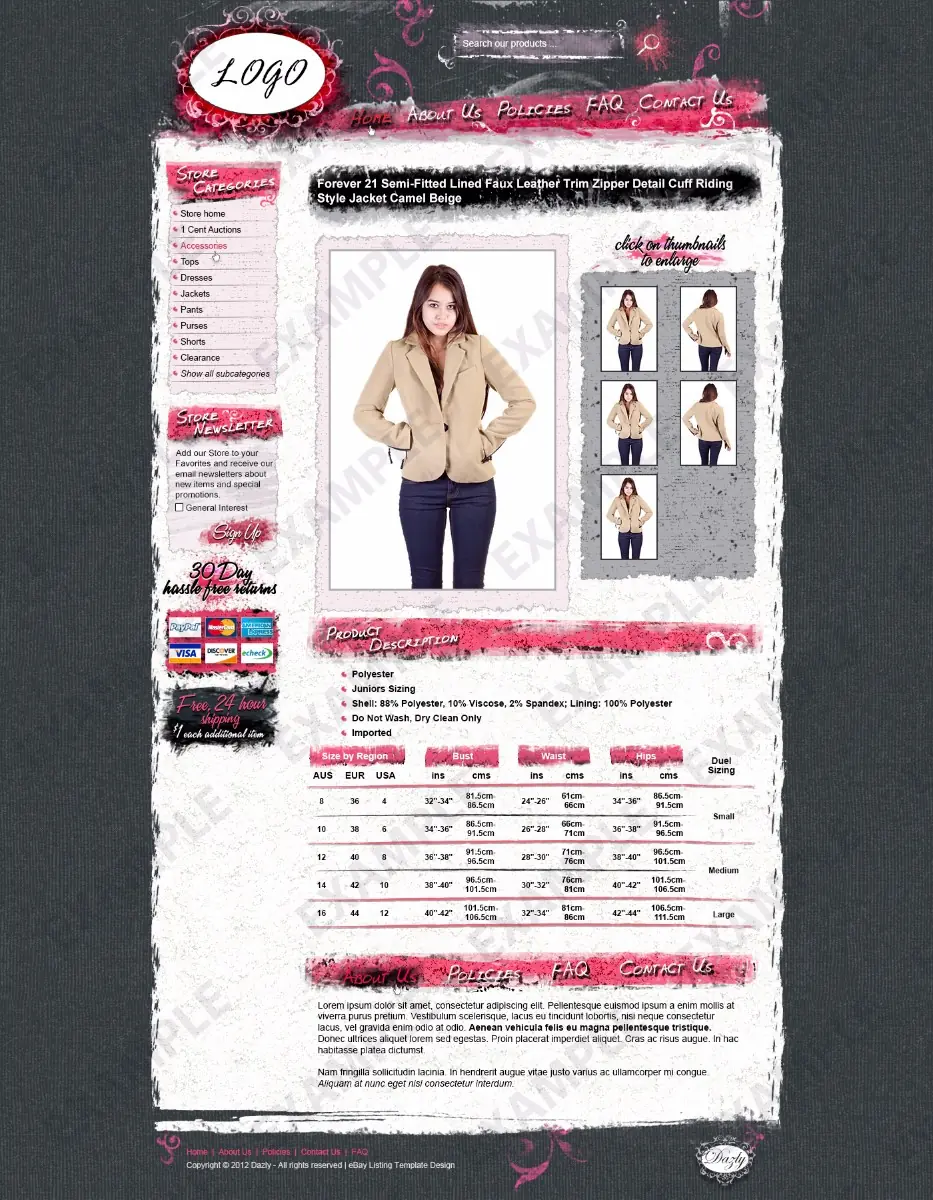
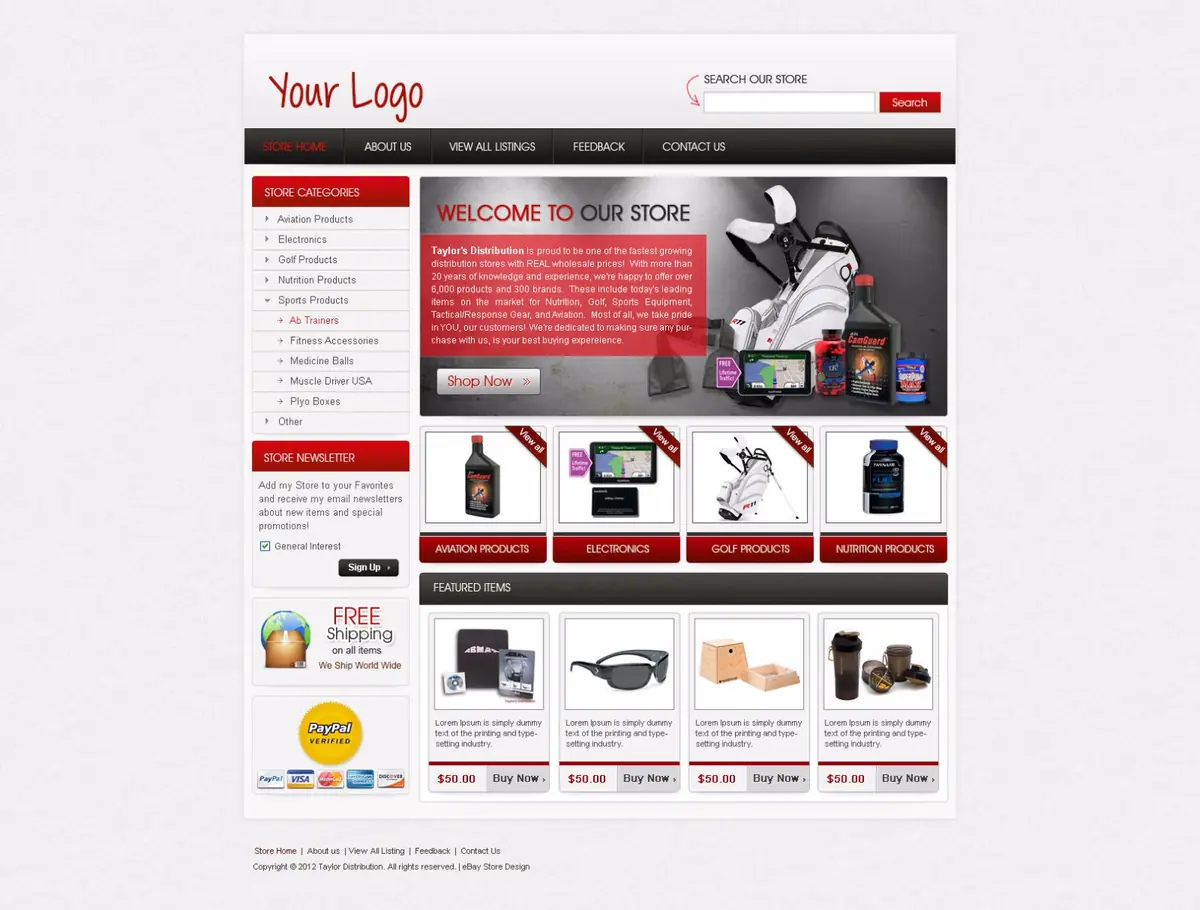
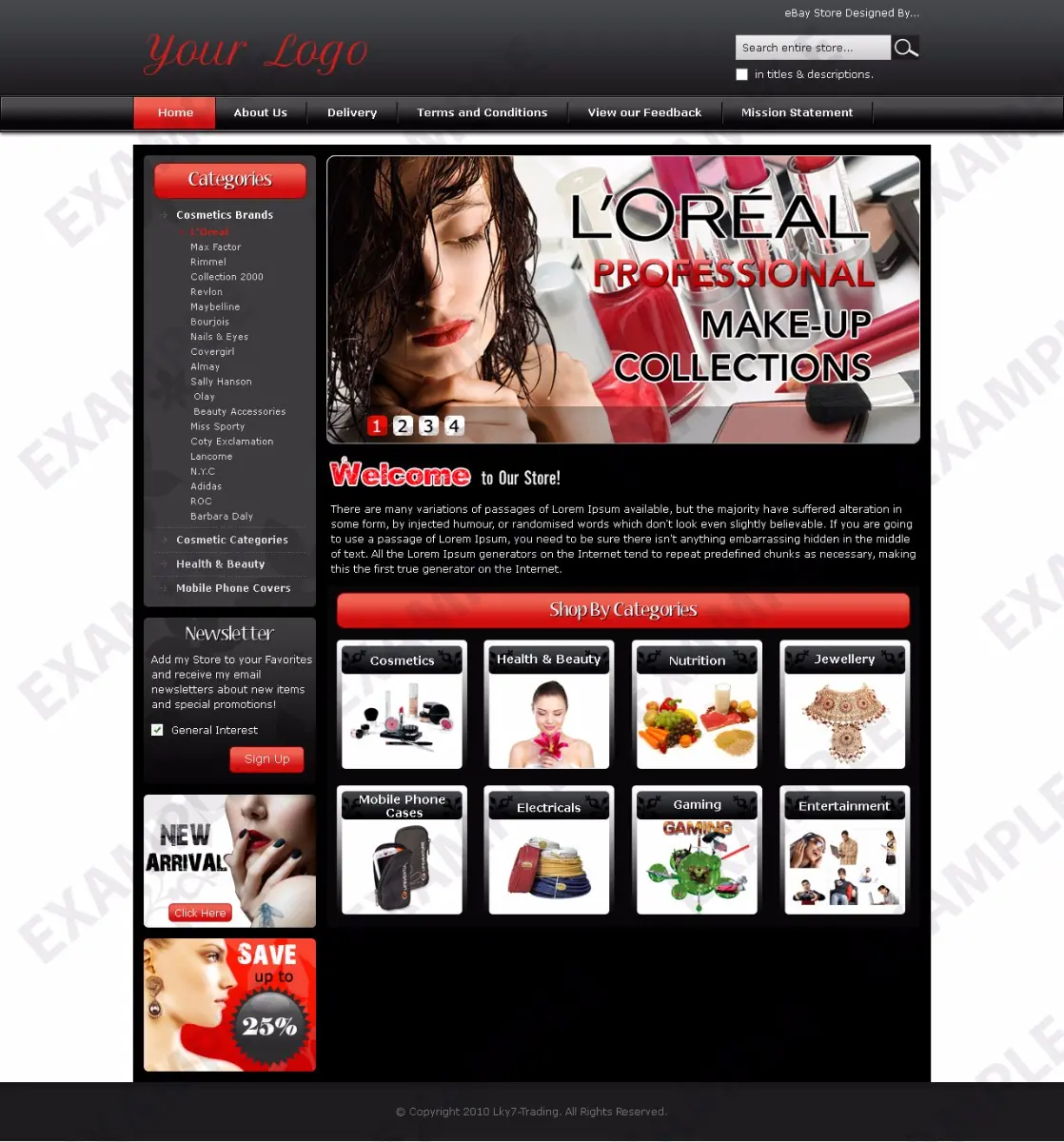
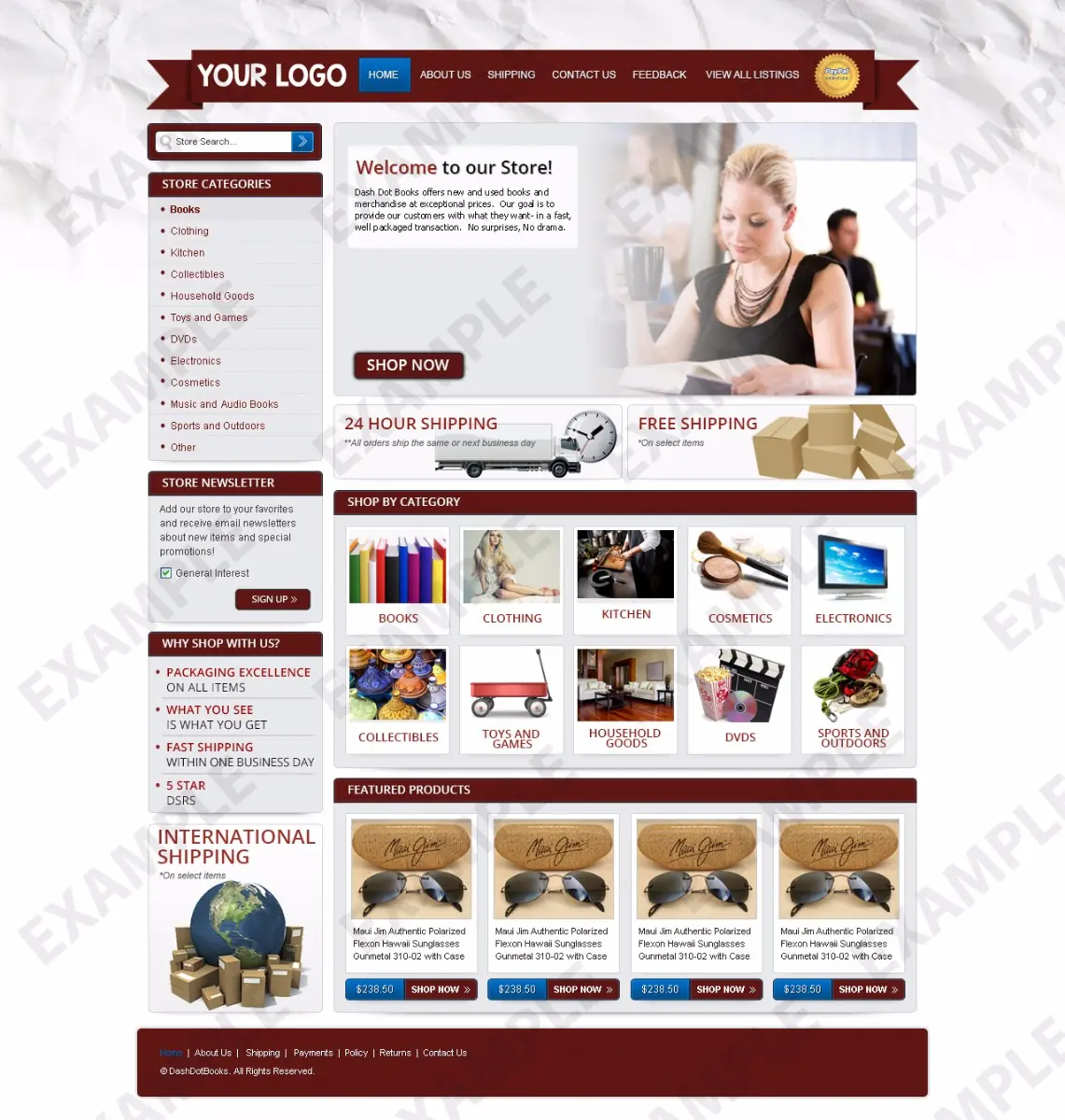
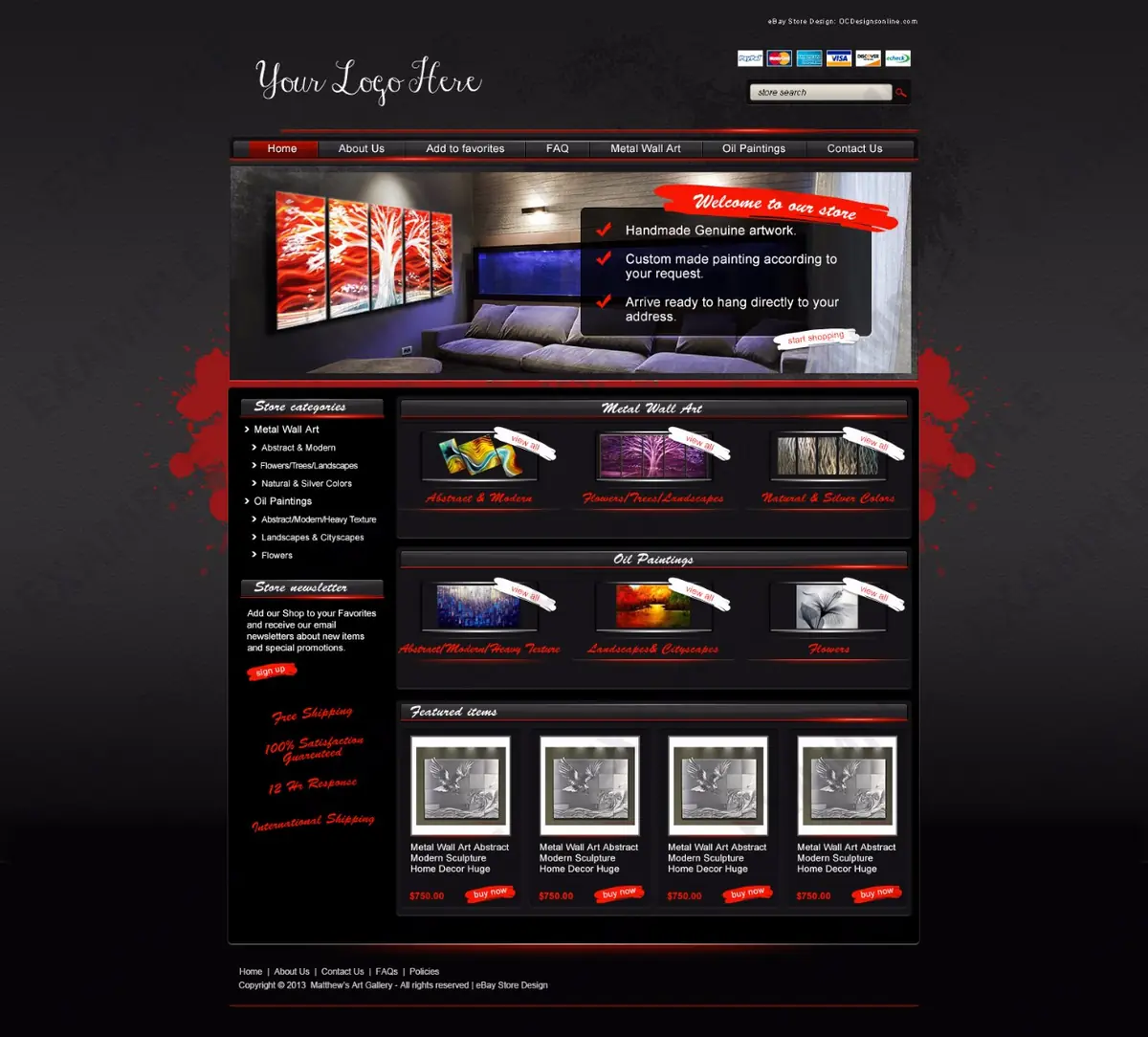
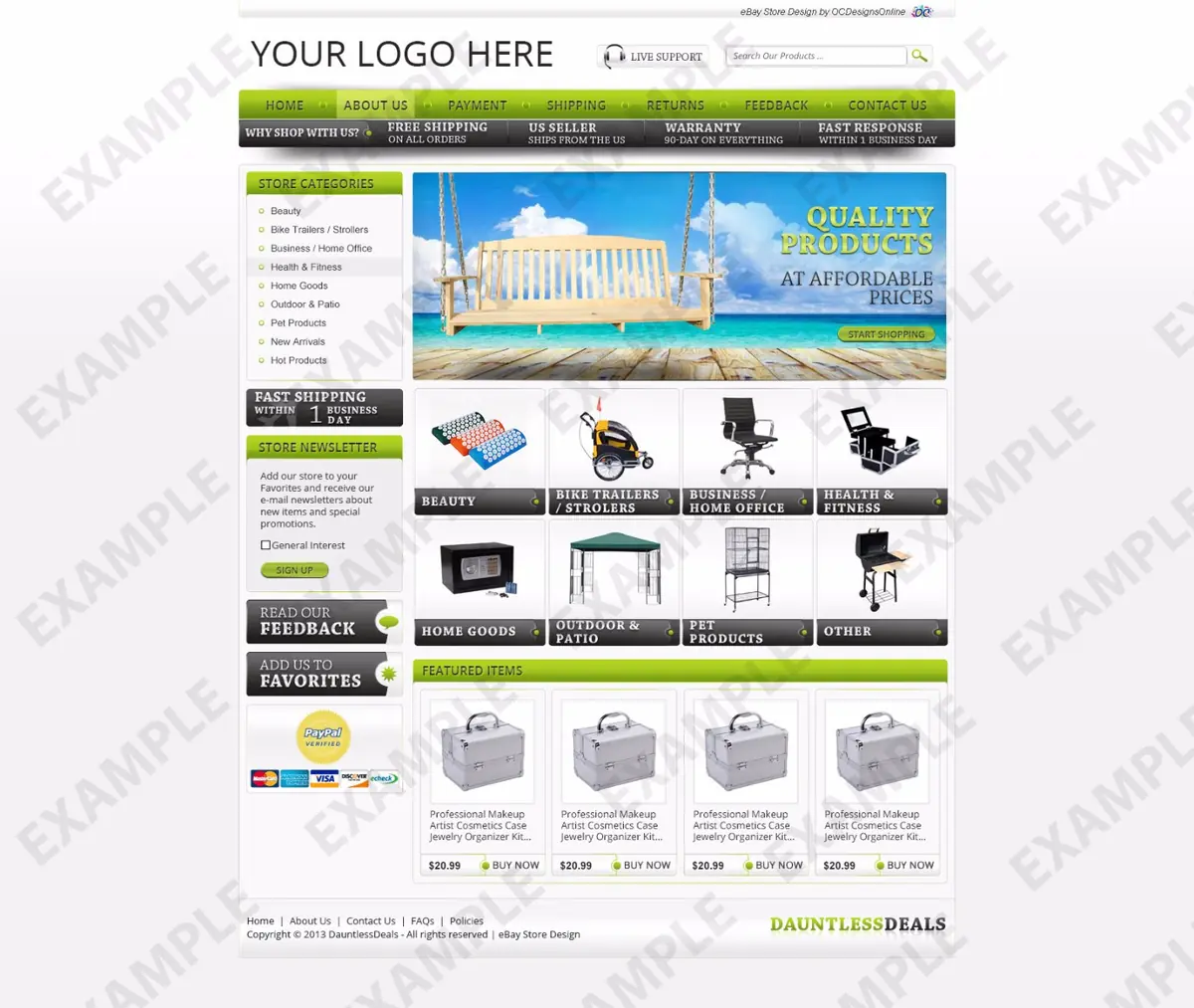
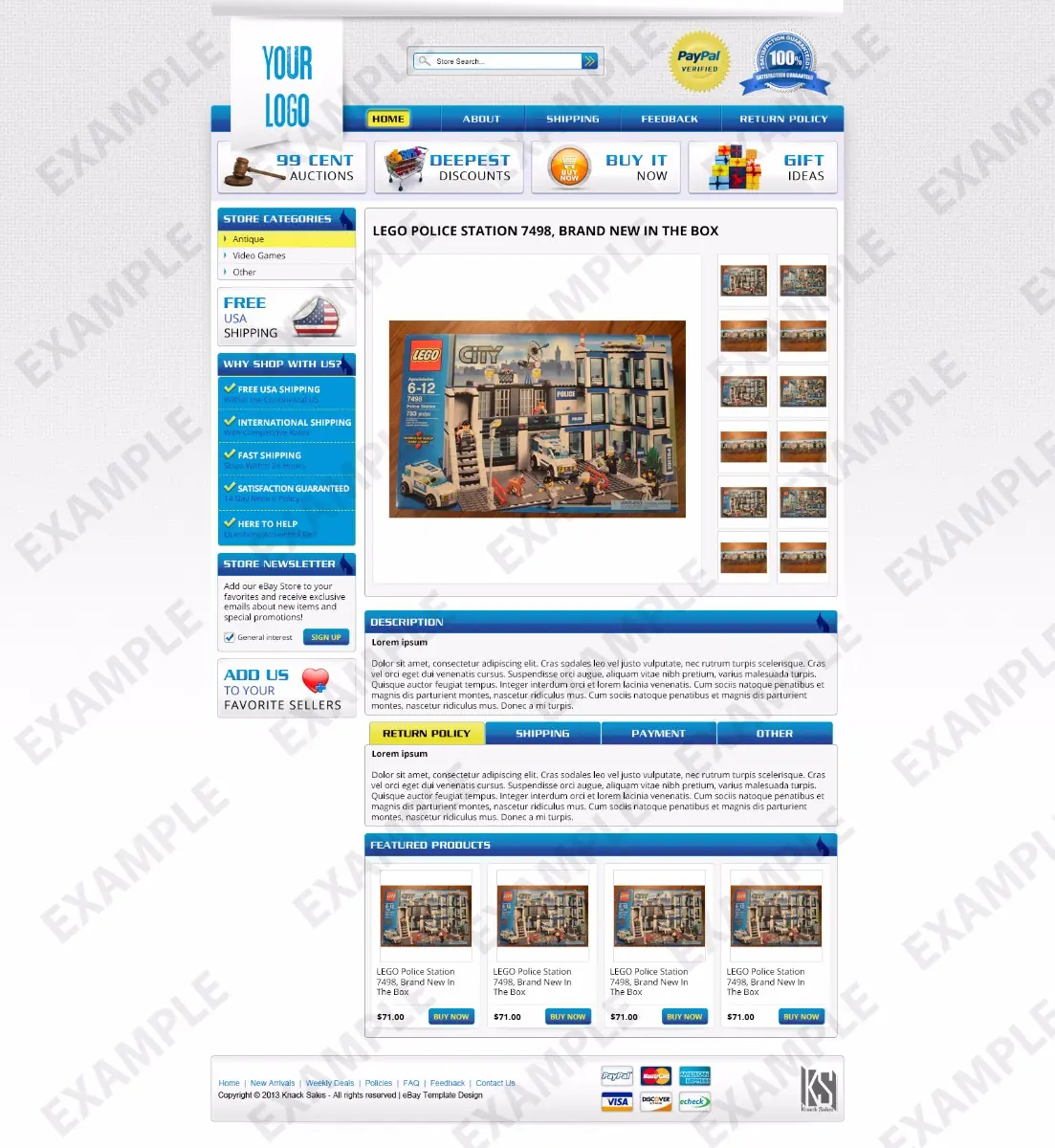
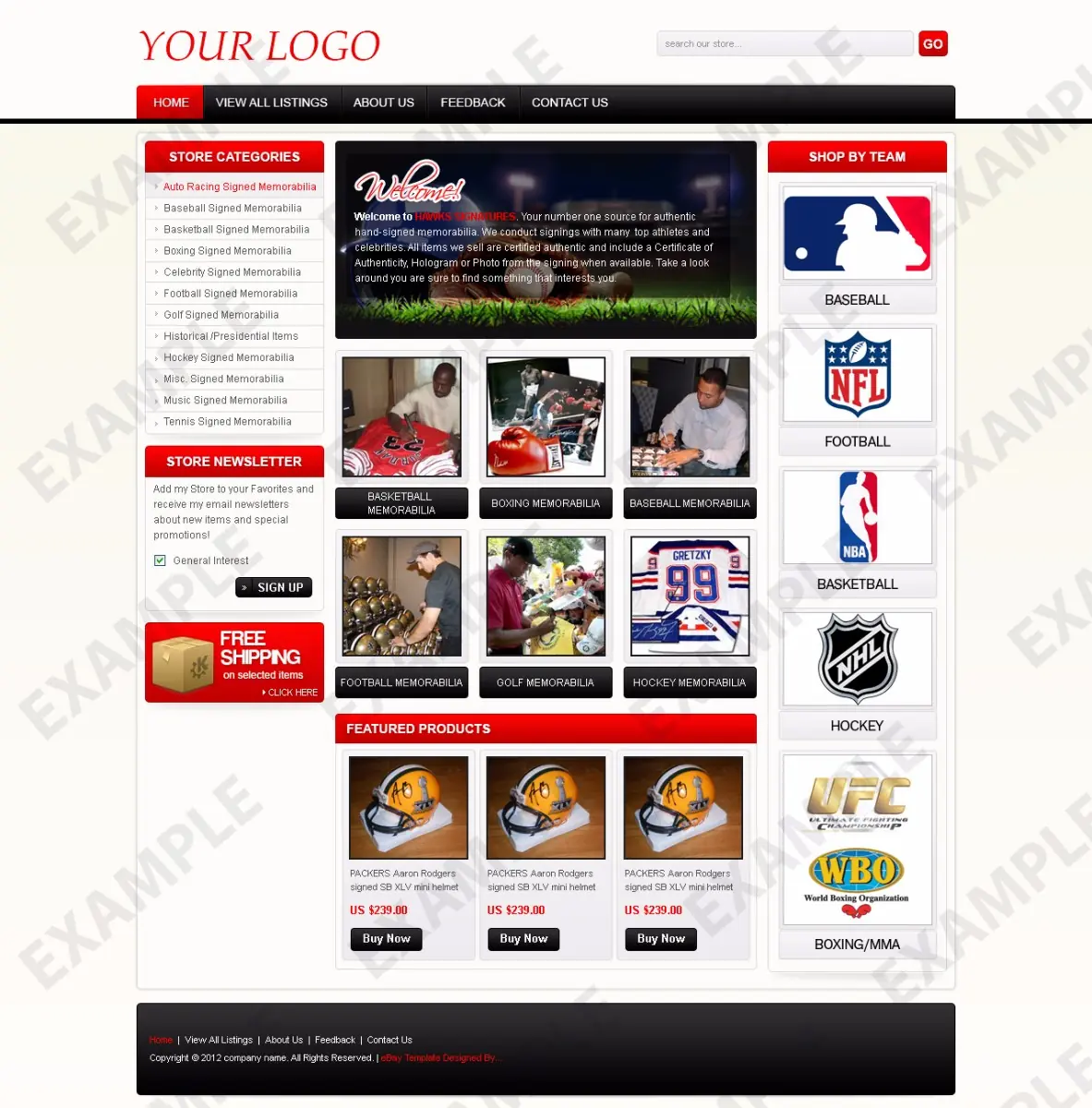
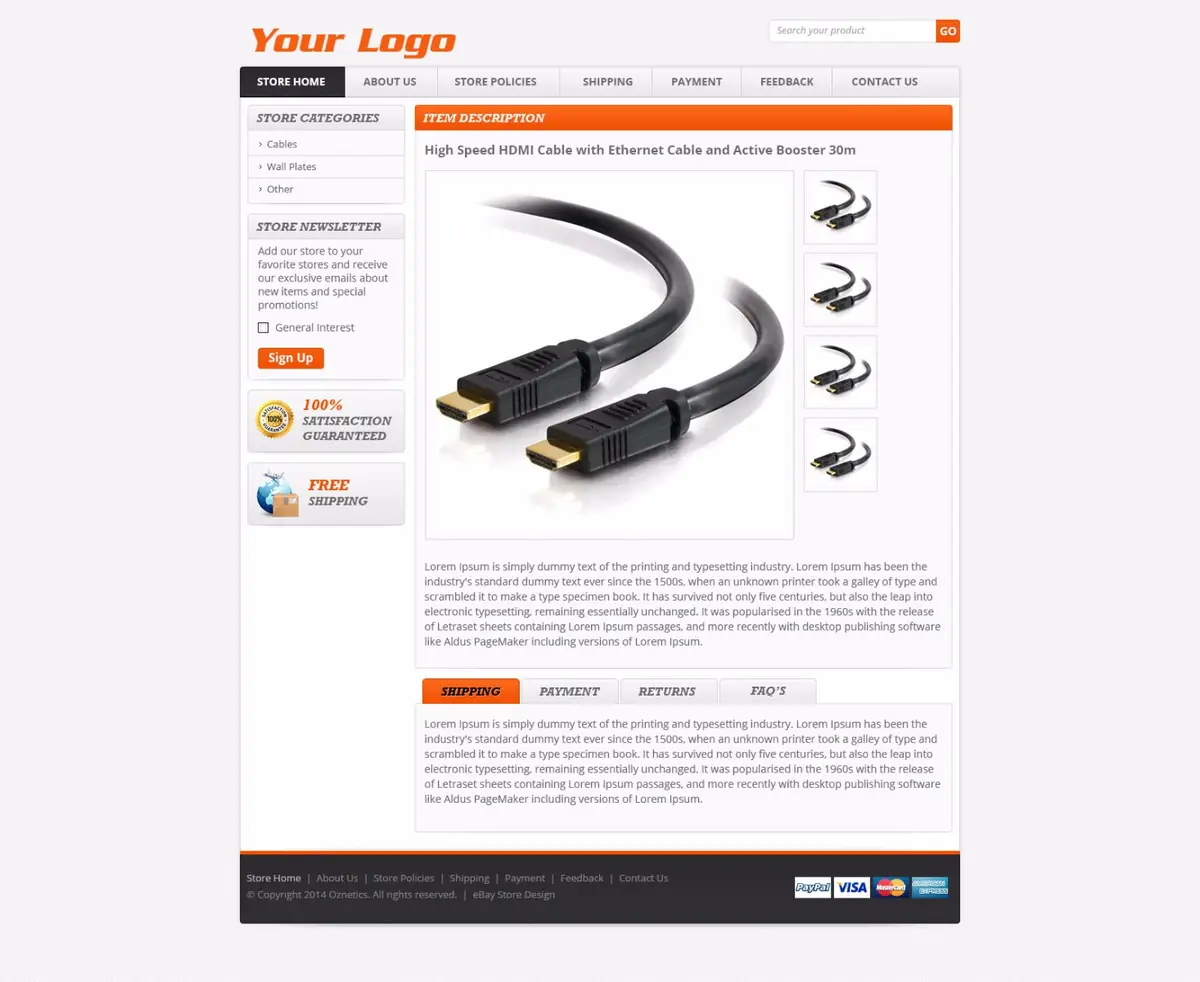
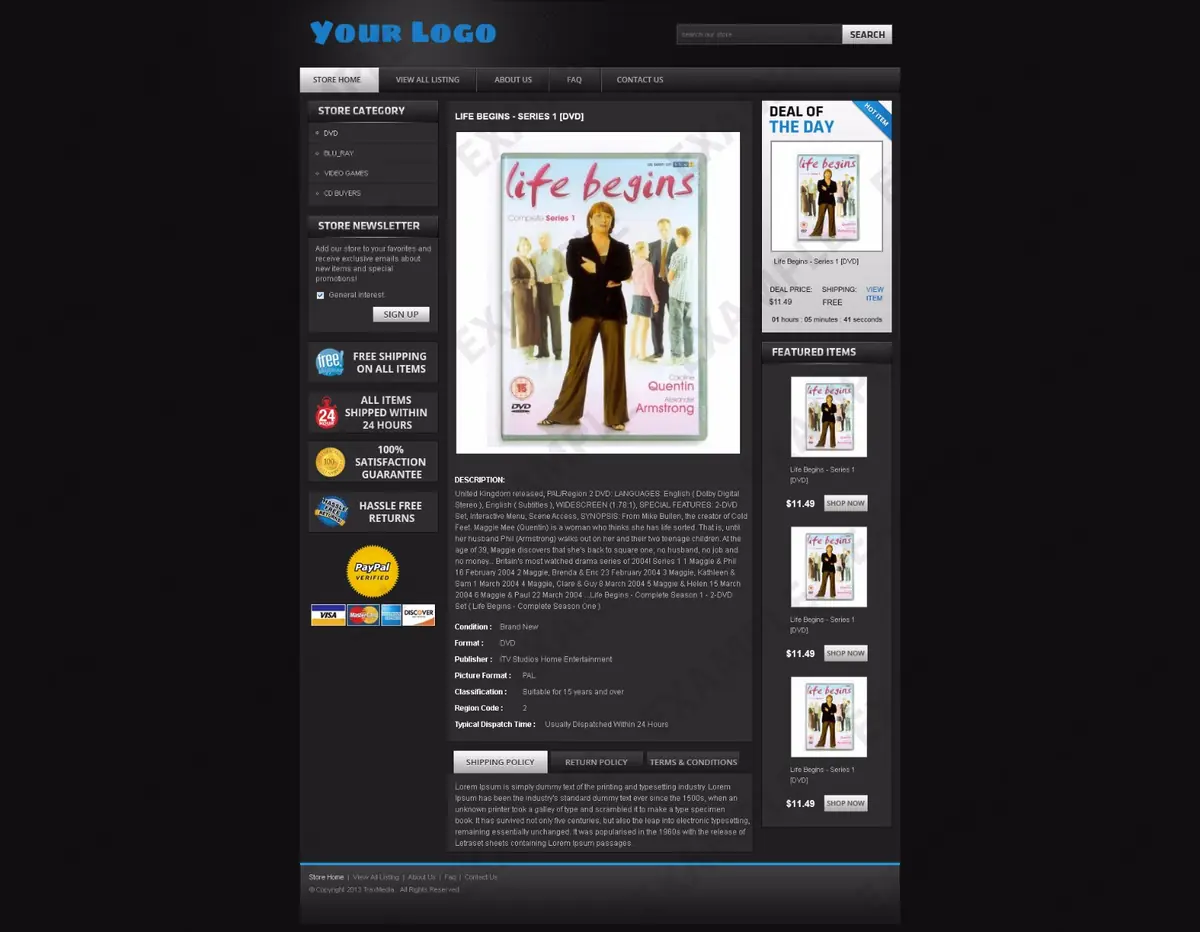
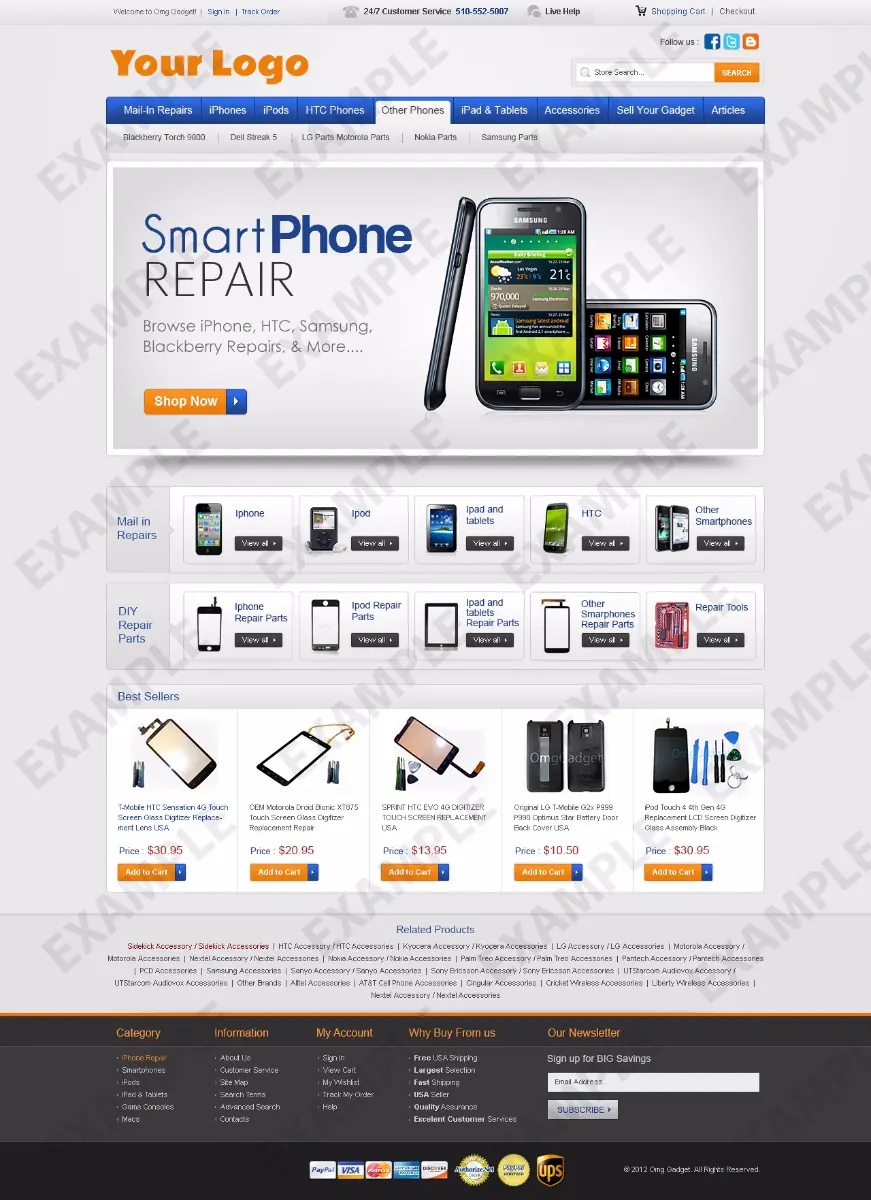
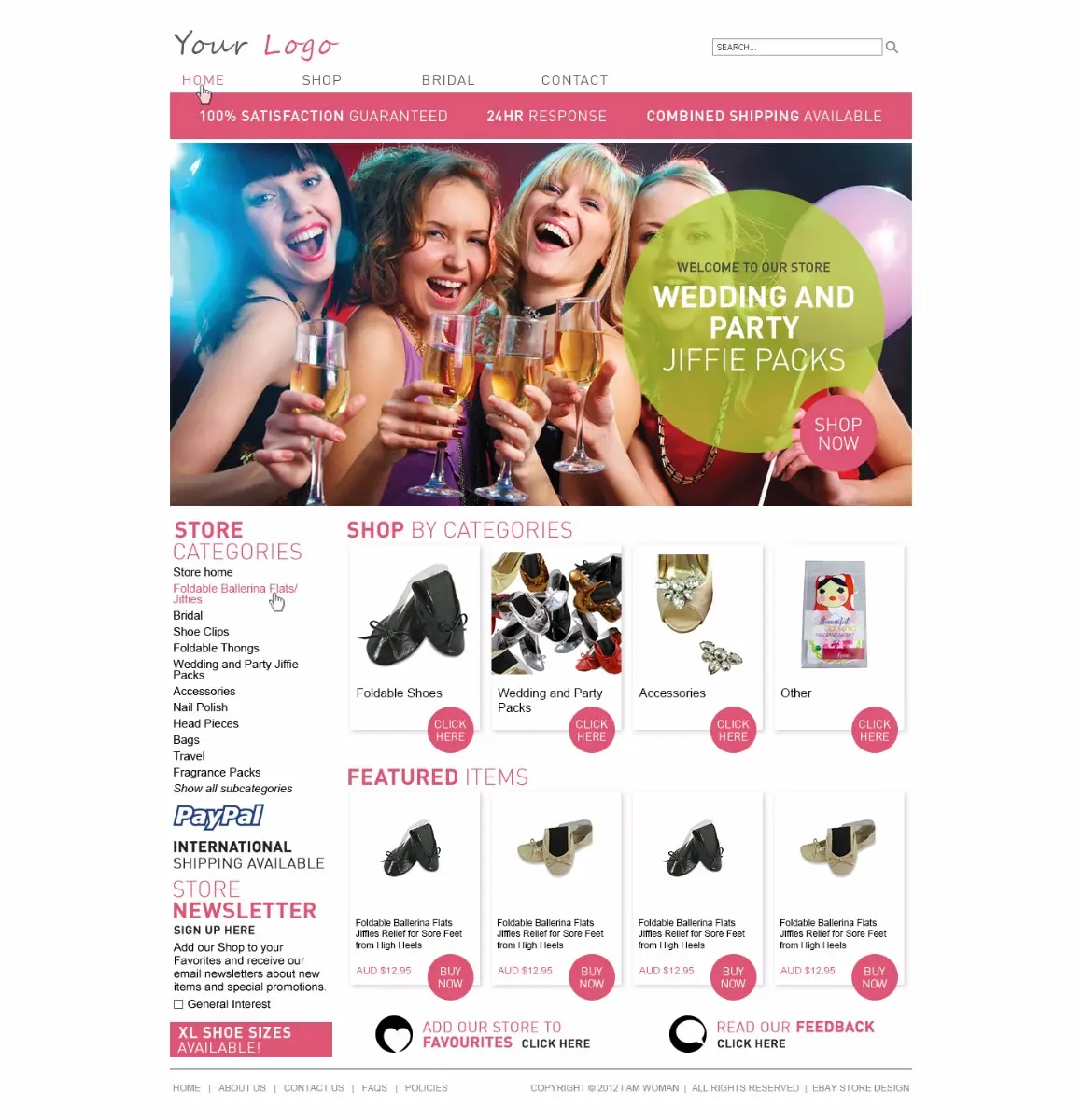
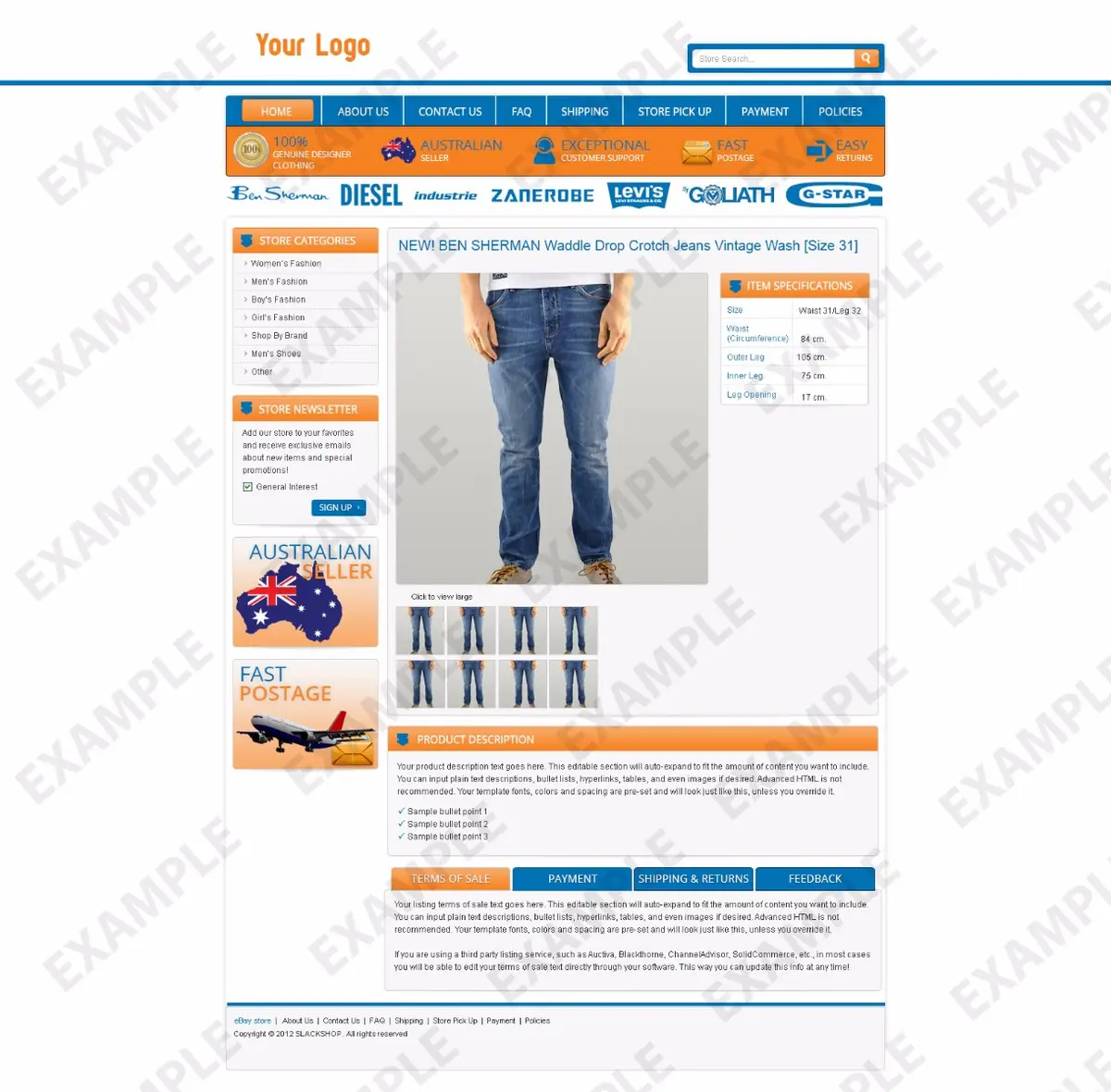
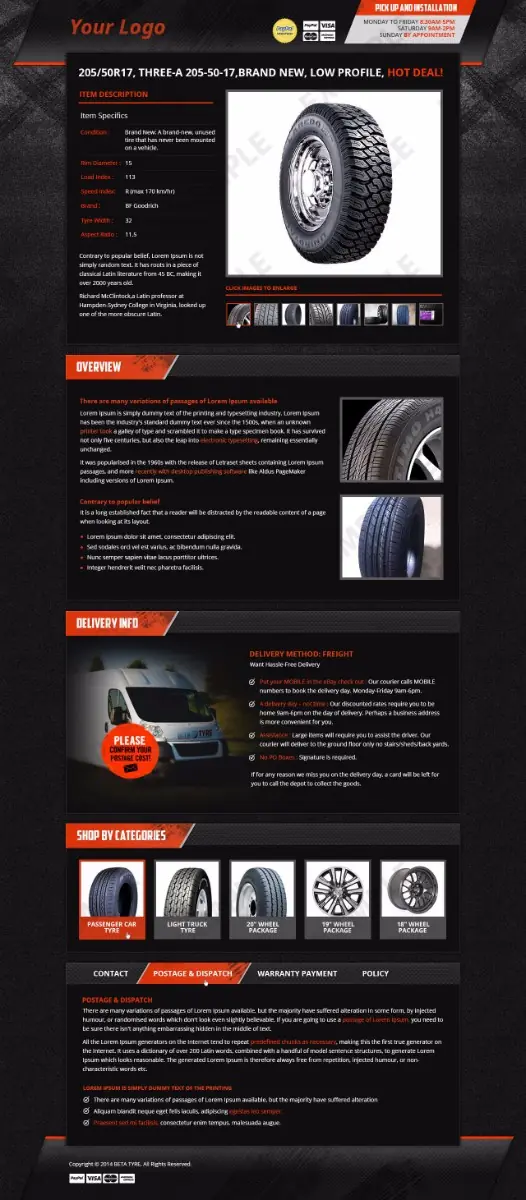
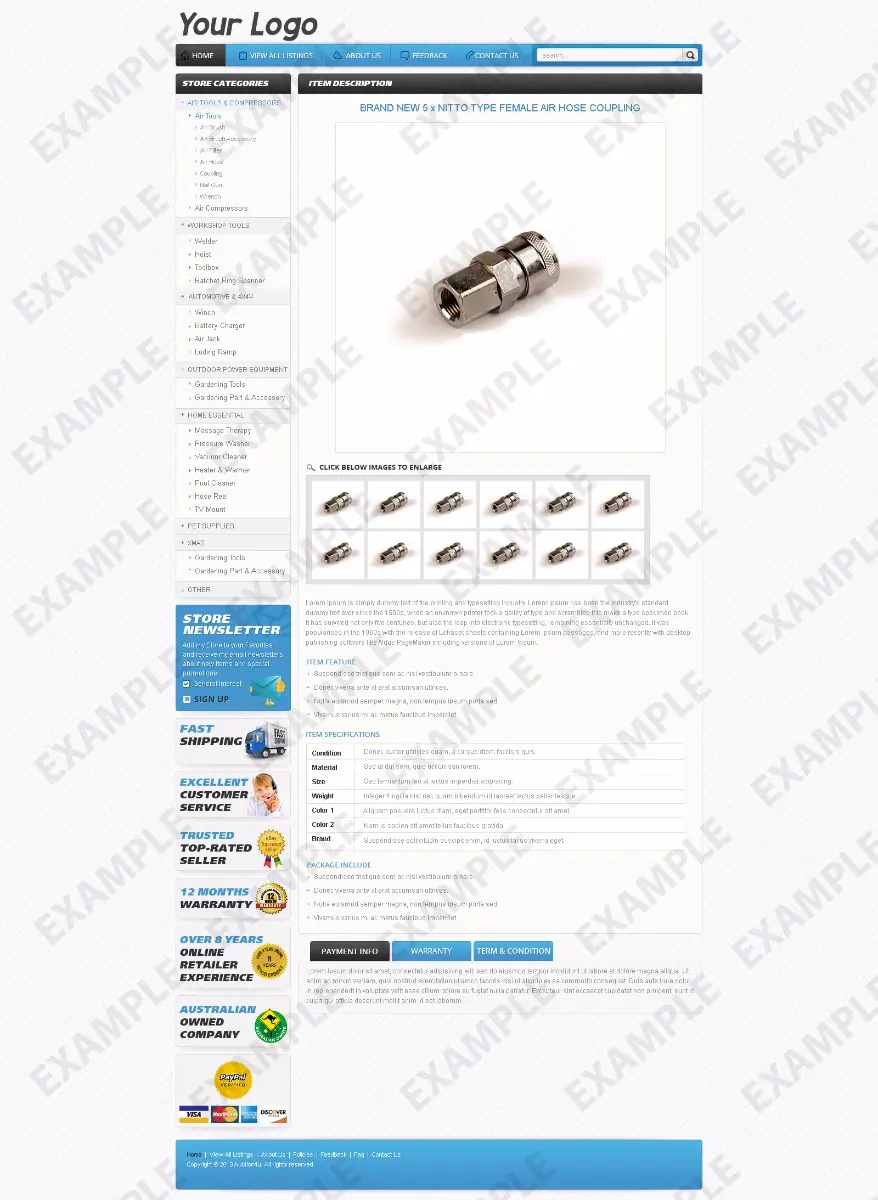
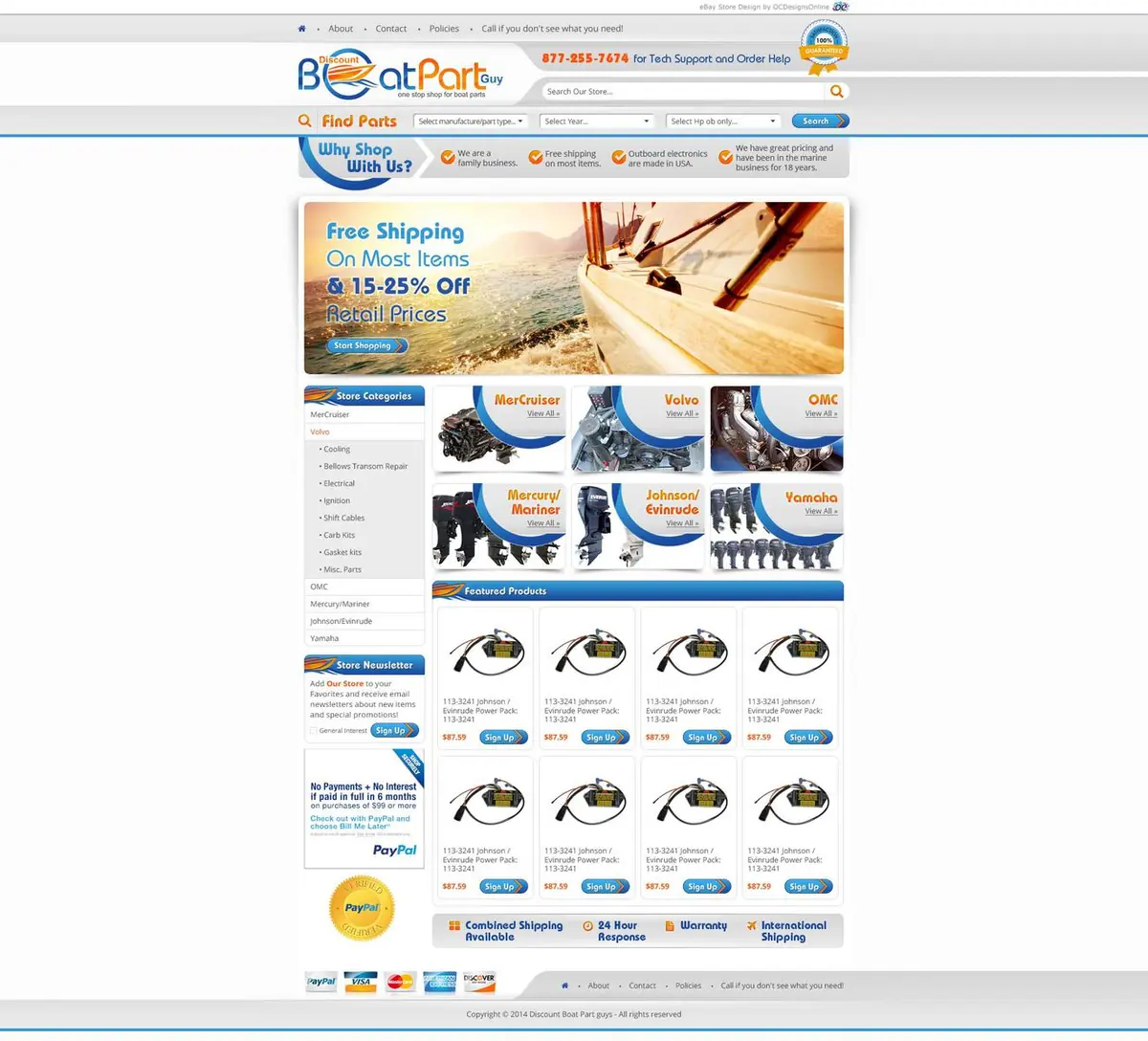
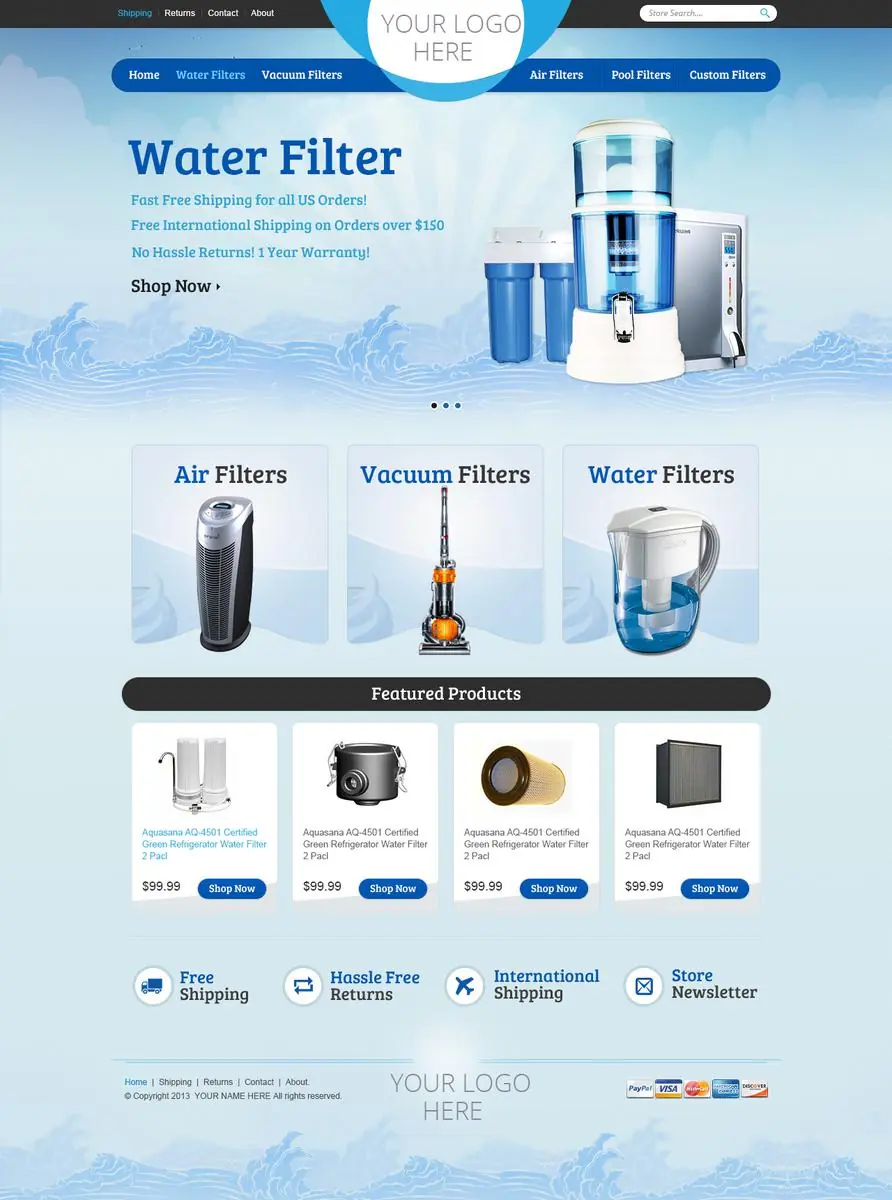
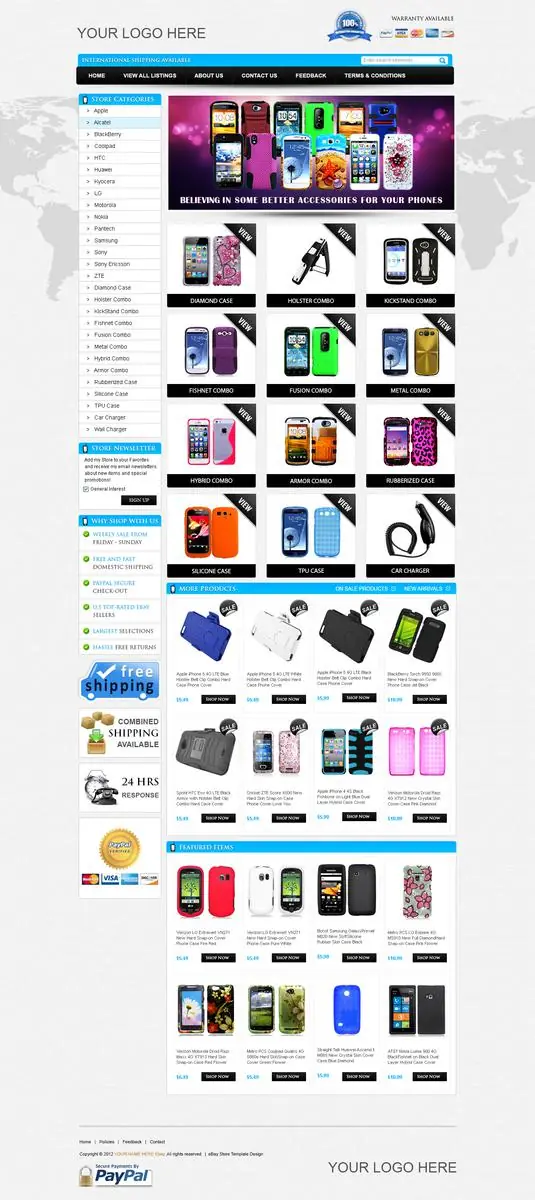
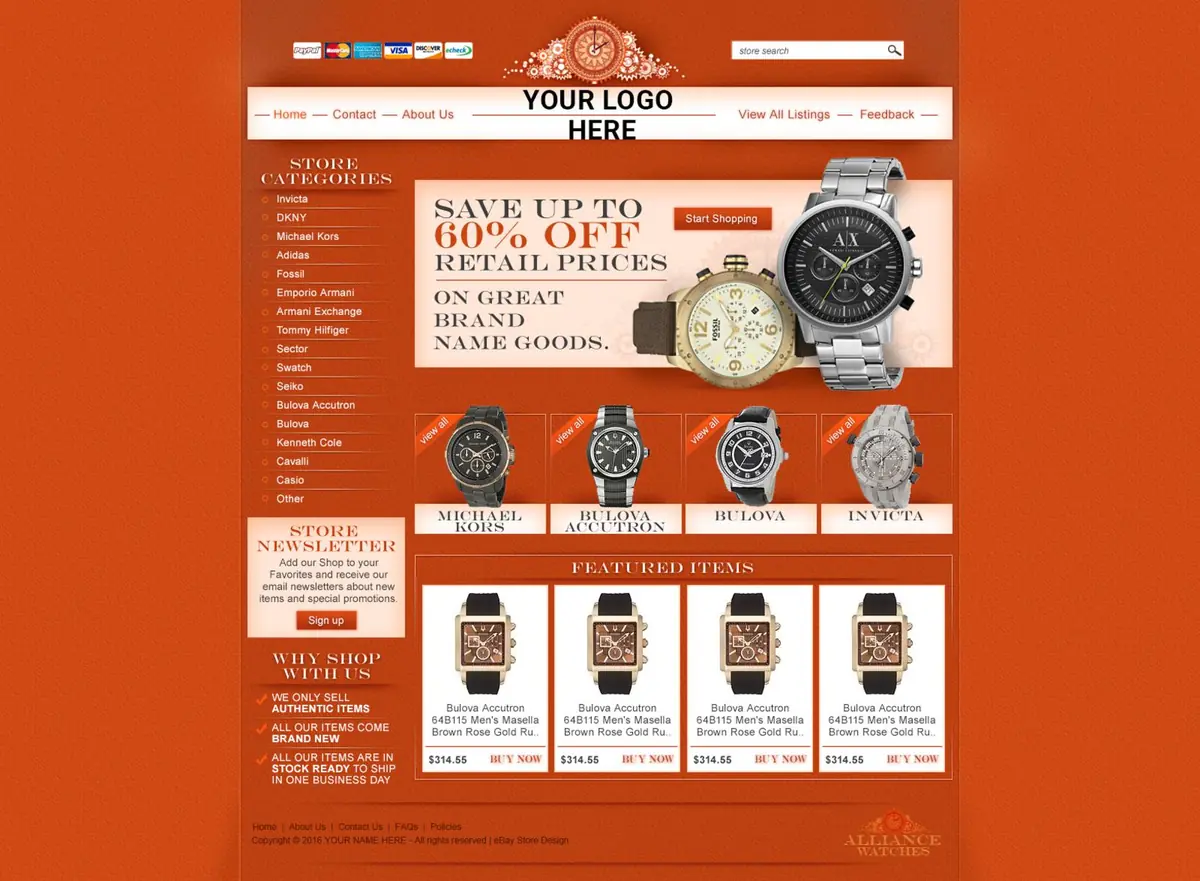
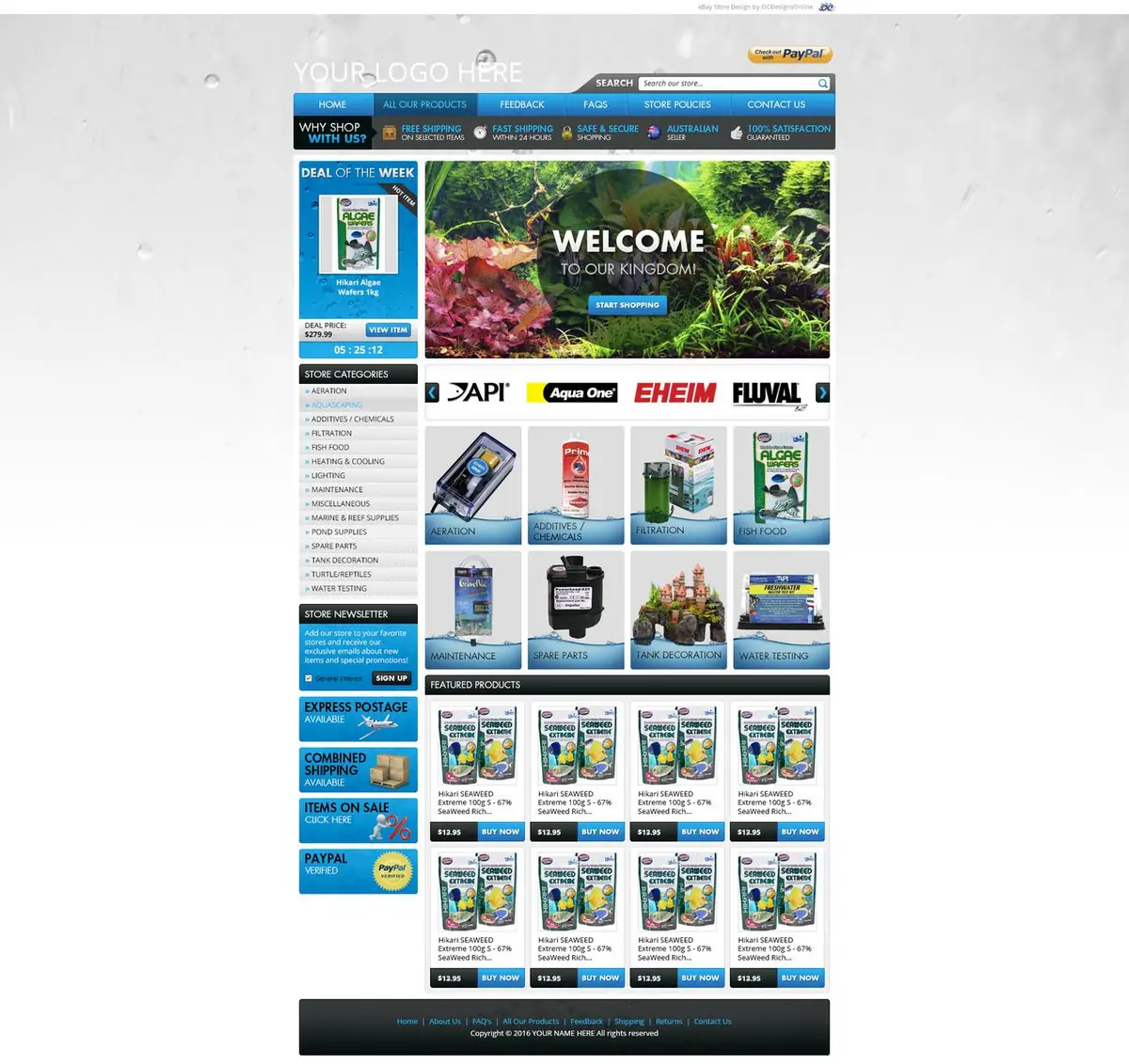
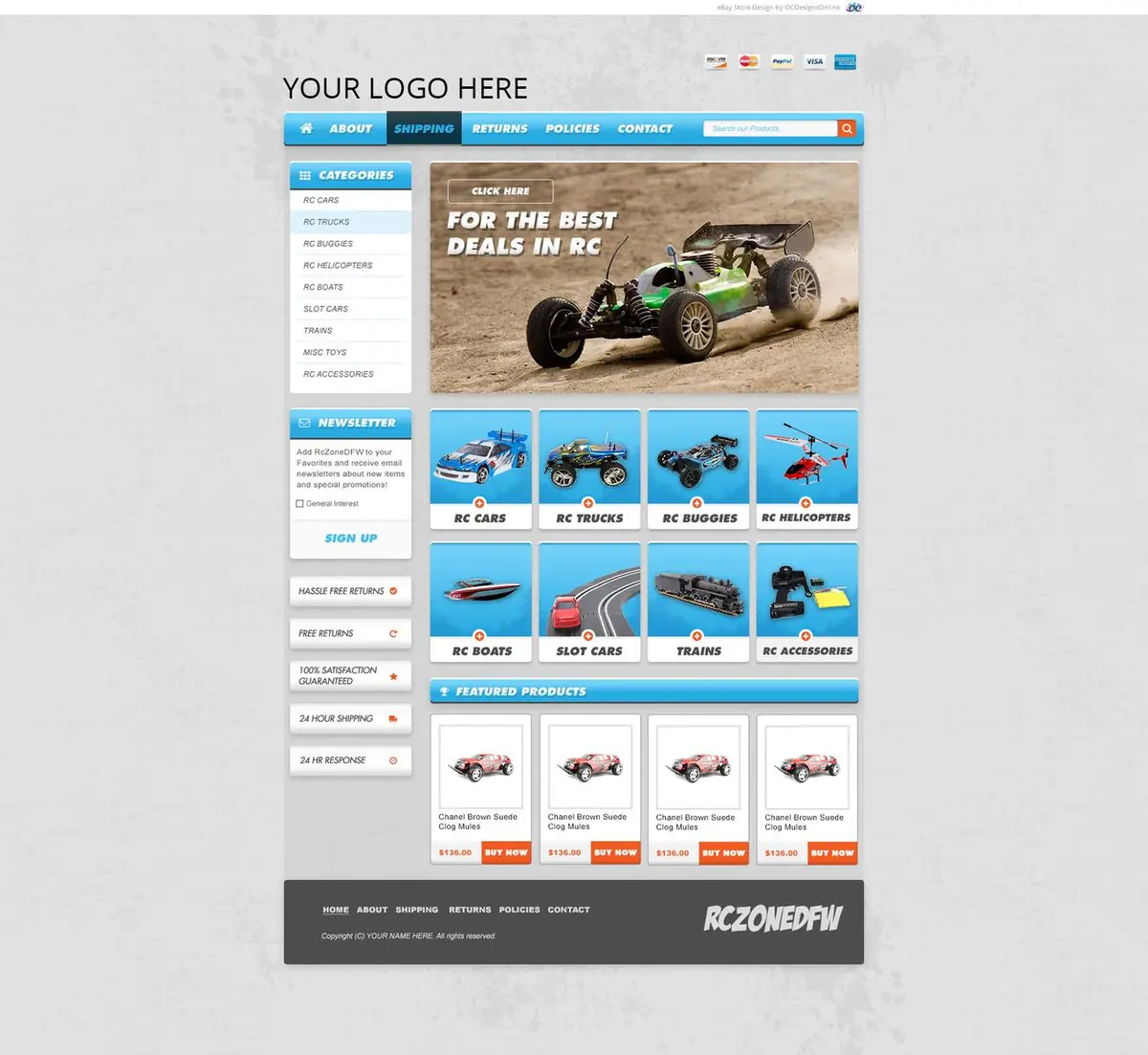
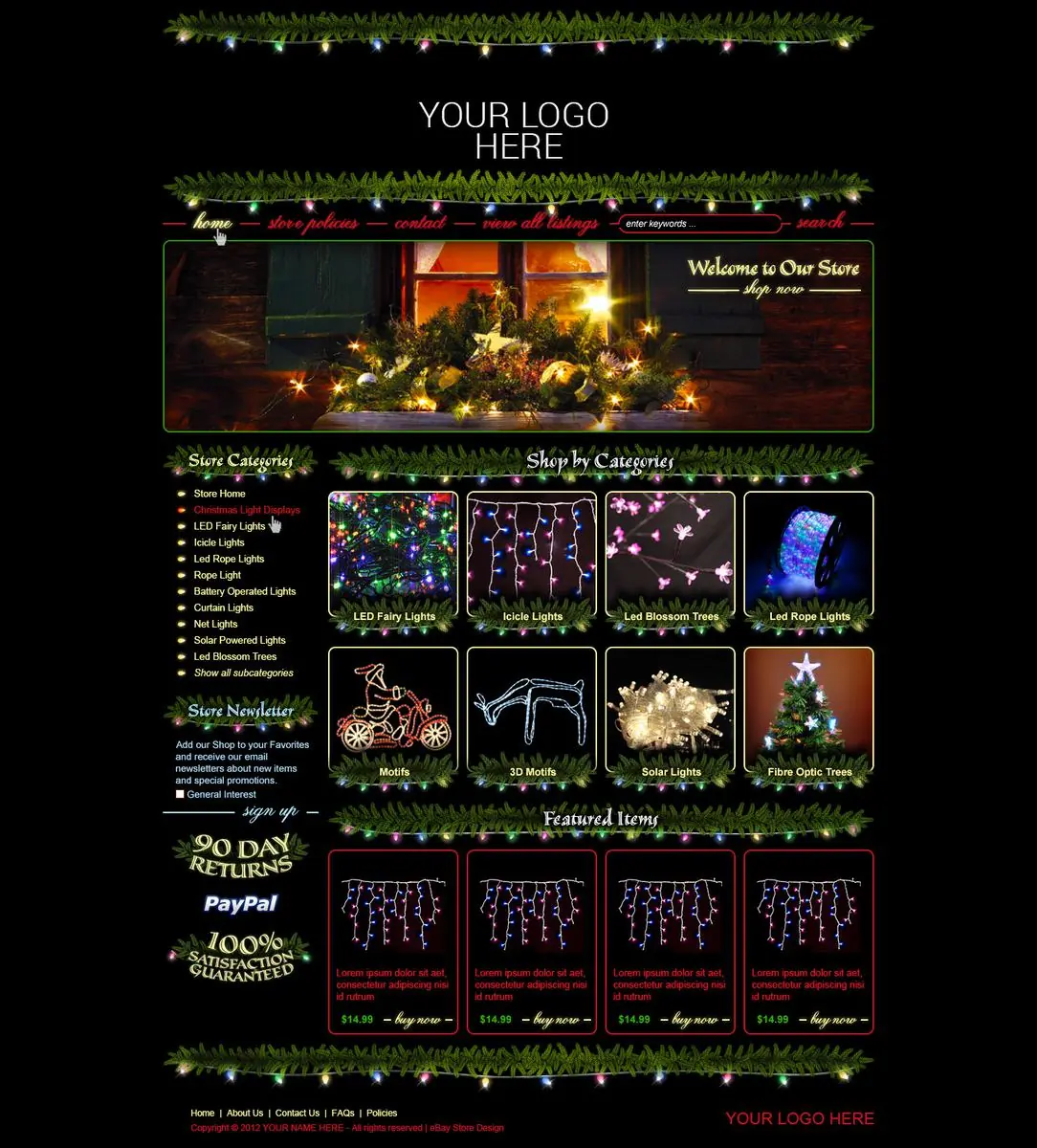
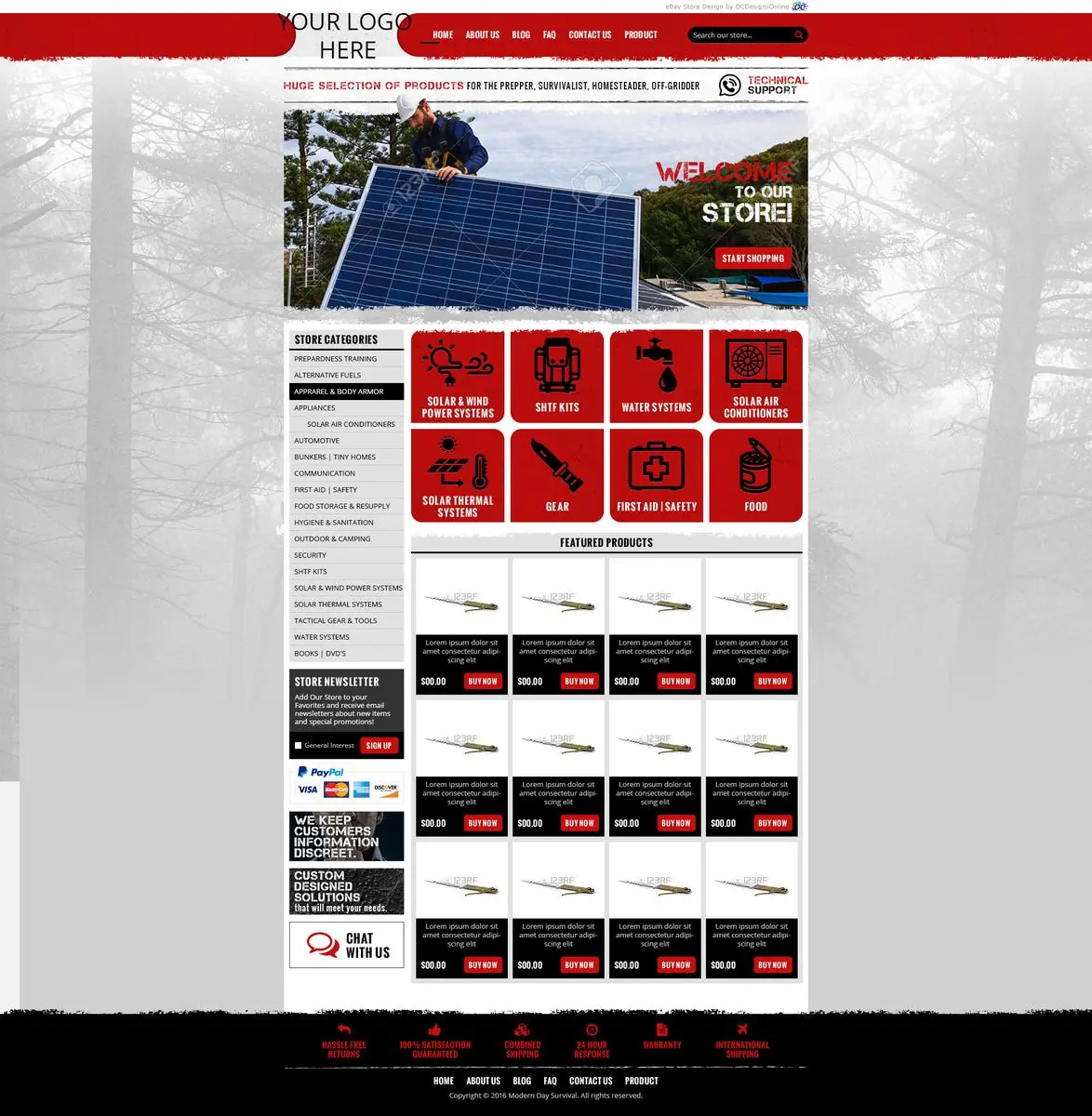
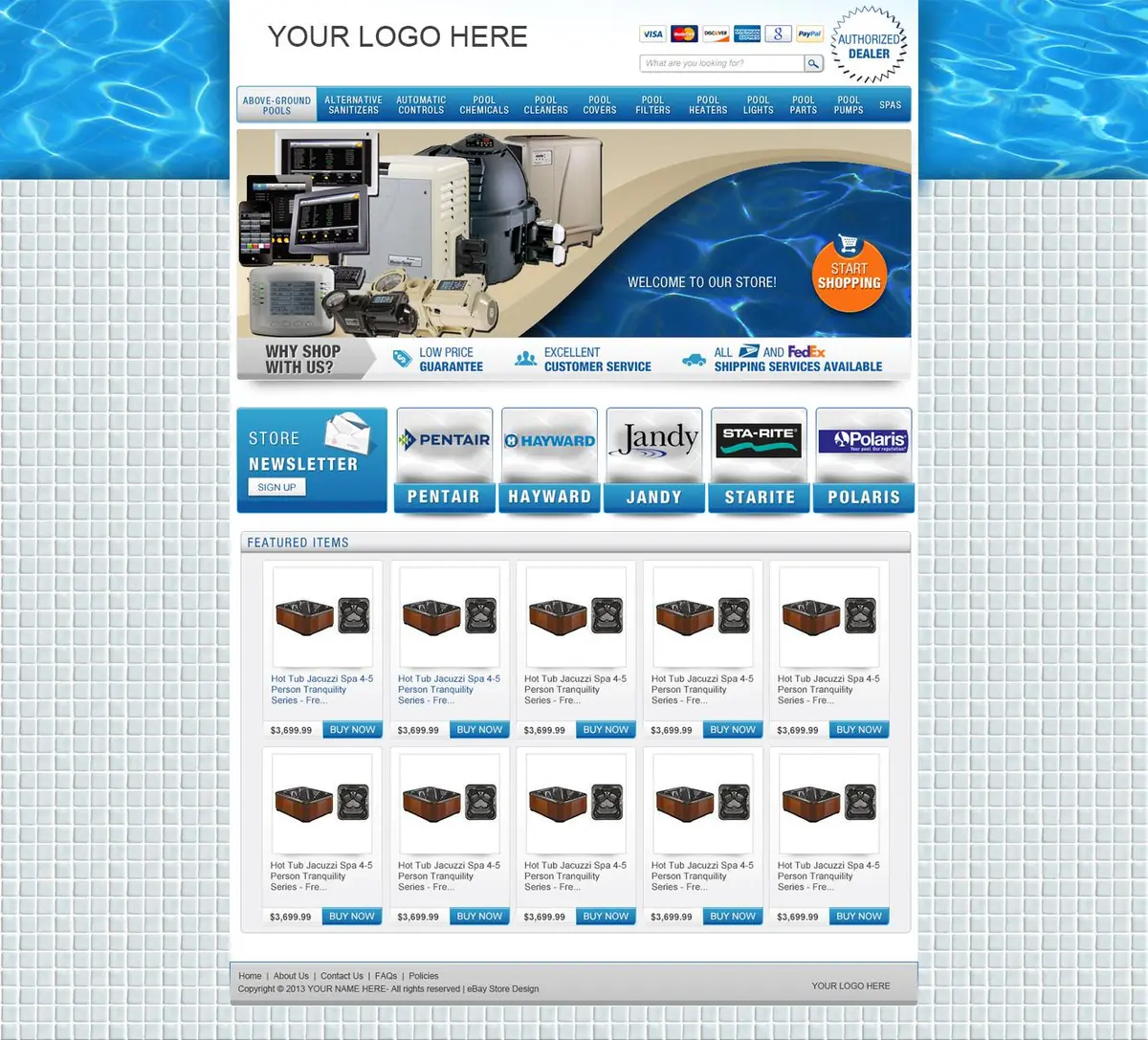
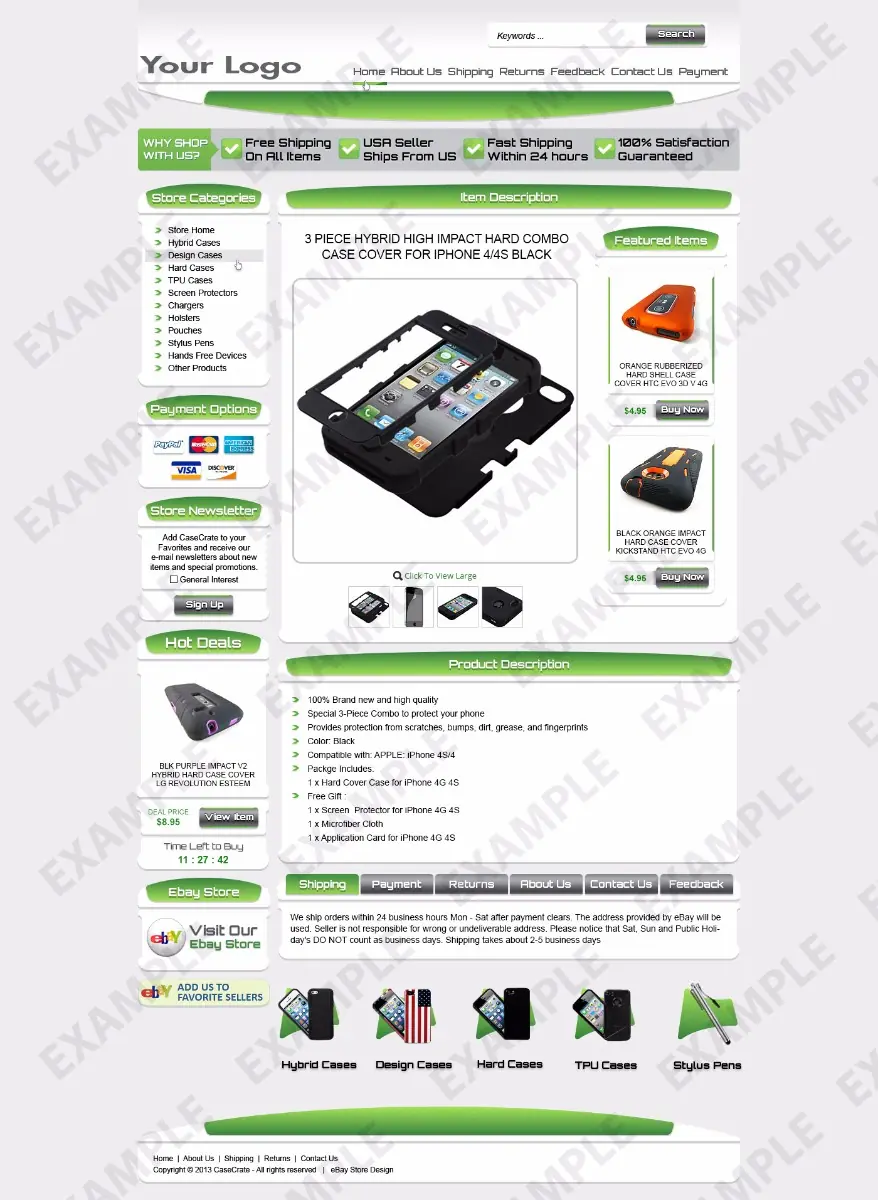
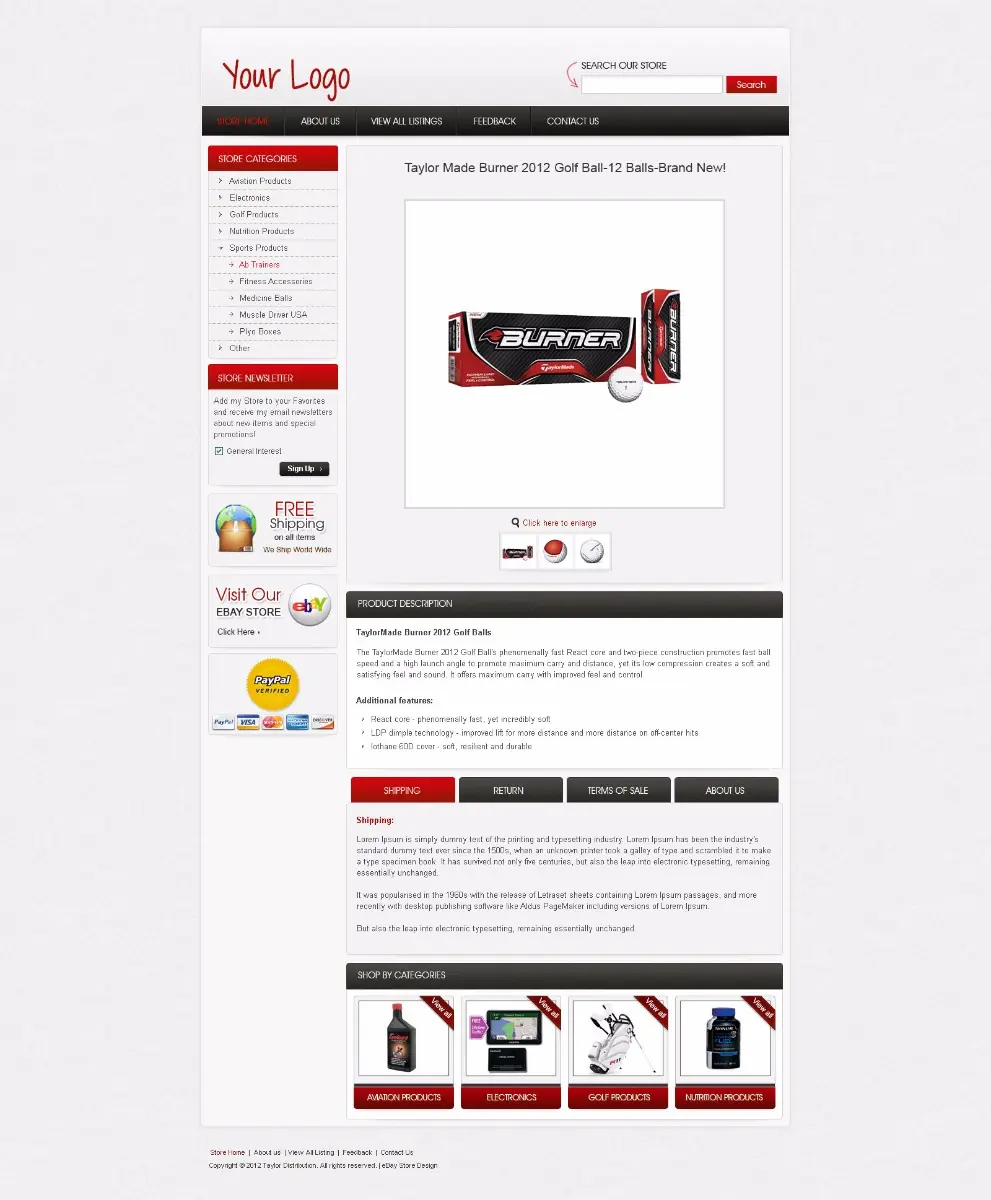
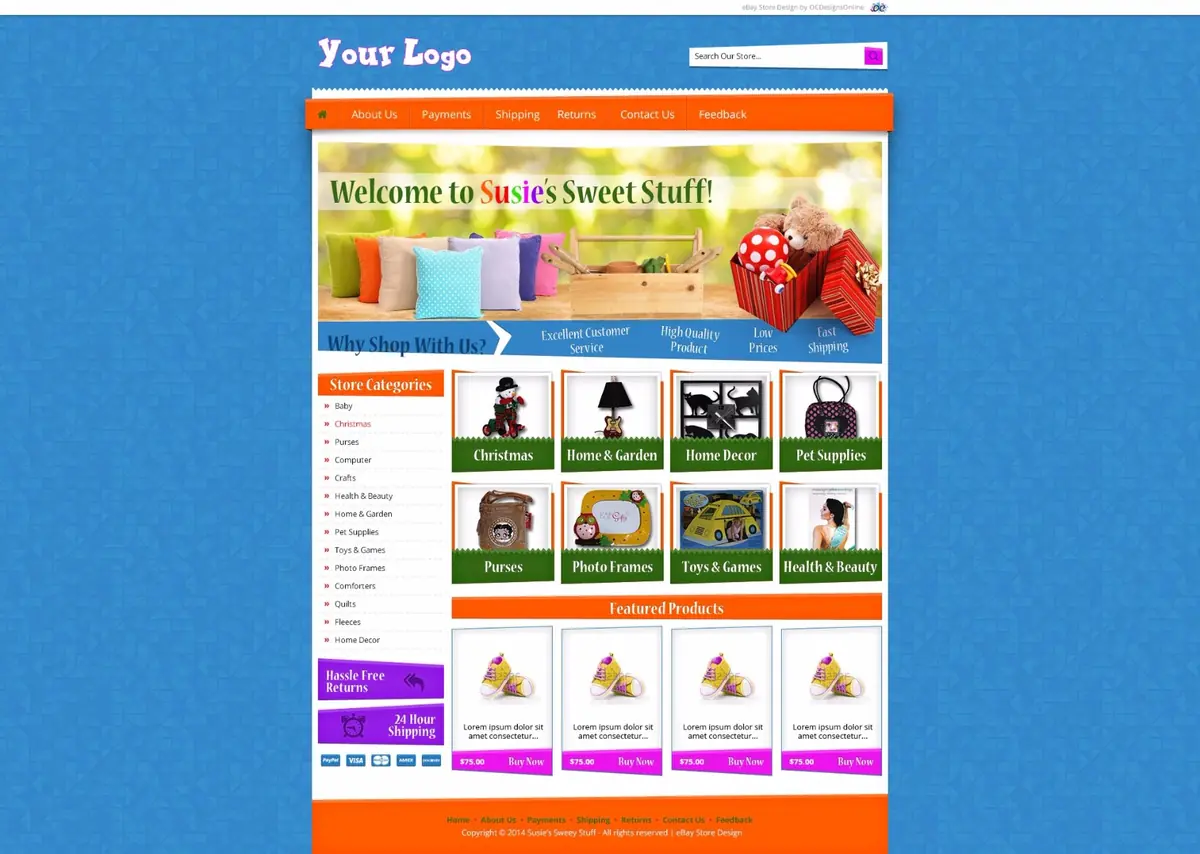
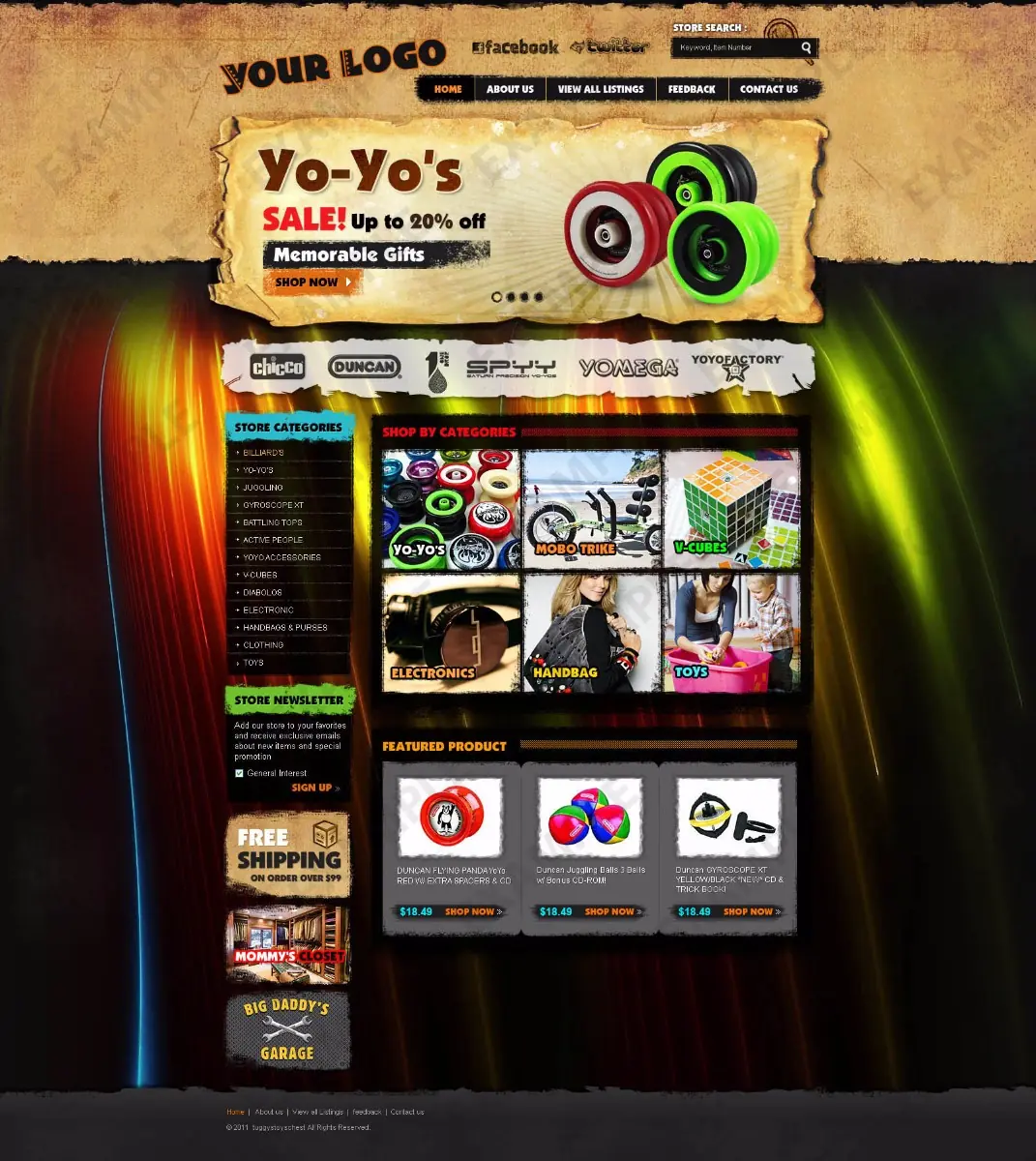
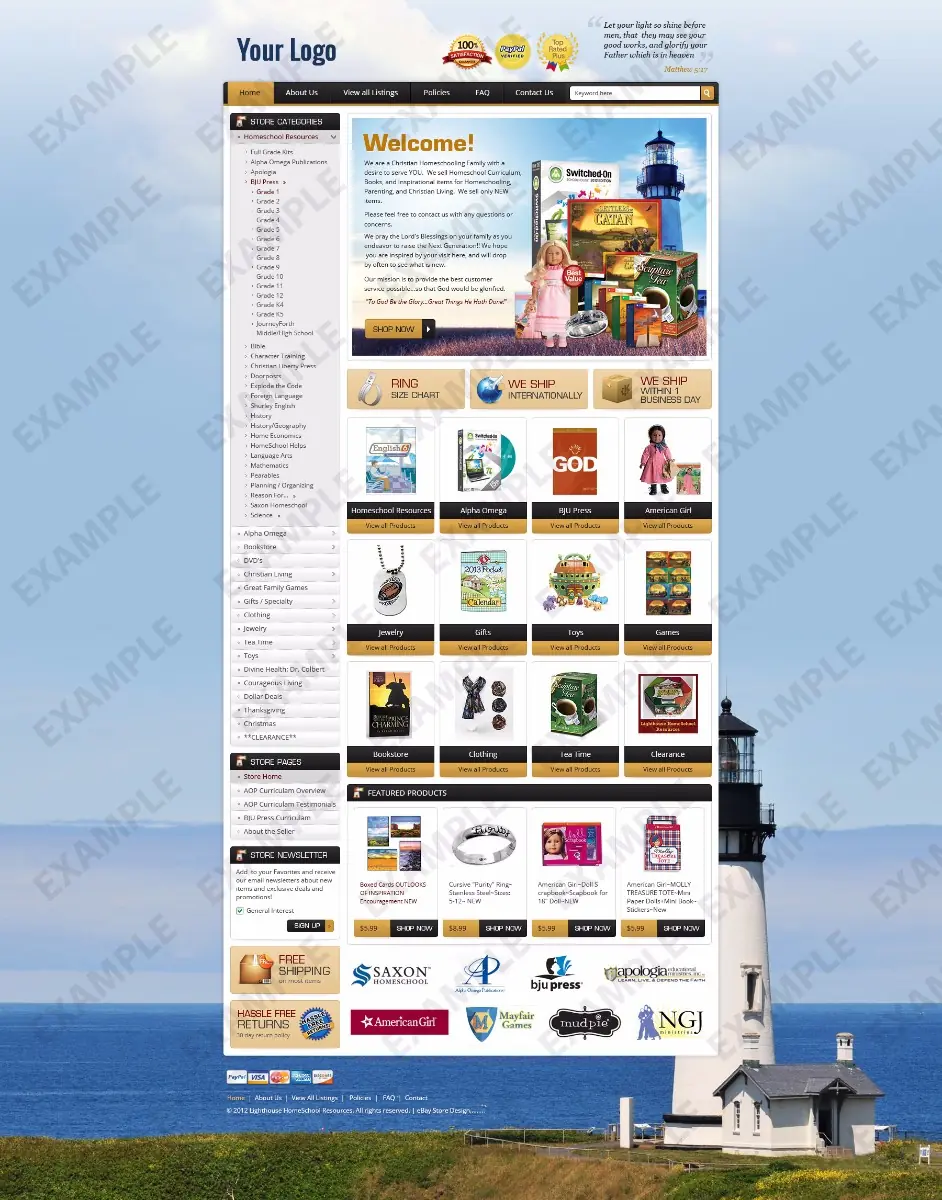
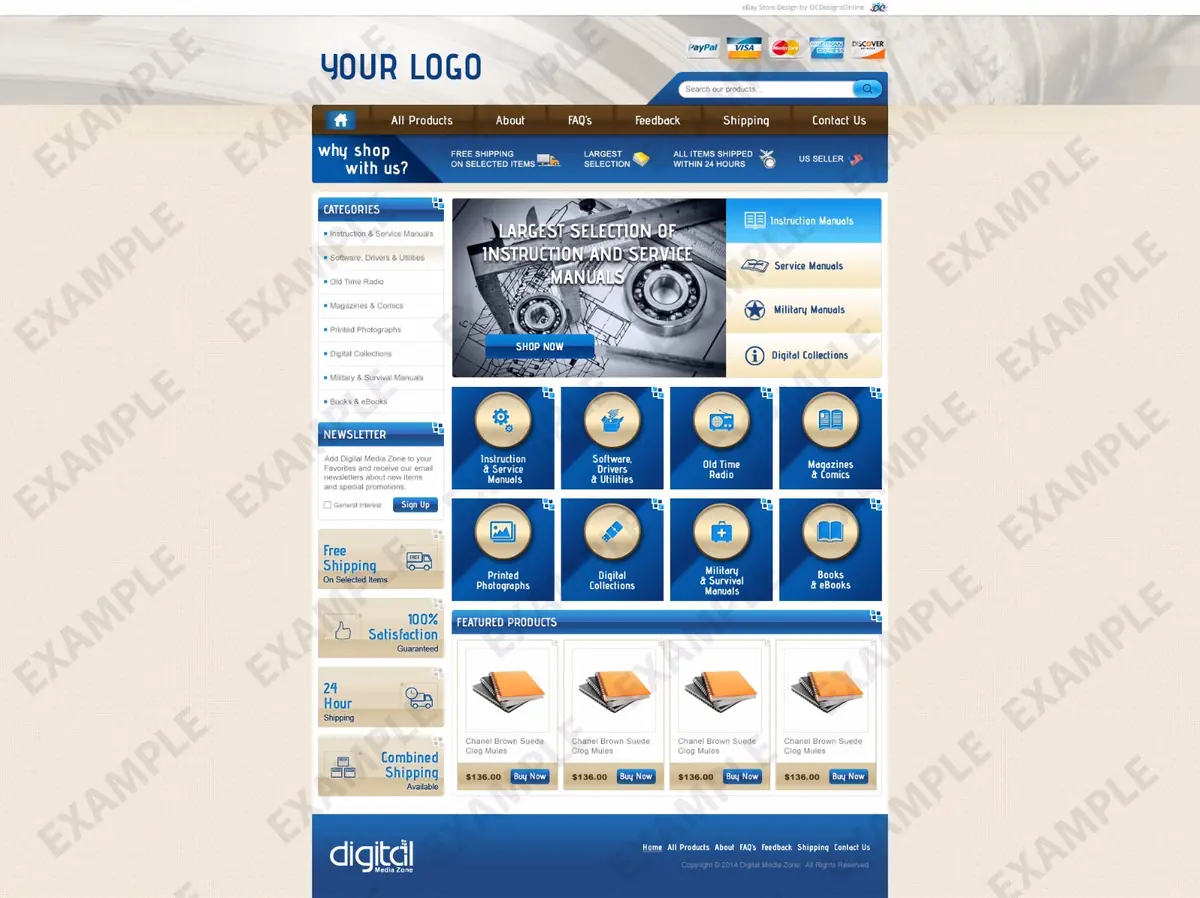
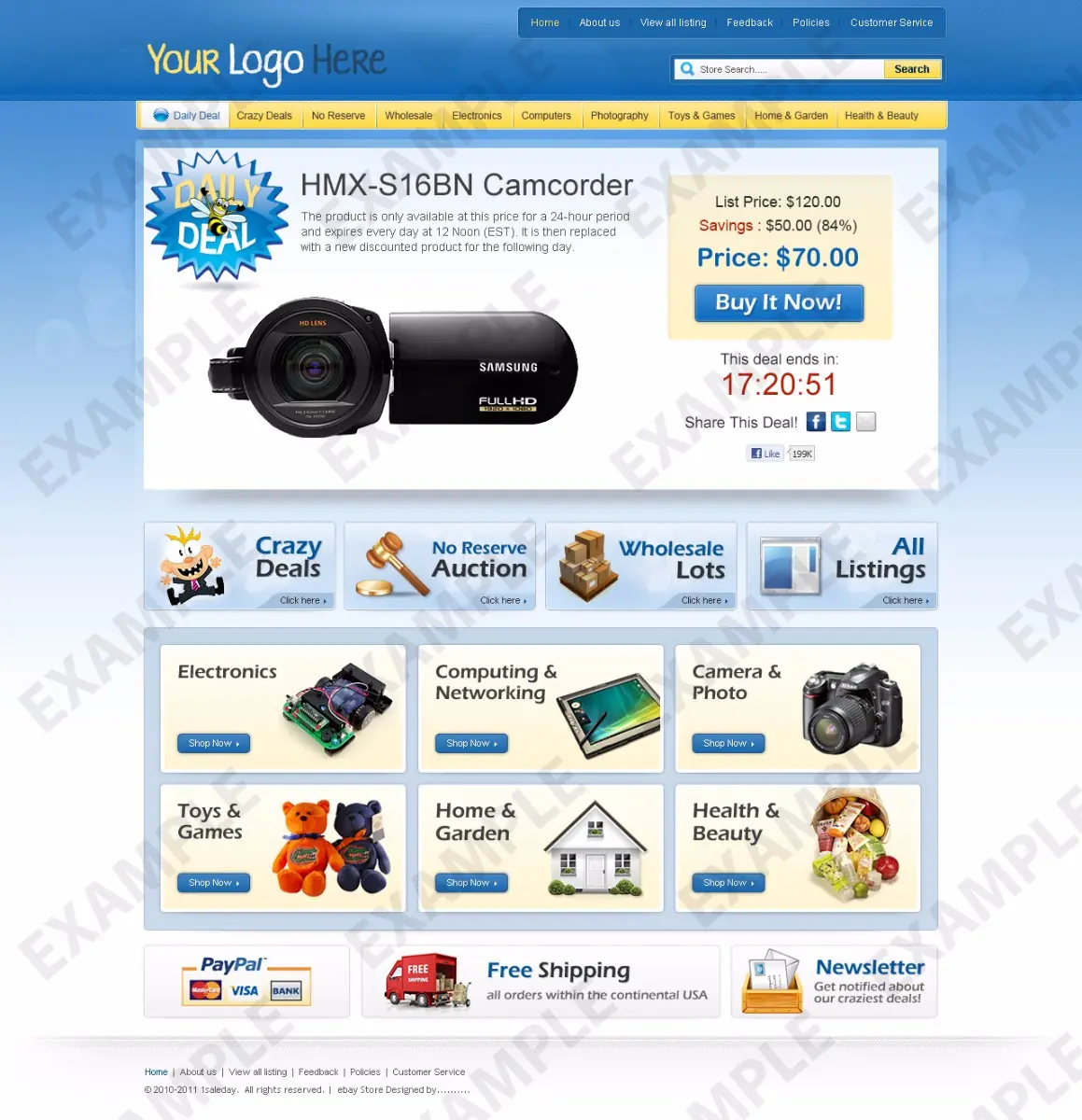
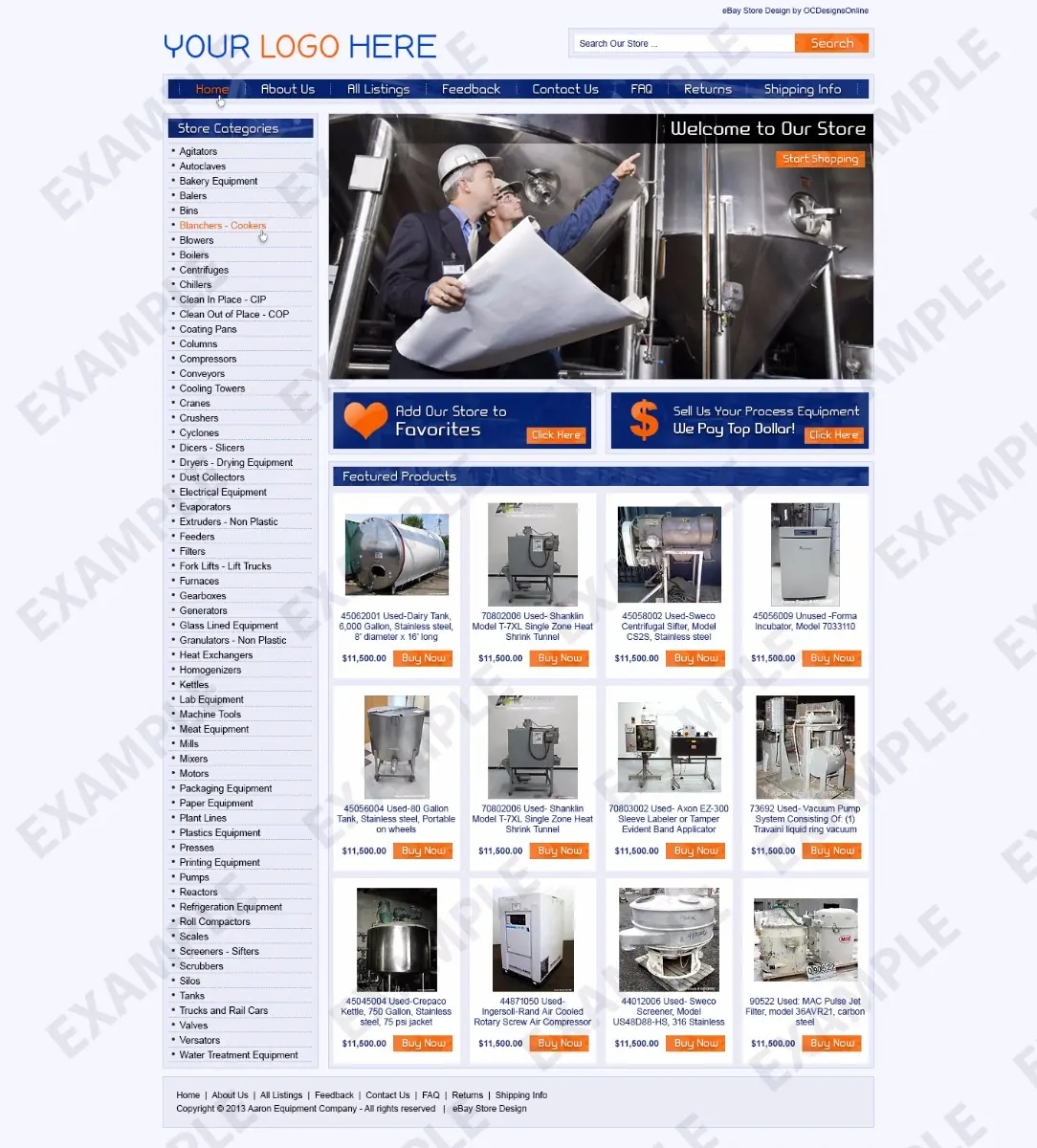
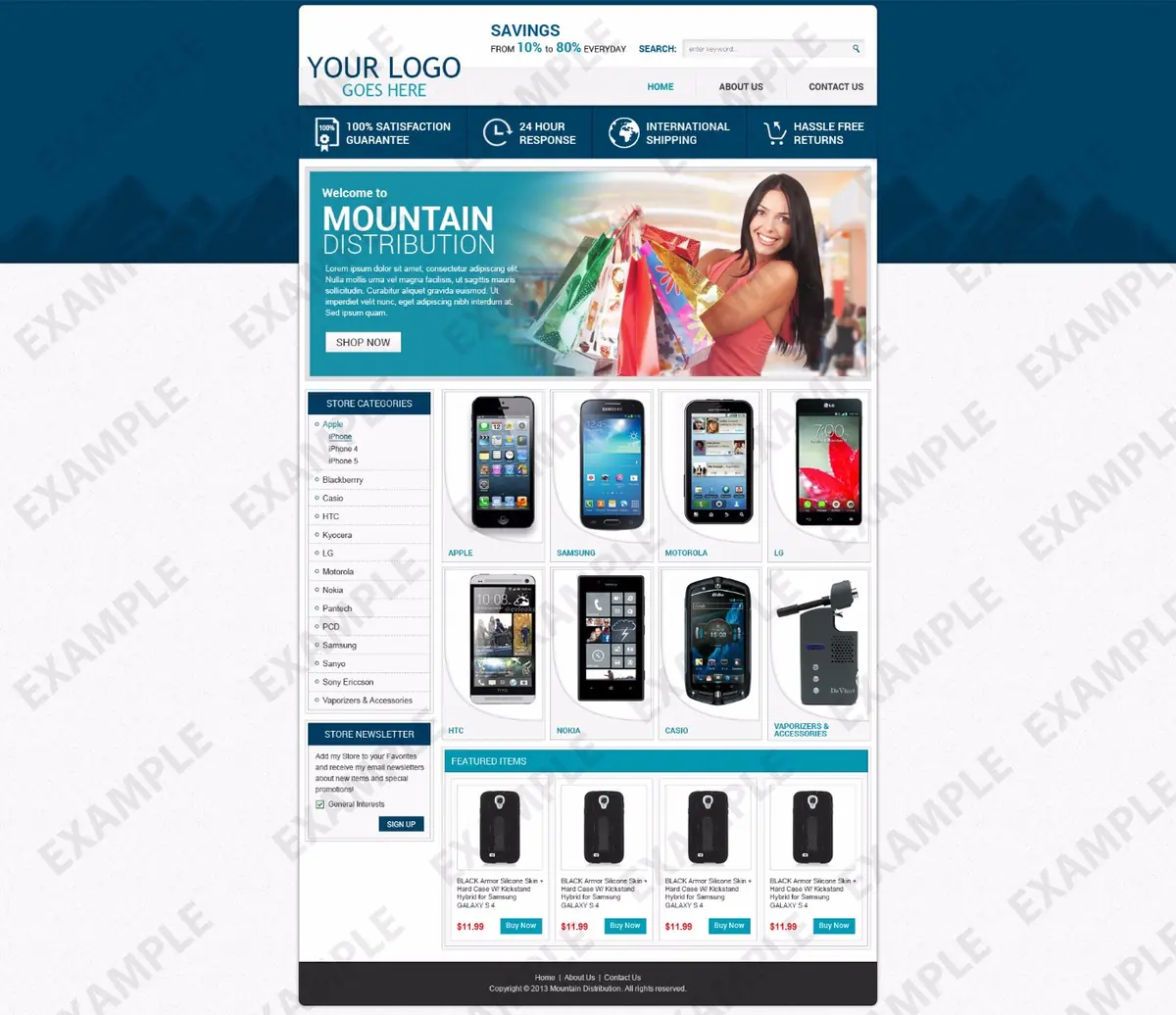
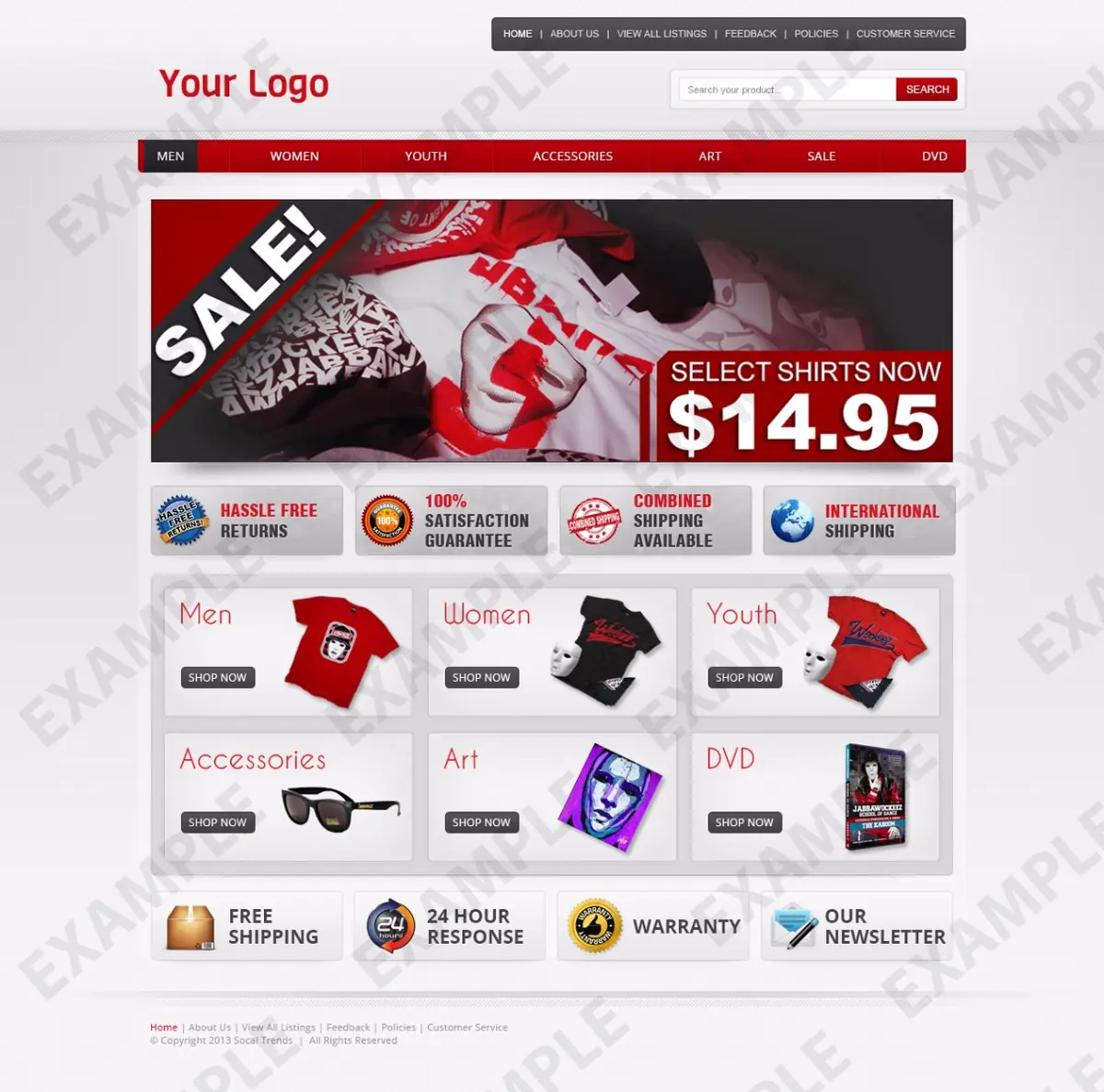
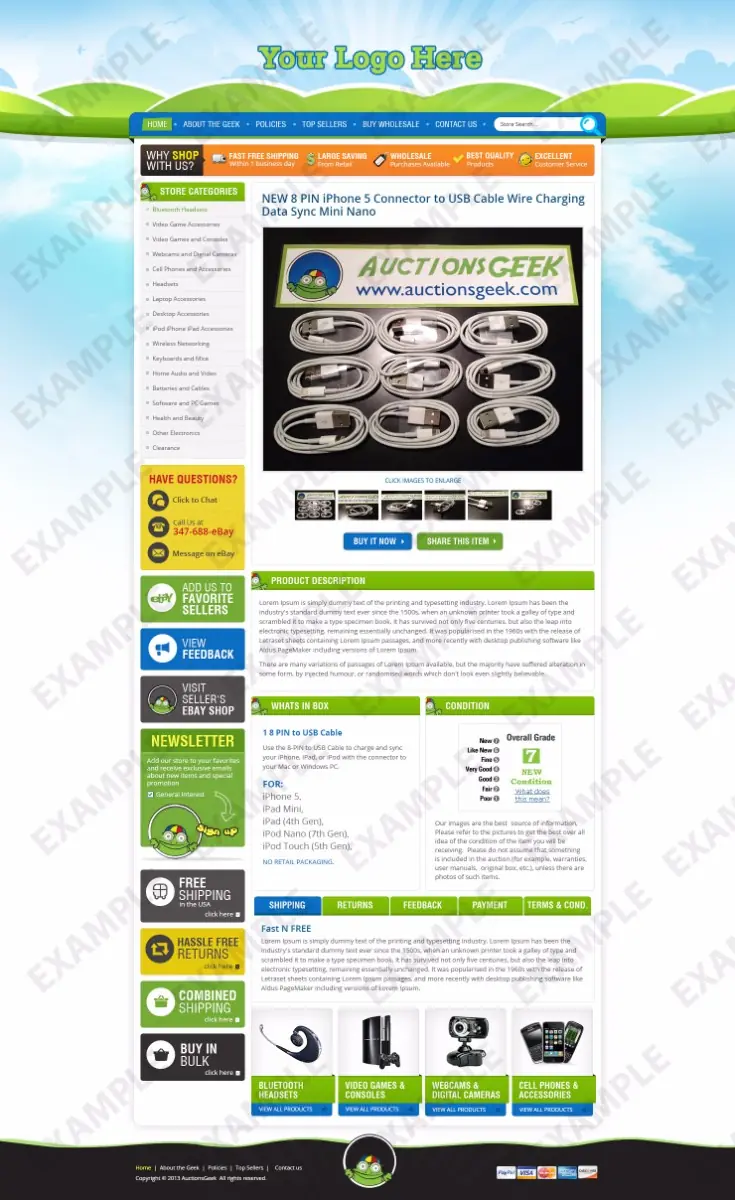
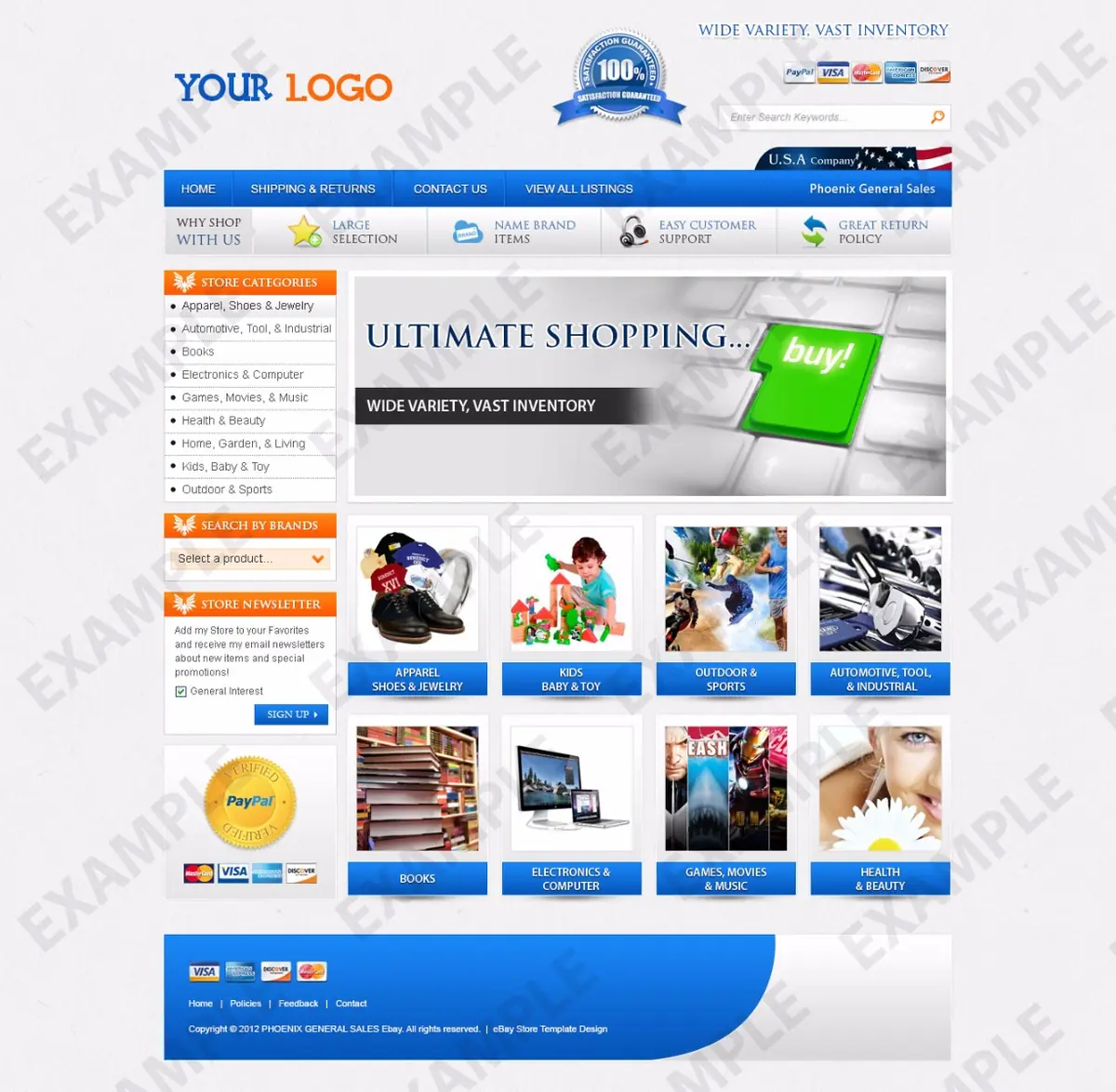
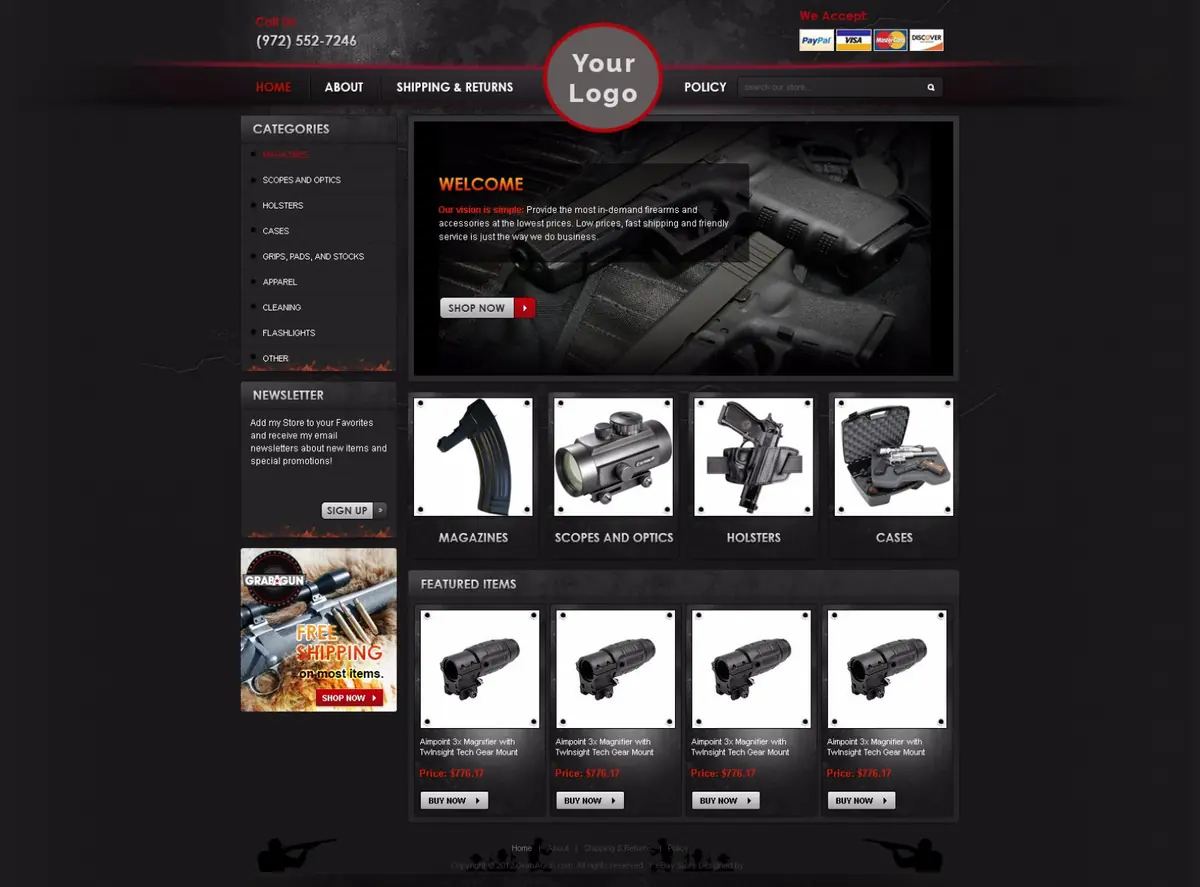
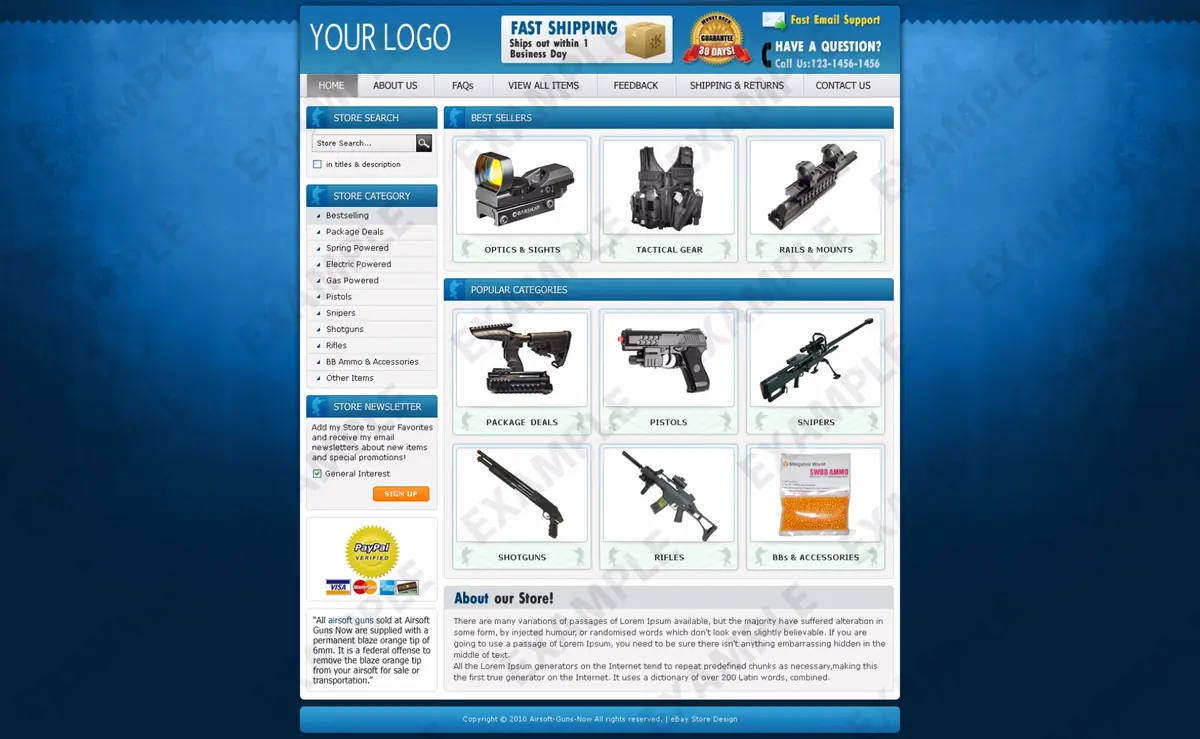
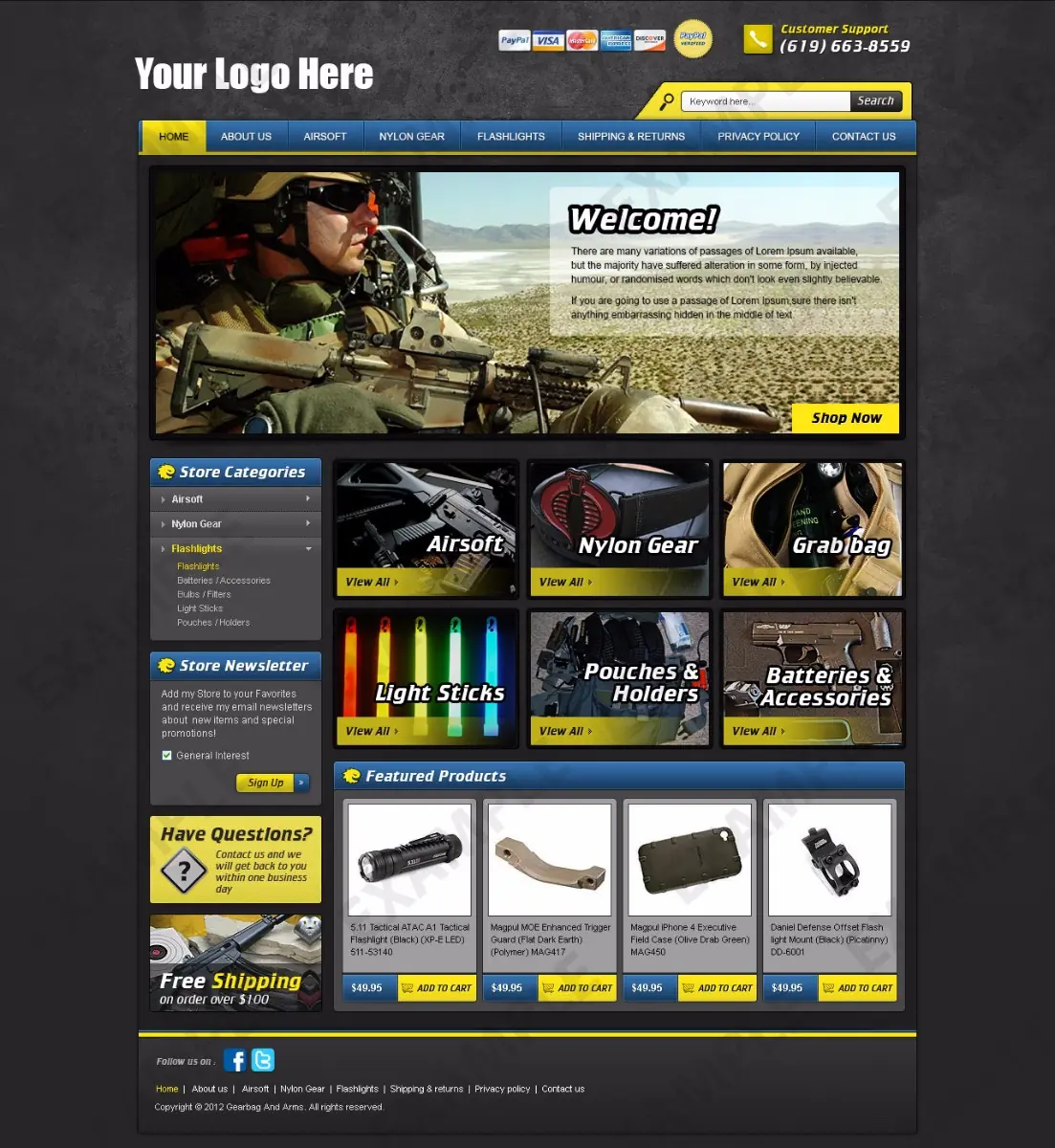
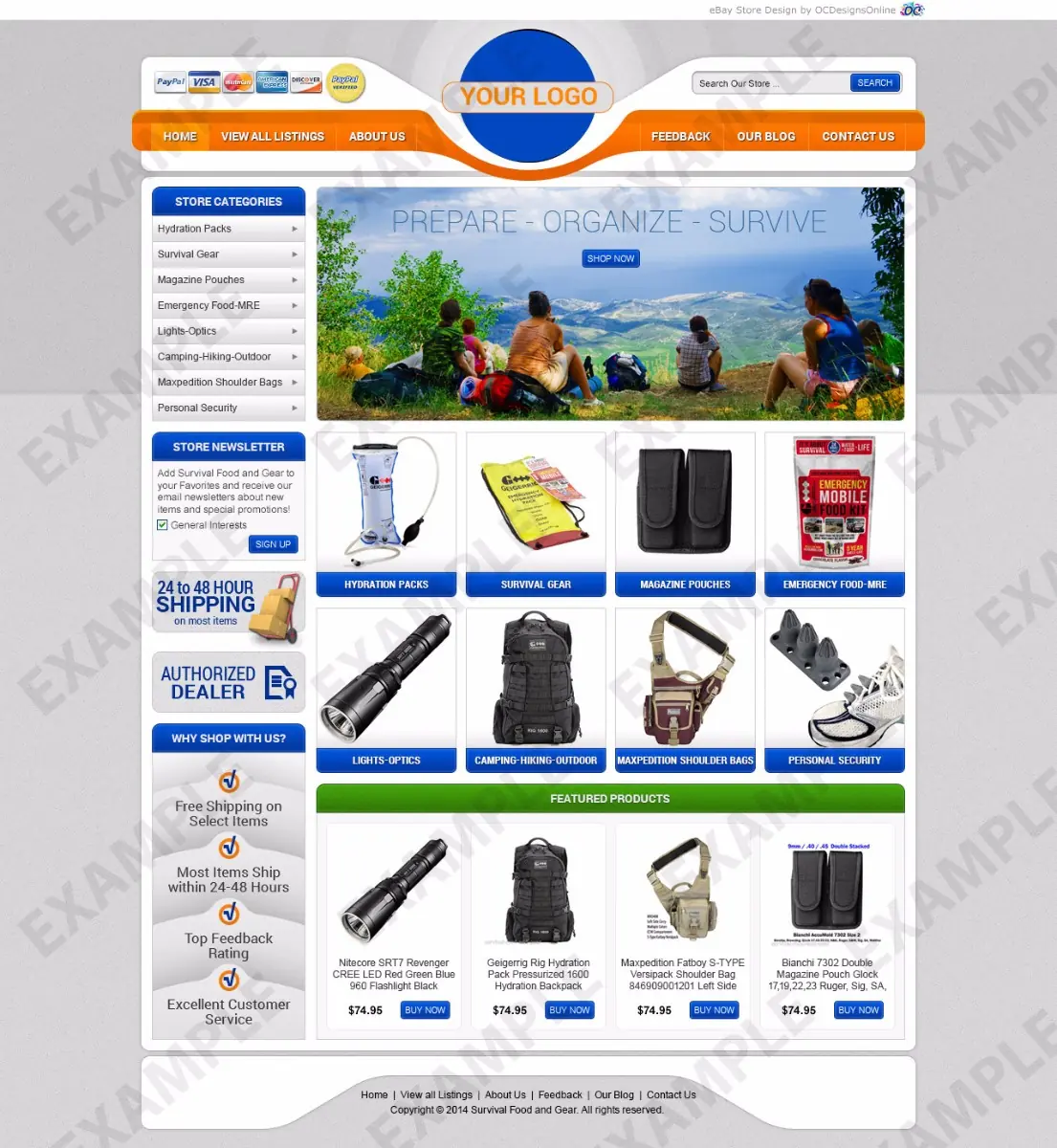
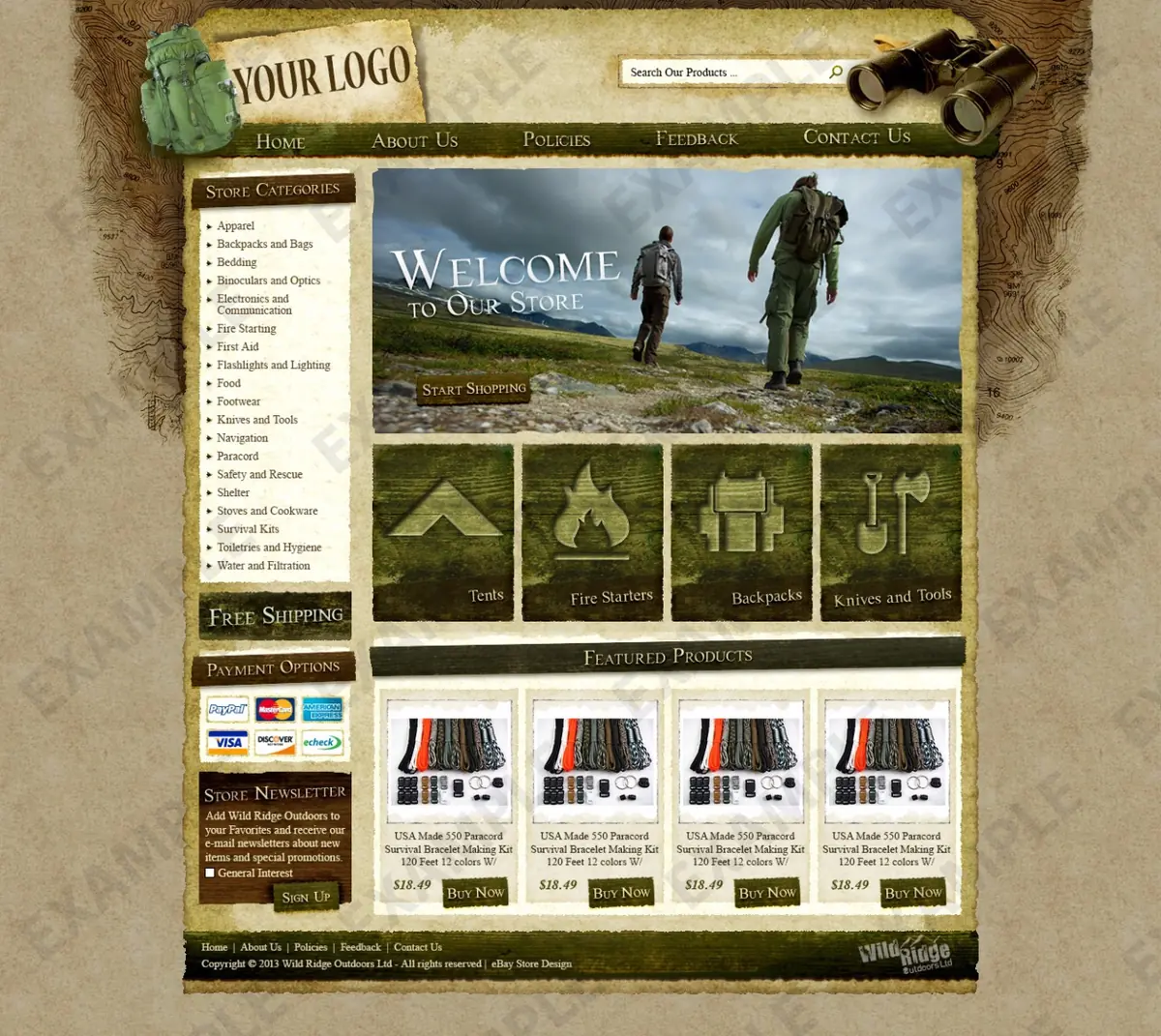
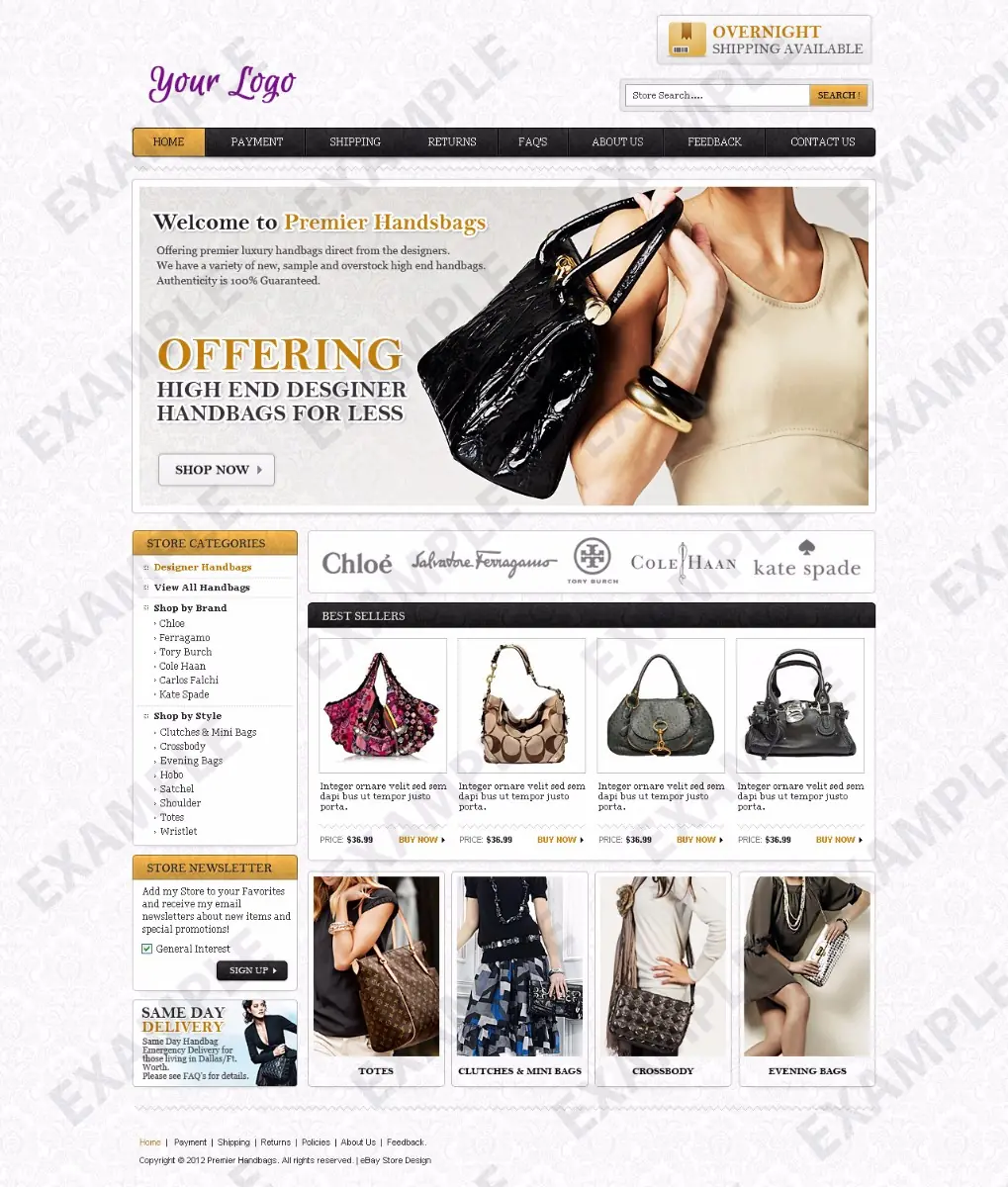
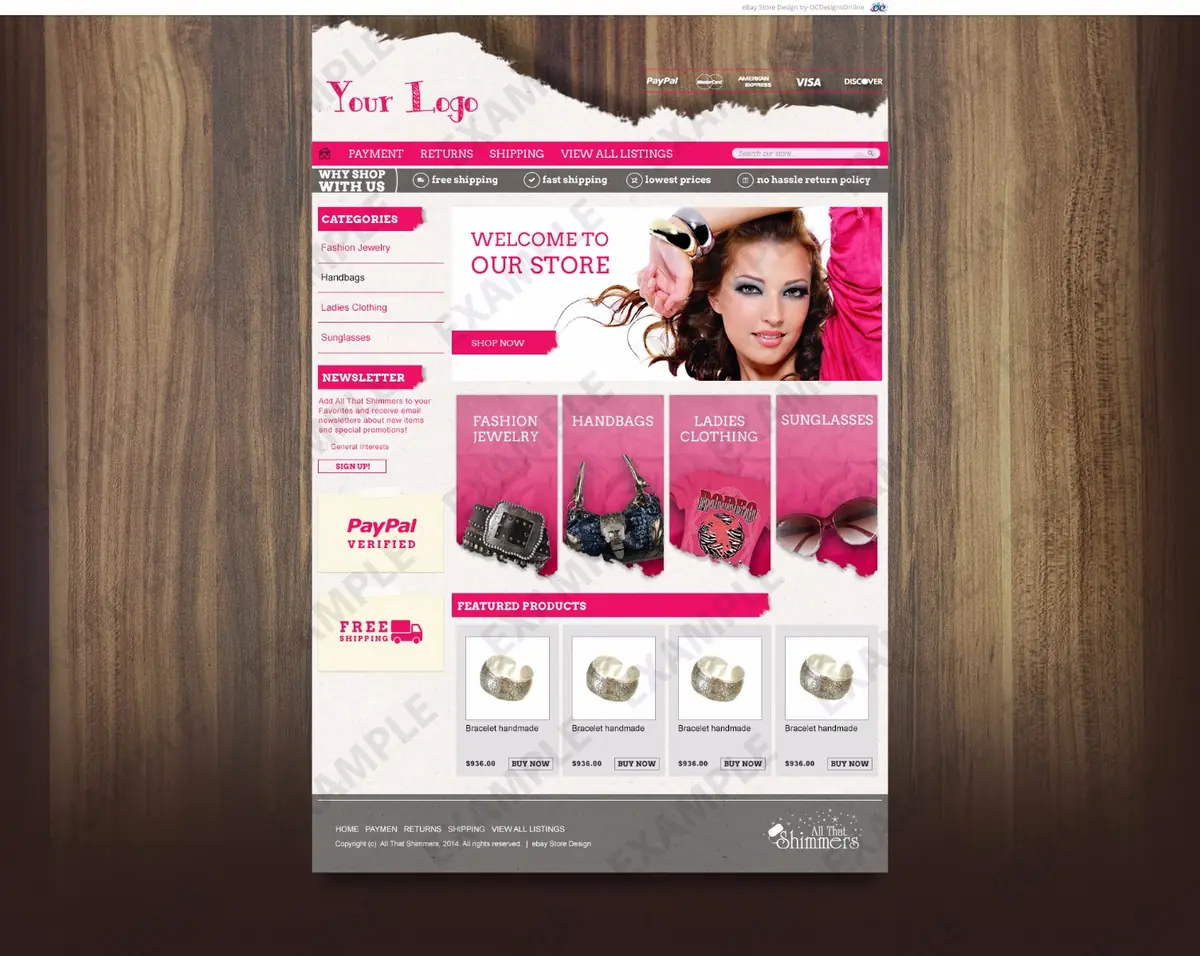
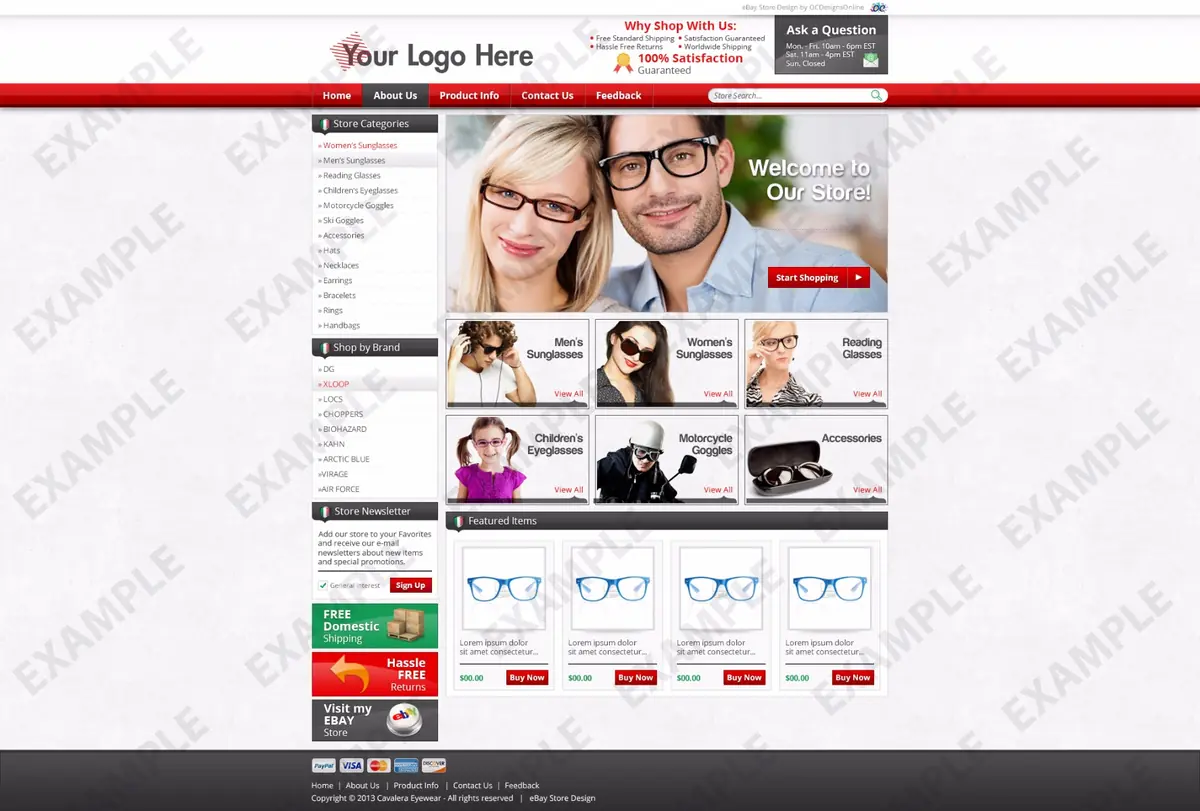
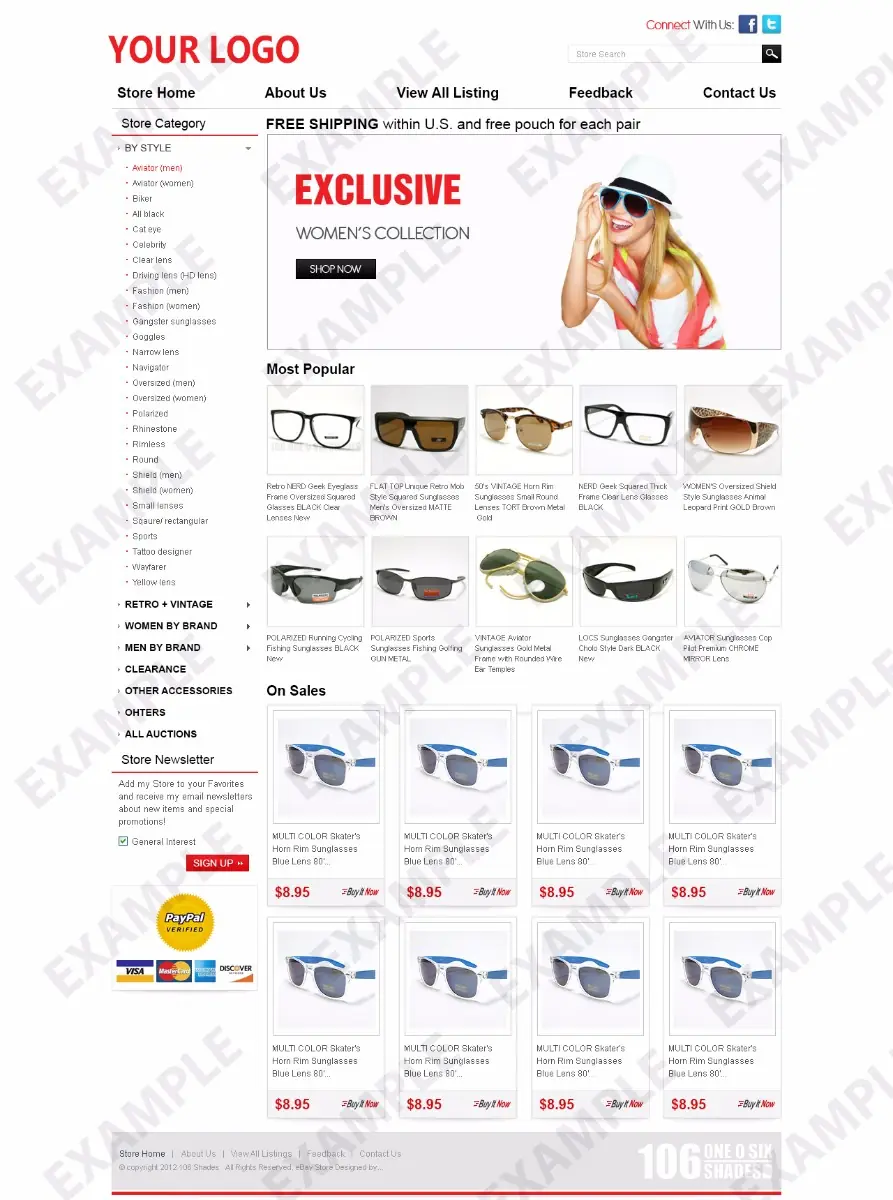
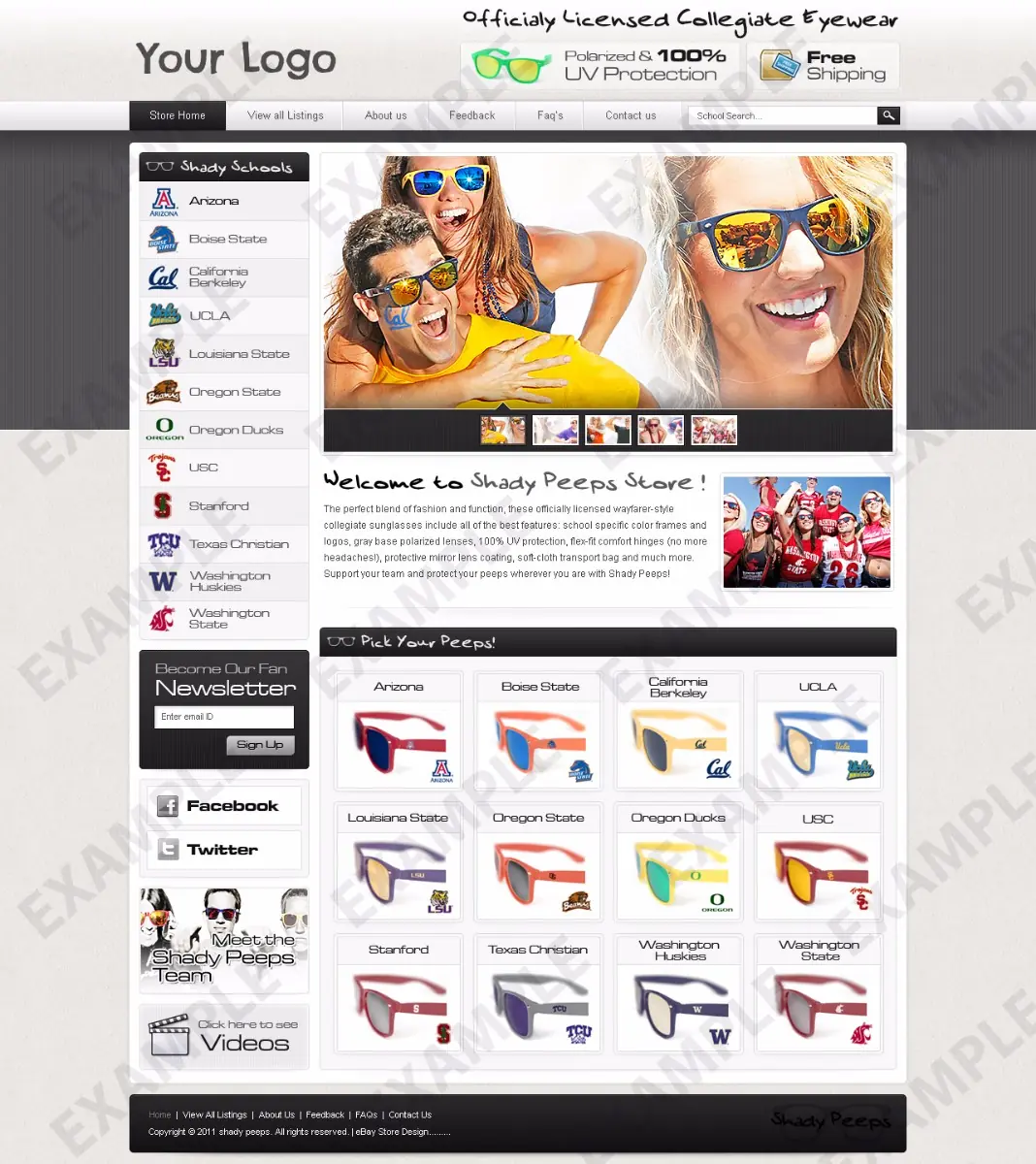
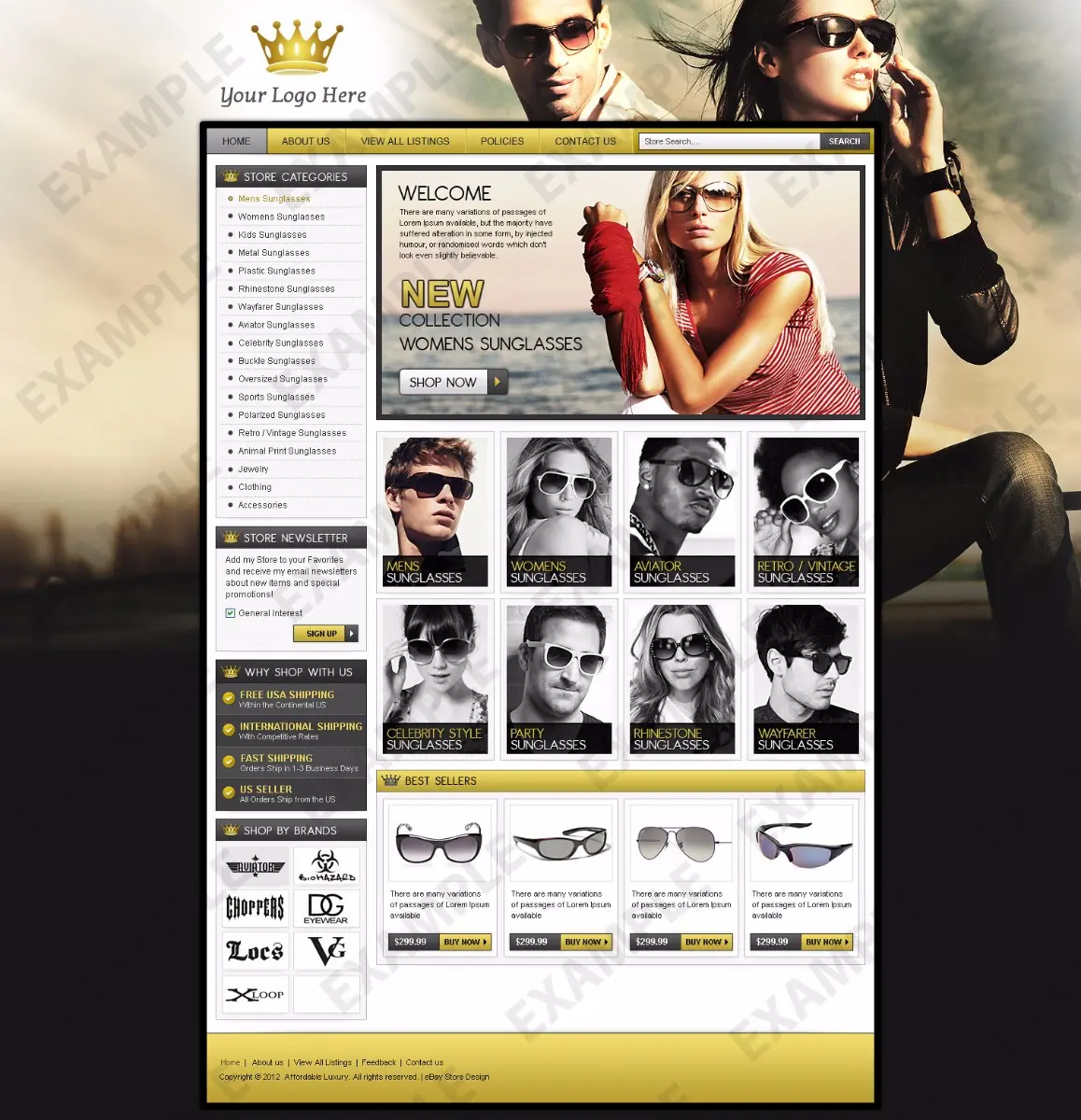
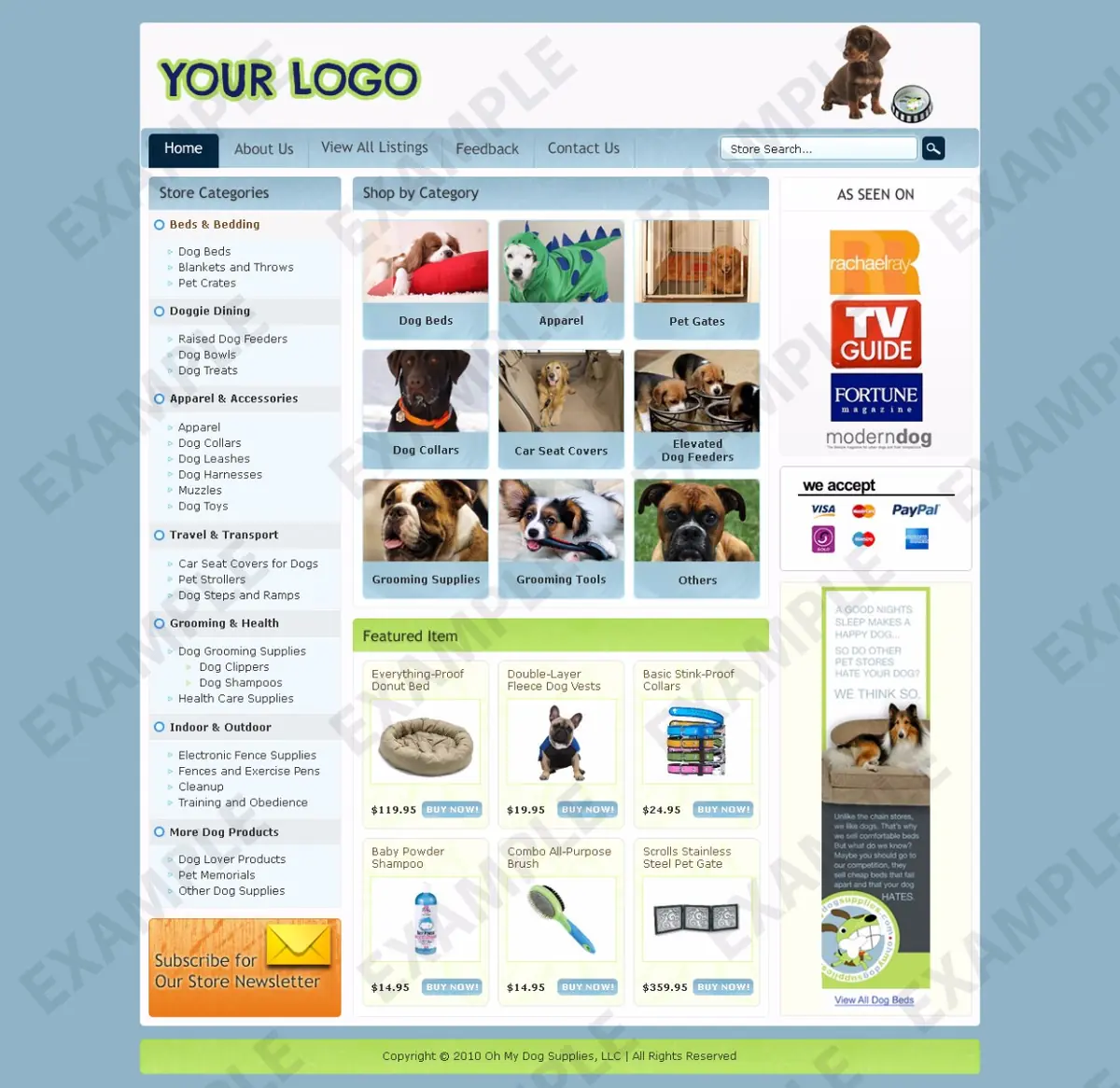
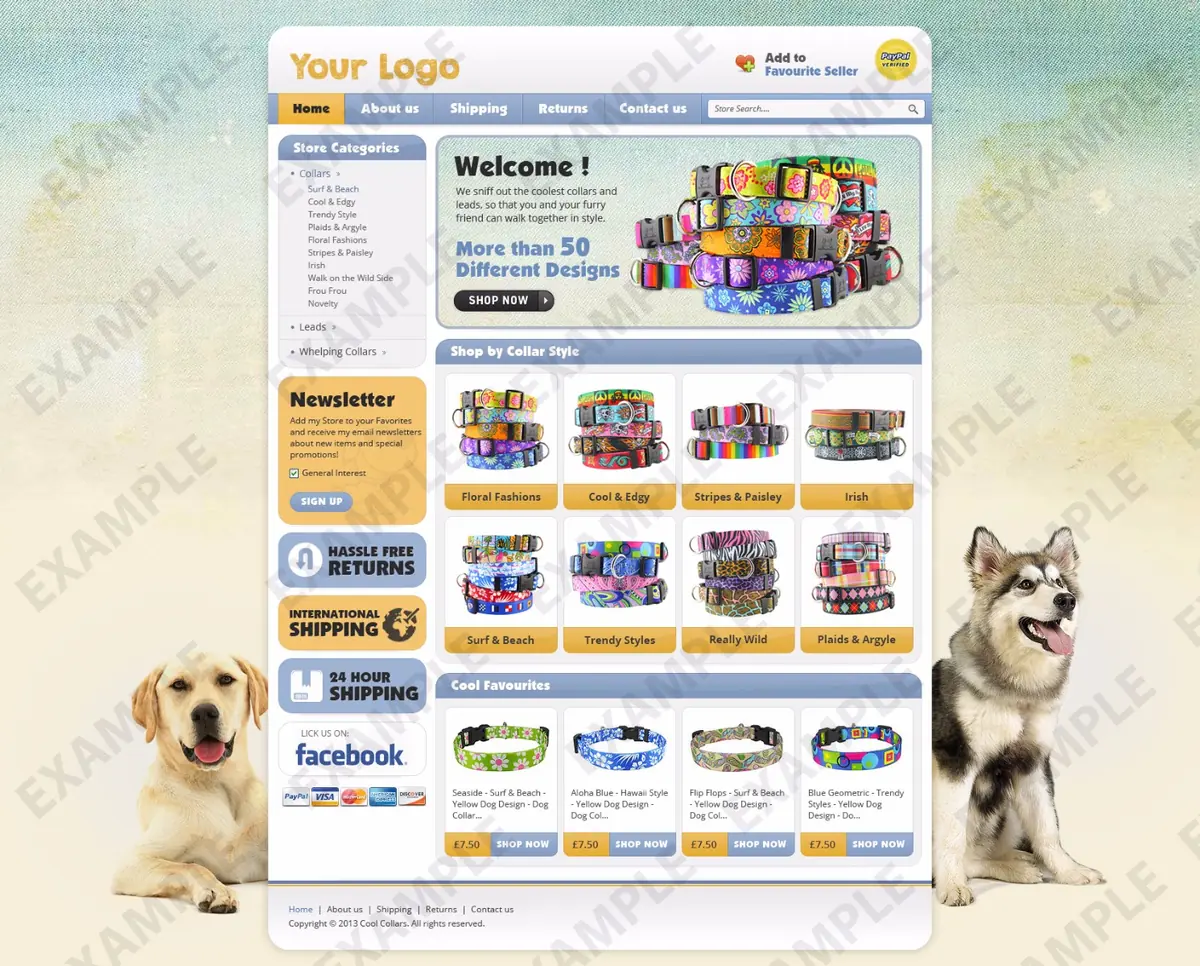
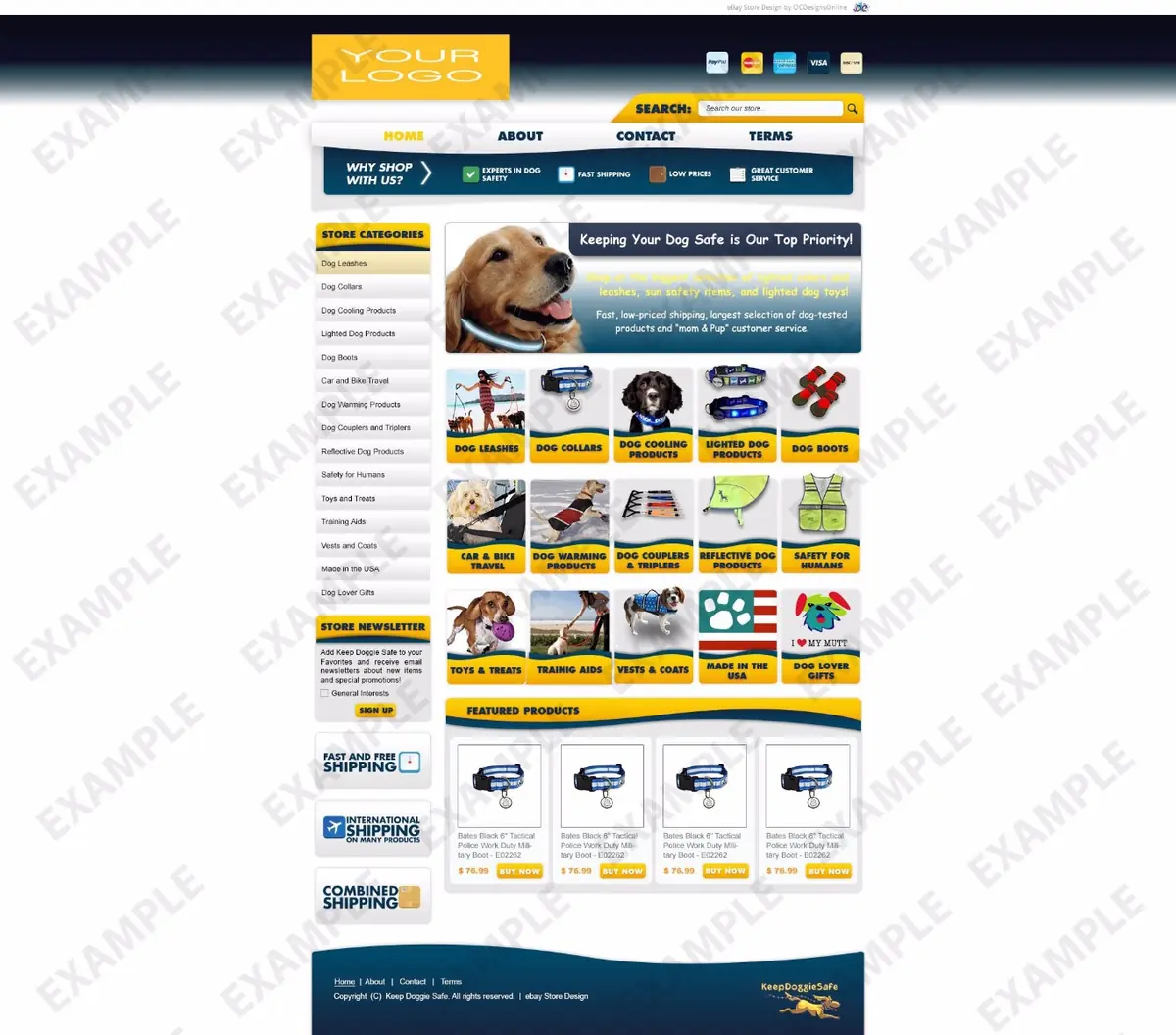
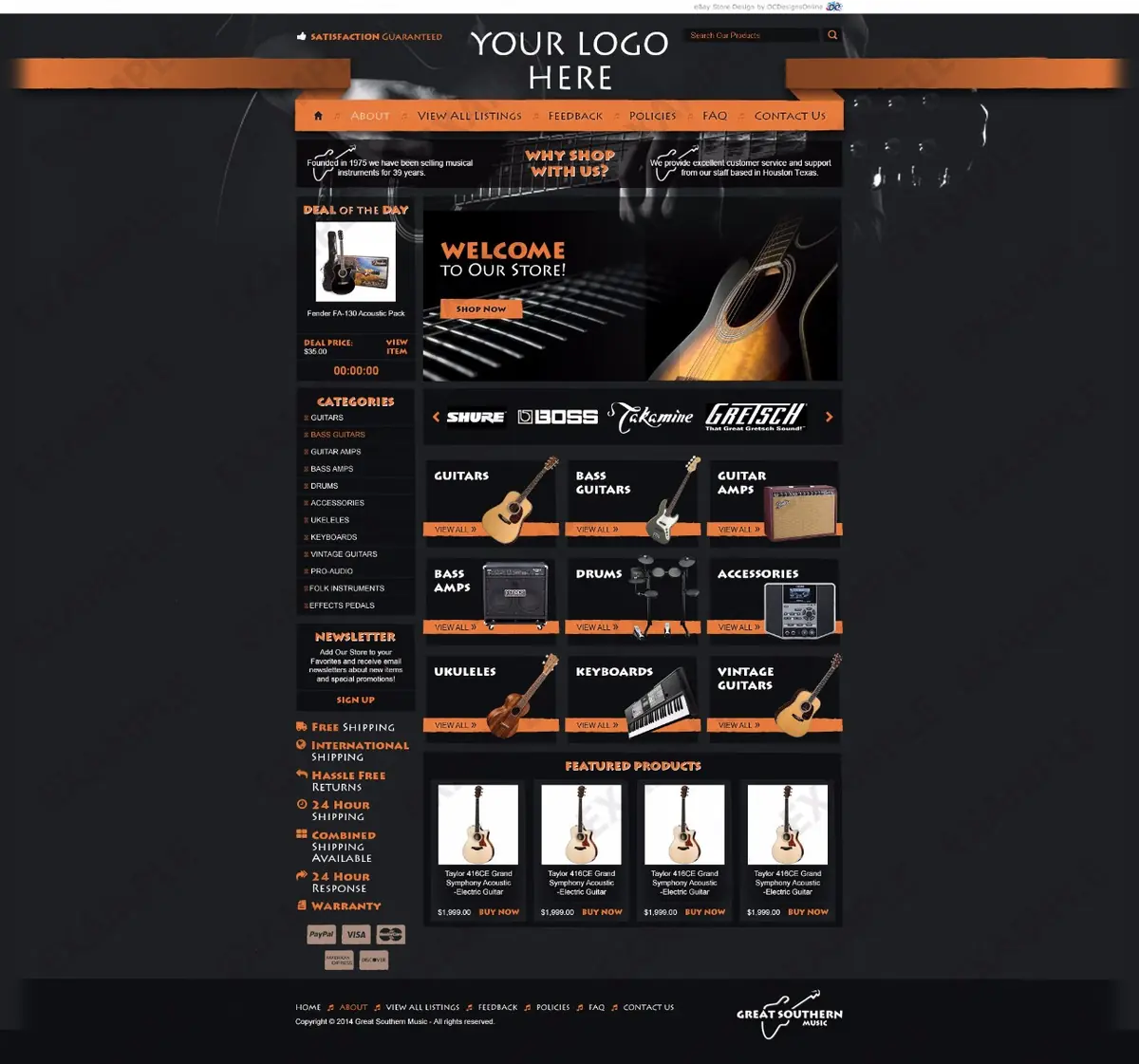
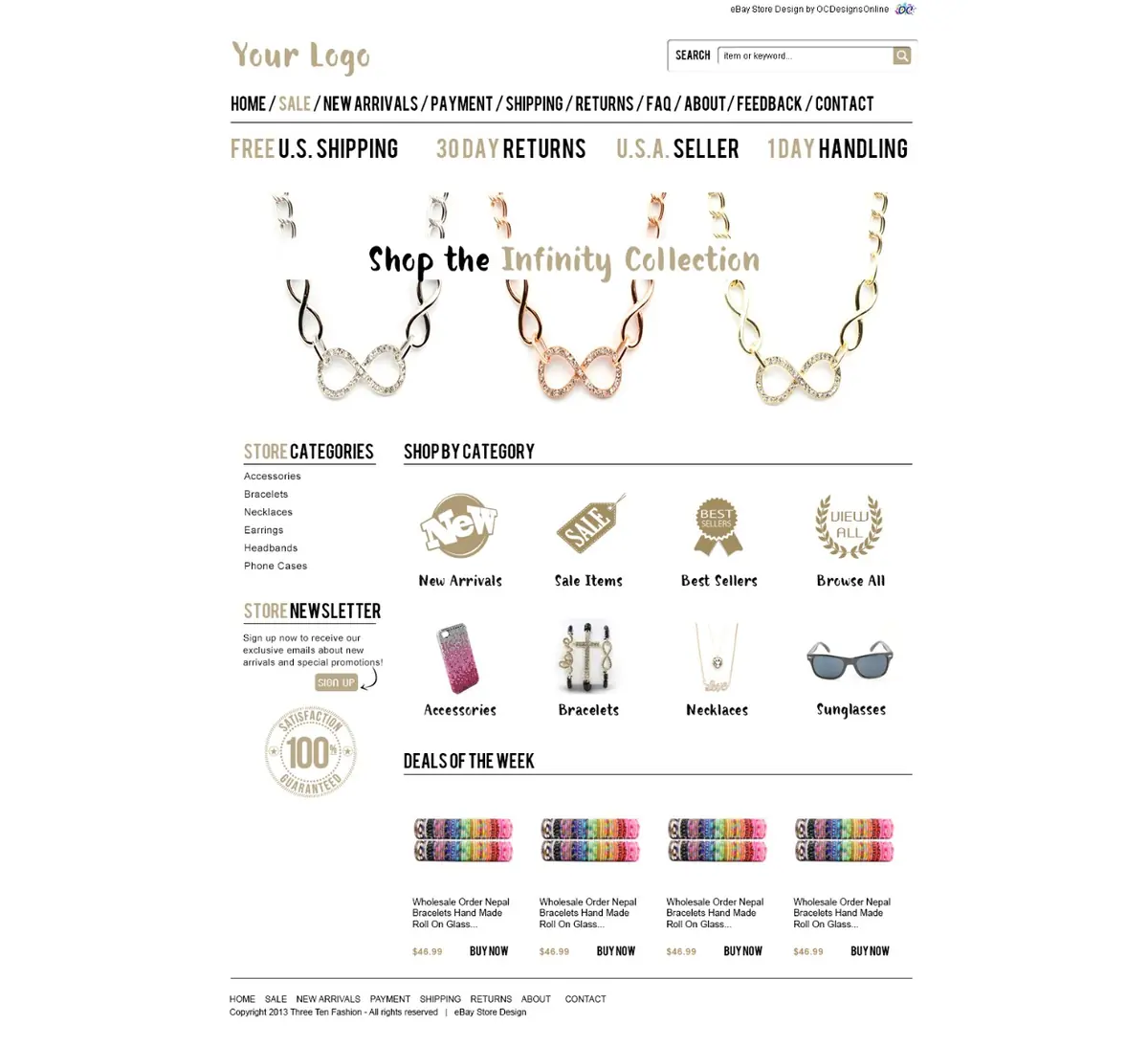
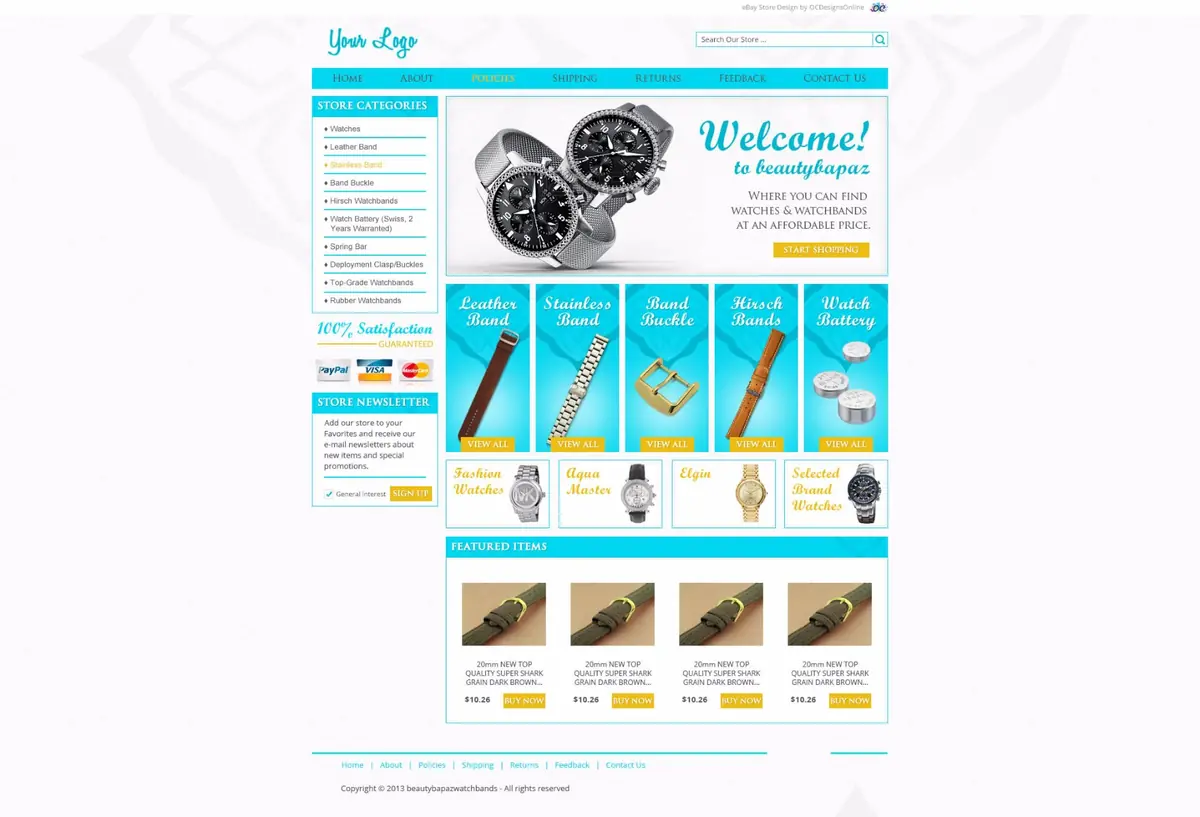
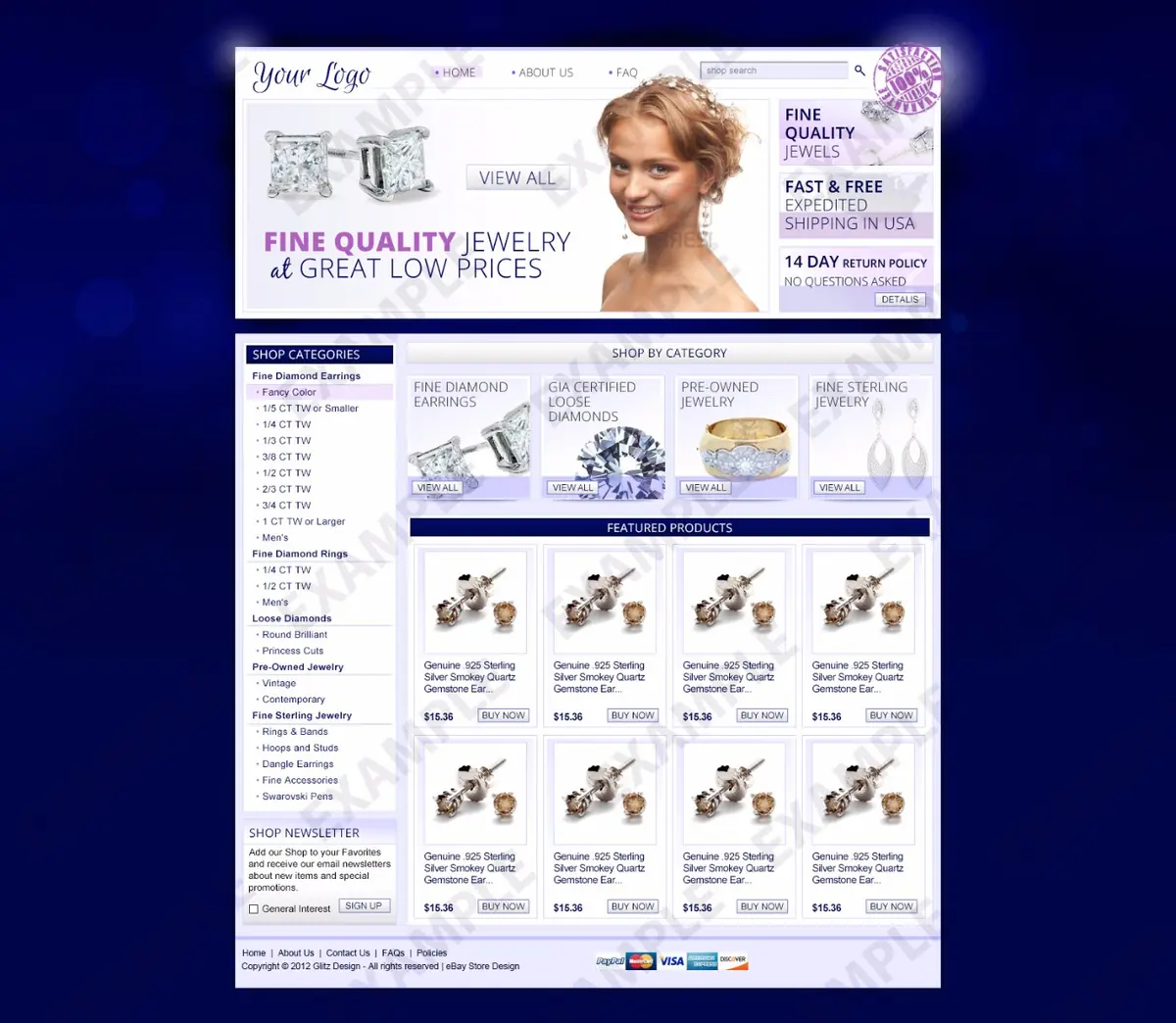
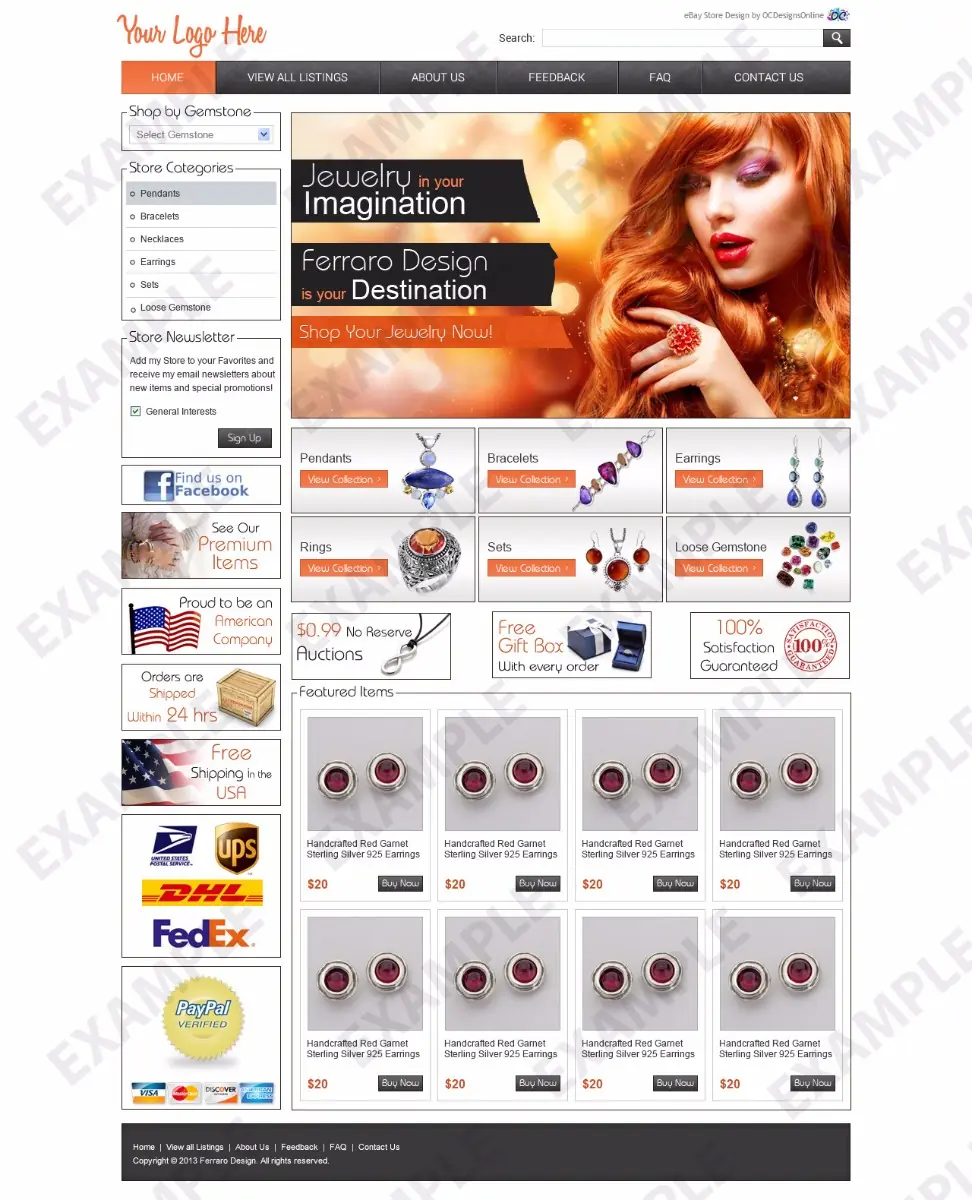
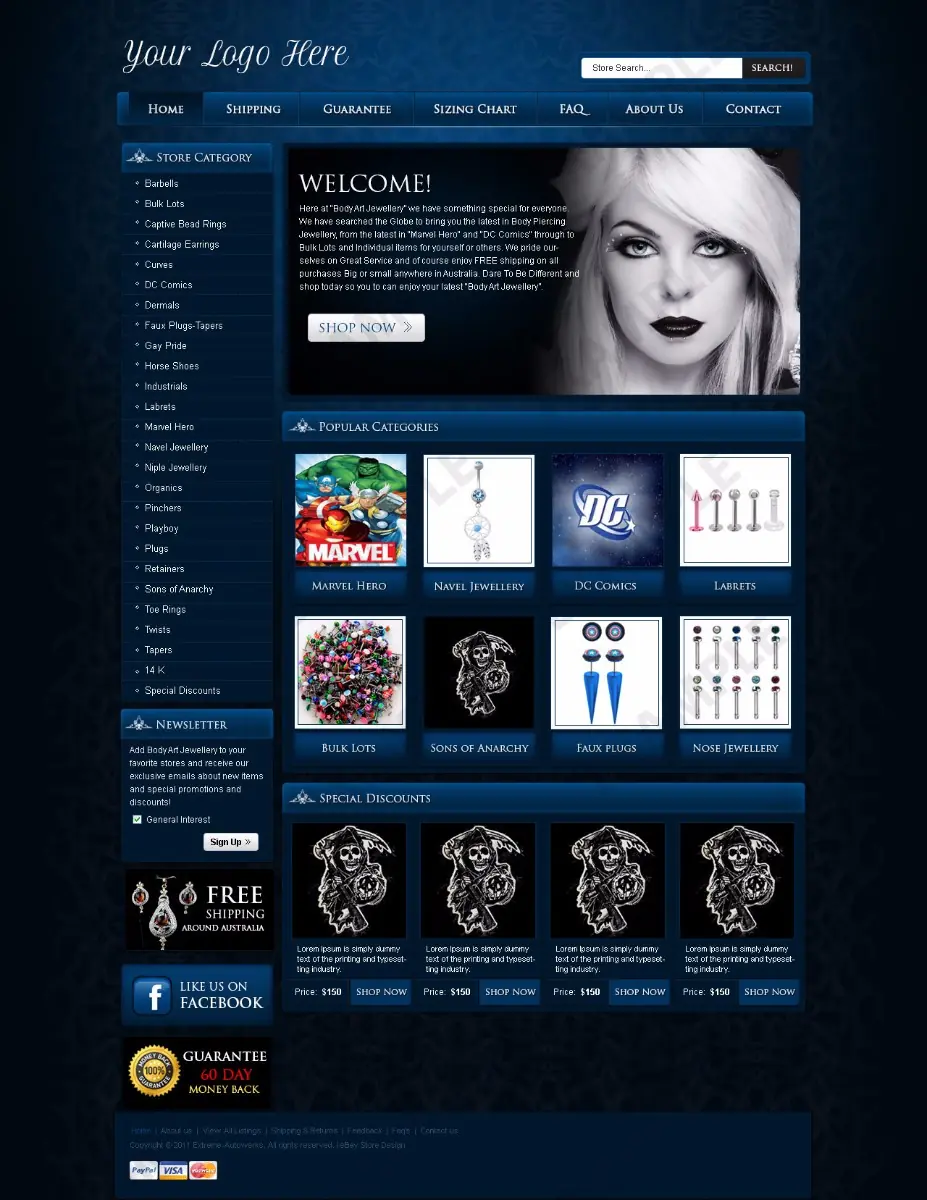
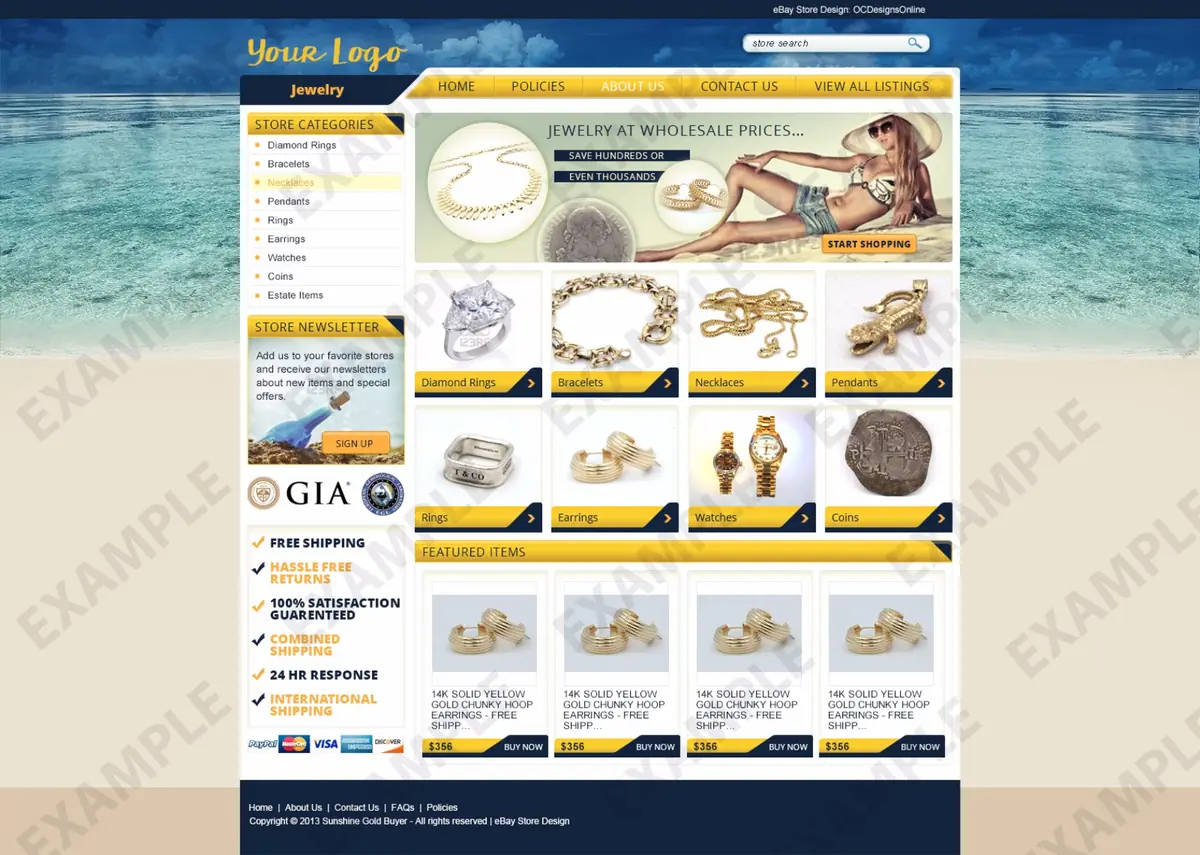
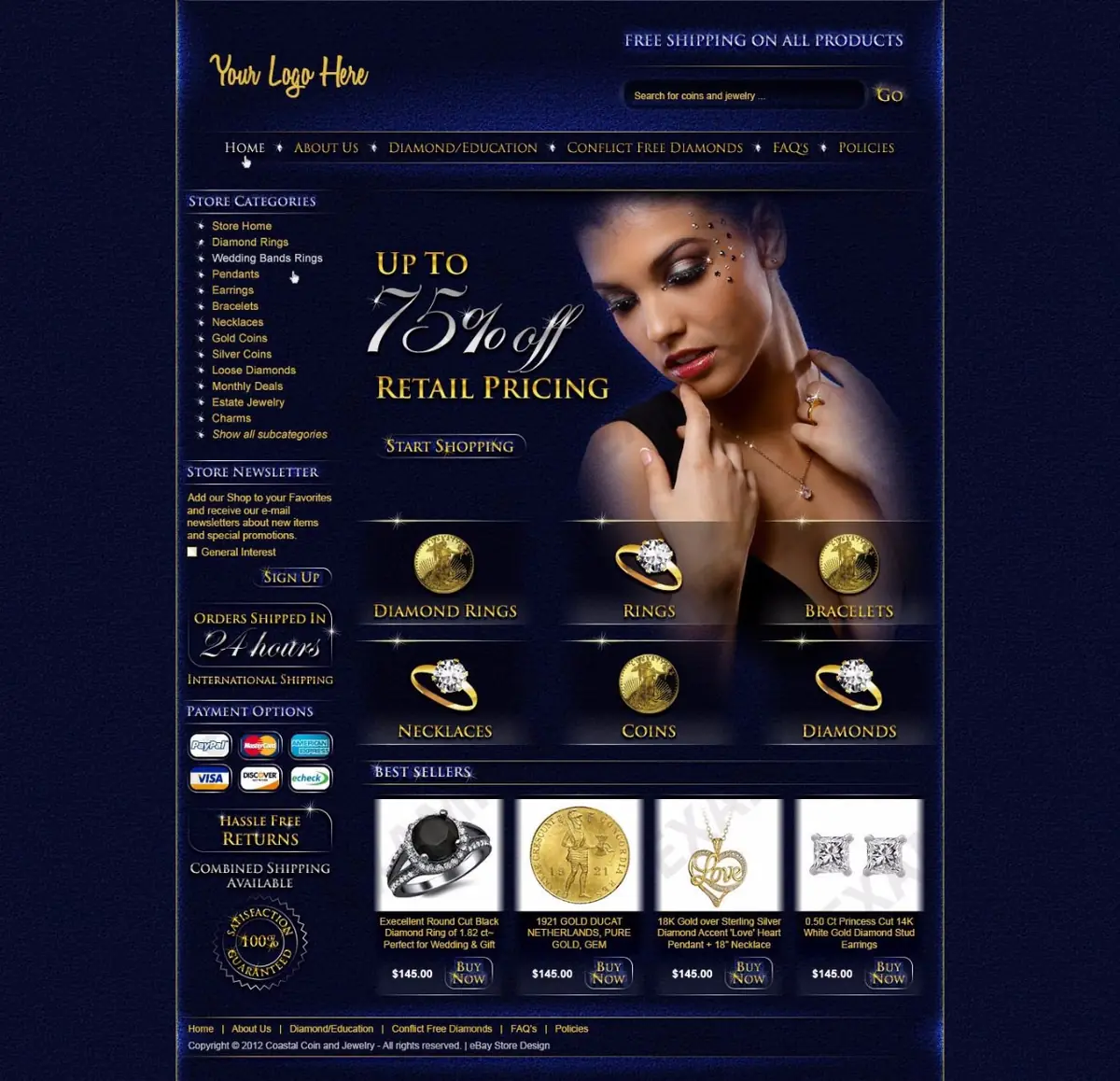
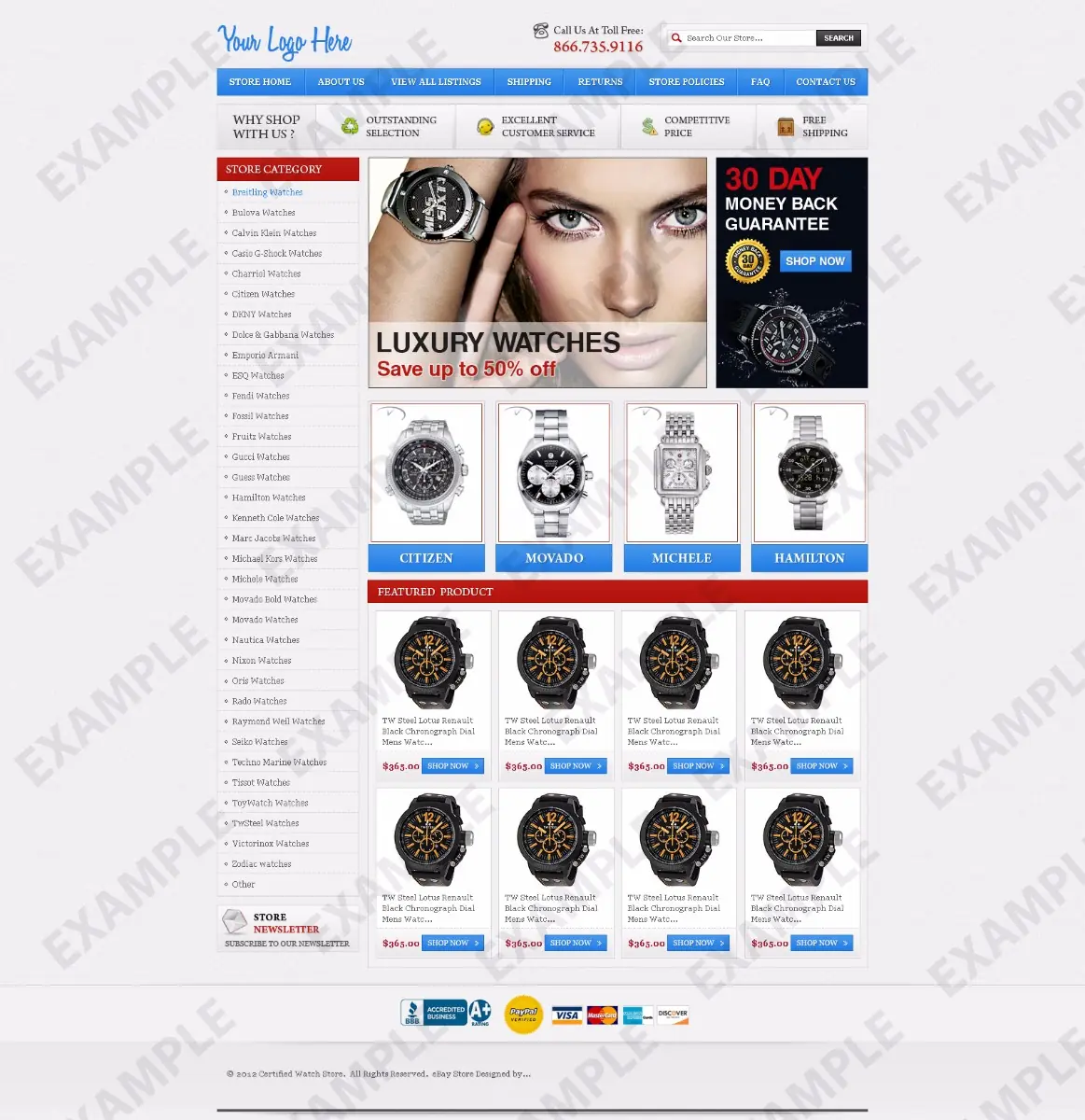
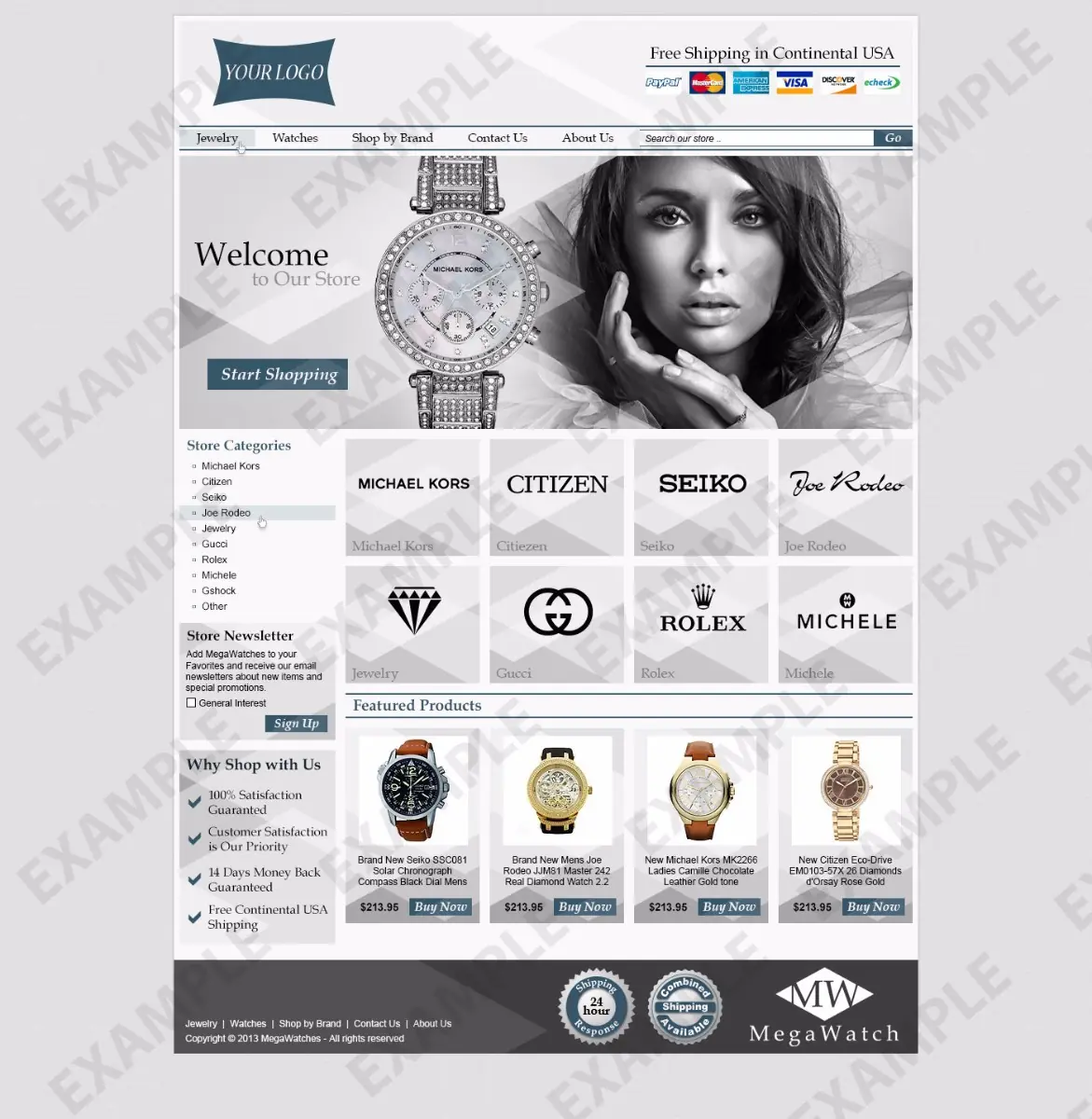
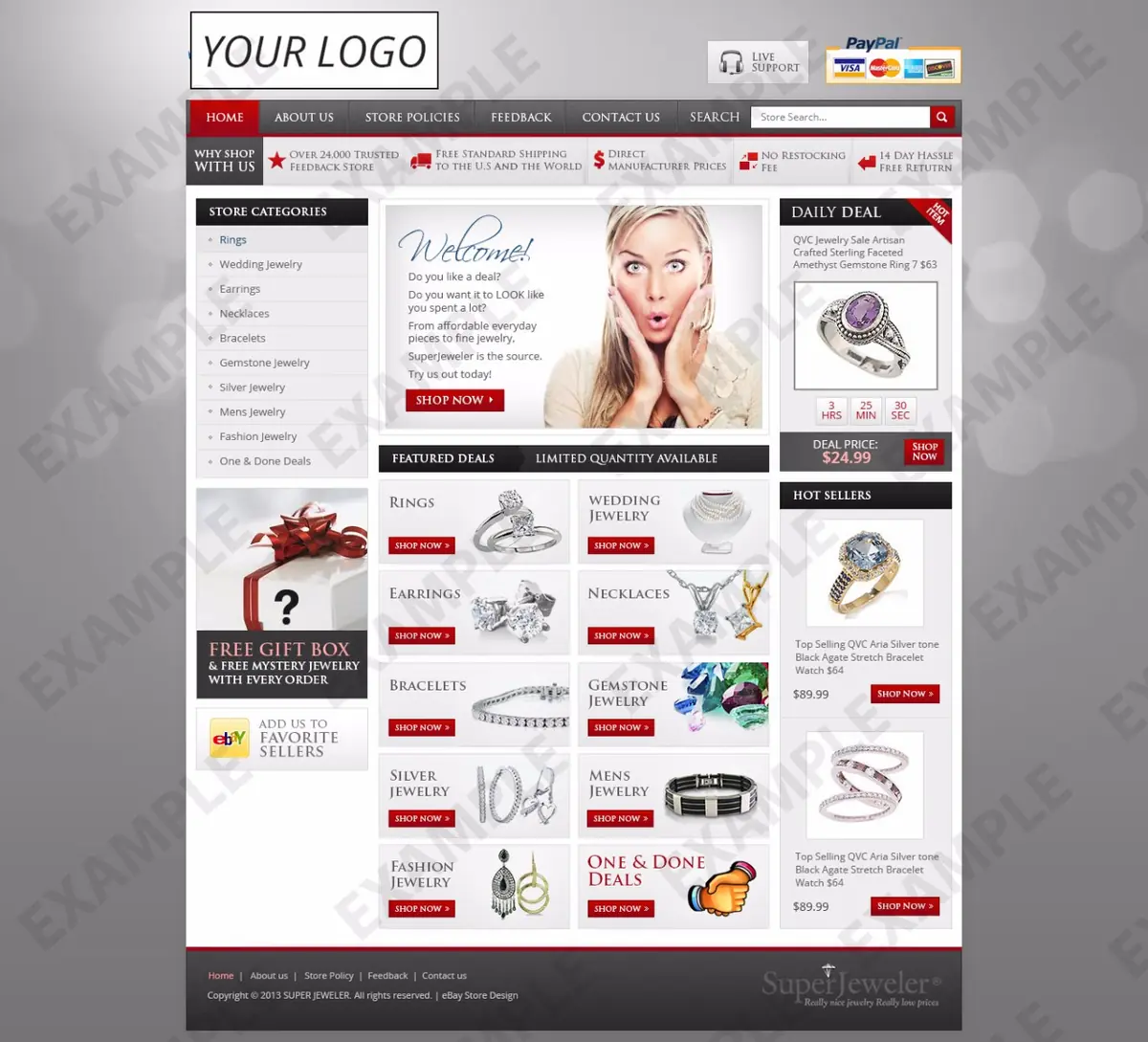
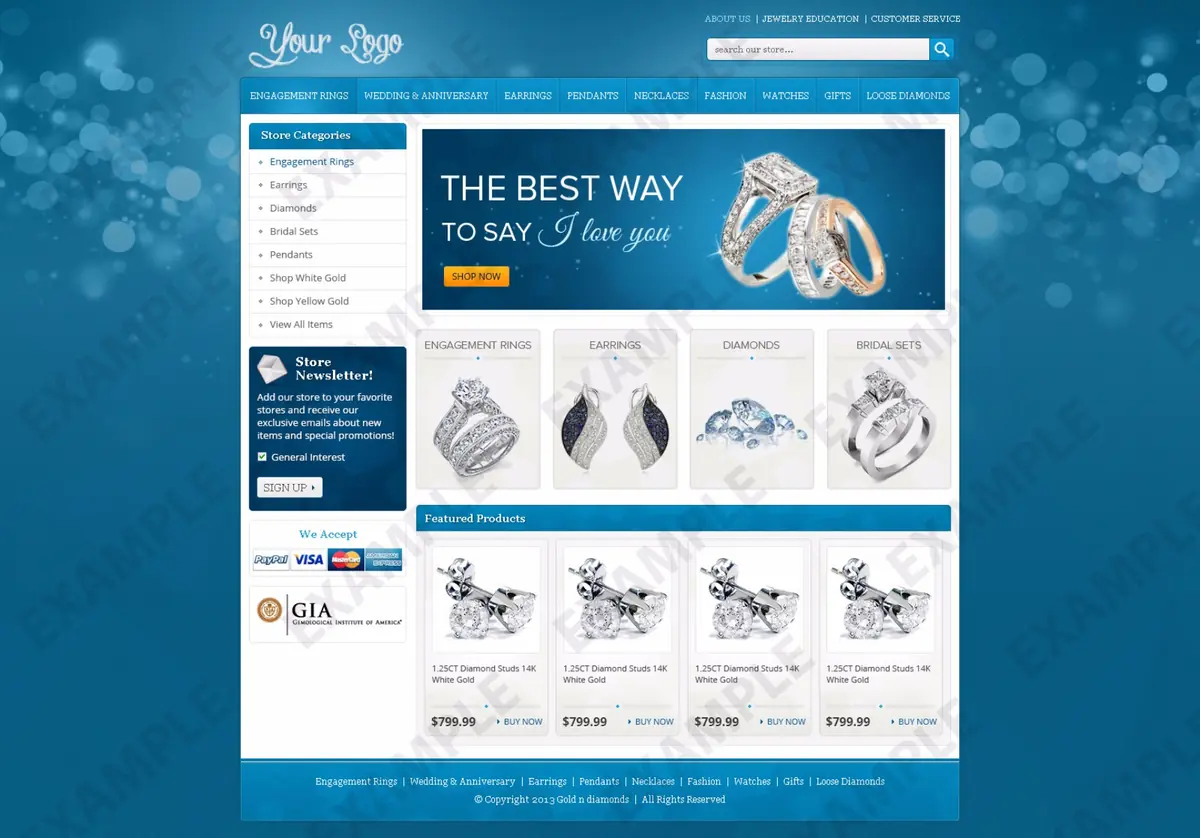
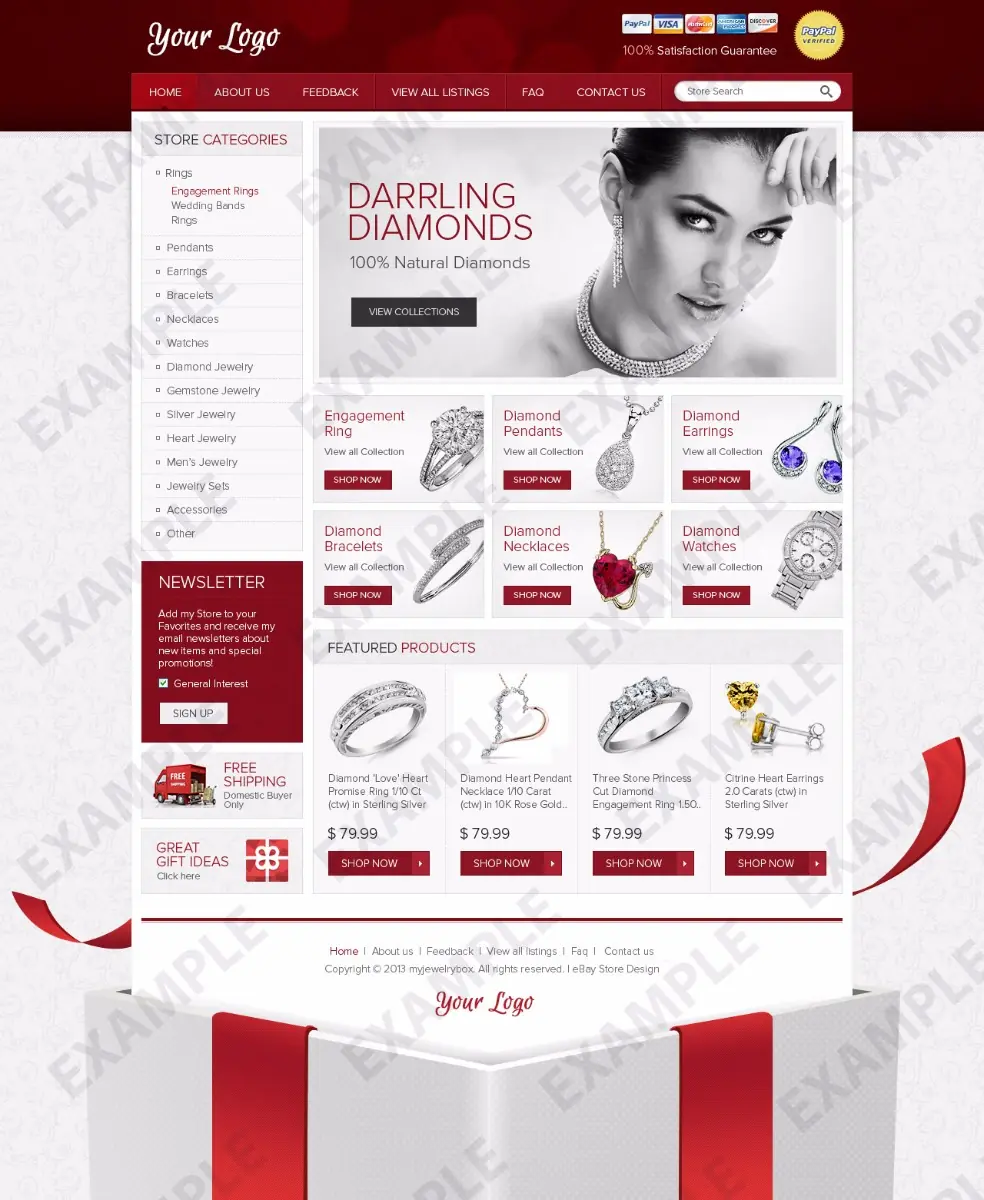
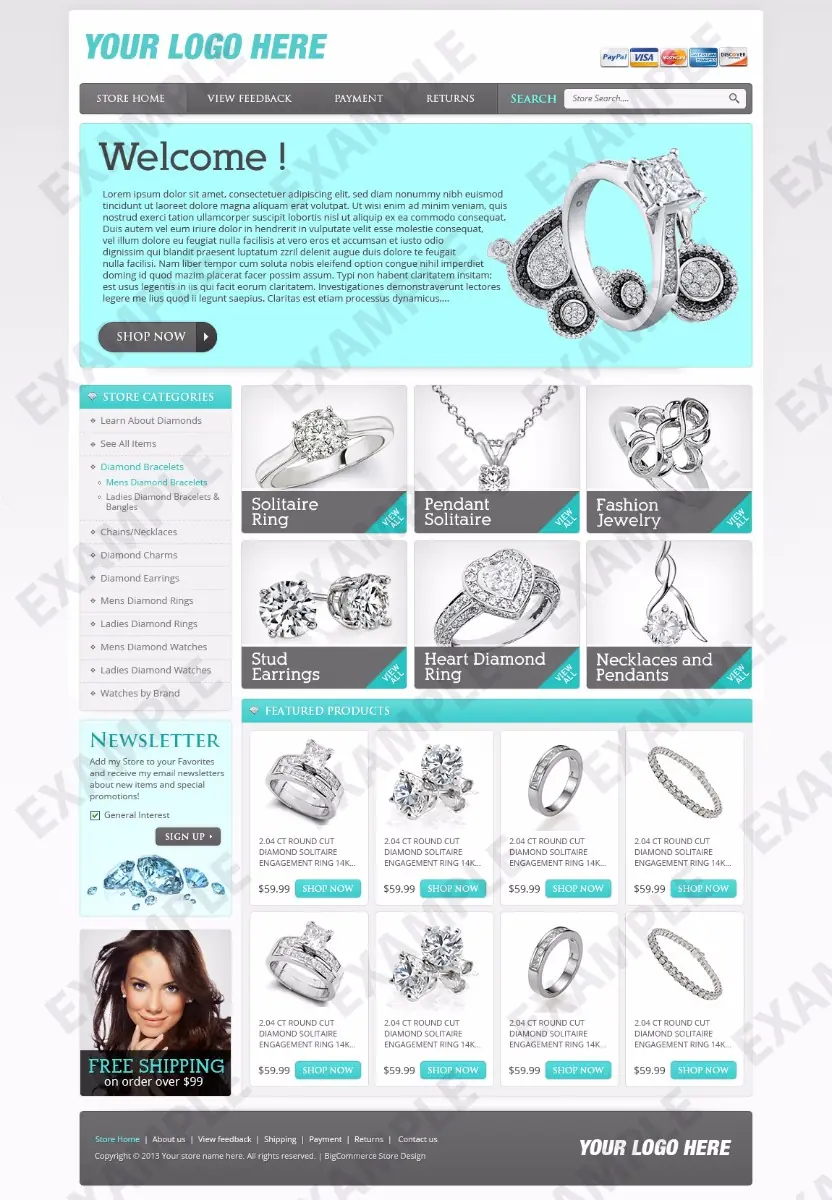
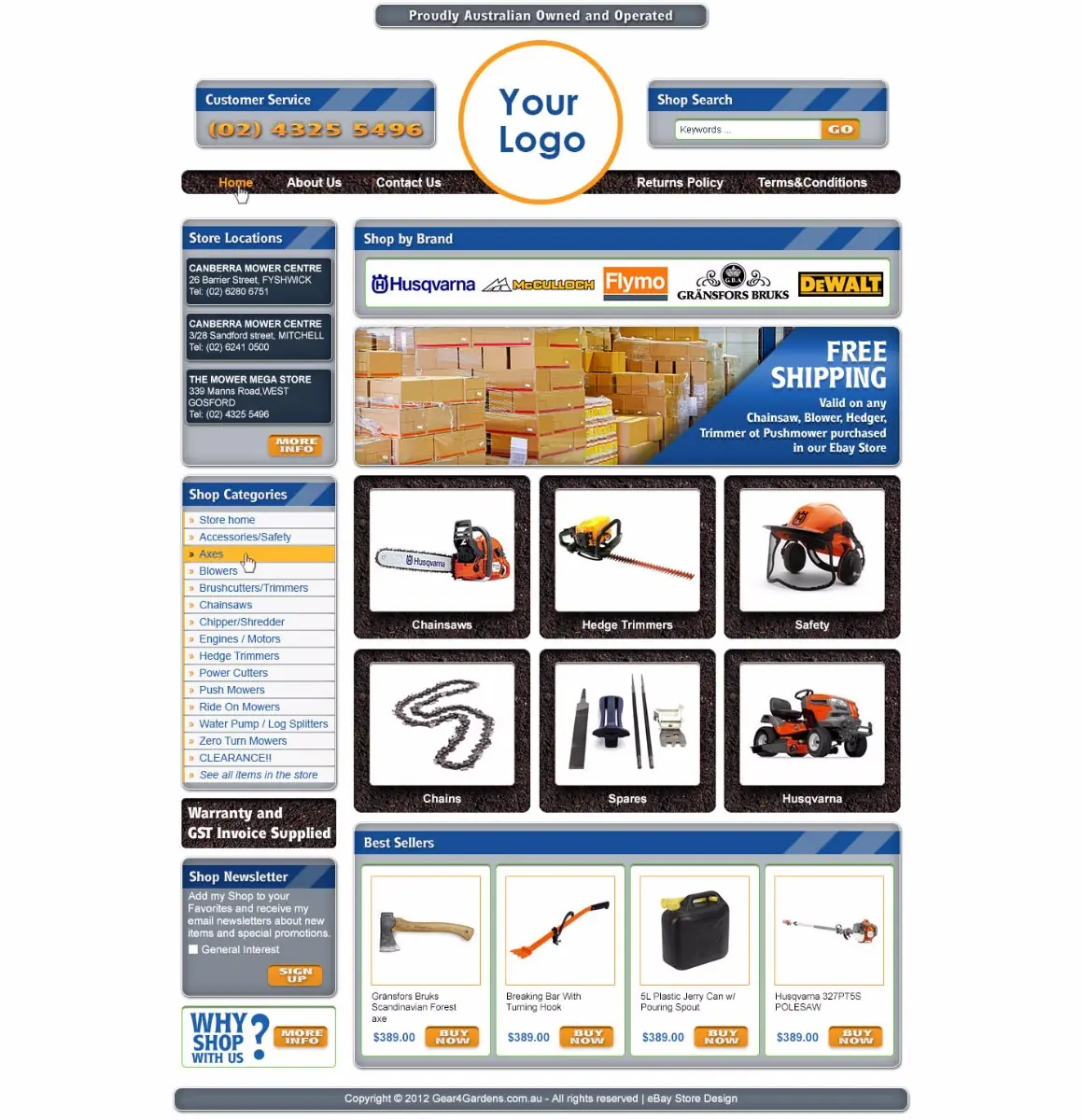
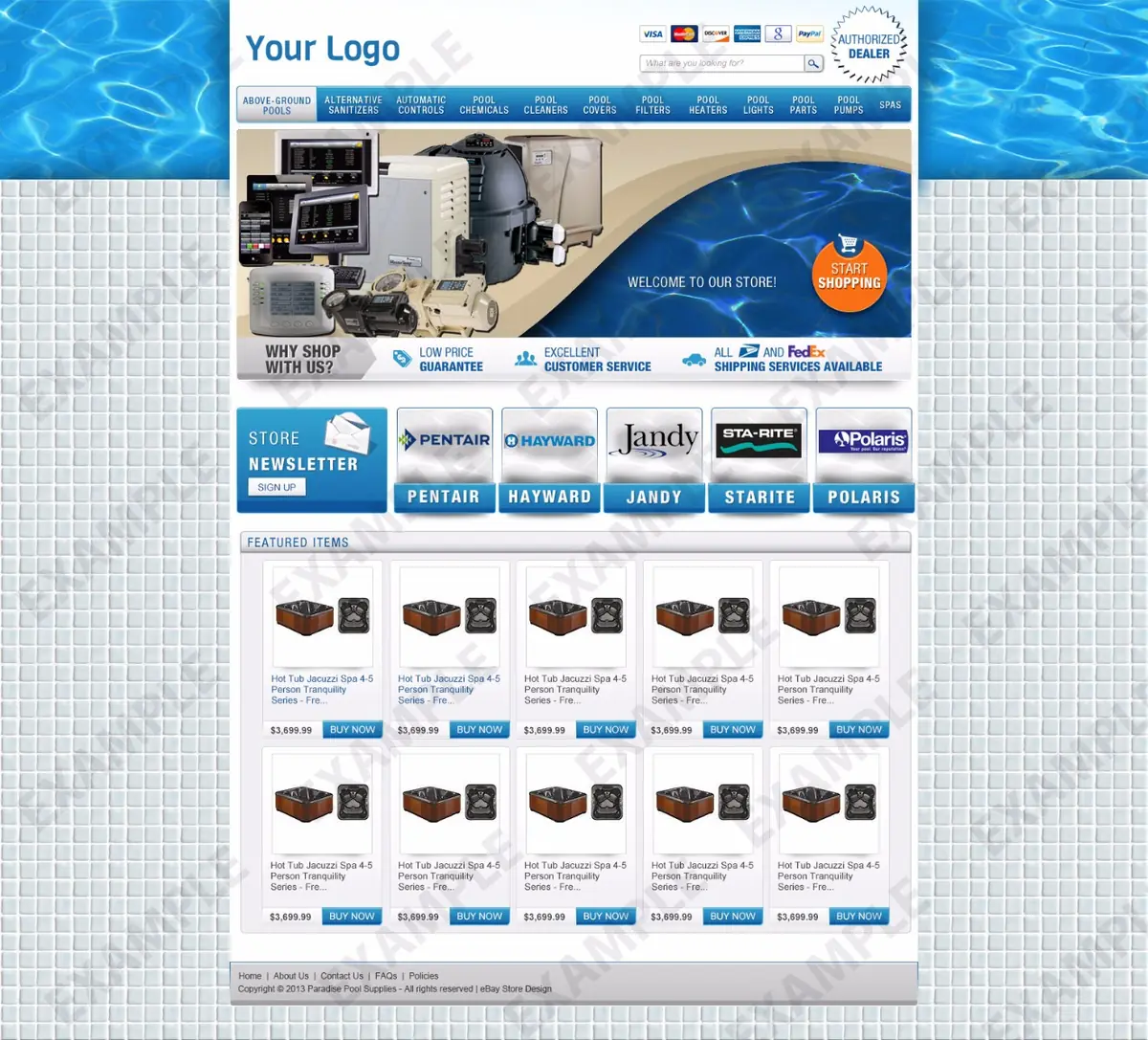
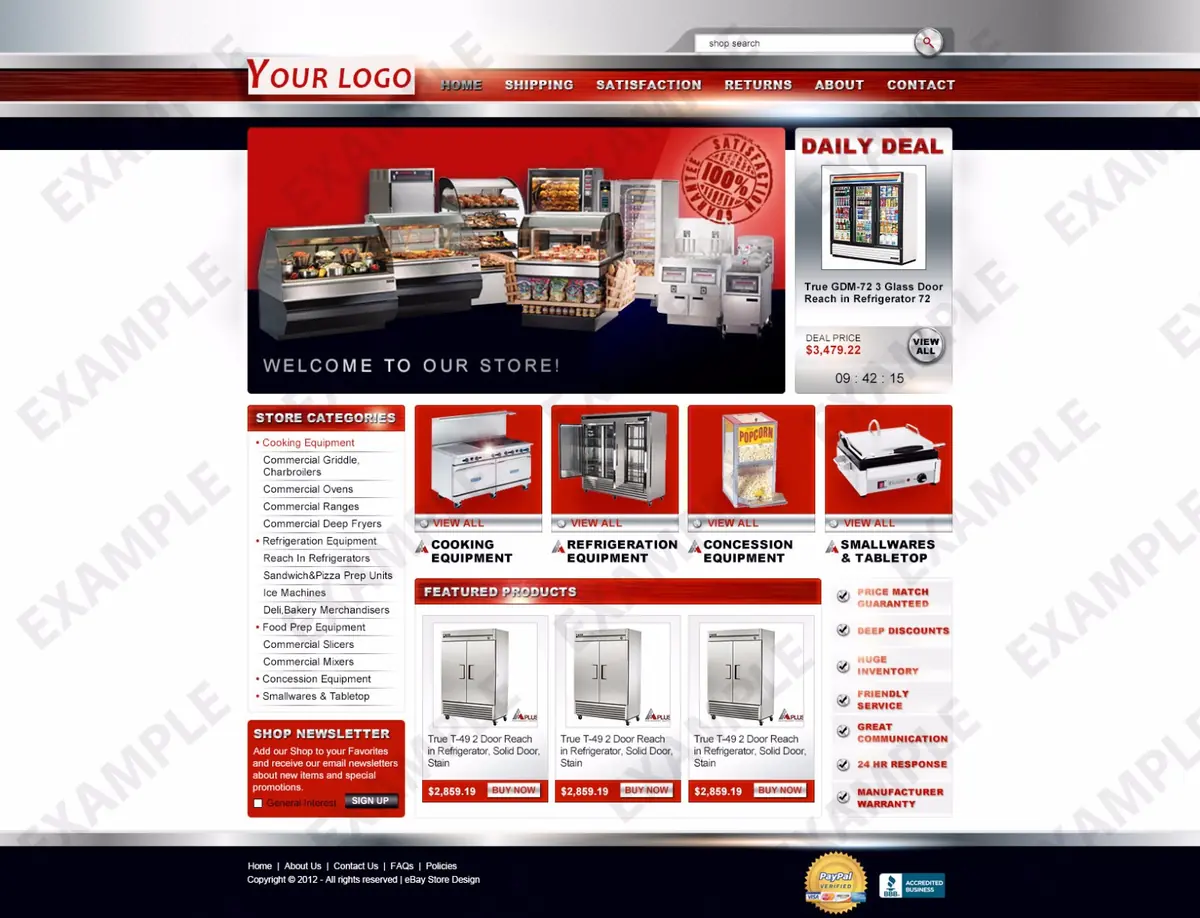
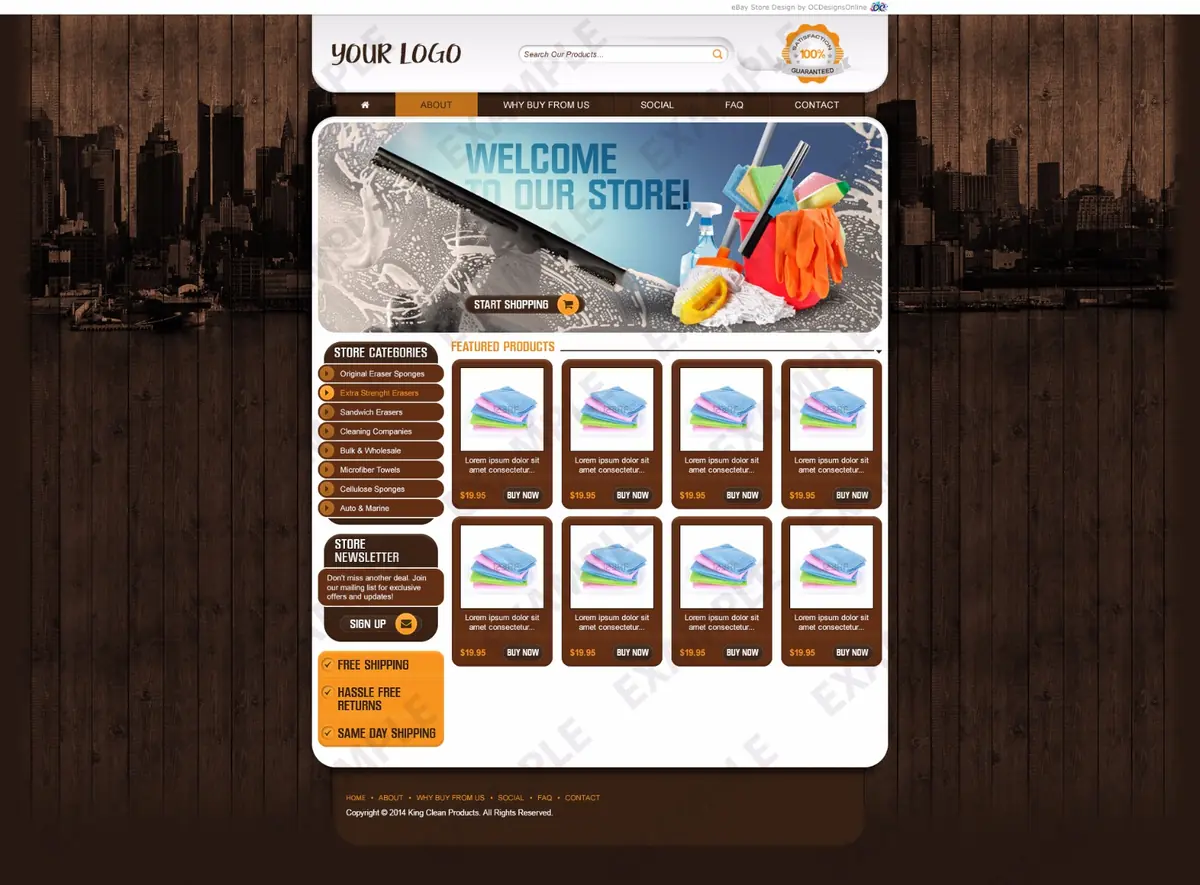
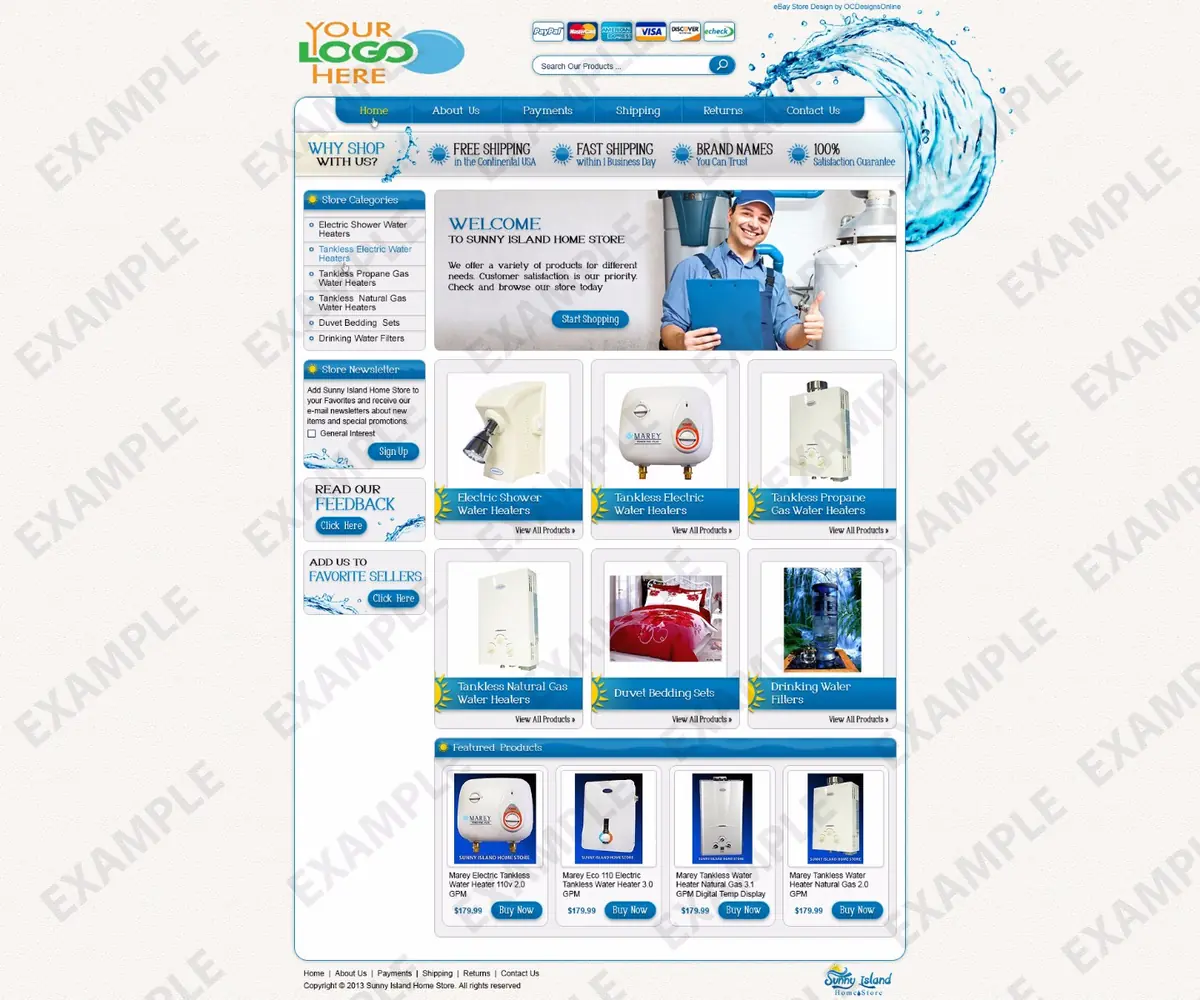
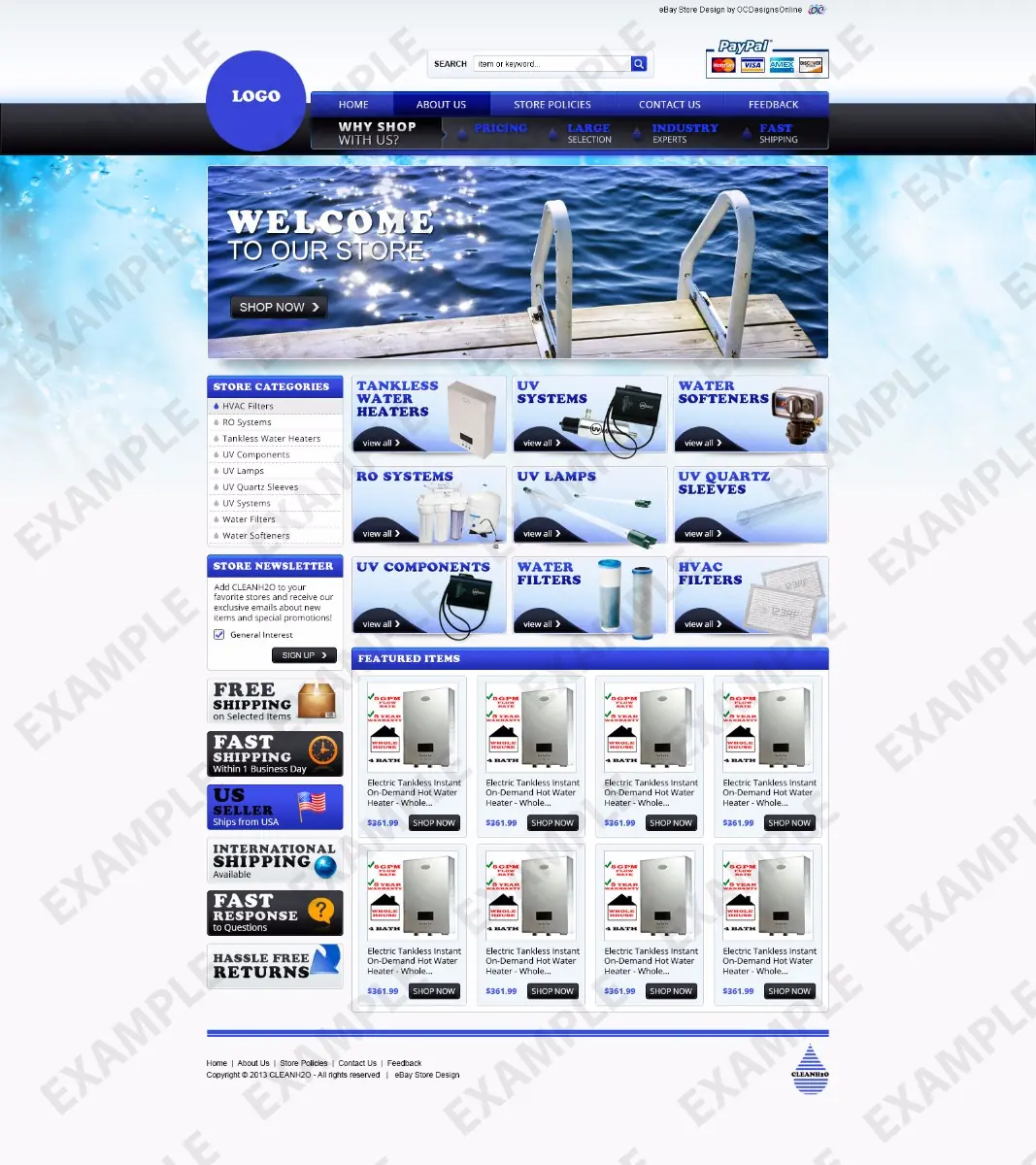
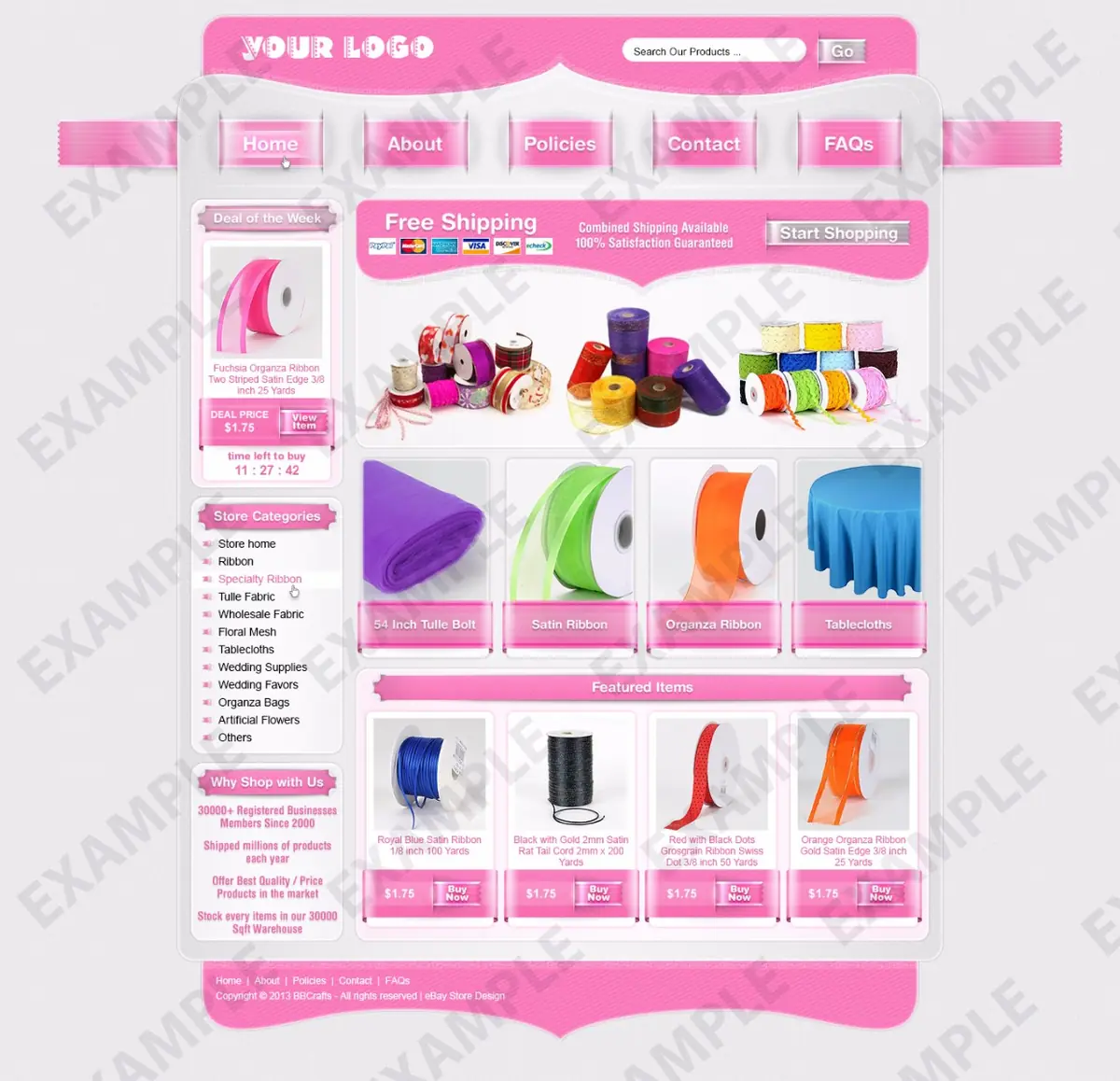
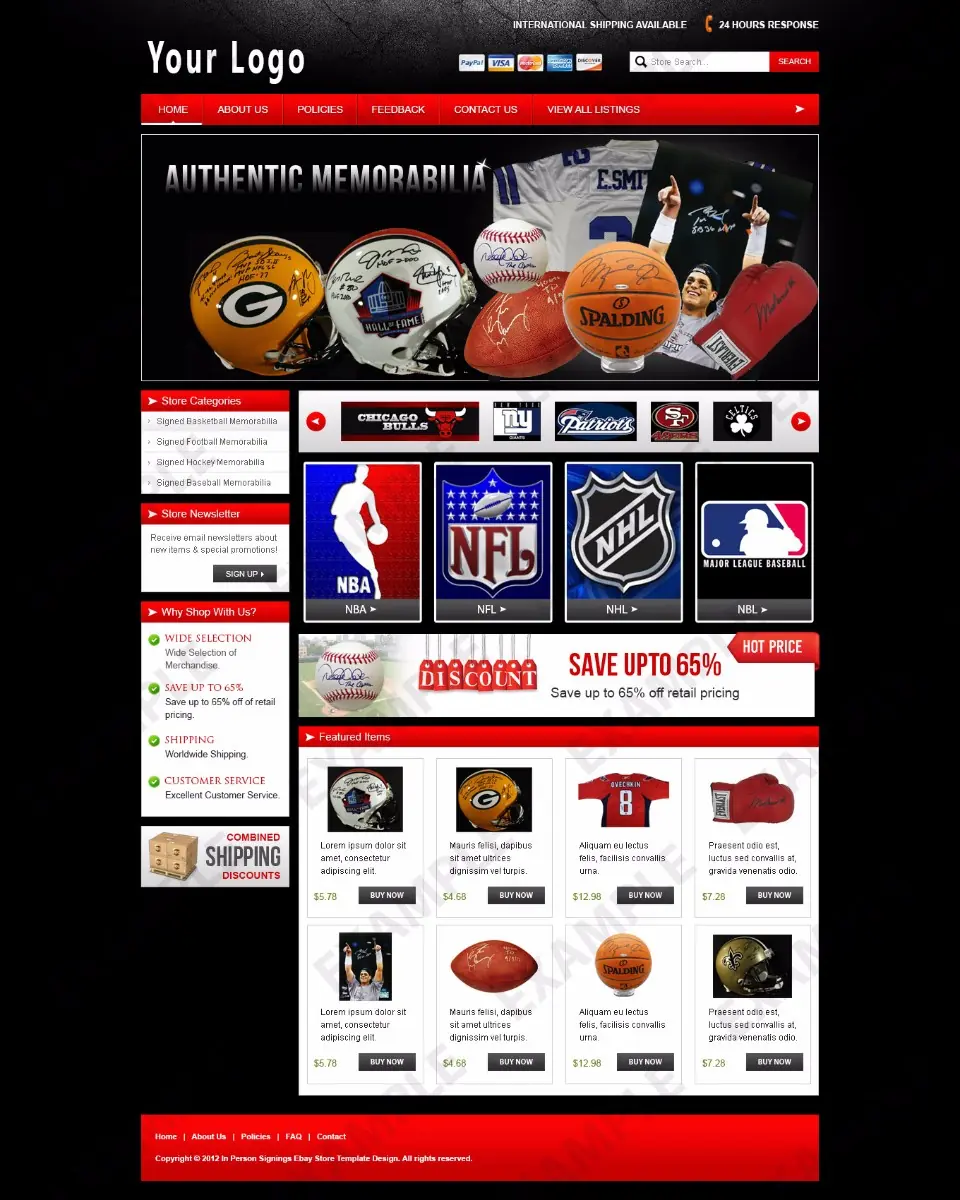
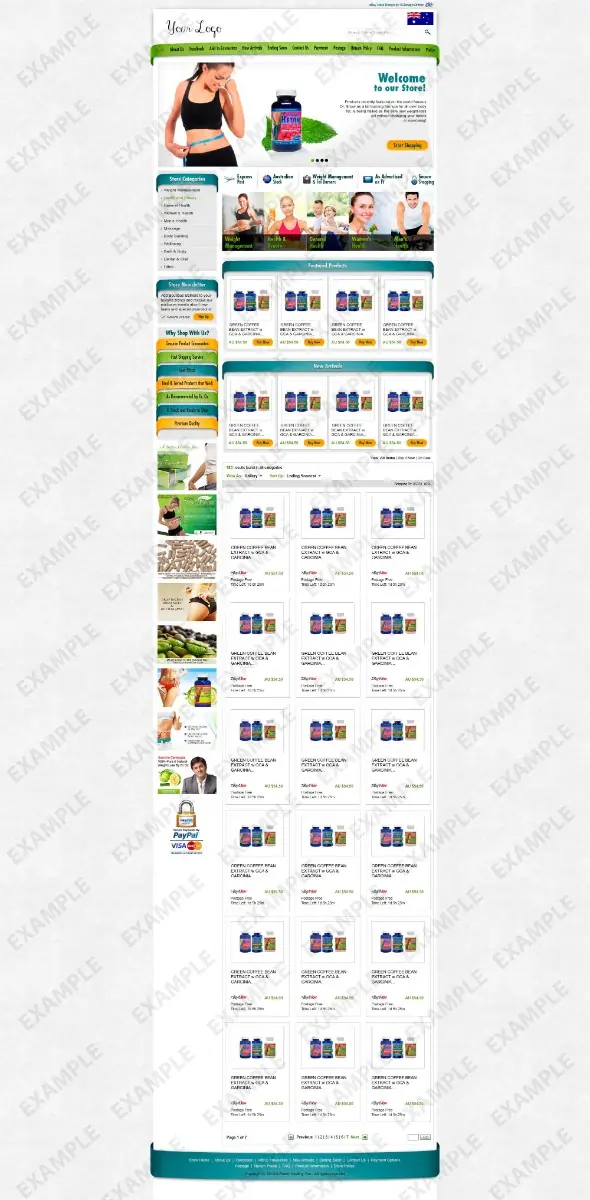
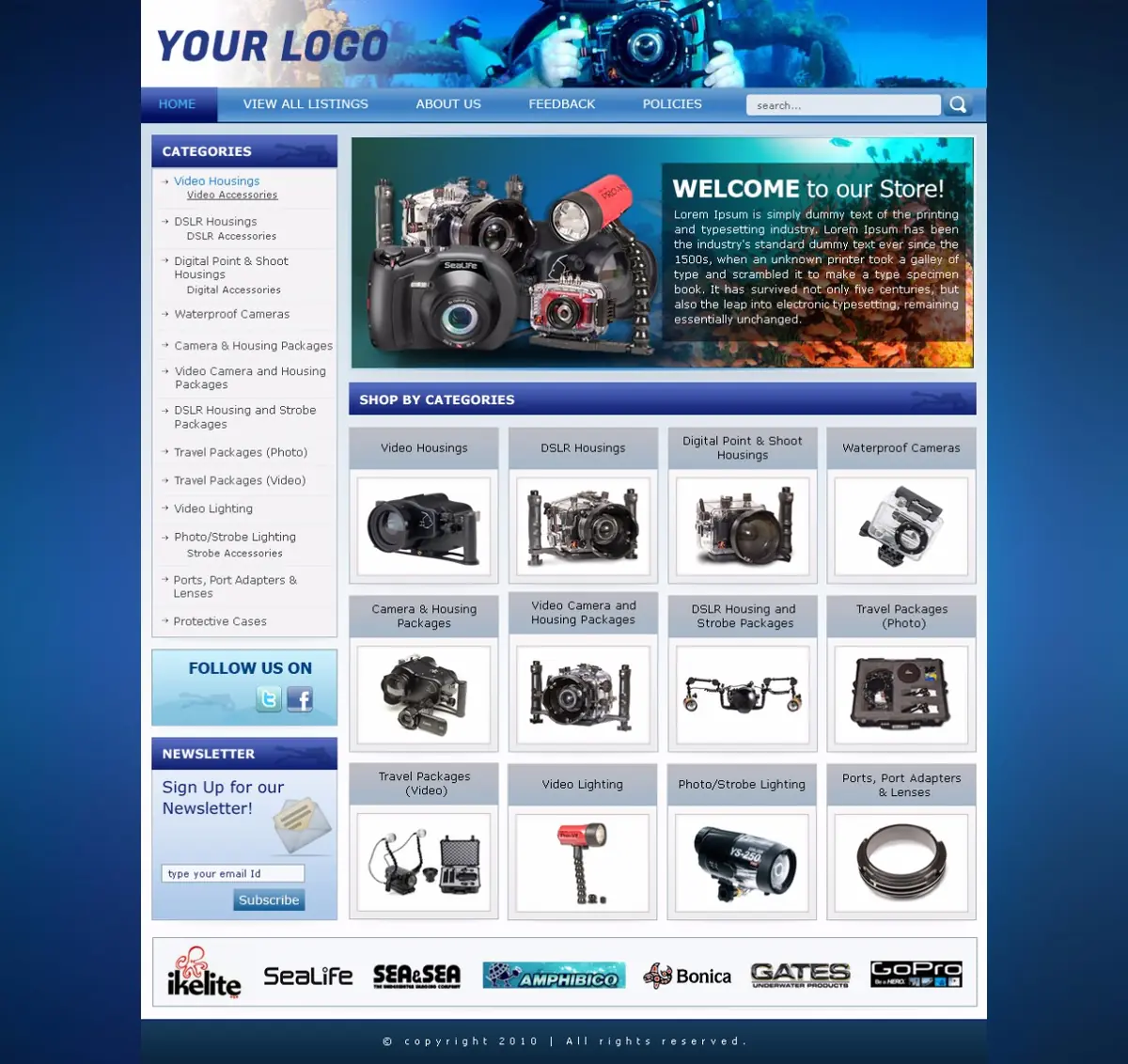
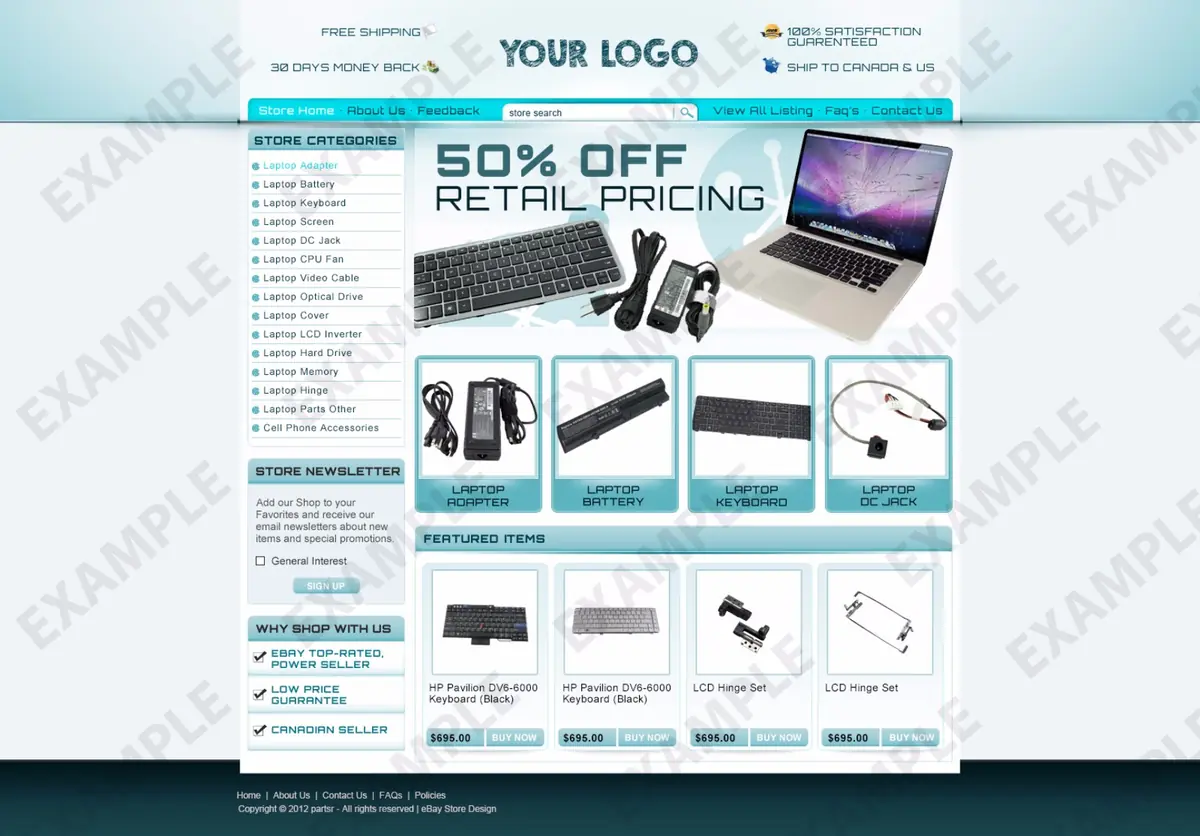
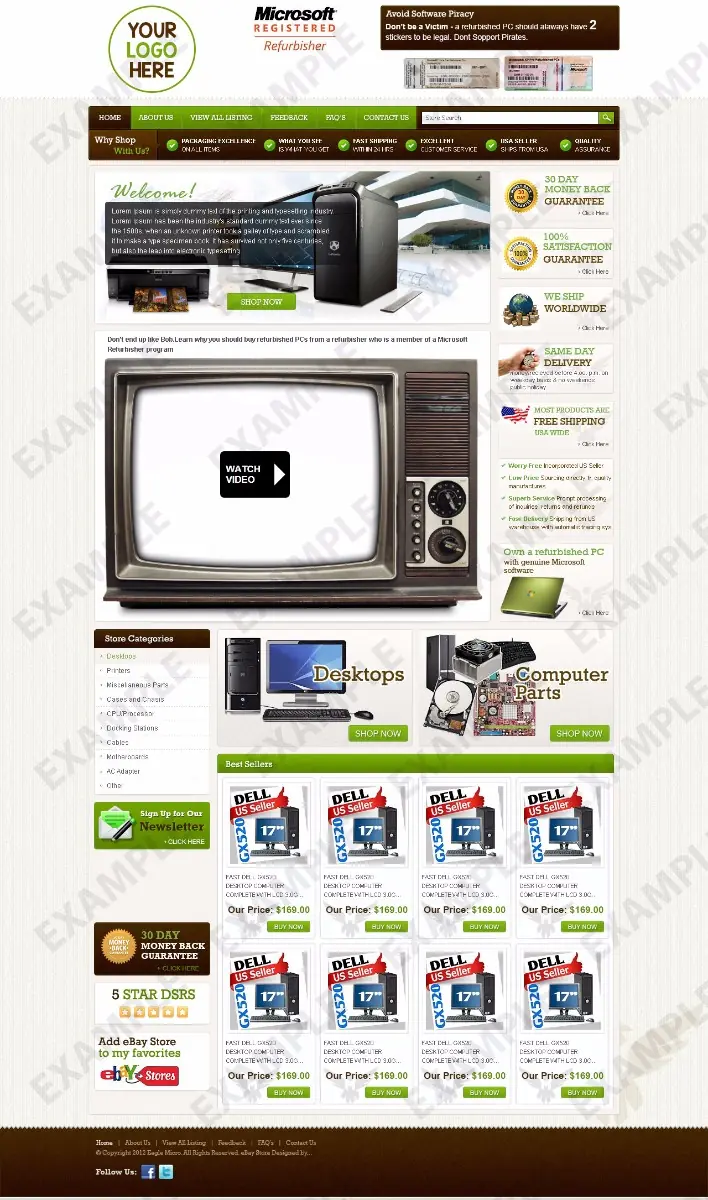
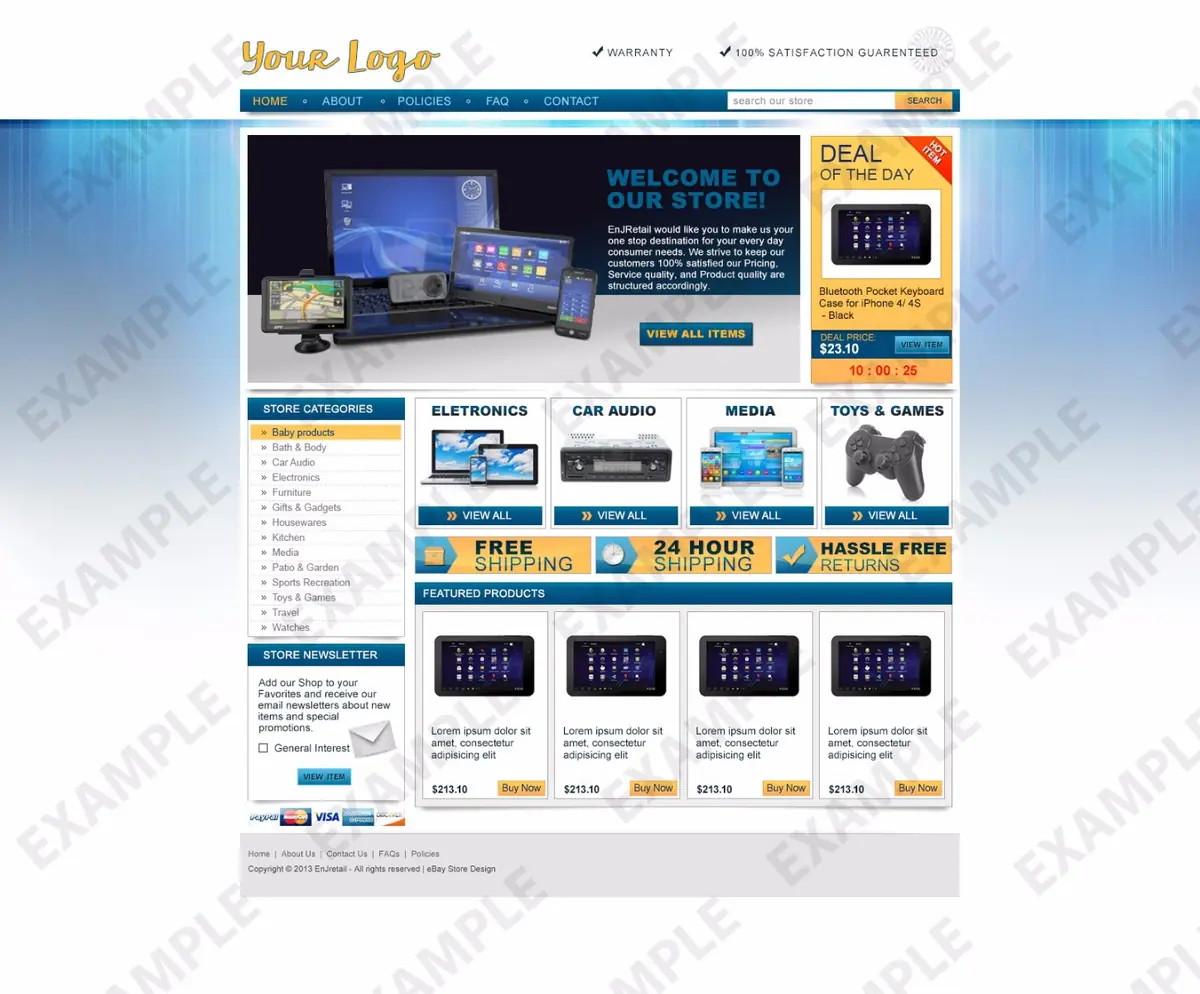
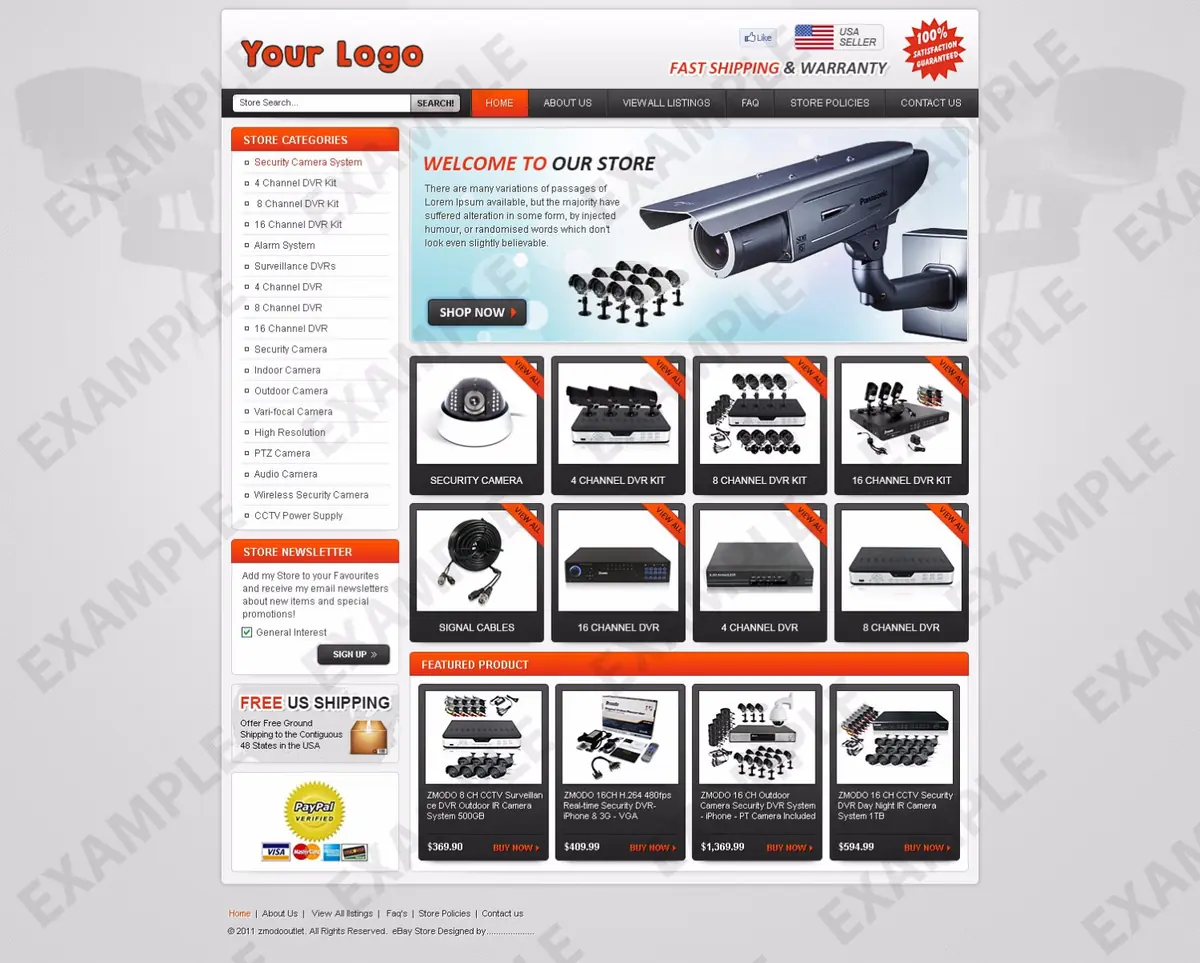
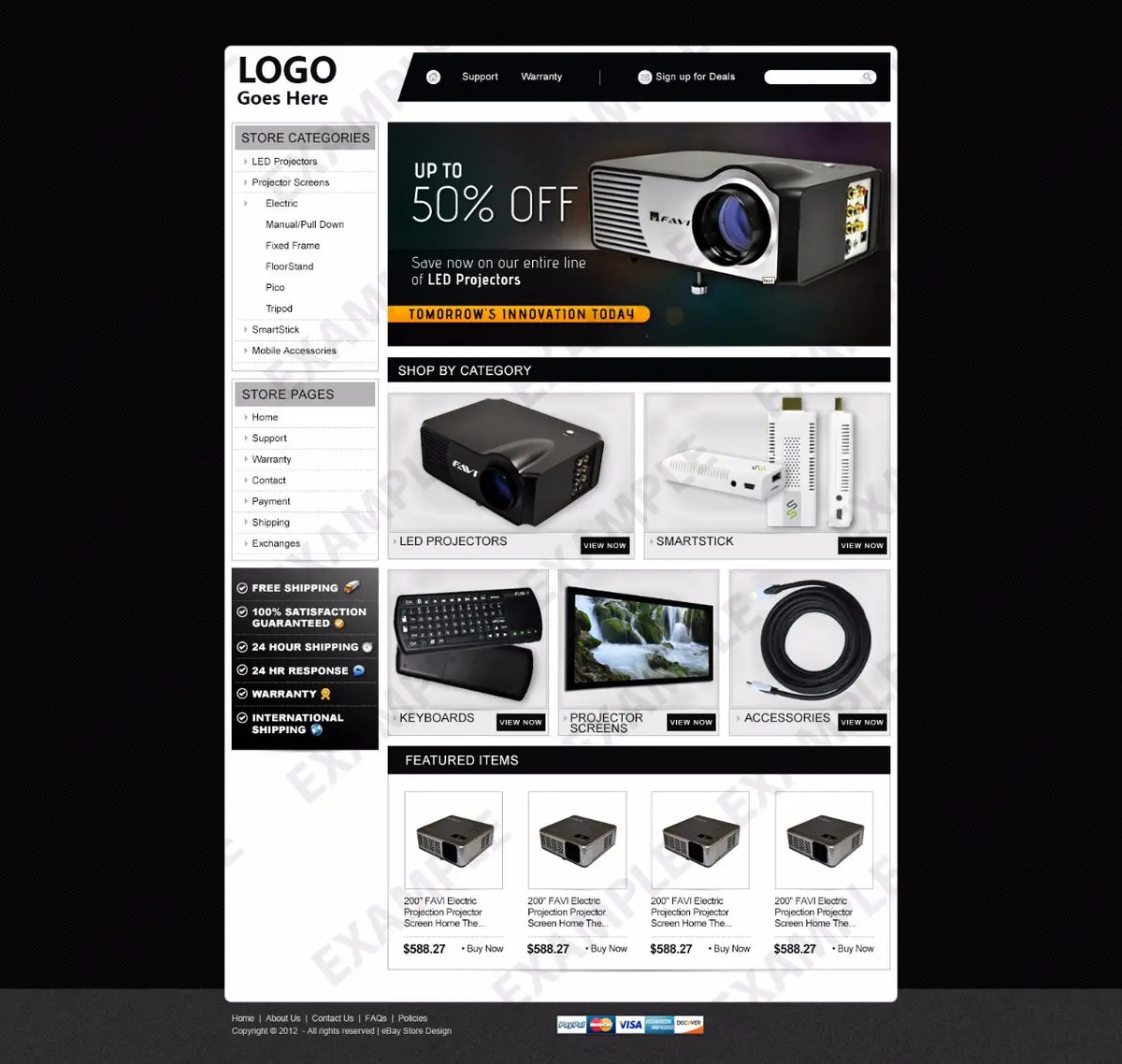
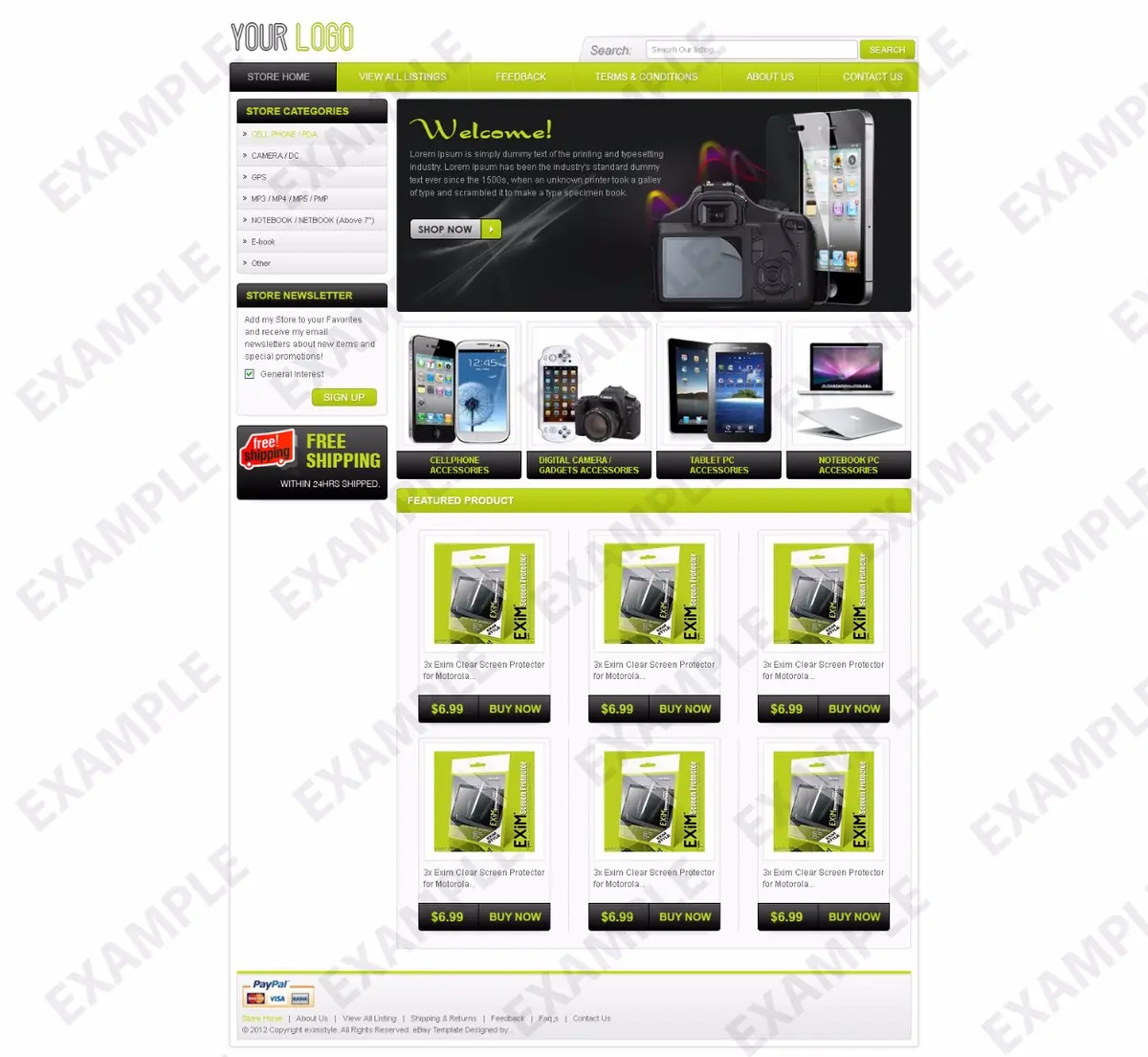
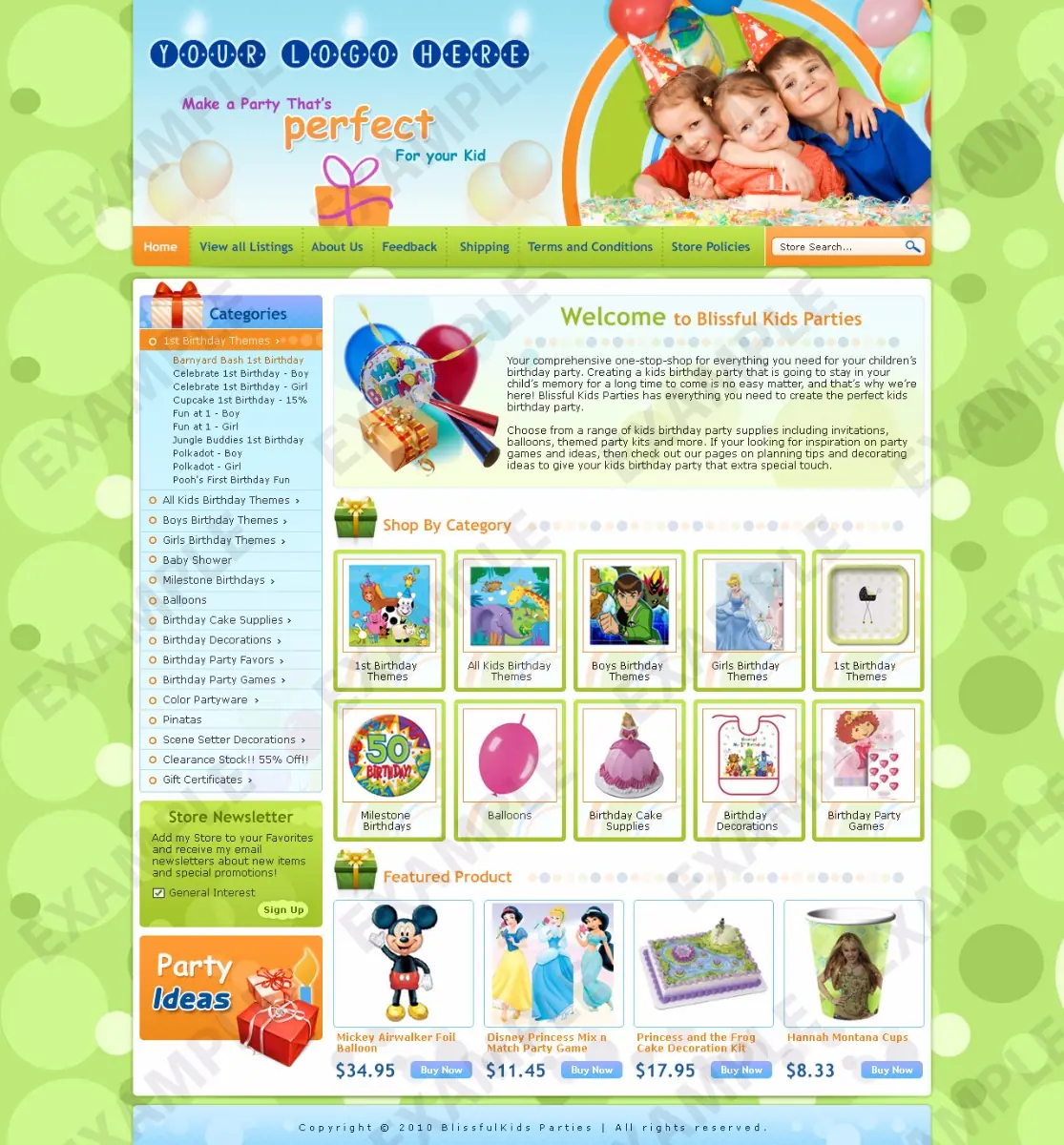
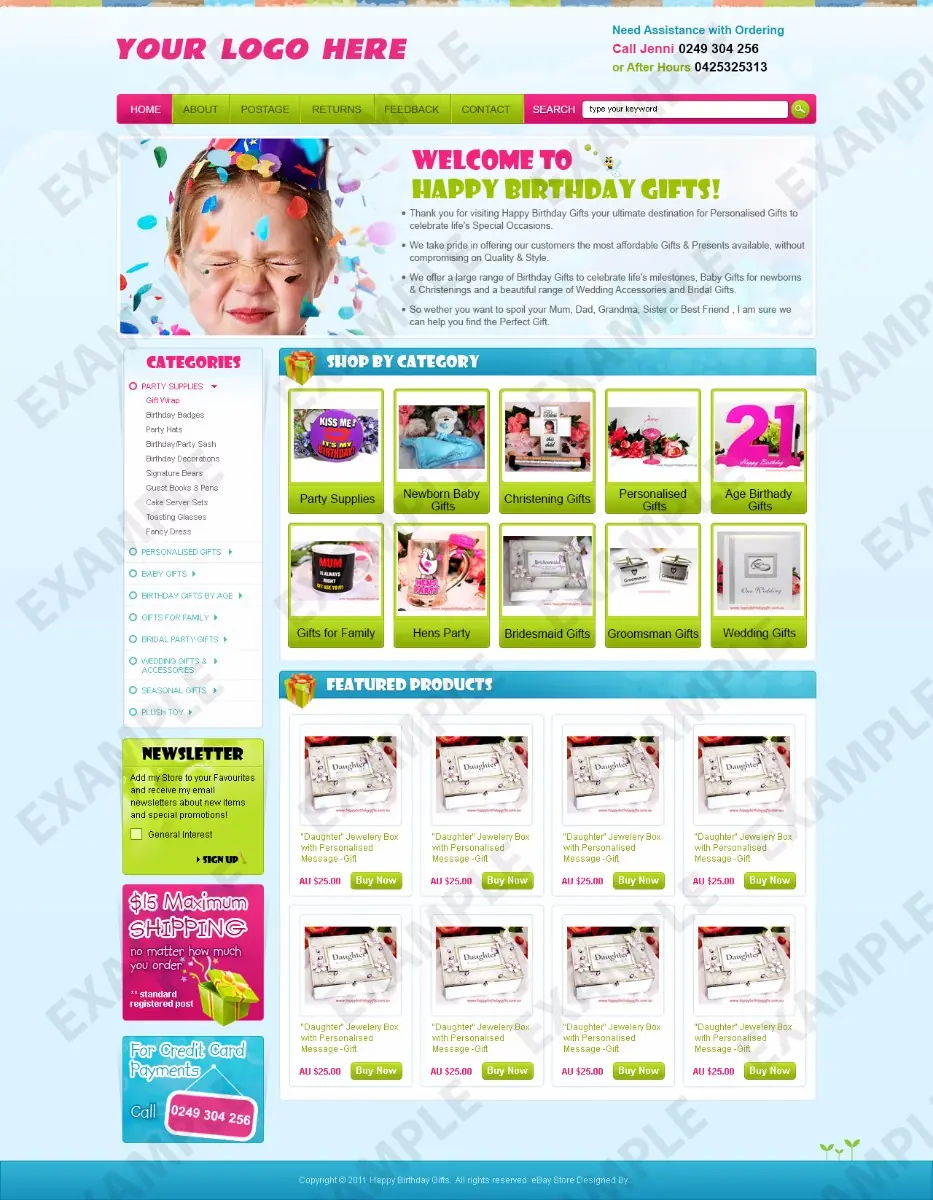
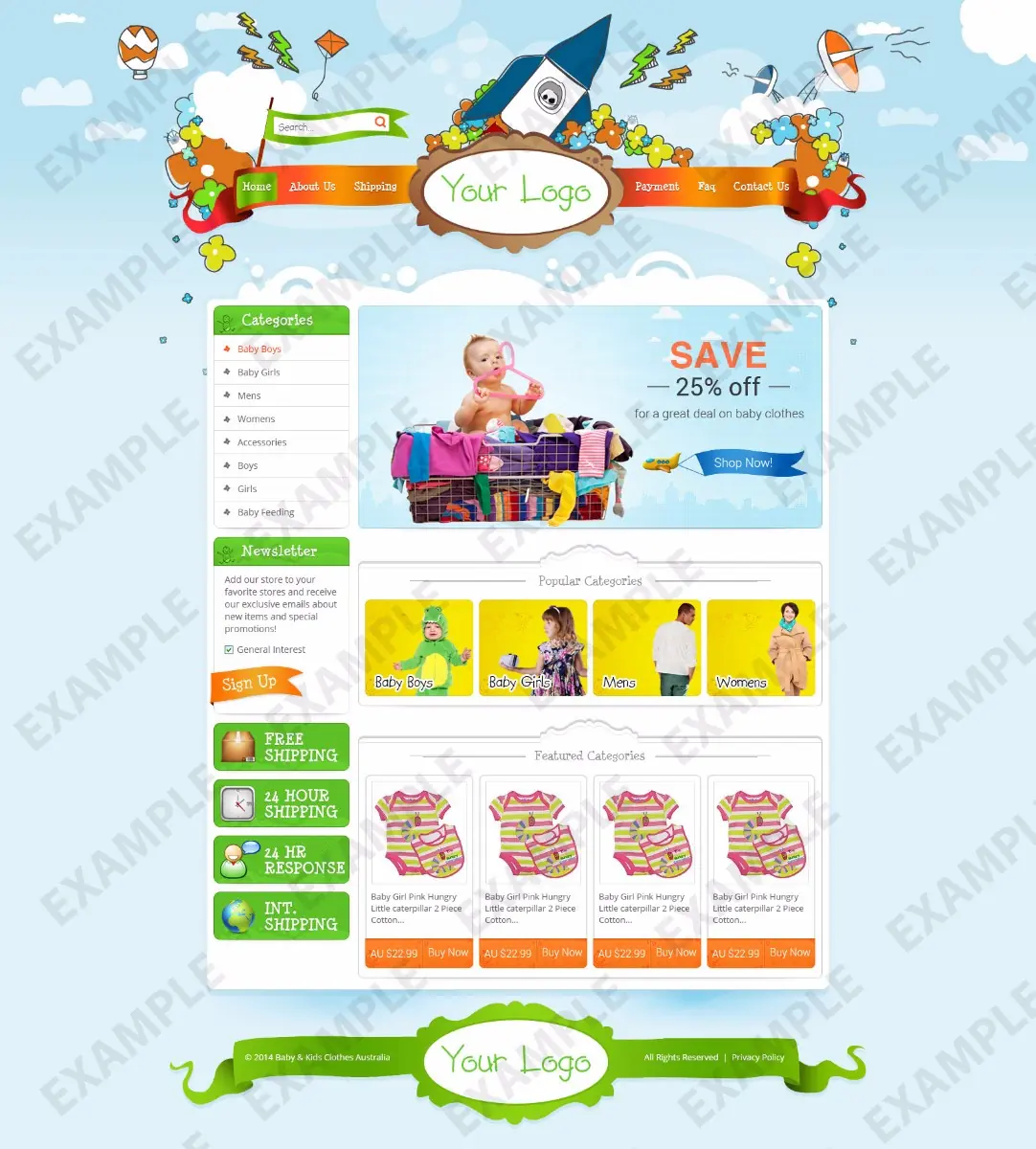
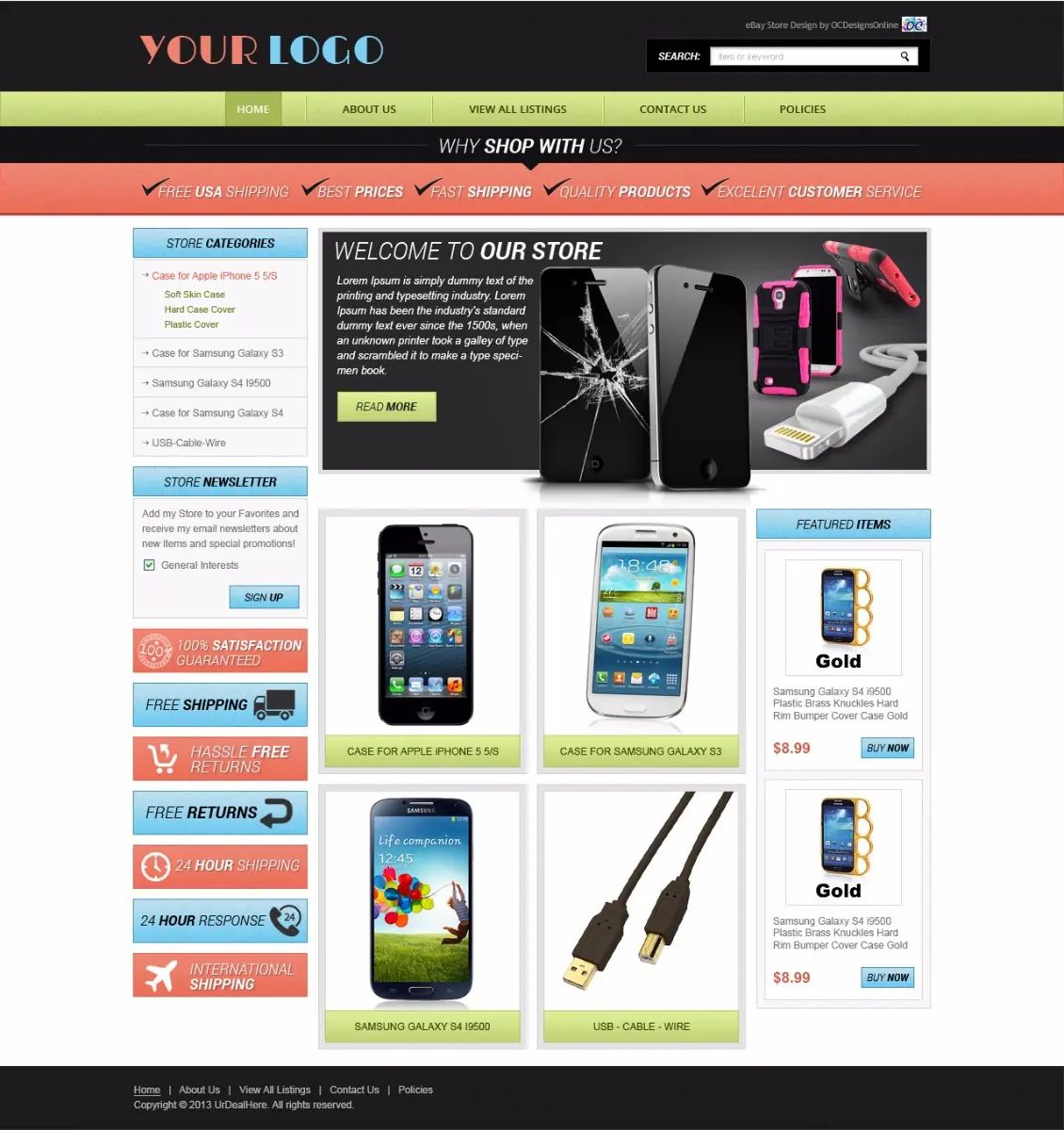
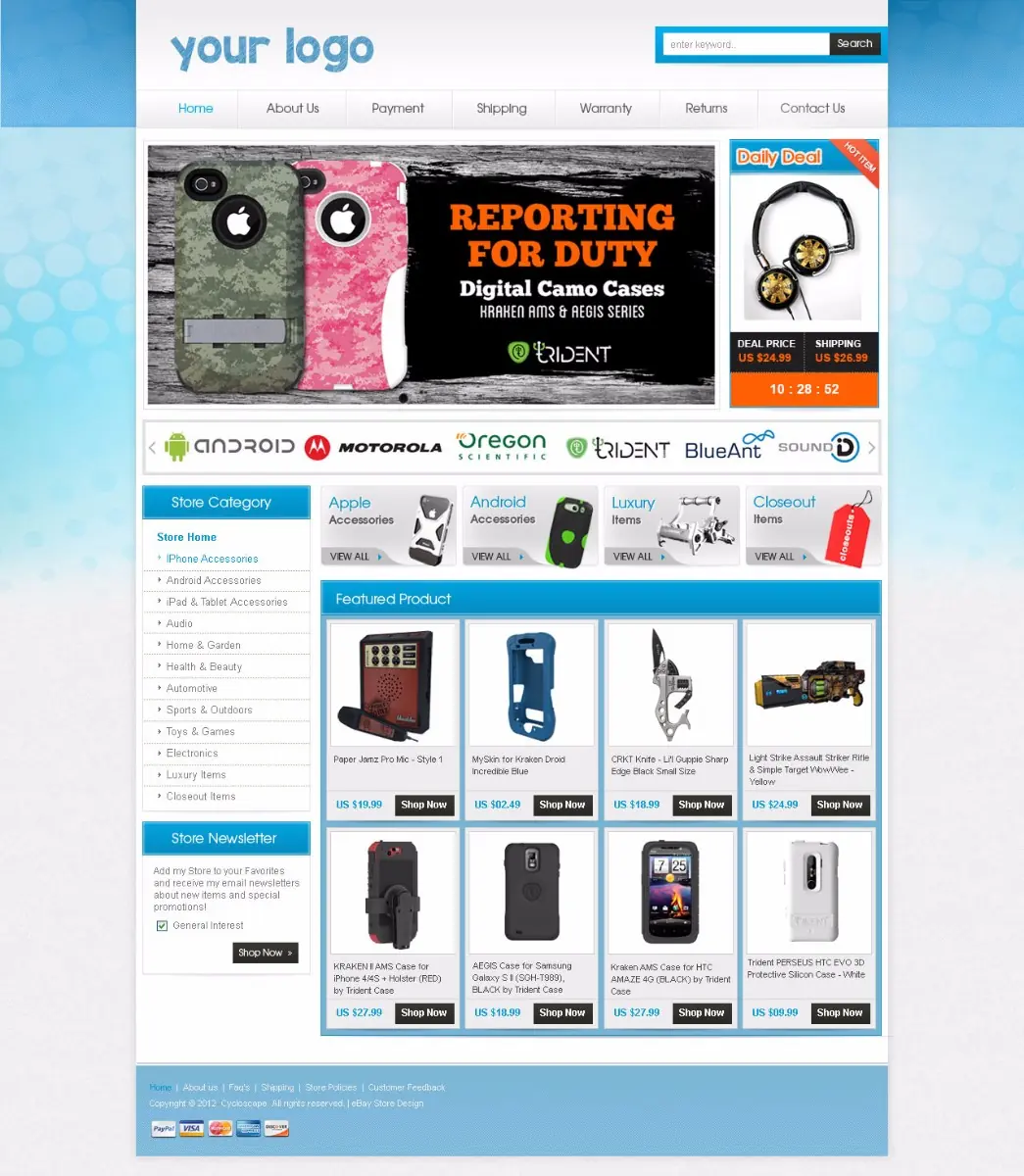
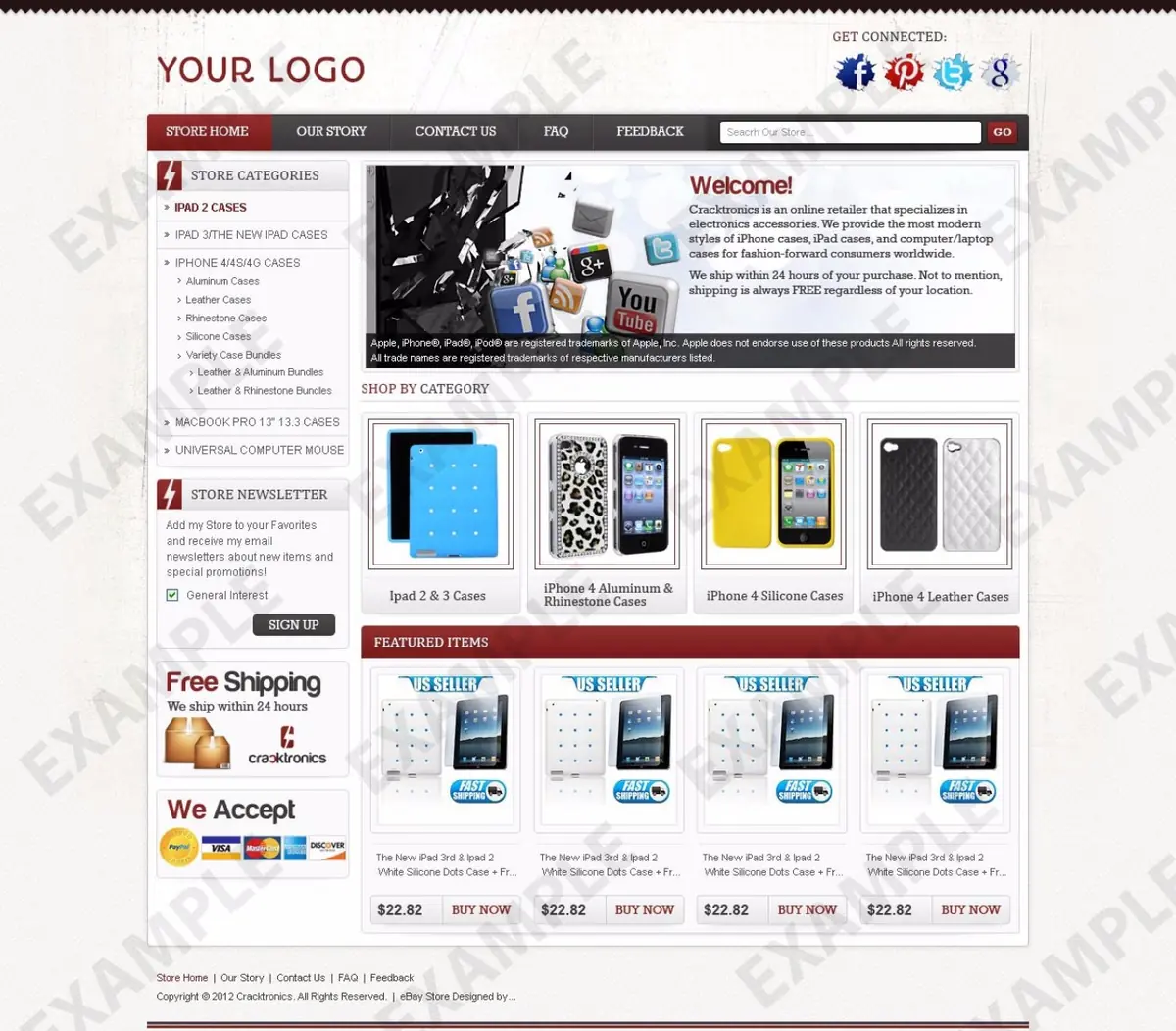
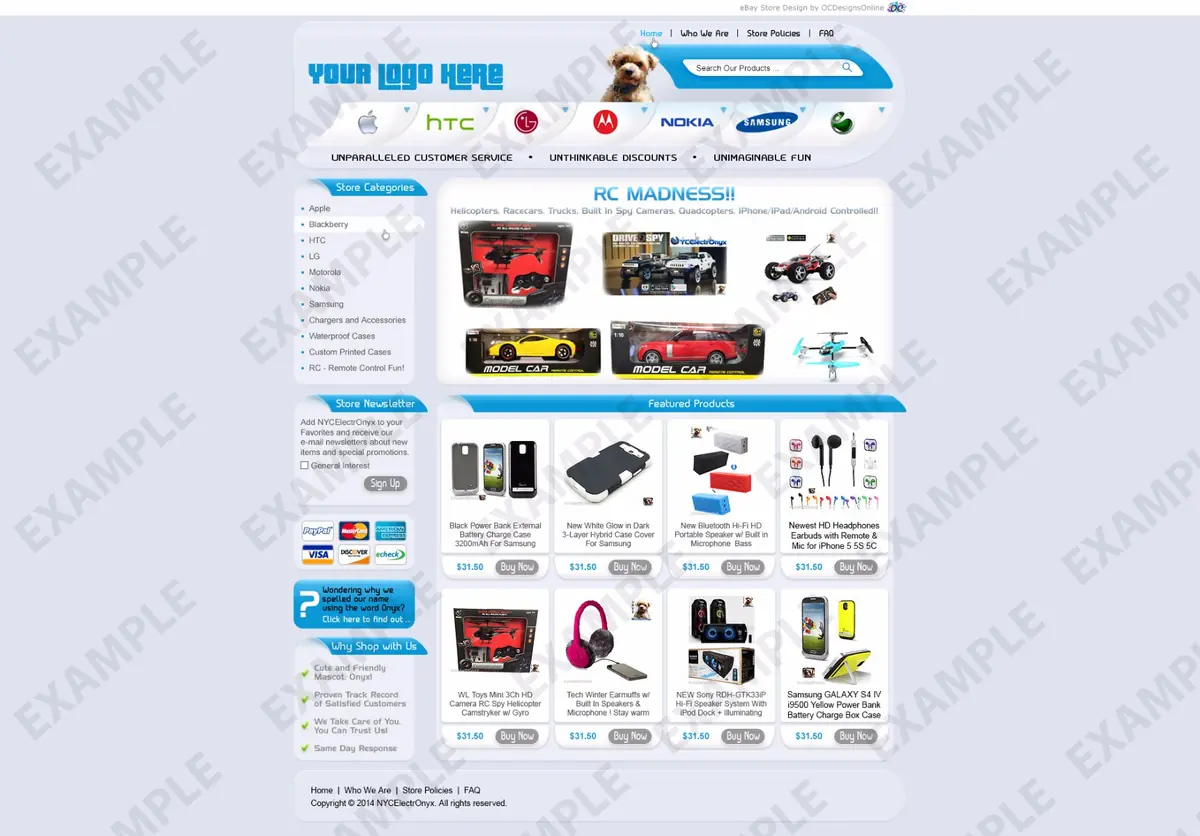
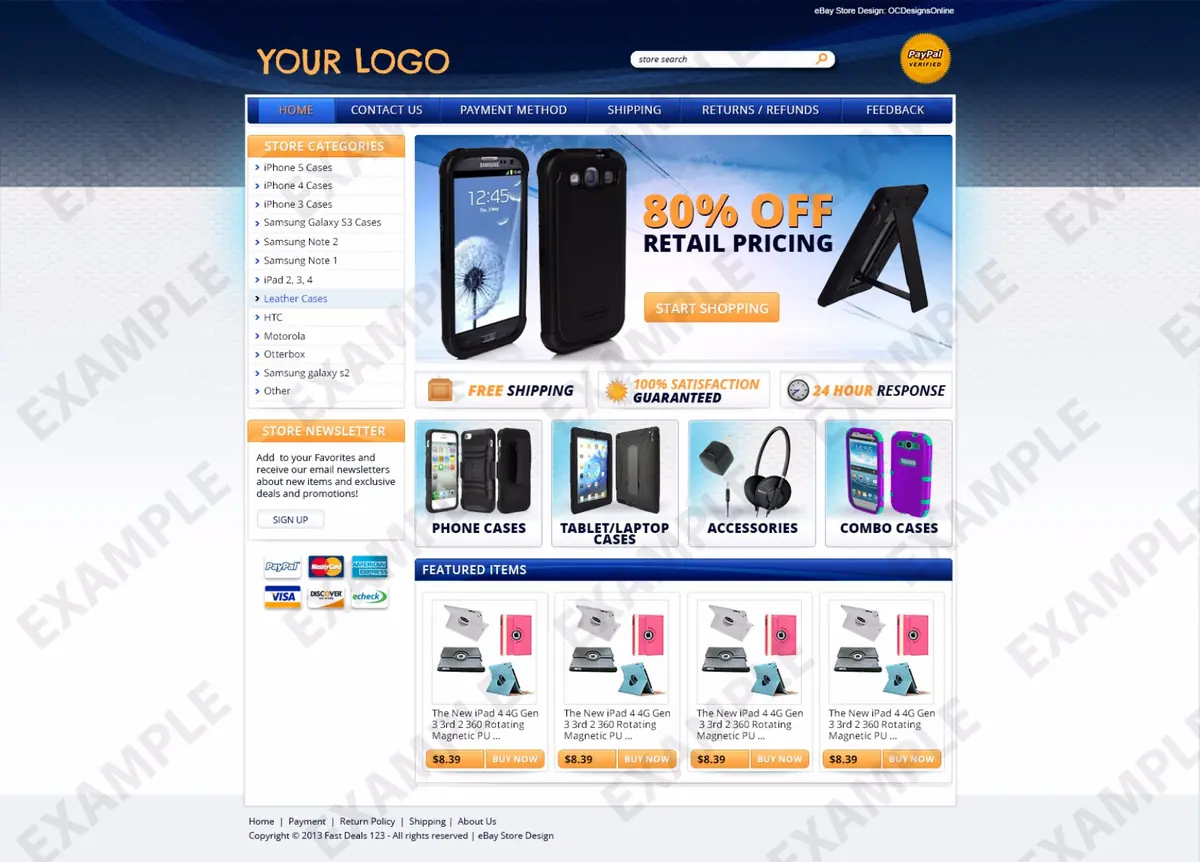
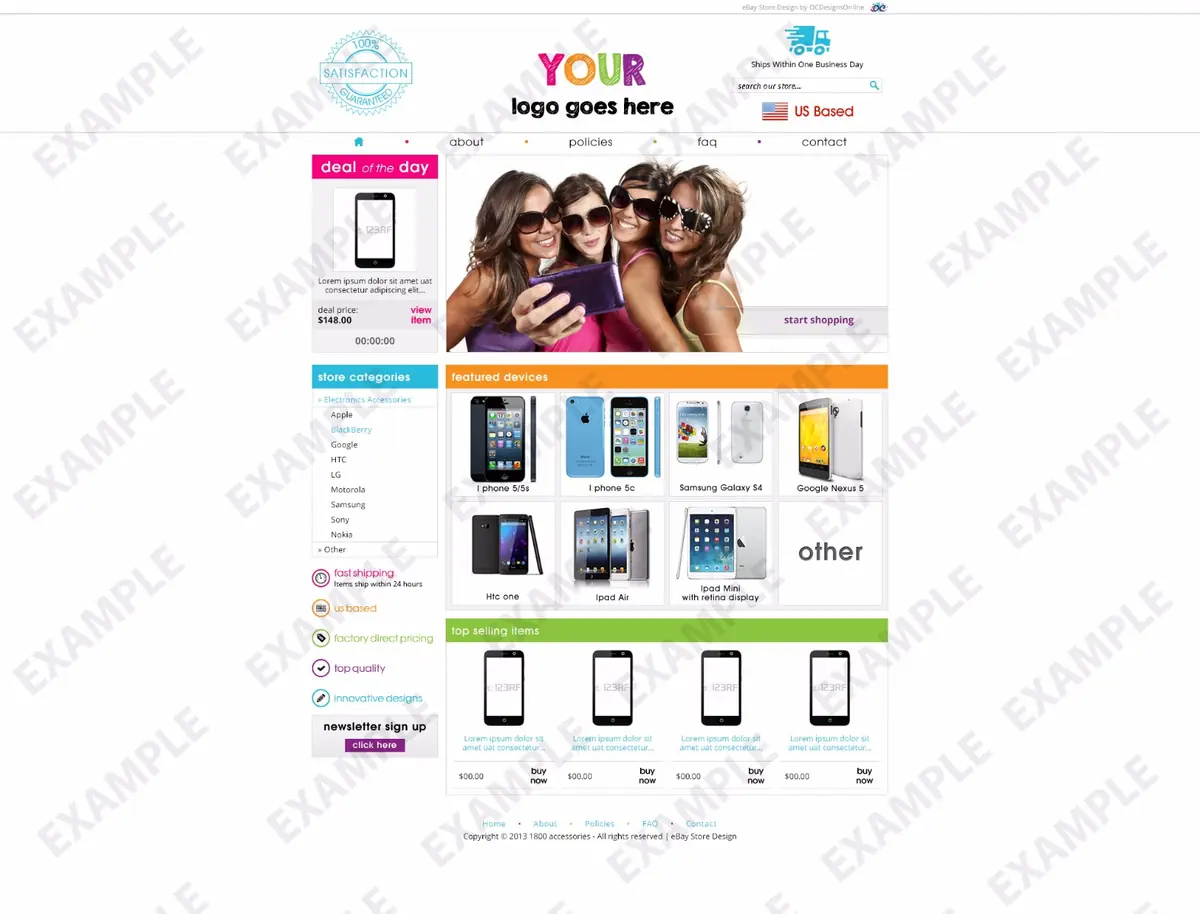
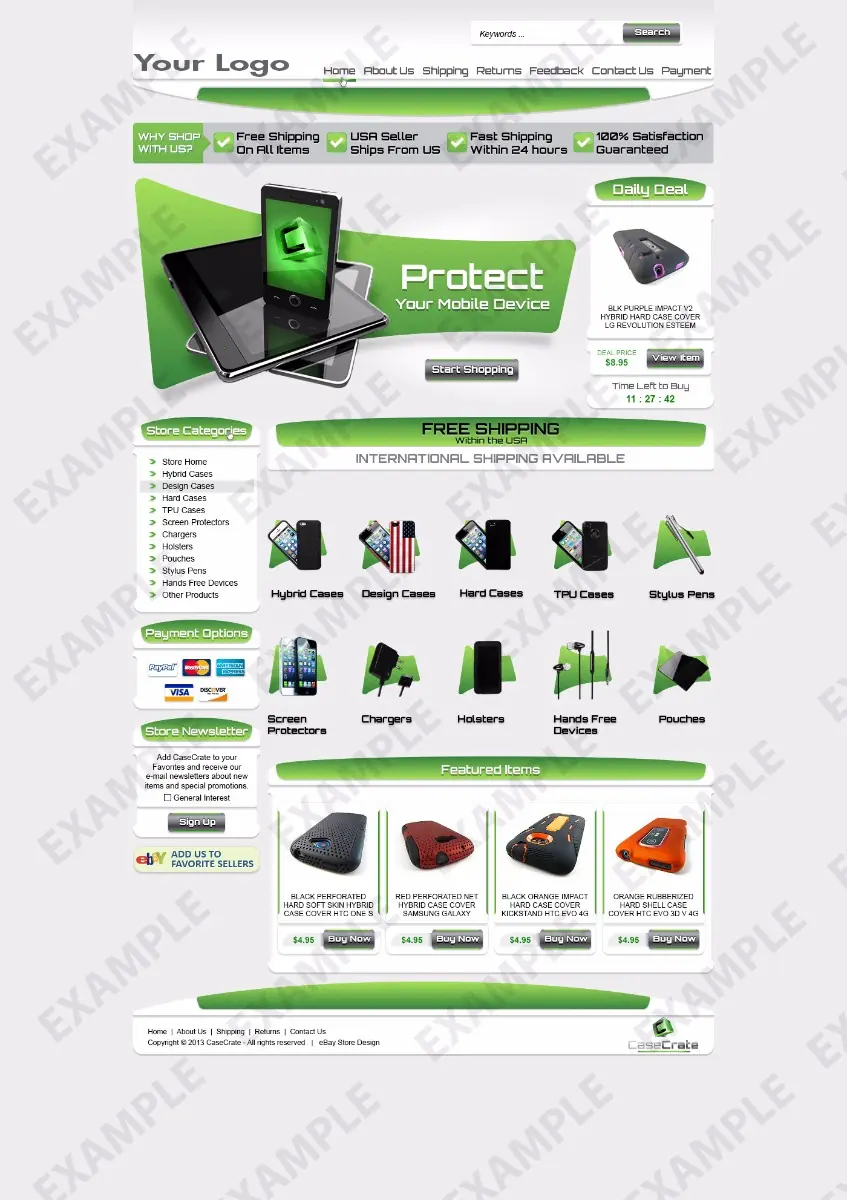
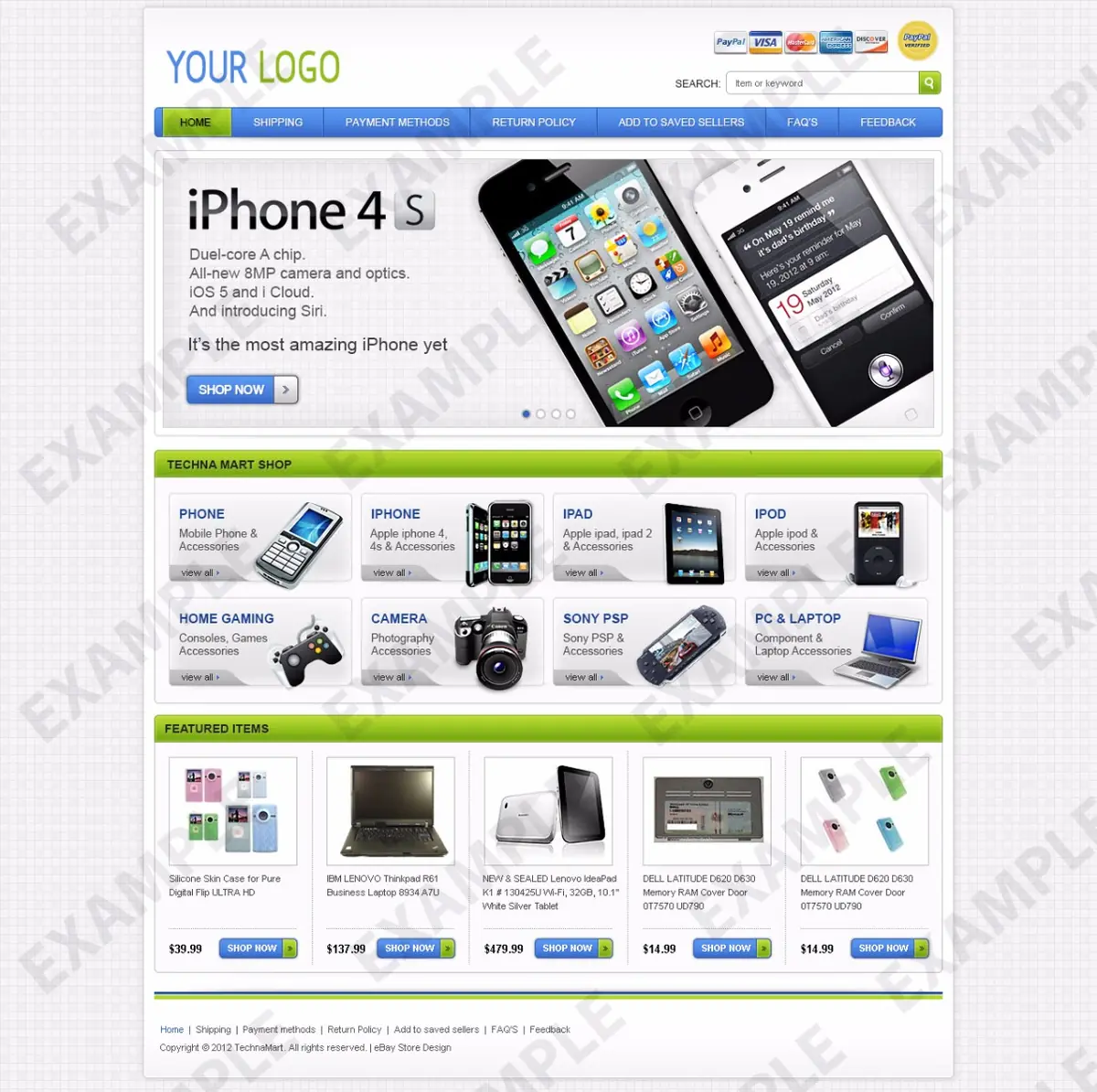
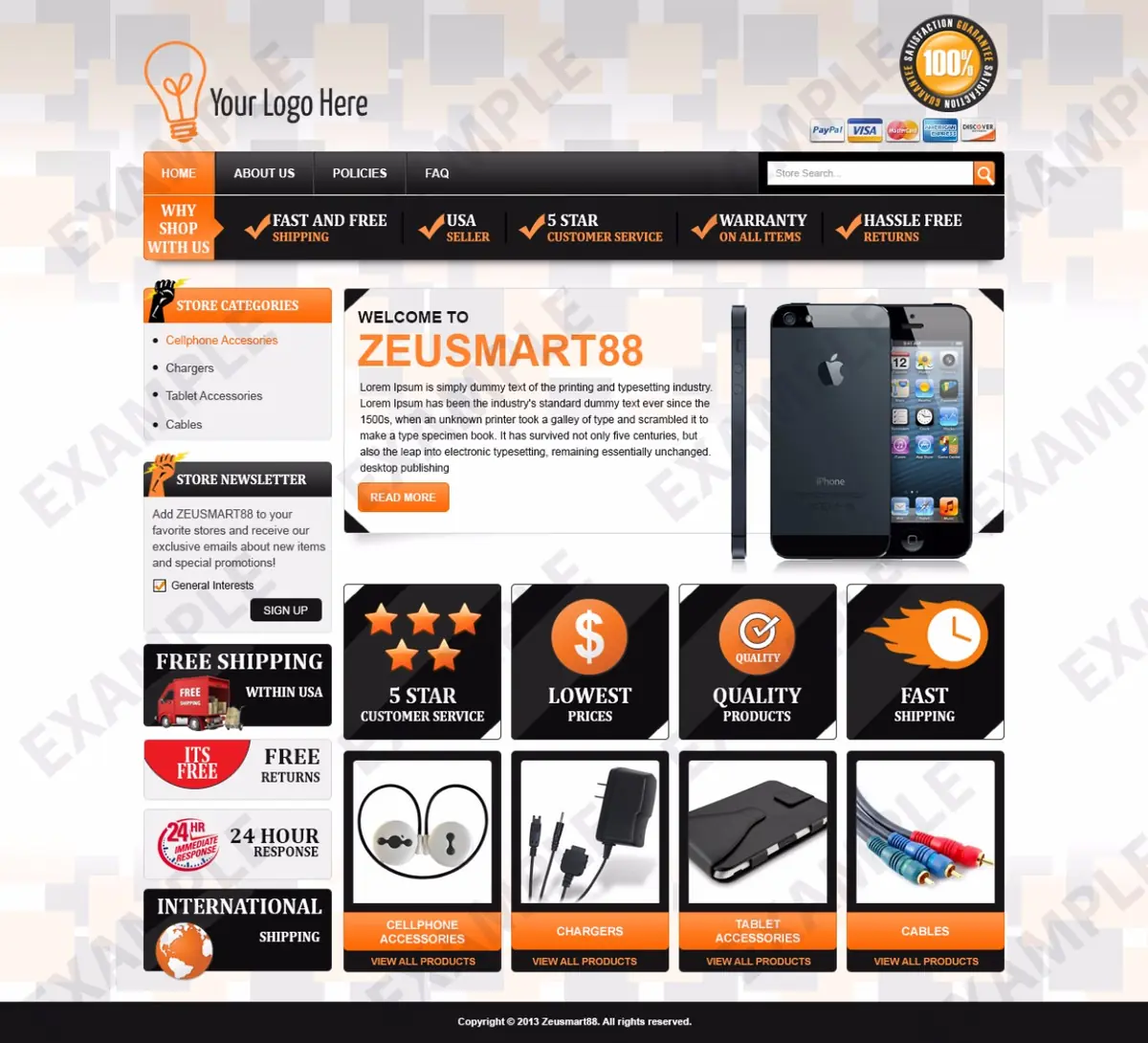
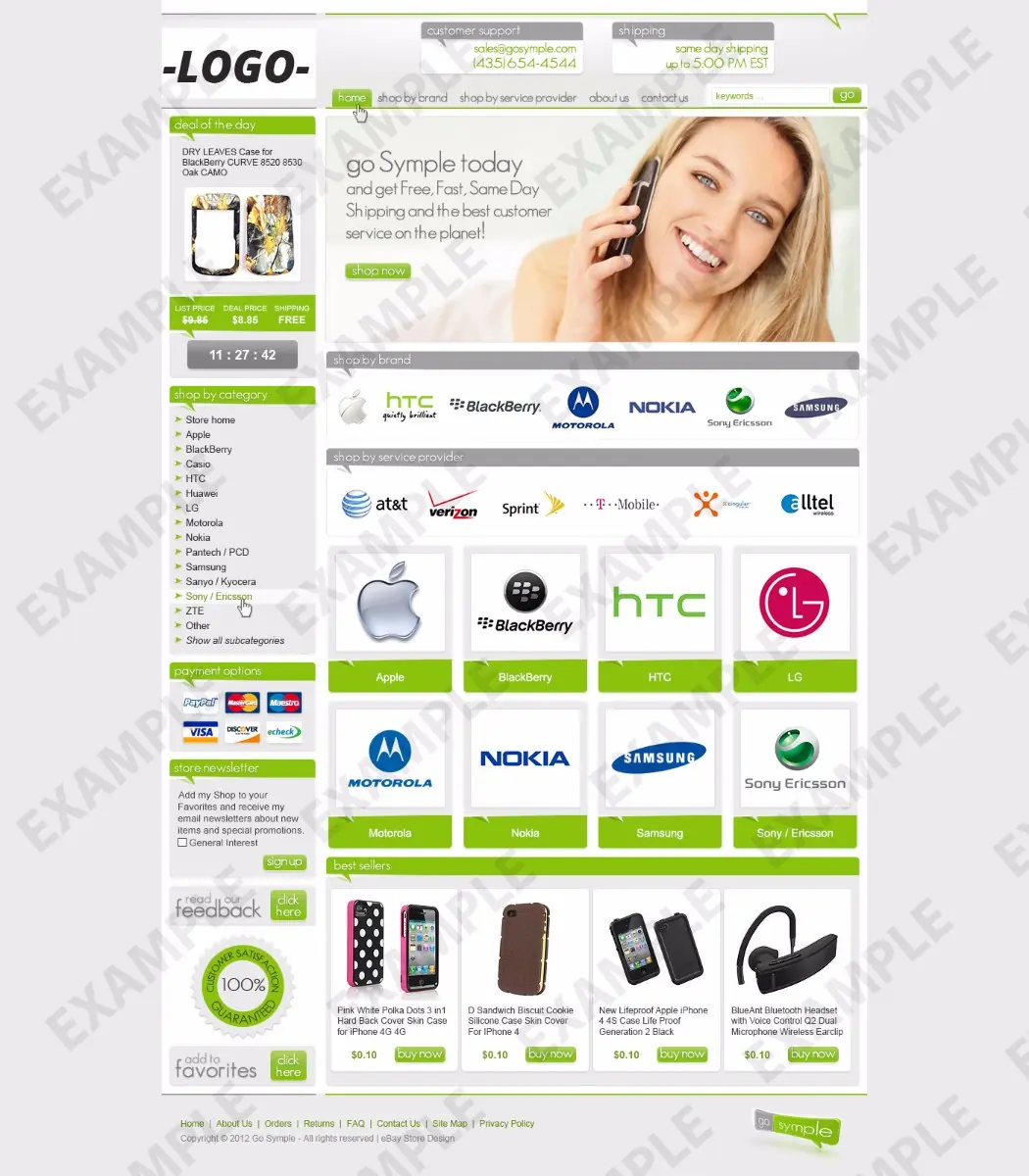
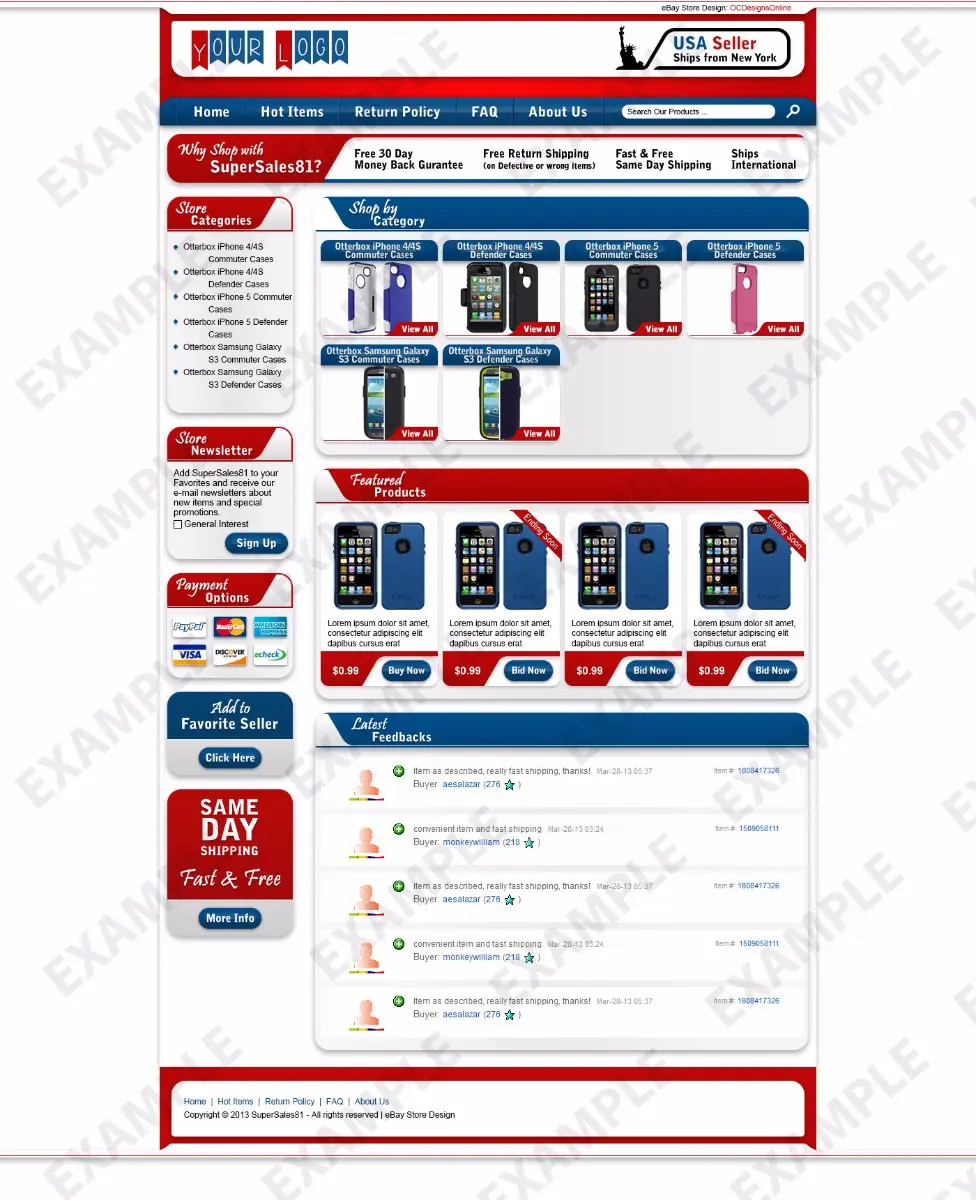
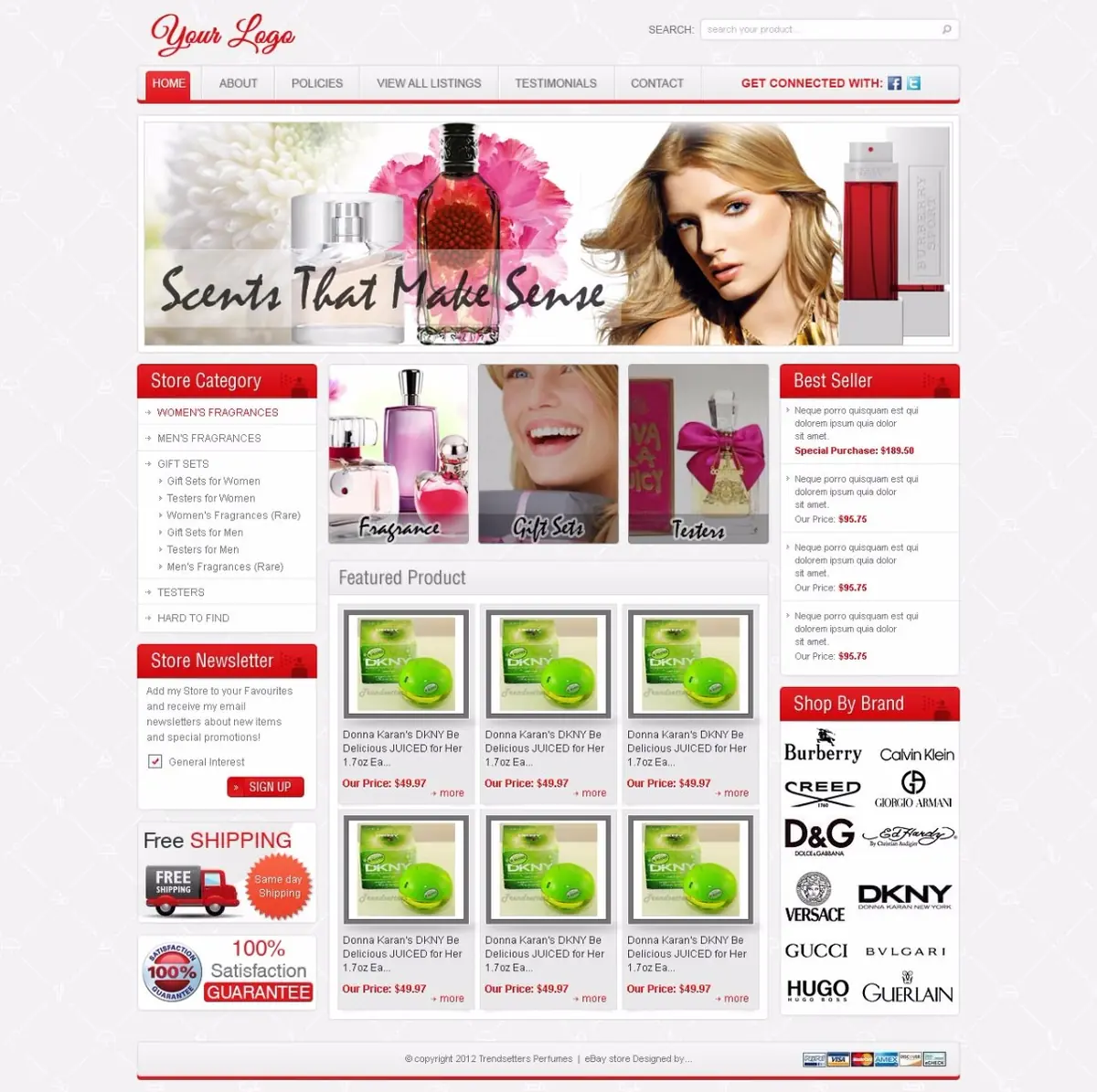
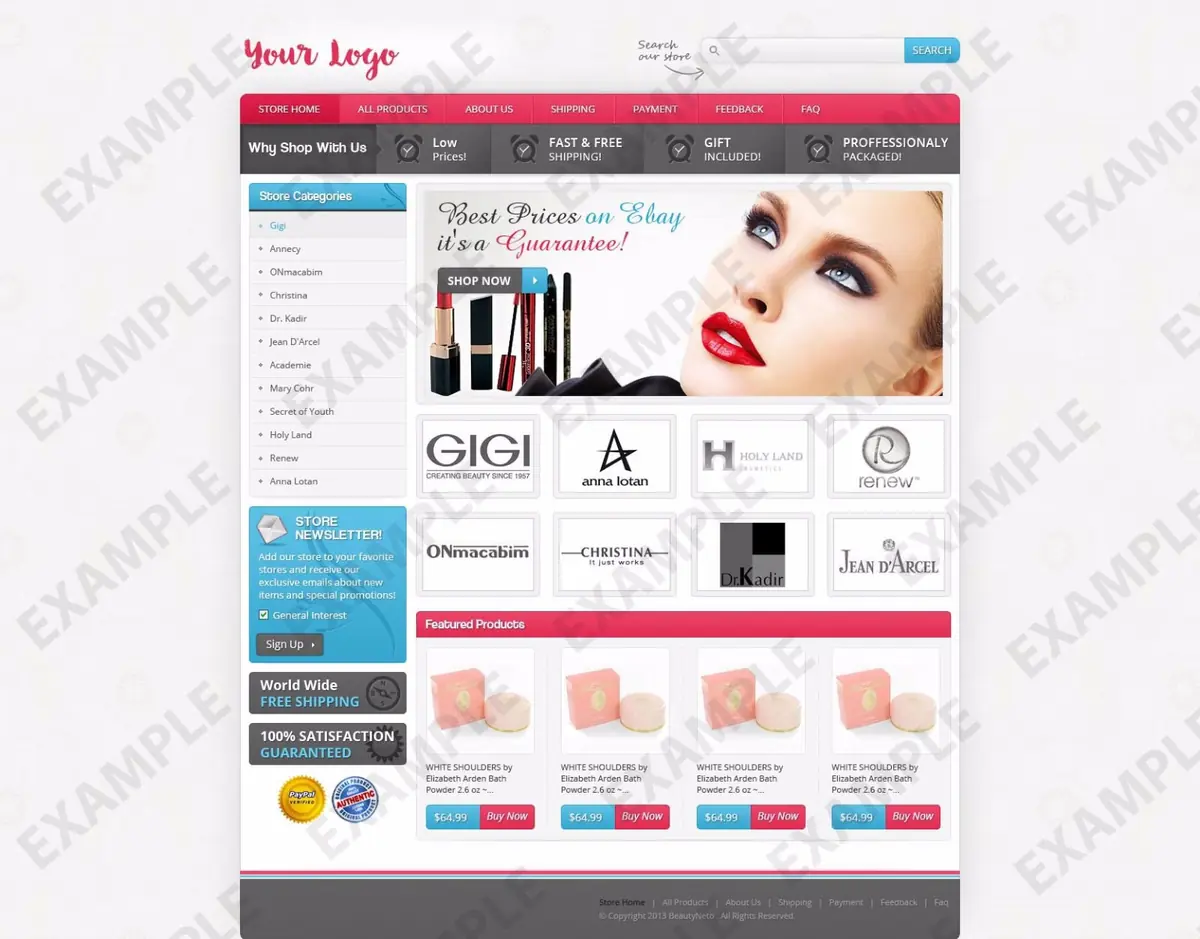
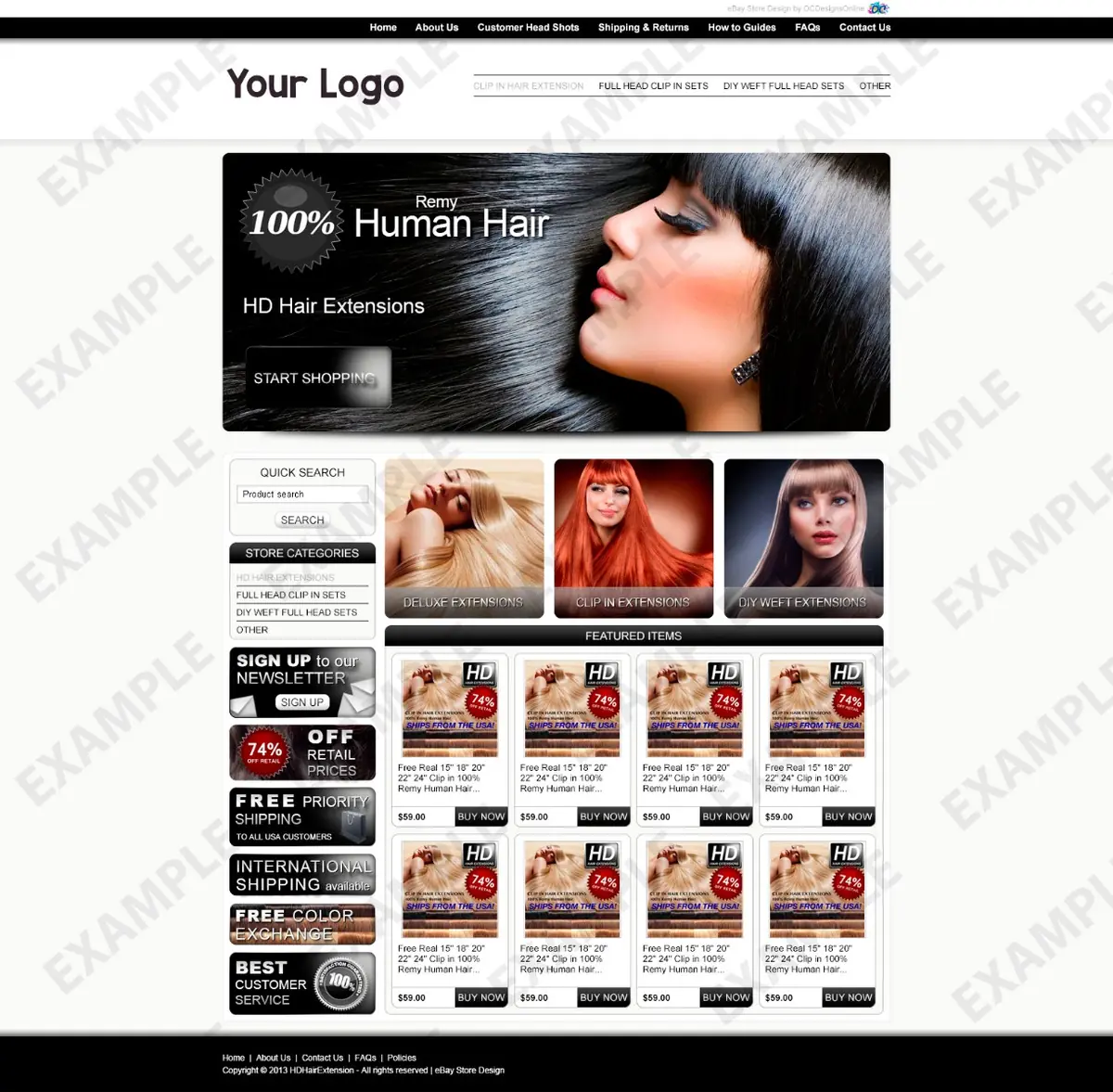
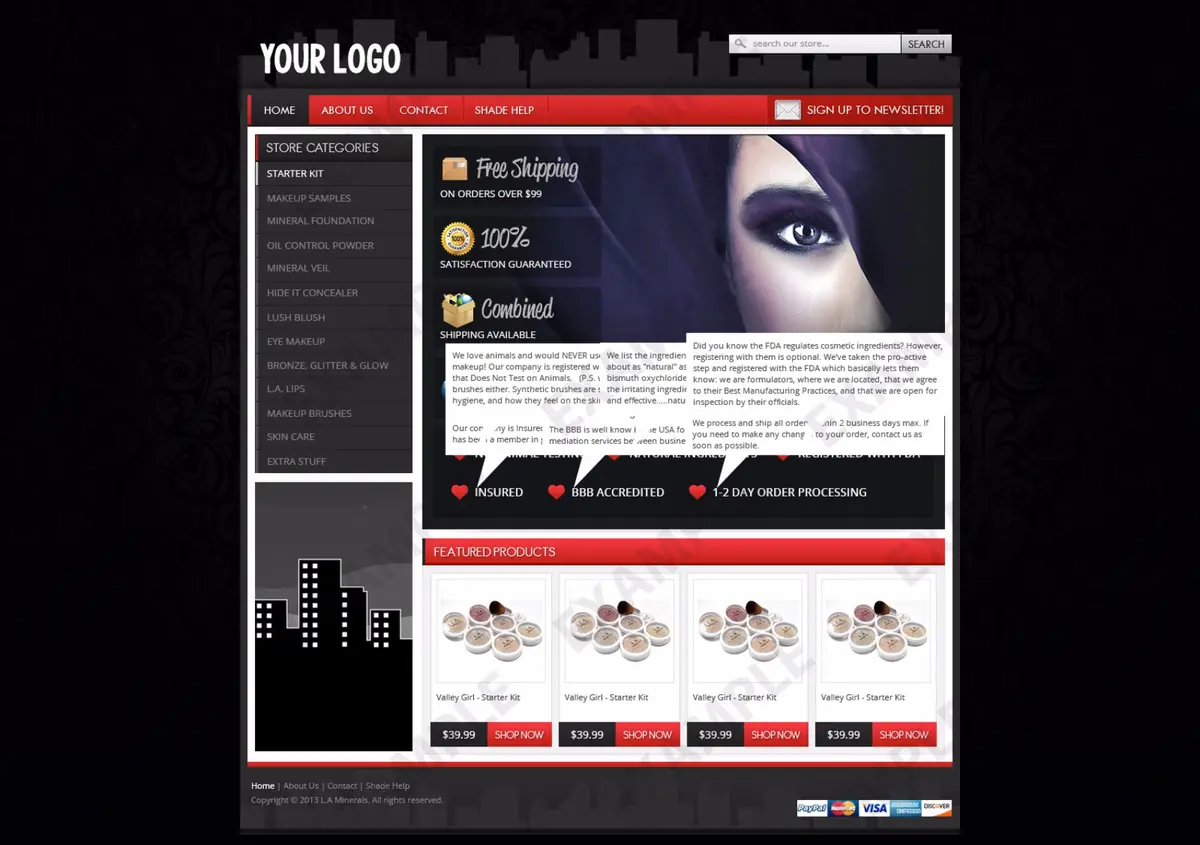
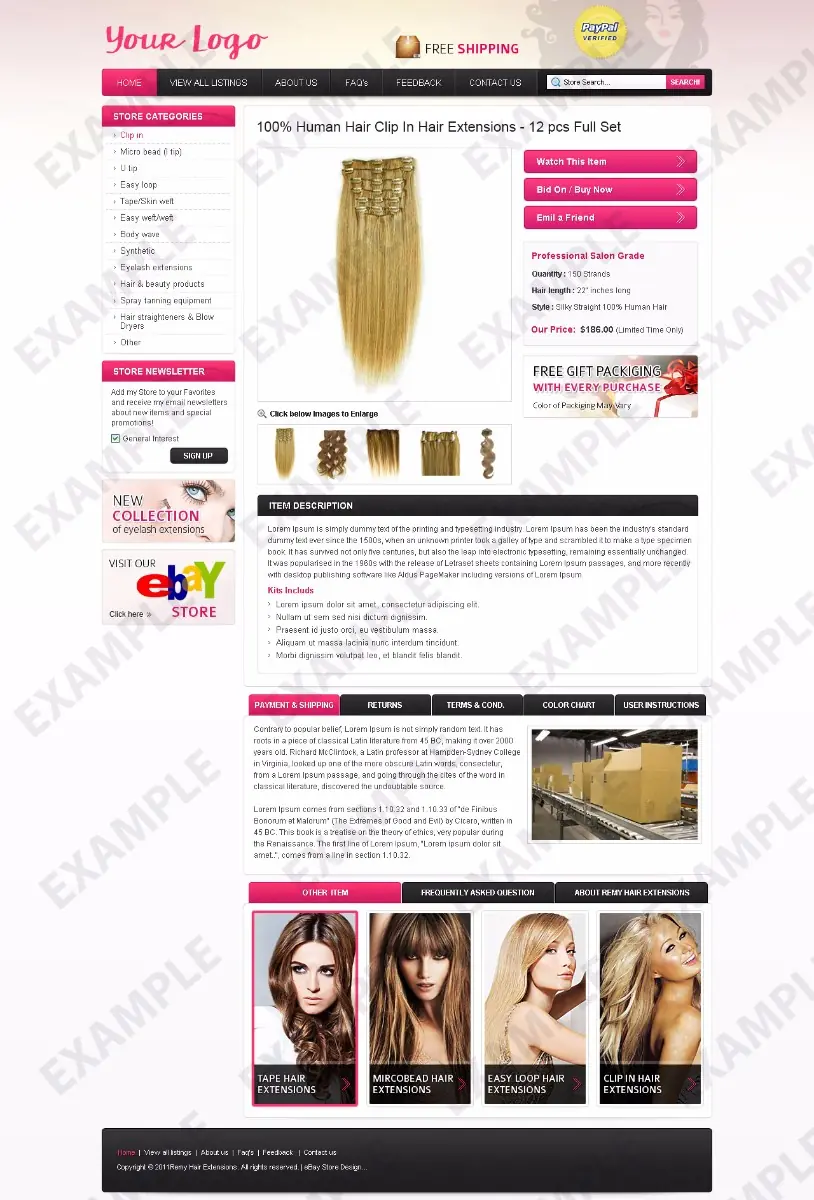
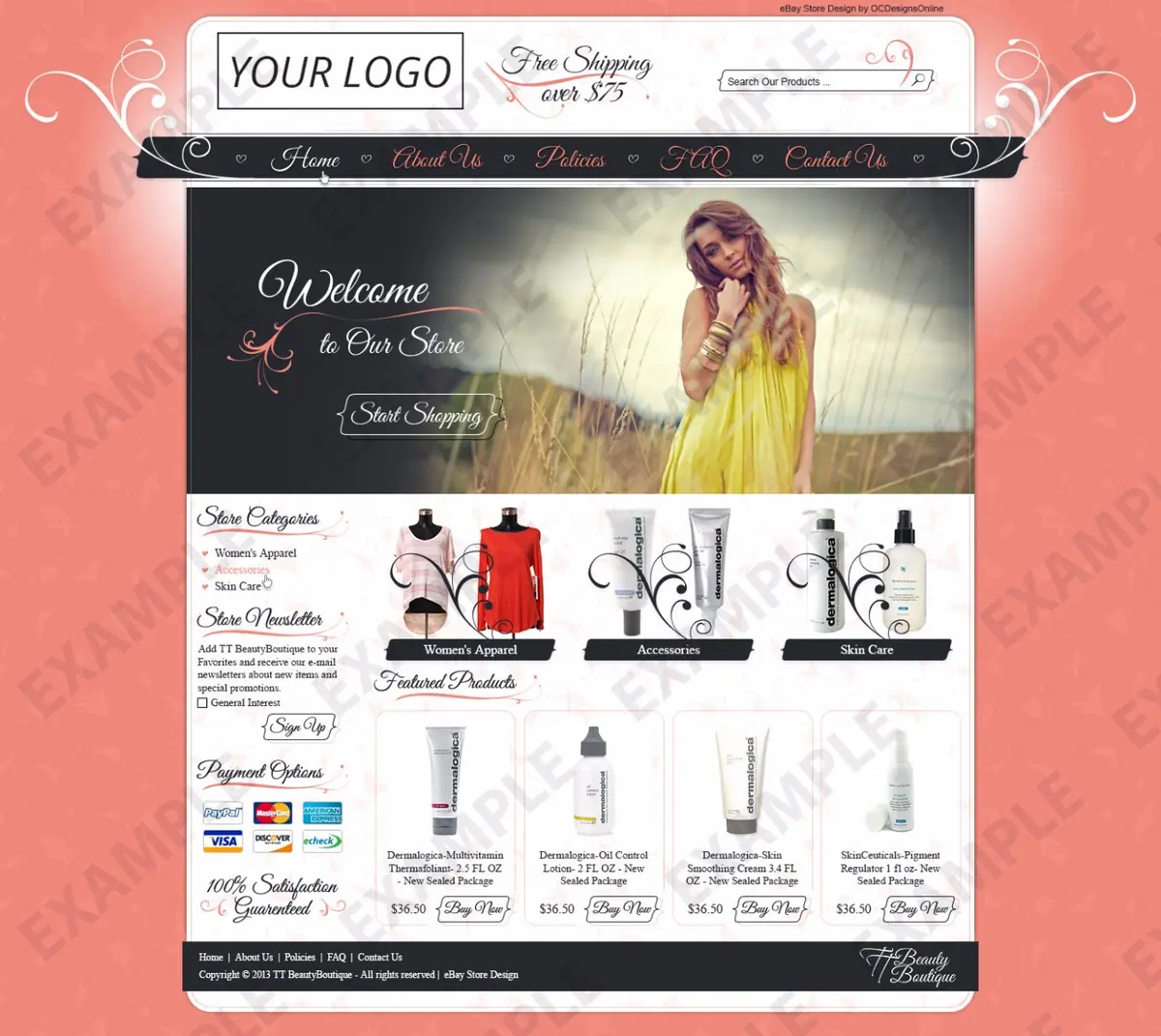
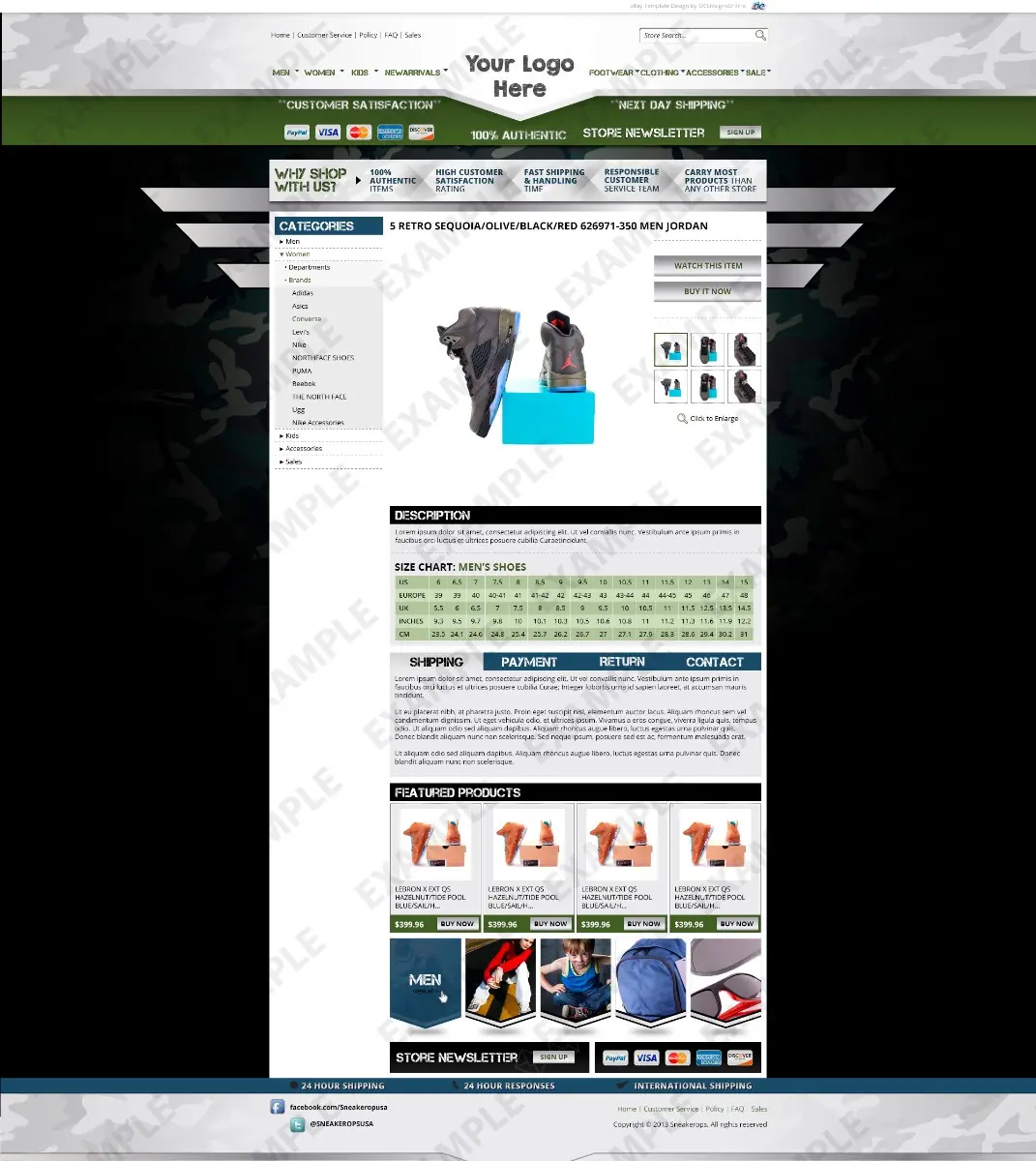
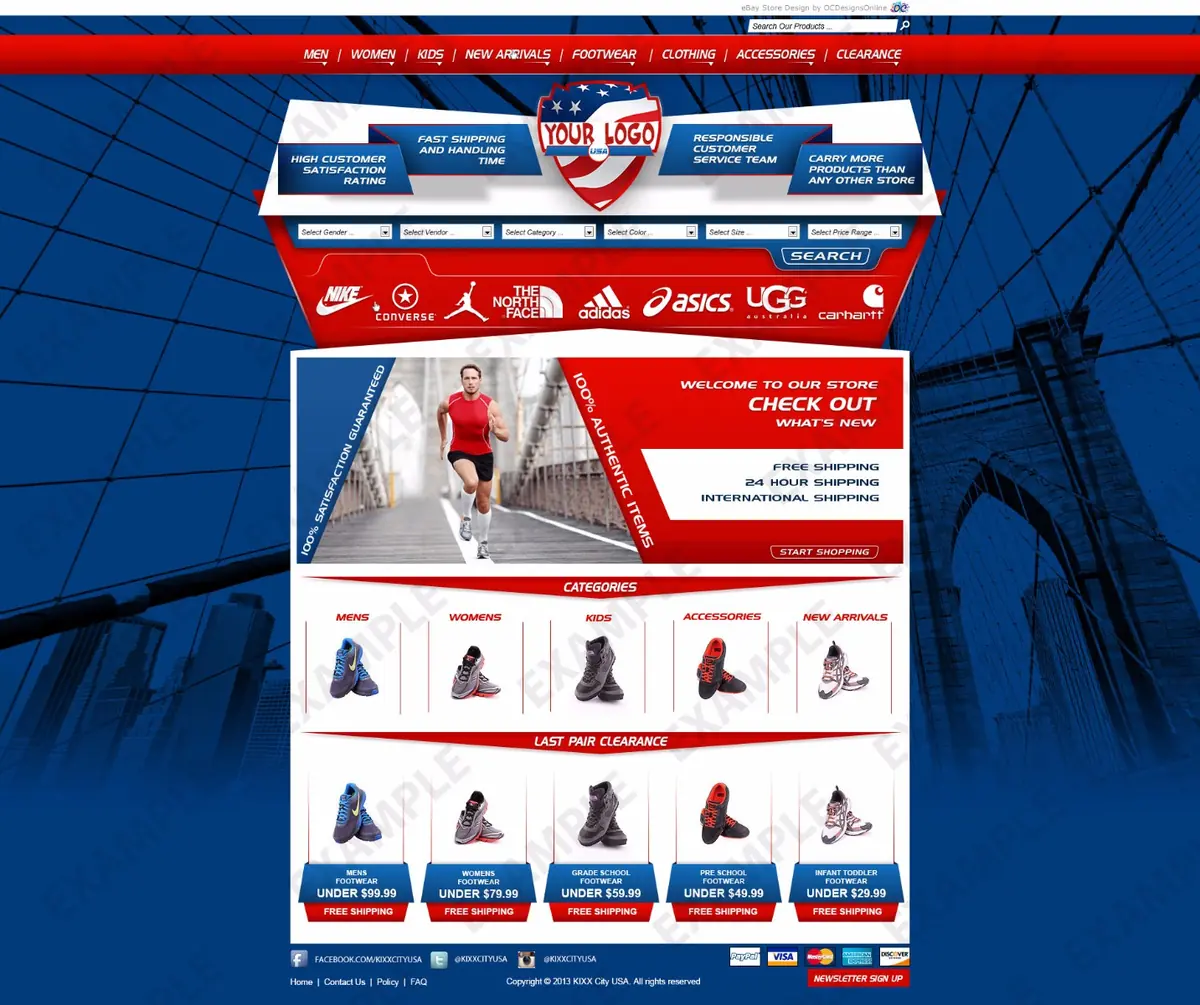
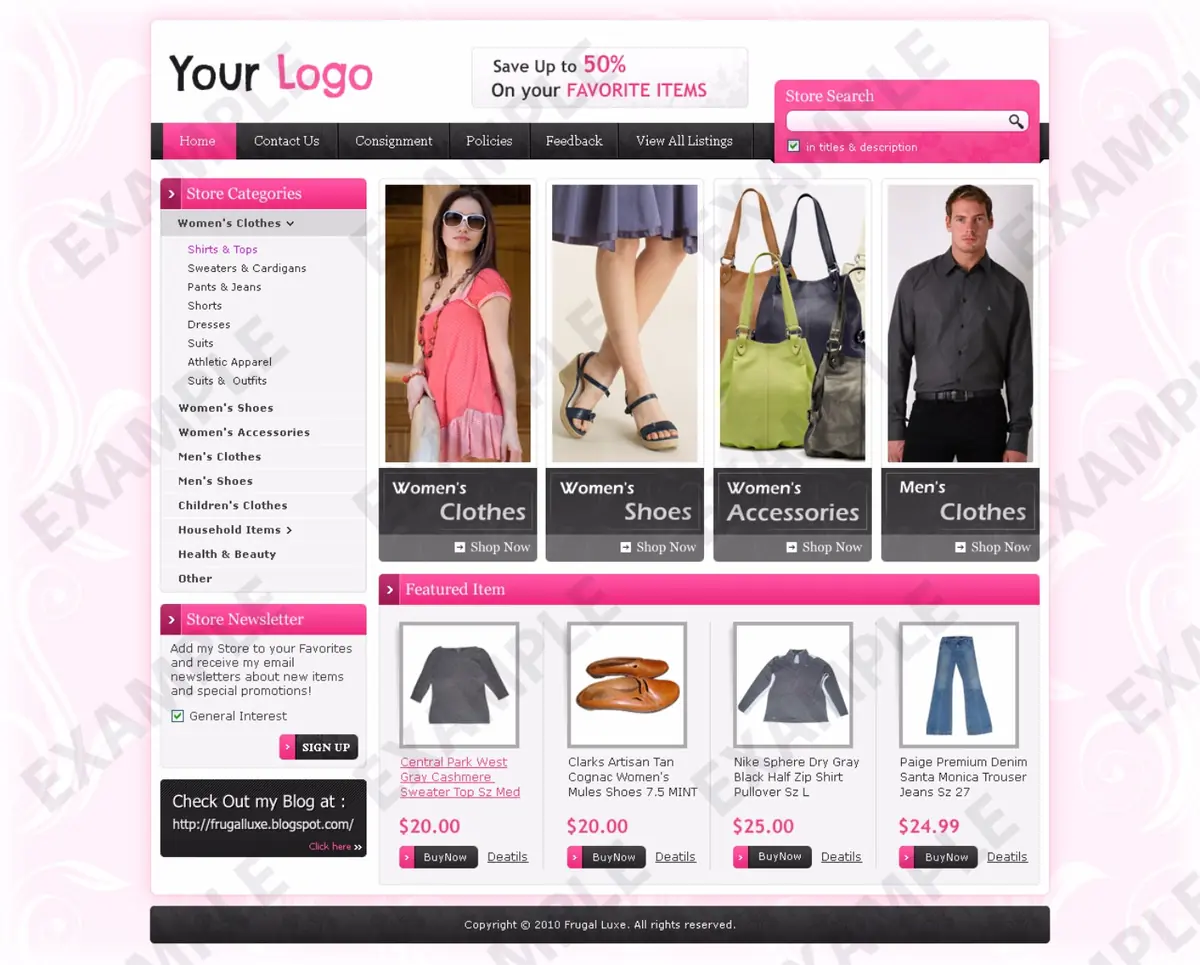
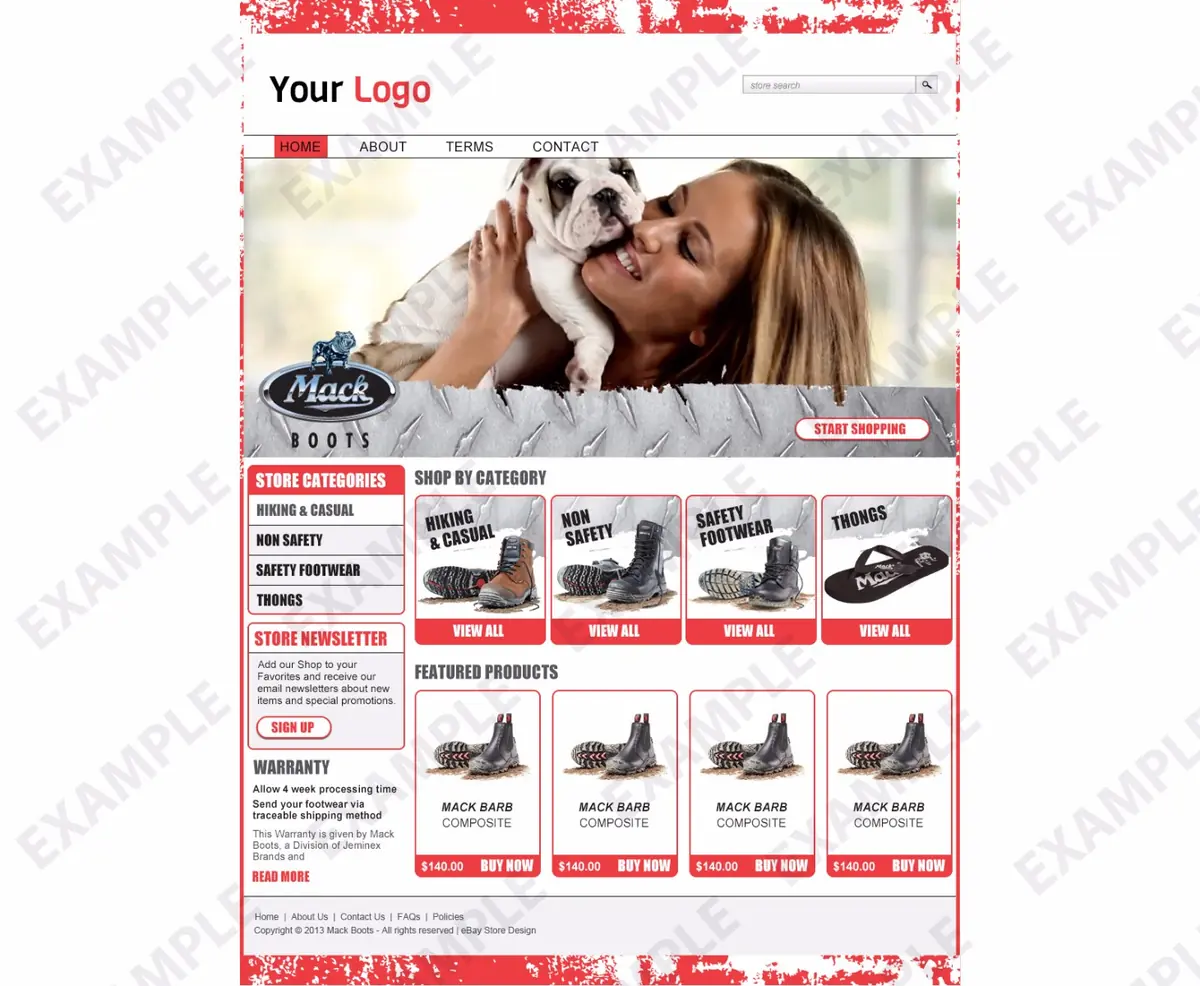
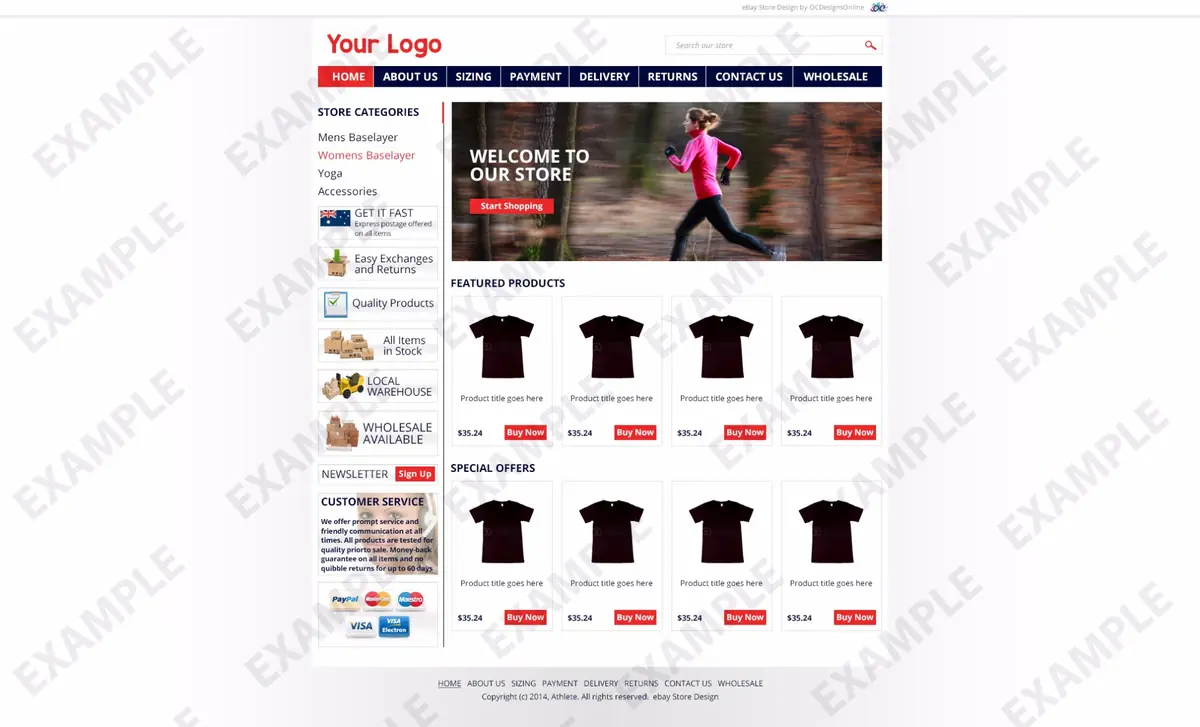
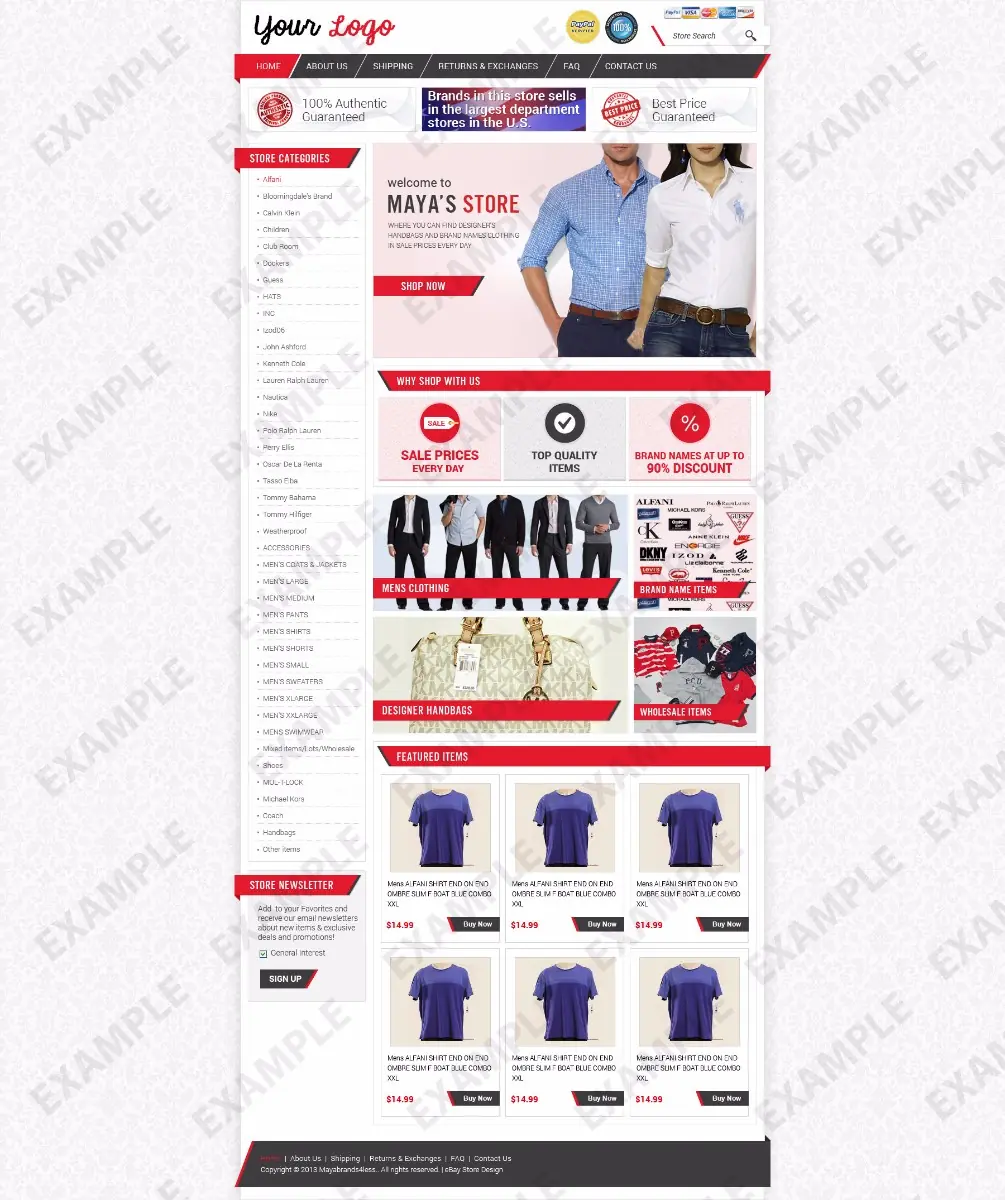
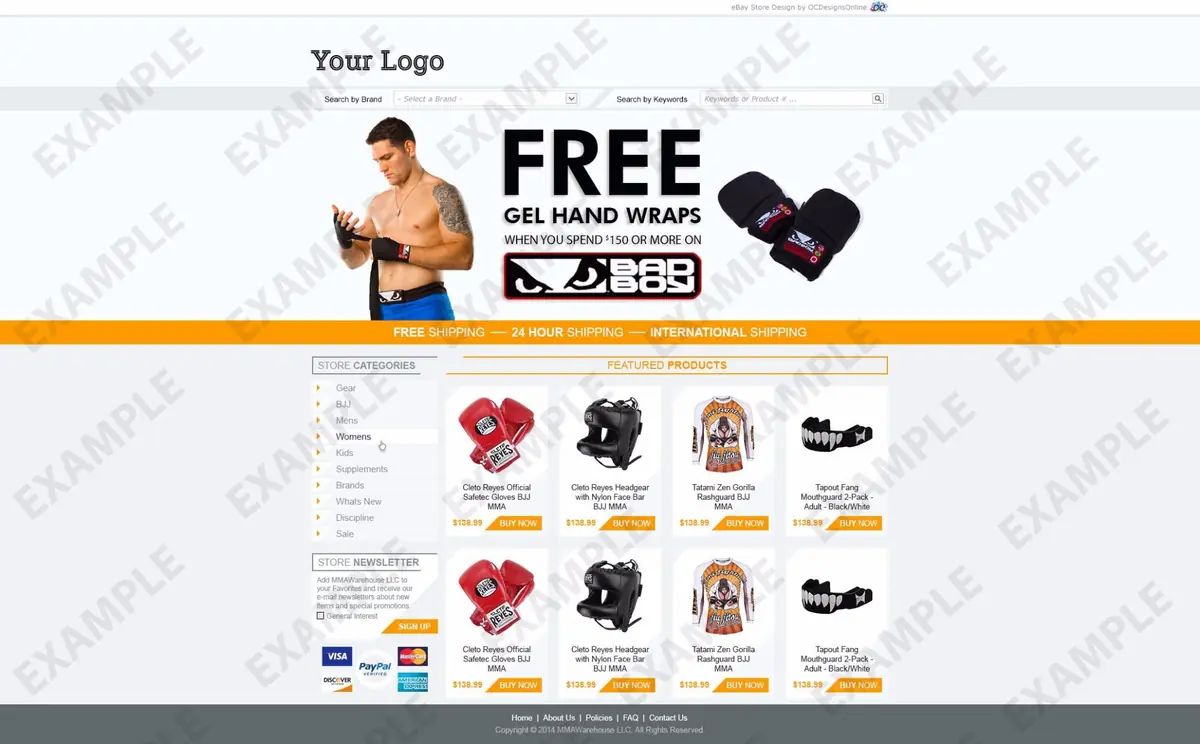
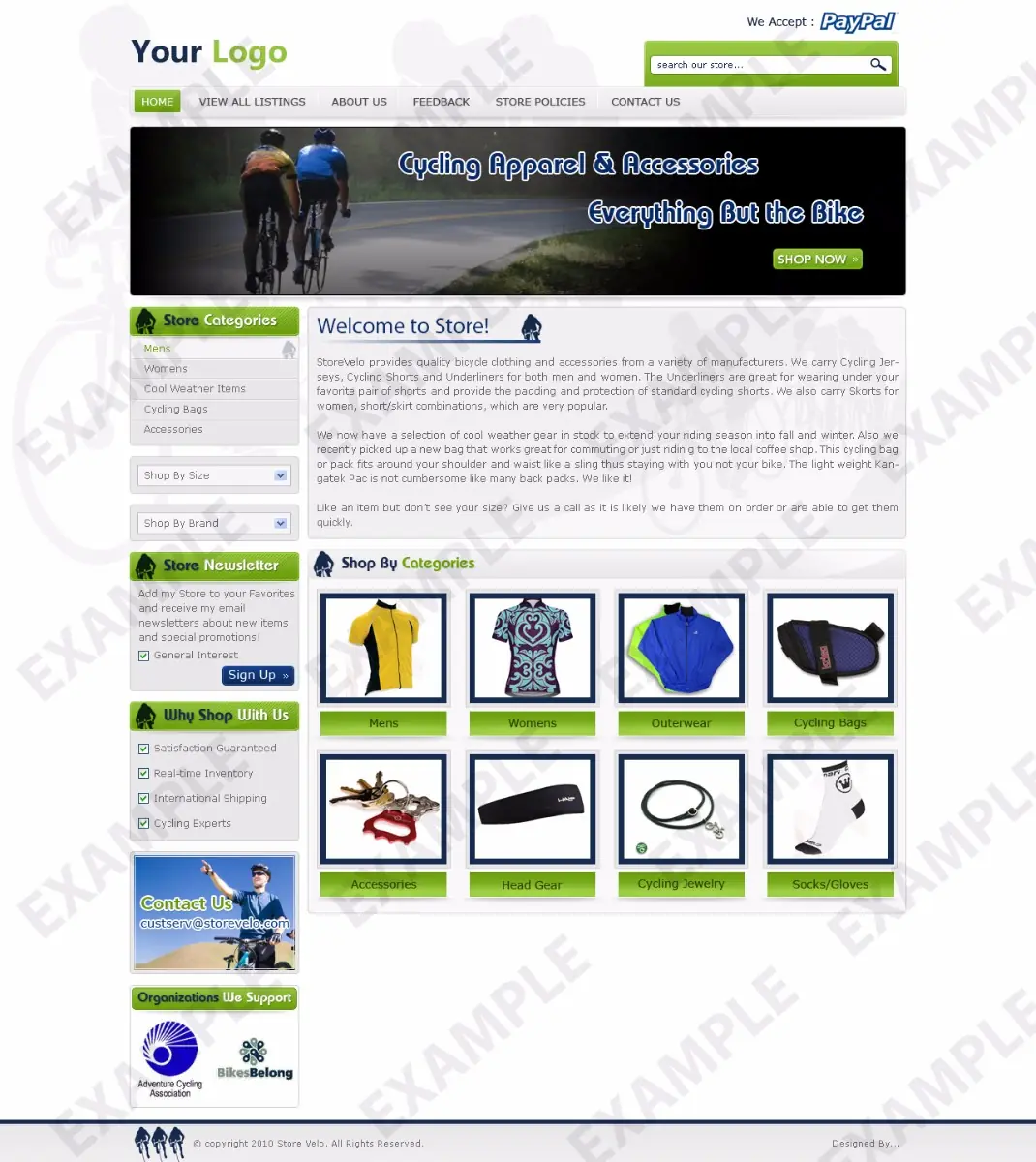
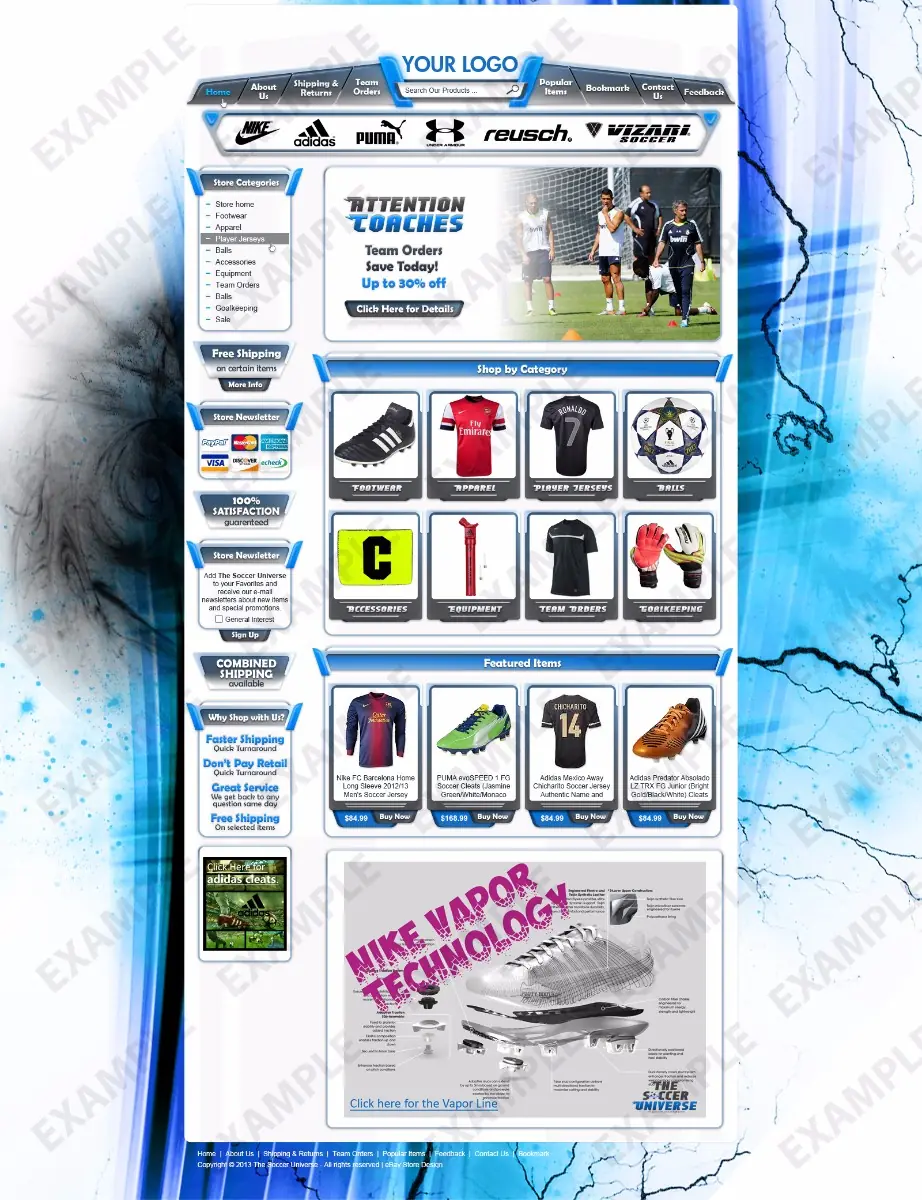
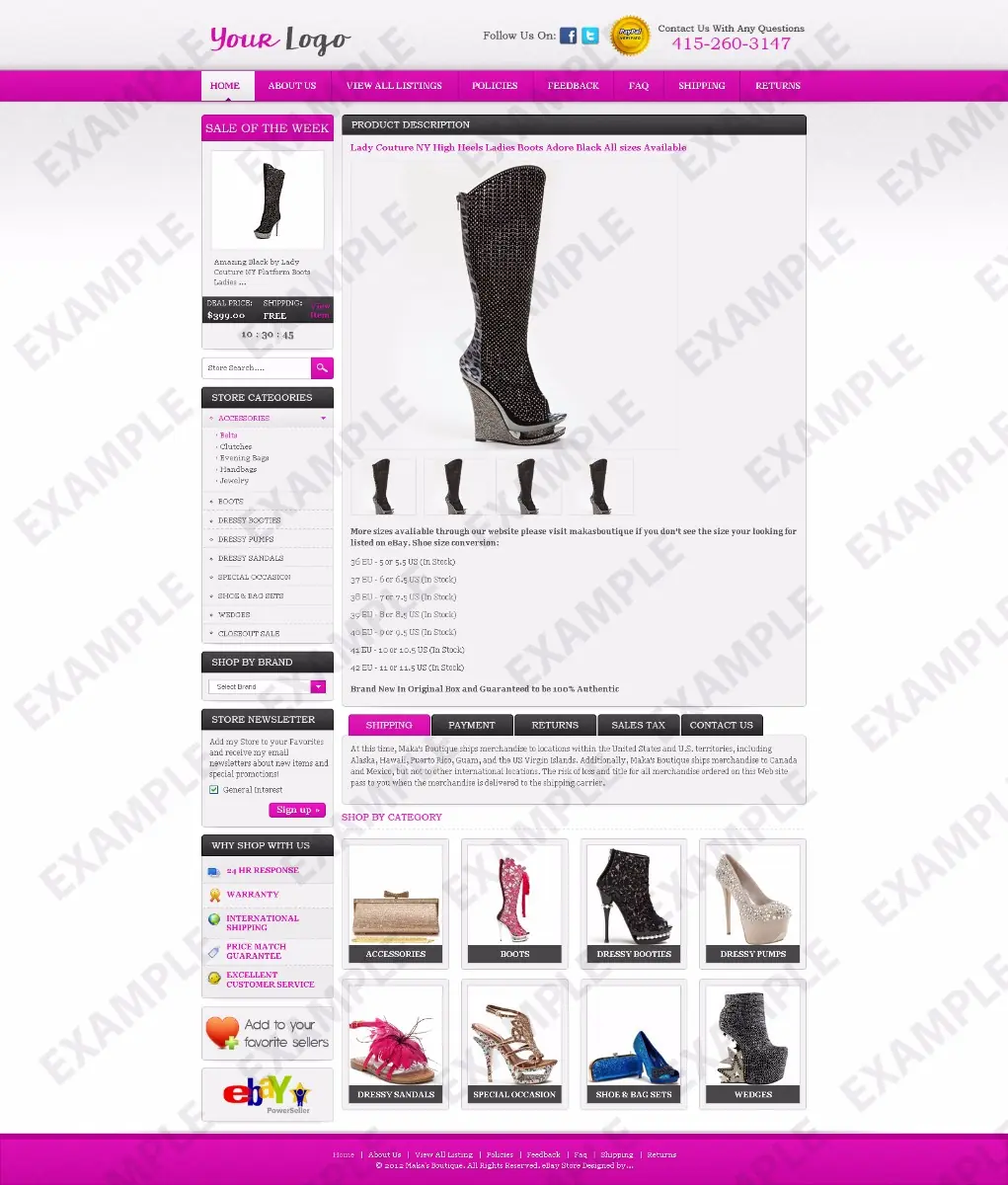
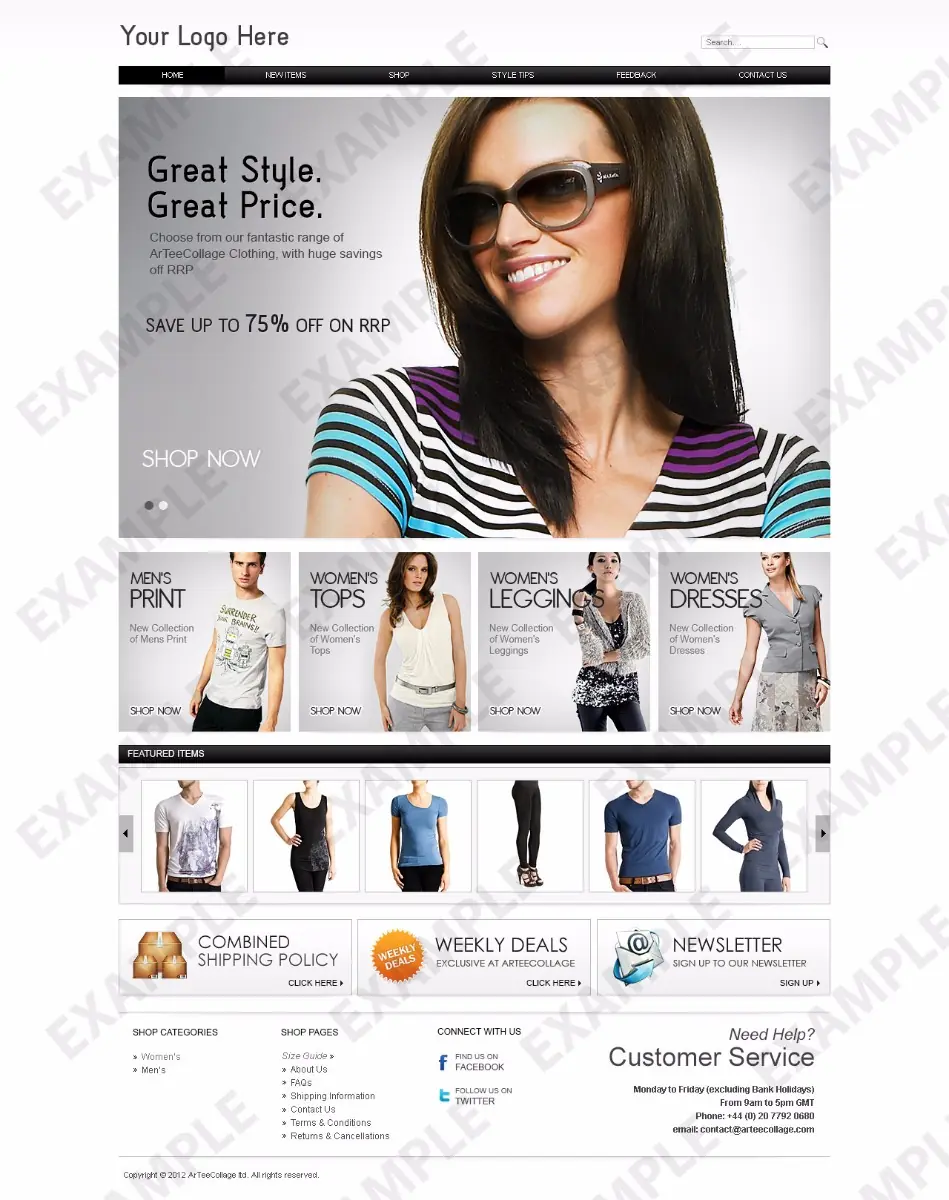
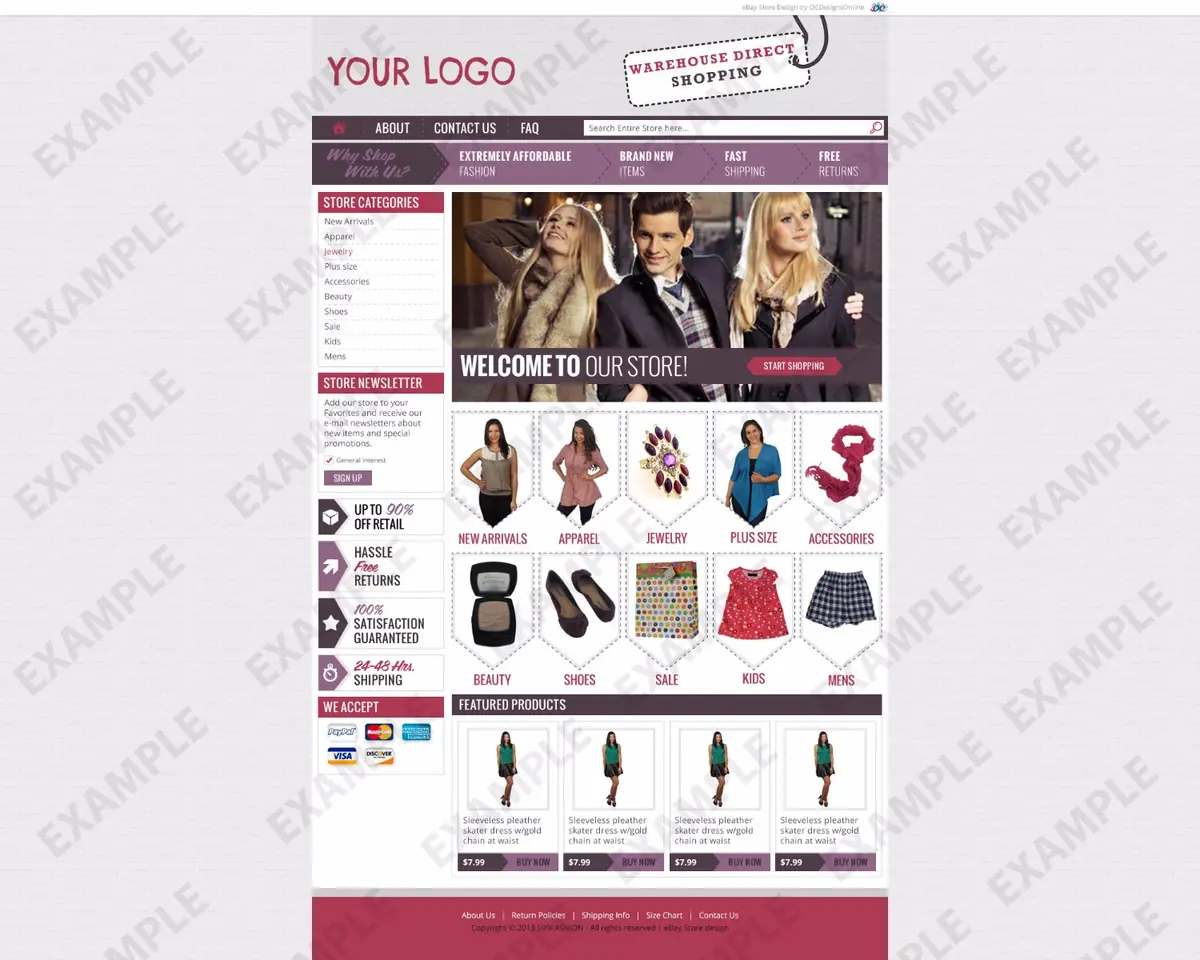
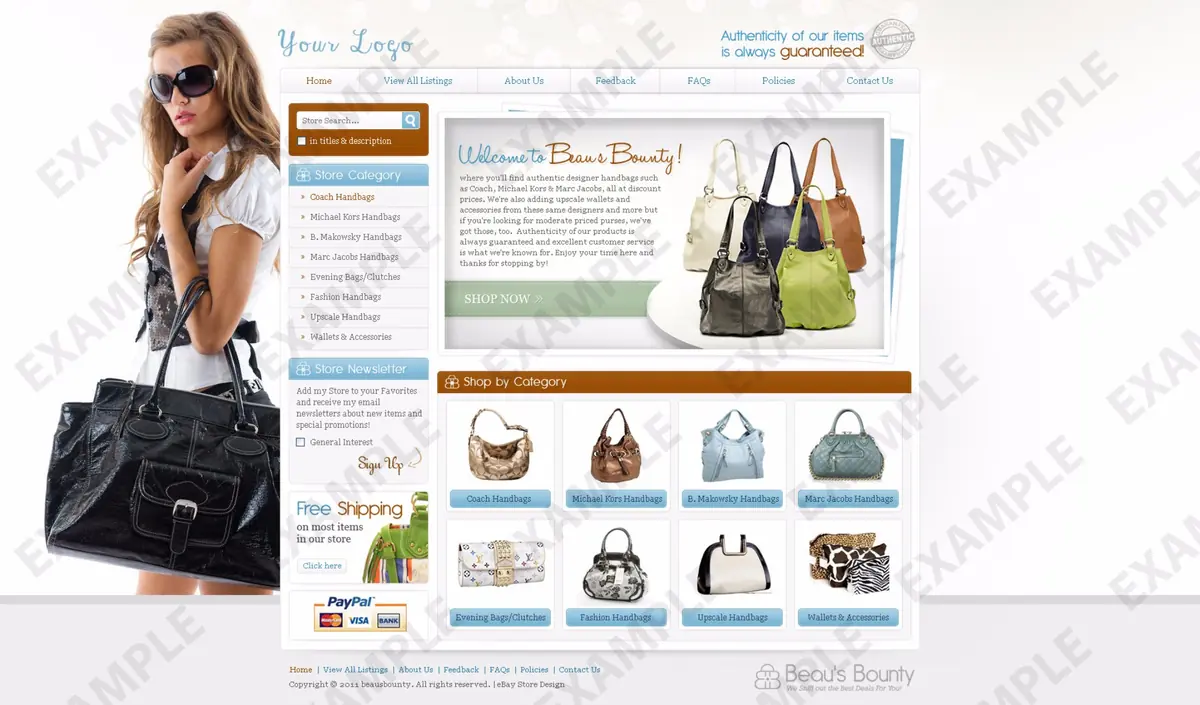
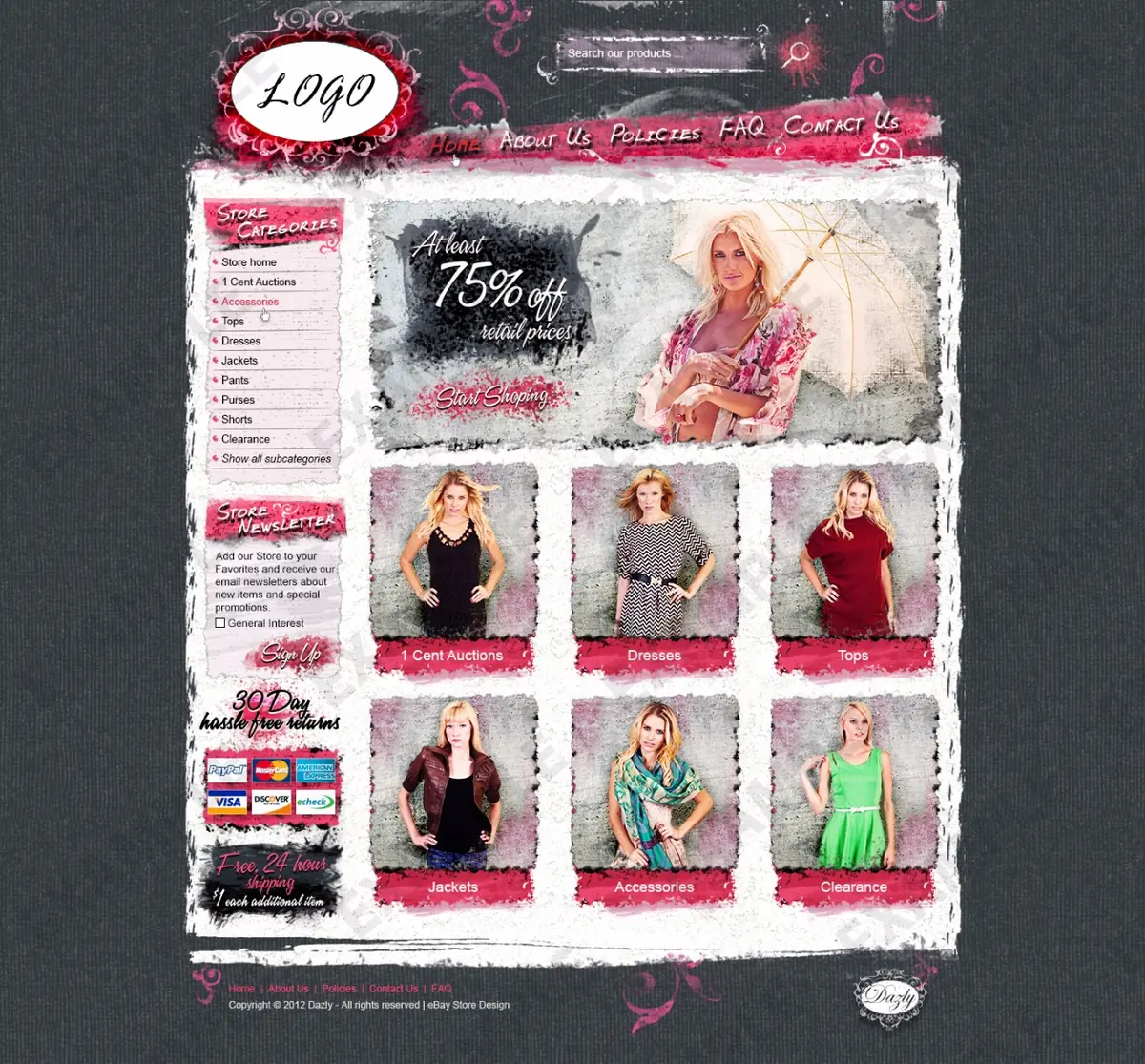
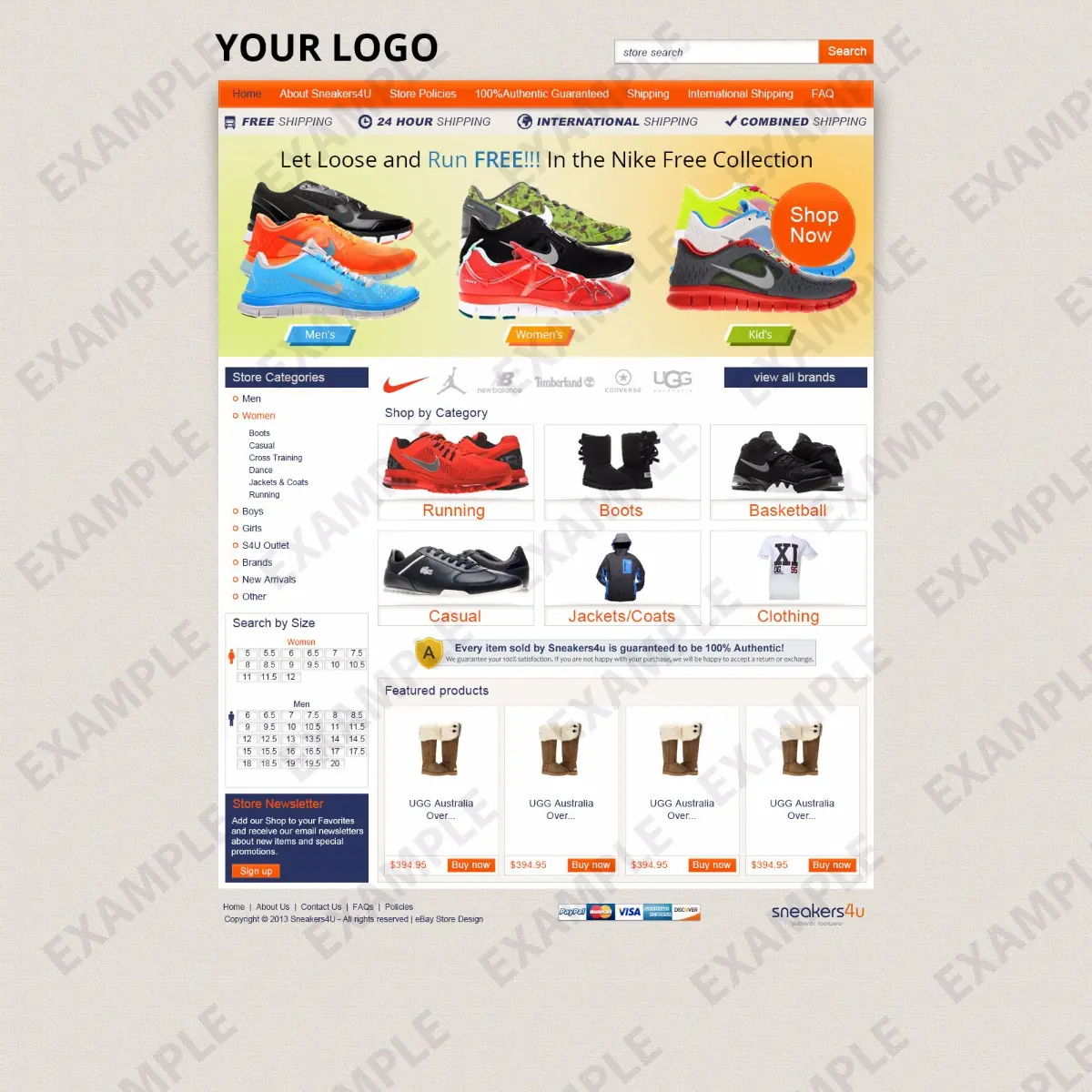
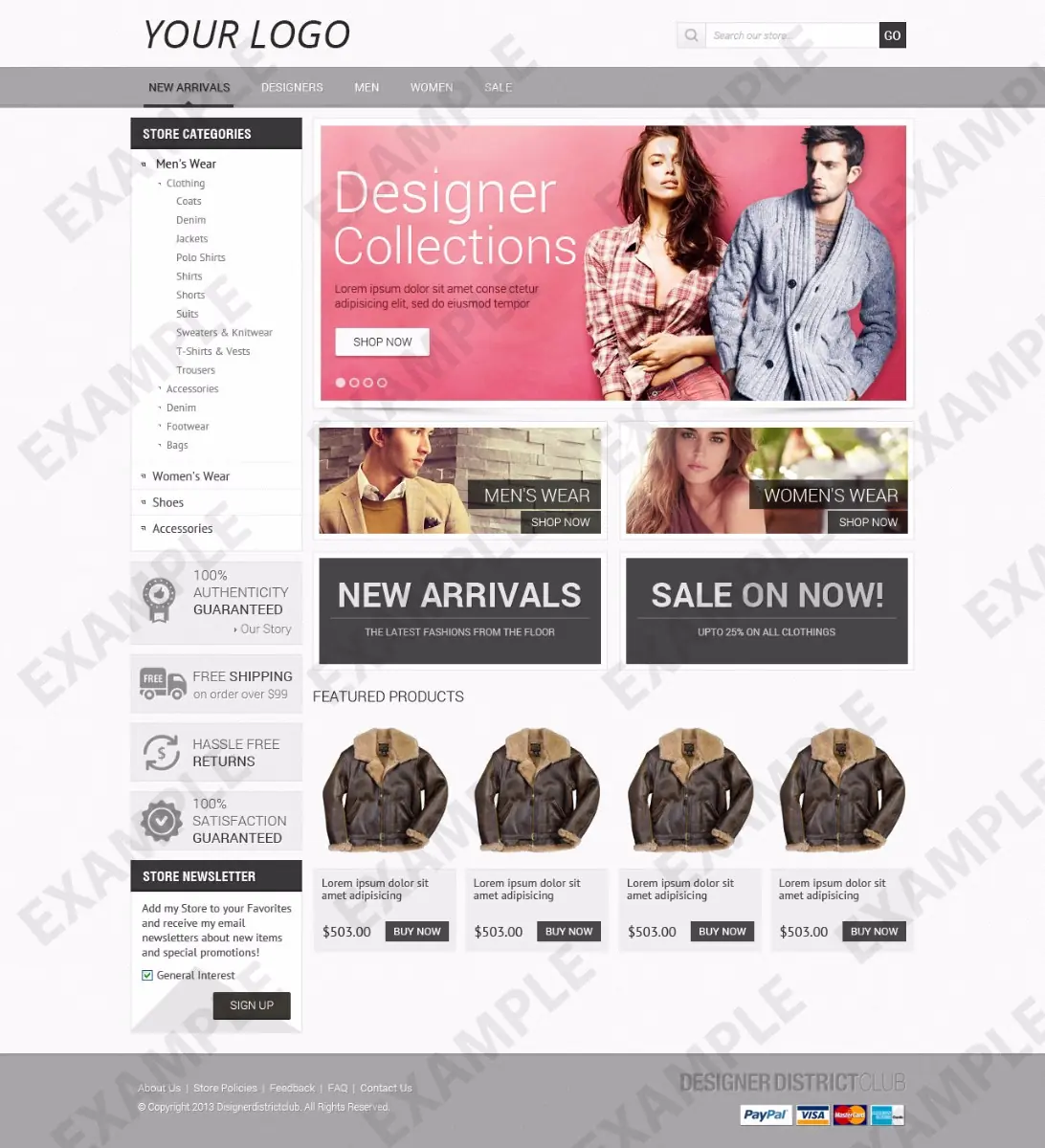
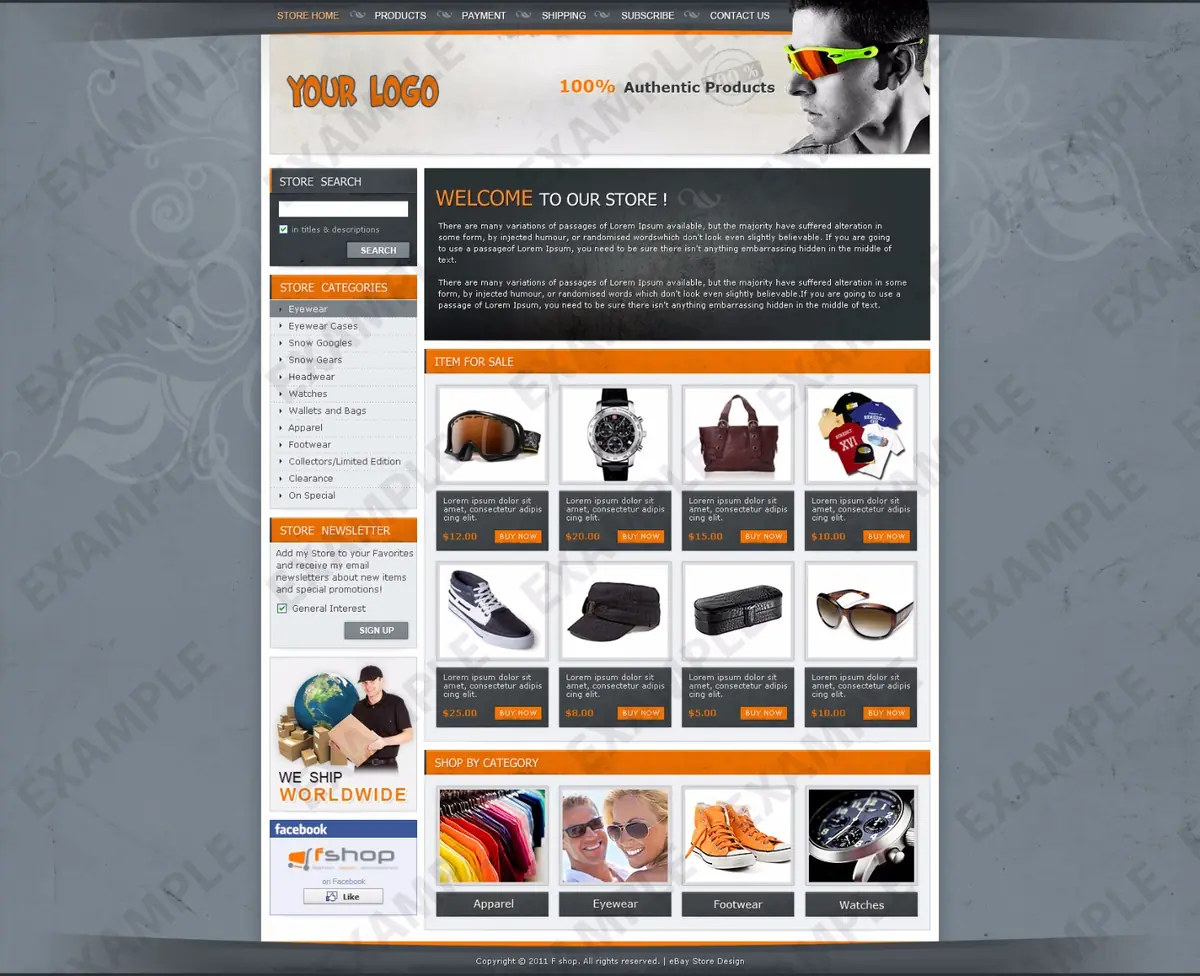
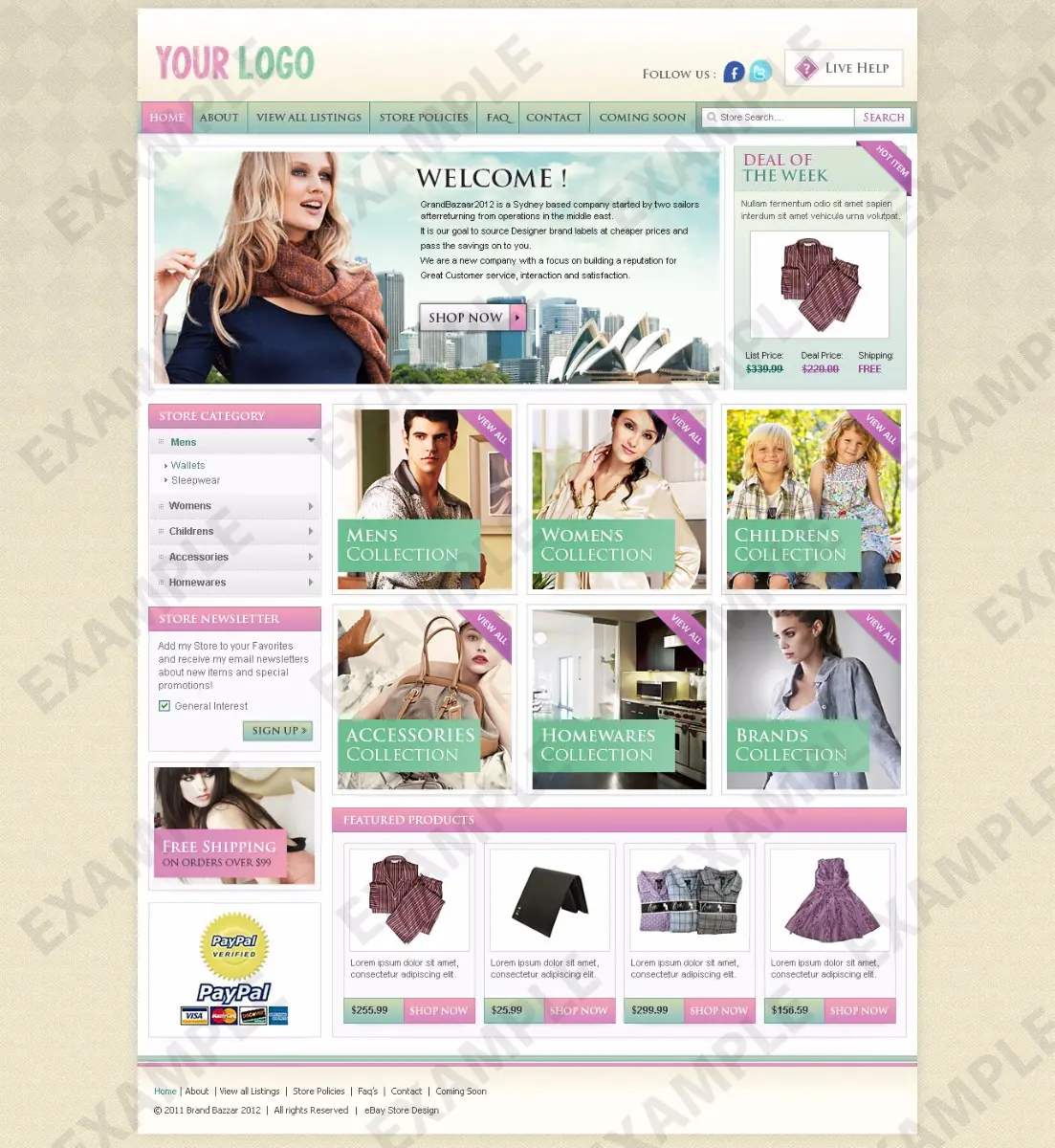
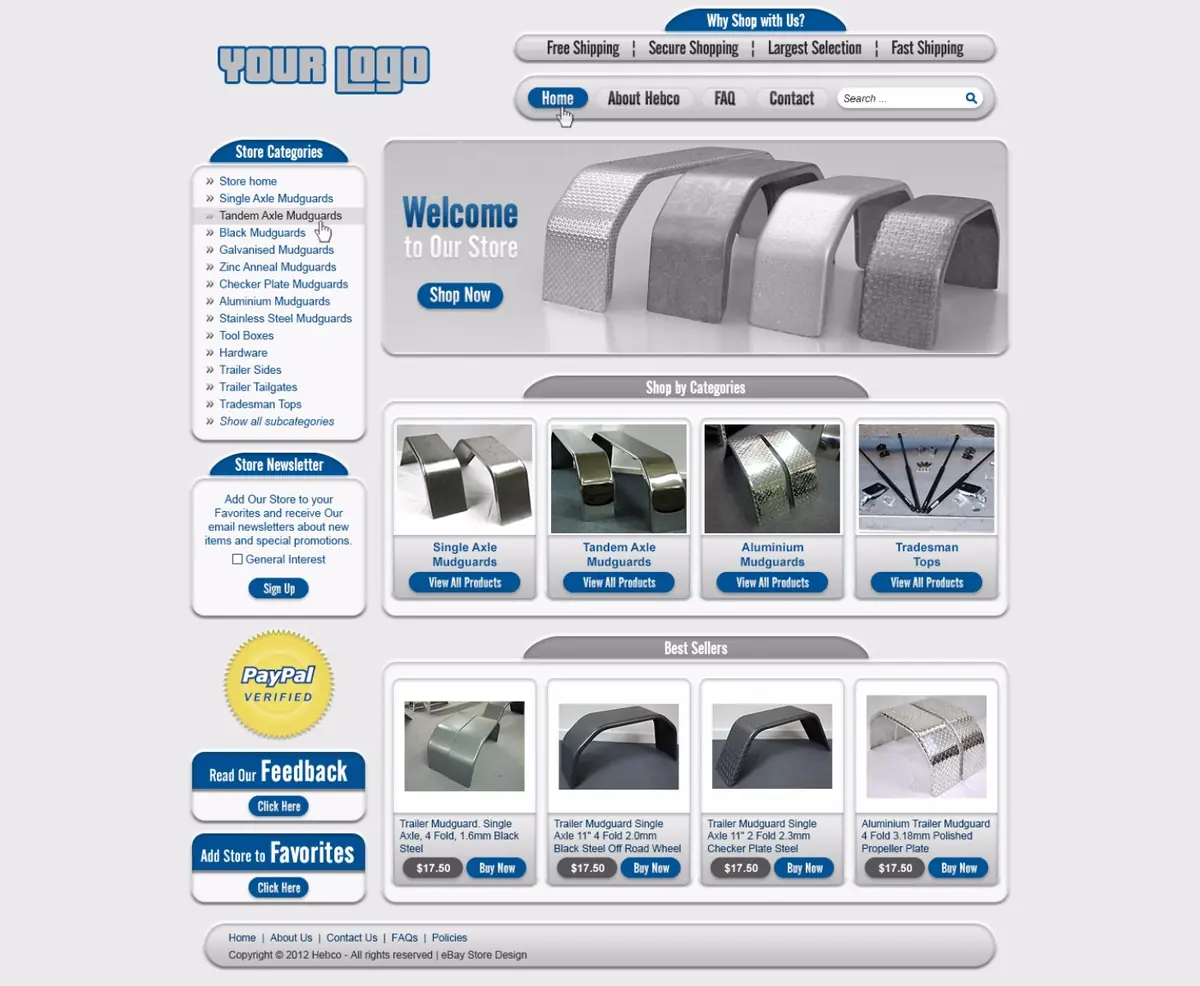
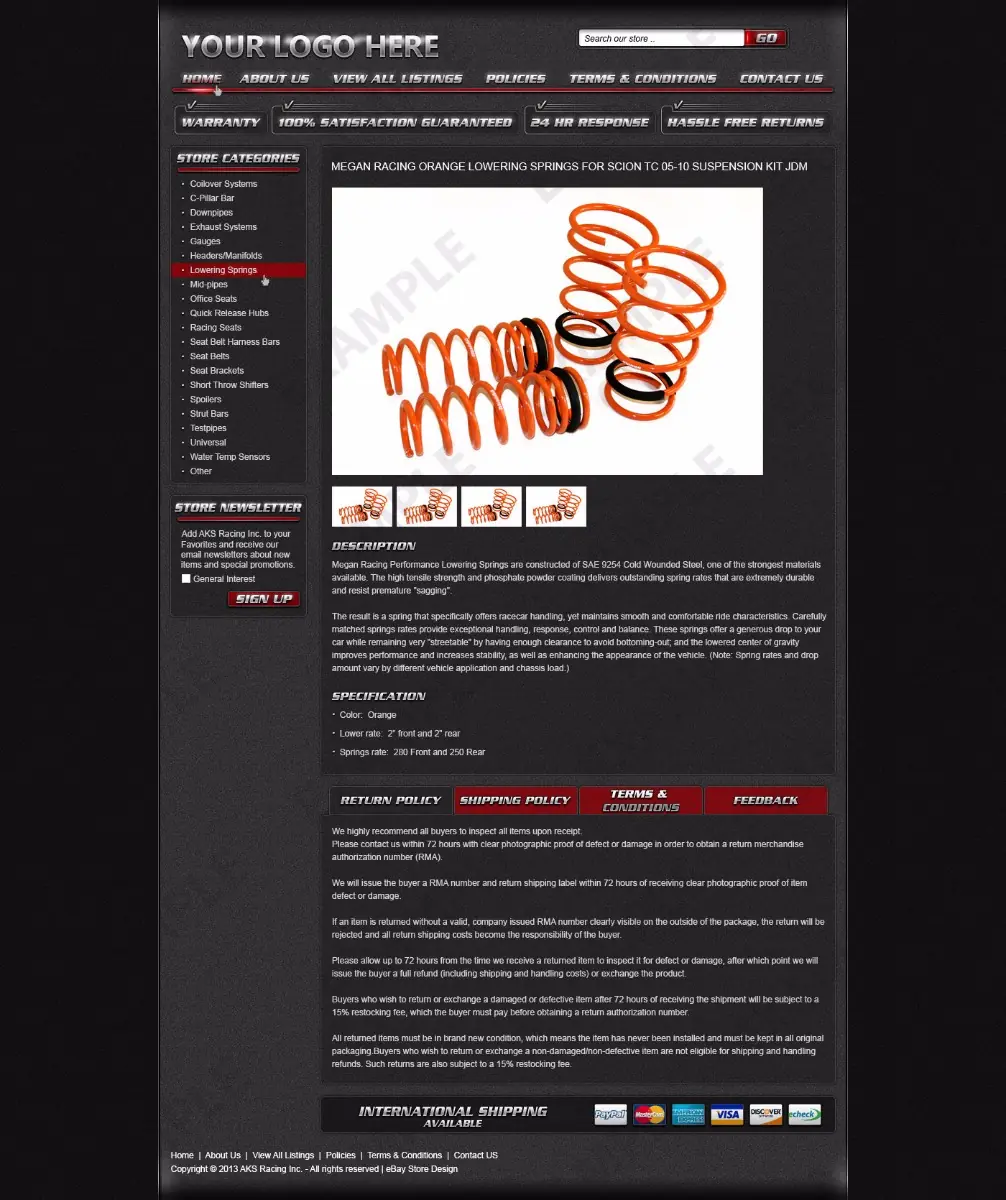
No designs match. Try another industry, or ask us for a custom one.
Why it matters
What an eBay listing template does for you
A listing template is the layout buyers see in your item description: a header with your logo, the product details in clear sections, and your shipping, returns and contact information underneath. It sits inside eBay’s item page, which stays the same, and it’s the part that makes your listings look like they come from one business.
Our premade templates are finished designs for common industries, built in clean HTML and CSS with no scripts, so they follow eBay’s active-content rules and stack neatly on phones. You choose the design. We turn it into your template, install it and check it on every screen.
Want a custom design instead?In every premade template
Your branding
Your logo, colors and store name added to the design you pick.
Store categories
Links to your eBay store categories, so a buyer on one item can find the rest.
Clear sections
Description, specifics, shipping, returns and contact details in sections that stack on phones.
Mobile-friendly
Readable on a phone without zooming, and tested in the eBay app.
eBay-compliant code
Clean HTML and CSS with no JavaScript or other active content.
Installed for you
Put on your existing listings without relisting, and set up in your listing tool.
Two meanings
eBay selling templates vs listing template designs
“Listing template” means two different things on eBay. One saves you typing, the other changes how your listings look:
| eBay selling template | Listing template design | |
|---|---|---|
| What it does | Saves listing details so you can list similar items faster | Sets how your item description looks to buyers |
| Where you make it | Seller Hub, under Listings and then Listing templates | In the description’s HTML, set up by us or by your listing tool |
| How many | Up to 50 | One design, used on every listing |
| Existing listings | Editing it doesn’t change listings already made with it | We put it on your existing listings without relisting |
| Cost | Free with your eBay account | $399 for a premade design, installed |
Source: eBay Help: selling templates · eBay: how to create and use selling templates
Listing X-ray
The same item in two very different listings
Buyers decide in seconds whether a seller looks trustworthy. A branded template answers their questions before they ask (returns, shipping, condition, who you are) and keeps them browsing your other items.
- No active content. Plain HTML and CSS, as eBay has required since June 2017.
- Built for phones. Laid out for the screen most eBay buyers use.
- Ready to paste. It works in eBay’s listing form and the tools you already use.
Your options
Free, premade or custom eBay listing templates
| Free template tools | Premade template (ours) | Custom template (ours) | |
|---|---|---|---|
| Design | A generic layout you fill in | A finished design for your industry, with your logo and colors | Drawn from scratch for your brand |
| Who sets it up | You | We do | We do |
| Time to go live | As fast as you work | Usually a few business days | About three to four weeks |
| Existing listings | You update each one yourself | Updated for you, no relisting | Updated for you, no relisting |
| eBay rules checked | Check before you use it | Yes | Yes |
| Price | Free, or part of a monthly plan | $399 one time | Part of our $999 store and template package |
No relisting
How a premade template goes onto your listings
You keep selling the whole time. Nothing is relisted, so every item keeps its sales history and watchers.
Pick a design
Filter the library by industry and choose the design that fits your products. Store designs come with a matching listing template.
Send your details
Your logo, colors, store categories, policies and contact details. If you don’t have a logo yet, we can design one.
We customize it
We add your branding and details, and check the layout on a phone, a tablet, a desktop and in the eBay app.
We install it
We put the template into the descriptions of your active listings through eBay or your listing tool, and set it up for new listings too.
Works with eBay’s listing form and Seller Hub, Sellercloud, SureDone, Solid Commerce, ChannelAdvisor (Rithum), 3Dsellers and other listing tools.
Client words
Sellers say it better than we can
-
We started with an eBay store and eBay listing. This had my sales skyrocket in ways I would have never thought. Taking the same design scheme and moving it to a website makes branding everything tie together.
Modern PrepeBay store, listing template & website
-
Our customers and peers comment all the time about how professional our storefront appears and how clean and crisp our listings are. Most responsive company, delightful to work with. Highest recommendation.
ConnectiblesCustom eBay store
-
Frannie and OC Designs did an AMAZING job redesigning our Stun & Run Self Defense website. … We were not wrong.
Stun & Run Self DefenseBigCommerce store redesign
-
They were super friendly and open to feedback throughout the entire process. The in-depth questionnaires really helped us relay exactly what we wanted our new site to look like.
Kyrie VanOverWebsite makeover
-
OCD is great to work with and very responsive! More importantly they still support you long after the sale.
Jeff ArkelleBay design client
-
They lived up to their reputation, their claims, their portfolio, their reviews, and genuinely went above and beyond in explaining and guiding us every step of the way. … You will have tremendous success with what is — we can assure you — marginal costs compared to other so-called professionals.
Sprinkler HutShopify & BigCommerce store
-
We have been working with the team at OCdesigns for the last six years. They are always fast to reply to our requests, and our project manager is always on top of everything to do with our job. Hire OCdesigns, you will not be sorry!
Northern Marine ElectronicseBay & BigCommerce redesign
-
They are real people in the USA that can be reached in a variety of ways. Yes, they have a phone number and answer their calls!
Modern PrepLong-time client
Good questions
Questions about eBay listing templates
Something else on your mind? Call (609) 675-0912 and a real person answers.
How our projects workWhat is an eBay listing template?
It’s the designed HTML and CSS layout inside an item description: a header with your logo, the product details in a clear order, then shipping, returns and contact information. eBay’s page around it stays the same, and the template is what makes the description look like your business.
What’s the difference between an eBay selling template and a listing template design?
A selling template in Seller Hub saves listing details so you don’t retype them for similar items, and you can save up to 50. A listing template design changes how the description looks. Many sellers use both.
What is included for $399?
The design you choose, customized with your logo, colors, store categories, policies and contact details, then installed on eBay or in your listing tool and tested on phones and desktops. It’s a one-time price.
How fast is it ready?
Usually within a few business days of receiving your logo and store details.
Do I have to relist my items?
No. We put the template on the listings you already have, so they keep their sales history and watchers.
Are premade templates mobile-friendly and allowed on eBay?
Yes. We set them up responsive and free of active content, in clean HTML and CSS with no scripts, so they follow eBay’s current listing rules.
Will it work with my listing tool?
Yes. We install and test it with the tool you use: eBay’s own listing form, Seller Hub, Sellercloud, SureDone, Solid Commerce, ChannelAdvisor (Rithum), 3Dsellers and others.
Can I edit the template myself?
Yes. You fill in simple placeholders for the title, description and specifics in your listing tool or in eBay’s listing form on a computer. The eBay app shows pasted HTML as raw code, so edit on a computer.
Do I need hosting for the template?
The template’s graphics have to load from a secure (HTTPS) server. We can host them for $6.99 a month or $74.99 a year, or you can use your own secure hosting.
What about the “store designs”?
eBay retired custom storefront pages in 2018. A premade store design now becomes a matching billboard, logo and category images for your eBay store, plus the listing template in the same style.
Can I change the layout?
Small changes are included. If you want something very different, a custom template is designed from scratch for your brand.
Should I choose a premade or a custom template?
Premade suits you when a design in your industry is close to what you want and you’d like to be live in days for $399. Custom suits you when you want a design nobody else has; it’s part of our $999 store and listing template package.
Are there free eBay listing templates?
Yes. Free template tools and editors are fine for a handful of listings. Check that the code has no JavaScript or other active content, and expect to add your branding and put it on each listing yourself.
Do listing templates help my items show up in eBay search?
Not directly. eBay says titles and item specifics are what help buyers find your items. A template works after the click: it builds trust, answers questions and shows your other items.
Start a project
Let’s make yours the store buyers remember.
- Fixed quote before any work starts
- In-house team in New Jersey, no outsourcing
- Support long after launch
Prefer to talk? (609) 675-0912 · frannie@ocdesignsonline.com