Year make model search app for Shopify, BigCommerce and WooCommerce
Our year make model search app lets a buyer pick a year, make and model, add a trim or engine when it matters, and see only the parts that fit. We install it on Shopify, BigCommerce or WooCommerce, load your fitment data and keep the vehicle list current.
Why it matters
How year make model search works
Store search usually matches the words a buyer types against product names and descriptions. Type “2014 BMW M5” and you get every BMW part, every M5 part and anything else that mentions 2014, and the buyer has to work out which of those fit. Shopify, BigCommerce and WooCommerce all behave this way out of the box, because none of them ships with a vehicle search.
A year make model search asks for the vehicle first. The buyer picks a year, a make and a model from menus that narrow as they go, then a trim or engine if your parts depend on it. The results page lists only the products tagged for that vehicle, and filters for category, brand and price work without a page reload. Buyers can save the vehicle in a garage, so their next visit starts with it already chosen.
Behind the menus sits fitment data, a record of which vehicles each product fits. Getting it into shape is usually the bigger half of the job. We import the ACES files your suppliers send, read the compatibility charts on your eBay listings, map your spreadsheets, or start from our own vehicle database when you have nothing yet. After launch we keep that database current and add new model years as they come out.
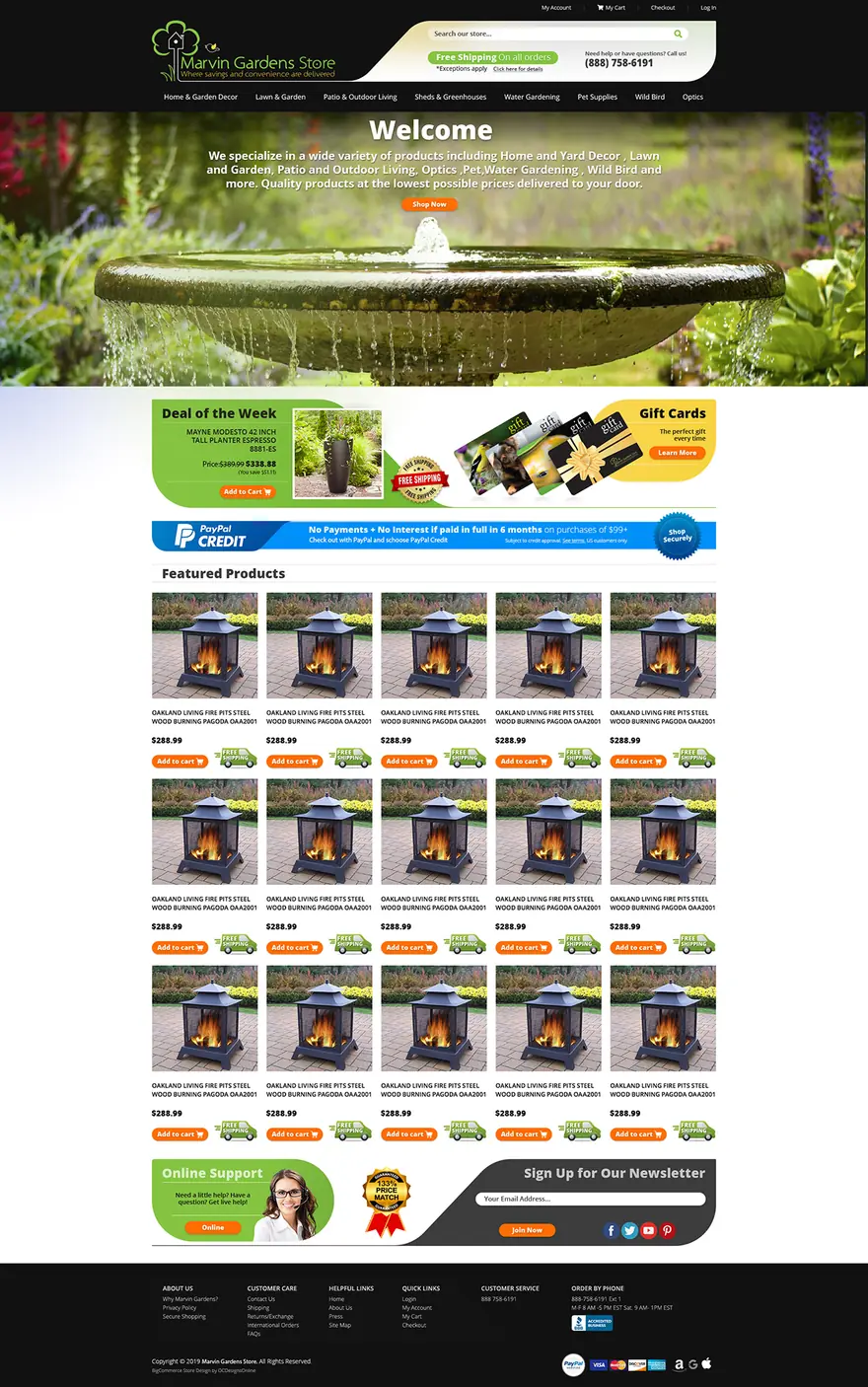
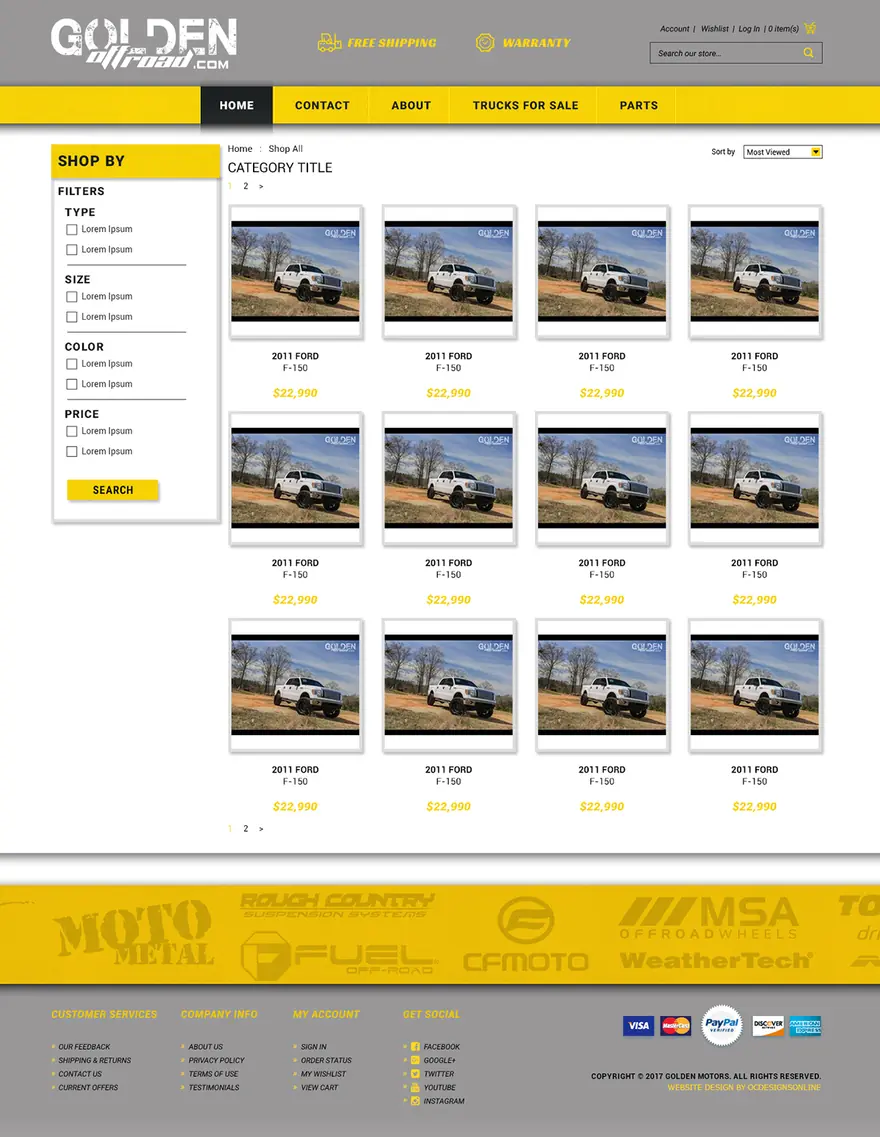
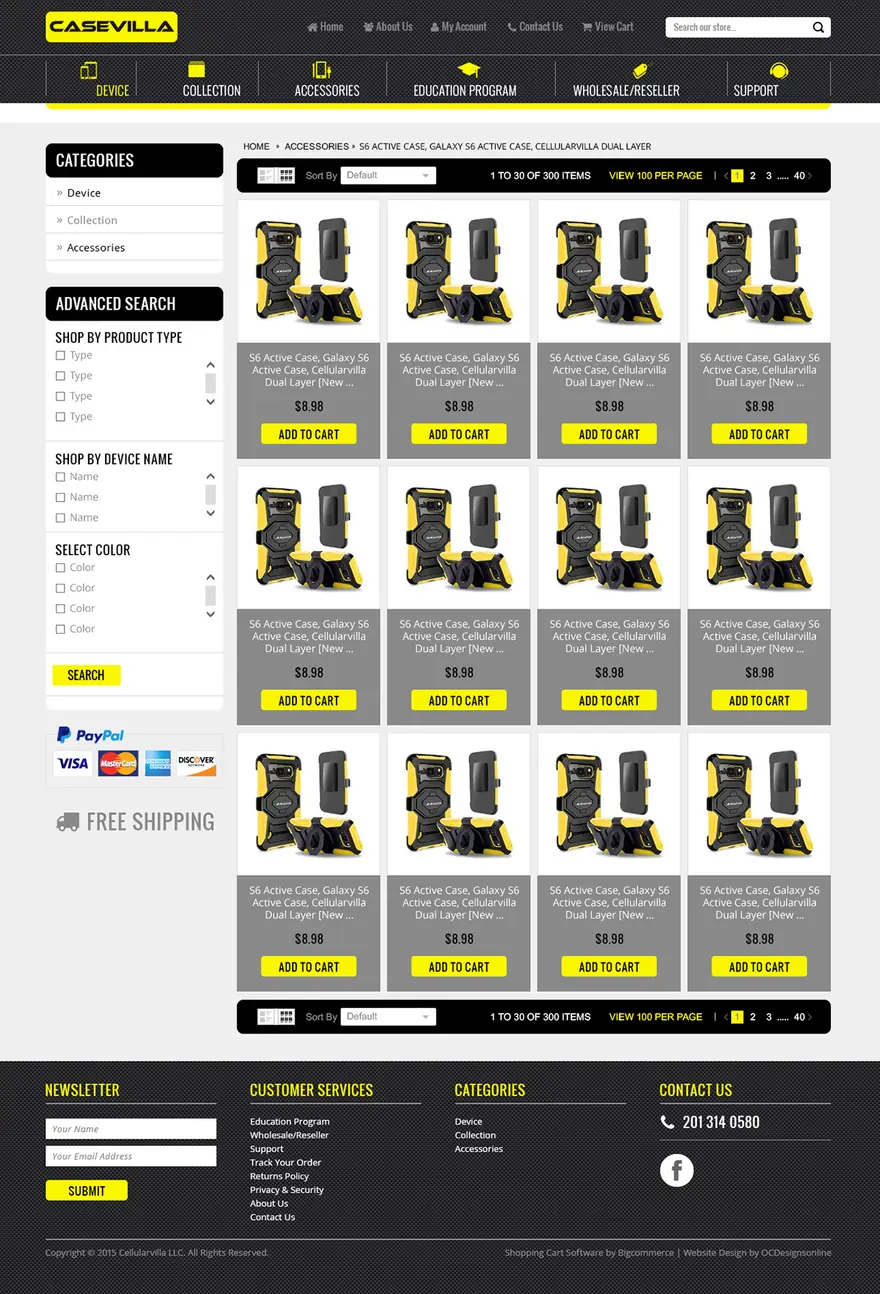
Frannie Kline founded OC Designs Online in 2005, and our own programmers wrote this app and look after it. You can try it on Fluff Pen Powersports, a Shopify store that sells used powersports parts. We have also designed for parts sellers such as Fit-Rite Auto Parts, Diablo Auto Parts, Boss Powersports Outlet, Muff’s Motorsports, Nationwide Auto Recycling and MO2 Helmets, so the search can be planned into a new design or added to the store you run today.
Tell us about your storeWhat you get
Year, make and model menus
Each menu narrows the next, so a buyer who picks Ford only sees Ford models.
Trim and engine steps
An extra step for parts that differ between trims or engines of the same model, used only where your catalog needs it.
A saved garage
Buyers save their vehicle once and come back to parts that fit, without choosing it again.
ACES import
Supplier ACES files load straight into the vehicle tree, next to fitment from eBay charts and spreadsheets.
Filters on the results
Category, brand and price filters that apply without leaving the page, with more results loading as the buyer scrolls.
Vehicle data kept current
We keep the vehicle database up to date and add each new model year, so new vehicles reach your menus without work on your side.
Styled to your store
On Shopify, BigCommerce or WooCommerce, the search box and results use your theme’s fonts and colors on phones and desktops.
Support from the people who built it
Call us Monday to Friday, 9 to 5 ET, with questions or changes after launch.
Your options
Three ways to add vehicle search to a parts store
None of the three platforms has a fitment search of its own, so parts stores pick one of these routes. They differ mostly in where the fitment data lives and who keeps it up to date.
| Built-in filters on product fields | A do-it-yourself YMM app | Our Make/Model/Year app | |
|---|---|---|---|
| What the buyer does | Ticks filter values such as Make: Ford on a category page | Picks a vehicle from drop-down menus | Picks a vehicle from menus that narrow as they go, and can save it in a garage |
| Where fitment lives | In separate product fields for make, model and year | In the app’s own fitment table, usually loaded by CSV | In a vehicle tree we build from your ACES files, eBay charts or spreadsheets |
| Trim and engine | More separate filters, which can’t tell which trim belongs to which model | Depends on the app | Extra menu steps wherever your parts need them |
| Who loads the data | You | You, following the app’s guide | We do |
| Who keeps the vehicle list current | You | Usually you | We do |
| What it costs you | Your time, and on some platforms a higher plan | A monthly app subscription plus your time | A monthly fee, quoted after a free consultation |
| Best for | A few vehicles and a small catalog | Merchants with clean fitment files who want to do it themselves | Large or messy fitment data, or stores that want the data work done for them |
Source: Live demo: Fluff Pen Powersports
Recent work
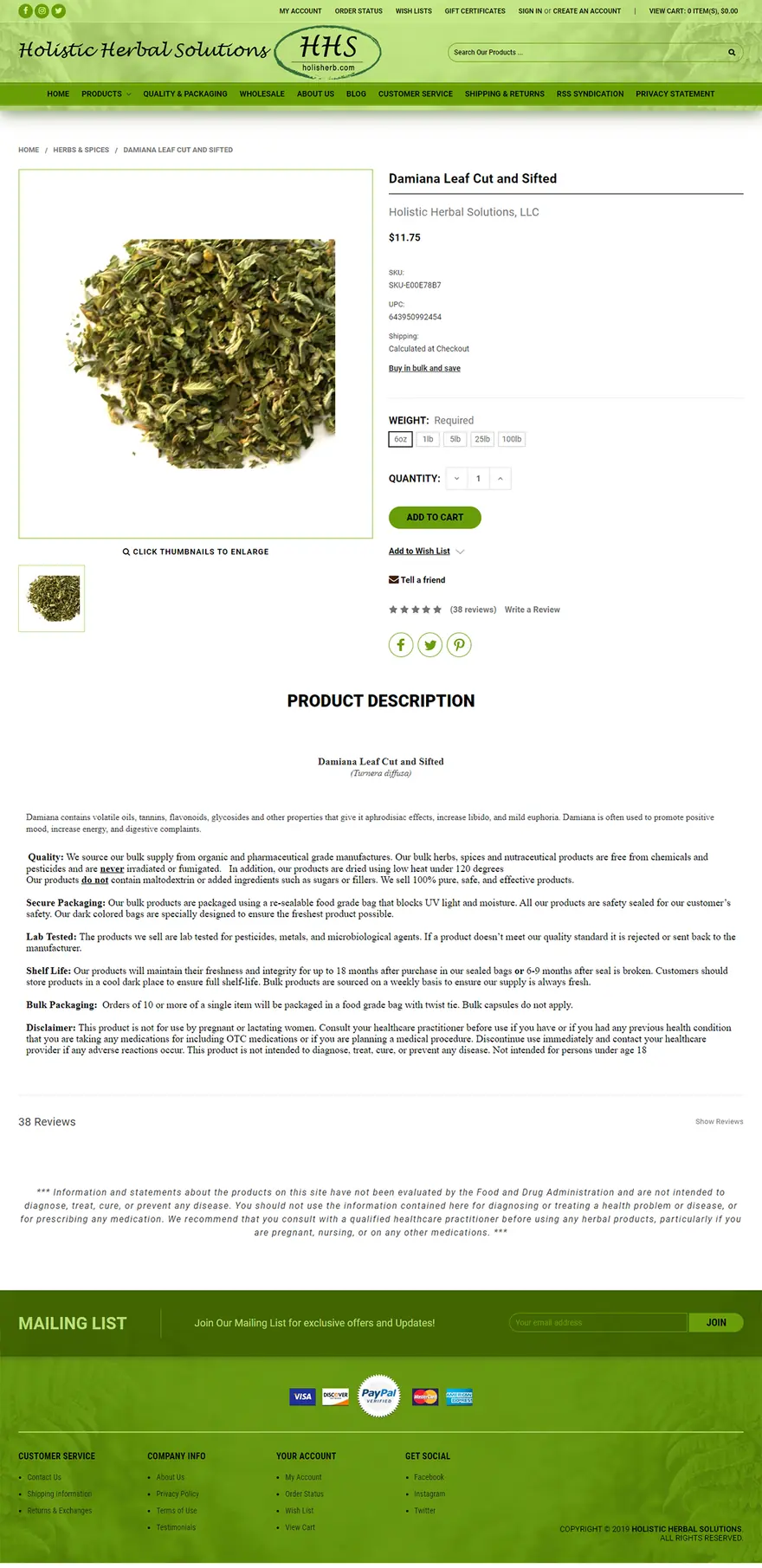
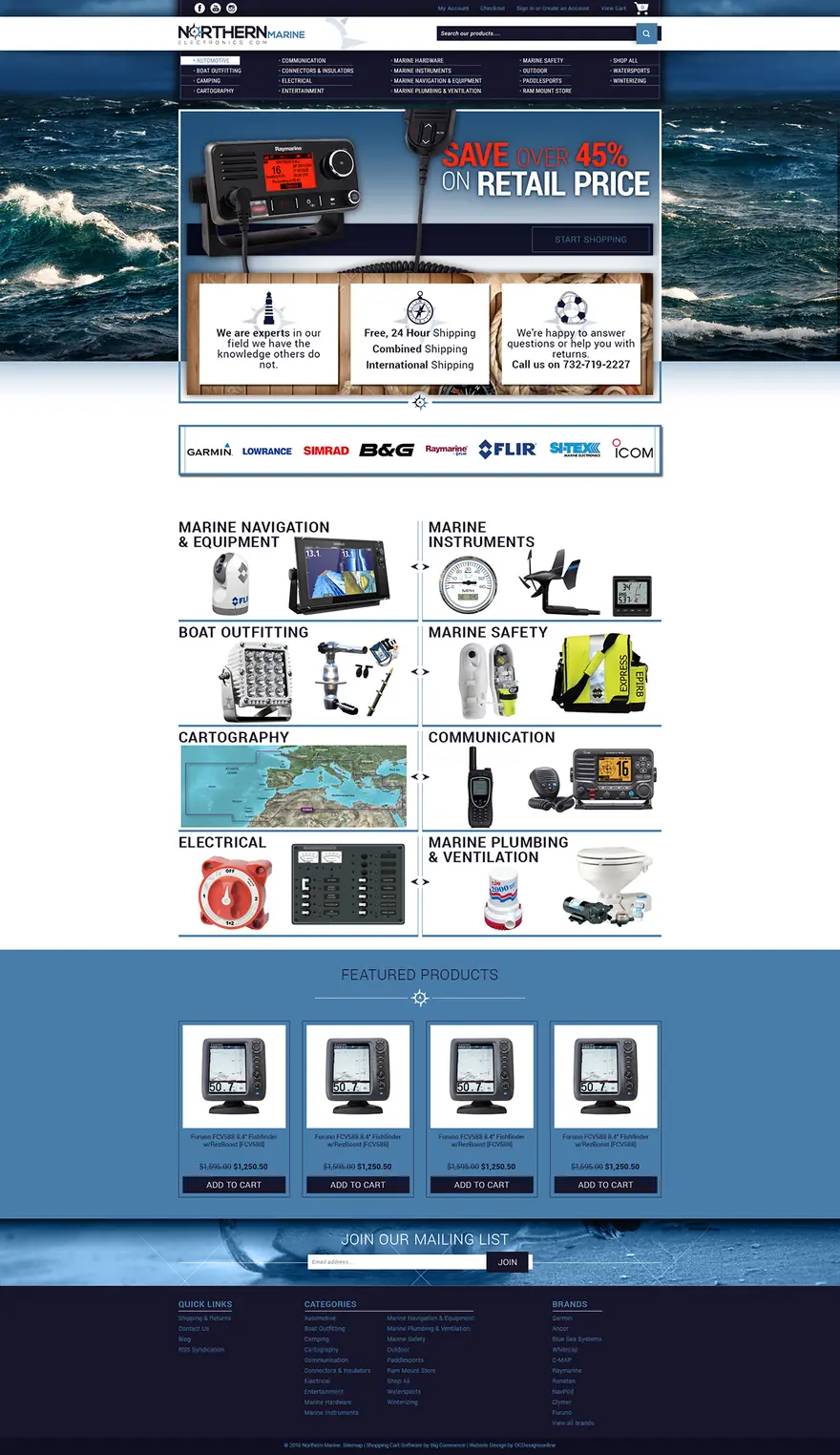
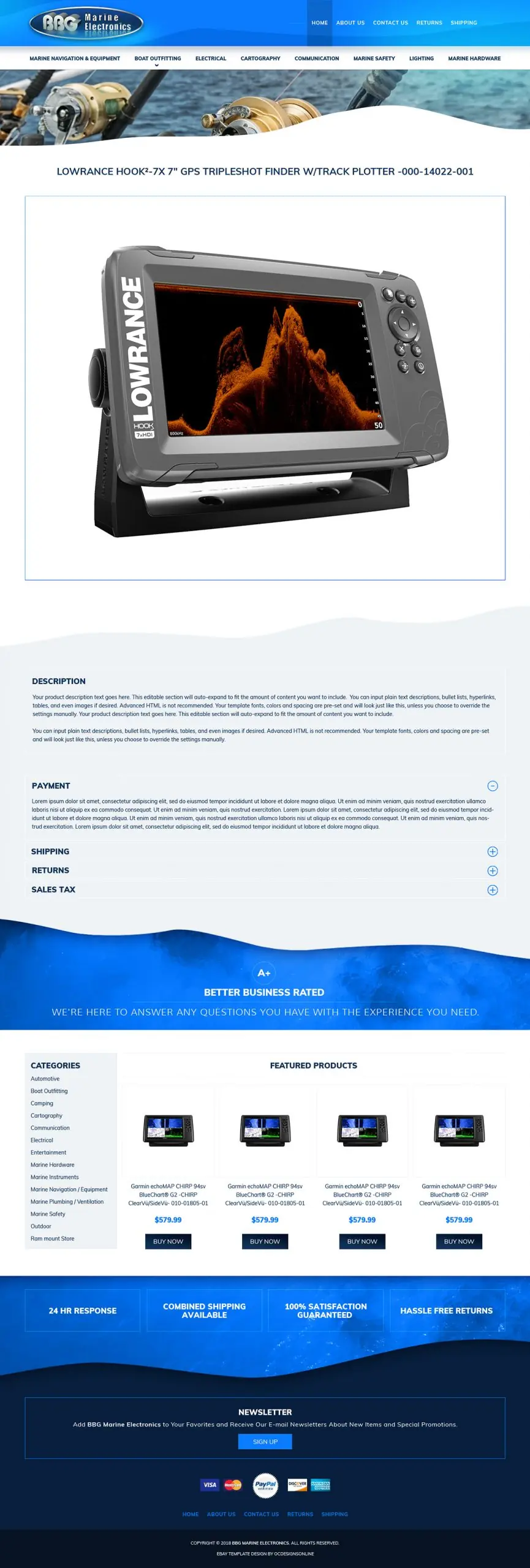
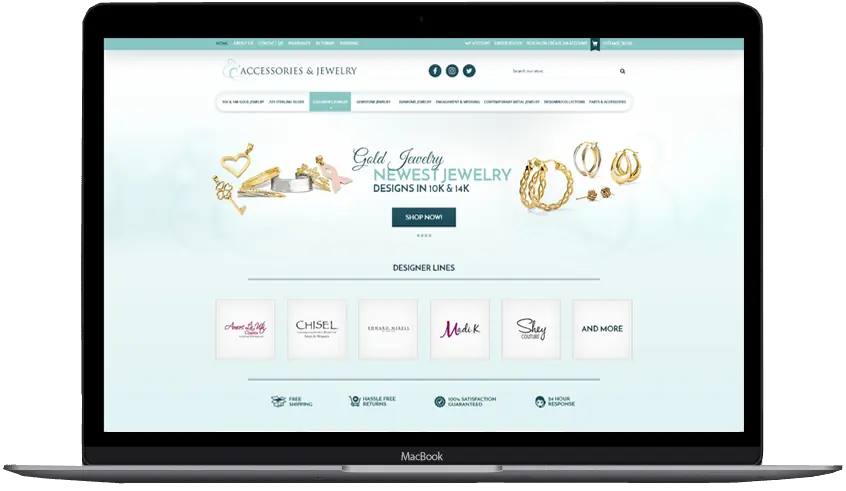
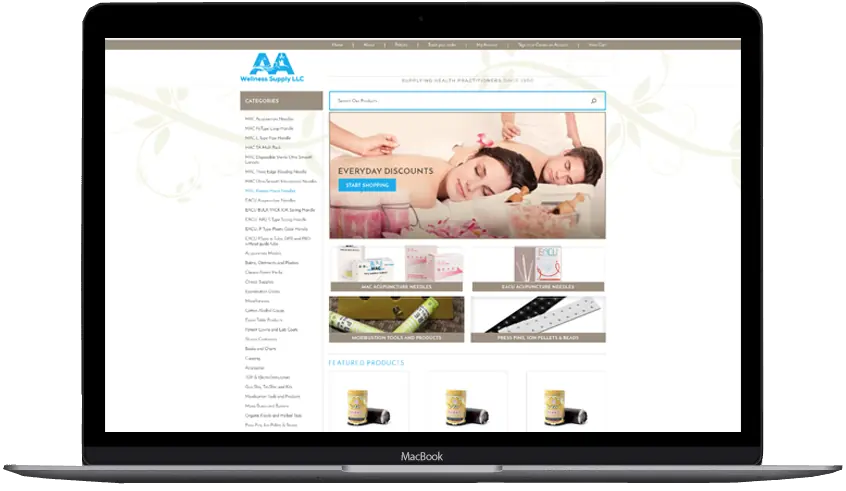
Shopify and BigCommerce stores we designed
Fitment data
Where your fitment data comes from
Most parts sellers already have fitment somewhere, even if it is spread across eBay, supplier files and old spreadsheets. This is how we handle each source.
| What you have now | What we do with it | What to watch for |
|---|---|---|
| ACES files from your suppliers | Import them into the vehicle tree, with trim and engine where the file carries them | Supplier part numbers have to match the SKUs in your store |
| eBay listings with compatibility charts | Pull the compatible vehicles into your store, so each product knows what it fits | Listings without a chart need fitment from another source |
| A spreadsheet of part numbers and vehicles | Map the columns to year, make, model, trim and engine and load them | Year ranges and make names written several ways, such as Chevy and Chevrolet |
| Fitment typed into product fields or descriptions | Read it out into the vehicle tree | Free text needs checking before it can be trusted |
| No fitment data yet | Start from our vehicle database and tag your products with you, one product line at a time | Tagging takes time, so best sellers go first |
ACES and PIES
What ACES and PIES files carry
ACES and PIES are the Auto Care Association’s data standards for the parts industry. Parts makers and distributors use them to send fitment and product details to the stores that sell their parts, and our app imports ACES directly.
| Standard | What it carries | What it means for your search |
|---|---|---|
| ACES (Aftermarket Catalog Exchange Standard) | Fitment: which vehicles each part fits, written against standard vehicle and part lists instead of free text | We import it into the vehicle tree behind your menus |
| PIES (Product Information Exchange Standard) | Product information: the details that describe each part | The search doesn’t need it, because fitment comes from ACES |
| VCdb (Vehicle Configuration Database) | The reference list of vehicles and their configurations that ACES files point to, covering cars, trucks, powersports and equipment | Vehicles from different suppliers line up, because their files point to the same list |
Source: Auto Care Association: what is ACES and PIES data · Auto Care Association: VCdb
Free consultation
Add year make model search to your store
Tell us your platform, how many parts you sell and where your fitment data lives today. We reply within one business day and send a quote after we talk.
- Everything quoted before any work starts, including the monthly fee
- Your fitment data mapped and loaded by our team
- Vehicle data kept up to date after launch
- Tested with real vehicles before launch
Prefer to talk? (609) 675-0912, Monday to Friday, 9 to 5 ET.
Cost
What decides the cost of a fitment search
The app has a monthly fee, and we keep your vehicle data up to date while you use it. We don’t publish one price, because the work depends mostly on your data, so every store gets a quote after a free consultation. These are the things that move it.
| What we look at | Why it changes the work |
|---|---|
| Products and fitment rows | A few hundred parts that each fit a handful of vehicles load quickly. Tens of thousands of parts that fit hundreds of vehicles each need more mapping and testing. |
| Where the data is | ACES files and clean eBay compatibility map directly. Fitment spread across descriptions and old spreadsheets has to be cleaned first. |
| Trim and engine | Parts that change by trim or engine need those levels mapped and tested for every model they fit. |
| Design work | Styling the search to your current theme is smaller than designing new category and product pages around it. |
| New products | We add new model years to the vehicle database. New products also need their fitment, and the quote says who adds it and how. |
| eBay and other channels | If you also sell on eBay, keeping listings, stock and fitment in step across both is a separate integration. |
Platforms
Year make model search on Shopify, BigCommerce and WooCommerce
Each platform has its own filters and its own way of adding a search to the storefront. This is what we check first on each one, as of October 2026.
| Shopify | BigCommerce | WooCommerce | |
|---|---|---|---|
| Built-in filters on product fields | Search & Discovery app filters on metafields, up to 25 filters with 100 values each | Product Filtering on custom fields, on Scale and Performance plans only, with 12 filters per page showing the 500 most used values | The Product Filters block, with attribute, category, brand and price filters |
| Where they fall short | Collections with more than 5,000 products show no filters | Core and Growth plans have no Product Filtering, and store search looks at names, SKUs, brands, keywords and descriptions | Each attribute filters on its own, so make, model and year aren’t linked |
| How our search is added | An app block or app embed placed in the theme editor, with no theme code edits | Scripts through Script Manager and widgets placed in Stencil theme regions; storefront apps may only partly work on a headless Catalyst storefront | A block or shortcode on any page, in block or classic themes |
| Limits and hosting | Hosted by Shopify; 2,048 variants per product | Hosted by BigCommerce; 600 SKUs and 200 custom fields per product | A free, open-source plugin for WordPress; you choose the hosting |
Source: Shopify Help: Search & Discovery filters · Shopify Dev: theme app extensions · Shopify Dev: 2,048 variant limit · BigCommerce Help: product filtering settings · BigCommerce Help: platform limits · BigCommerce Help: store search · BigCommerce Docs: Scripts API · BigCommerce Docs: Catalyst-compatible apps · WooCommerce Docs: filter products · WooCommerce on WordPress.org
Step by step
How to add YMM search to an online parts store
These are the steps we follow on every install, whatever the platform. If you set up an app yourself, the same order applies.
Count what you have
List how many products you sell, how many already have fitment and where it lives: ACES files, eBay, spreadsheets or product fields.
Choose the vehicle levels
Year, make and model cover most parts. Decide whether your parts also depend on trim or engine before any data is loaded.
Clean the fitment data
Write make and model names one way, turn year ranges into single years, and match every row to a product SKU.
Build the vehicle tree
Load the cleaned data into the vehicle menus and link it to your products.
Place and style the search
Put the search where buyers look first, such as the home page and category pages, add the garage, and match it all to your theme on phones and desktops.
Test with real vehicles
Pick twenty vehicles your customers ask about and check every result before launch.
Keep it current
Add each new model year to the vehicle database, and give new products their fitment as they go live.
Already selling parts
Send your store address for a fitment review
Shopify, BigCommerce or WooCommerce. We look at your store and a few of your products before we talk, so the consultation starts with your catalog.
- Works with the theme you have, or a new one we design
Prefer to talk? (609) 675-0912, Monday to Friday, 9 to 5 ET.
Choosing a fitment search
Questions to ask before you choose a year make model search app
Ask these of any app or developer, us included. Here is why each one matters, and our answer.
| Question to ask | Why it matters | Our answer |
|---|---|---|
| Who prepares and loads the fitment data? | Most apps expect a file in their own format, and preparing it is most of the work | We do, from the sources you already have |
| Can it import ACES files? | Many suppliers send their fitment as ACES | Yes, directly |
| Does it handle trim and engine? | Some parts fit only one trim or engine of a model | Yes, as extra steps where your parts need them |
| Can buyers save their vehicle? | Returning buyers shouldn’t have to pick it again | Yes, in a garage |
| Who keeps the vehicle list current? | New model years arrive every year | We do, while you use the app |
| Who do I call when something looks wrong? | Fitment errors cost returns, so answers need to come quickly | Us, Monday to Friday, 9 to 5 ET |
How we work
How a Make/Model/Year search project runs
One project manager from the first call to launch. Your quote includes the schedule, and most of the time goes into the data.
Start with the questionnaire-
Consultation and data review
We talk through your parts, your platform and your buyers, look at your store and a sample of your fitment data, and send a quote.
-
Data mapping
We clean and map your fitment into the vehicle tree, and you check a sample of vehicles and parts before anything goes live.
-
Install, style and test
We install the search and the garage on your store, style them to your theme and test with real vehicles on phones, tablets and desktops.
-
Launch and upkeep
We switch it on, show your team how new products get their fitment, keep the vehicle data current and stay on the phone Monday to Friday, 9 to 5 ET.
Client words
Sellers say it better than we can
-
Frannie and OC Designs did an AMAZING job redesigning our Stun & Run Self Defense website. … We were not wrong.
Stun & Run Self DefenseBigCommerce store redesign
-
They lived up to their reputation, their claims, their portfolio, their reviews, and genuinely went above and beyond in explaining and guiding us every step of the way. … You will have tremendous success with what is — we can assure you — marginal costs compared to other so-called professionals.
Sprinkler HutShopify & BigCommerce store
-
We have been working with the team at OCdesigns for the last six years. They are always fast to reply to our requests, and our project manager is always on top of everything to do with our job. Hire OCdesigns, you will not be sorry!
Northern Marine ElectronicseBay & BigCommerce redesign
-
We started with an eBay store and eBay listing. This had my sales skyrocket in ways I would have never thought. Taking the same design scheme and moving it to a website makes branding everything tie together.
Modern PrepeBay store, listing template & website
-
Our customers and peers comment all the time about how professional our storefront appears and how clean and crisp our listings are. Most responsive company, delightful to work with. Highest recommendation.
ConnectiblesCustom eBay store
-
They were super friendly and open to feedback throughout the entire process. The in-depth questionnaires really helped us relay exactly what we wanted our new site to look like.
Kyrie VanOverWebsite makeover
-
OCD is great to work with and very responsive! More importantly they still support you long after the sale.
Jeff ArkelleBay design client
-
They are real people in the USA that can be reached in a variety of ways. Yes, they have a phone number and answer their calls!
Modern PrepLong-time client
Good questions
Questions about year make model search
Something else on your mind? Call (609) 675-0912 and a real person answers.
How our projects workWhat is year make model search?
It is a search that asks for the vehicle first. The buyer picks a year, a make and a model from drop-down menus, sometimes a trim or engine too, and the store lists only the parts that fit that vehicle. Parts stores use it so buyers don’t have to guess whether a part fits.
Does Shopify have a built-in year make model search?
No. Shopify’s Search & Discovery app can show product metafields such as Make or Model as filters, but each filter works on its own and doesn’t know which models belong to which make. Parts stores add a year make model app, which goes into the theme as an app block or app embed.
Does BigCommerce have a built-in year make model search?
No. BigCommerce lists year make model search as an app for automotive stores. Without an app, stores either build Make, Model and Year categories or use Product Filtering with custom fields, which BigCommerce offers on its Scale and Performance plans.
Can WooCommerce do year make model search without a plugin?
Only roughly. WooCommerce product attributes and its Product Filters block can show Make, Model and Year as separate filters, but they aren’t linked, so a part for a 2015 Ford and a 2018 Chevrolet also matches a 2018 Ford. A fitment plugin keeps each vehicle as one record, so the results only show parts that fit.
Can the search include trim and engine?
Yes. After year, make and model, the app can ask for a trim or an engine, so a part that only fits the sport trim or the V8 shows up only for those vehicles. We add those steps only where your catalog needs them, and buyers looking for simpler parts still see results after three menus.
Can buyers save their vehicle?
Yes. The app has a garage where a buyer saves the vehicle they shop for. When they come back, the store already knows the vehicle and shows the parts that fit it.
What is ACES fitment data?
ACES, the Aftermarket Catalog Exchange Standard, is the Auto Care Association’s standard for sharing vehicle fitment data. Its partner standard, PIES, covers product information. Parts makers and distributors use ACES to tell the stores that sell their parts which vehicles each part fits, and our app imports ACES files directly.
Can you use the compatibility data from my eBay listings?
Yes. We pull the compatible vehicles from your eBay listings into your Shopify, BigCommerce or WooCommerce store, so each product knows what it fits. The part numbers on eBay and in your store need to match, and we check that before loading anything.
Who keeps the vehicle database up to date?
We do. While you use the app, we keep the vehicle database current and add new model years as they come out. Fitment for new products you add to your store is agreed in your quote, either loaded by us or added by your team.
How much does the year make model search app cost?
The app has a monthly fee, which we quote after a free consultation along with any setup work. The quote depends mostly on your data: how many products you sell, how many vehicles each one fits, where the fitment lives today and how much design work the search needs.
Will year make model search slow down my store?
It shouldn’t. The vehicle tree is built ahead of time, so each menu fills at once, and results and filters load without a full page reload. We test the search on your store with real vehicles before launch.
Will it work with my theme?
Yes. We style the search box, the garage and the results page to match your Shopify, BigCommerce or WooCommerce theme, or plan them into a new theme if we are redesigning your store. If your store runs on a headless storefront, tell us in the consultation so we can check it first.
Can I see the app working before I buy?
Yes. Fluff Pen Powersports, a Shopify store that sells used ATV, snowmobile, side by side and jet ski parts, runs our year make model search with a saved garage. We can also walk you through it on a screen share during the free consultation.
Related services
- Fitment & year/make/model part findersVehicle fitment data and fast year/make/model search for parts sellers, on Shopify, BigCommerce and in eBay store designs.Learn more
- Shopify store designCustom Online Store 2.0 themes, custom sections and migrations, with a fixed quote. You own the theme.Learn more
- BigCommerce store designCustom Stencil themes, redesigns and moves to BigCommerce, built in-house with a fixed quote.Learn more
- WooCommerce & WordPress websitesWooCommerce stores and WordPress websites designed and built in-house, with a fixed quote and code you own.Learn more
- Automotive & powersports eBay templatesFitment-first listing templates and store branding for car, truck, motorcycle and ATV parts sellers. Free preview.Learn more
Start a project
Let’s make yours the store buyers remember.
- Fixed quote before any work starts
- In-house team in New Jersey, no outsourcing
- Support long after launch
Prefer to talk? (609) 675-0912 · frannie@ocdesignsonline.com